
Doodle to Artwork
- Skill del Lab
- v0.1.0
- Illustration
Turn a child's doodle or a quick sketch into a finished artwork — realistic, watercolour or 3D — keeping the naive composition and charm.
Esempio
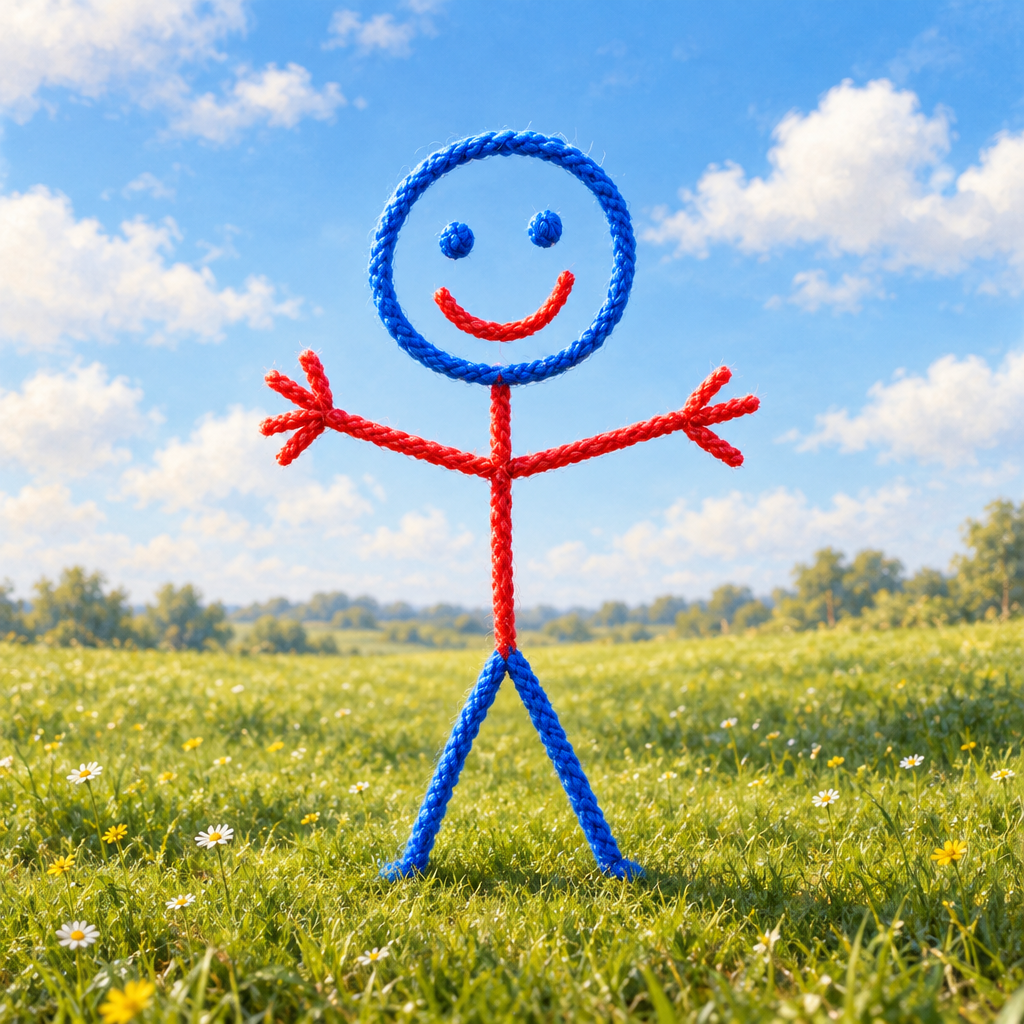
Doodle to Artwork
Esegui online
Eseguilo in un sandbox di SandBase e visualizza i risultati in Lab.
Apri in Lab ↗Cosa ottieni
Bring a photo or scan of the drawing, and the style (realistic, watercolour or render). The Skill returns a square artwork that realises the doodle's idea with real light, material and depth.
Come funziona
- 01
Supply a consented drawing
Drawing to Masterpiece reads a drawing path, a style of realistic, watercolor or render, and consent set exactly to accepted. The drawing must be a local PNG or JPEG of at most 8 MB, short side at least 512 px, long side at most 6000 px and upright. Location and other metadata are removed without re-encoding before upload.
- 02
Edit it in your medium
Drawing to Masterpiece runs on Node.js 18 or newer in SandBase Sandbox and calls openai/gpt-image-2.5-flare/edit once at medium quality, 1k, 1:1 and PNG. Local mode uploads the stripped drawing to your own SandBase storage so the model can read it. For example, set style to watercolor for a soft painting or render for a polished 3D finish; realistic is the default.
- 03
Compare with the drawing
Drawing to Masterpiece writes masterpiece.png with report.json and two HTML reports. The result should keep the drawing's subject and layout, realised in one coherent medium and light. Check subject fidelity and finish at full resolution and at a small thumbnail, and treat any words, numerals or signatures the model adds as a defect.
FAQ
What does Drawing to Masterpiece do?
Drawing to Masterpiece edits one drawing or doodle into a single 1:1 finished artwork that keeps its subject and composition, realised as an oil-like painting, a watercolour or a polished 3D render.
Which model does Drawing to Masterpiece call, and is it billed?
Drawing to Masterpiece calls openai/gpt-image-2.5-flare/edit once through SandBase per approved brief, and the usage is billed to your SandBase account. The plan step makes no network call, and run checks the --budget preflight cap before submitting. Resume polls the same execution instead of paying again. Model rates are at https://www.sandbase.ai/pricing.
Why does Drawing to Masterpiece ask for consent?
Drawing to Masterpiece requires consent set to accepted because it edits a real drawing. Use only a drawing you own or may edit, such as your own child's doodle when you are the parent or guardian.
What happens to my drawing in Drawing to Masterpiece?
In local mode, Drawing to Masterpiece uploads the stripped drawing to your SandBase storage, where platform retention applies and the Skill cannot delete it. In hosted mode, Lab passes a signed address valid for 15 minutes and deletes the original within 1 hour after the run.
Can Drawing to Masterpiece make a photo of my child?
No. Drawing to Masterpiece makes a stylised artwork, not a portrait or photograph, and never an identity document, biometric reference or proof of presence.
Why was my Drawing to Masterpiece image rejected?
Drawing to Masterpiece checks the file locally before sending: PNG or JPEG by content, at most 8 MB, short side at least 512 px, long side at most 6000 px, and EXIF Orientation absent or 1. Rotate other images upright first.
Altri Skills
Tutti gli Skills Illustration →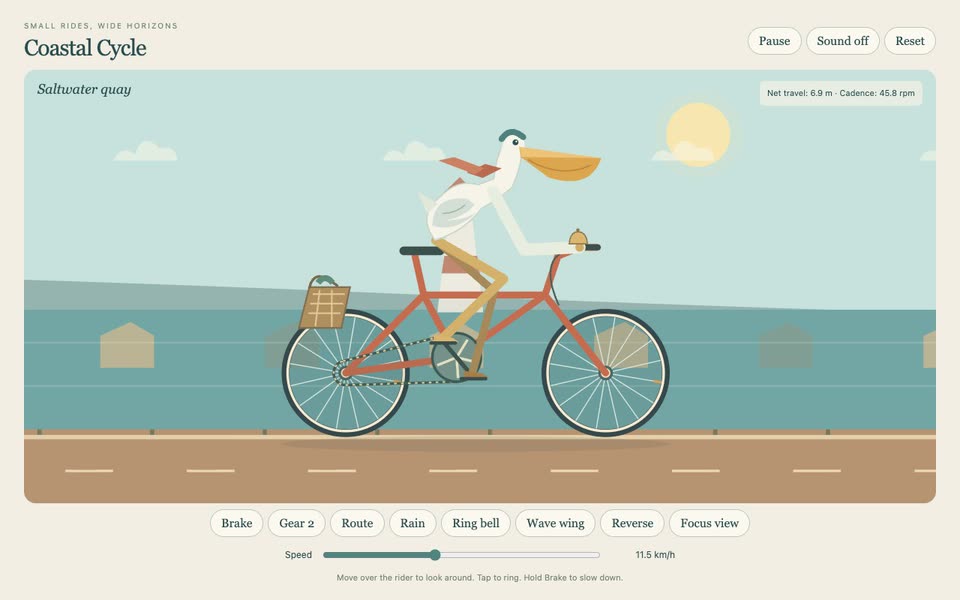
Coastal Cycle: Harbor Pelican
An authored SVG pelican rides a coral bicycle beside the sea. Measured travel drives the wheels, gear ratio drives the crank, and solved joints keep both feet on their actual pedals. Brake, reverse and explore three coastal palettes offline.
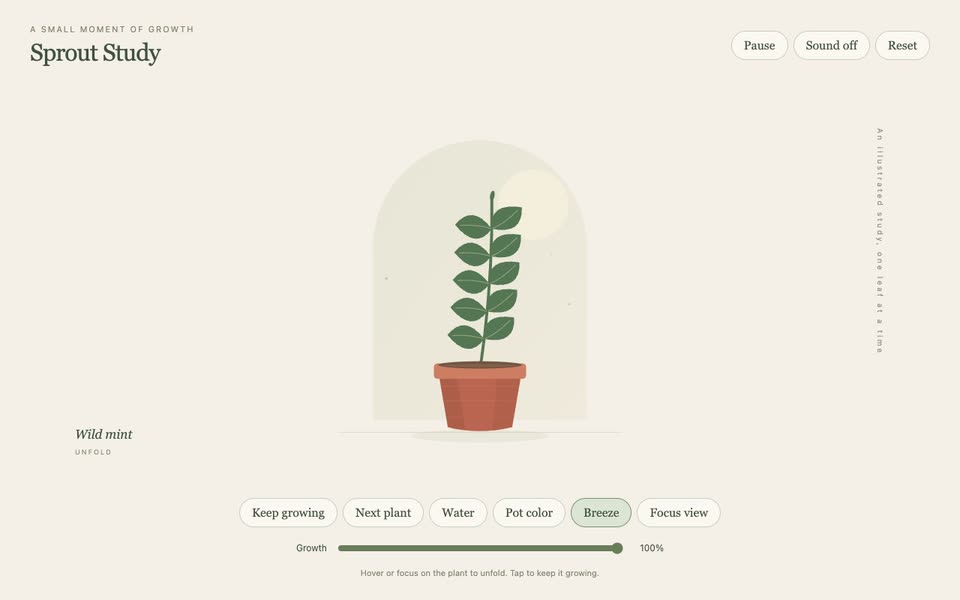
Sprout Study: Terracotta Mint
A quiet SVG botanical illustration. Hover or focus to grow the continuous stem, unfold leaves in sequence and fold them again. Touch hold, exact growth scrubbing and editable plants in one offline HTML.
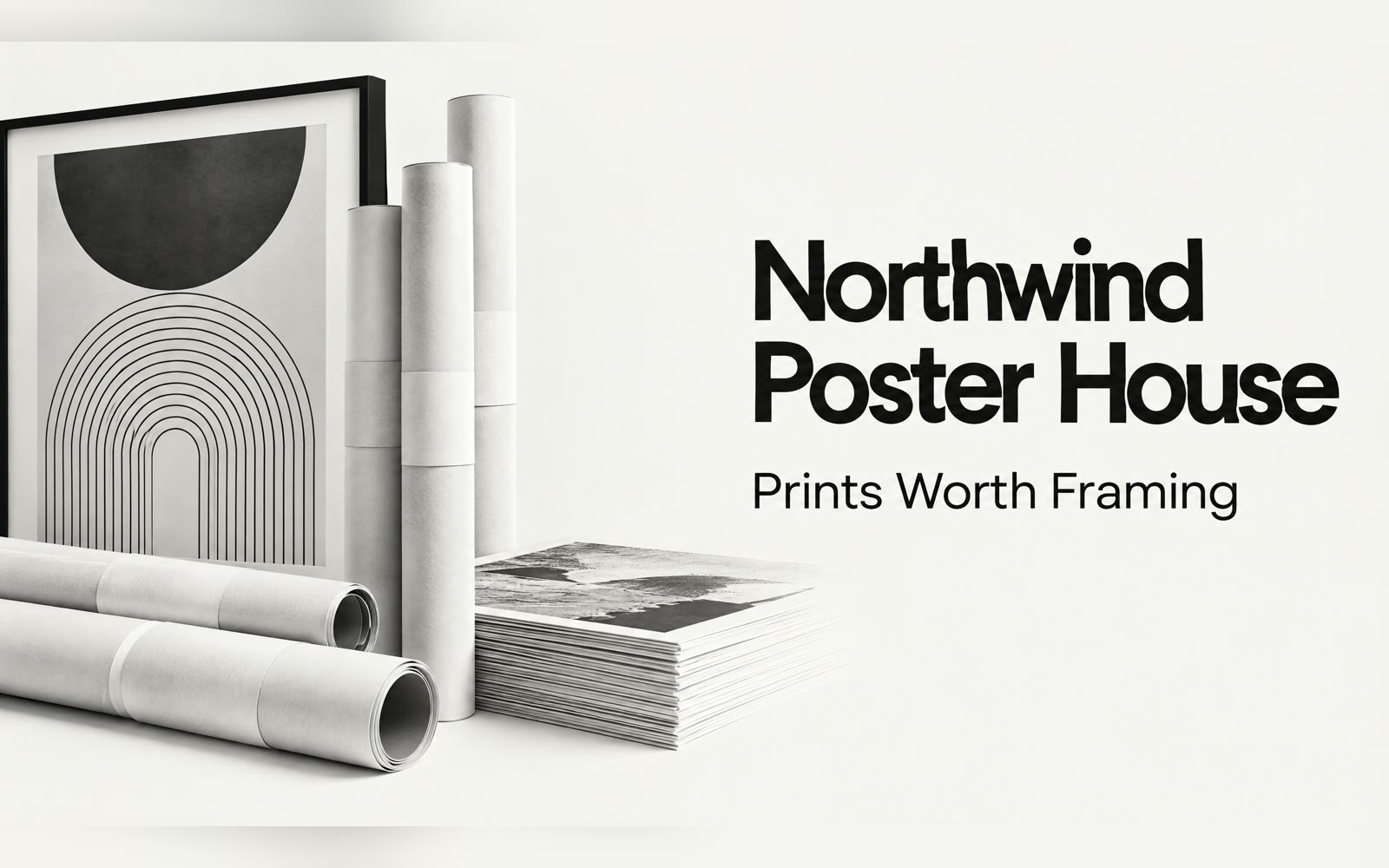
Monochrome editorial
Turn a brand, one headline and context into a high-key monochrome editorial card.
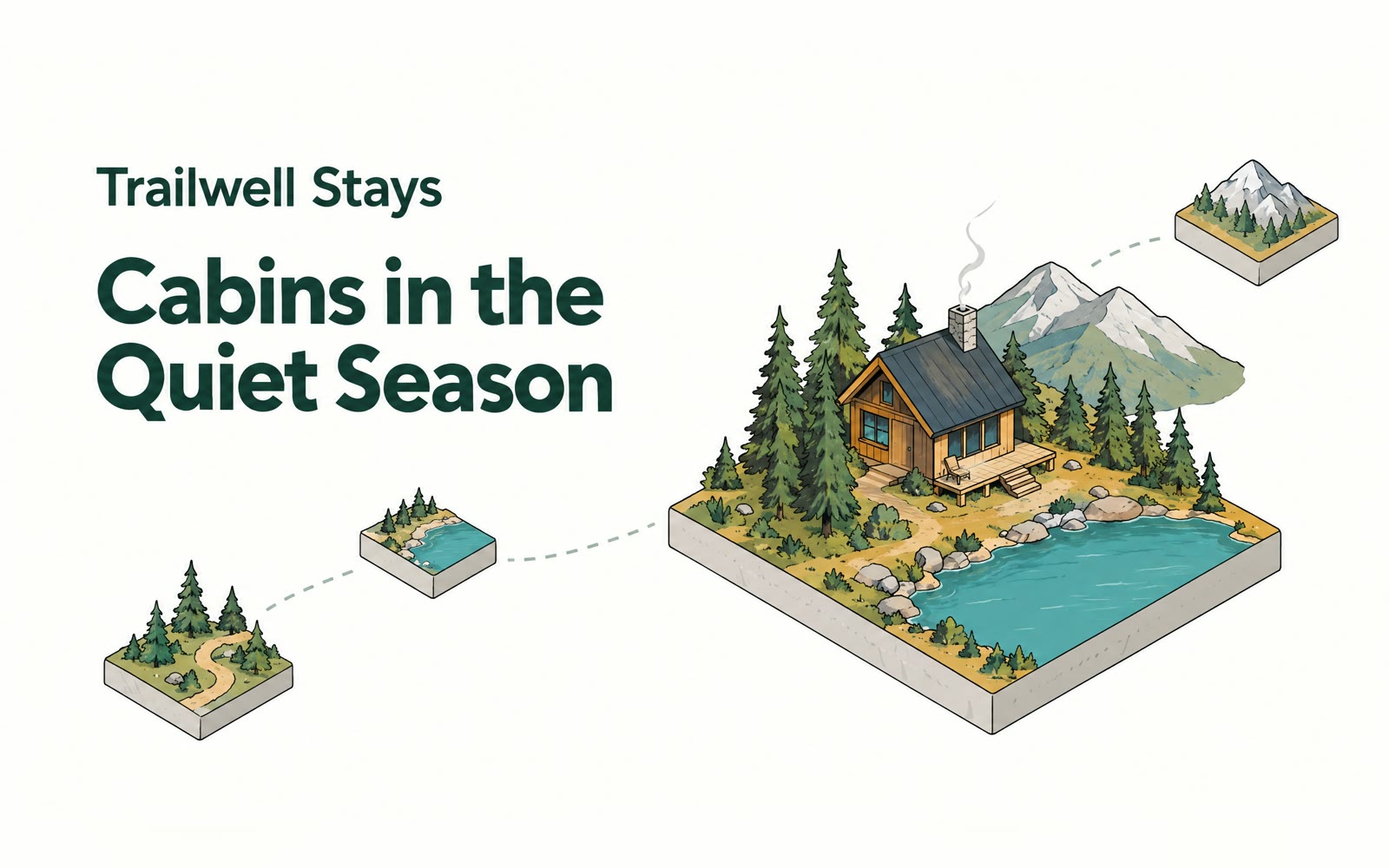
Isometric diorama
Turn a brand, one headline and context into a modular isometric card.

Converging lines
Turn a brand, one headline and context into a precise line-convergence card.
Gradient horizon
Turn a brand, one headline and context into a warm gradient-horizon card.