
Pay-per-Job vs Pro
- Skill del Lab
- v1.0.0
- Product marketing
A pricing persuasion explainer — a serif hook over a fanning pile of job cards, a live receipt-vs-Pro ledger that divides the plan price by every job until a green break-even banner lands, a card flip into the blue feature tile, five illustrated feature rows, a dark cost-of-waiting slide, a checkout card whose button swallows the frame, and a blue end card.
Esempi · 2
Esegui online
Esegui l'esempio di Pay-per-Job vs Pro in un sandbox SandBase e vedi il risultato qui.
Come funziona
- 01
Write the pricing sheet
Pay-per-Job vs Pro reads one JSON sheet with the launch copy: the hook, the per-job and plan prices, five features, the dark-slide numbers, the checkout and the end card, plus currency, palette, tempo and scene order.
- 02
Do the maths on screen
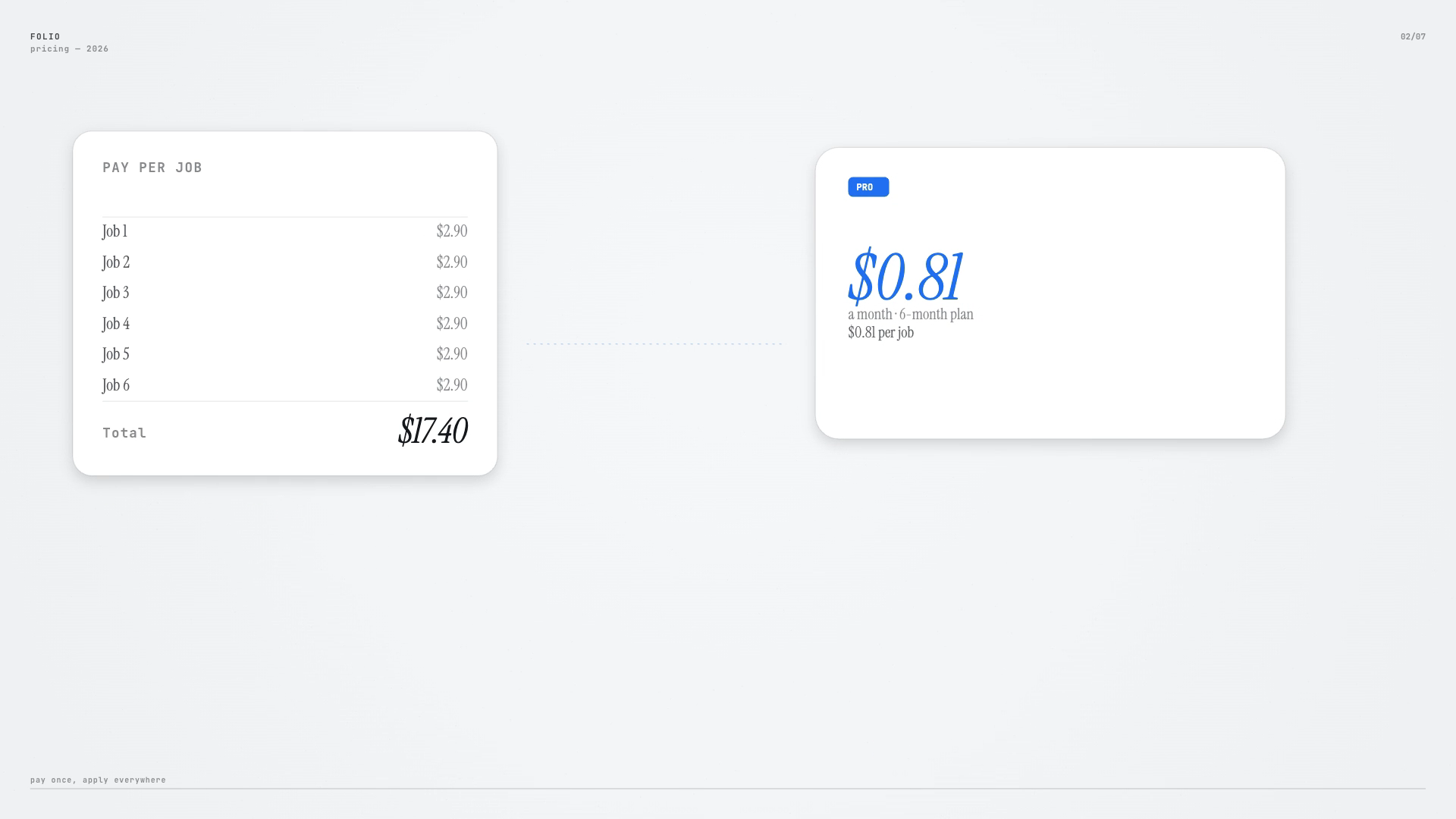
A serif hook sits over a fanning pile of job cards. A pay-per-job receipt fills while a Pro card beside it re-divides its monthly price by each job added, until a green already-paid-for-itself banner lands at the break-even and the receipt total is struck through.
- 03
Upgrade and render
The Pro card flips into a blue feature tile, five feature cards with drawn UI illustrations follow, a dark cost-of-waiting slide drops in, and a checkout card's pay button grows until it fills the screen before a blue end card. The film renders locally with HyperFrames and a beat-locked synthesised score.
FAQ
What does Pay-per-Job vs Pro make?
Pay-per-Job vs Pro makes a pricing persuasion film: a running receipt of per-job charges is set against a plan whose price is divided by each job, until the plan is shown to pay for itself, followed by features, a cost-of-waiting slide and a checkout. It suits pricing and plan-upgrade explainers.
Does Pay-per-Job vs Pro calculate the break-even?
Pay-per-Job vs Pro divides the plan price by the jobs on screen and lands the banner where the plan costs less per job than paying each time, using the prices in your sheet. Check those prices and the break-even point against your real plan before publishing.
Are the Pay-per-Job vs Pro demos real products?
No. Pay-per-Job vs Pro's demos, Folio Pro and Gigly Plus, are self-authored fictional products. Their prices and features exist only to show the persuasion arc.
Does Pay-per-Job vs Pro need a paid service?
No. Pay-per-Job vs Pro renders locally with HyperFrames and writes its beat-locked score itself, with no model or paid call. The film is built entirely from the sheet's copy and prices.
Can Pay-per-Job vs Pro use my currency?
Yes. Pay-per-Job vs Pro takes the currency in the sheet, so receipts and the plan card show your symbol and amounts. Keep amounts consistent across the receipt, plan and checkout scenes. Prices format to match it.
Altri Skills
Tutti gli Skills Product marketing →
Pixel Story
Turn a product brief into a pixel film with clear actions, scene traversal and a memorable payoff.

Device fan
Turn a brand, one headline and context into a calm device-showcase card.

Floating phones
Turn a brand, one headline and context into a warm-ivory card with floating phone screens and playful, friendly doodles.

Floating analytics dashboard
Turn a brand, one headline and context into a split-column card: a narrow charcoal brand column anchoring a large white analytics dashboard that floats across a vivid violet gradient field.

Minimal handheld product
Turn a brand, one headline and context into a high-key studio card: a softly lit hand holding an original compact pale device against a seamless gray background, with broad empty space and a tiny red light as the only accent.
Appliance exploded poster
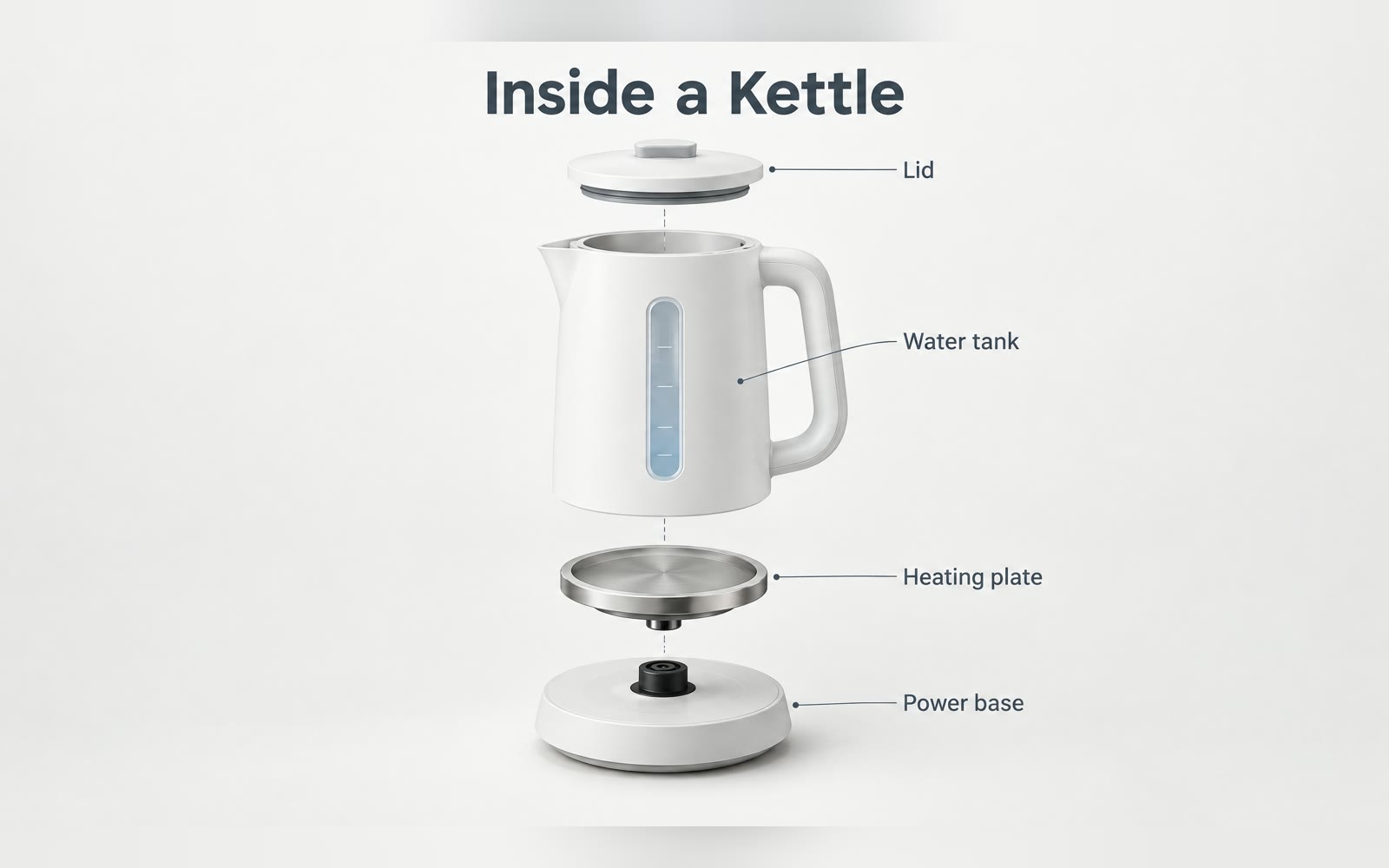
Turn a household appliance into a polished 16:9 exploded-view poster: part groups separated along one axis, with a title and three to five exact labels.