
Advisory Thread Slides
- Skill del Lab
- v1.0.4
- Business reporting
Argue one recommendation to a committee or board with action titles, a storyline tracker, evidence charts and a bounded decision ask.
Esempi · 2

Cosa ottieni
Bring an approved analysis with the facts, numbers and decision you need from the room. The Skill returns one offline HTML deck that edits in the browser and exports editable PowerPoint.
Come funziona
- 01
Plan the recommendation storyline
Advisory Thread Slides starts from your brief: the decision being asked for, the audience, the facts you stand behind, the language and a page count, usually 6 to 10. The Agent names 3 to 5 stages, by default Situation, Complication, Resolution, Plan and Decision, picks one recipe per page and writes plan.json with full-sentence titles, a source line and three to five talking points per page.
- 02
Build offline with Python
Advisory Thread Slides runs on your machine with Python 3.9 or later and no extra packages, no network and no API key. The Agent runs python3 scripts/build_deck.py plan.json --out presentation.html --report build-report.json, then check_deck.py with --expect N to confirm the page count, folios, notes and stage tracker. Every plan error and text budget warning is fixed before a rebuild.
- 03
Render, inspect and export
The browser check, node scripts/render_check.mjs presentation.html --out check --pptx --interact, needs Node 18, playwright-core and a local Chrome. It writes check/pages/page-NN.png and audits overflow, overlap and empty slots while exercising the editor. check_pptx.py then confirms every text is real PowerPoint text and every bar chart is native with matching values. The result is presentation.html plus an optional .pptx.
FAQ
What kind of deck does Advisory Thread Slides make?
Advisory Thread Slides makes recommendation decks for committees, boards, steering groups and client sponsors. Every page carries a sentence-length action title, one accent colour and a stage tracker for the storyline. Recipes cover metric tiles, native bar charts, tables, assumptions with confidence levels, phased roadmaps with decision gates and a bounded decision ask. It is not meant for loud pitch decks, photo-heavy storytelling or right-to-left layouts.
Is the Advisory Thread Slides PowerPoint export editable?
Yes. Advisory Thread Slides exports each slide with native text, shapes, bar charts and tables plus speaker notes, and no slide becomes a flattened picture. Only the small icons arrive as pictures. The check_pptx.py script compares the exported file with presentation.html and confirms the chart values match, so you can verify the export instead of trusting it.
Does Advisory Thread Slides cost anything to run?
No. Advisory Thread Slides builds, edits, presents and exports entirely offline from Python scripts and inlined libraries, and it calls no SandBase model or paid API. Python 3.9 or later is enough to build. python-pptx is needed only for the PowerPoint check, and Node with playwright-core and Chrome only for the optional page render audit.
Which colour palettes can Advisory Thread Slides use?
Advisory Thread Slides offers three named single-accent sets: signal-brick, harbor-slate and plum-ledger. One set applies to the whole deck. Arbitrary colours are not accepted; a new look means adding and reviewing a new named set. The library rota example uses Signal Brick over 9 pages and the freight depot example uses Harbor Slate over 8 pages.
Which fonts does Advisory Thread Slides rely on?
Advisory Thread Slides uses system fonts only: Georgia for titles, Helvetica Neue with an Arial fallback for text and Menlo for labels. Chinese text uses PingFang SC, Hiragino Sans GB, Microsoft YaHei or Noto Sans CJK SC. Nothing is bundled, so a PowerPoint file opened on a machine missing these fonts substitutes others and line breaks may move.
Can Advisory Thread Slides invent figures for my case?
No. Advisory Thread Slides tells the Agent never to invent statistics and to label planning figures as estimates or illustrations. The numbers, sources and storyline come from your brief. Assumption pages state confidence levels, and each page has a source line, so the committee can see where every figure came from before it decides.
How do I save edits made in an Advisory Thread Slides deck?
Advisory Thread Slides keeps browser edits in memory until you press Cmd or Ctrl+S, which writes them back into presentation.html. Adding ?mode=edit or ?mode=present to the file address opens those modes directly.
Altri Skills
Tutti gli Skills Business reporting →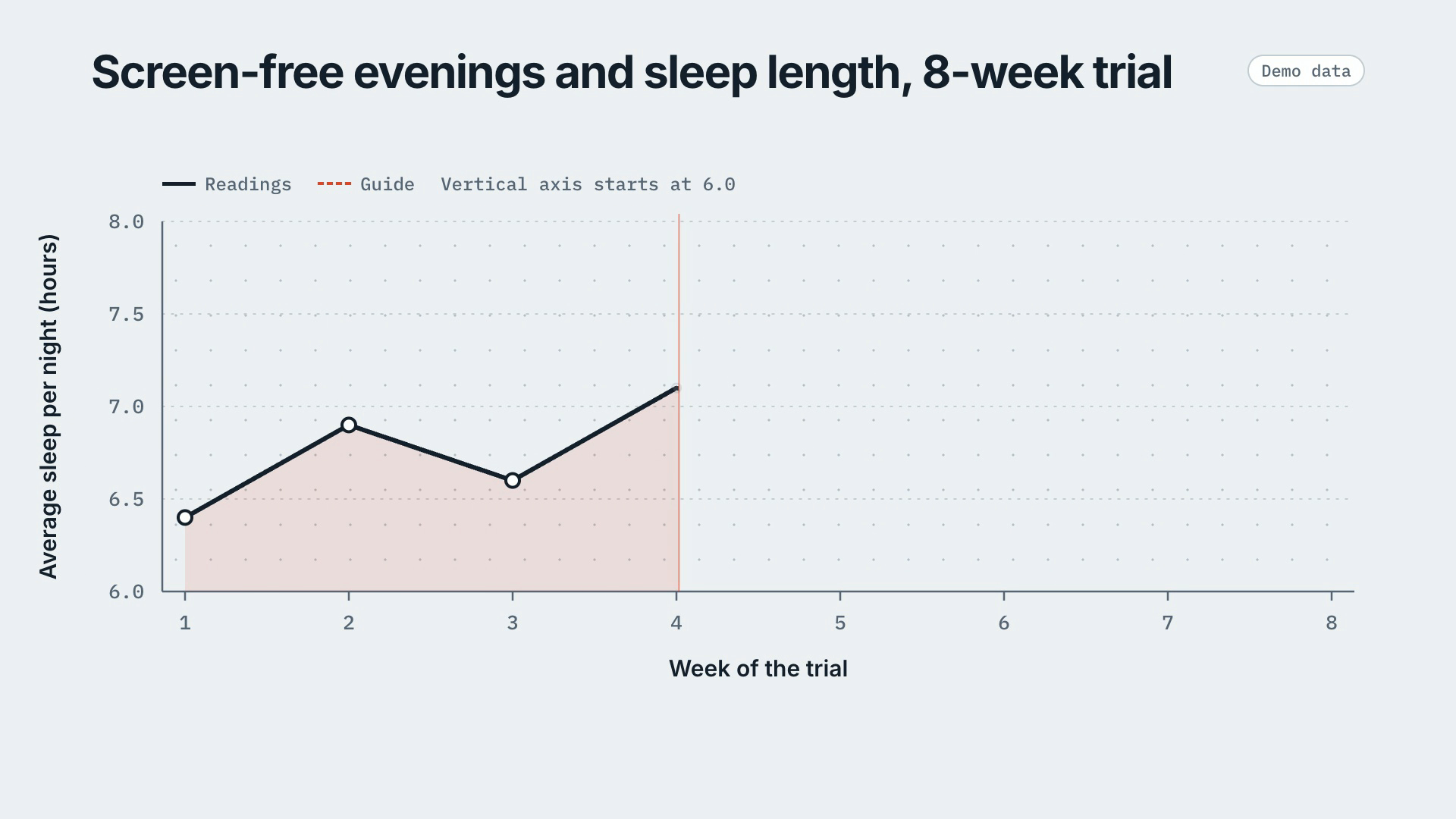
Trend Line
Reveal measured readings, a separate dashed guide and a final takeaway on an editable chart.
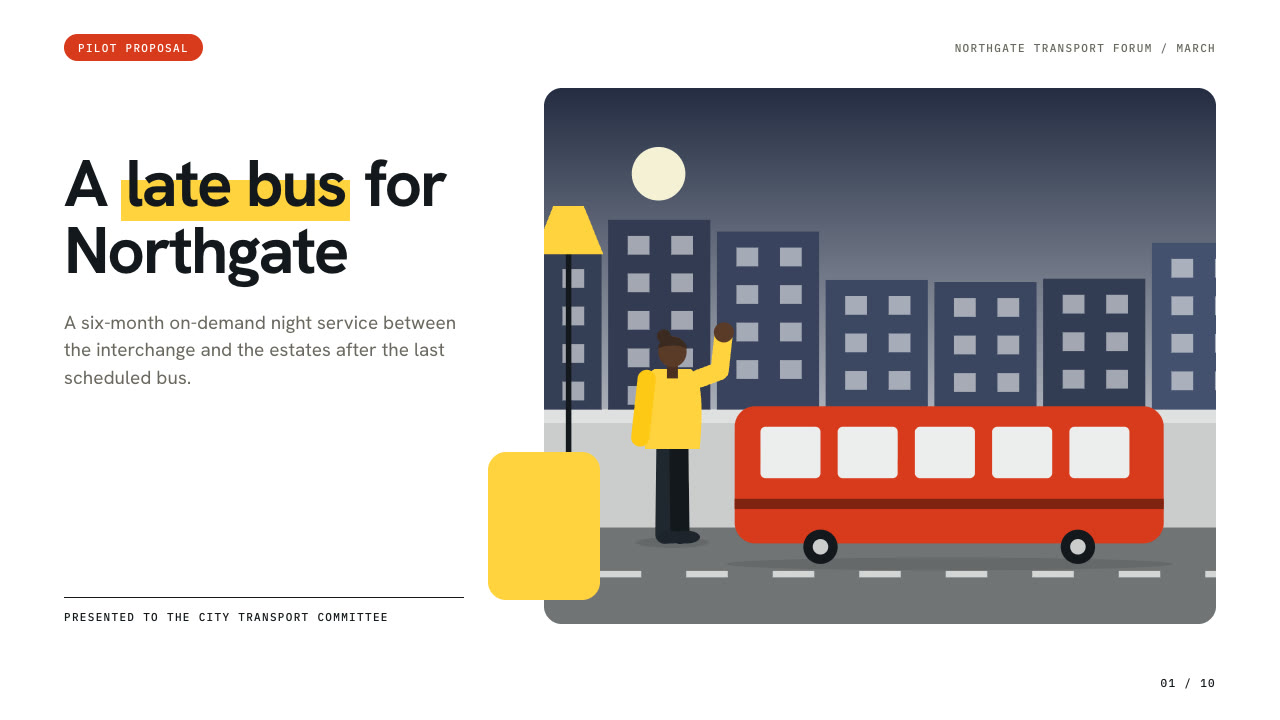
Civic Bars Slides
Make the case for a public or community service decision with picture cards, thin bar charts, stat tiles and a clear ask.
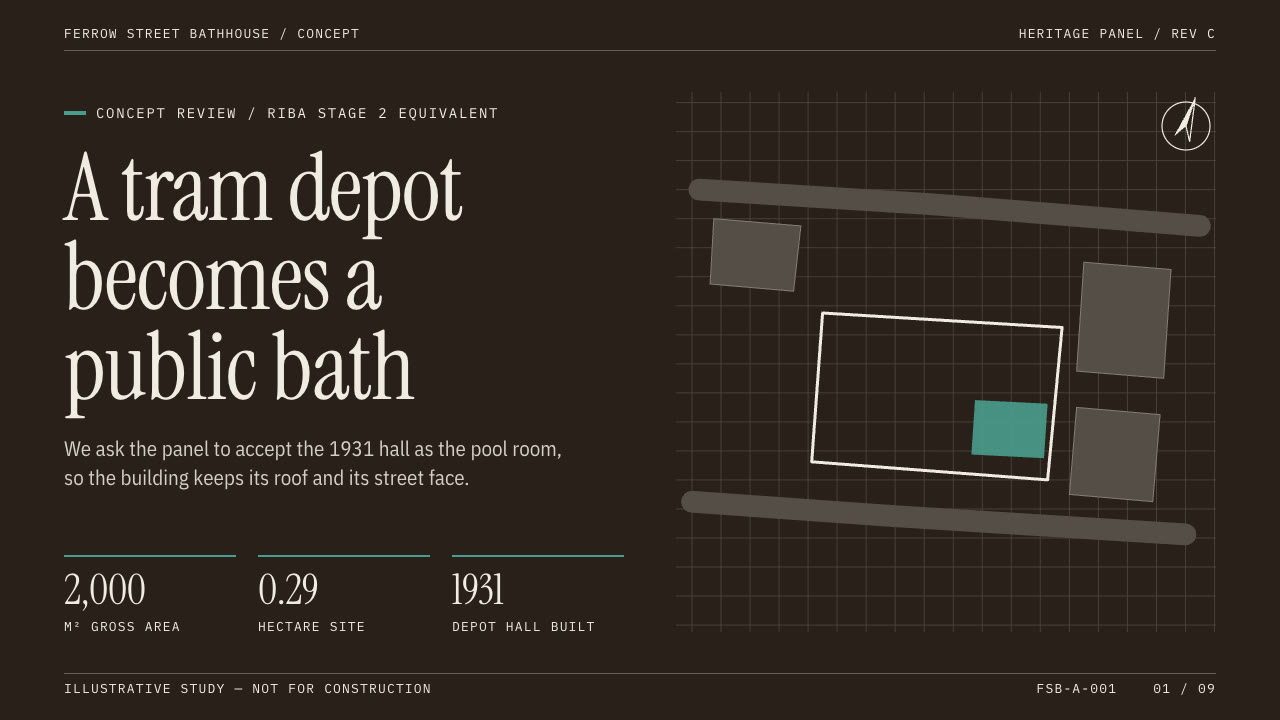
Site Sequence Slides
Take an architecture or site-design proposal to a review panel like a drawing sheet: site, massing, plan and section, program, phasing and one clear decision.

Deepframe Company Slides
Present a company, practice or member organisation calmly: white pages, offset colour blocks behind pictures, service cards, ring figures, value bars and a portrait row.
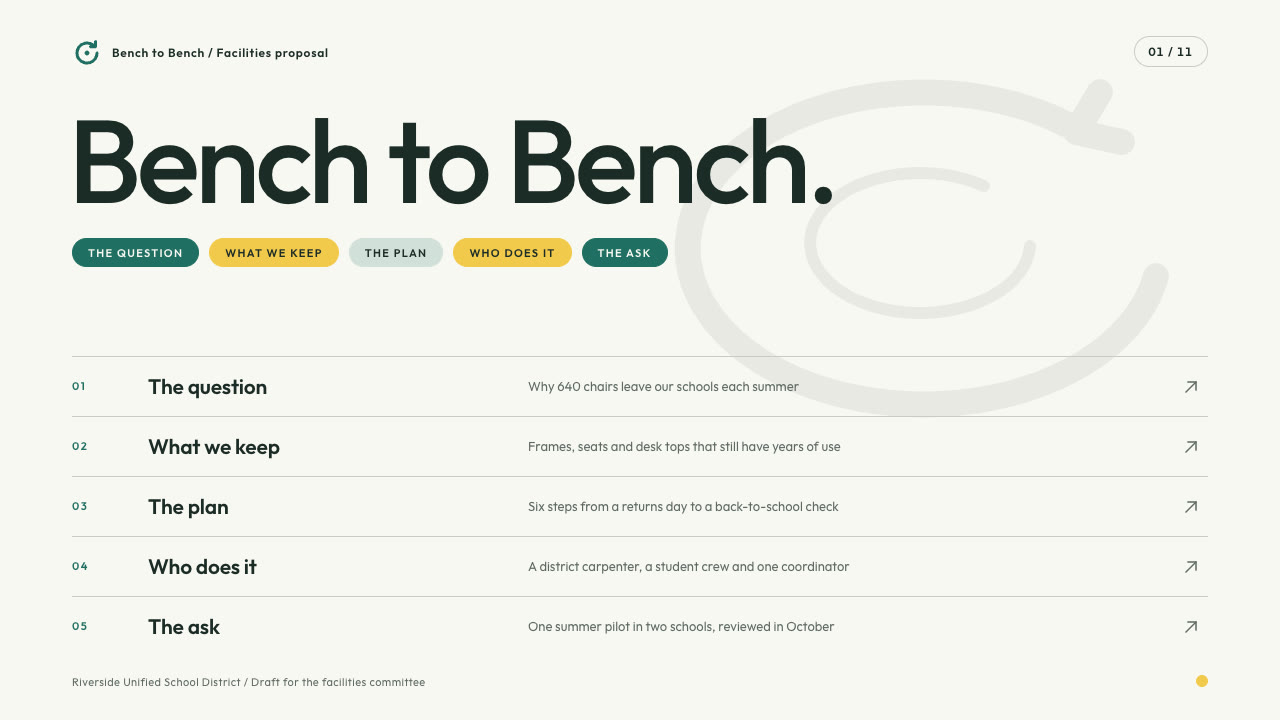
Circular Module Slides
Propose a repair, reuse or take-back step in a light modular deck: rounded cards and pill capsules, an open-ring motif, notched principle cards, a six-step grid and a capsule bar chart.

Frosted Venture Slides
Ask for a round, a grant or a budget with a frosted-glass pitch deck: translucent glass slabs on deep night pages, airy light pages, rounded picture windows, one accent card per page, a native bar-chart card, a use-of-funds table and a stepped roadmap.