
Photo to instant print
- Skill del Lab
- v0.1.0
- Social media
Develop one consented photo into a 3:2 instant-film print on a quiet surface — white frame with the thicker bottom band, flash-lit faded colours and analog grain, with an optional scattered multi-print layout.
Esempio
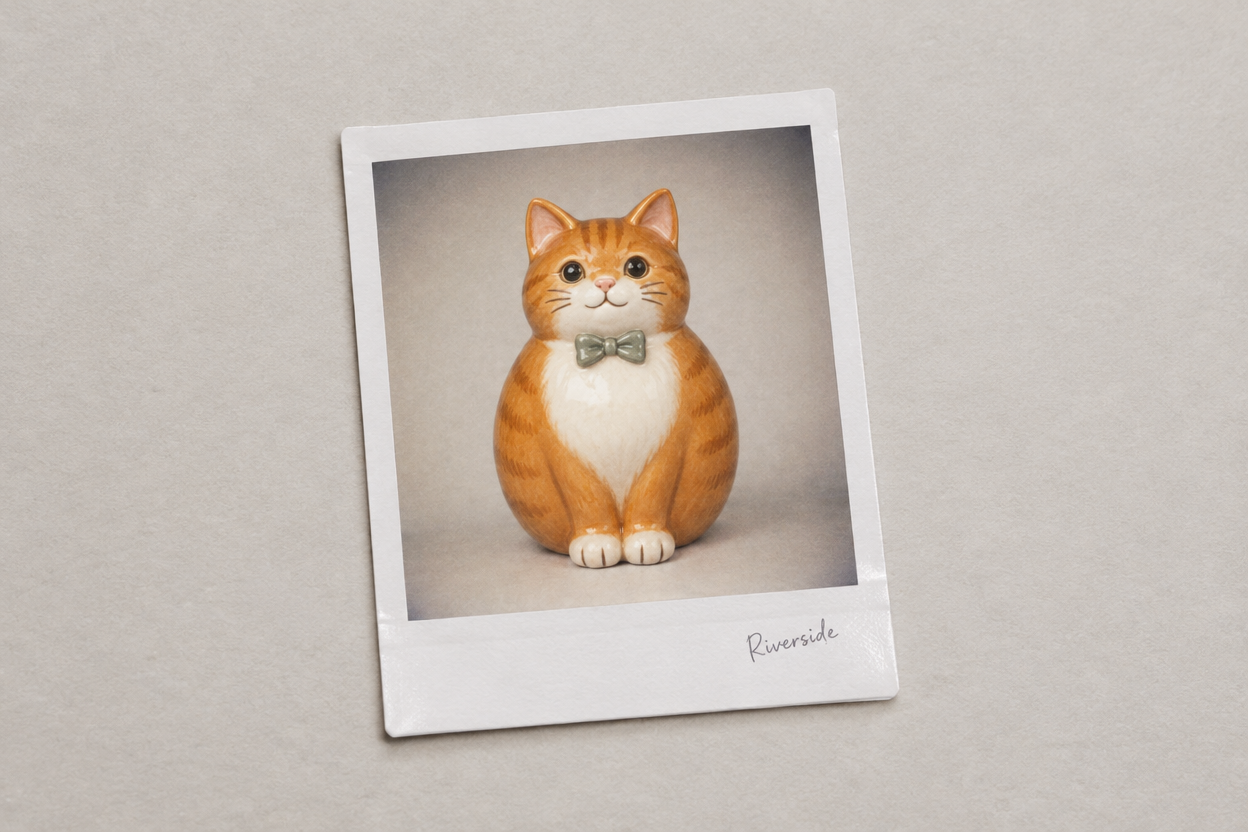
Photo to instant print
Esegui online
Eseguilo in un sandbox di SandBase e visualizza i risultati in Lab.
Apri in Lab ↗Cosa ottieni
Bring one consented photo of a subject or scene. The Skill returns one 3:2 instant-print PNG and a bilingual run report.
Come funziona
- 01
Choose single or scattered
Photo to Polaroid Print reads photo, consent and layout. layout single develops the photo into one print; scattered shows it as a few overlapping prints on a surface. The photo can be any clear subject or scene, such as a portrait, pet, keepsake or small scene, as PNG or JPEG up to 8 MB with a short side of at least 512 px.
- 02
Develop the instant print
The script needs Node.js 18 or later and SANDBASE_API_KEY, with no dependencies. node scripts/generate.mjs run --brief assets/sample-brief.en.json --out /tmp/polaroid-run sends the stripped photo to openai/gpt-image-2.5-flare/edit at 3:2 landscape. The picture window keeps the subject and gains soft direct-flash light, gently faded colours and fine analog grain.
- 03
Check the frame in polaroid.png
The run returns polaroid.png with report.json and English and Chinese HTML reports. The print must read as a photographed object: a white frame whose bottom band is deeper than the other sides, on a plain surface. At most one small handwritten-style caption may sit on one bottom band; inspect composition, grade and grain at full size and as a thumbnail.
FAQ
What is the scattered layout in Photo to Polaroid Print?
Photo to Polaroid Print's scattered layout shows the same developed photo as a few overlapping prints on the surface instead of a single print. single is the alternative. Both produce one 3:2 PNG.
What aspect ratio does Photo to Polaroid Print use?
Photo to Polaroid Print outputs a 3:2 landscape PNG of the print or prints on a plain surface. The report states the actual dimensions, which may differ from exact 3:2 by up to 2%, and the Skill never crops or resizes silently.
Does Photo to Polaroid Print use a paid model?
Yes. Photo to Polaroid Print calls openai/gpt-image-2.5-flare/edit once per approved brief, and the charge goes to your SandBase account. The plan command makes no network call. On run, the --budget flag sets the preflight budget that the inspected estimate must fit under before submission. Rates are at https://www.sandbase.ai/pricing.
Can Photo to Polaroid Print add a caption?
Photo to Polaroid Print allows at most one small handwritten-style caption inside the bottom band of one print. Every other piece of lettering, numerals, logos and pseudo-writing count as defects. There is no field to set the caption text, so the model decides whether to draw one.
What subjects suit Photo to Polaroid Print?
Photo to Polaroid Print takes any clear photo with a readable subject or scene, including portraits, pets, keepsakes and small scenes. You need the right to use it, and people in it must have consented. Brand reproduction and fan art of copyrighted characters are excluded.
Altri Skills
Tutti gli Skills Social media →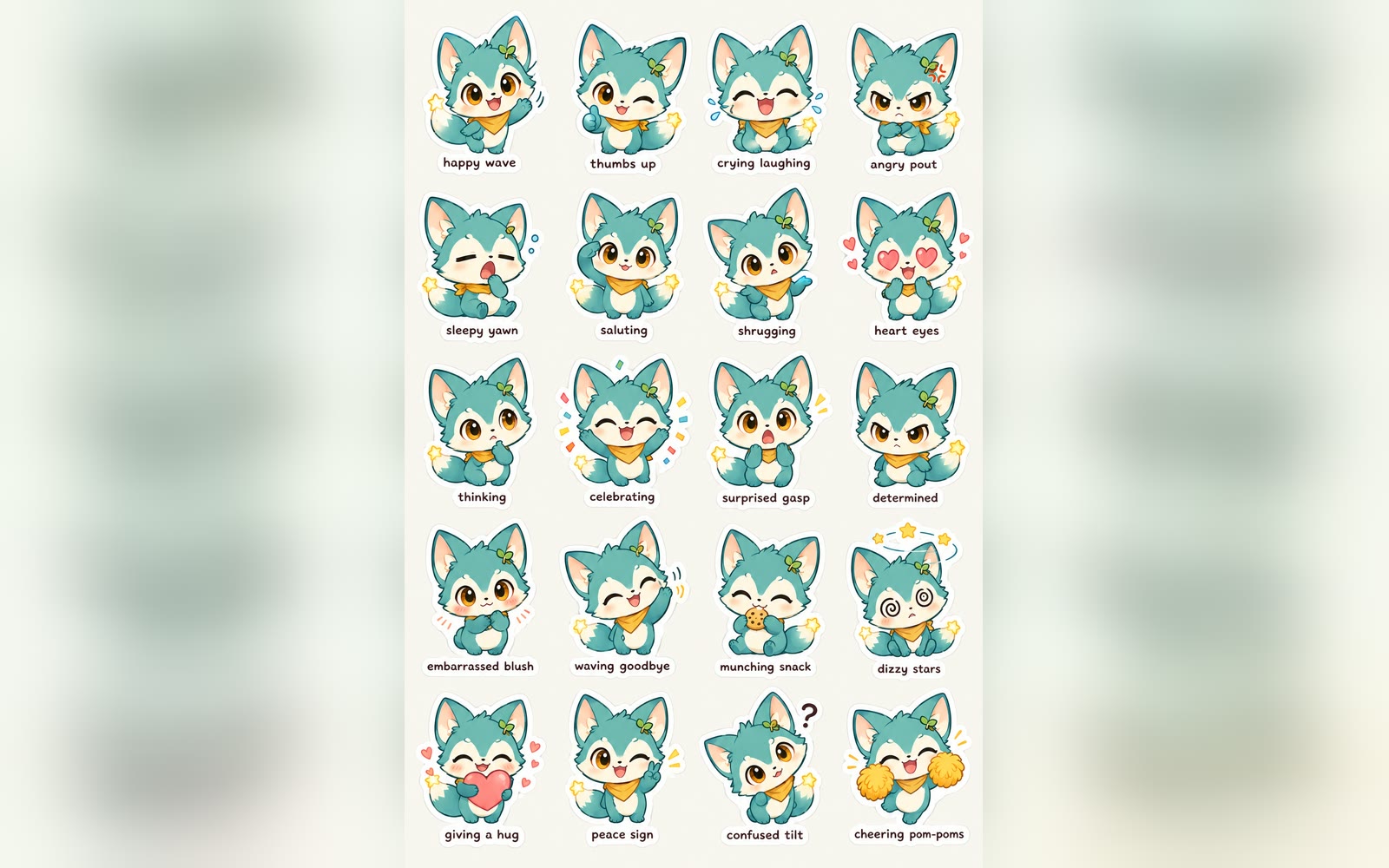
Chibi Sticker Sheet
One original mascot becomes a whole sheet of die-cut chibi stickers.
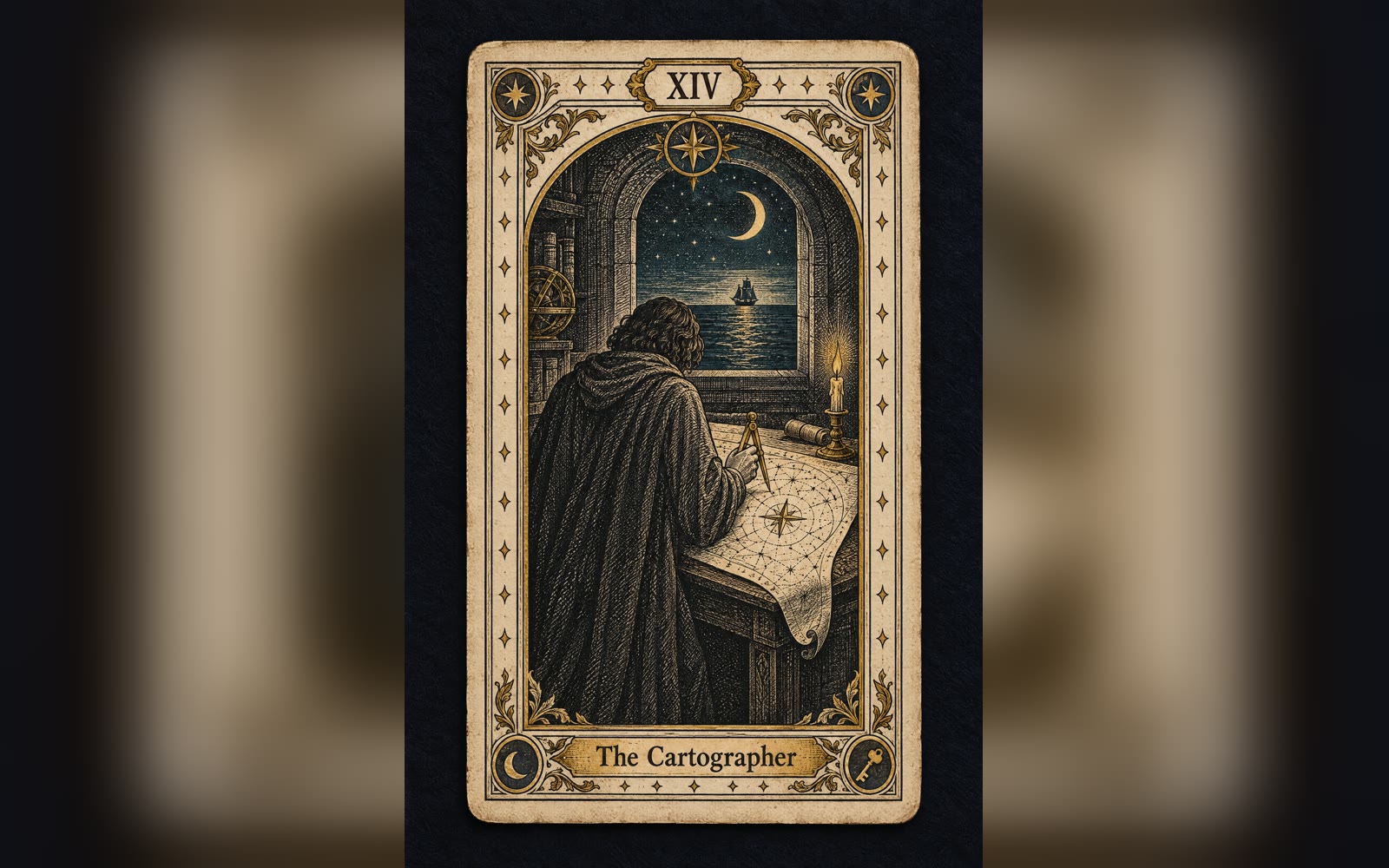
Tarot Card Poster
One invented arcana becomes an ornate engraved card face.
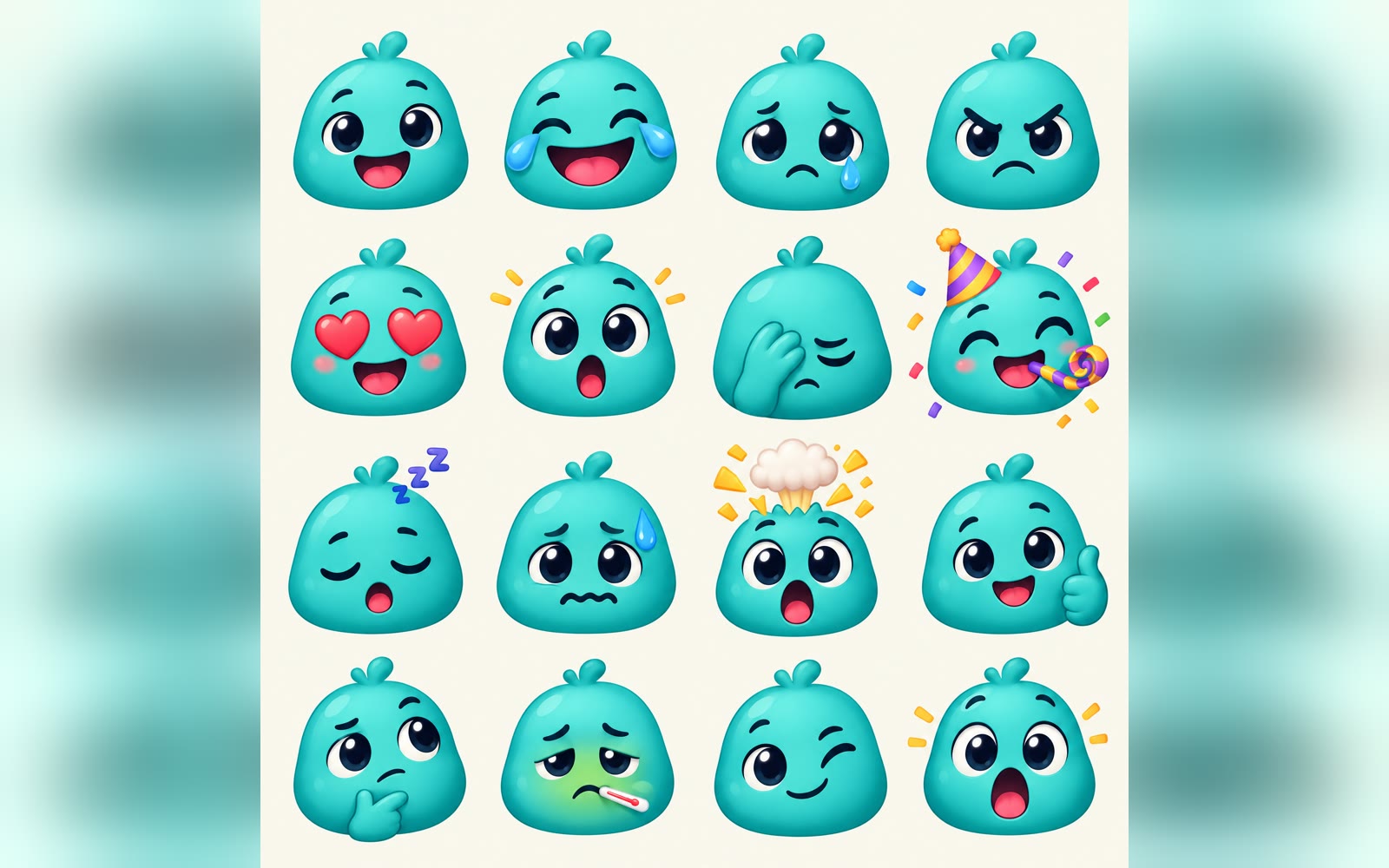
Emoji Pack Sheet
Turn one fictional character into a full grid of matching emoji faces.
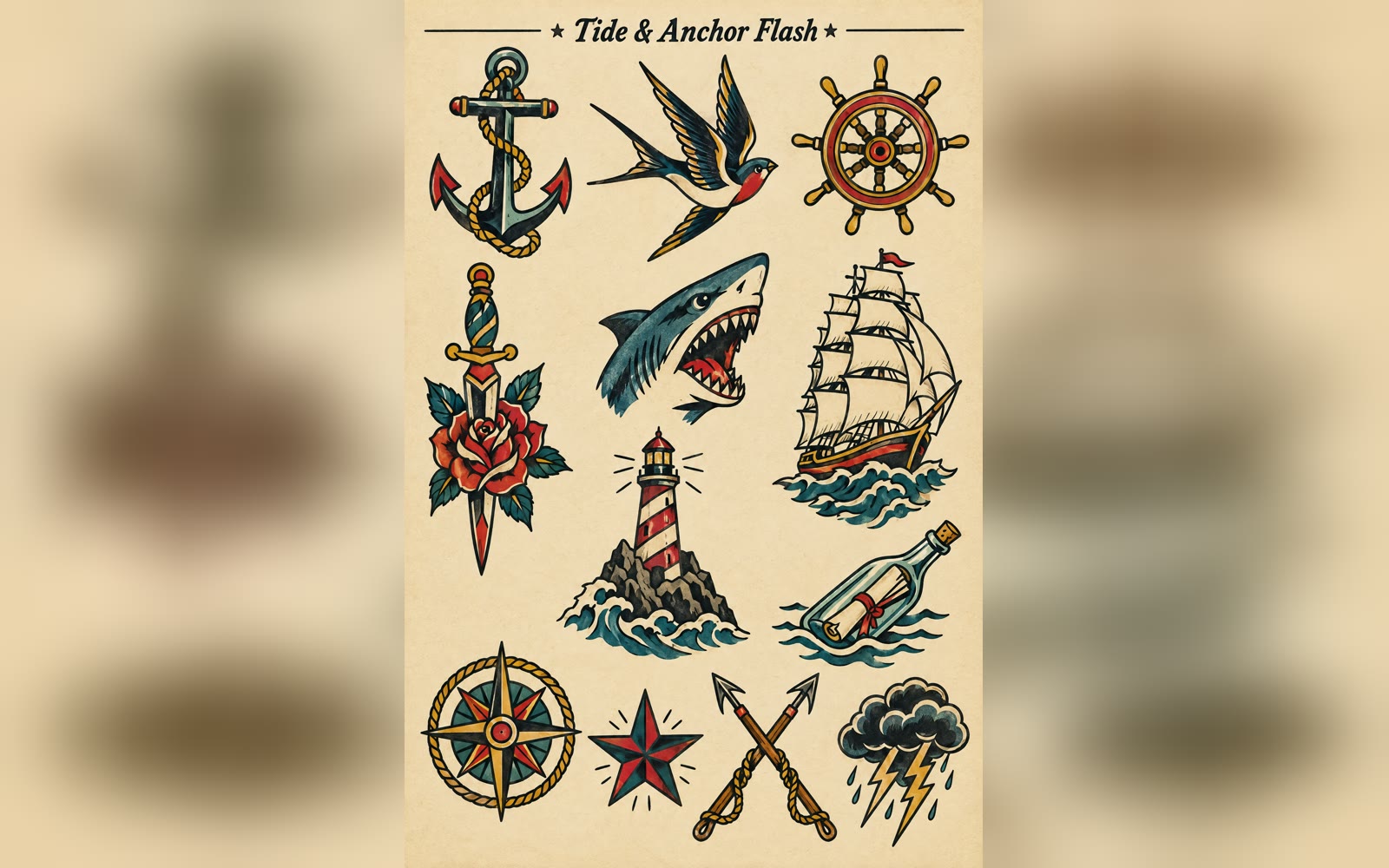
Tattoo Flash Sheet
Fill one aged-paper board with a matching set of traditional tattoo motifs.
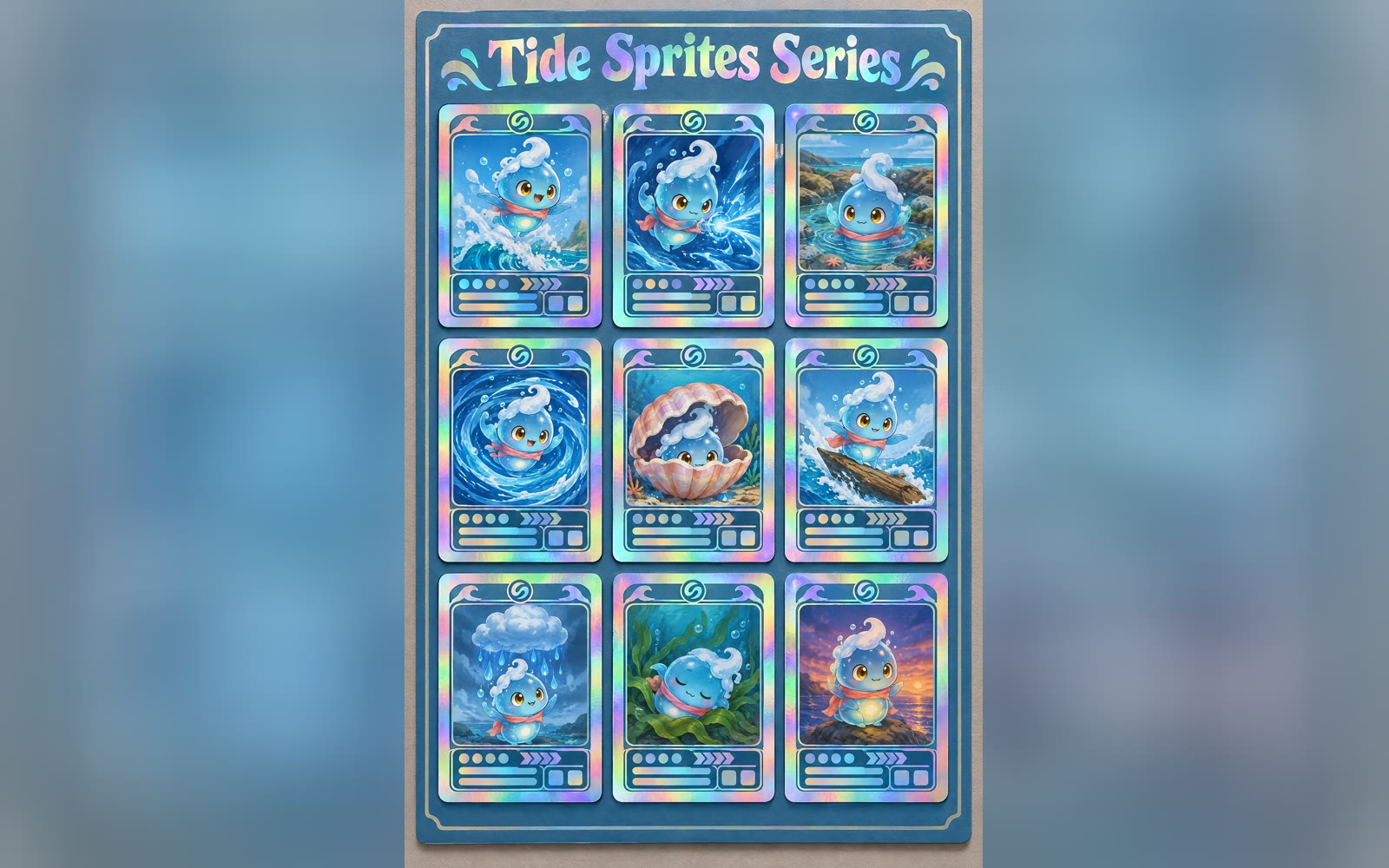
Trading Card Sheet
Reveal one invented character as a 3×3 set of collector game cards on a printed board.
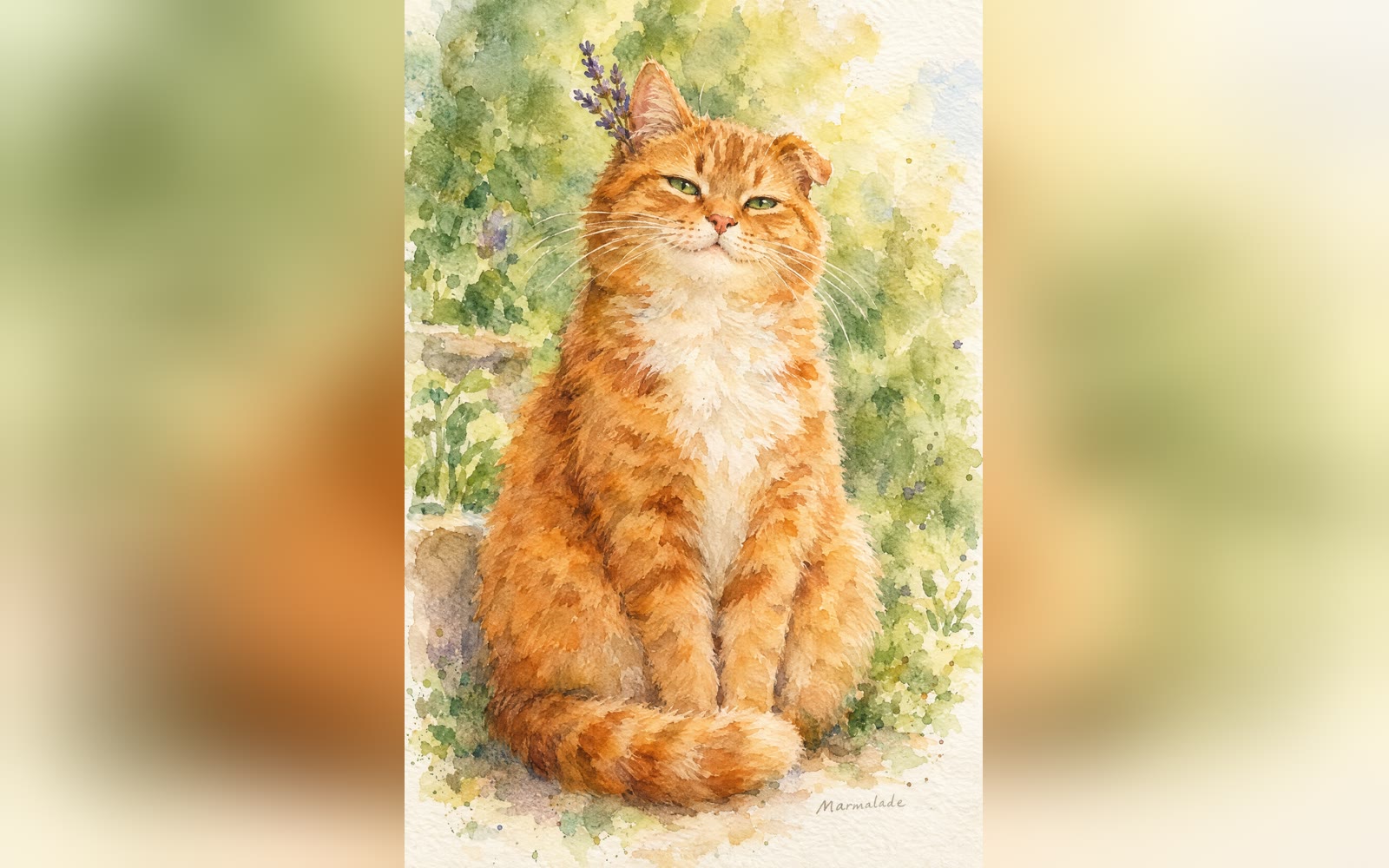
Watercolor Pet Portrait
Paint one invented animal as a loose, keepsake-style watercolor portrait.