
Indigo woodblock ferry and timetable site
- Skill del Lab
- v0.1.0
- Web design
Present a ferry line, boat trip, tour or class timetable in a flat woodblock-print style with rice-paper grounds, indigo key lines, vermilion seals and wave-scale bands, so visitors can find the next departure, filter by place and day, price a trip and read a drawn chart.
Esempio
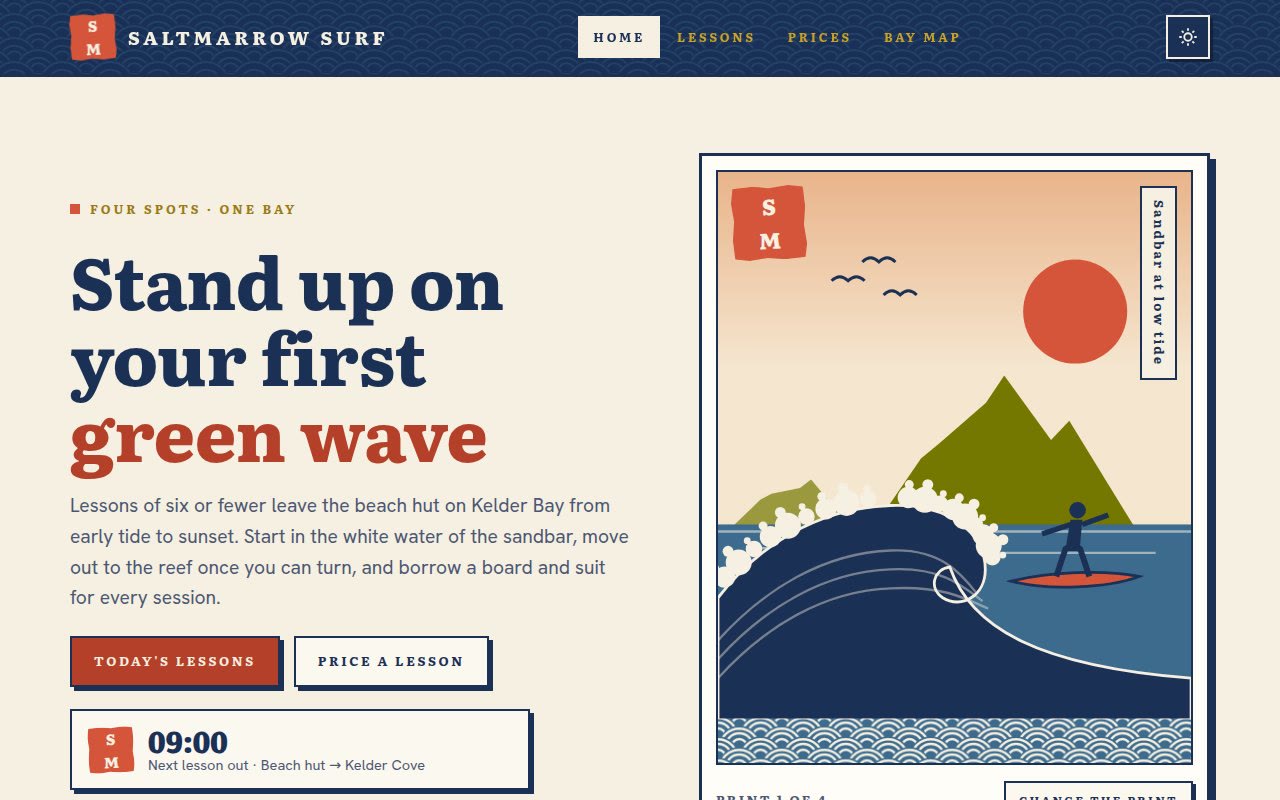
English site
L'esempio funziona in un frame isolato, senza accesso a questa pagina.
Esegui online
Esegui l'esempio di Indigo woodblock ferry and timetable site in un sandbox SandBase e vedi il risultato qui.
Cosa ottieni
Bring the business and its visitors, the places served with times and prices, the departures by day, what extras cost, practical notes, the views you need and the page language. The Skill returns one offline HTML file with code-drawn woodblock prints, a filtered departure board with a next-out strip, an optional fare estimate and note dialog, an optional clickable chart, day and night palettes, bundled Latin fonts and a validator report.
Come funziona
- 01
Describe the service and its timetable
Tell the agent what runs, from where and to which places, on which days and at what times, and who the visitors are. The agent copies the working template and bundled fonts into a local folder, picks the page language and replaces the fictional island ferry line. The published example turns it into a surf school with four teaching spots and a weekly lesson timetable.
- 02
Rewrite the data and recut the prints
The agent rewrites the script data: places with their times, prices, tones and peak outlines, departures by day, the hero print colours, the fare rules and every interface string. The fare estimate and the chart are optional views and can be deleted whole. The boat in the prints changes to suit the subject, such as a surfer on a board, while the wave scales and seals stay.
- 03
Build one file and try every control
The packaged inliner folds both fonts into a single HTML file. The agent runs the browser validator, which opens every route and clicks every visible control, then looks at each view at phone, tablet and desktop widths in day and night palettes. It works the filters, the price buttons, the steppers and the note dialog, adds up a total by hand and delivers the page with its report.
FAQ
What kind of site does Indigo Swell Ferry Site make?
It makes a small multi-view website for any business whose visitors ask when the next one leaves: a ferry or boat trip, a tour bus, a surf or swim school, a workshop with class slots. The bundled sample is an invented island ferry line. The published example is a surf school, and the Chinese proof is a woodblock printing studio with only a home page and a class timetable.
Is the timetable on the page live?
No. Every departure is written into the script data of the page. The next-out strip compares those times with the visitor's own clock and shows the first one of the following day once the last has left. A live timetable or delay notices would need a data source and testing of their own.
Does the fare estimate sell tickets?
No. The estimate multiplies the chosen place by the travellers, the return factor and the extras inside the page, and the note form opens a dialog that the visitor can show on the day. Nothing is sent, stored or reserved, and the page says so. Taking real bookings needs a separate service.
What runs on my machine when I build a page?
Your coding agent edits the HTML and its script data, and Node.js runs the bundled asset builder and validator. A local Chrome or Chromium is needed for the browser pass. The template calls no model or API, and every print, tile and chart is drawn in code from wave scales, peaks and flat shapes. Any terms of use belong to the coding agent you choose.
Can I translate it or remove views?
Yes. Translate the markup and the script data together, including form labels, accessible names, toasts, day labels and chart labels. The fare estimate and the chart can each be deleted as a whole view; their menu entries, links and price buttons disappear with them. Home, the timetable and the not-found view stay, with the shared ids the package validator asks for.
How should I check a finished page?
Run the package validator with browser checks, then look at every view at 390, 768 and 1440 pixels in both palettes. Step through every print, use each place and day filter until one comes up empty, price each place, push the steppers past their limits, toggle each extra and redo the sum, and open the note dialog with empty and valid fields.
Altri Skills
Tutti gli Skills Web design →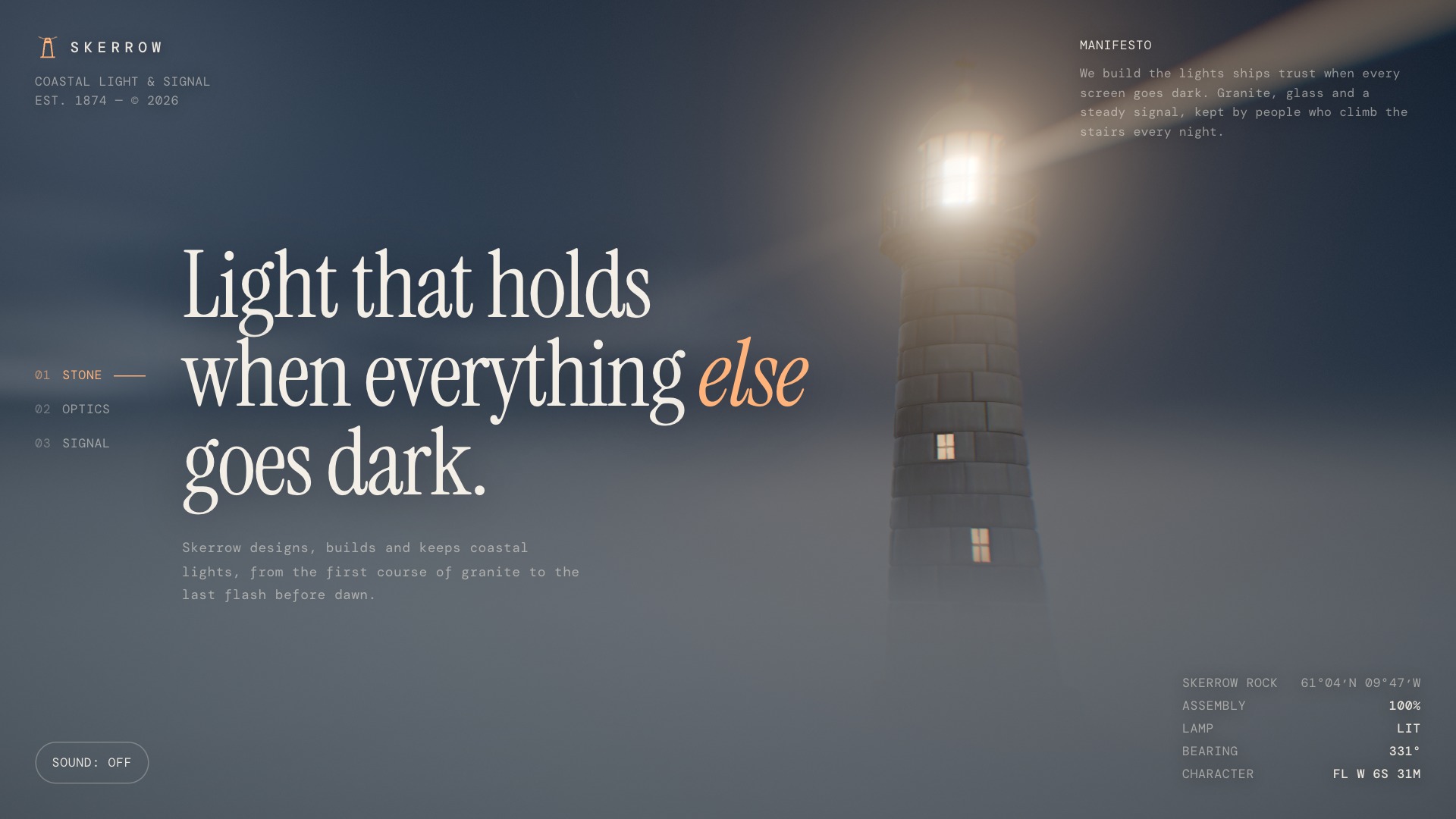
Baked 3D Story Site
A three-page 3D story site with baked light, scroll stops that loop and a shader cut between pages, in one offline file.
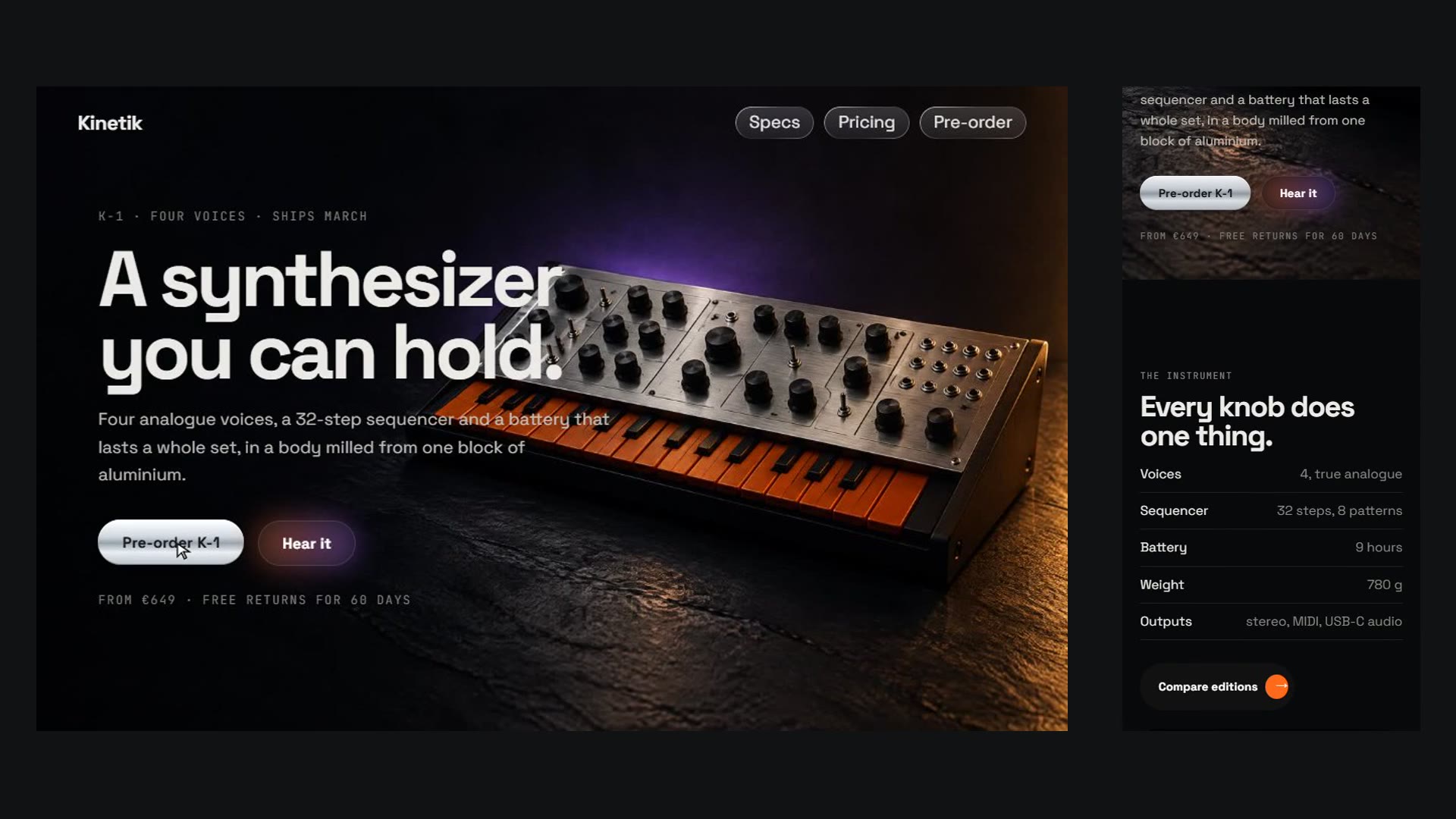
UI Finishes
Metal, jewel, halo, roll, fill, offset and ring buttons, media cards, glass and textures, each checked in rest, hover, focus and pressed for real contrast.
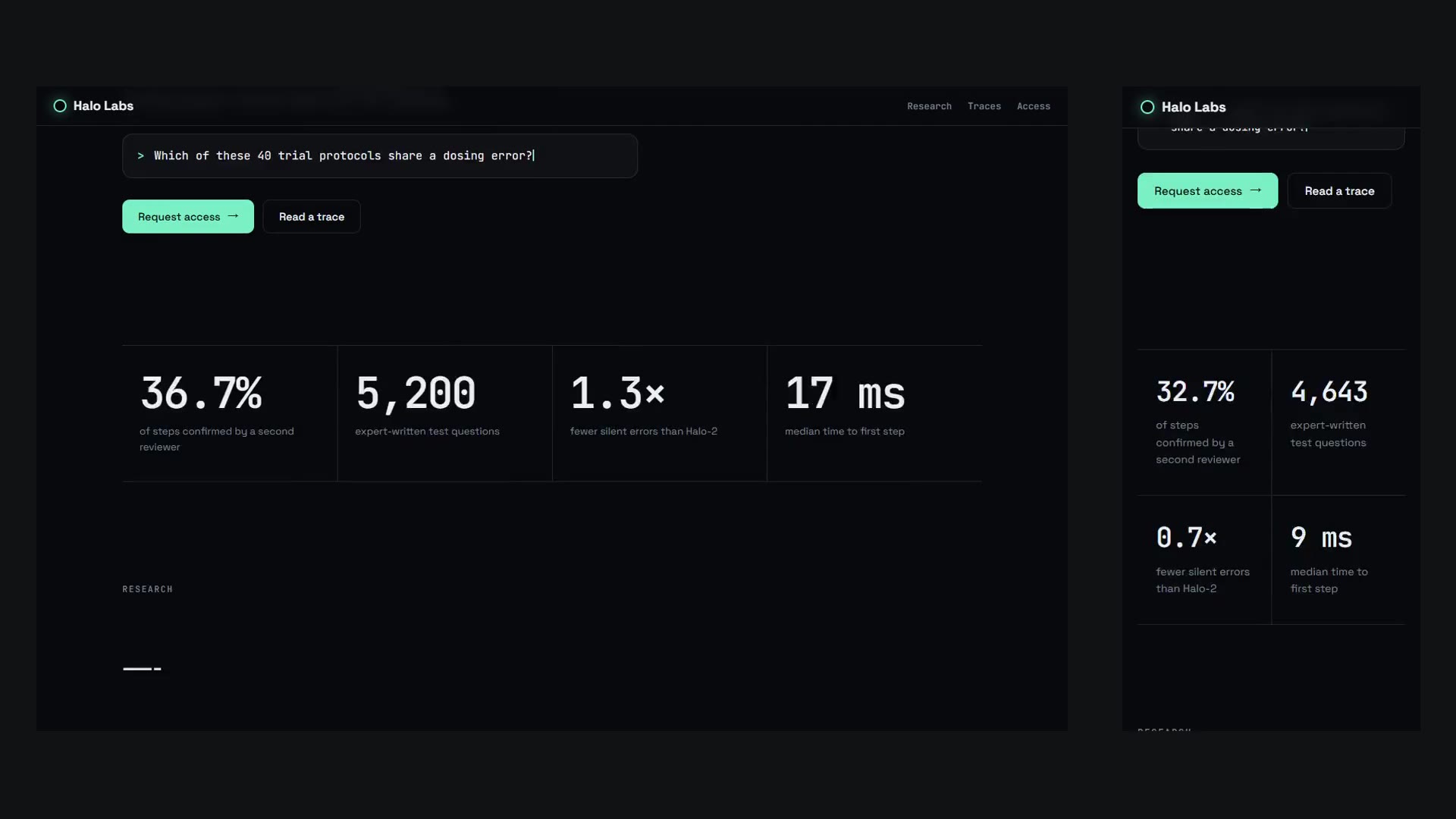
Headline Motion
Headlines, labels and numbers that rise, decode, type, rotate, count and draw themselves without moving the layout, measured in a real browser.
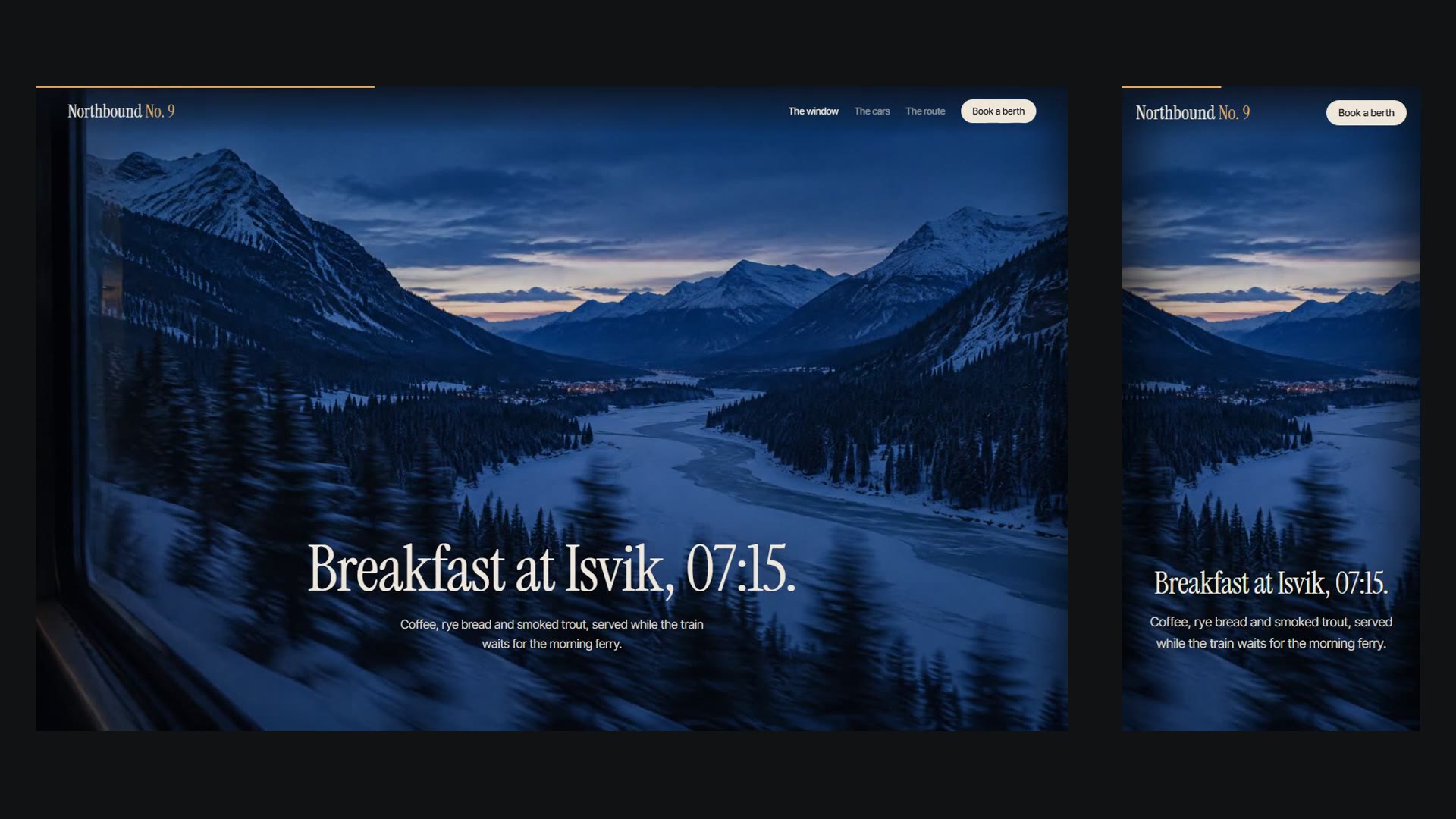
Scroll Chapters
Long pages told chapter by chapter: a pinned stage, sliding panels, a text crawl, lit paragraphs, stacking cards and drifting columns, checked in a real browser for dead scroll.
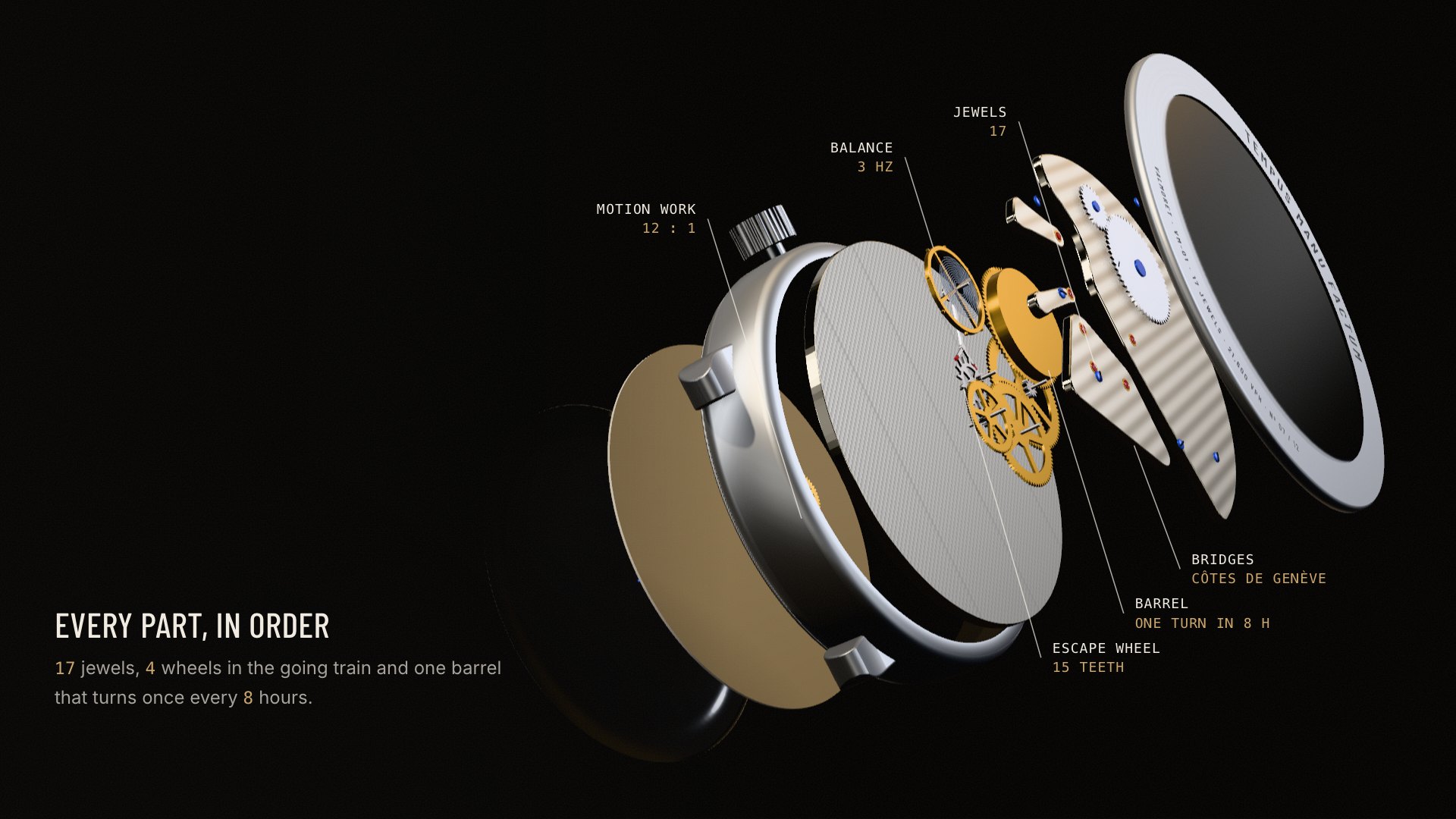
Scroll 3D Product Site
A complete product website where scroll turns, opens and takes apart a live 3D model, with every video and image rendered from that model, in one offline file.
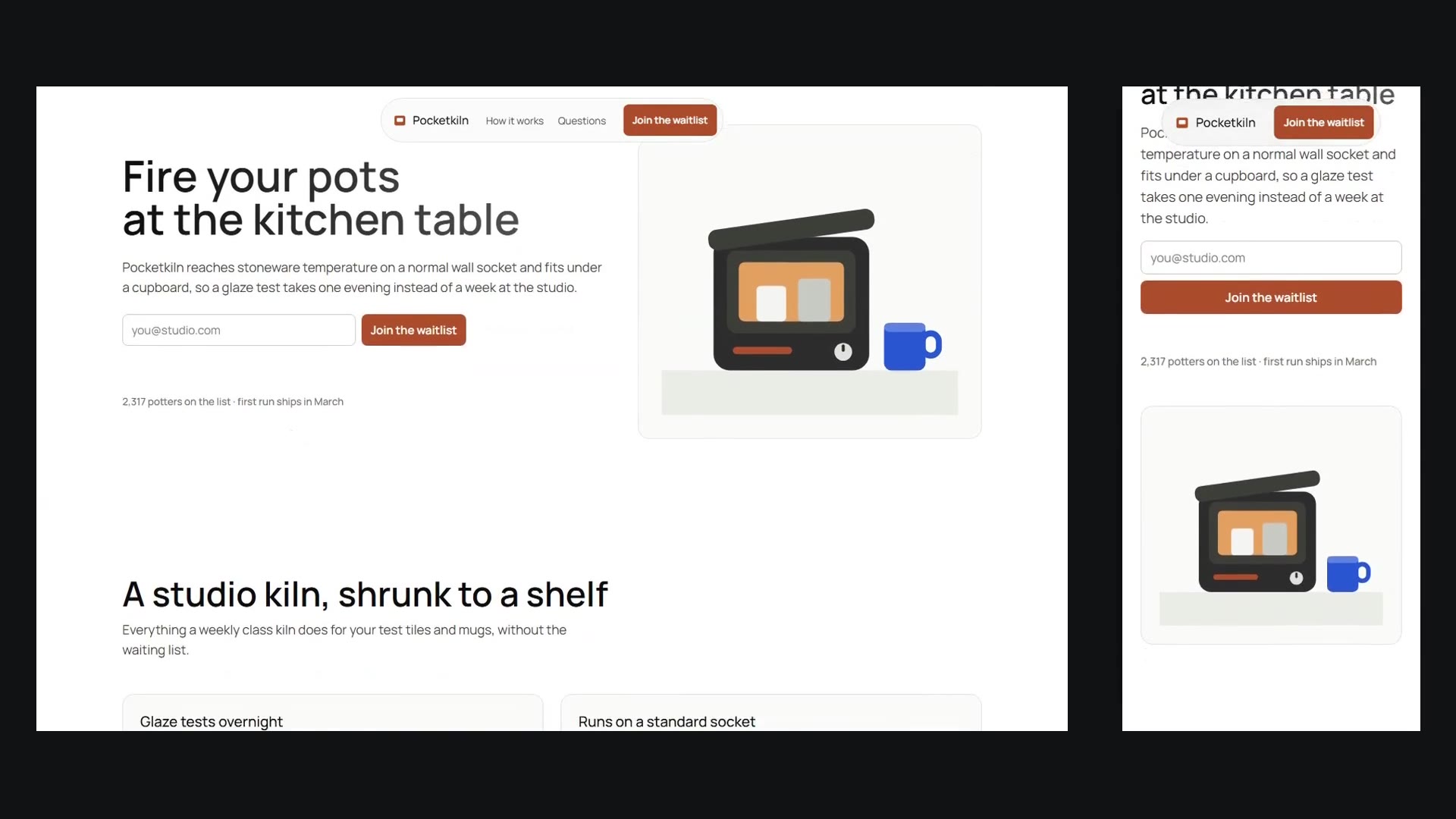
Landing Page System
A complete single-file landing page with a conversion structure and a shared visual system, checked by a rendered-page audit before delivery.