
Sketchbook workspace style kit
- Skill del Lab
- v0.2.0
- Web design
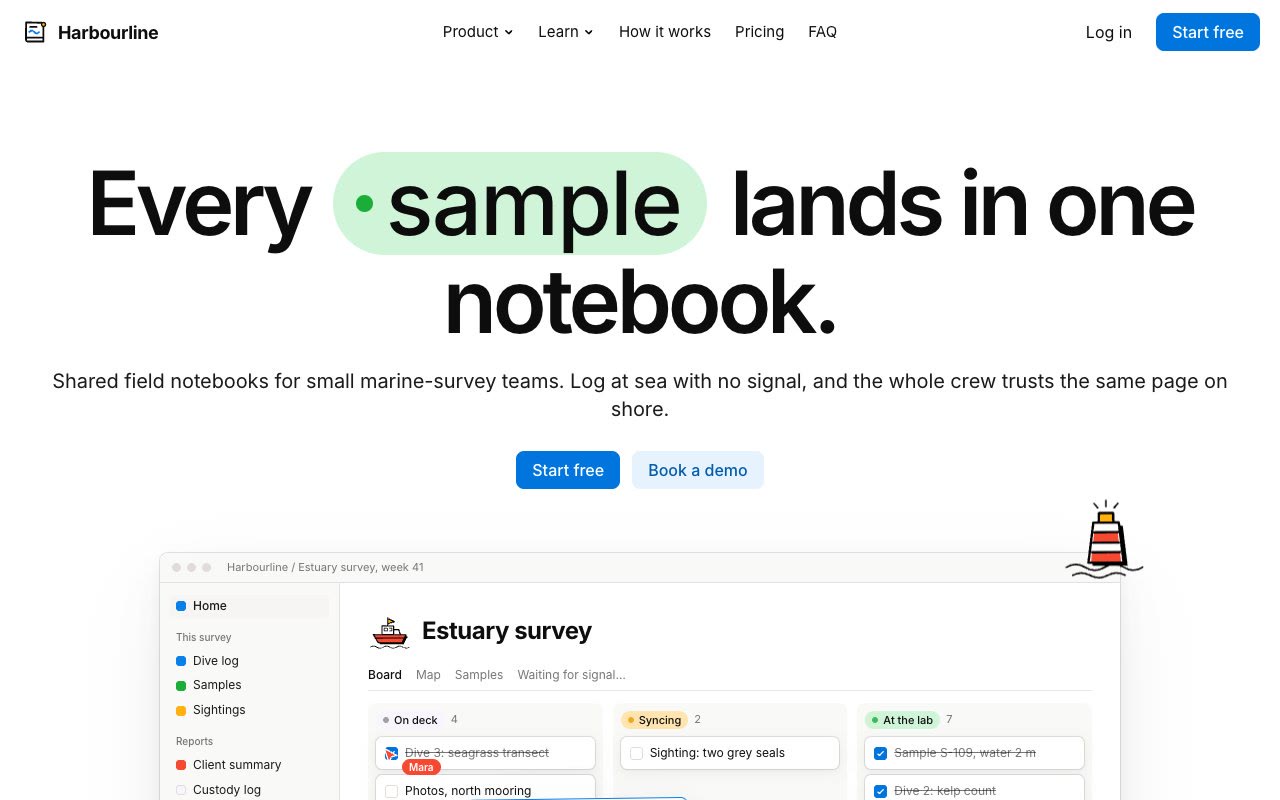
Restyle a site, or build a new one, in a friendly workspace style: white pages, warm grey bands, bold headlines and hand-drawn line art.
Esempio
English site
L'esempio funziona in un frame isolato, senza accesso a questa pagina.
Esegui online
Esegui l'esempio di Sketchbook workspace style kit in un sandbox SandBase e vedi il risultato qui.
Cosa ottieni
Bring your existing site to restyle, or a short brief for a new one. The Skill returns design rules, tokens, components with light and dark themes, motion, a live gallery and a starter page; works with plain CSS.
Come funziona
- 01
Study the style documents
Sketchbook Workspace Style Kit documents its look in references/design.md, components.md and patterns.md. Read all three, then open assets/pack/gallery.html to see each component, variant, state and motion in the white light theme and the derived dark theme. Choose components from the gallery instead of inventing new ones.
- 02
Move pages onto the pack
Place assets/pack/ next to assets/fonts/, since components.css loads fonts from ../fonts/. Load tokens.css and components.css ahead of your own styles, then rebuild buttons, cards, navigation, forms and bands with sp- components, using tokens for colours and radii. Keep your content, routes, data and behaviour, because only the look changes. motion.js is optional.
- 03
Verify or build the example page
Check restyled pages in a browser at desktop and phone widths, in both themes and with reduced motion. For a one-page site, start from assets/template.html, replace the Wrenfold and Marrowby sample names, run node scripts/inline-assets.mjs work/src.html work/index.html and then node scripts/validate.mjs work/index.html --mode site until exit 0.
FAQ
What look does Sketchbook Workspace Style Kit give a website?
Sketchbook Workspace Style Kit gives a white paper canvas with warm off-white bands, heavy near-black grotesque headings, a single blue for the filled button and links, small pastel card tints and hand-drawn black-line spot illustrations with flat primary fills. A derived dark theme is included. It is plain CSS with an optional script.
Does Sketchbook Workspace Style Kit include the reference site's illustrations?
No. Sketchbook Workspace Style Kit describes the hand-drawn line style in its rules but never copies images, logos or icons from the reference site. Its example page has no image slots, so new spot drawings are made as inline SVG or CSS with black lines and flat primary fills, following references/patterns.md.
Can Sketchbook Workspace Style Kit restyle an app without breaking it?
Yes. Sketchbook Workspace Style Kit changes how pages look and keeps the project's own content, routes, data, forms and behaviour. Rework one page at a time and run the project's own build and tests, since the bundled validator checks single-file pages only.
Is Sketchbook Workspace Style Kit free?
Yes. Sketchbook Workspace Style Kit delivers stylesheets, fonts, a gallery and offline scripts, none of which call a model or an API, so restyling a site this way is not billed. Node 18 or newer is needed only for the scripts in scripts/.
Do I need Sketchbook Workspace Style Kit's example page?
No. Sketchbook Workspace Style Kit's example page is a convenience for one-page sites. When you use it, replace sample names such as Wrenfold, Quillbrook and Ines Calloway, and check phrases such as Spring catalogue and Invoice nudger that raise warnings.
Altri Skills
Tutti gli Skills Web design →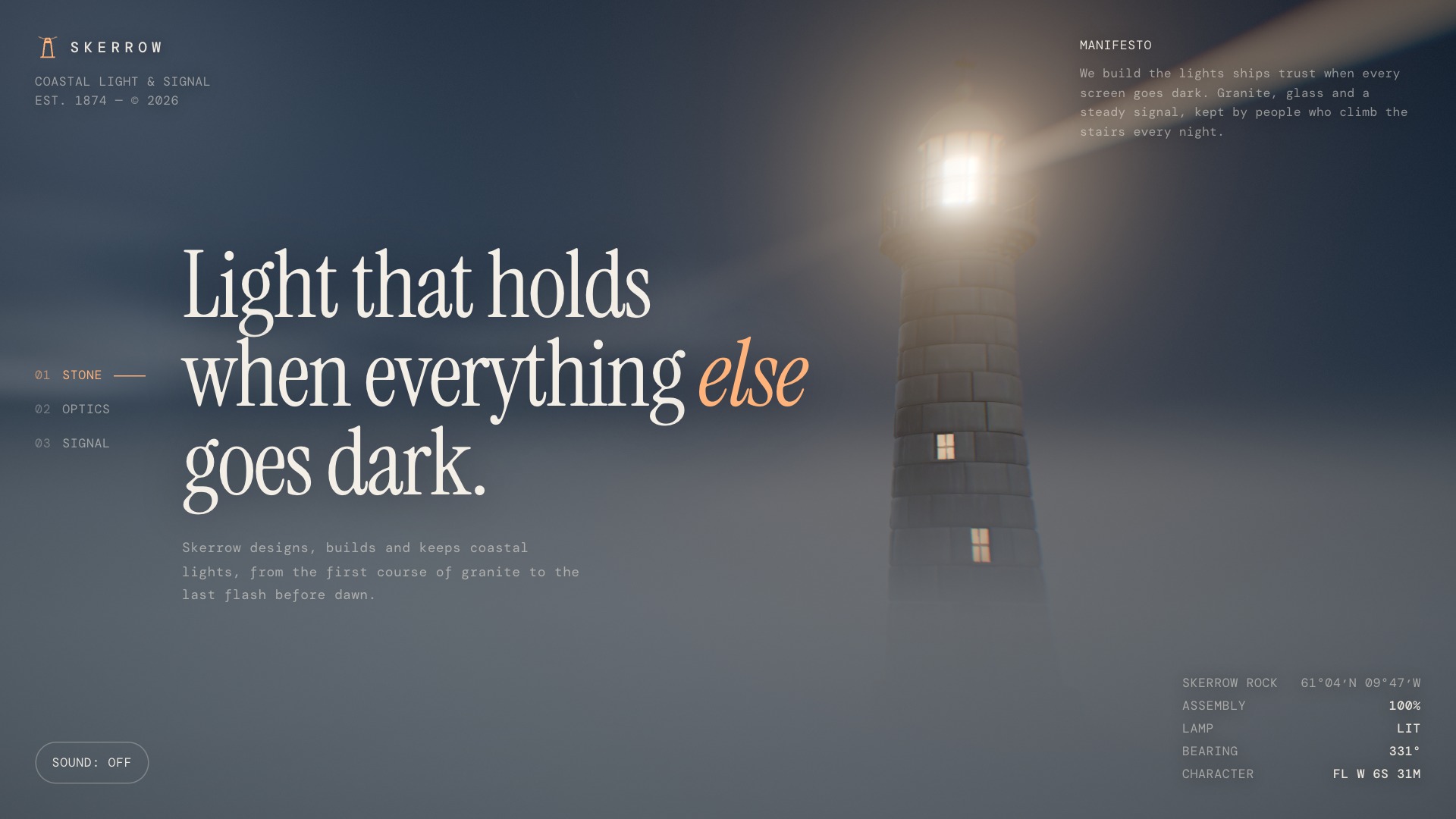
Baked 3D Story Site
A three-page 3D story site with baked light, scroll stops that loop and a shader cut between pages, in one offline file.
UI Finishes
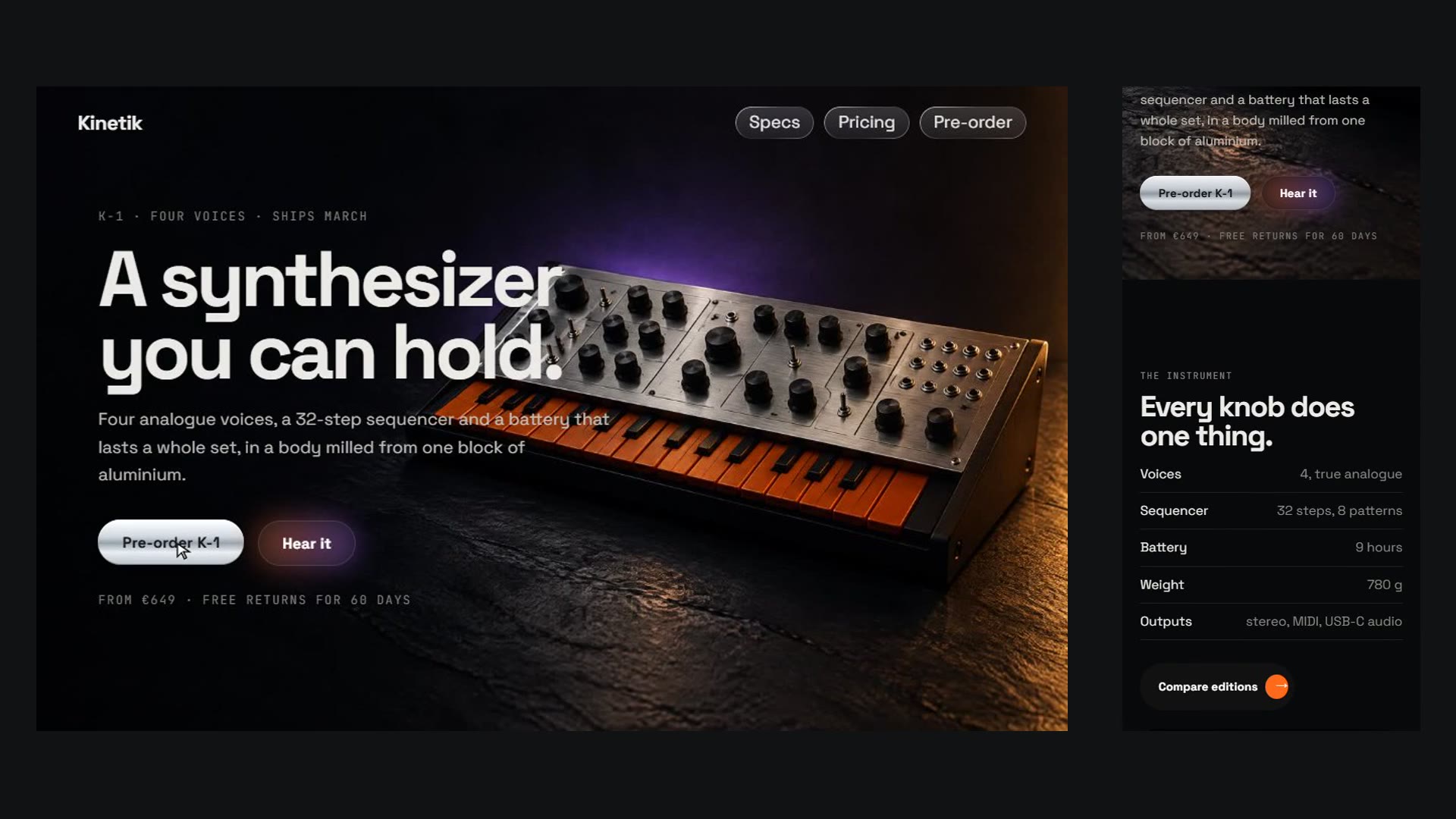
Metal, jewel, halo, roll, fill, offset and ring buttons, media cards, glass and textures, each checked in rest, hover, focus and pressed for real contrast.
Headline Motion
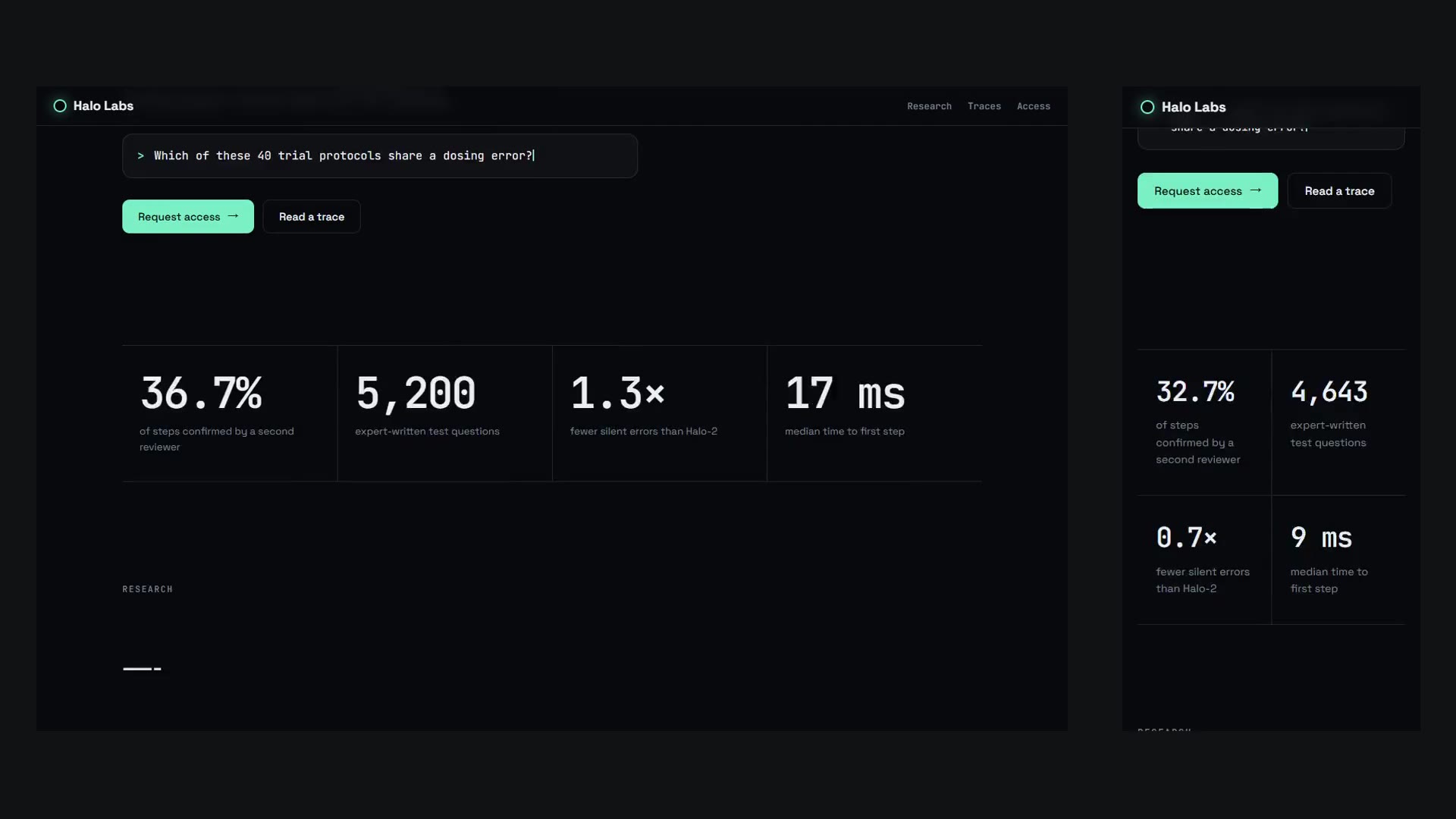
Headlines, labels and numbers that rise, decode, type, rotate, count and draw themselves without moving the layout, measured in a real browser.
Scroll Chapters
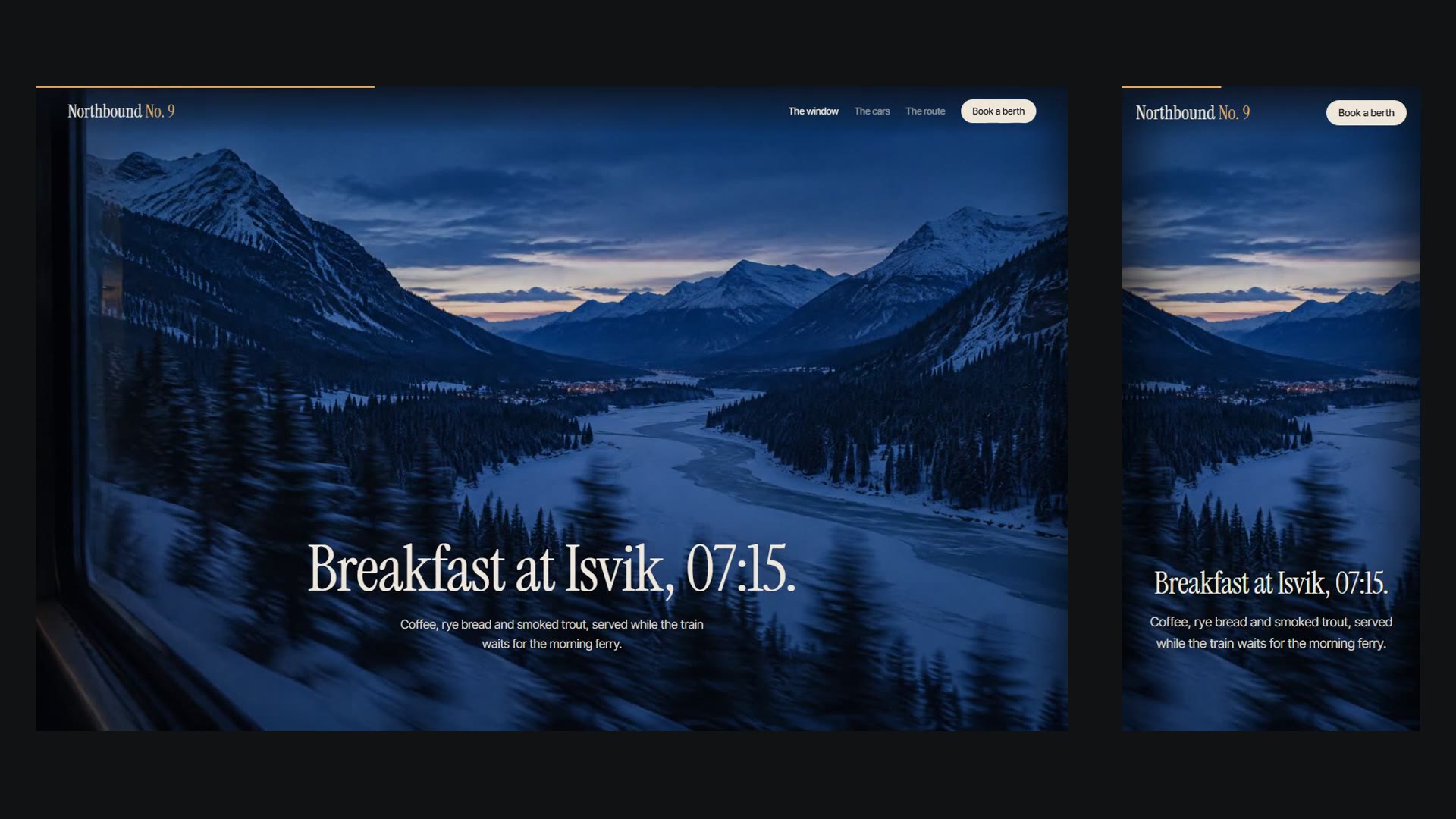
Long pages told chapter by chapter: a pinned stage, sliding panels, a text crawl, lit paragraphs, stacking cards and drifting columns, checked in a real browser for dead scroll.
Scroll 3D Product Site
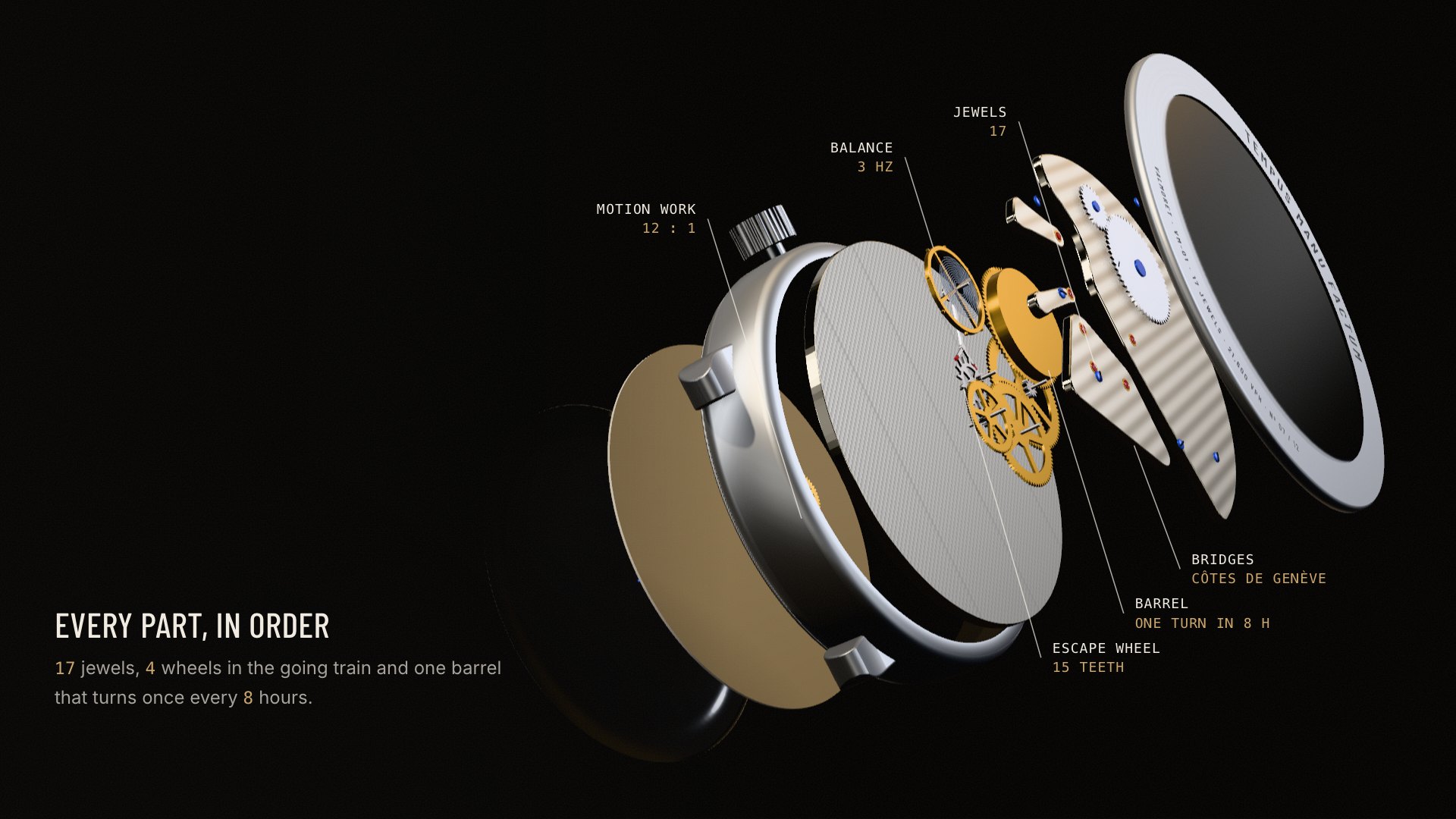
A complete product website where scroll turns, opens and takes apart a live 3D model, with every video and image rendered from that model, in one offline file.
Landing Page System
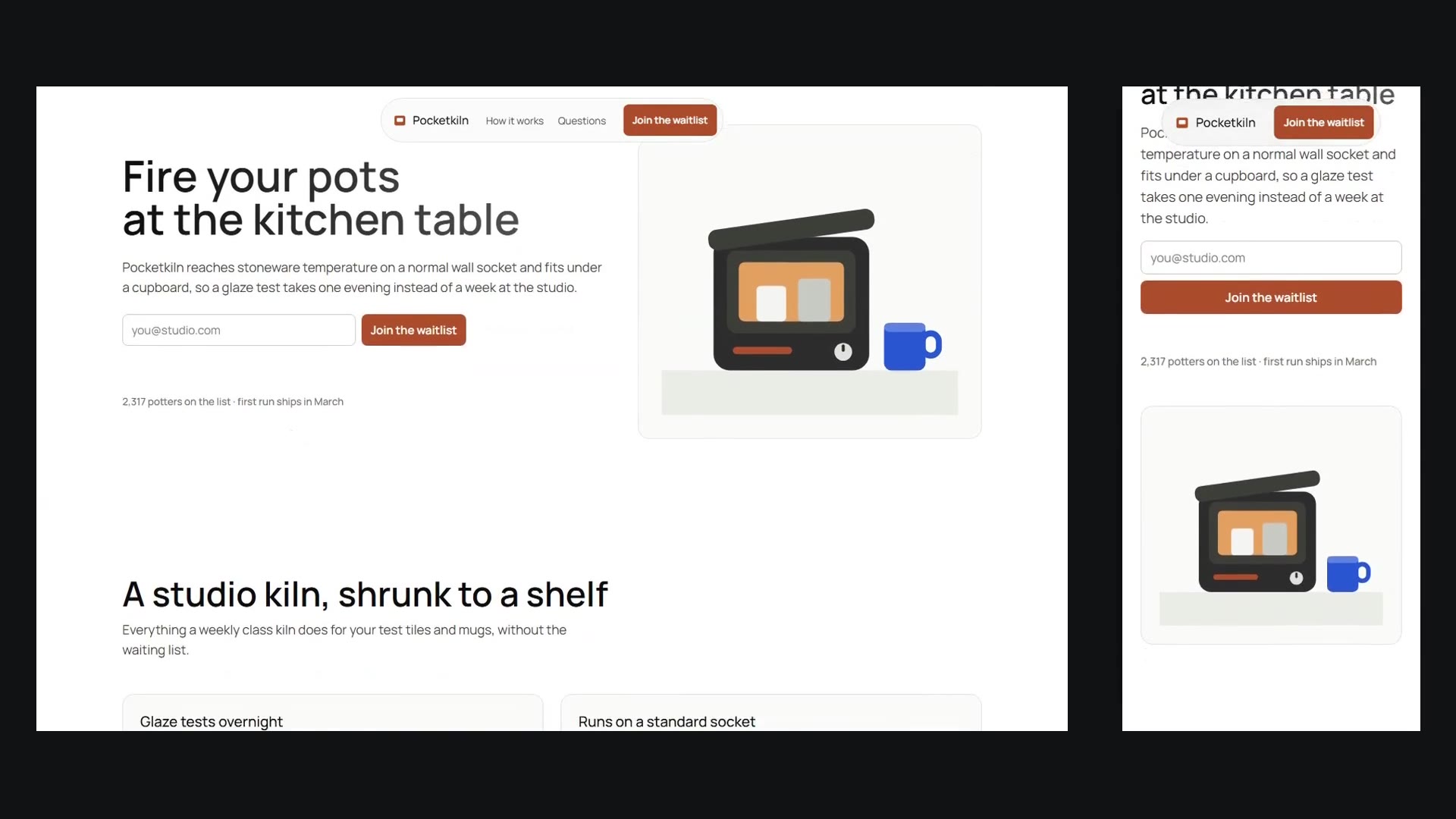
A complete single-file landing page with a conversion structure and a shared visual system, checked by a rendered-page audit before delivery.