
Weibo Event Recap
- Skill del Lab
- v0.1.1
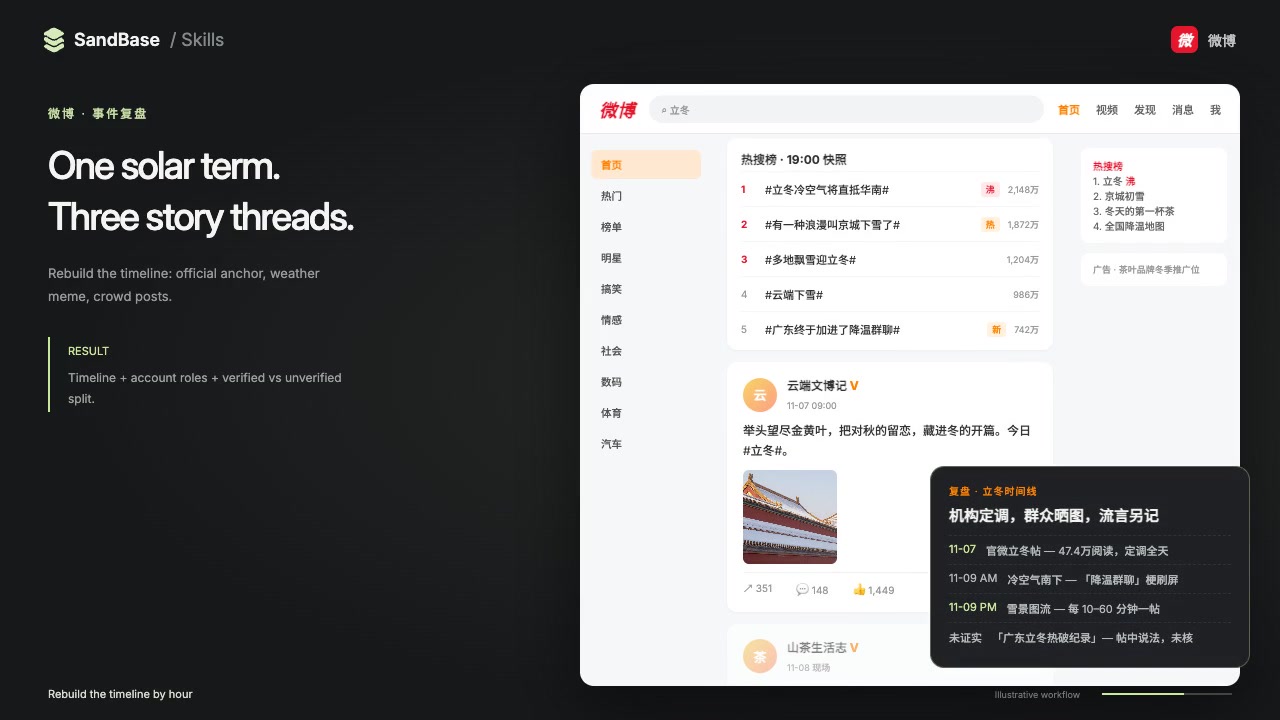
Rebuild what happened on Weibo around an event: its hot-list footprint, a timed post-stream slice, anchor posts and comment temperature — all cited.
Copertina
Cosa ottieni
Bring the event's keyword(s) — a hot-search phrase, #topic# or name. The Skill returns a sourced timeline, the competing accounts of what happened, top comment reactions, and an explicitly-labelled unverified list.
Come funziona
- 01
Find the hot-list footprint
From the keywords people posted under, a hot-search phrase, a hashtag topic or a name, the Agent reads the current hot-search summary through SandBase with rank, keyword, tag and pinned status. A snapshot shows rank at fetch time only, so historical peaks and total duration cannot be recovered.
- 02
Slice the stream and read anchors
A realtime search per keyword returns the live post stream with relative publish times, which the Agent converts to clock times. The two to four posts with the most engagement or from official parties are opened in full as anchors, and one comment page on the top anchor shows the reaction.
- 03
Build the timeline
The timeline runs from the first visible posts through matching hot-list entries at their snapshot times to the stream's current state. It is bounded by what is still visible: deleted posts, removed hot-list entries and private accounts leave gaps, which the timeline marks instead of filling.
FAQ
What does Weibo Event Recap reconstruct?
Weibo Event Recap rebuilds one past or unfolding Weibo event from what Weibo shows now: its hot-list entries, the shape of the live post stream, the anchor posts people read and the comment temperature on the top one. It produces a timeline with each point tied to a post or snapshot.
Can Weibo Event Recap show an event's peak rank?
No. Weibo Event Recap reads hot-list snapshots, and a snapshot shows rank at fetch time only. The first entry time, historical peak and total duration are not available from these tools. The recap reports what the current snapshot shows and says the history is not recoverable.
Why does Weibo Event Recap leave gaps?
Weibo Event Recap marks gaps where posts were deleted, hot-list entries were removed or accounts are private, because none of those can be read now. Filling them would mean guessing. The gaps tell you where a manual check or another source is needed.
Is Weibo Event Recap billed?
Weibo Event Recap calls the Weibo hot-search summary, realtime search, post detail, post comments and status detail tools through SandBase, billed per call after the daily free quota. A recap's calls scale with the keywords and anchors. Inspect shows prices for the Weibo event tools first; see https://www.sandbase.ai/pricing.
What keywords should I give Weibo Event Recap?
Weibo Event Recap works best with the terms people actually posted under: the hot-search phrase, the #topic# or a key name. Give two or three if the event had several names, since each is searched separately and the results are merged into one timeline.
Altri Skills
Tutti gli Skills Weibo →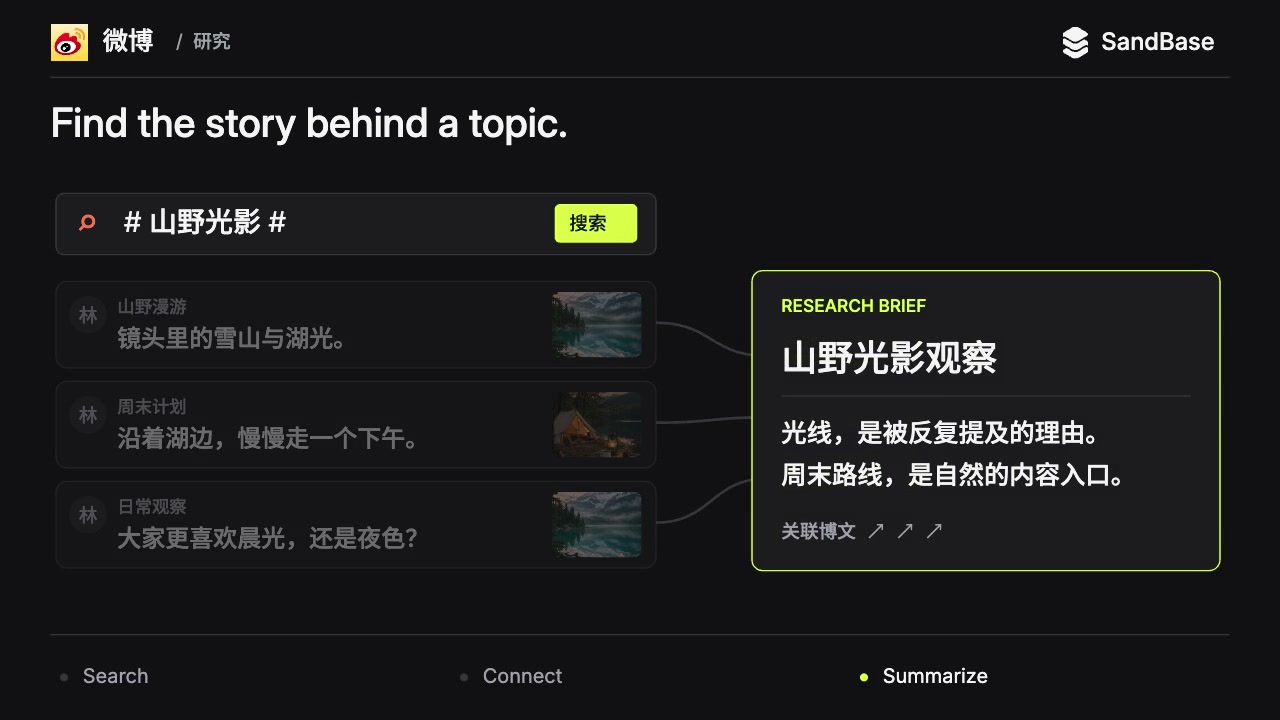
Weibo Research
Search Weibo posts, follow trending topics and analyse users and topic trends through SandBase. For social listening, trend tracking and brand reputation research.
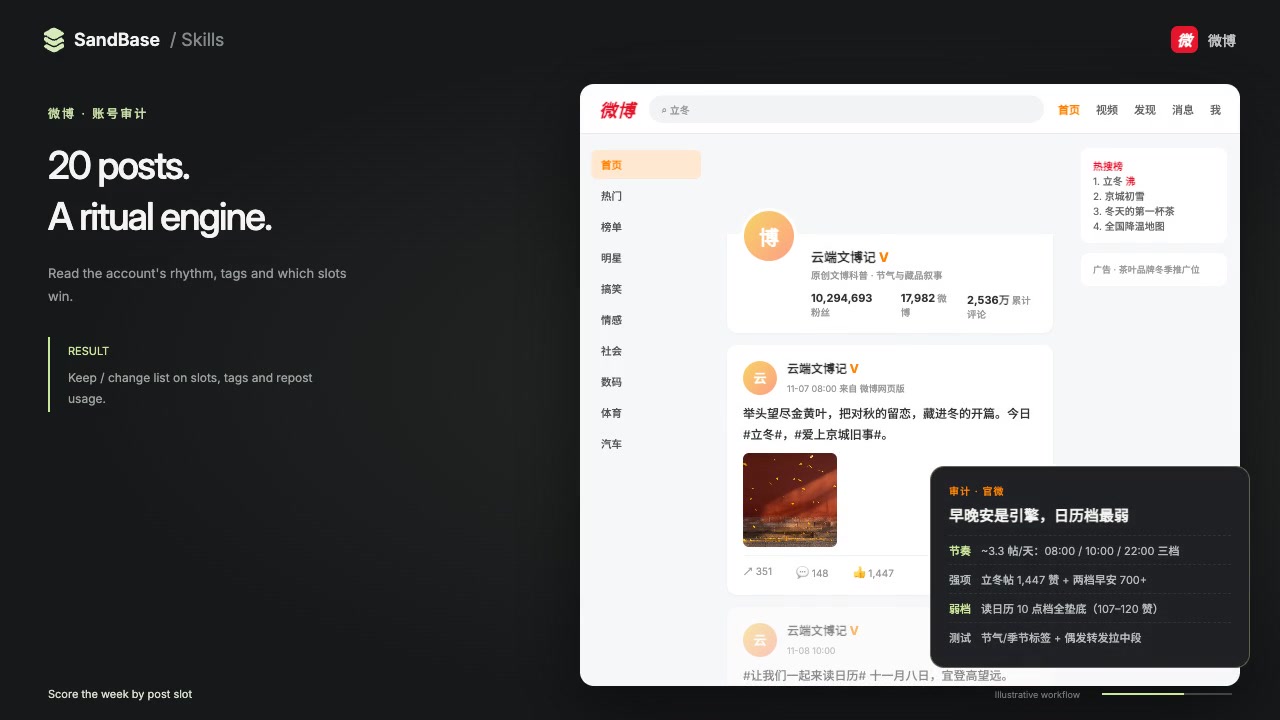
Weibo Account Audit
Audit a Weibo account's profile, posting rhythm and engagement against its own medians, and list what to keep, stop and change.
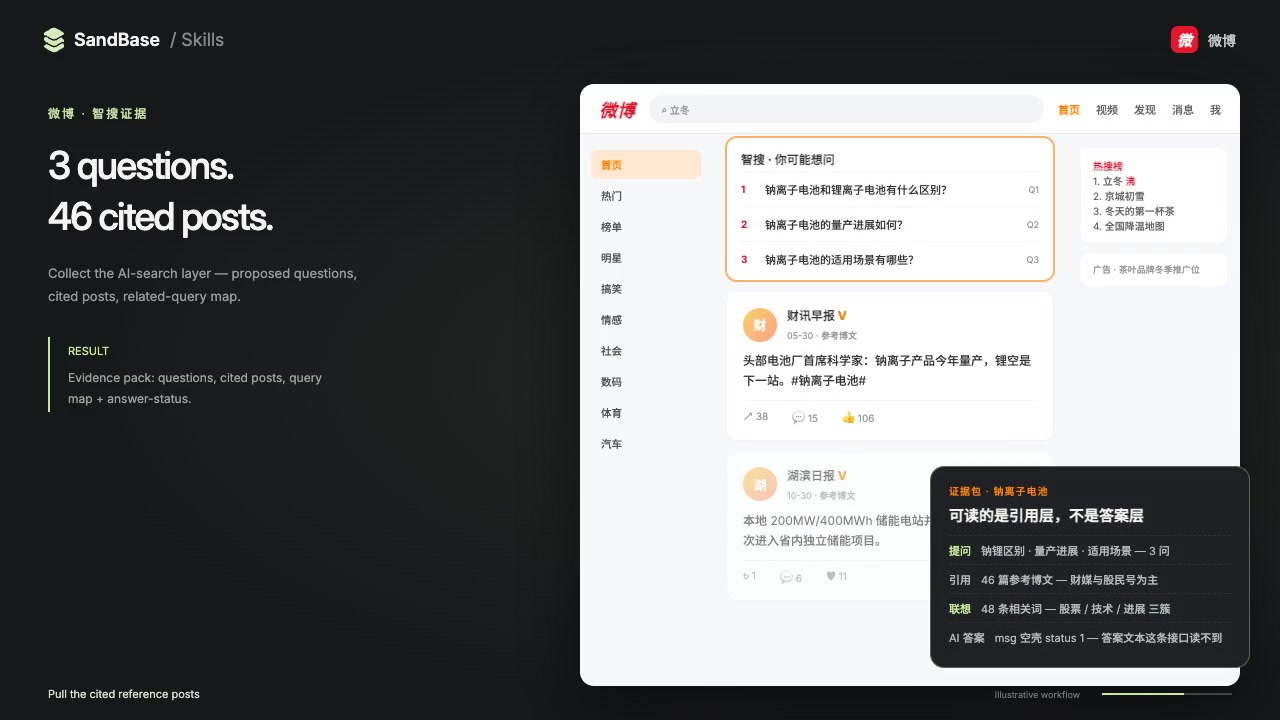
Weibo AI Search Brief
Build an evidence pack for an issue or topic from Weibo's intelligent-search (智搜) surfaces through SandBase
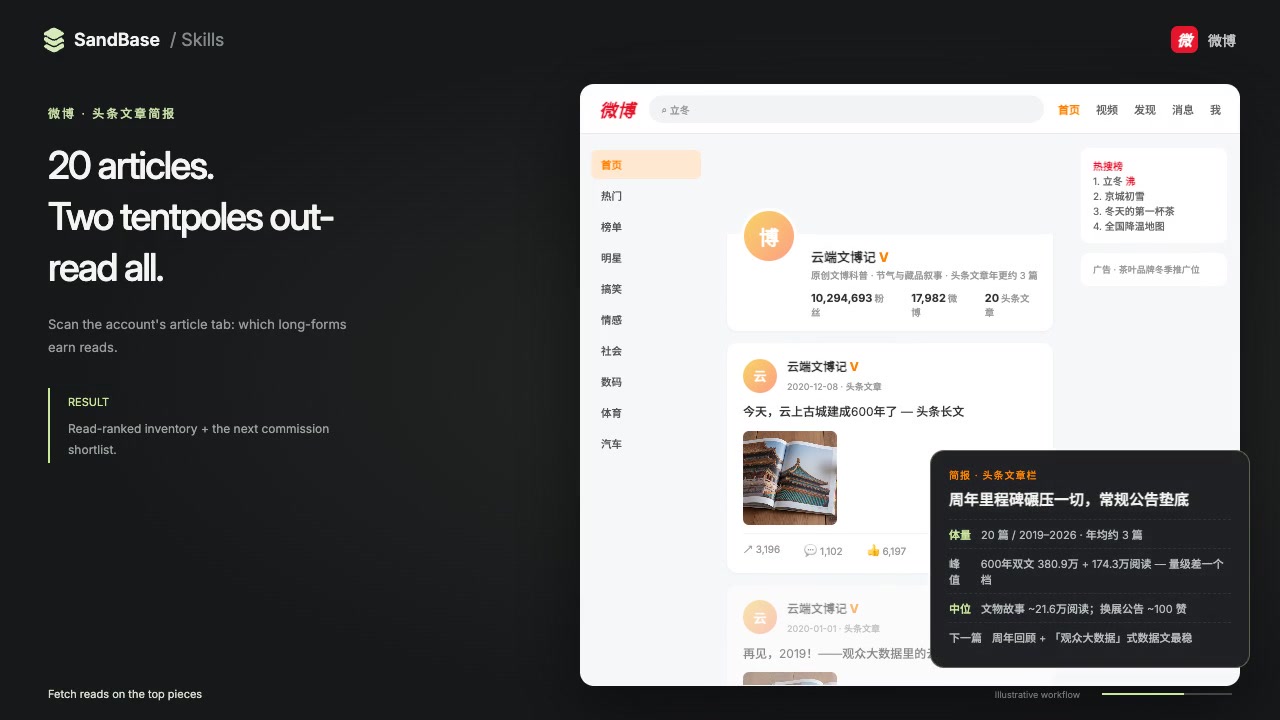
Weibo Article Brief
Review one account's Weibo long articles — titles, reads and engagement — and say which subjects and forms earn reads for it.
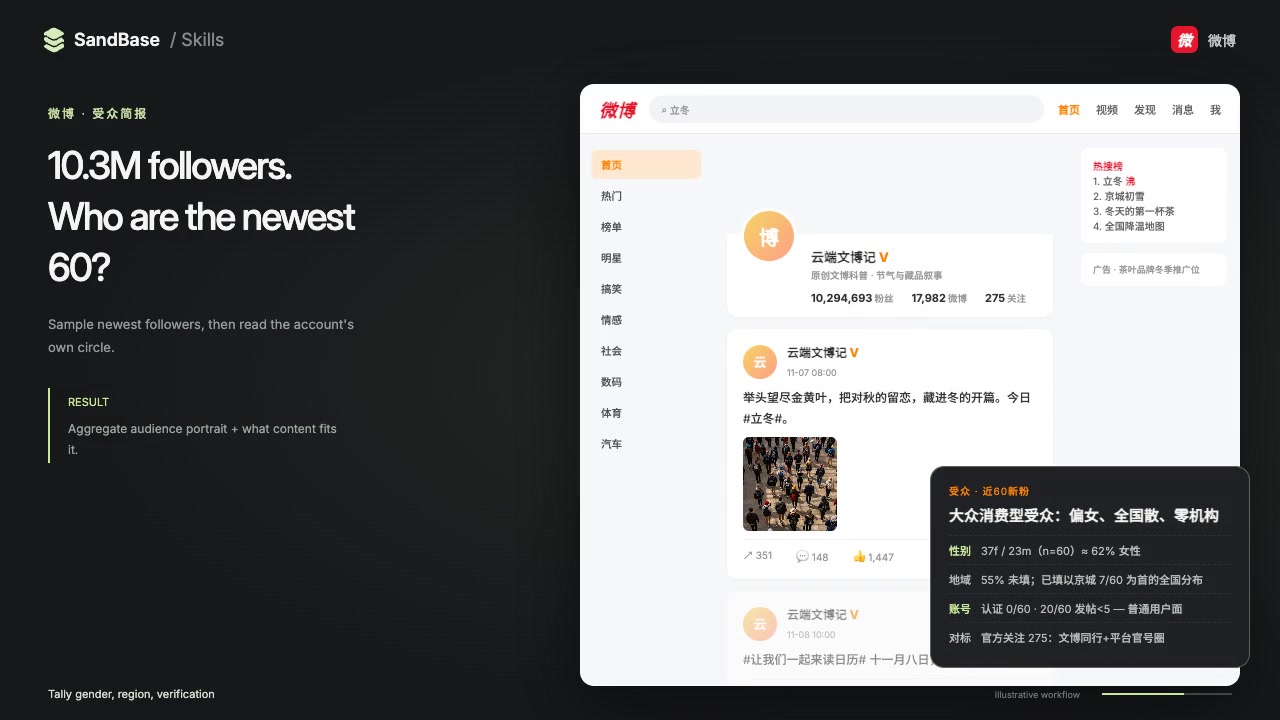
Weibo Audience Brief
Profile one Weibo account's audience from a sampled slice of its public follower list — aggregate gender, region, verification and activity signals.
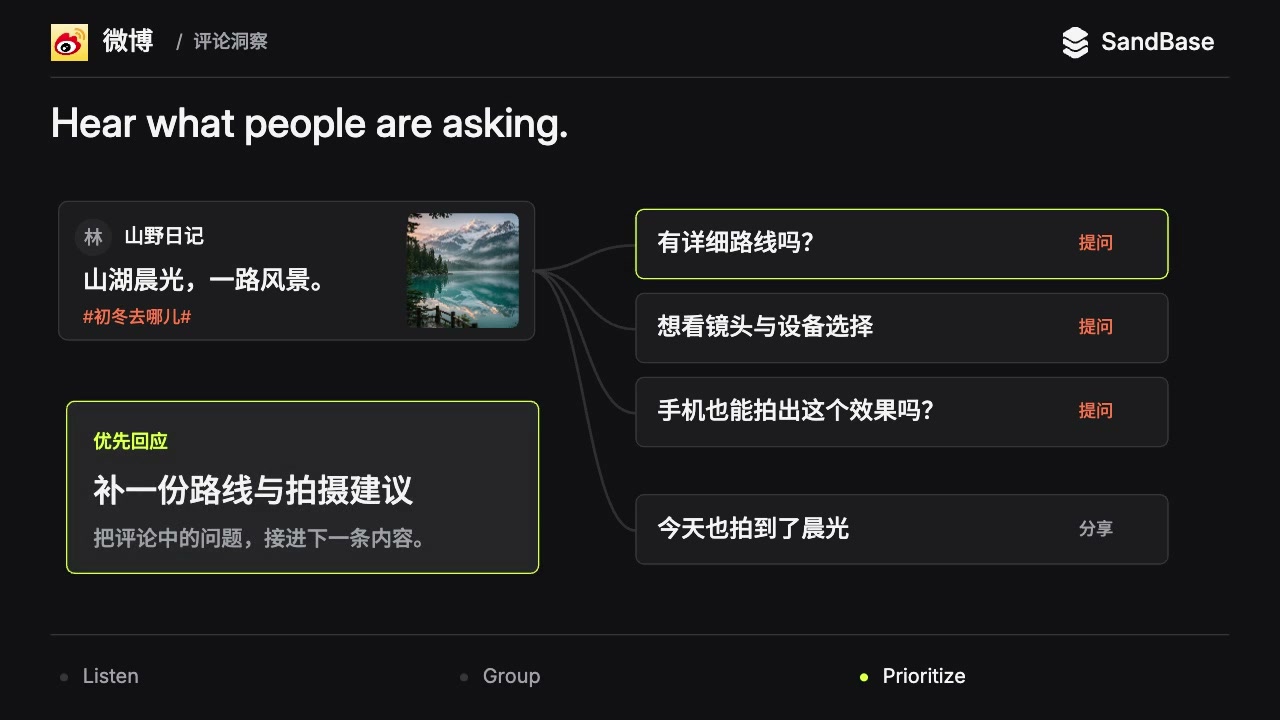
Weibo Comment Pulse
Read one Weibo post’s comments and see what people say, where they are from, and whether anything needs an answer.