
YouTube Audience Topics
- Skill del Lab
- v0.3.0
- YouTube
Find the next useful video question in a bounded comment sample.
Copertina
Cosa ottieni
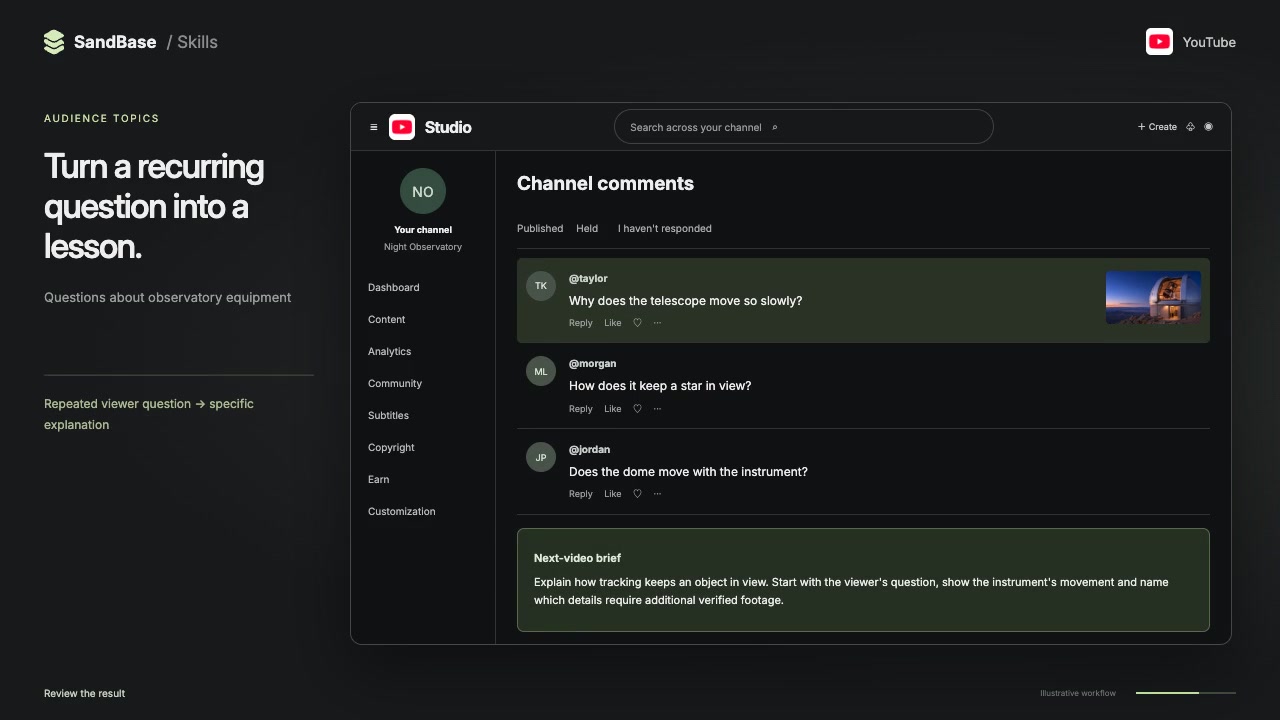
Bring video links/comments, optional channel Community posts, channel scope and production constraints. The Skill returns evidence-linked next-video topics and a production brief, with Community questions kept separate from video-comment counts.
Come funziona
- 01
Collect a bounded sample
From video URLs, the Agent reads comments through SandBase with a stated sort, page count and languages, plus each video's full transcript to see what it actually covers. Replies are fetched only for threads needed to interpret a question. Community posts and their comments can be added, kept as a separate source.
- 02
Group and count themes
Comment IDs are deduplicated, and creator replies, spam and deleted records separated. Specific unanswered questions, obstacles, corrections and requests are grouped, distinguishing a question the video already answers from a real gap. Each theme counts distinct comments and source threads with code, stating overlap.
- 03
Rank and write one brief
Candidates are ranked by a stated rule: recurring unresolved problem, fit with the channel, distinction from existing videos and feasibility. One topic brief follows with the viewer question, evidence IDs, the promise the creator can fulfil, an outline, required materials and what is not covered.
FAQ
What does YouTube Audience Topics deliver?
YouTube Audience Topics delivers a shortlist of next-video questions drawn from a bounded comment sample, with deduplicated counts and contradictions noted, plus one concrete production brief for the strongest topic. The unit is an observed comment or thread, not an inferred person or audience segment.
Why does YouTube Audience Topics read transcripts?
YouTube Audience Topics reads each source video's transcript to tell a real gap from a question the video already answers. A comment asking something covered at minute four is a findability issue, not a new topic. The brief records which is which.
Does YouTube Audience Topics profile commenters?
No. YouTube Audience Topics counts repeat participation across sampled videos only when stable anonymous IDs exist, and never calls those people superfans, buyers or the whole audience. Identities are omitted from the output. The output describes questions and themes, and it keeps commenters out of any list or label.
How is YouTube Audience Topics billed?
YouTube Audience Topics calls YouTube comment, reply, transcript, channel and community post tools through SandBase, each billed per call; the total depends on videos and pages read. Reply threads are fetched only when needed. Inspect the comment tools before running; rates are at https://www.sandbase.ai/pricing.
How does YouTube Audience Topics handle a one-off request?
YouTube Audience Topics keeps an isolated request as a separate suggestion rather than merging it into a theme. In the included example, repeated requests became one topic while a single request stayed apart, so counts reflect real recurrence. Its count stays at one.
Altri Skills
Tutti gli Skills YouTube →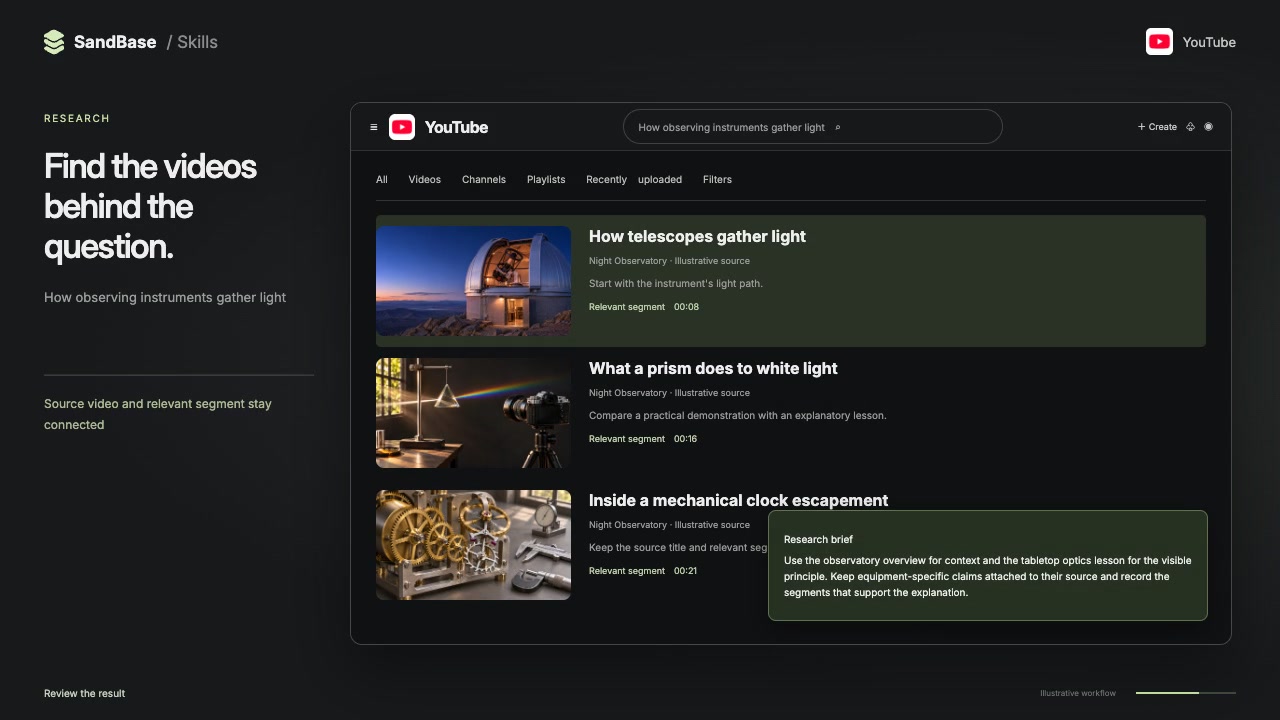
YouTube Research
Search videos, analyze channels, extract captions, read comments, and discover trends on YouTube through SandBase. Use when asked for YouTube research, video discovery, channel analysis, content strategy research, comment sentiment, or video transcript extraction.
YouTube Transcript
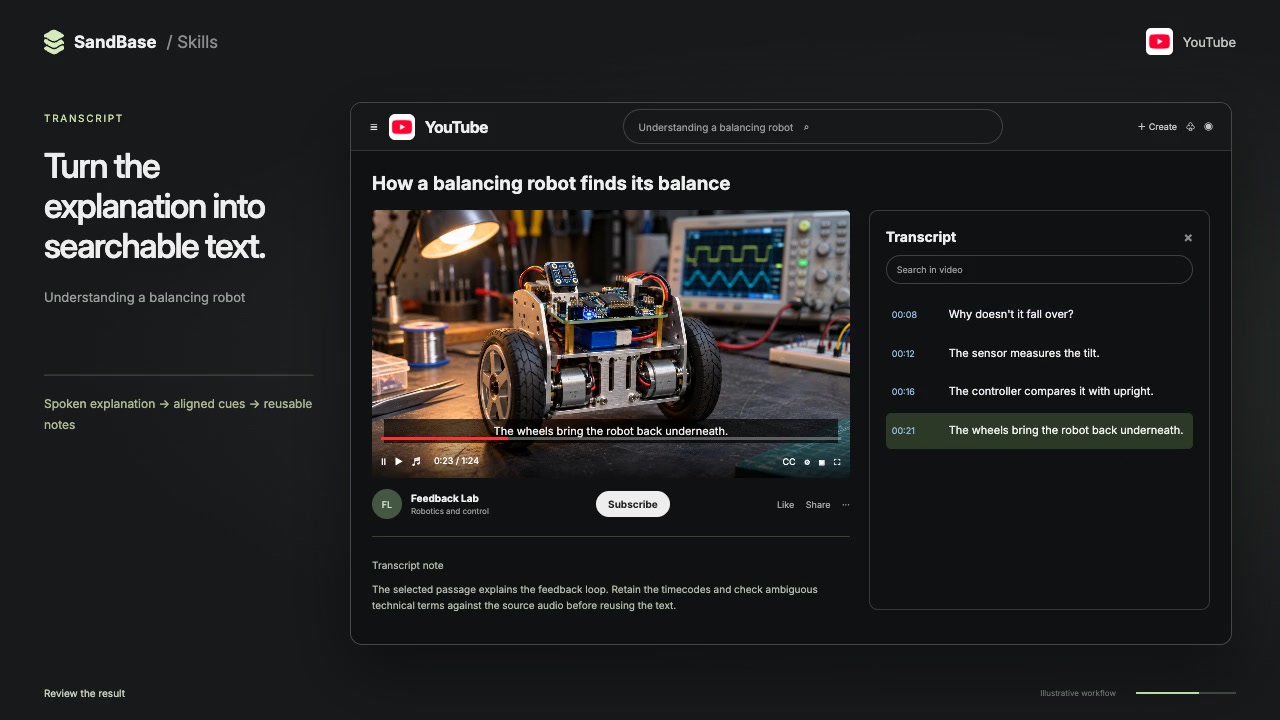
Extract full transcripts and captions from YouTube videos for content analysis, summarization, note-taking, and repurposing. Supports multiple languages and auto-generated captions. Ideal for research, content creation, and accessibility workflows.
YouTube Channel Audit
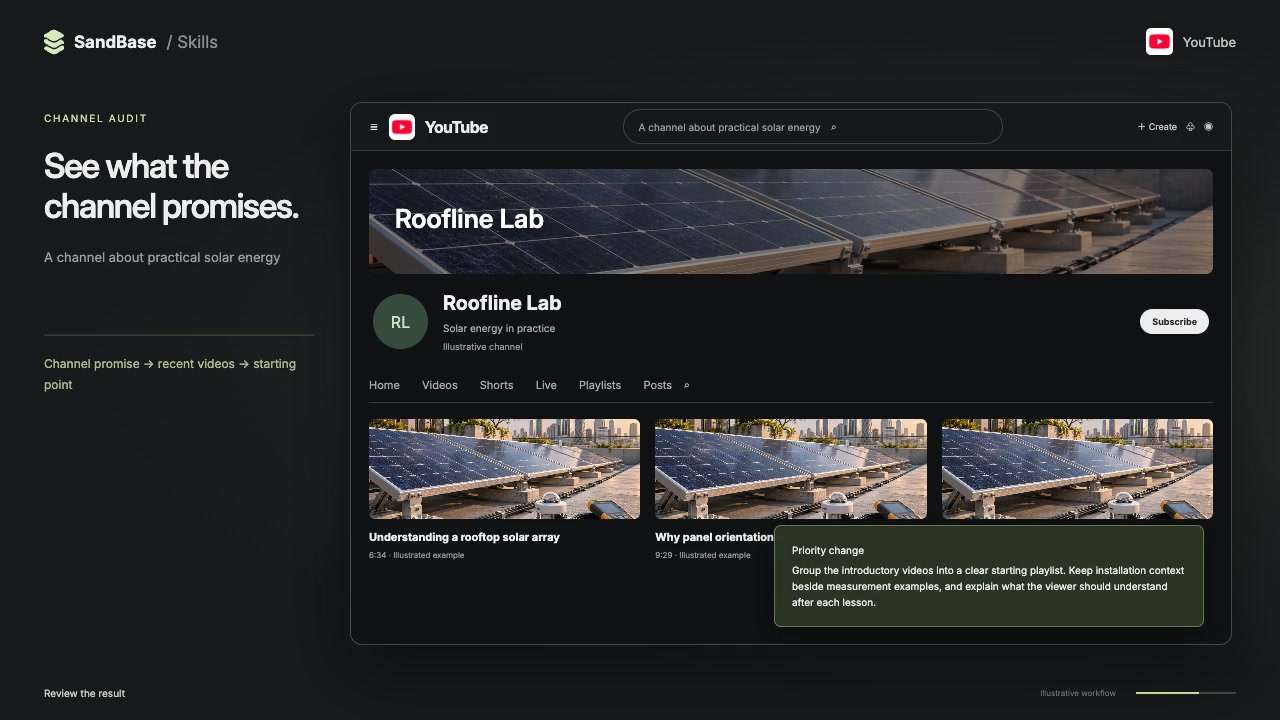
Review recent titles, upload rhythm and transcript openings to choose one main fix.
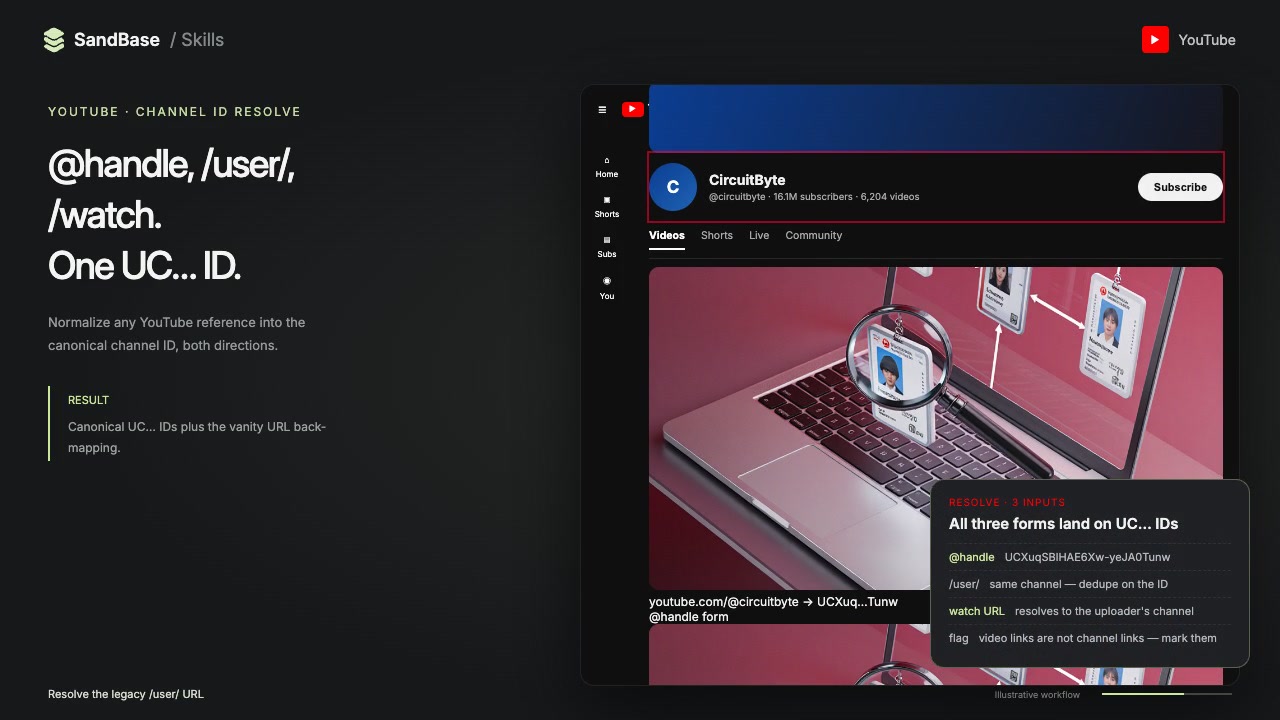
YouTube Channel Id Resolve
Resolve any YouTube channel reference
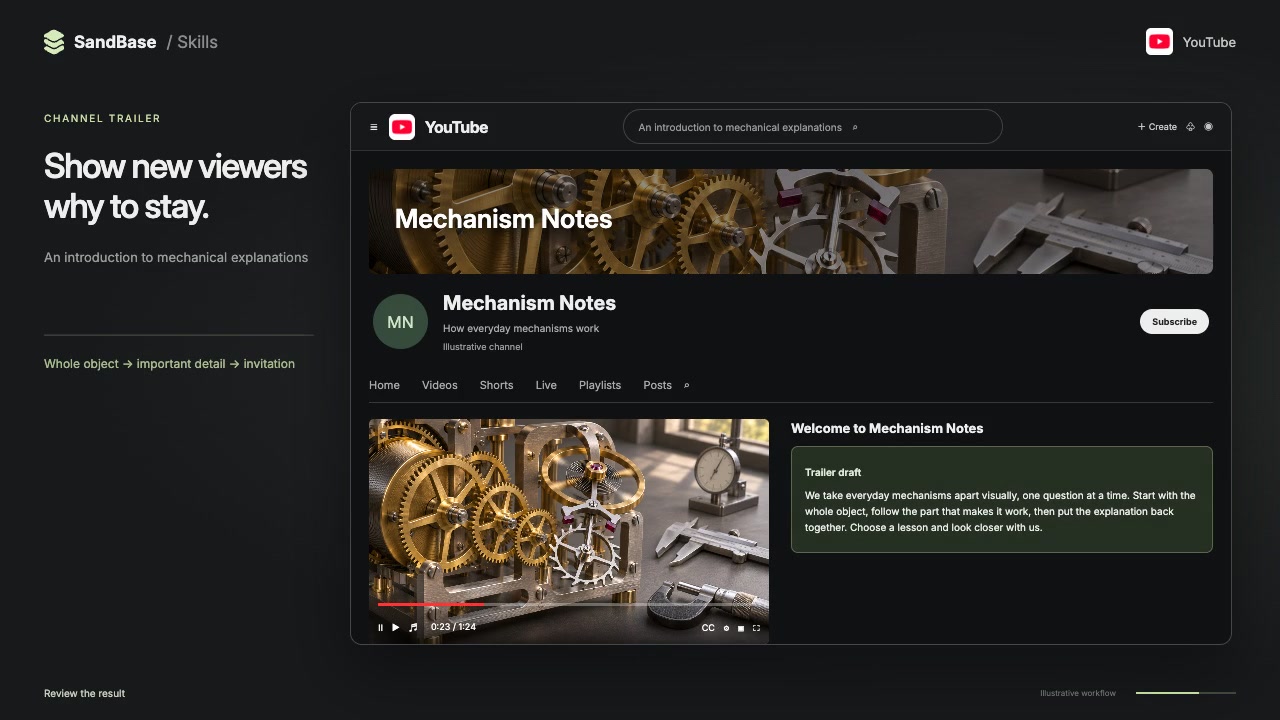
Write a YouTube channel trailer
Introduce the channel with concrete examples and a script that fits the available time.
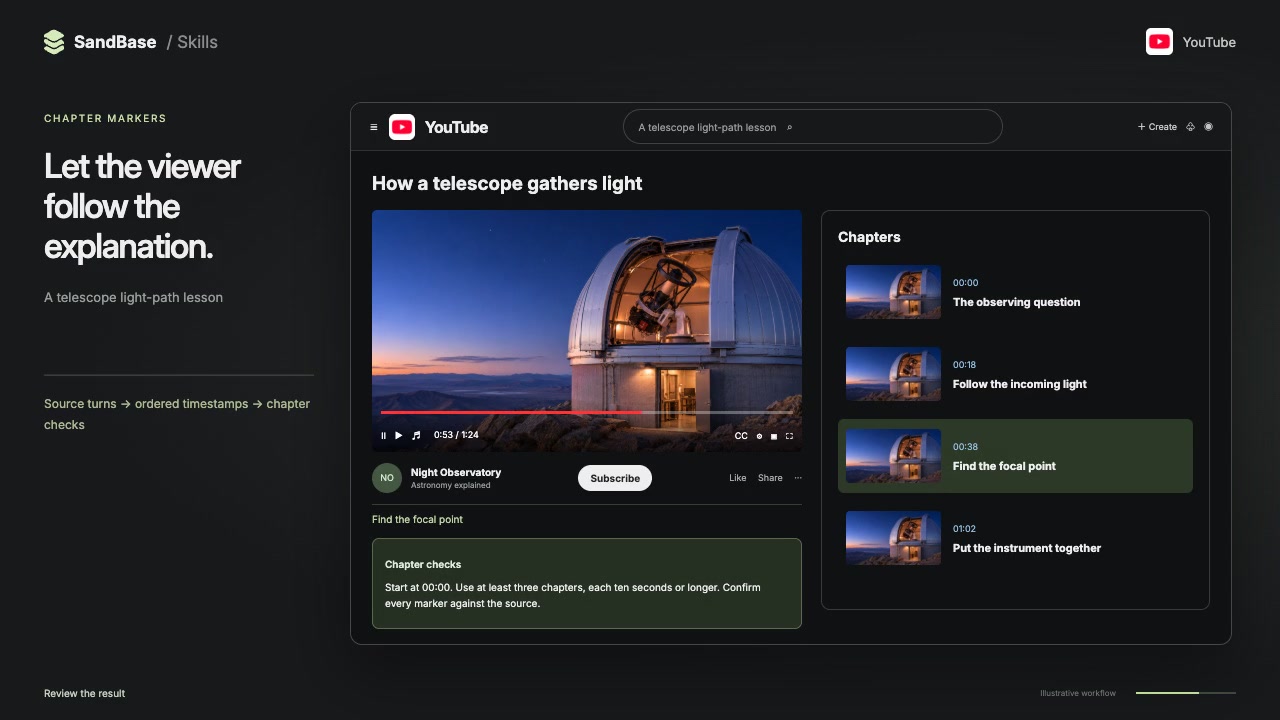
YouTube Chapter Markers
Write chapters from the video’s own transcript that follow YouTube’s rules, so they actually appear on the progress bar.