
Class Schedule Maker
GratisPianificatori e trackerSet the period times in Row names and the days in Columns. College students can use times; school students can use Period 1, Period 2 and so on.
- Letter o A4
- PDF pronto per la stampa
- Nessun caricamento
View table content
Page 1 of 1 · Rows 1–8 · Column group 1 of 1. Empty cells are for writing after printing.
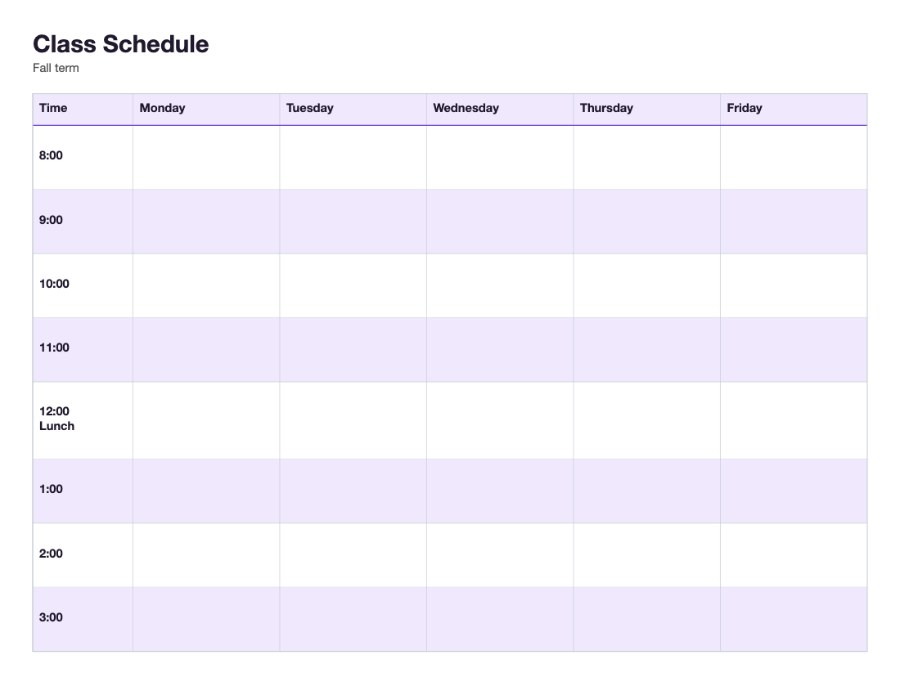
| Row | Time | Monday | Tuesday | Wednesday | Thursday | Friday |
|---|---|---|---|---|---|---|
| 1 | 8:00 | — | — | — | — | — |
| 2 | 9:00 | — | — | — | — | — |
| 3 | 10:00 | — | — | — | — | — |
| 4 | 11:00 | — | — | — | — | — |
| 5 | 12:00 Lunch | — | — | — | — | — |
| 6 | 1:00 | — | — | — | — | — |
| 7 | 2:00 | — | — | — | — | — |
| 8 | 3:00 | — | — | — | — | — |
Esempi
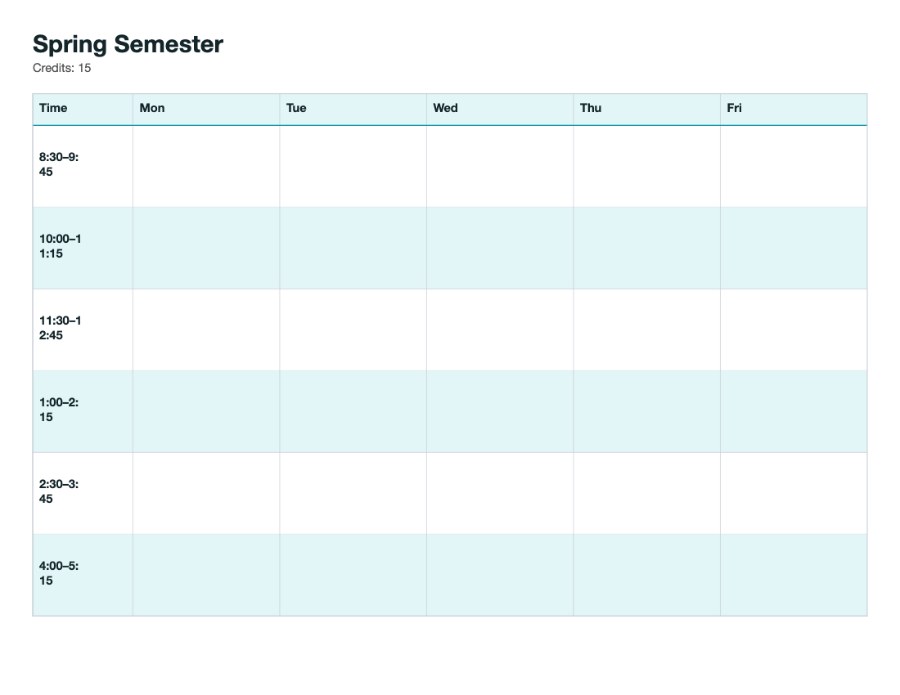
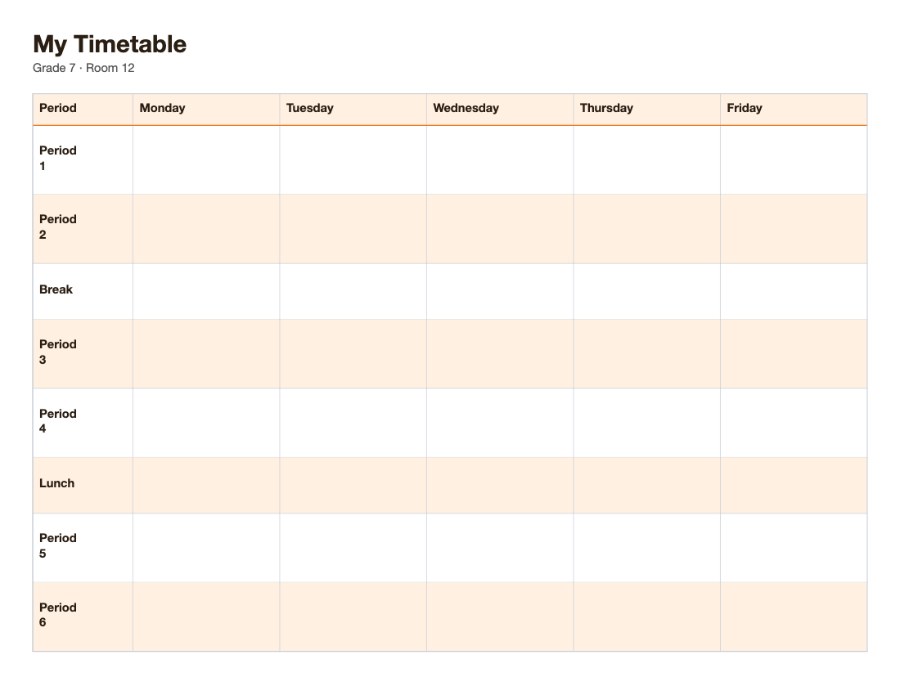
Creati con questo strumento. Aprine uno per partire da lì e modificare tutto.
Come usare Class Schedule Maker
- 01
Edit the title, column headings and row names. Text wraps; long or wide tables continue on additional pages.
- 02
Pick colors, paper and orientation. Choose which columns get checkboxes, then review every page.
- 03
Download all pages as one PDF, or save the selected page as a PNG.
Per cosa viene usato
Students
Know which class, room and teacher comes next.
Teachers
A clear timetable for the classroom door.
Parents
A copy for the fridge to plan pickups.
Consigli per un risultato migliore
- Write the room number with each class.
- Color code by subject with highlighters after printing.
- Add breaks and lunch as rows.
- Keep a photo on your phone too.
FAQ
Can I add Saturday?
Add it to the columns.
Can I write room numbers?
Yes. There is room in each box for the class and the room.
Can I add Saturday classes?
Add Saturday to the columns.
How do I show alternating weeks?
Make one schedule for Week A and one for Week B.
Does Class Schedule Maker upload what I type?
No. Class Schedule Maker draws the page in your browser from what you type, so it works offline once the page has loaded and nothing is sent anywhere.
Altri strumenti
Lesson Plan Template
A weekly lesson plan with objective, activities, materials and assessment columns.
Reading Log Template
A printable reading log with title, pages, minutes and initials.
Study Planner Template
A weekly study plan by subject with daily boxes.
Cleaning Schedule Template
A weekly cleaning checklist with a tick box for each day.
Employee Schedule Template
A weekly staff schedule with shifts per day and total hours.
Weekly Schedule Maker
A seven-day schedule with hour rows, dated or blank.