
1688 Image Sourcing
- Lab Skill
- v0.1.1
- 1688
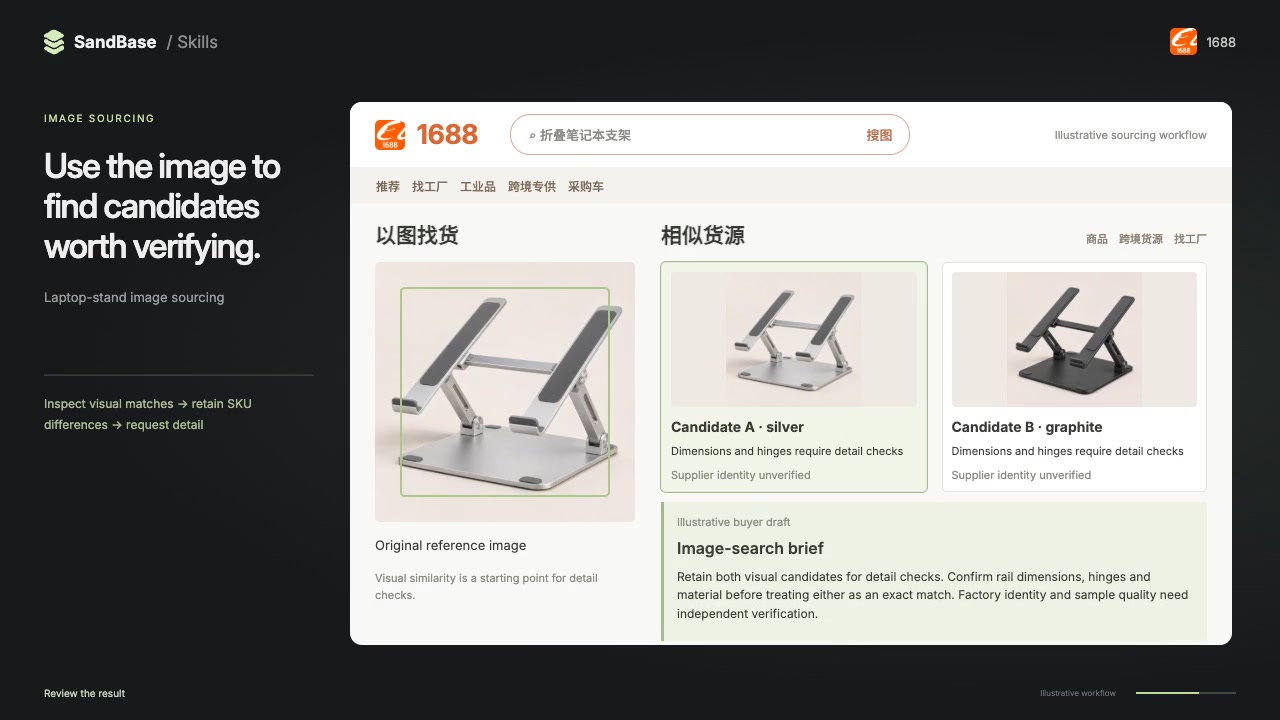
Start from one product photo and find who sells the same style on 1688, at which quantity tiers — then pick the most likely factory.
カバー
得られるもの
Bring a publicly reachable image URL plus your target quantity and market. The Skill returns a comparison table of look-alike listings (price tiers, MOQ, orders, repurchase, factory flags), a recommendation with reasons, and what to confirm before ordering.
仕組み
- 01
Search by image twice
The Agent sends your reference image URL to 1688 image search and to the cross-border image search. The second pass returns export-oriented rows with quantity price tiers and translated titles while keeping the original Chinese. An unreachable or non-image URL comes back as an empty result, which the report states plainly instead of widening the search.
- 02
Read rows and drop mismatches
Each row is read for item ID, title, price, quantity tiers, minimum order, orders count and shop type. Rows that are clearly a different product, judged from the title rather than the thumbnail, are removed along with ad rows that show no sales. The report counts how many were dropped and why, and it can end with zero survivors.
- 03
Detail the leaders and pick one
For the two or three best survivors, one item-detail call confirms tier prices, sold count, origin and shop services. The Agent recommends one listing that balances factory status, the tier price at your quantity, orders and repurchase, and says in one line why it beats the runner-up. Every price keeps its tier.
FAQ
What does 1688 Image Sourcing need from me?
1688 Image Sourcing needs one reference image as a public URL and, ideally, the quantity you plan to buy. Image search reads remote images only, so a photo on your computer must first be hosted somewhere reachable and its link passed in. The quantity decides which price tier the comparison table and the final pick use.
Does a visual match mean it is the same product?
No. 1688 Image Sourcing finds visually similar listings, and similarity does not prove two items are identical. The title and the item detail decide whether a row is the same product, and the report says so. If every returned row turns out to be a different product type, the run reports no match instead of recommending one.
Which SandBase calls does it make?
1688 Image Sourcing calls three SandBase data tools: image search, cross-border image search and item detail. A run is a handful of calls, and they use your organisation's daily free API quota first before usage is billed. The Agent inspects each tool to read its schema and current price before it runs; pricing is listed at https://www.sandbase.ai/pricing.
How does it tell a factory from a trader?
1688 Image Sourcing reads the shop fields 1688 returns, including the factory flag and shop services, and cites the field for every shop claim. A trader can still be the right supplier, and the recommendation explains the trade-off. The flags are platform data rather than an audit, so visit or verify a factory yourself before a large order.
Will it contact the supplier it recommends?
No. 1688 Image Sourcing is read-only and makes no contact and no orders. It delivers a comparison table, a count of dropped rows and one recommendation with reasons. Tier prices and sales are a snapshot from the time of the call, so re-check the listing before you message the seller yourself.
その他の Skills
すべての 1688 Skills →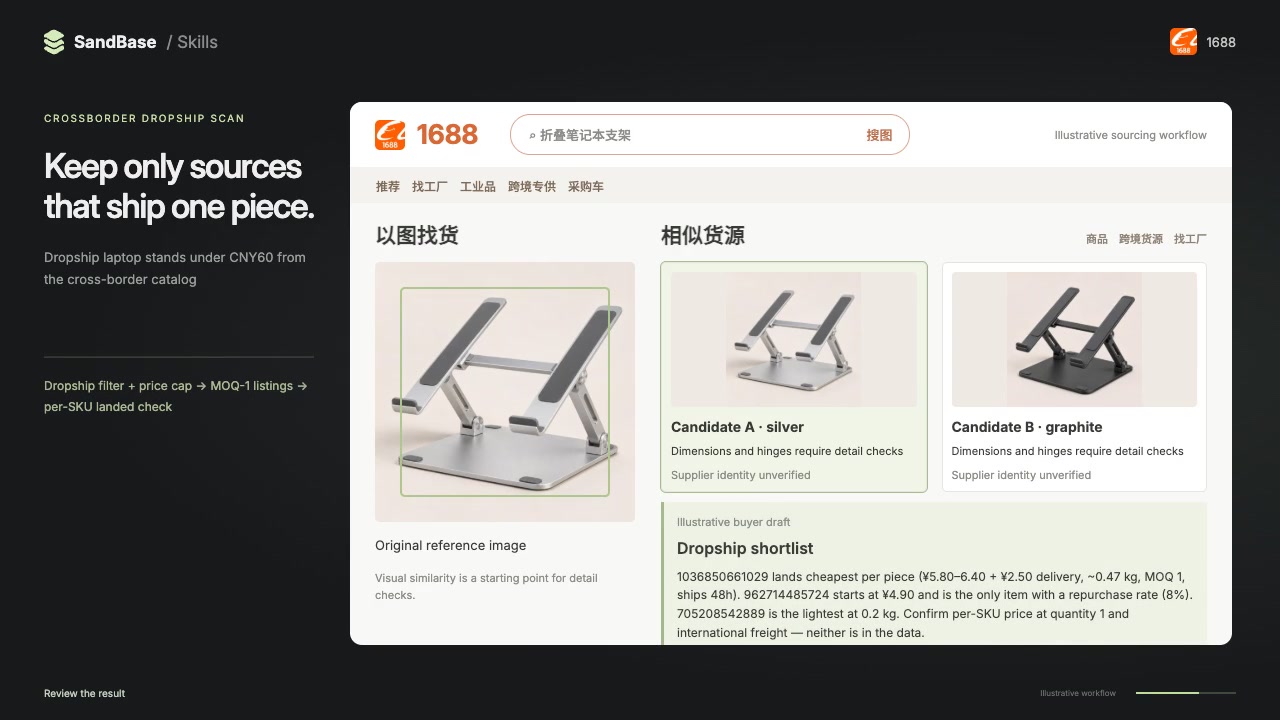
1688 Cross-Border Dropship Scan
Find 1688 sources you can dropship one piece at a time.
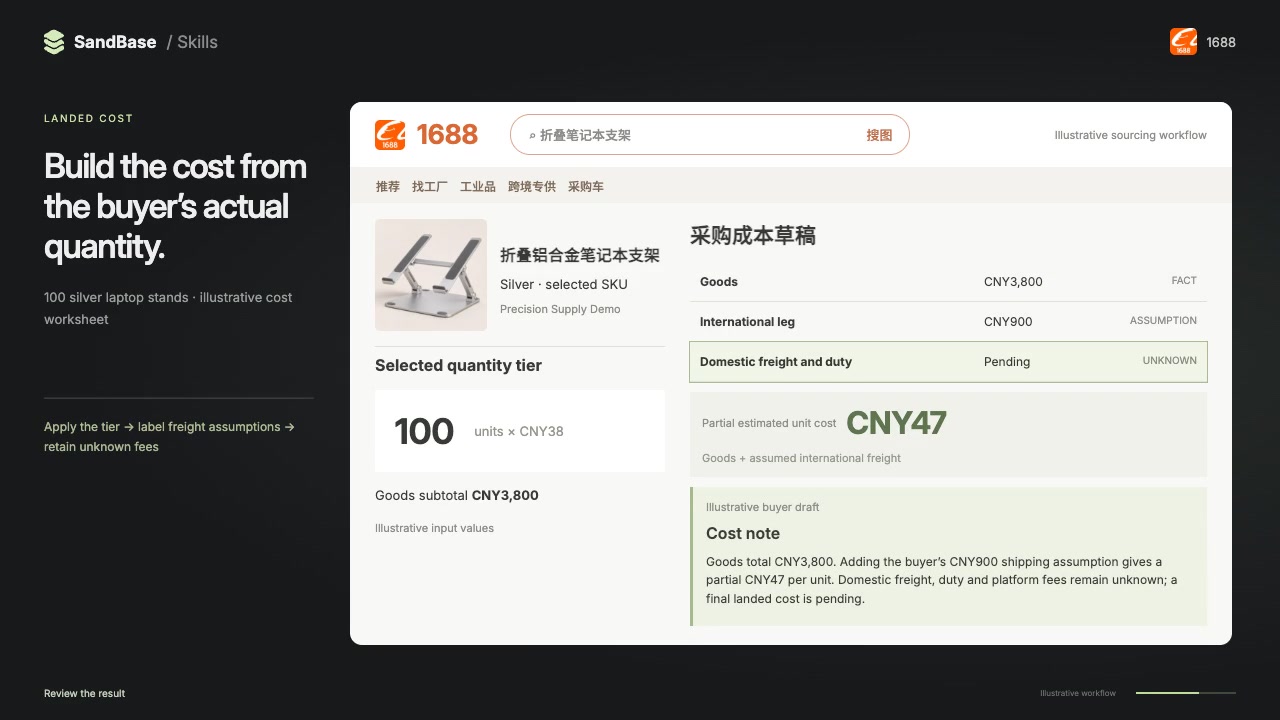
1688 Landed Cost
The listing price is not your cost — compute the landed unit cost of a 1688 item with every line tagged FACT, ASSUMPTION or UNKNOWN.
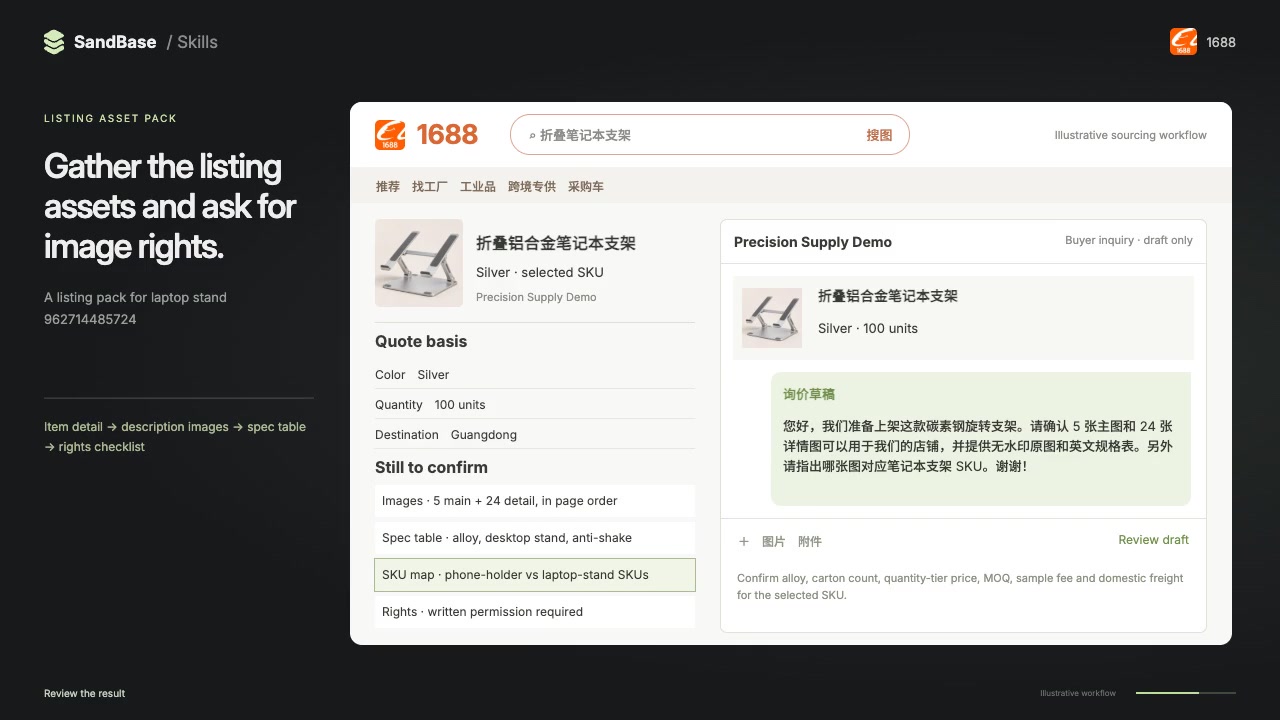
1688 Listing Asset Pack
Gather what a new listing needs from a chosen 1688 product.
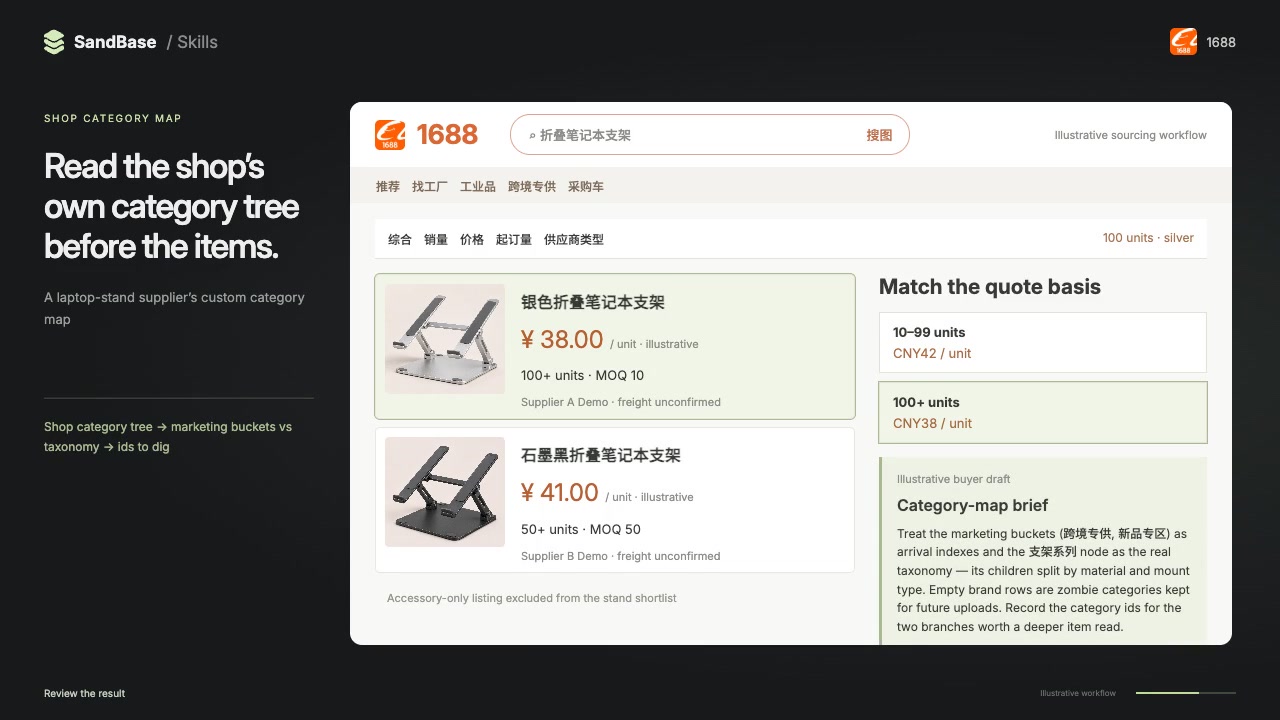
1688 Shop Category Map
Map one 1688 shop's self-defined category tree through SandBase
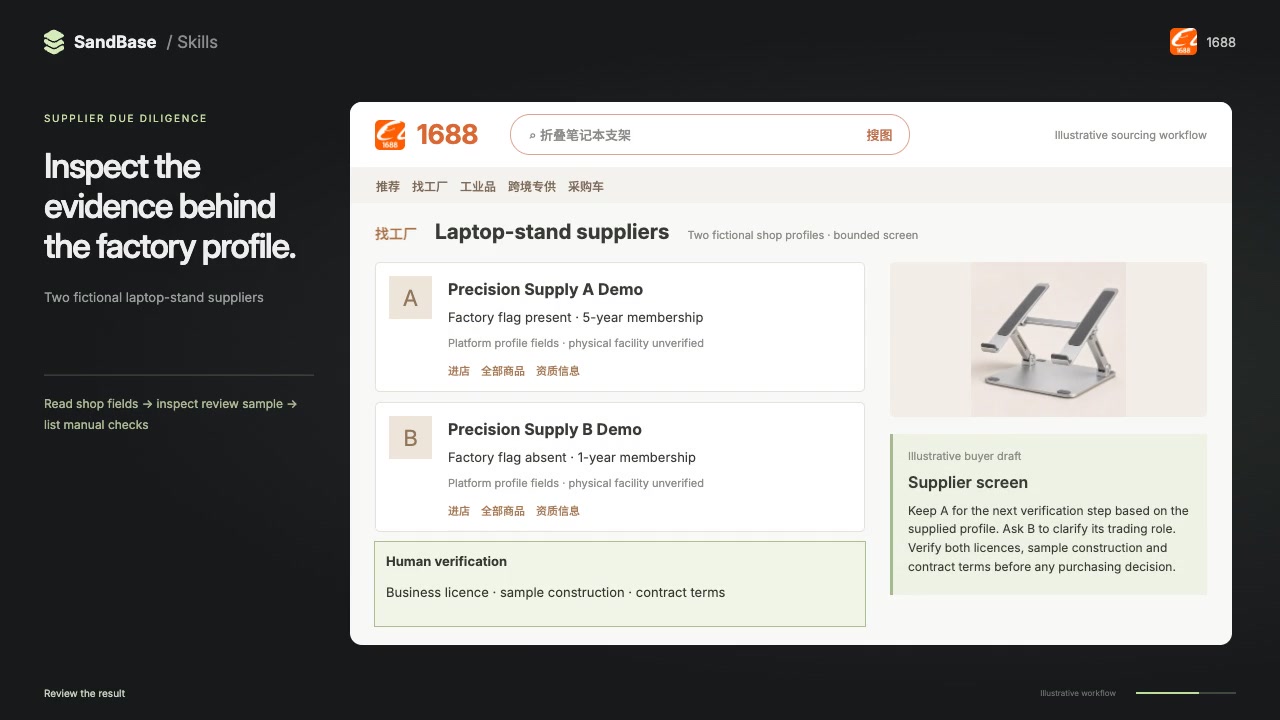
1688 Supplier Due Diligence
Screen candidate 1688 suppliers before you contact anyone — a documented first-pass check with platform ratings, factory flags, red flags and the manual checks that remain.
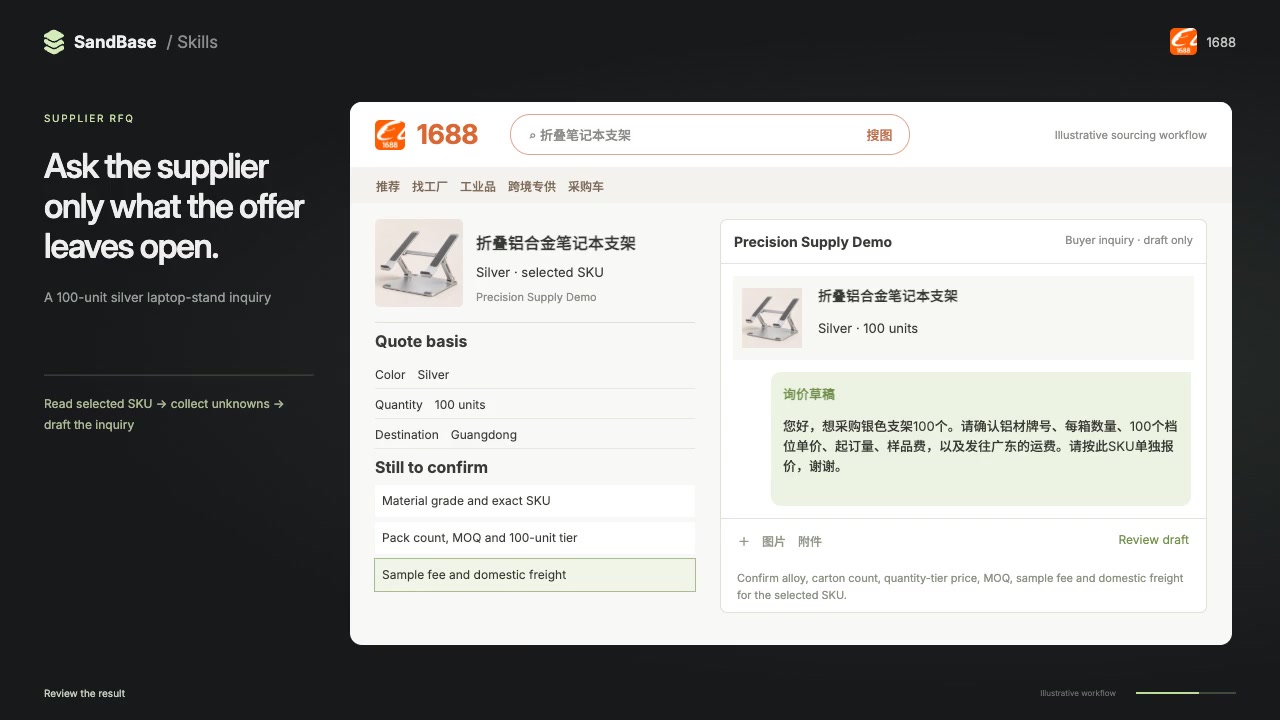
1688 Supplier RFQ
Turn the sourcing shortlist into precise supplier questions.