
LinkedIn Comment Drafter
- Lab Skill
- v0.3.0
Write a specific comment using only the post and what you can support.
カバー
得られるもの
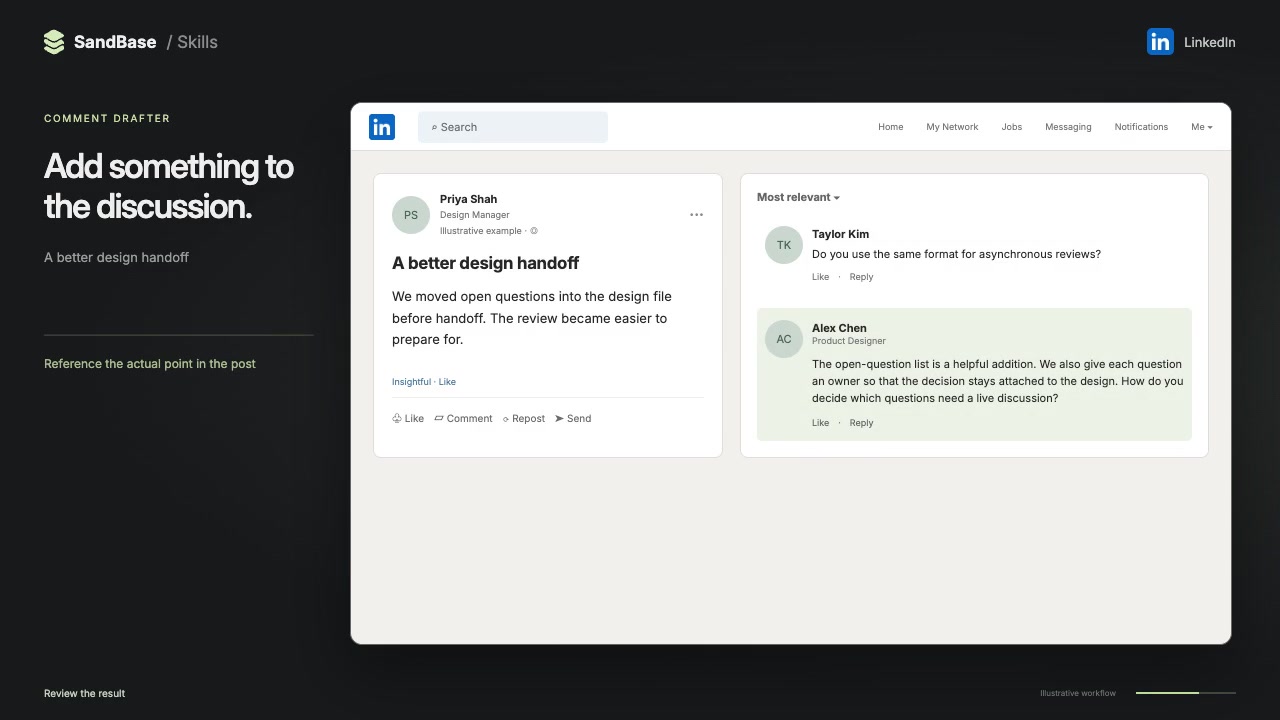
Bring post URL/text, your contribution facts and the exact comment link when replying within a thread. The Skill returns grounded comment options and a support map, checked against retrieved replies to avoid repeating an existing answer.
仕組み
- 01
Read the post
From the post text, or its public URL read through SandBase, the Agent quotes the post's main claim and notes what it leaves open, such as missing evidence or an unasked question. Your fact sheet numbers what you supplied as U1, U2 and so on; only these and the post itself can appear in a draft.
- 02
Choose angles and draft
Up to three angles are chosen, each a different kind: a fact you can stand behind, a question the post leaves open, or a counterpoint. Each draft is two to four sentences and engages the post's specific point in its first sentence. Nothing in a draft is invented.
- 03
Check and recommend
Every factual clause is mapped to a quote from the post or a U item, and each draft's character count is given. A one-line recommendation says which draft best fits your goal and why. Nothing is posted; you choose a draft and post it yourself.
FAQ
What does LinkedIn Comment Drafter write?
LinkedIn Comment Drafter writes up to three comments for someone else's LinkedIn post, each adding one thing: a fact you can stand behind, a question the post leaves open, or a counterpoint. Each is grounded in the post and your own facts.
Why limit each draft to one thing?
LinkedIn Comment Drafter keeps each comment to a single contribution so it reads as a real reply, not a pitch. A comment that adds one useful fact or question tends to start a better conversation than one that tries to say everything.
Is reading the post billed?
LinkedIn Comment Drafter needs no calls when you paste the post text. Reading a post, its comments or replies from a URL through SandBase is billed usage. The Agent inspects each tool before running it so the price shows first; see https://www.sandbase.ai/pricing.
Can it add facts about me?
Only the ones you supply. LinkedIn Comment Drafter numbers your facts and maps every factual clause to one of them or to the post. It does not invent experience, results or credentials, so a draft never claims more than you can back up.
Will it post the comment?
No. LinkedIn Comment Drafter drafts only. You pick a draft, adjust it and post it under the post yourself. The recommendation explains which draft best fits your goal, but the choice is yours. Each draft shows its character count, so you can see at a glance which one fits the space you want.
その他の Skills
すべての LinkedIn Skills →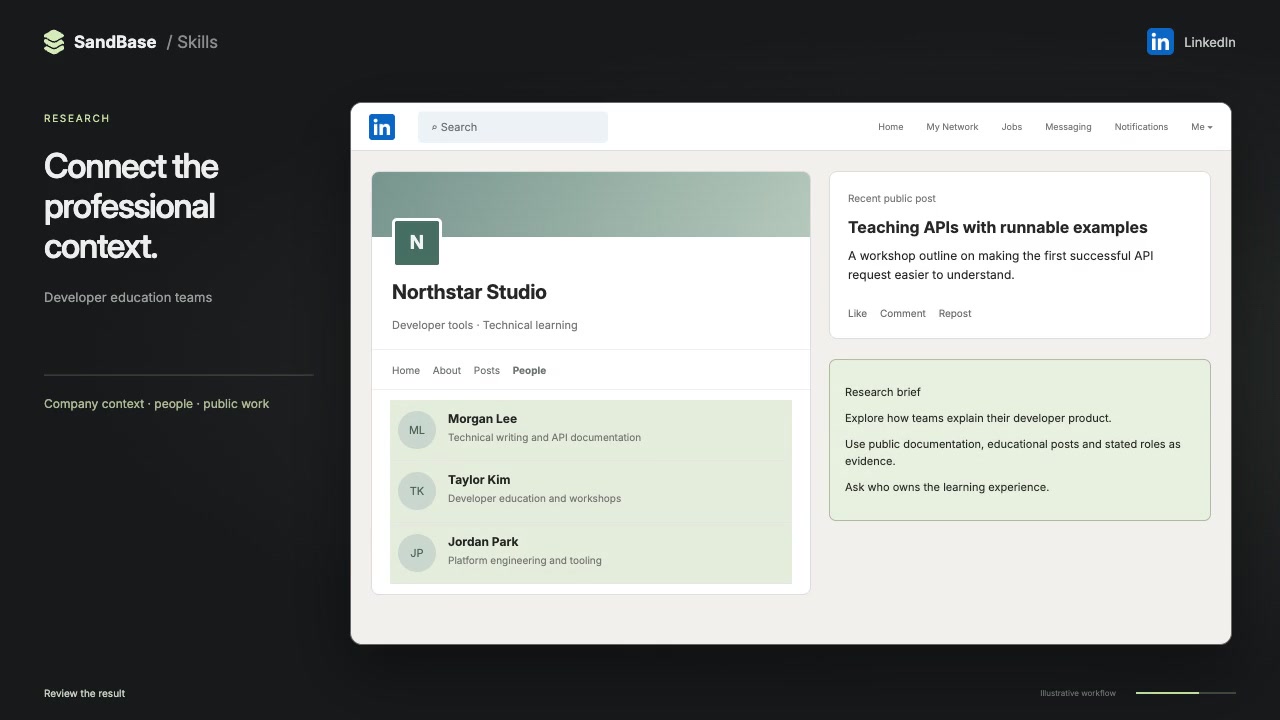
LinkedIn Research
Research companies, professionals, job markets, and industry content on LinkedIn through SandBase. Use when asked for LinkedIn research, company analysis, professional profiling, job market research, or B2B competitive intelligence.
LinkedIn Ads Audit
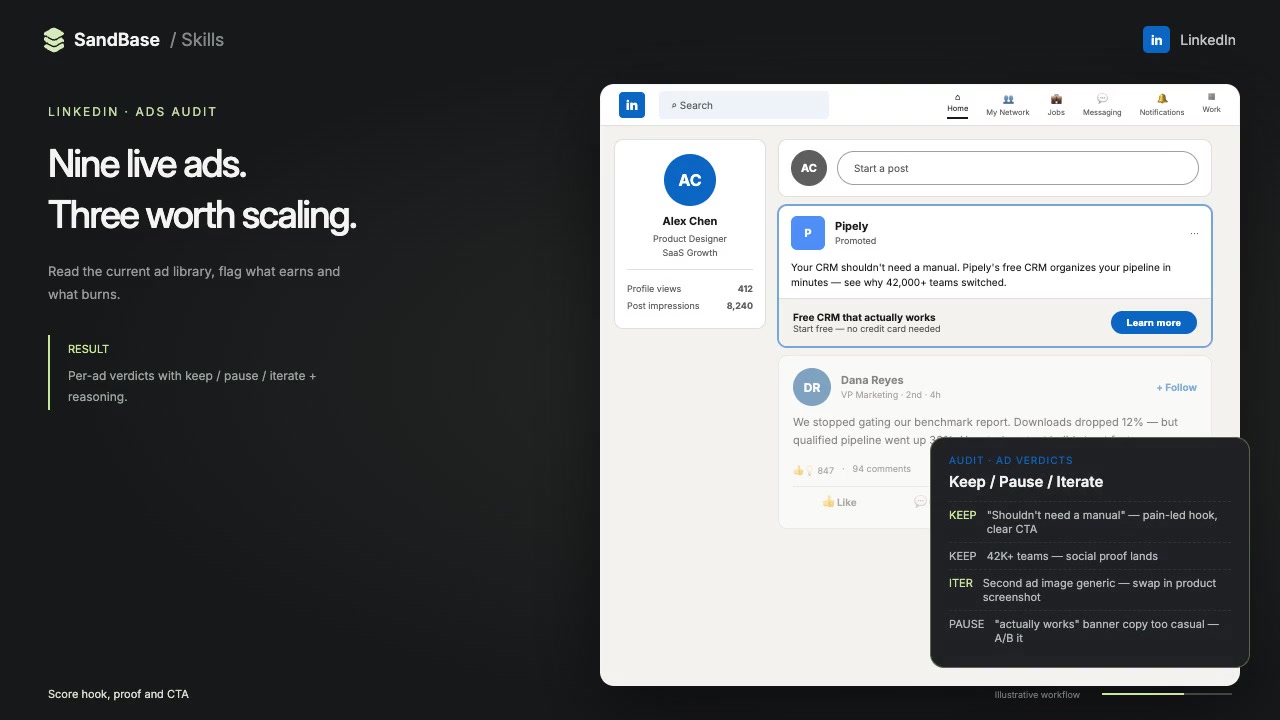
Read what an advertiser is really running on LinkedIn — the creative copy, formats, CTAs and landing pages — and sharpen the creative.
LinkedIn Authority Plan
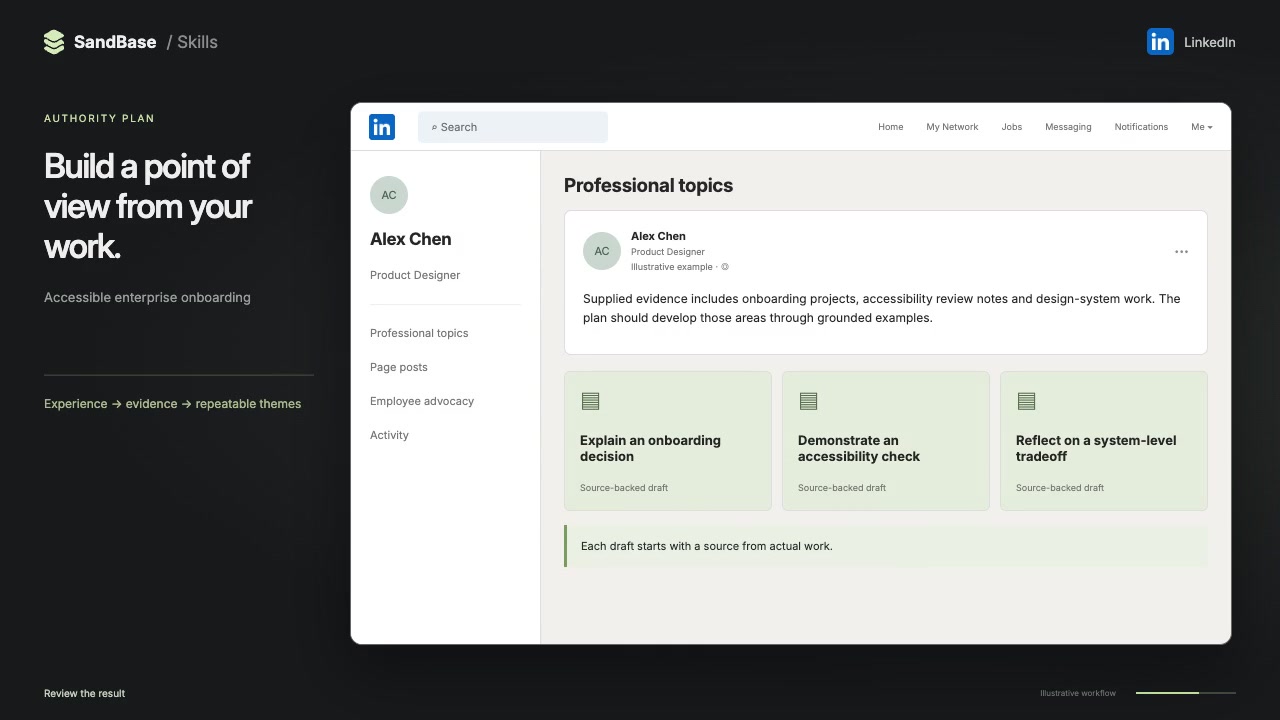
Make your professional experience credible and understandable to a chosen audience.
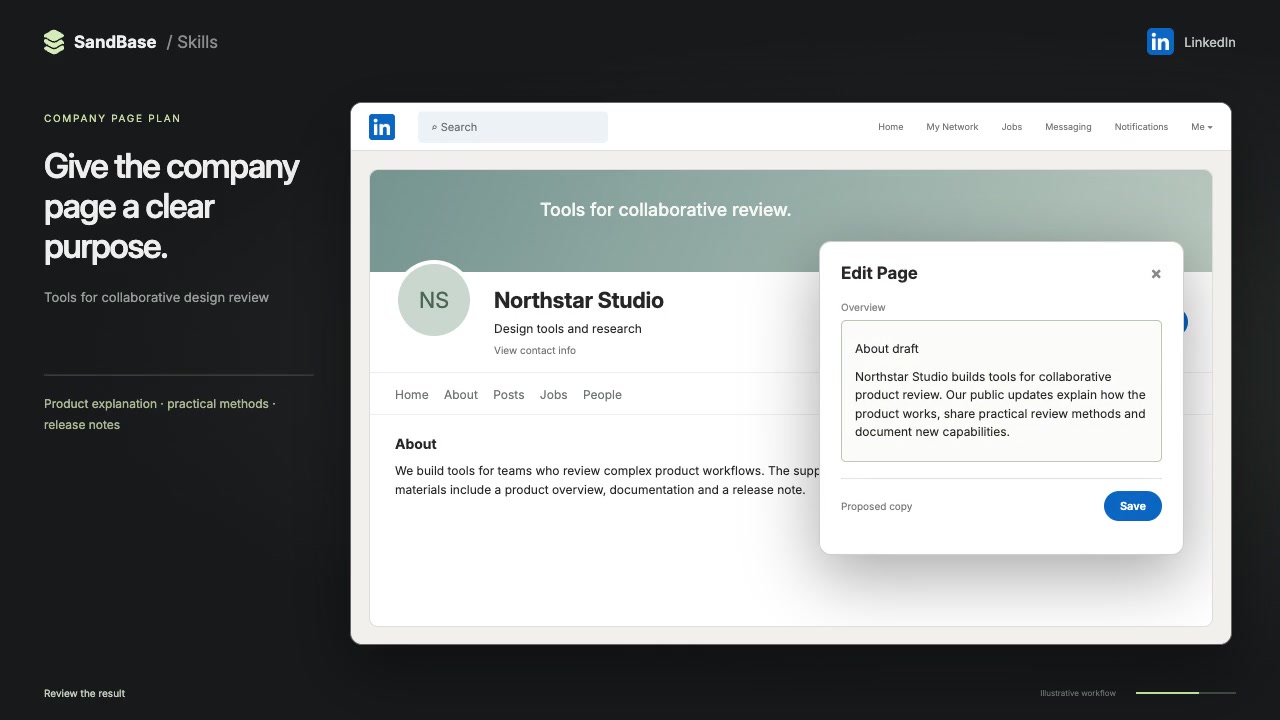
LinkedIn Company Page Plan
Clarify the company page and fill a realistic schedule with approved, usable copy.
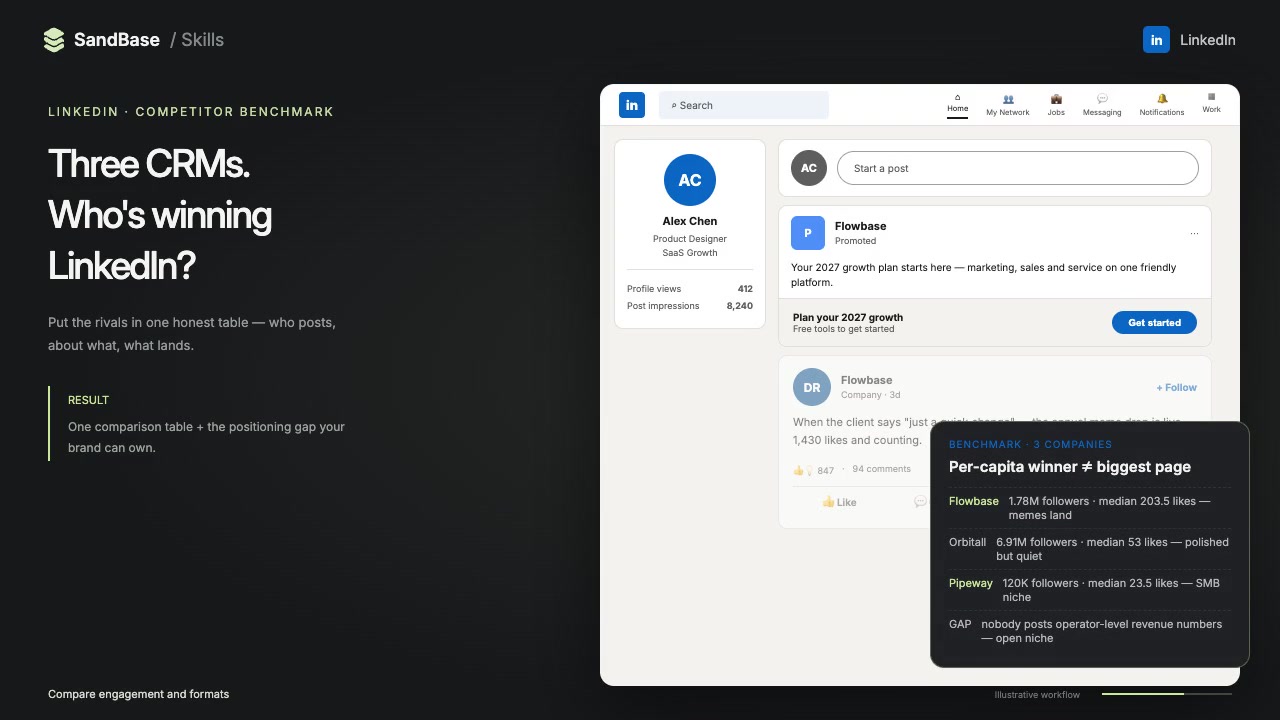
LinkedIn Competitor Benchmark
See who is actually winning on LinkedIn among 2–4 rivals — posting cadence, themes, formats and engagement — and where the gap is.
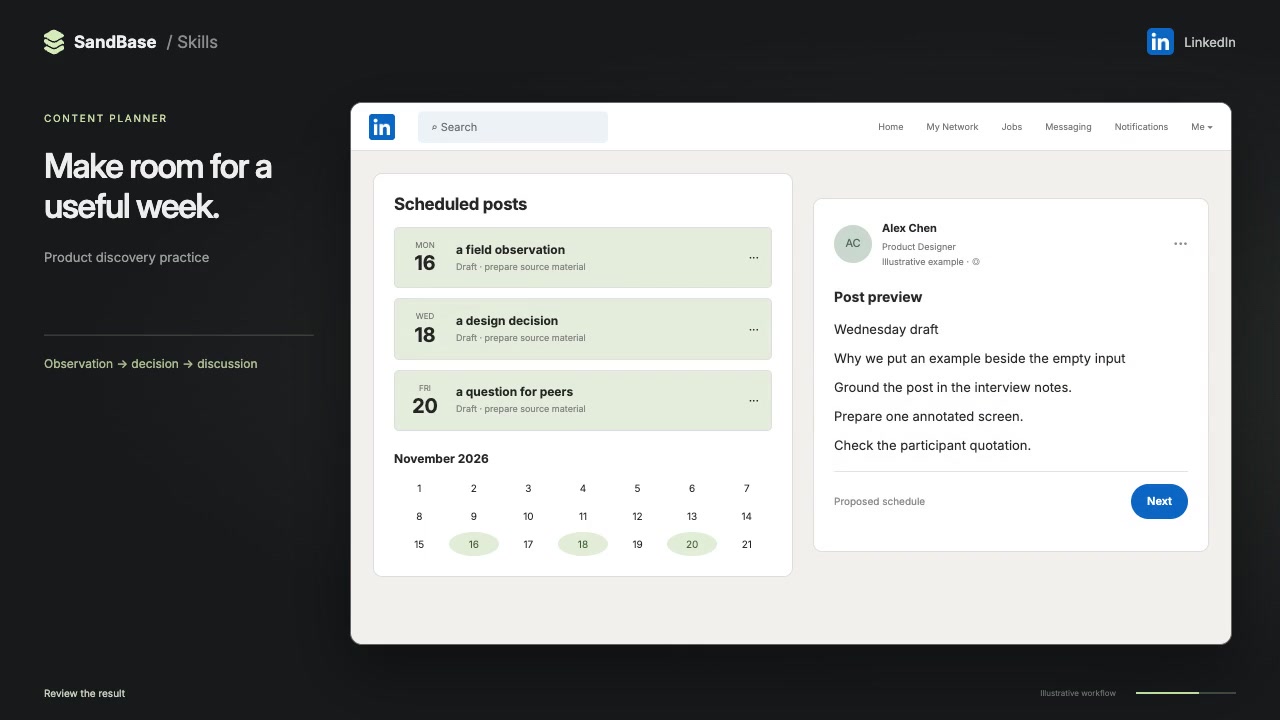
LinkedIn Content Planner
Plan a week that fits your material, posting days and available time.