
Glyph Surge
- Lab Skill
- v1.0.2
- Motion
Explore science archives through real tool inputs, perspective screen walls, photographic iris glitches and animated glyph fields.
例 · 2
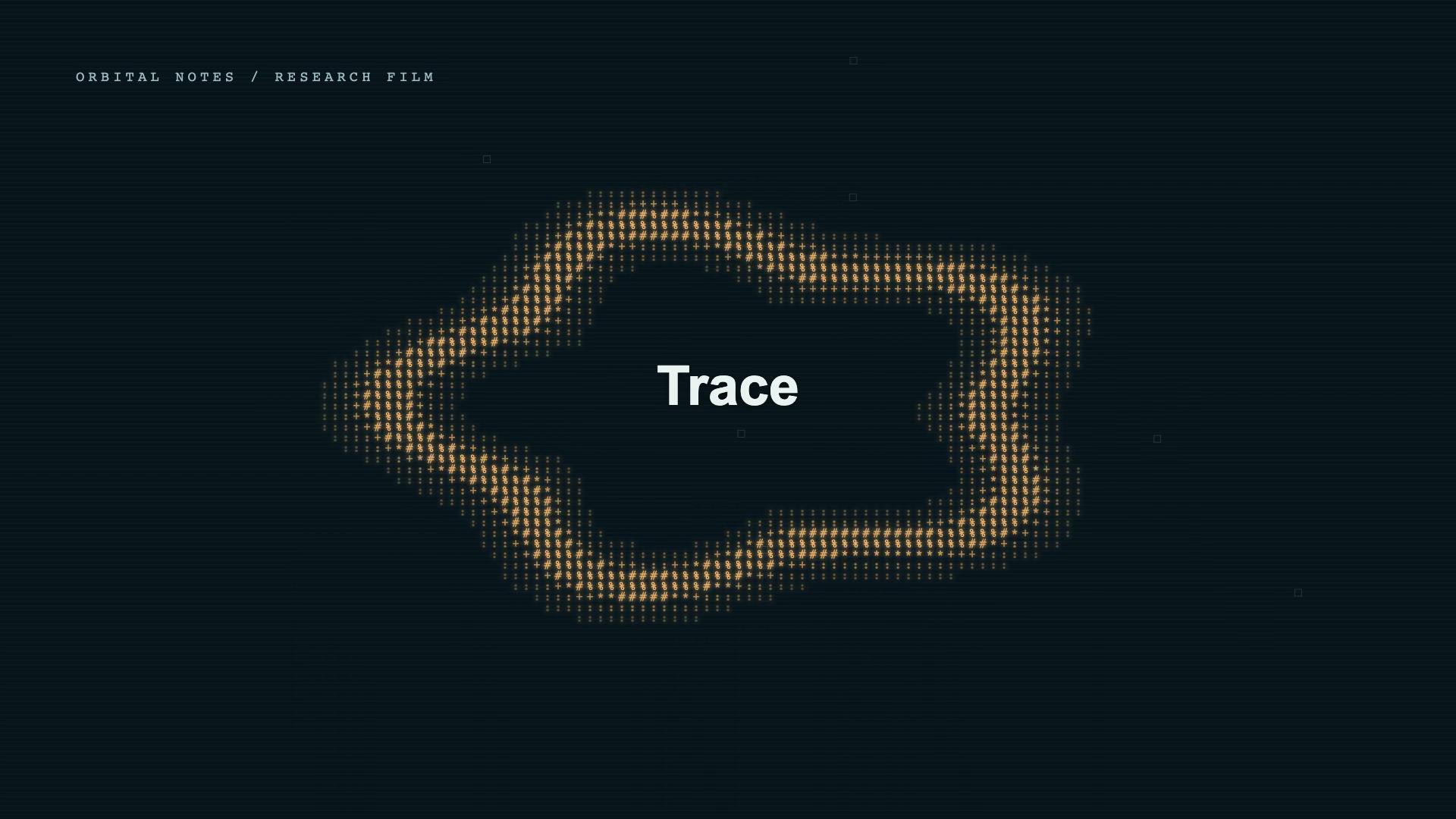
オンラインで実行
SandBase sandbox で Glyph Surge のサンプルを実行し、結果をここで確認できます。
得られるもの
Bring a science-archive brief and authorized media. The Skill returns two encoded films, measured scope and media credits.
仕組み
- 01
Write the brief and capture media
Write brief.json with the duration, year, label, accent and exactly fifteen short lines that connect a question, evidence, a turn and a payoff. Supply real captures: thirteen ordered prompt frames, thirteen frames of the same sentence on a second builder, three or more real product screenshots, an authorized photographic eye and a real social-post capture. Never manufacture endorsements or social posts.
- 02
Edit and score
With Node 20 or newer, Python 3, Google Chrome and FFmpeg, open the runtime through a local server with the project mapped to /project to edit all fifteen lines live, seek or export the brief. python3 scripts/score.py PROJECT mixes an original score from the project's audio timeline. Changing the prompt wording needs fresh real input captures.
- 03
Render and verify
node scripts/render.cjs PROJECT OUTPUT.mp4 drives the Canvas runtime with the pinned Playwright browser library and streams frames from one worker into FFmpeg, at the validated 1920×1080 and 60 fps target. A free-space guard stops the render on a nearly full disk. Check all fifteen fields, backward and forward seeks, boundary frames, the audio mix, a full decode and real playback at normal speed.
FAQ
What does Glyph Surge make?
Glyph Surge makes short editable launch films with real prompt captures, perspective walls of product screens, typographic scanning, photographic iris glitches and animated glyph-cell light fields. You write fifteen short lines; the renderer plays them through these scenes with an original score.
What media does Glyph Surge need?
Glyph Surge needs real captures, not mock-ups: thirteen frames of a sentence typed into a real tool, the same sentence on a second builder, at least three real product screenshots, an authorized photographic eye and a real social-post capture. Keep project media outside the reusable Skill and record each item's licence.
Does Glyph Surge need an API key?
No. Glyph Surge renders your own captures through a local browser and FFmpeg, so making a film calls no model and needs no API key. Glyph Surge needs Node 20 or newer, Python 3, Google Chrome and FFmpeg, and bundles its pinned browser library. The score is mixed locally by score.py from the project's own audio timeline.
Which output does Glyph Surge support?
Glyph Surge's validated target is 1920×1080 at 60 fps, rendered with one browser worker streaming frames into FFmpeg. Larger 2K or 4K output is untested, so do not advertise it. The two bundled films, Orbital Notes and Pelagic Index, run 18 seconds each with sound.
How long can Glyph Surge lines be?
Each Glyph Surge line field accepts up to 85 characters, but that is a syntax limit, not a readability promise. Canvas headings shrink to their allotted width, so check the actual glyph size in every scene with your real brief and shorten long copy, including the first and last frame.
その他の Skills
すべての Motion Skills →
Image Blaster
Turn one frozen moment into a camera-orbit concept video.
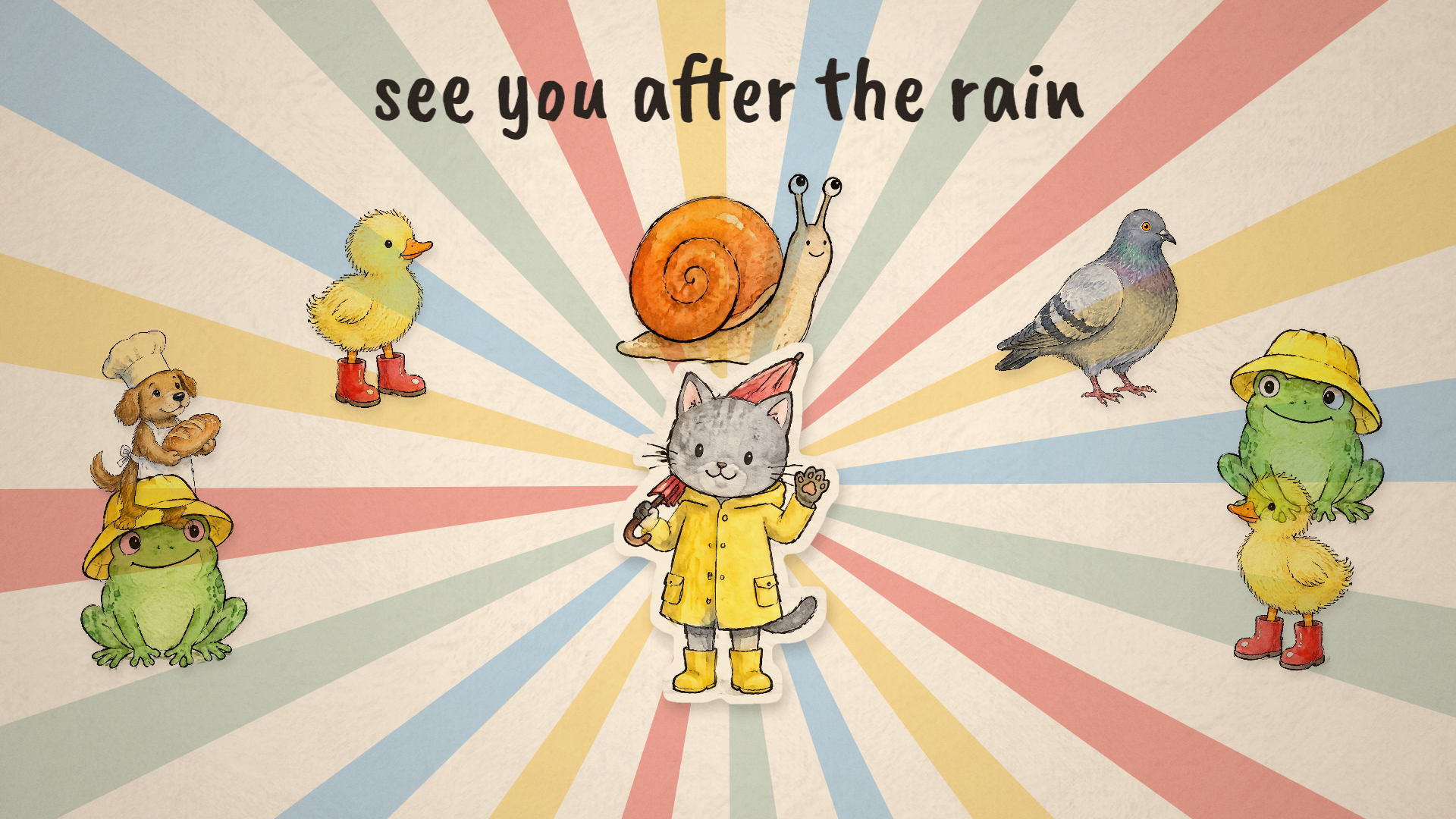
Sketchbook Film
Bring photographed sketchbook drawings to life as a short film with cut-out characters, ink lettering and a score.
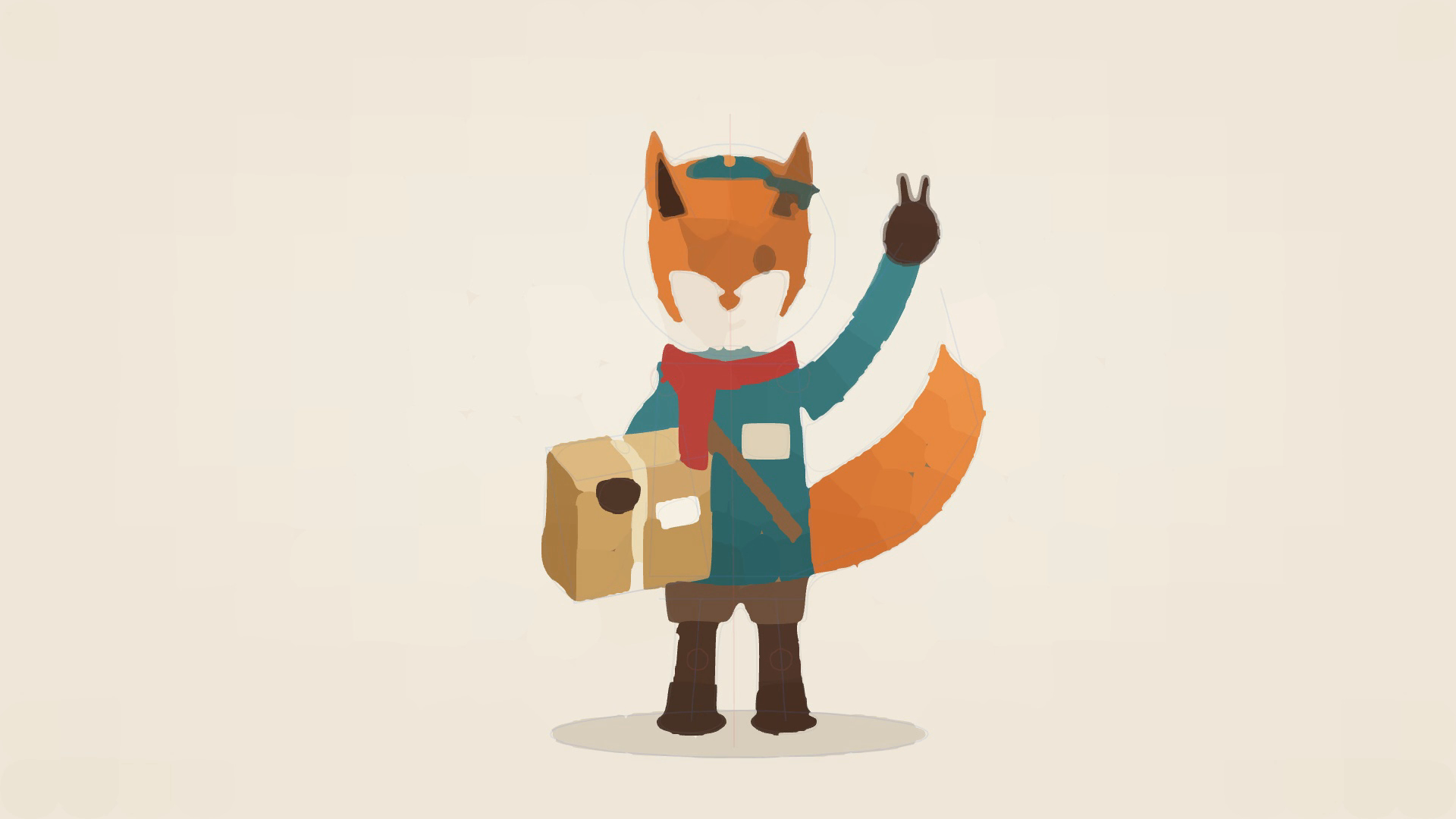
SVG Paint Stages
Show a picture being painted: construction marks, contours, flat colour and finer patches, as a layered SVG and a short film.
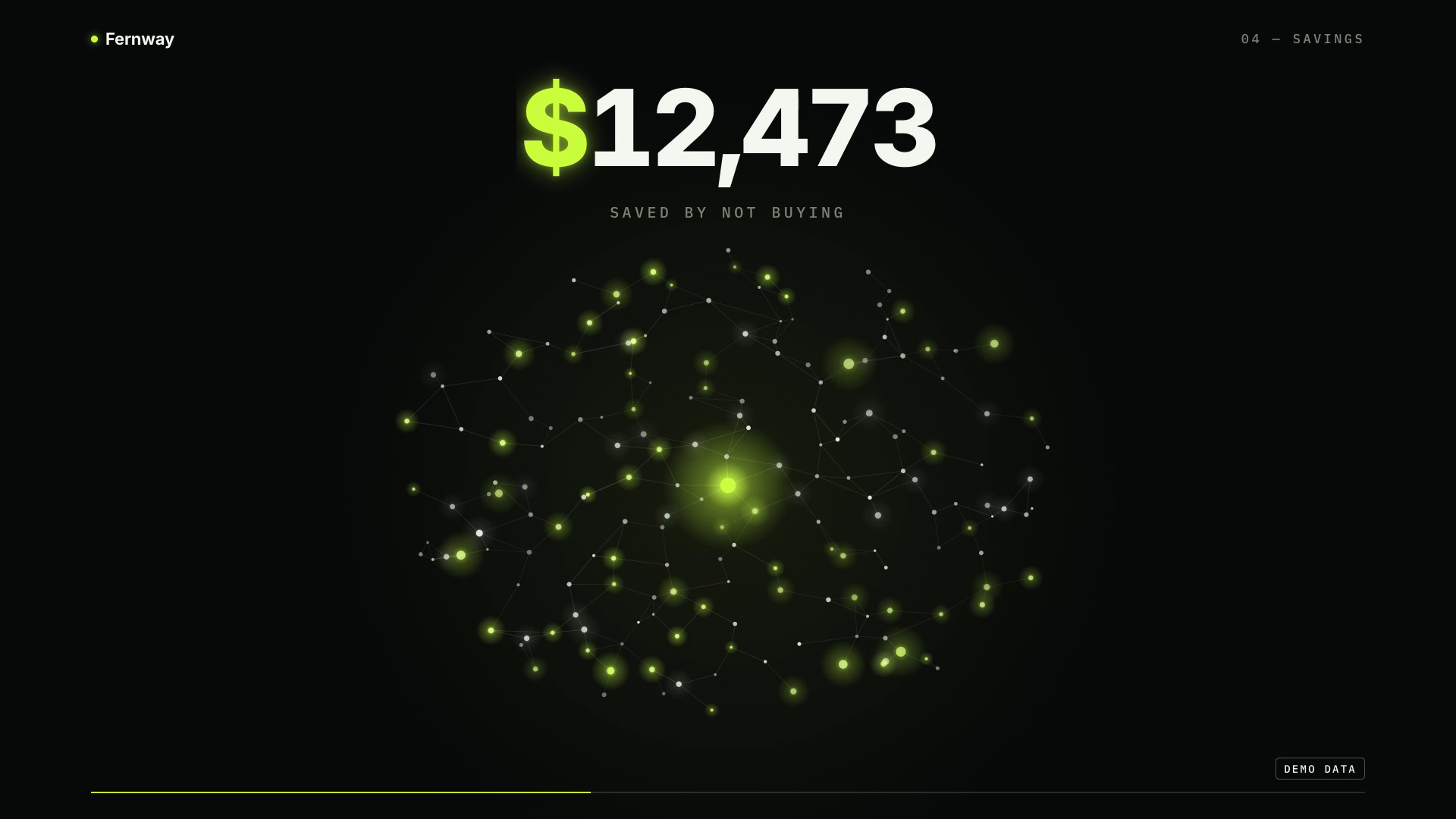
Network Tally
Tell a growth story with real numbers: one node network grows with each counter, flashes, dims behind a spike chart and closes on an end card.
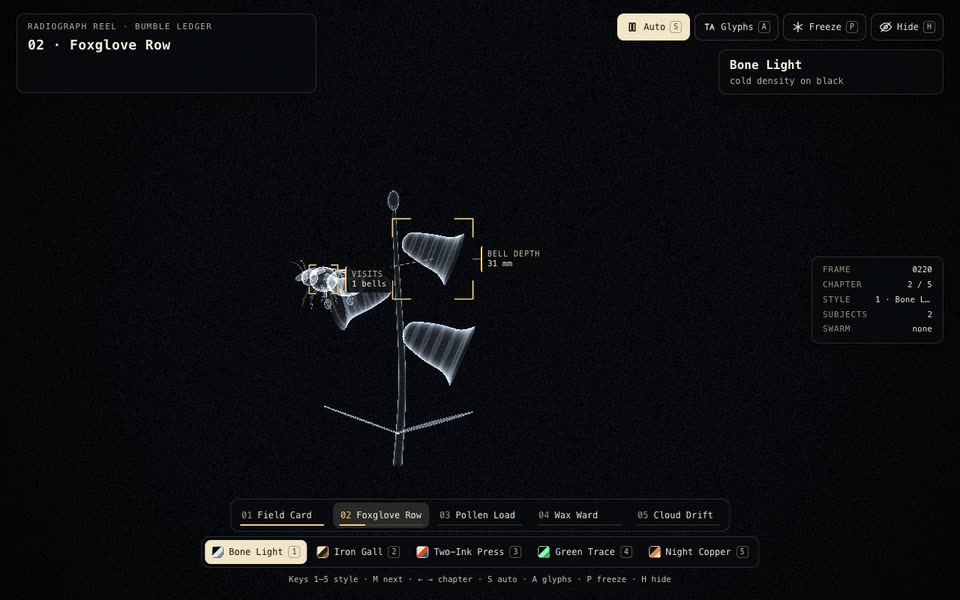
Radiograph Reel: Bumble Ledger
A specimen film reel: procedural bees, flowers and a wax comb glow as X-ray density, print in five switchable film styles with tracking labels, and a swarm morphs between formations.
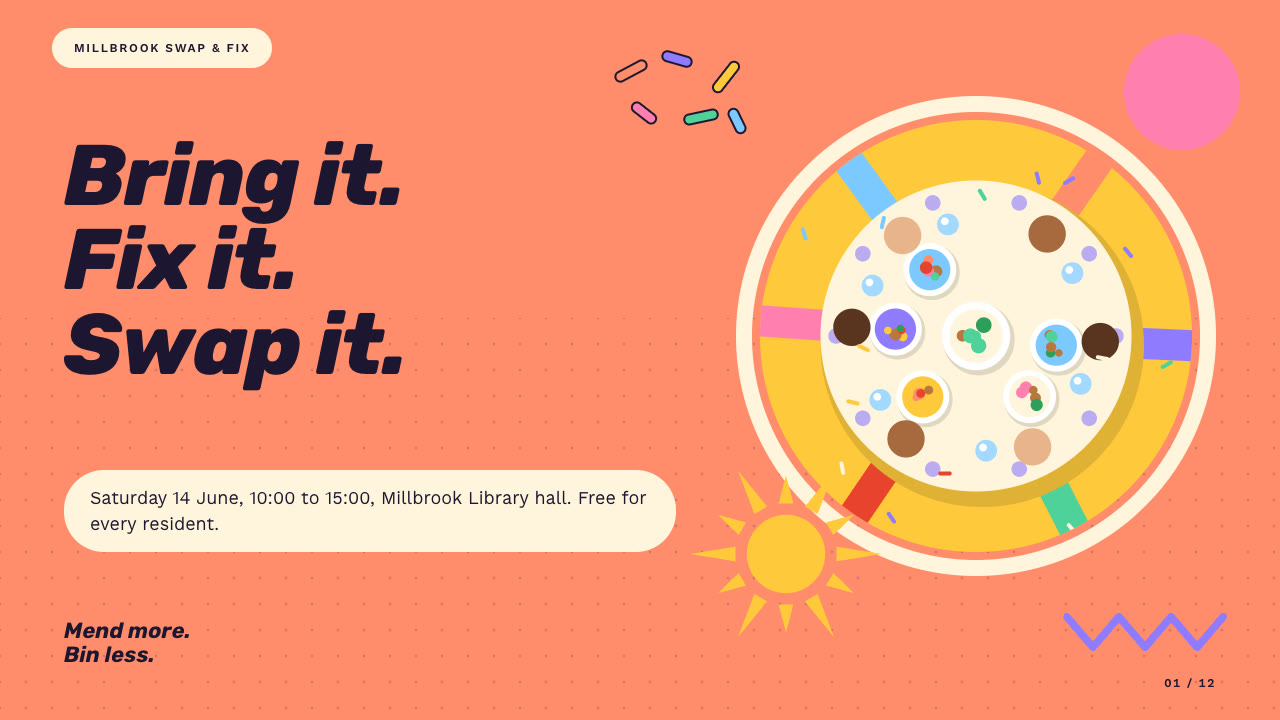
Festival Grid Slides
Invite people to a fair, open day or club season, or pitch one, in a bright festival deck: whole-page colour fields with a fine dot grid, heavy slanted headlines, cream cards and tickets, round pictures, and suns, rosettes, rings, bunting and sprinkles.