
Site Sequence Slides
- Lab Skill
- v1.0.1
- Business reporting
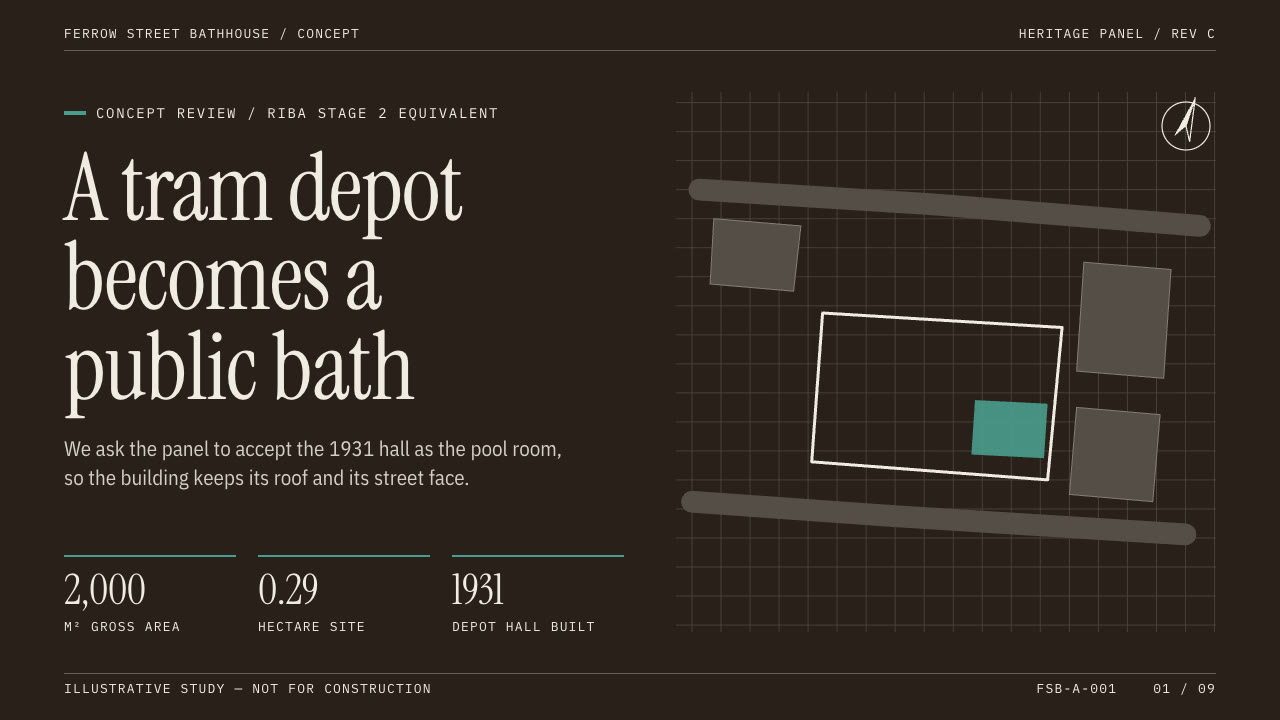
Take an architecture or site-design proposal to a review panel like a drawing sheet: site, massing, plan and section, program, phasing and one clear decision.
例 · 2
得られるもの
Bring a brief with the project, the audience, the decision you need and the dimensions and figures you can stand behind. The Skill returns one offline HTML deck that edits in the browser and exports editable PowerPoint.
仕組み
- 01
Gather the site facts and decision
Site sequence slides asks for the project, phase, audience, the one decision the deck seeks, page count and language. It collects the site outline, dimensions, areas, heights, dates, materials and options tested, and notes which values are known and which are assumed. Survey data is never invented, and an estimate is marked as one on the page or in the notes.
- 02
Draw the sheets from numbers
Where you have no drawings, the Agent describes the site, massing, plan and section in drawings.json and runs python3 scripts/site-drawings.py drawings.json --out art/ with the same palette preset as the plan. Drawings carry only keys, grid bubbles, levels and dimensions. kit.py compose then fills nine sheet layouts from sheet through context, massing, plan-section, materials, program, phasing, options and review.
- 03
Check badges, ledger and foot strip
make-deck.py writes presentation.html and verify-deck.py reports against the kit. Over local HTTP the Agent checks that key numbers match drawing badges, ledger areas add up to the stated total, band heights match those shares, and every foot strip shows status, sheet code and counter. It runs offline on the Python 3 standard library; verify-pptx.py needs python-pptx.
FAQ
What decisions is Site sequence slides built for?
Site sequence slides builds architecture and landscape review decks that ask a client, planning or heritage panel, funder or design review for one decision. It suits concept and feasibility studies, adaptive reuse, competitions and campus or public-space proposals. The demos ask a heritage panel to accept a 1931 tram depot as a pool room, and a charity board to fix a hillside field station site.
Does Site sequence slides prove code compliance or structure?
No. Site sequence slides communicates a preliminary design and never establishes code compliance, structure, cost, planning consent or professional approval. Every page states its status in the foot strip, for example a concept study not for construction, and the review page says what the study does not establish. Its drawings are diagrams of the numbers you supply, not surveyed or measured drawings.
Can I edit the line work of Site sequence slides drawings in PowerPoint?
No. Site sequence slides drawings are SVG pictures that move, resize and can be replaced as a whole, but their individual lines are not editable. Recolouring the deck does not recolour them, so regenerate them with site-drawings.py and the new preset. Text inside drawings uses the system monospace face, while all other words stay native, editable text.
Is Site sequence slides billed when it draws site plans?
No. Site sequence slides draws site plans, massing, plans and sections with site-drawings.py, which uses only the Python 3 standard library, and it calls no model. Building and checking the deck runs on your machine without a billed service. Only the optional verify-pptx.py check adds a dependency, python-pptx.
What are the table limits in Site sequence slides?
Site sequence slides tables hold up to six rows plus a total in the ledger, and four criteria against three options in the matrix. Site pages carry up to four keys, each matching a numbered badge in the drawing. Program bands below about 6 percent of the total are too thin for a label, so drop that label and keep the ledger row.
Which fonts does Site sequence slides embed?
Site sequence slides embeds Instrument Serif for headlines and figures, IBM Plex Sans Condensed for text and IBM Plex Mono for labels, all under the SIL Open Font License. The PowerPoint export names those three faces, so install them for exact wrapping. Chinese, Japanese and Korean fall back to the system face. Body text stays at 17 px or more.
その他の Skills
すべての Business reporting Skills →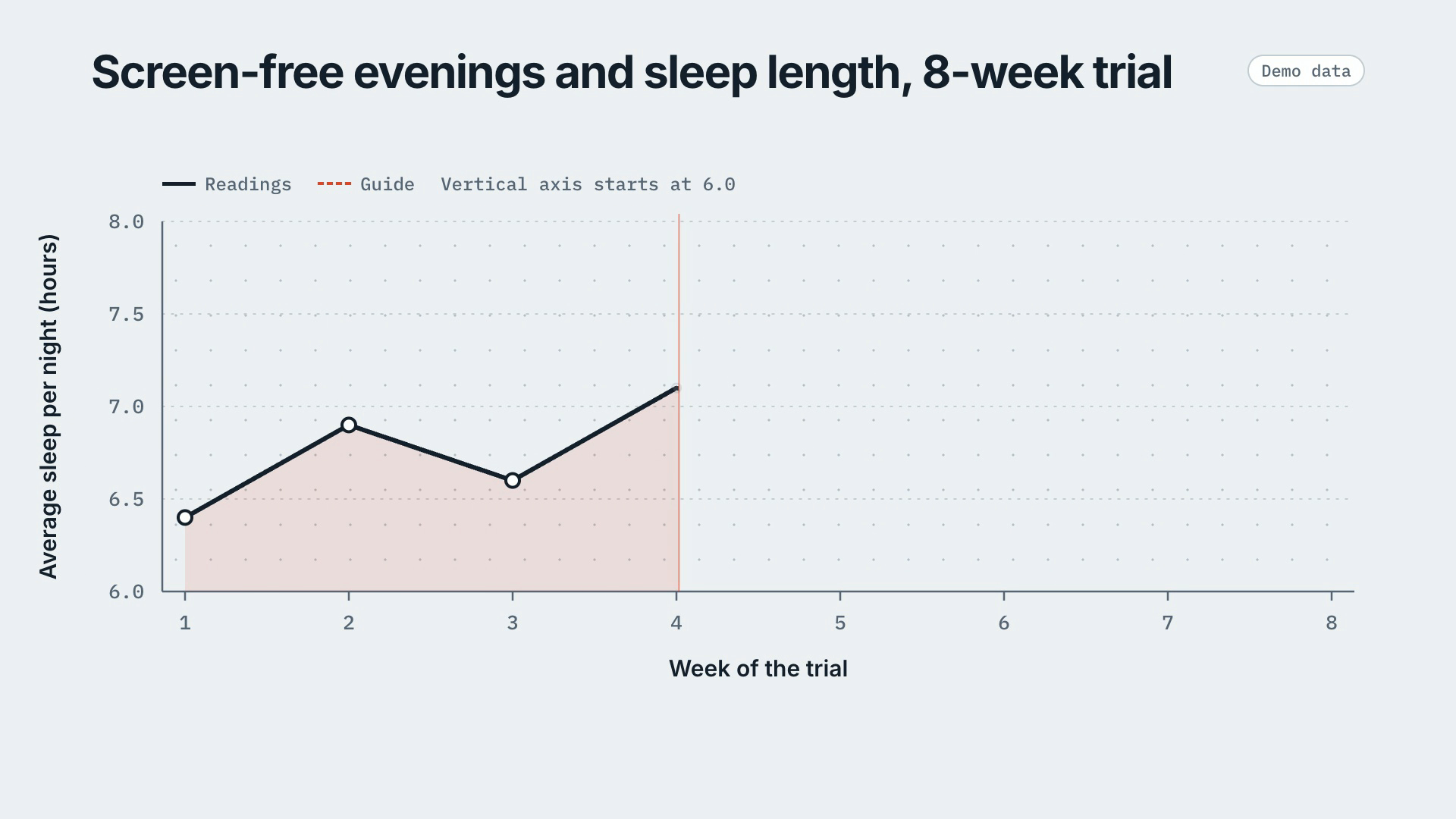
Trend Line
Reveal measured readings, a separate dashed guide and a final takeaway on an editable chart.

Advisory Thread Slides
Argue one recommendation to a committee or board with action titles, a storyline tracker, evidence charts and a bounded decision ask.
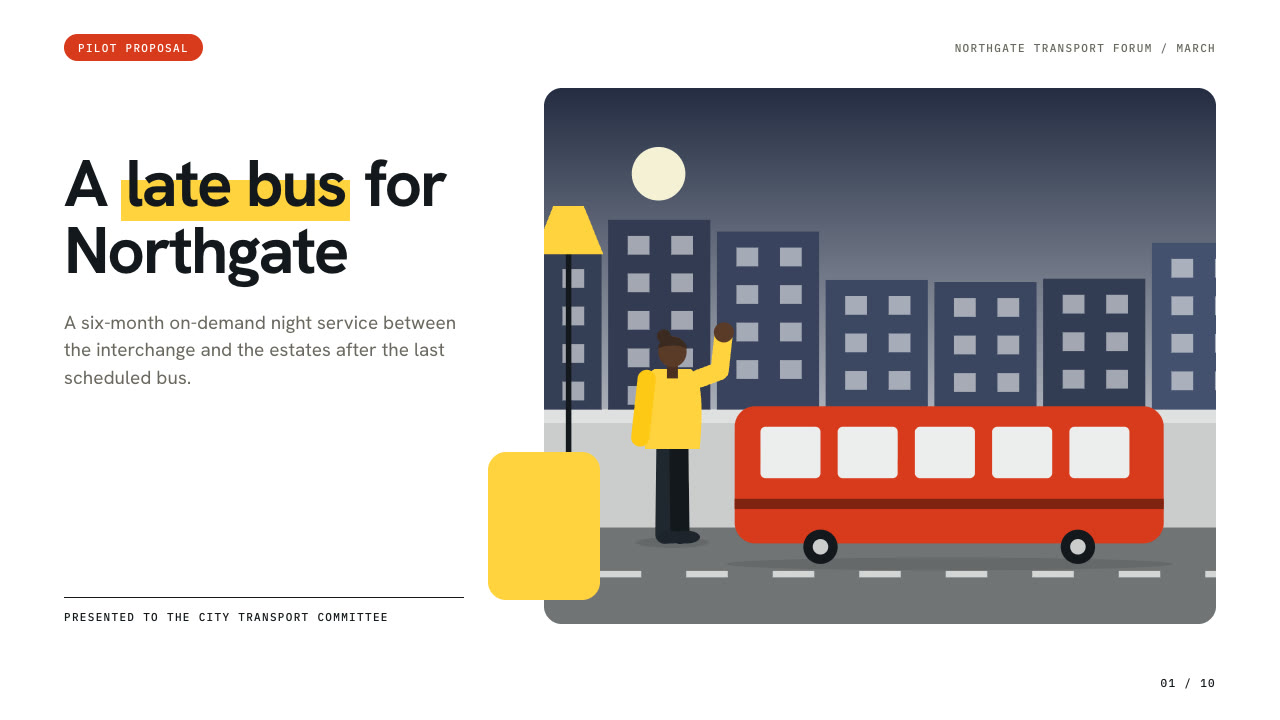
Civic Bars Slides
Make the case for a public or community service decision with picture cards, thin bar charts, stat tiles and a clear ask.

Deepframe Company Slides
Present a company, practice or member organisation calmly: white pages, offset colour blocks behind pictures, service cards, ring figures, value bars and a portrait row.
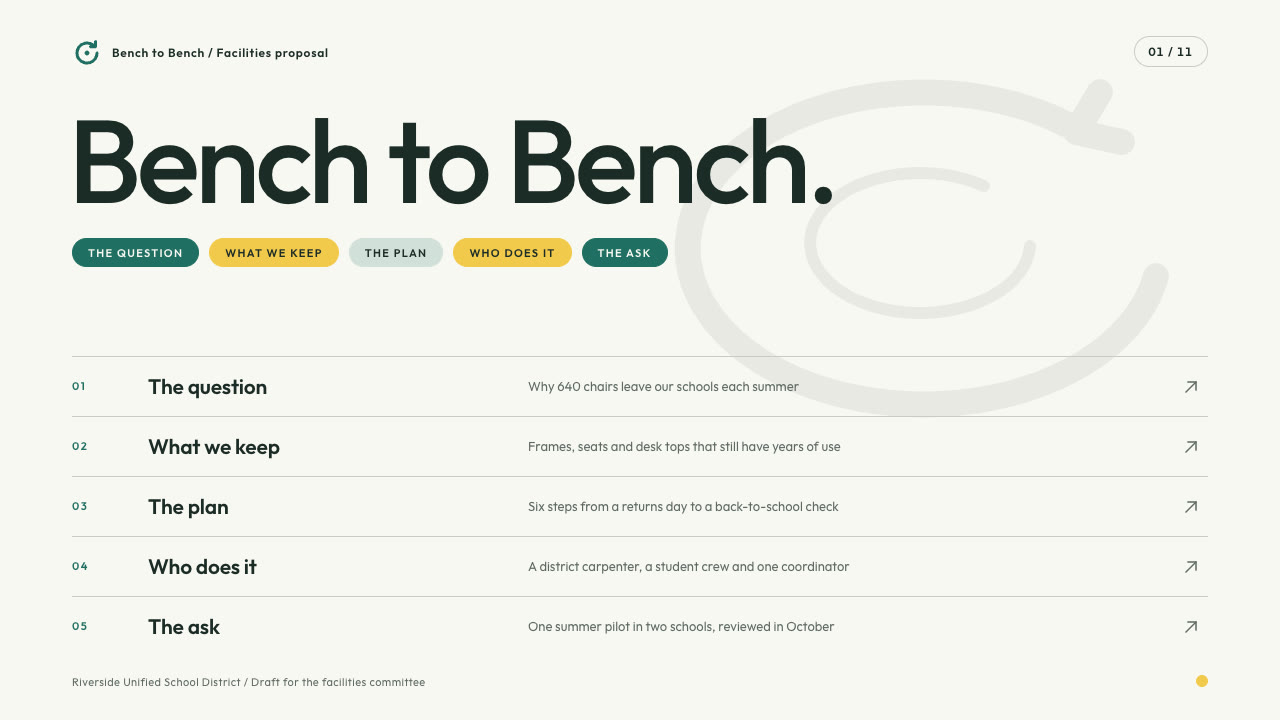
Circular Module Slides
Propose a repair, reuse or take-back step in a light modular deck: rounded cards and pill capsules, an open-ring motif, notched principle cards, a six-step grid and a capsule bar chart.

Frosted Venture Slides
Ask for a round, a grant or a budget with a frosted-glass pitch deck: translucent glass slabs on deep night pages, airy light pages, rounded picture windows, one accent card per page, a native bar-chart card, a use-of-funds table and a stepped roadmap.