
Yellowpad Fieldnotes Slides
- Lab Skill
- v0.1.0
- Research
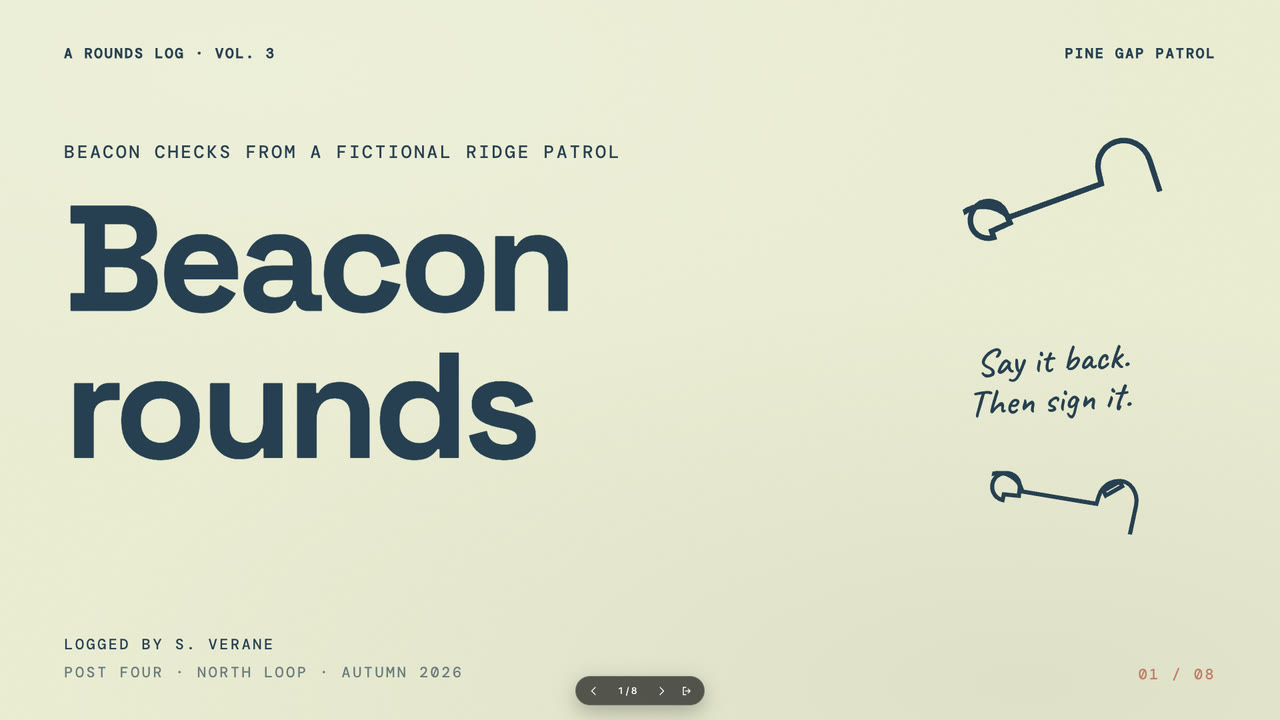
Make decks that read like pinned field notes: saturated yellow legal-pad paper, cobalt ink, hand-drawn safety pins, cream pinned cards, handwritten marginalia, mono archival tags and rotated red stamps.
例 · 2
得られるもの
Bring the topic, the audience, the one finding the deck supports, the facts and numbers to use exactly, the page count and content language; your own pictures are optional. The Skill returns one offline HTML deck that edits in the browser and exports editable PowerPoint.
仕組み
- 01
Read the model and copy kit
Yellowpad Fieldnotes Slides starts from references/deck-model.md, the kit guide and the runtime guide. Your Agent copies references/kit.json into a work folder; it holds ten named layouts, cover, inside, rules, divider, findings, chart, process, table, numbers and closing, plus the sheet CSS. The plan fills text slots from references/layouts.md and picks a palette for deck.swatch.
- 02
Compose, draw and build
The Agent runs python3 scripts/kit.py compose --kit work/kit.json --plan work/plan.json --out work/deck.json. Pins, stamps, pills and cards are already CSS and SVG; standalone panels come from yellowpad-art.py and embed as data:image/svg+xml. make-deck.py then writes presentation.html with the bundled Slidecraft engine. The package needs no network access and makes no model calls.
- 03
Verify and export the pad
verify-deck.py checks the page count, and sampleLeft flags unfilled chrome, footer or slot text to fill or accept deliberately. For PowerPoint, the Agent opens the HTML, runs window.slidecraft.exportPptx with download set to false headlessly, then runs verify-pptx.py against deck.json. Check a rendered contact sheet too, since pins, grain, rotations and shadows flatten to simpler shapes.
FAQ
What does Yellowpad Fieldnotes Slides look like?
Yellowpad Fieldnotes Slides sets pages on saturated yellow legal-pad paper #EFE56A with a required fractal grain, cobalt #1F3A8A ink and cream pinned cards with hard 5px 6px offset shadows and zero blur. It adds hand-drawn safety pins, rotated red stamps and a cobalt ink-page variant, s-vink, that flips the ground to cobalt with paper-yellow text.
Which fonts does Yellowpad Fieldnotes Slides use?
Yellowpad Fieldnotes Slides uses three voices: Space Grotesk 700 with negative tracking for printed headlines, Caveat for handwritten marginalia, step numerals and pill letterforms, and DM Mono uppercase for archival labels, stamps and table headers. All three are bundled under the OFL. Crossing the voices collapses the register.
Is Yellowpad Fieldnotes Slides free to run?
Yes. Yellowpad Fieldnotes Slides ships its engine, fonts, kit and scripts in the package and states no network access and no model calls, so a field season report is built without any billed service. LICENSE.md covers the bundled fonts and PptxGenJS.
Why is red rare in Yellowpad Fieldnotes Slides?
Yellowpad Fieldnotes Slides gives stamp red #C2342B exactly two jobs: the rotated rubber stamp and the negative pill. It is never used for headlines, chart lines or general emphasis. Cream is reserved for cards and yellow for the page, because the layering reads through that contrast.
How many cards fit on a Yellowpad Fieldnotes Slides page?
Yellowpad Fieldnotes Slides keeps at most 3 cards on findings and rules pages, or 5 narrow cards on process. The table layout keeps up to 4 data rows, and numbers holds exactly 3 hero stats. All numbers are treated as illustrative and should be marked in captions or labels, as in the 8-page Beacon Rounds and 6-page Pie Counter demos.
Does Yellowpad Fieldnotes Slides PowerPoint keep the pins and grain?
No. Yellowpad Fieldnotes Slides re-types text in the PPTX export, while pins, grain, rotations and shadows flatten to simpler shapes or picture layers. Headlines, card heads, mono tags, step rows and table cells come through as native text and shapes. Verify with verify-pptx.py and a rendered contact sheet.
その他の Skills
すべての Research Skills →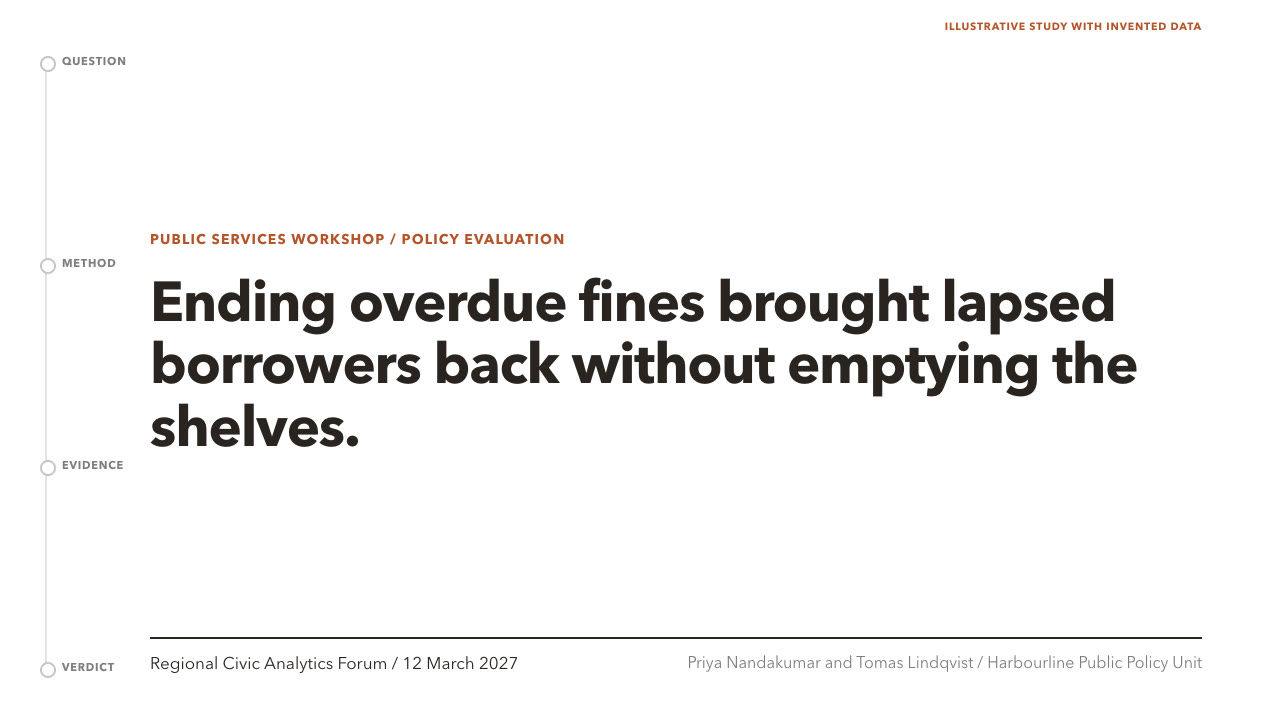
Thesis Spine Slides
Build a research talk whose titles, read in order, argue one claim from question to verdict, with one cited exhibit per evidence page.
Reading Digest Slides
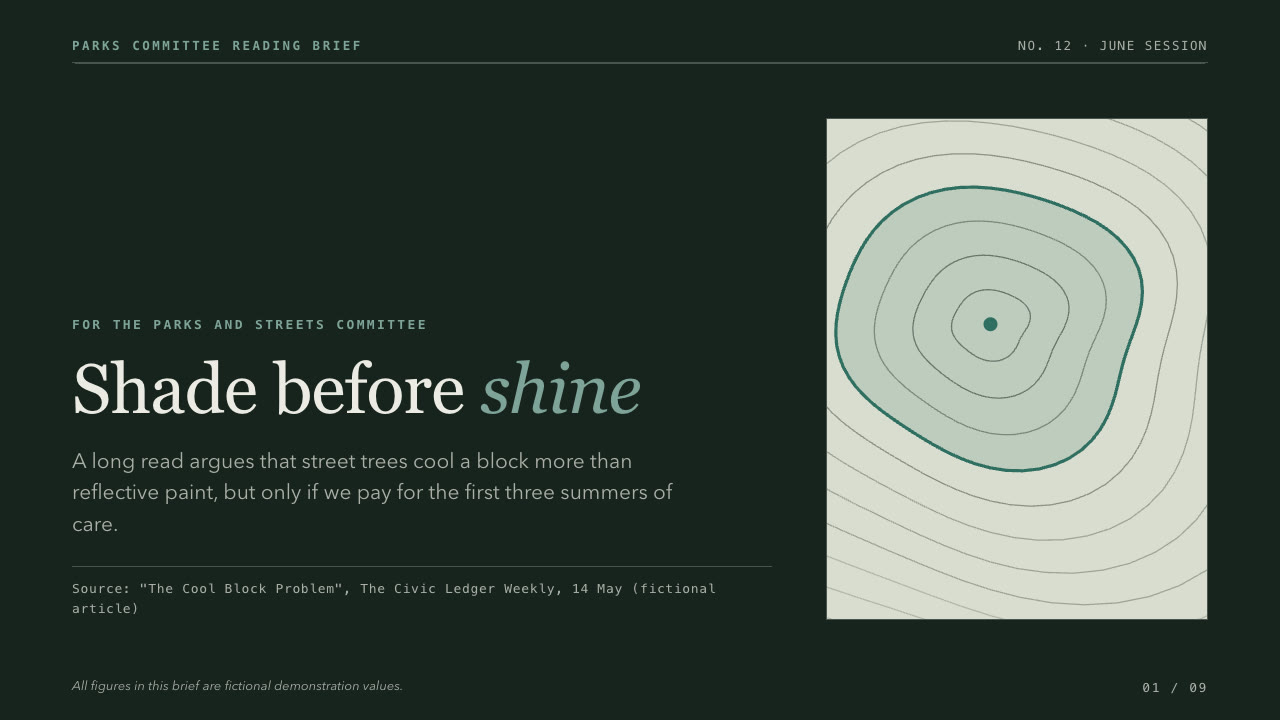
Turn one long read, essay or report into a reading brief a committee can decide on: a masthead, argument beats on a rail, a headline figure, bar charts and a source ledger that keep checked facts, assumptions and open questions apart, two readings, discussion prompts and the decision asked.

Cloudpane Slides
Make explainer and proposal decks that make a public subject feel approachable: open-sky pictures, clear optical glass and anonymous figures, thin-edged translucent glass cards over the pictures, broad mist-white pages, three deep night pages and headings with an italic serif accent.
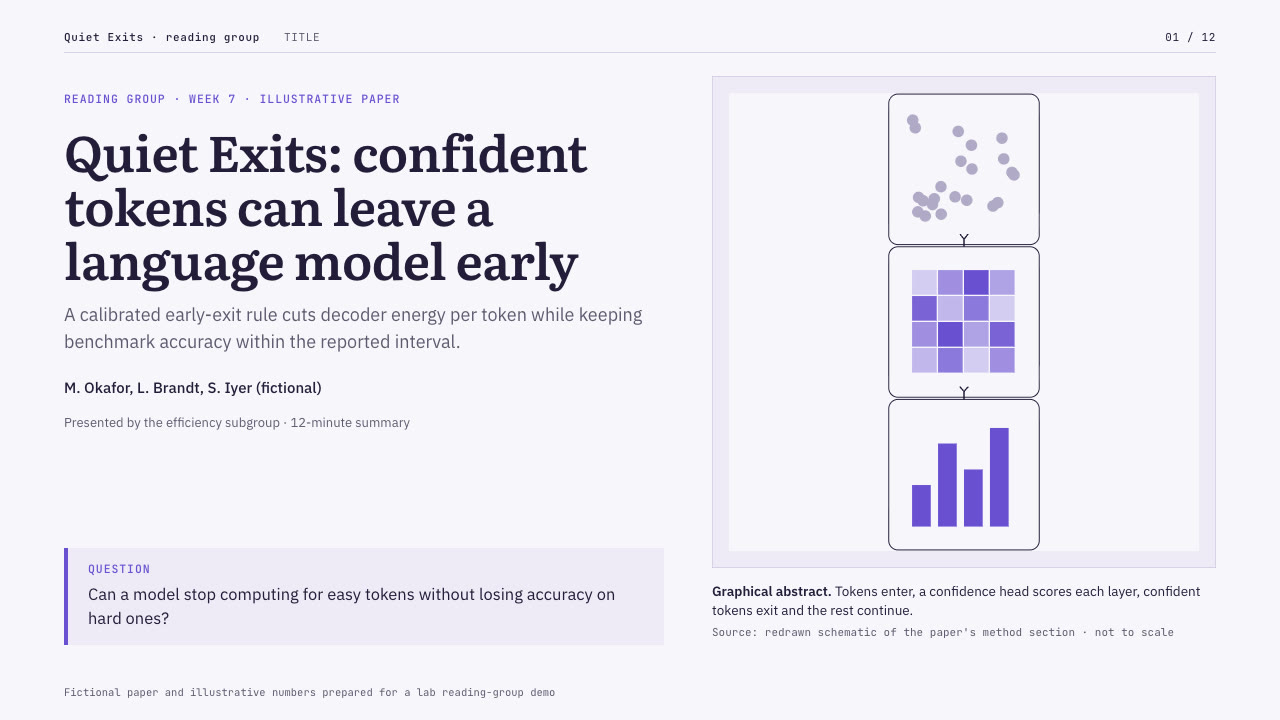
Figure First Slides
Make figure-led research talks such as paper summaries, journal clubs, lab and reading-group reviews and evidence briefings: every content page is built around one figure, chart or table with its caption and source underneath, numbers carry their comparator and interval, and a limits page states what the work can and cannot claim.
Seminar Math Slides
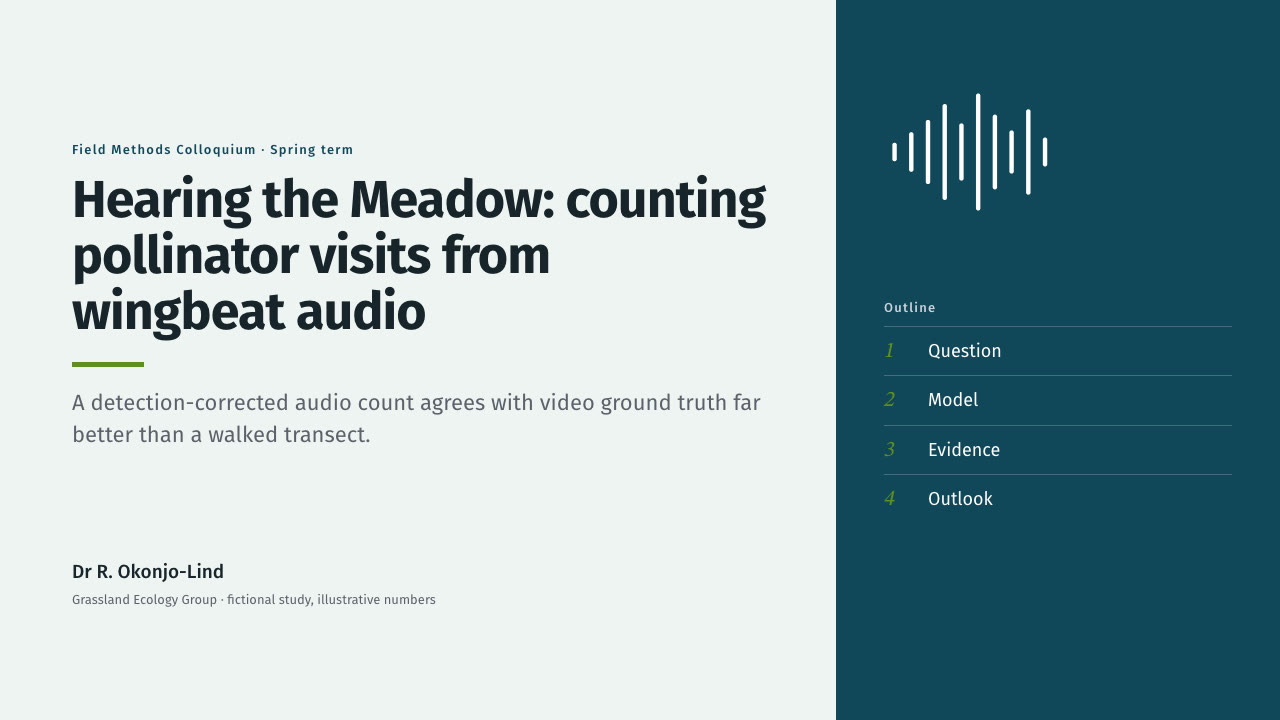
Turn a paper, thesis chapter or research notes into a projection-ready 16:9 talk for seminars, colloquia, defences and conference sessions: a section strip with the current section lit, equations with spoken readings and term glosses, a method pipeline, a proof sketch, native result bars and tables, plots drawn from data and a progress bar with frame counters.
Volt Brief Slides
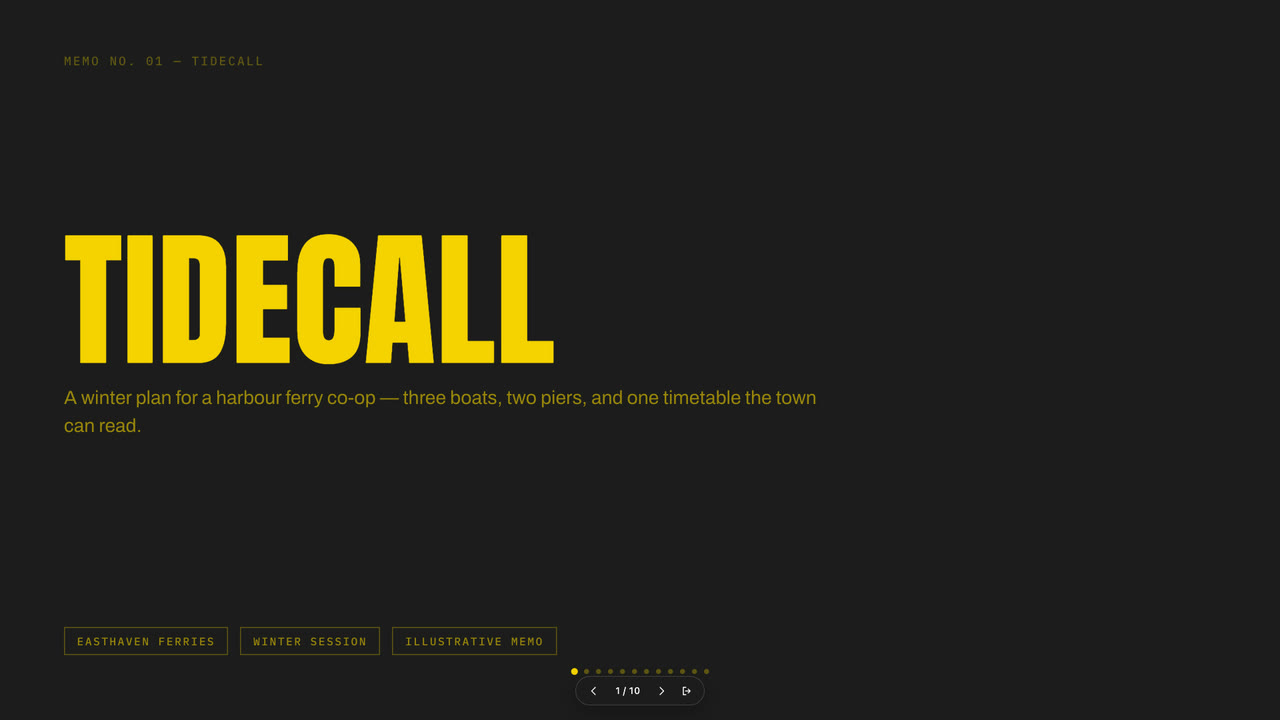
Make decks that read like high-voltage two-register briefs: near-black ink pages or full volt-yellow pages, uppercase condensed grotesk titles, mono chrome labels, em-dash bullets, stepped bar charts and hairline-framed drawn panels.