
Lattebench cafe site
- Lab Skill
- v0.1.0
- Web design
Turn a brief for a coffee shop, cafe or food business into a site with warm wooden textures, cafe menu layouts, cozy brown palette, organic typography and inviting atmosphere.
例
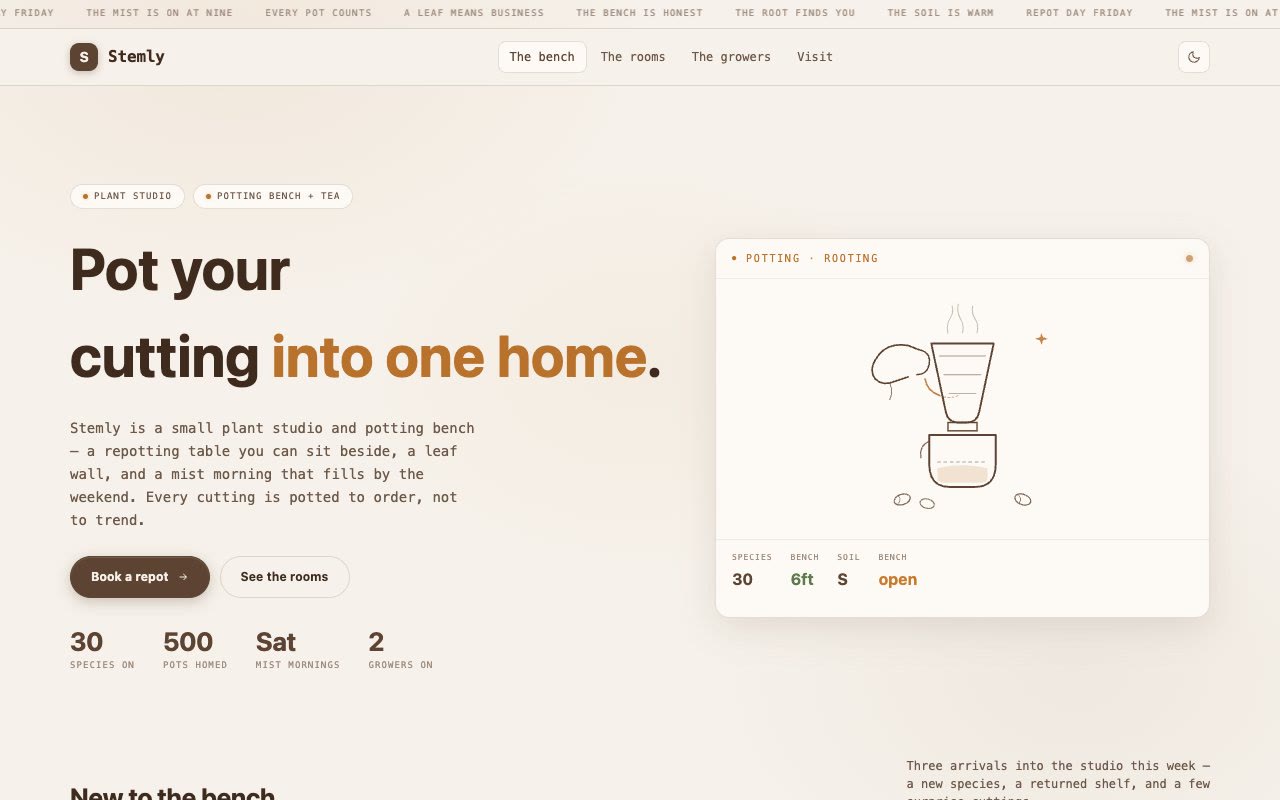
English site
この例はサンドボックス化されたフレームで実行され、このページにはアクセスできません。
オンラインで実行
SandBase sandbox で Lattebench cafe site のサンプルを実行し、結果をここで確認できます。
得られるもの
Bring your cafe name, menu items with descriptions, pricing, opening hours, location, specialty drinks or beans, and how to order. The Skill returns one HTML file with cafe chrome, warm wood textures, cozy brown palette, bundled fonts and a validator report.
仕組み
- 01
Start from the Lattebench file
Lattebench Site keeps the whole roastery and brew bar site in assets/template.html, hash-routed across /, /rooms, /crew and /visit plus a 404, with no image files. Copy it as src.html. The OFL fonts in assets/fonts/, Archivo and Space Mono, ship with the package and must stay with the page.
- 02
Change menu data and cafe art
Rewrite BRAND, NAV, STRIP, ITEMS, DESKS, WEEK, ROUTES and TITLES at the top of the script for your cafe, then the hero lede, feature band, pull-quote, newsletter pitch and footer blurb marked REPLACE. artBlock() draws bean, dripper, kettle, croissant, cup and bag cards, and the INKCLS and GROUND maps set their colours.
- 03
Inline and verify with Node
Lattebench Site runs where Node runs, with a local Chrome or Edge for the browser pass. node scripts/inline-assets.mjs src.html index.html makes one self-contained file, and node scripts/validate.mjs index.html --mode site --site-lang en --browser --screenshot shots checks ids, routes and identity strings. Confirm in the shots that no Lattebench sample text remains.
FAQ
What does Lattebench Site look like?
Lattebench Site sets a cream-paper ground with warm brown ink, a caramel accent and soft rounded cards, and its signature object is a pour-over rig drawn in code. Body text and labels use Space Mono, and the display face is a round sans stack. A day and night toggle comes built in.
Can Lattebench Site show my real menu prices?
Yes. Lattebench Site holds cards and schedule rows in ITEMS, DESKS and WEEK, so menu items, prices and opening hours go there as plain data. The page cannot take orders, because it makes no external requests. Write ordering instructions, or a link with a real destination, instead.
Does Lattebench Site cost money to use?
No. Lattebench Site draws its beans, kettles and croissants in code and its two scripts run offline, so no model is called and nothing reaches a bill. All you need locally is Node and, for screenshots, a Chrome or Edge browser.
What sample identity does Lattebench Site ship?
Lattebench Site ships a fictional brew bar named Lattebench with a brown rounded-square L mark, the lattebench.example domain and the contact [email protected]. Those identity strings live in assets/validate.config.json, and the checker looks for them. The domain is a placeholder, so swap in your own.
Where can I see a finished Lattebench Site run?
Lattebench Site keeps one real run of the template as a different subject in results/agent-run-en/, limited to brief.json, index.html and run-summary.json. Open its index.html to see a filled page before writing your own brief. assets/agent-mode.json carries the sha256 of template.html, so a fresh extract can confirm its bytes.
その他の Skills
すべての Web design Skills →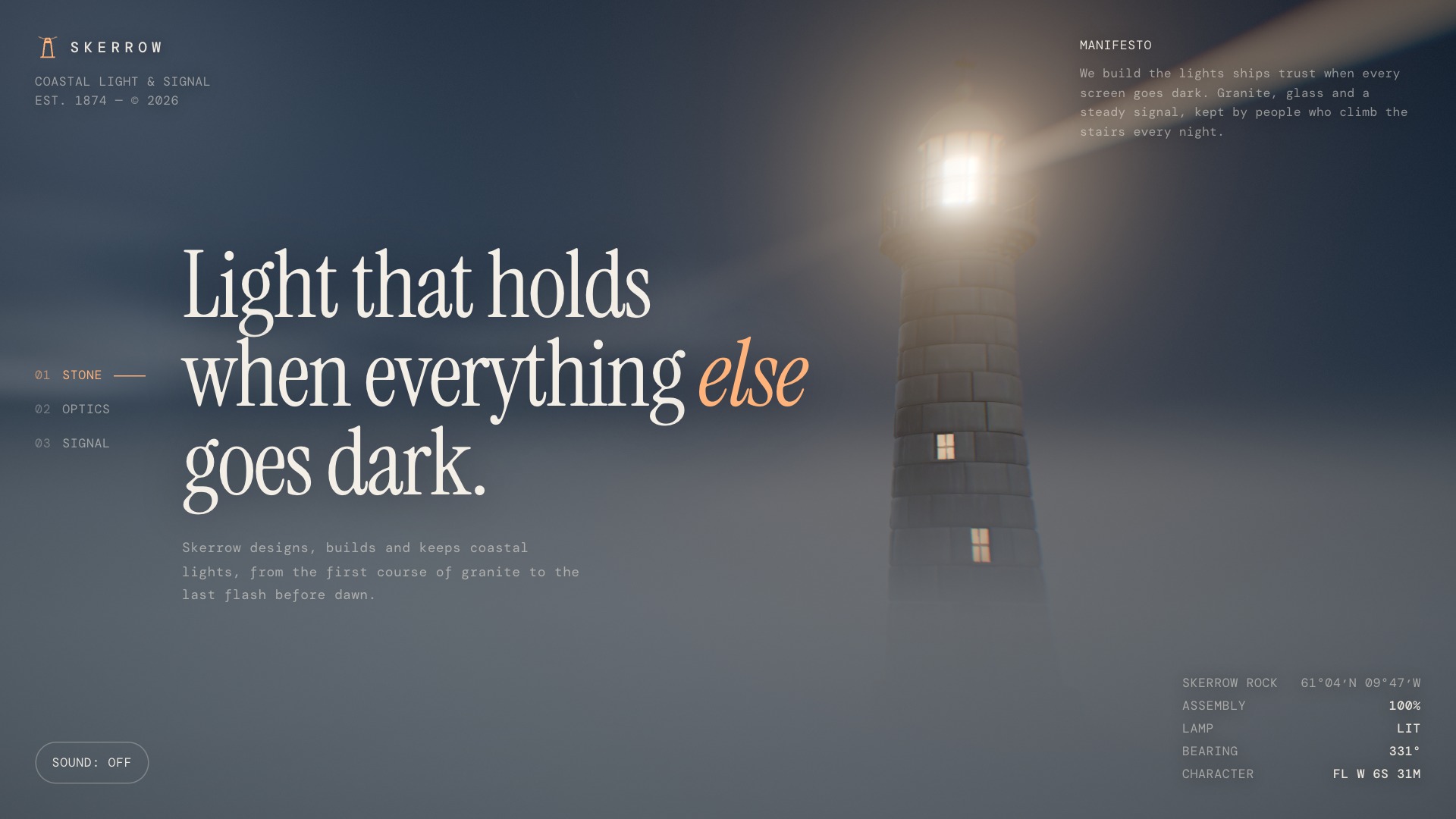
Baked 3D Story Site
A three-page 3D story site with baked light, scroll stops that loop and a shader cut between pages, in one offline file.
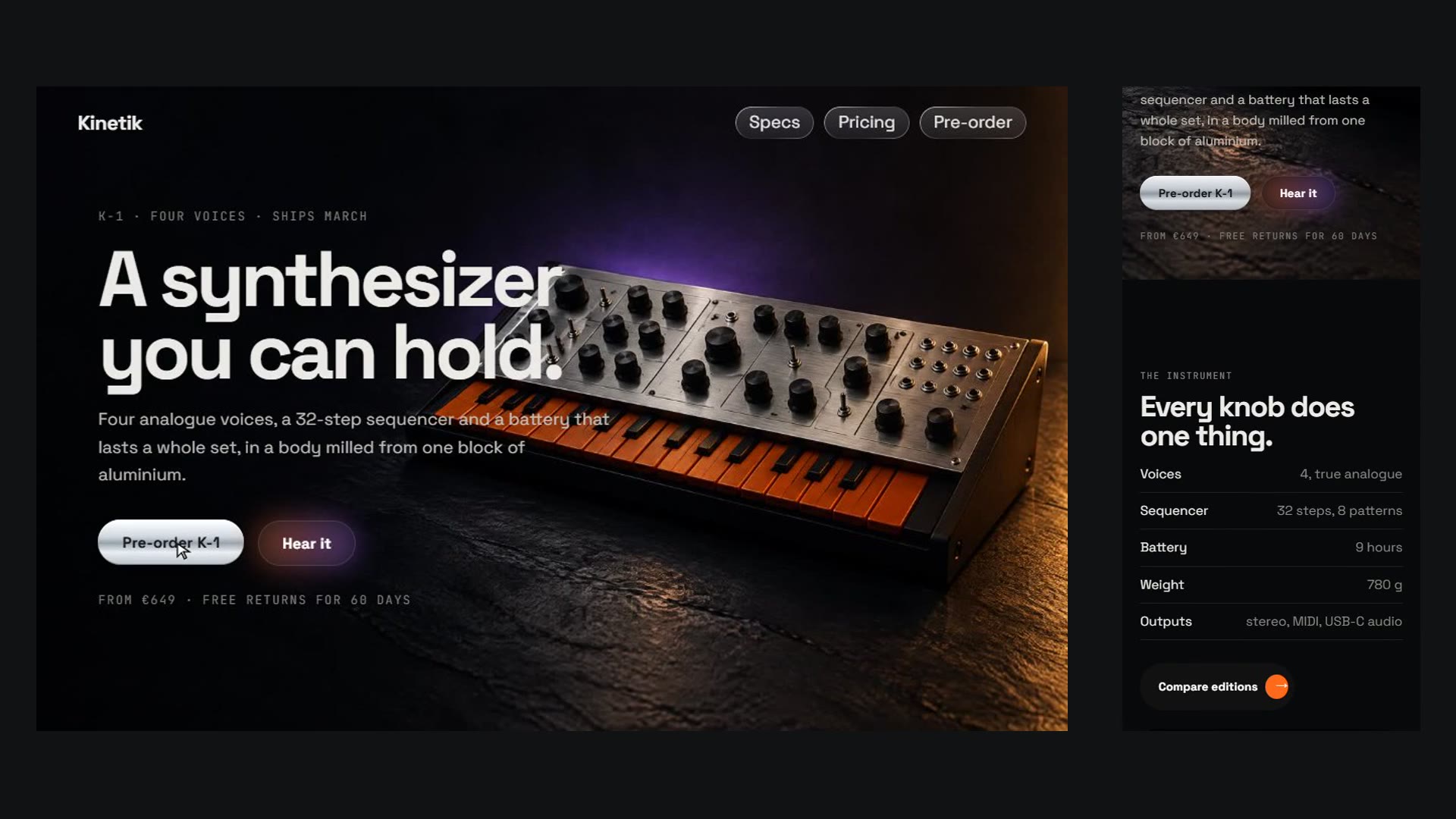
UI Finishes
Metal, jewel, halo, roll, fill, offset and ring buttons, media cards, glass and textures, each checked in rest, hover, focus and pressed for real contrast.
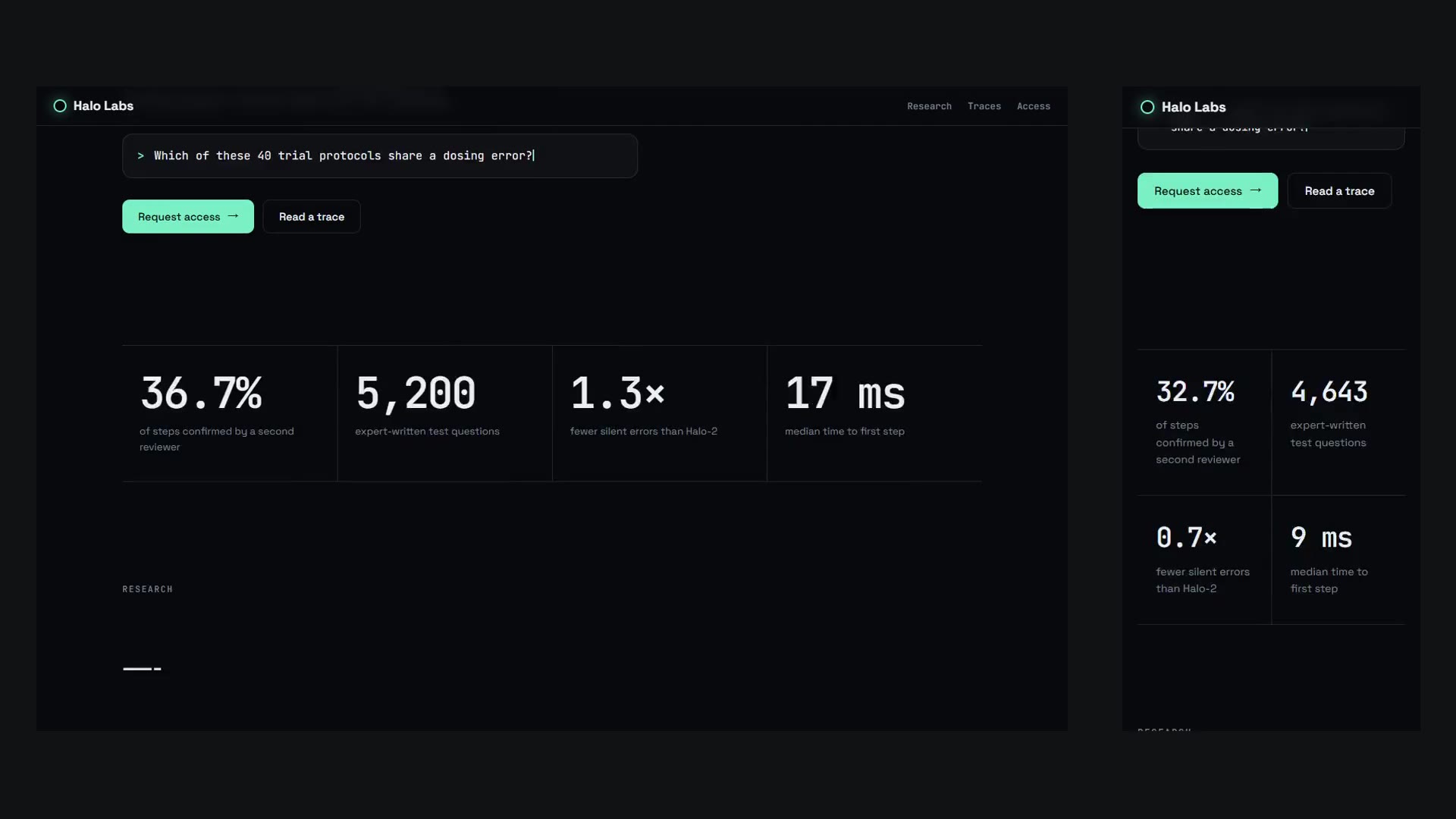
Headline Motion
Headlines, labels and numbers that rise, decode, type, rotate, count and draw themselves without moving the layout, measured in a real browser.
Scroll Chapters
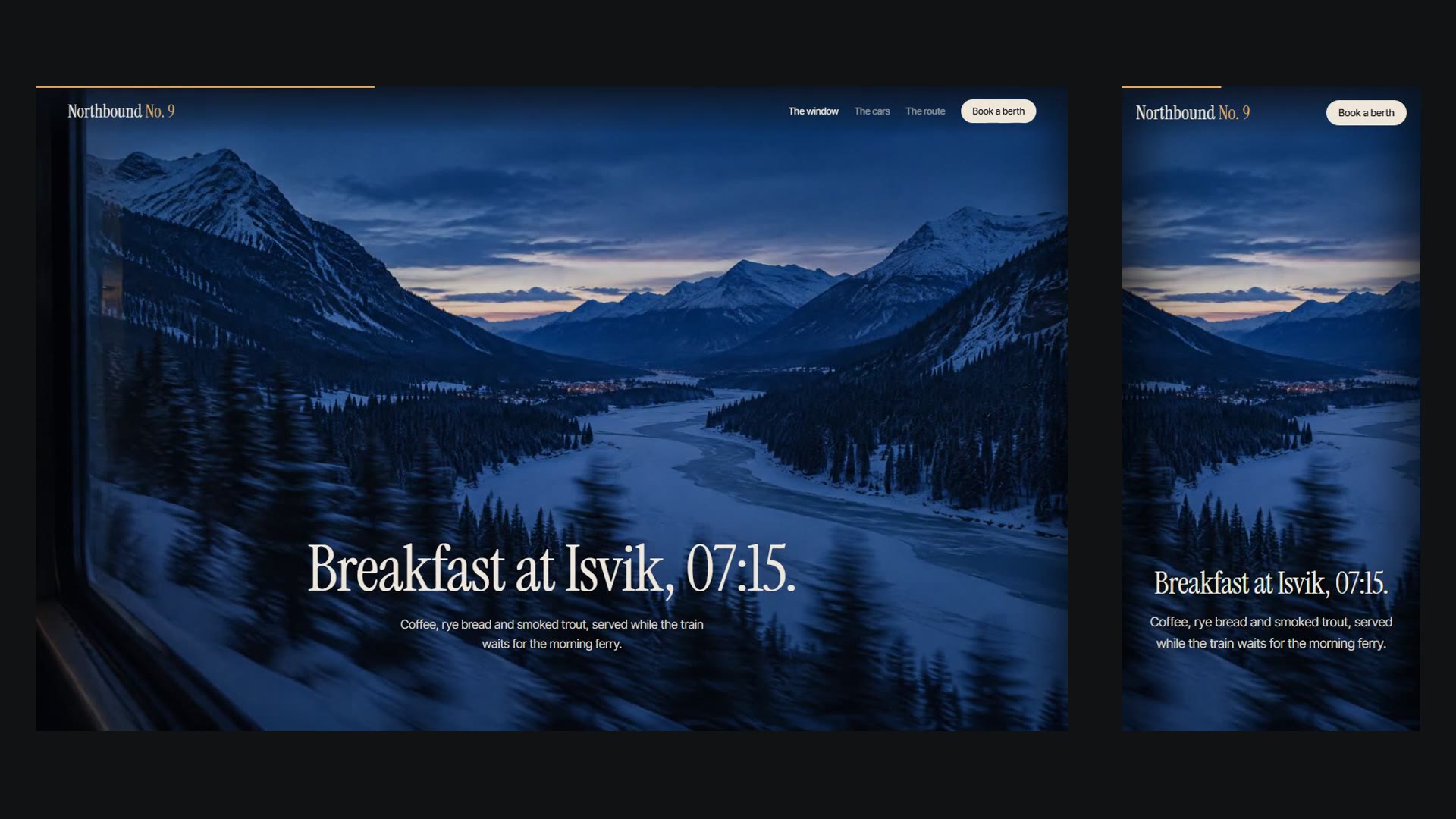
Long pages told chapter by chapter: a pinned stage, sliding panels, a text crawl, lit paragraphs, stacking cards and drifting columns, checked in a real browser for dead scroll.
Scroll 3D Product Site
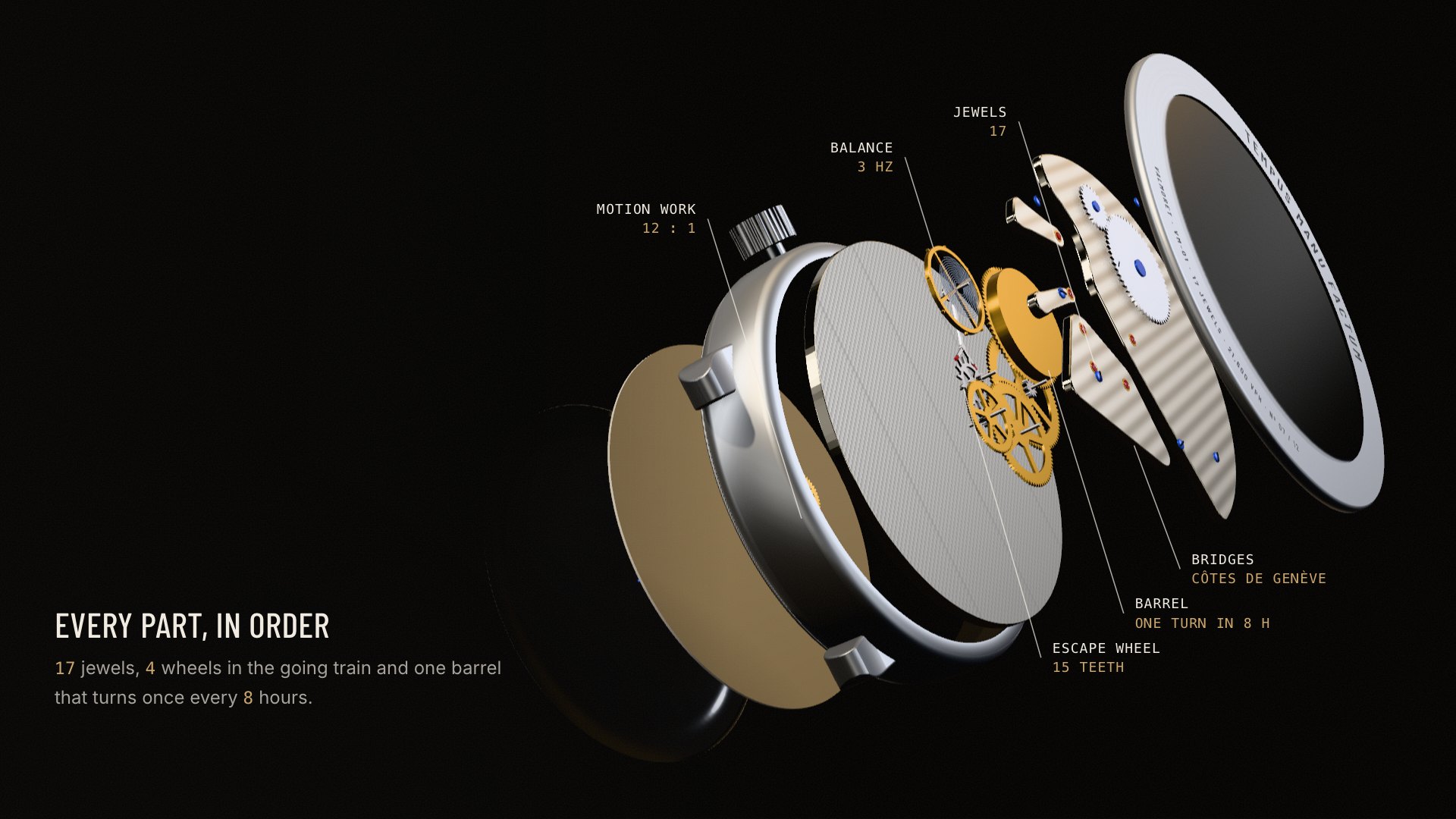
A complete product website where scroll turns, opens and takes apart a live 3D model, with every video and image rendered from that model, in one offline file.
Landing Page System
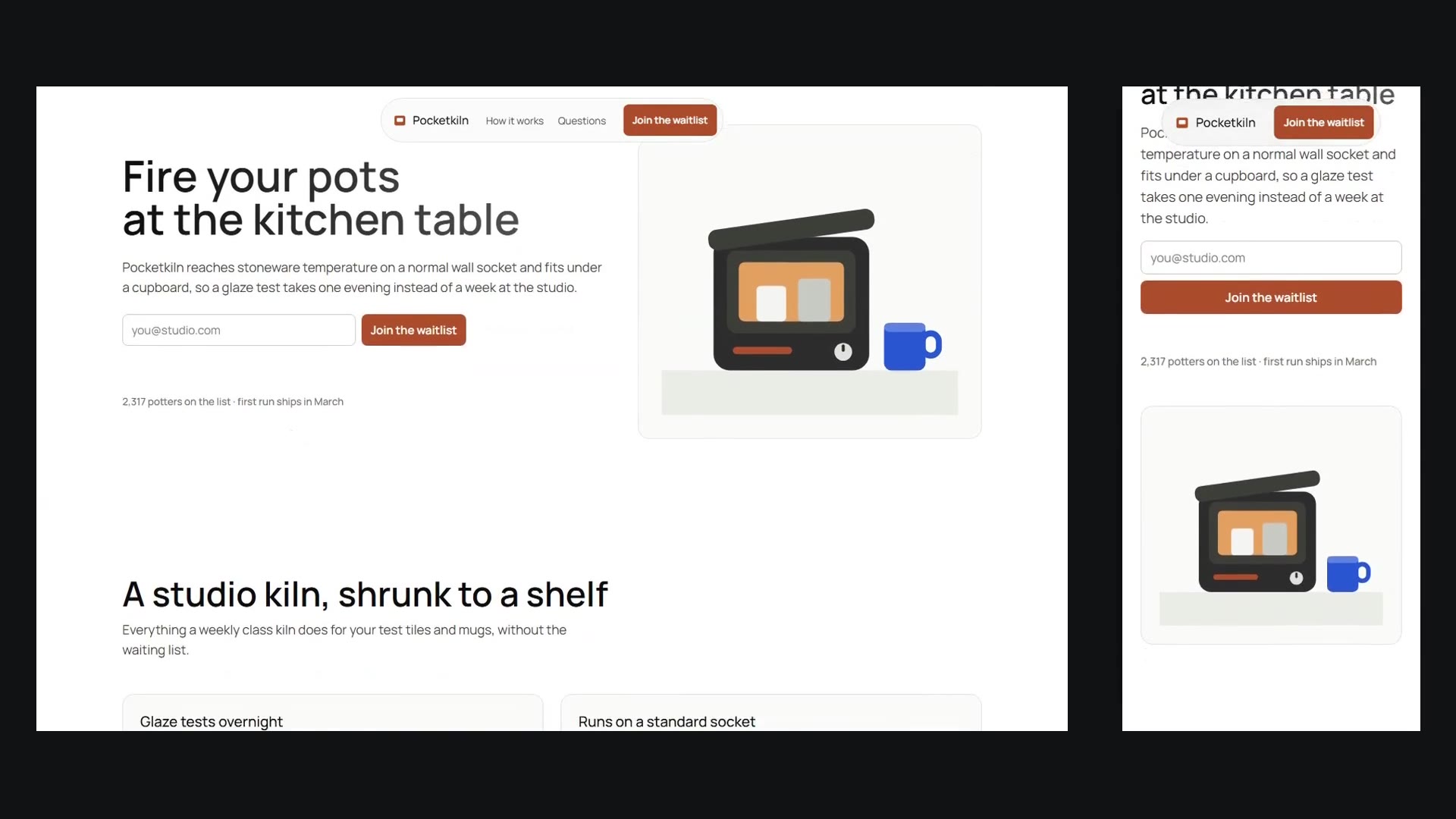
A complete single-file landing page with a conversion structure and a shared visual system, checked by a rendered-page audit before delivery.