
WeChat Article Format
- Lab Skill
- v0.1.1
Turn Markdown into 公众号 editor HTML that keeps its layout when pasted.
カバー
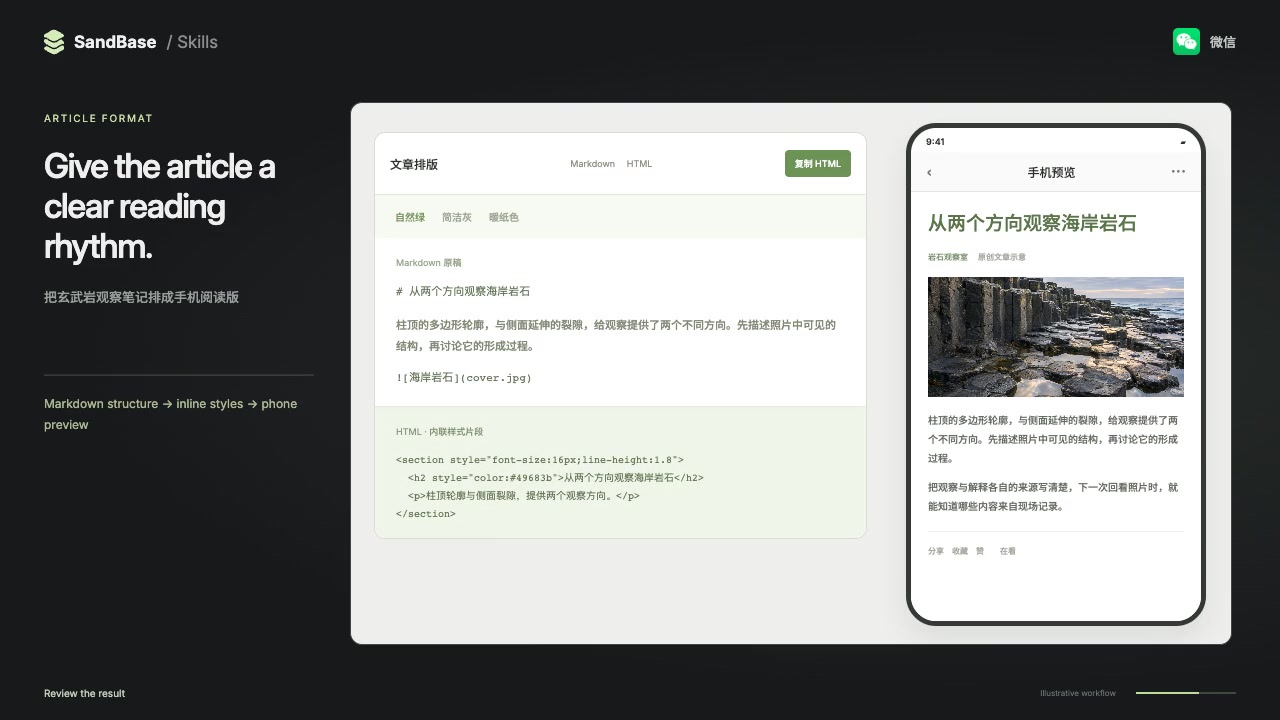
得られるもの
Bring an article in Markdown and a colour theme. The Skill returns inline-styled HTML, a phone-width preview with a copy button, and external links moved to numbered references.
仕組み
- 01
Write the article in Markdown
Start from a Markdown article. WeChat Article Format supports headings up to four levels, paragraphs, bold, italic, inline code, strikethrough, one-level ordered and unordered lists, quotes, fenced code blocks, tables, horizontal rules, links and images. Front matter is ignored, so an article exported from another editor can be used as it is.
- 02
Run the local formatter
The Agent runs the bundled Node.js script with one of three themes: mint, ink or amber. It writes a 420 px phone-width preview page with a Copy article button. Every style is inline, links to mp.weixin.qq.com stay clickable, and other links become numbered references listed at the end of the article.
- 03
Paste into the editor and check
Open the preview in a desktop browser, press the copy button and paste into the Official Account editor. Read the script's warnings: local image paths cannot be pasted and must be uploaded in the editor. Check the editor preview on a phone, then report the theme, the moved links and any image warnings.
FAQ
Why does WeChat Article Format use inline styles only?
WeChat Article Format writes inline style attributes because the WeChat editor strips style blocks, classes and scripts when you paste. With every style on the element itself, headings, quotes, tables and code blocks keep their look after pasting. The copy button lives outside the article body, so it never ends up in the published post.
Does WeChat Article Format cost anything to run?
No. WeChat Article Format is a local Node.js 18 script with no dependencies, no network access and no SandBase calls, so formatting an article uses no paid model or API. It also needs no WeChat credentials: you paste the result into the editor yourself, which keeps your account login out of the process entirely.
What happens to external links in WeChat Article Format?
WeChat Article Format keeps links to mp.weixin.qq.com clickable and turns every other link into text with a superscript number. The numbered links are listed at the end under 参考链接 for Chinese articles or References for English ones. Readers can still find each source, even though the editor would not let the original link work.
Can WeChat Article Format handle images on my computer?
WeChat Article Format marks local image paths with a warning, because a pasted article cannot carry files from your disk. Upload those images in the WeChat editor at the marked spots, or switch to HTTPS image URLs. Images hosted elsewhere are re-uploaded by the editor when pasted, so check each one before publishing.
Which Markdown does WeChat Article Format not support?
WeChat Article Format does not support nested lists, footnote syntax, task lists or HTML inside the Markdown; these render as plain text. Code blocks have no syntax highlighting, and wide code or tables scroll sideways on phones. Rewrite nested lists as one level and move footnotes into the text before formatting.
その他の Skills
すべての WeChat Skills →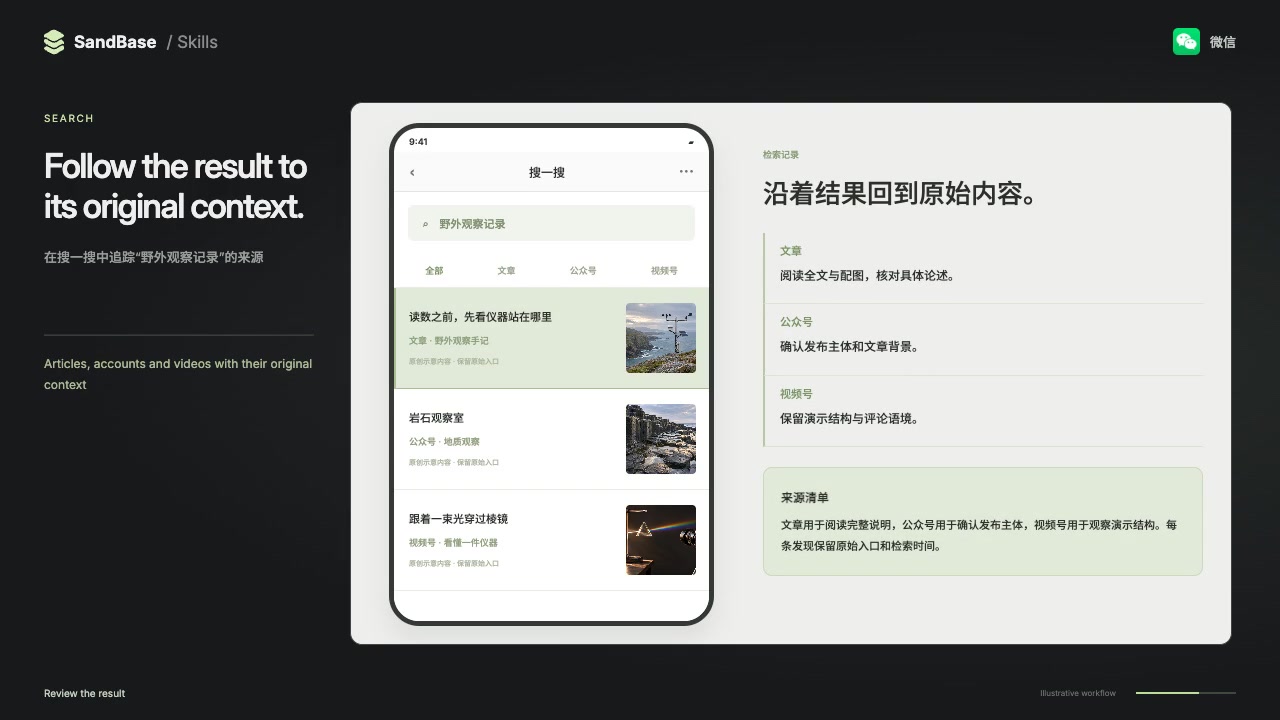
WeChat Search
Search articles, videos, and content within the WeChat ecosystem. Covers cross-content-type search including Official Account articles, video channels, and mini-programs — the gateway to China's largest private-traffic platform.
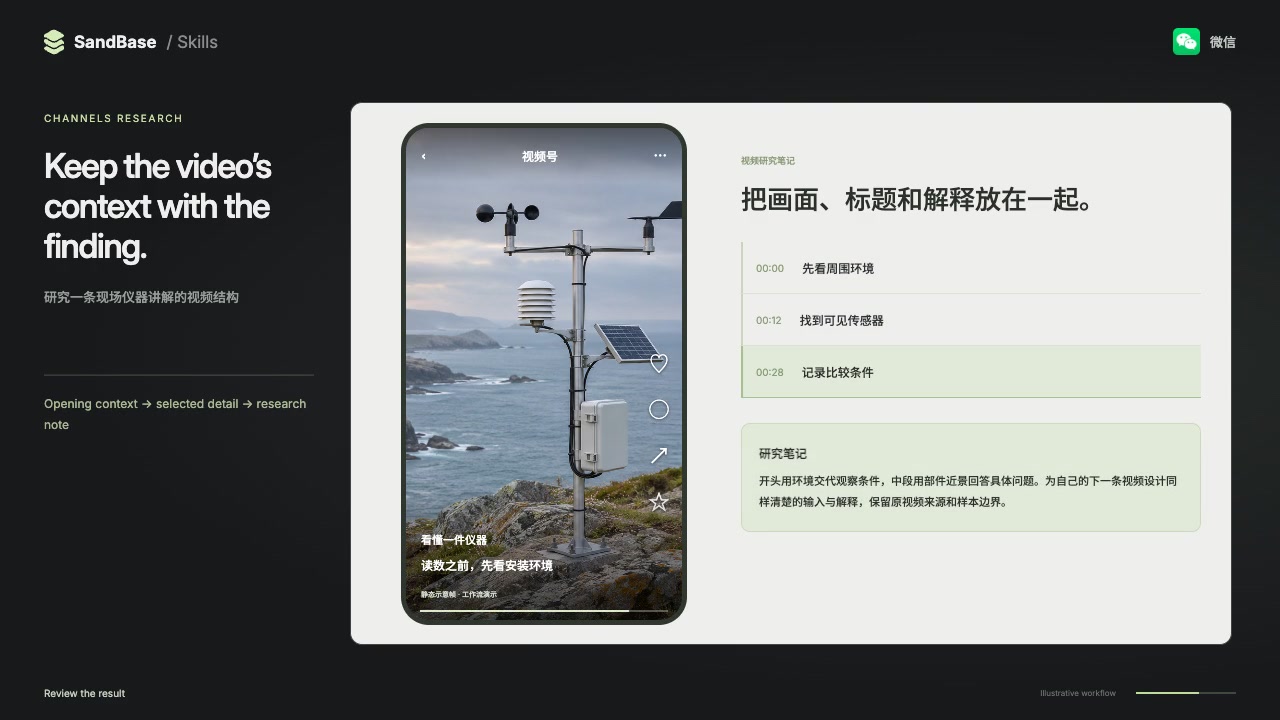
WeChat Channels Research
Search videos, analyze channel profiles, track live streams, and research content engagement on WeChat Channels (Video Accounts). Covers video search, channel profiling, live stream monitoring, comment analysis, and content collections.
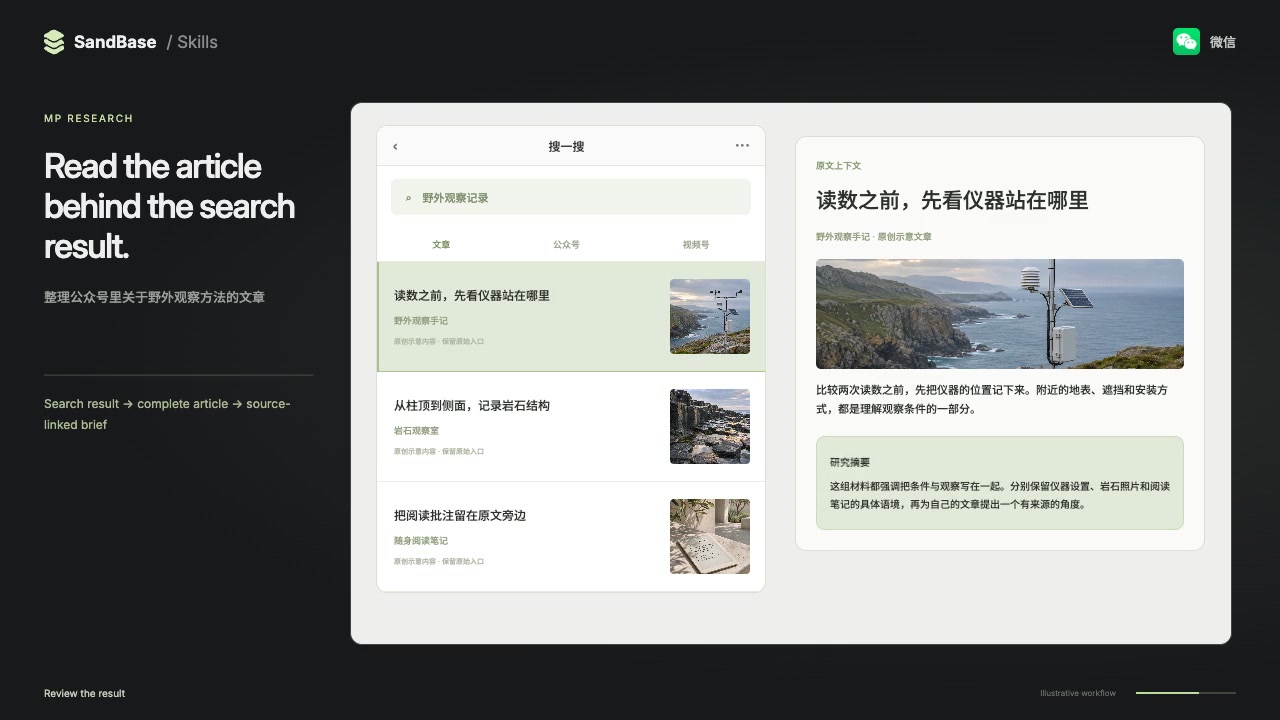
WeChat Official Accounts Research
Research WeChat Official Account articles, analyze account profiles, track article performance, and read comments. Covers article discovery, account profiling, engagement statistics, comment analysis, and content strategy research on China's dominant messaging ecosystem.
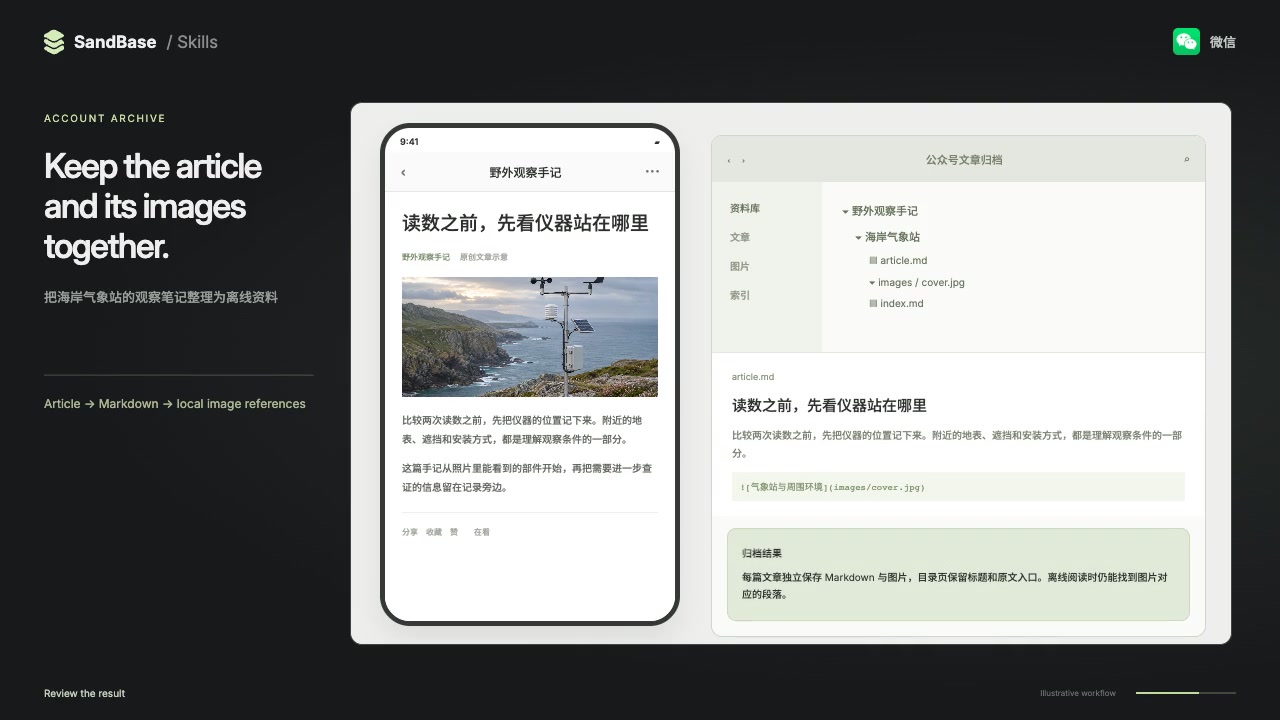
WeChat Account Archive
Save a 公众号’s articles as local Markdown with their images, so they still read offline or after deletion.
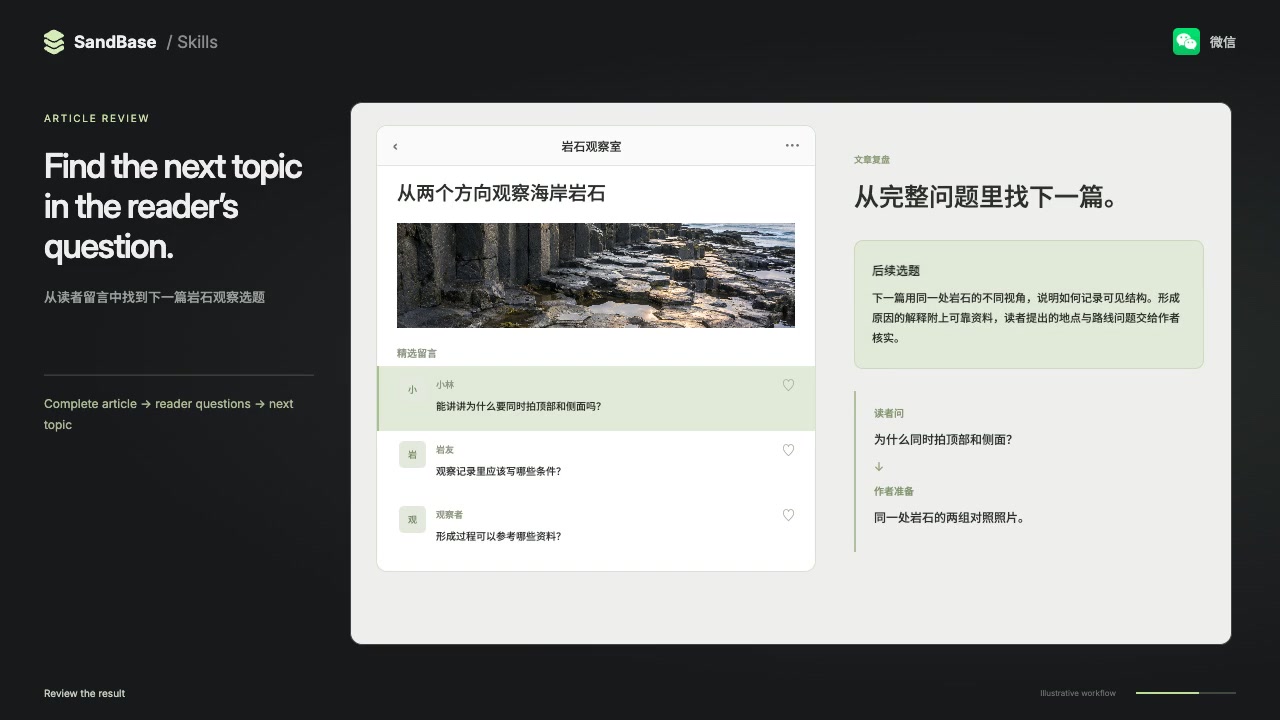
WeChat Article Review
Review how one 公众号 article did and what readers wrote, then decide what to write next.
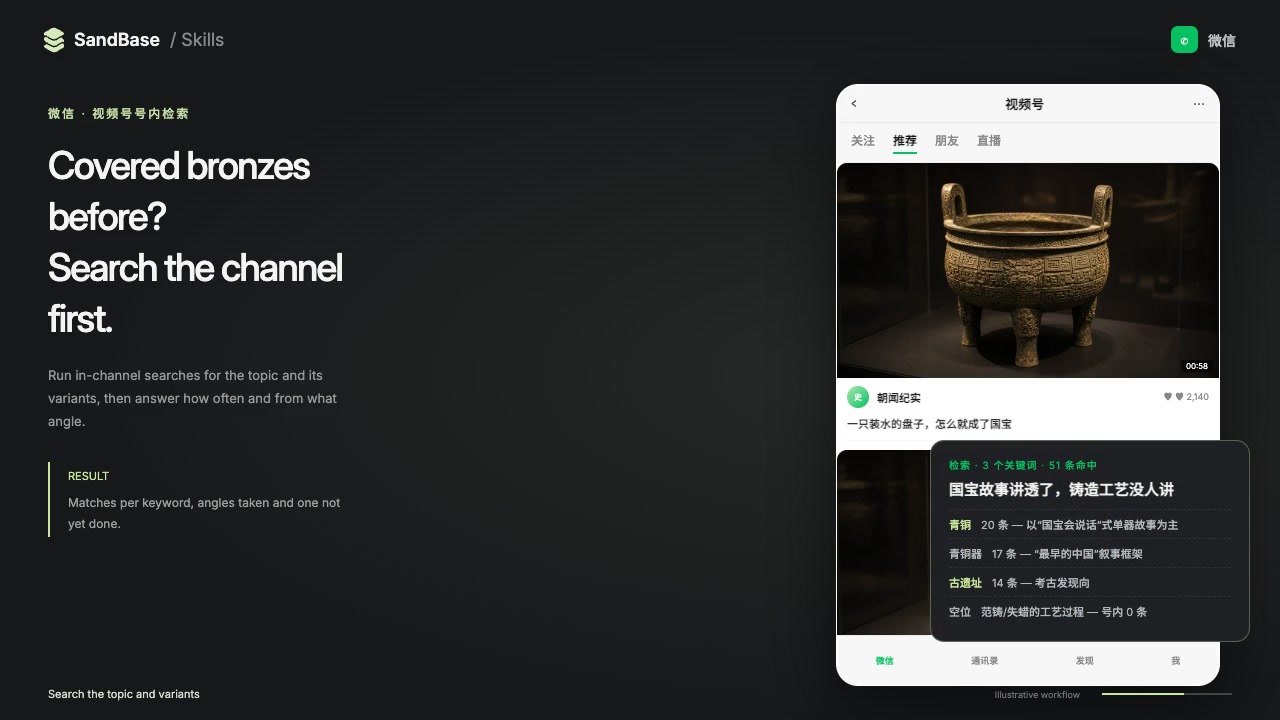
WeChat Channels Archive Search
Check whether a WeChat Channels account has already covered a topic.