
Free AI living room design
無料AI画像Upload a photo of your living room and see it in a new style: a new sofa, rug, walls, curtains and lighting, with the room shape kept the same.
- 100% free
- No sign-up
- No watermark
- Works on phone
サンプル結果
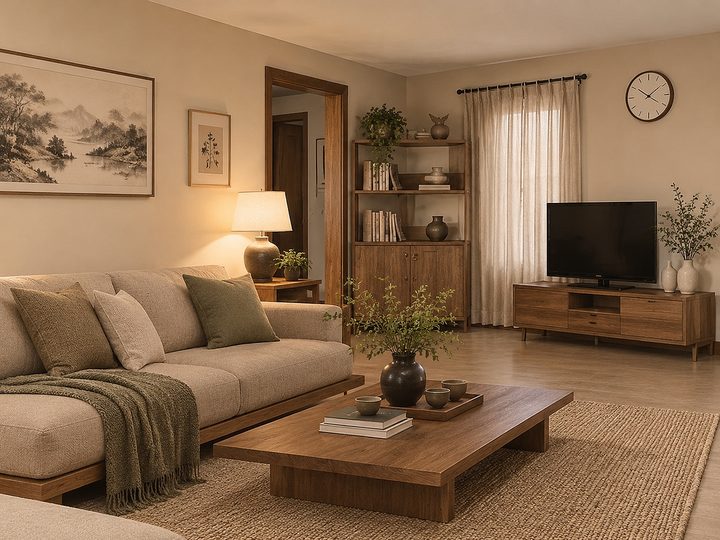
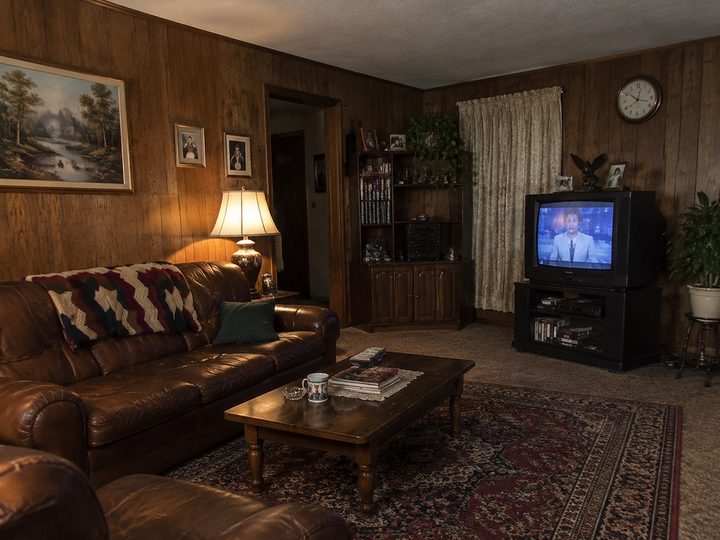 編集前編集後
A dark 90s living room restyled as Japandi.
AI Living Room Designの使い方
3ステップで、パソコンでもスマートフォンでも使えます。
- 01
Upload a photo
Drop, paste or pick a JPG, PNG, WebP or HEIC image; on a phone you can take one with the camera.
- 02
Choose style
Pick Style (Modern, Scandinavian, Mid-century, Japandi or Coastal and 2 more), then select Design room. A result usually takes about 20 seconds.
- 03
Compare and download
Compare it with your original, then download a JPG. Example on this page: a dark 90s living room restyled as Japandi.
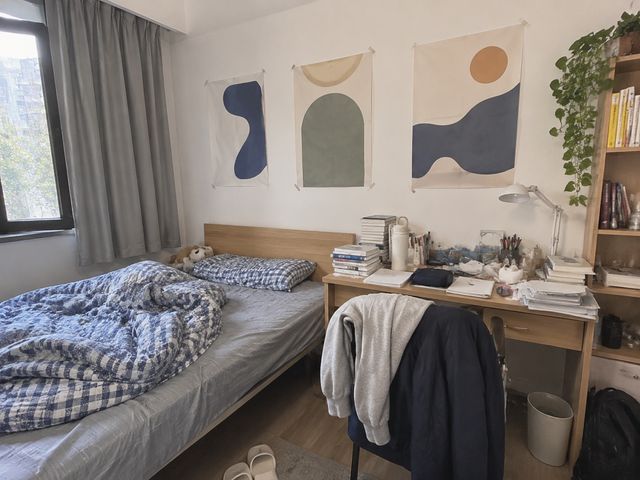
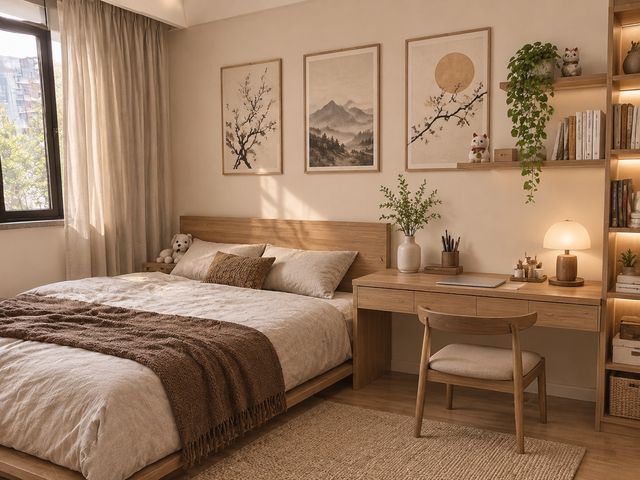
何に使うか
Makeovers
Try styles before you buy furniture.
Renters and movers
See what a new place could be.
Agents and stagers
Show buyers what is possible.
より良い結果を得るためのヒント
- Shoot from a corner in daylight to show the whole room.
- Japandi and Scandinavian make small rooms look larger.
- Clear the clutter first so the new look reads clearly.
もっと細かく制御したいですか? APIを使いましょう
このツールは SandBase の画像 API 上で動作しています。API なら、無料ツールが自動で固定している各設定をすべて指定できます。
- より高品質・高解像度quality=high、最大 2K のサイズ、透明背景を 1 回の呼び出しで利用できます。
- 独自のプロンプトテンプレートを変更したり、参照画像を追加したり、コードや Agent から数百枚を一括処理したりできます。
- 画像ごとの従量課金無料ツールの利用枠を超えて SandBase 残高を使えます。モデルの提供状況と API レート制限は引き続き適用されます。
# Set SANDBASE_API_KEY and choose your local image file.
IMAGE_FILE="photo.jpg"
curl --fail-with-body https://api.sandbase.ai/v1/images/edits \
  -H "Authorization: Bearer $SANDBASE_API_KEY" \
  --form-string 'model=gpt-image-2.6-flare' \
  --form "image=@${IMAGE_FILE}" \
  --form-string 'quality=high' \
  --form-string 'size=2048x2048' \
--form-string 'prompt=Redesign the living room in this photo in a Japandi, with low furniture, natural wood and calm tones style. Keep the room'\''s shape, windows, doors and camera angle; change the sofa, rug, wall color, curtains, lighting, shelves and decor. Photorealistic and tidy.'FAQ
How is this different from the interior design tool?
This tool is built for living rooms with seven living room styles. The interior design tool covers many room types.
AI Living Room Design は無料ですか?
はい、ウォーターマークなし、登録不要です。AI Living Room Design の 1 回の実行には約 20 秒かかり、JPG が得られます。これは、すべての AI 画像ツールで共有される無料の 1 日分 AI 画像利用枠を 1 回消費します。ログインなしでは 1 日 10 回、無料の SandBase アカウントでは 30 回まで利用できます。ツールには残り回数が表示され、カウントは UTC の深夜にリセットされます。ネットワークやサイト全体の制限が適用される場合もあります。
AI Living Room Design にアップロードした写真はどうなりますか?
写真と設定が、SandBase と画像プロバイダーによって処理され、この 1 つの結果が作成されます。AI Living Room Design は公開ギャラリーに何も公開しません。結果は最大 24 時間キャッシュから再利用される場合があり、同一リクエストでは追加の実行回数は消費しません。保存したい結果はダウンロードしてください。
この用途に合うSandBase APIs
同じ種類のデータを、自分のコードやAgentで扱えます。APIキー1つで、呼び出しごとに課金されます。
その他のツール
AI Interior Design
Redesign a room from a photo in eight styles: the layout stays and the furniture and decor change.
AI Fashion Design Generator
Generate fashion concepts from a description: sketch, flat drawing, model photo or moodboard.
Hoodie Design Generator
See a design idea printed on a hoodie in five colors and four print styles.
AI Landscape Design
Redesign your yard from a photo: cottage, modern, low maintenance, patio, vegetable or zen.
AI Exterior Design
Redesign the outside of a house from a photo: siding, trim, door and landscaping, in five looks.
AI Mural Generator
Try murals on a photo of your wall: botanical, abstract, landscape, geometric or kids.