
Free image to SVG converter
無料AI画像Upload a drawing, an icon, a logo or a photo and get an SVG with up to six solid colors, ready for design tools, cutters and the web.
- 100% free
- No sign-up
- No watermark
- Works on phone
サンプル結果
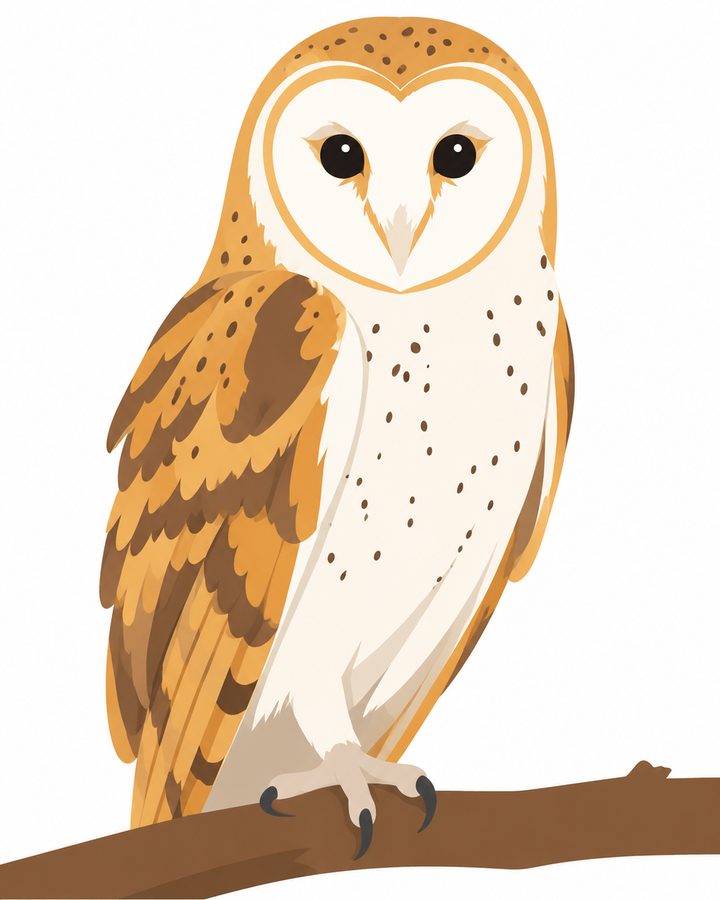
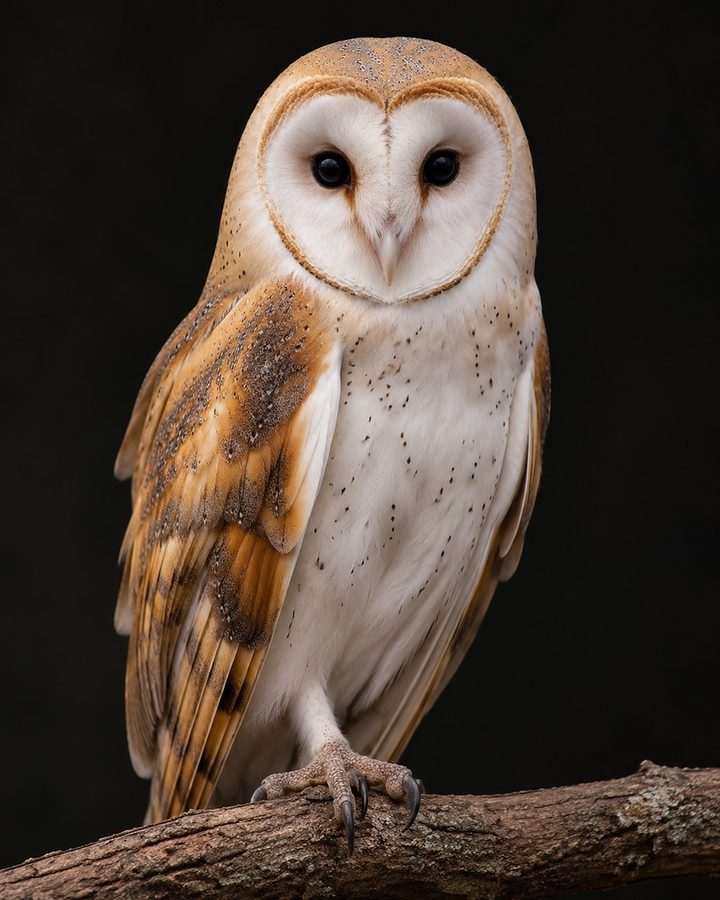 編集前編集後
An owl photo redrawn as flat vector shapes.
Image to SVGの使い方
3ステップで、パソコンでもスマートフォンでも使えます。
- 01
Upload a photo
Drop, paste or pick a JPG, PNG, WebP or HEIC image; on a phone you can take one with the camera.
- 02
Choose vector look
Pick Vector look (Flat colors, Line art, Silhouette or Two colors), then select Make SVG. A result usually takes about 20 seconds.
- 03
Compare and download
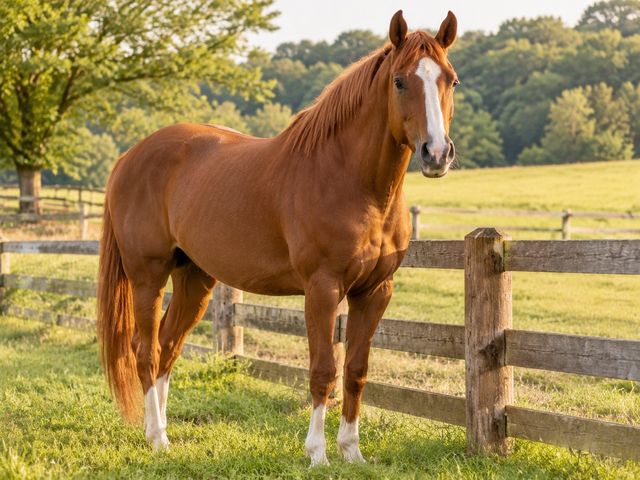
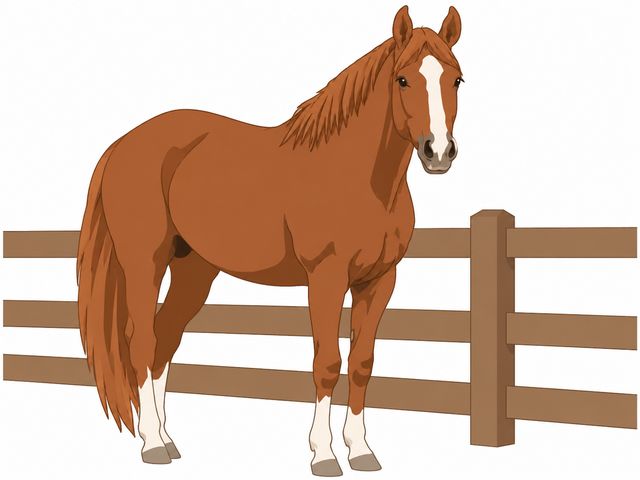
Compare it with your original, then download a PNG, or an SVG traced from it in the browser. Example on this page: an owl photo redrawn as flat vector shapes.
何に使うか
Designers
A starting vector for icons and illustrations.
Makers
Shapes for Cricut, laser and vinyl projects.
Developers
Small scalable graphics for apps and sites.
より良い結果を得るためのヒント
- Simple images with clear edges convert best.
- Line art suits sketches and signatures.
- Open the SVG in any vector editor to change colors.
もっと細かく制御したいですか? APIを使いましょう
このツールは SandBase の画像 API 上で動作しています。API なら、無料ツールが自動で固定している各設定をすべて指定できます。
- より高品質・高解像度quality=high、最大 2K のサイズ、透明背景を 1 回の呼び出しで利用できます。
- 独自のプロンプトテンプレートを変更したり、参照画像を追加したり、コードや Agent から数百枚を一括処理したりできます。
- 画像ごとの従量課金無料ツールの利用枠を超えて SandBase 残高を使えます。モデルの提供状況と API レート制限は引き続き適用されます。
# Set SANDBASE_API_KEY and choose your local image file.
IMAGE_FILE="photo.jpg"
curl --fail-with-body https://api.sandbase.ai/v1/images/edits \
  -H "Authorization: Bearer $SANDBASE_API_KEY" \
  --form-string 'model=gpt-image-2.6-flare' \
  --form "image=@${IMAGE_FILE}" \
  --form-string 'quality=high' \
  --form-string 'size=2048x2048' \
--form-string 'prompt=Redraw this image as flat vector artwork with a small palette of solid colors. Keep the subject, shapes and composition recognizable. Use solid flat colors only, no gradients, no shadows, no textures, no photographic detail, crisp edges and no lines thinner than 4 px, on a plain white background, so it traces cleanly to SVG.'FAQ
What images work best?
Simple subjects with clear shapes: logos, icons, drawings and objects. Busy photos become stylized artwork.
Image to SVG は無料ですか?
はい、ウォーターマークなし、登録不要です。Image to SVG の 1 回の実行には約 20 秒かかり、PNG、またはブラウザでそこからトレースした SVG が得られます。これは、すべての AI 画像ツールで共有される無料の 1 日分 AI 画像利用枠を 1 回消費します。ログインなしでは 1 日 10 回、無料の SandBase アカウントでは 30 回まで利用できます。ツールには残り回数が表示され、カウントは UTC の深夜にリセットされます。ネットワークやサイト全体の制限が適用される場合もあります。
Image to SVG にアップロードした写真はどうなりますか?
写真と設定が、SandBase と画像プロバイダーによって処理され、この 1 つの結果が作成されます。Image to SVG は公開ギャラリーに何も公開しません。結果は最大 24 時間キャッシュから再利用される場合があり、同一リクエストでは追加の実行回数は消費しません。保存したい結果はダウンロードしてください。
この用途に合うSandBase APIs
同じ種類のデータを、自分のコードやAgentで扱えます。APIキー1つで、呼び出しごとに課金されます。
その他のツール
PNG to SVG
Convert a PNG into a scalable SVG made of flat vector shapes, in four vector looks.
SVG Files for Cricut
Make custom SVG cut files for Cricut and Silhouette in solid, line or layered style.
SVG Converter
Convert PNG and JPG images to SVG online, in four vector looks.
JPG to SVG
Convert a JPG into an SVG made of flat vector shapes, with solid colors and crisp edges.
SVG Icon Generator
Make single SVG icons from text in outline, solid, duotone or color style.
Image to Vector
Convert a pixel image to a vector SVG with up to eight colors.