
Free photo to watercolor converter
無料AI画像Turn a photo into a watercolor: loose and airy, detailed, ink and wash, or soft pastel, with paper texture and color bleeds.
- 100% free
- No sign-up
- No watermark
- Works on phone
サンプル結果
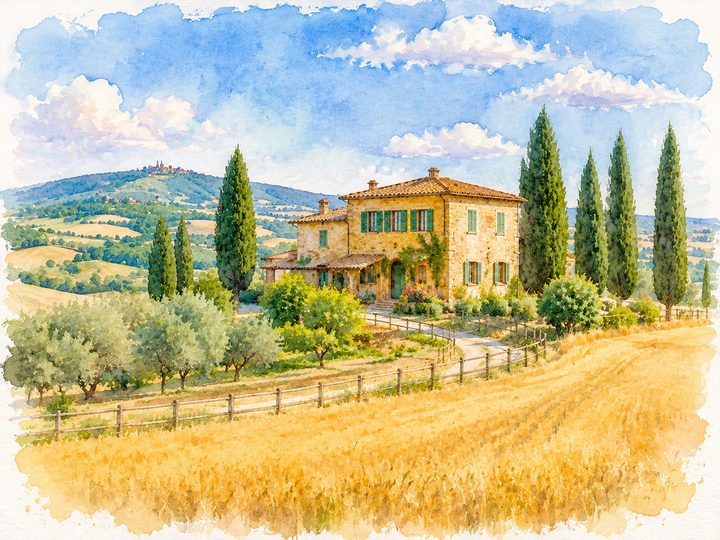
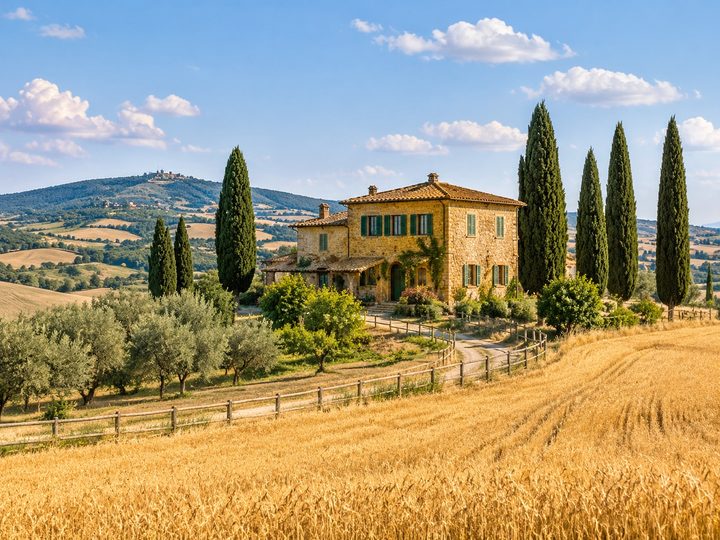 編集前編集後
A Tuscan farmhouse as a loose watercolor.
Photo to Watercolorの使い方
3ステップで、パソコンでもスマートフォンでも使えます。
- 01
Upload a photo
Drop, paste or pick a JPG, PNG, WebP or HEIC image; on a phone you can take one with the camera.
- 02
Choose watercolor style
Pick Watercolor style (Loose, Detailed, Ink and wash or Soft pastel), then select Make watercolor. A result usually takes about 20 seconds.
- 03
Compare and download
Compare it with your original, then download a JPG. Example on this page: a Tuscan farmhouse as a loose watercolor.
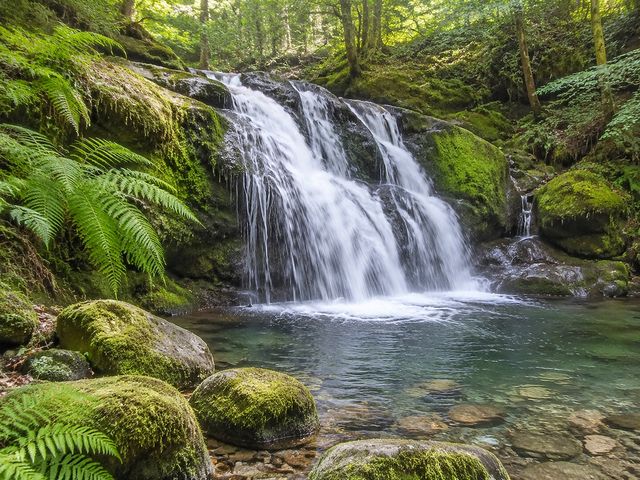
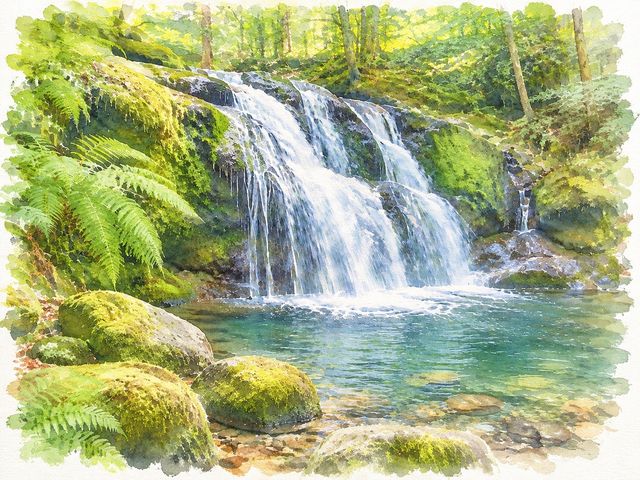
何に使うか
Cards and gifts
A watercolor of a home, a pet or a place.
Wedding and travel
Illustrated keepsakes from photos.
Journals
Art for scrapbooks and notebooks.
より良い結果を得るためのヒント
- Loose suits landscapes; Detailed suits portraits and pets.
- Ink and wash adds dark outlines.
- Bright photos give the softest washes.
もっと細かく制御したいですか? APIを使いましょう
このツールは SandBase の画像 API 上で動作しています。API なら、無料ツールが自動で固定している各設定をすべて指定できます。
- より高品質・高解像度quality=high、最大 2K のサイズ、透明背景を 1 回の呼び出しで利用できます。
- 独自のプロンプトテンプレートを変更したり、参照画像を追加したり、コードや Agent から数百枚を一括処理したりできます。
- 画像ごとの従量課金無料ツールの利用枠を超えて SandBase 残高を使えます。モデルの提供状況と API レート制限は引き続き適用されます。
# Set SANDBASE_API_KEY and choose your local image file.
IMAGE_FILE="photo.jpg"
curl --fail-with-body https://api.sandbase.ai/v1/images/edits \
  -H "Authorization: Bearer $SANDBASE_API_KEY" \
  --form-string 'model=gpt-image-2.6-flare' \
  --form "image=@${IMAGE_FILE}" \
  --form-string 'quality=high' \
  --form-string 'size=2048x2048' \
--form-string 'prompt=Turn this photo into a loose, airy watercolor painting with wet edges. Keep the composition and subject recognizable, with visible paper texture, soft color bleeds and a lightly unpainted white edge.'FAQ
Does the paper texture print well?
Yes. Print on matte or watercolor paper for the best result.
Photo to Watercolor は無料ですか?
はい、ウォーターマークなし、登録不要です。Photo to Watercolor の 1 回の実行には約 20 秒かかり、JPG が得られます。これは、すべての AI 画像ツールで共有される無料の 1 日分 AI 画像利用枠を 1 回消費します。ログインなしでは 1 日 10 回、無料の SandBase アカウントでは 30 回まで利用できます。ツールには残り回数が表示され、カウントは UTC の深夜にリセットされます。ネットワークやサイト全体の制限が適用される場合もあります。
Photo to Watercolor にアップロードした写真はどうなりますか?
写真と設定が、SandBase と画像プロバイダーによって処理され、この 1 つの結果が作成されます。Photo to Watercolor は公開ギャラリーに何も公開しません。結果は最大 24 時間キャッシュから再利用される場合があり、同一リクエストでは追加の実行回数は消費しません。保存したい結果はダウンロードしてください。
この用途に合うSandBase APIs
同じ種類のデータを、自分のコードやAgentで扱えます。APIキー1つで、呼び出しごとに課金されます。
その他のツール
Watercolor Portrait Maker
Turn a selfie into a watercolor portrait.
Watercolor Filter
Turn a photo into a watercolor painting.
3D Cartoon Filter
Turn a selfie into a 3D animated movie character.
Anime PFP Maker
Turn a selfie into an anime profile picture, centered for small circles.
Cat Cartoon Maker
Turn a pet photo into a cat cartoon.
Pirate Filter
Turn a selfie into a pirate captain.