
2 × 2 inch photo resizer
無料画像ツールThis preset exports a single 600 × 600 pixel JPG with 300 DPI metadata for a 2 × 2 inch print. Digital uploads may have separate size and file limits. Use an authentic photo and follow the application’s capture and printing requirements.
- ブラウザで実行
- アップロードなし
- 透かしなし
2x2 Photo Makerの使い方
- 01
Read the photo instructions for your application and choose an original that may be resized.
- 02
Review the centre crop at 2 × 2 inches and 300 DPI; it does not position or measure your head automatically.
- 03
Download one JPG. Check the file requirements or print at actual size where your application permits it.
どのような用途で使われるか
Square print reference
One JPG for a 2 × 2 inch print at 300 DPI.
Check a requested size
Use only when the actual form requests this format.
より良い結果を出すためのヒント
- Do not alter or generate facial features for an identity photo.
- Check the specific authority’s capture, background and submission requirements.
- Use actual-size printing rather than fit-to-page if printed copies are permitted.
2 × 2 in in pixels
| Selected density | Output dimensions |
|---|---|
| 150 DPI | 300 × 300 px |
| 300 DPI | 600 × 600 px |
| 600 DPI | 1200 × 1200 px |
| Size | 2 × 2 in = 5.1 × 5.1 cm |
| Aspect ratio | 1:1 |
These are calculated pixel dimensions, not a sharpness guarantee. The tool exports a single center-cropped JPG. Outputs above 12,000 pixels on either side are disabled; choose a lower density or smaller print size. Use actual-size printing to avoid a second resize.
FAQ
Does this guarantee an acceptable passport or visa photo?
No. The tool sets dimensions and DPI only. It does not verify facial proportions, background, authenticity, file-size limits or the authority’s capture requirements.
Does this make a sheet of several photos?
No. The download contains one photo, without a multi-photo layout.
Does 2x2 Photo Maker upload my image?
No. 2x2 Photo Maker crops and sizes the image in your browser, so the picture never leaves your device.
この用途に合うSandBase APIs
同じ種類のデータを、自分のコードやAgentで扱えます。APIキー1つで、呼び出しごとに課金されます。
その他のツール
 無料
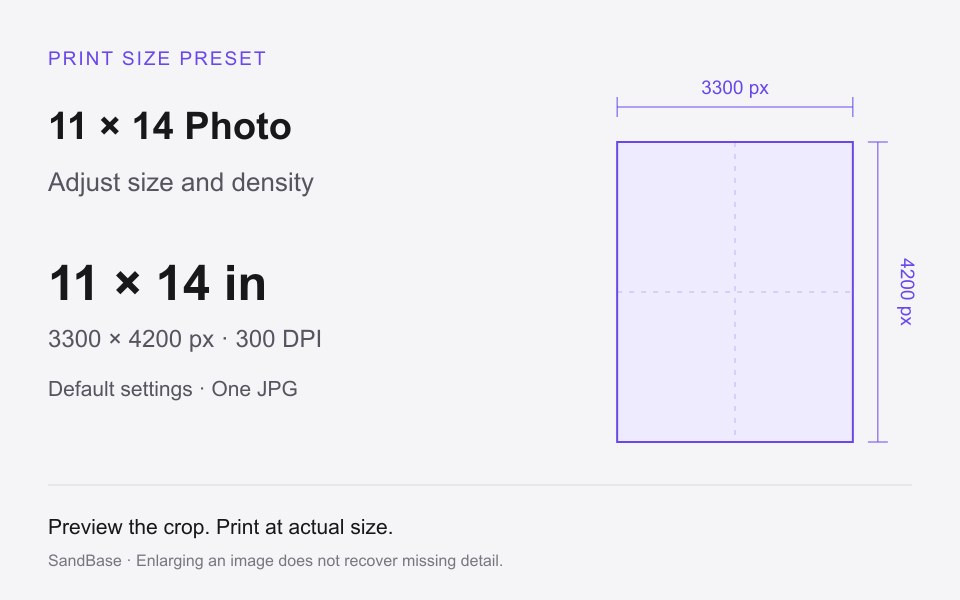
11 × 14 Photo Maker
Start with 11 × 14 in at 300 DPI; adjust the print size and density before saving.
 無料
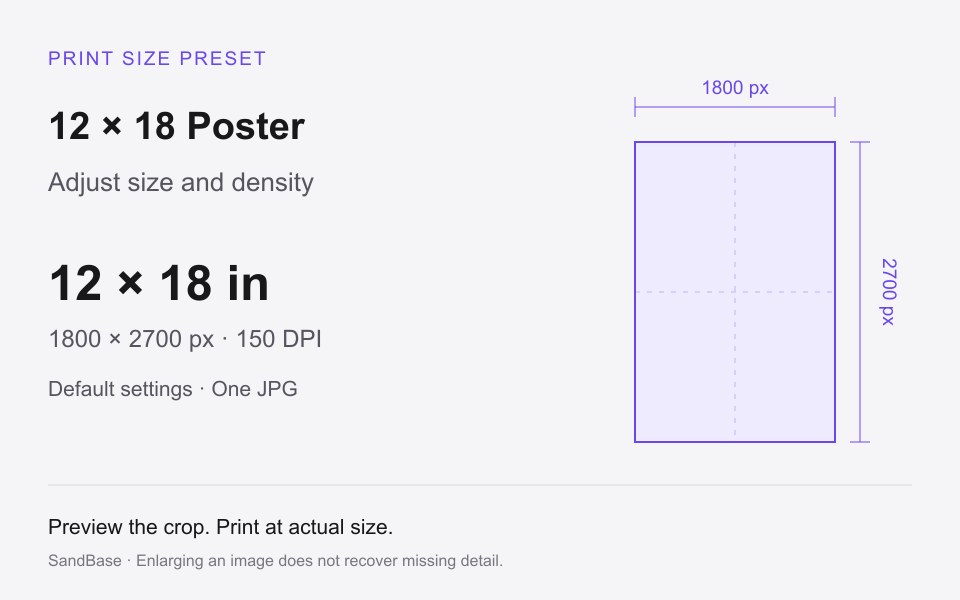
12 × 18 Poster
Start with 12 × 18 in at 150 DPI; adjust the print size and density before saving.
 無料
16 × 20 Poster
Start with 16 × 20 in at 150 DPI; adjust the print size and density before saving.
 無料
18 × 24 Poster
Start with 18 × 24 in at 150 DPI; adjust the print size and density before saving.
 無料
24 × 36 Poster
Start with 24 × 36 in at 150 DPI; adjust the print size and density before saving.
 無料
300 DPI Converter
Resize a picture for printing at 300 DPI in any size.