
Favicon generator
無料画像ツールDrop your logo or an icon and get a favicon.ico with every size browsers and Windows use, in one file. Nothing is uploaded.
- ブラウザで実行
- アップロードなし
- 透かしなし
Favicon Generatorの使い方
- 01
Drop images here, or pick them from your device.
- 02
Tick the icon sizes you need.
- 03
Download each file, or all of them as a ZIP.
どのような用途で使われるか
New websites
A favicon for the browser tab.
Rebrands
Swap the icon for a new logo.
Web apps
Icons for bookmarks.
より良い結果を出すためのヒント
- Start from a square logo of at least 256 px.
- Use a simple mark, not the full logo.
- Add a 180 px apple-touch-icon too.
- Clear the browser cache to see the new icon.
ICO output from this converter
| ICO | |
|---|---|
| Type | Icon container |
| Compression | PNG images at the selected icon sizes |
| Transparency | Yes |
| Animation | No; static output |
| Opens in | Windows and browsers (favicons) |
| Best for | Favicons and Windows icons |
Input columns describe the source format. Output columns describe this converter. File size depends on image content, dimensions and encoding quality. Original EXIF and other source metadata are not copied.
FAQ
How do I add it to my site?
Put favicon.ico in the root of your site, or link it in your page head: <link rel="icon" href="/favicon.ico">.
Why convert image to ICO?
ICO holds several icon sizes in one file. Pick the sizes the icon should contain; 16, 32, 48 and 256 cover Windows and browsers.
Will my image look sharp as an icon?
The image is resized into the selected icon sizes. Small sizes such as 16 and 32 pixels lose detail, so simple shapes work best. Inspect each size before using the icon.
Does this preserve animation?
No. This converter exports a single decoded frame as a still image, or as one PDF page. Use an animation-specific tool to keep multiple frames.
Does Favicon Generator upload my files?
No. Favicon Generator decodes each image file and writes the ICO in your browser, so your files never leave your device.
この用途に合うSandBase APIs
同じ種類のデータを、自分のコードやAgentで扱えます。APIキー1つで、呼び出しごとに課金されます。
その他のツール
画像圧縮ツール
JPG、PNG、WebP画像をブラウザー内で圧縮し、品質スライダーと圧縮前後のサイズを表示します。
画像サイズ変更ツール
画像を正確なピクセル数または割合でリサイズできます。SNS や AI モデル入力向けのプリセットも用意しています。
画像変換ツール
JPG、PNG、WebP 間で画像を変換できます。1枚ずつでも一括でも対応します。
写真コラージュメーカー
最大9枚の写真を1枚のコラージュにまとめます。レイアウト、形状、間隔、背景を選んで、JPGまたはPNGでダウンロードできます。
 無料
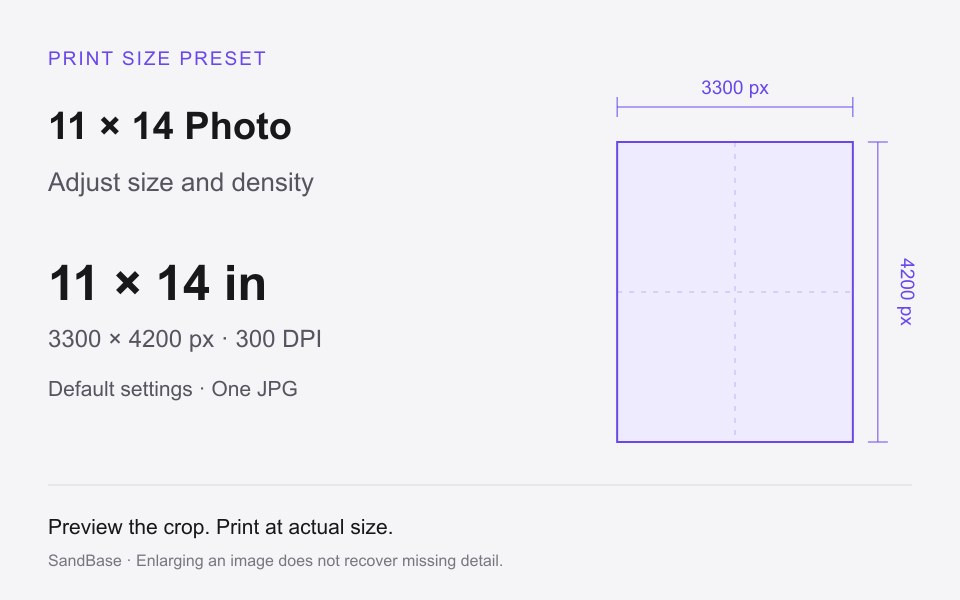
11 × 14 Photo Maker
Start with 11 × 14 in at 300 DPI; adjust the print size and density before saving.
Flip Image
Mirror a picture left to right, or flip it upside down.