
AutoZone Brake Pad Guide
- Lab 스킬
- v0.1.1
- AutoZone
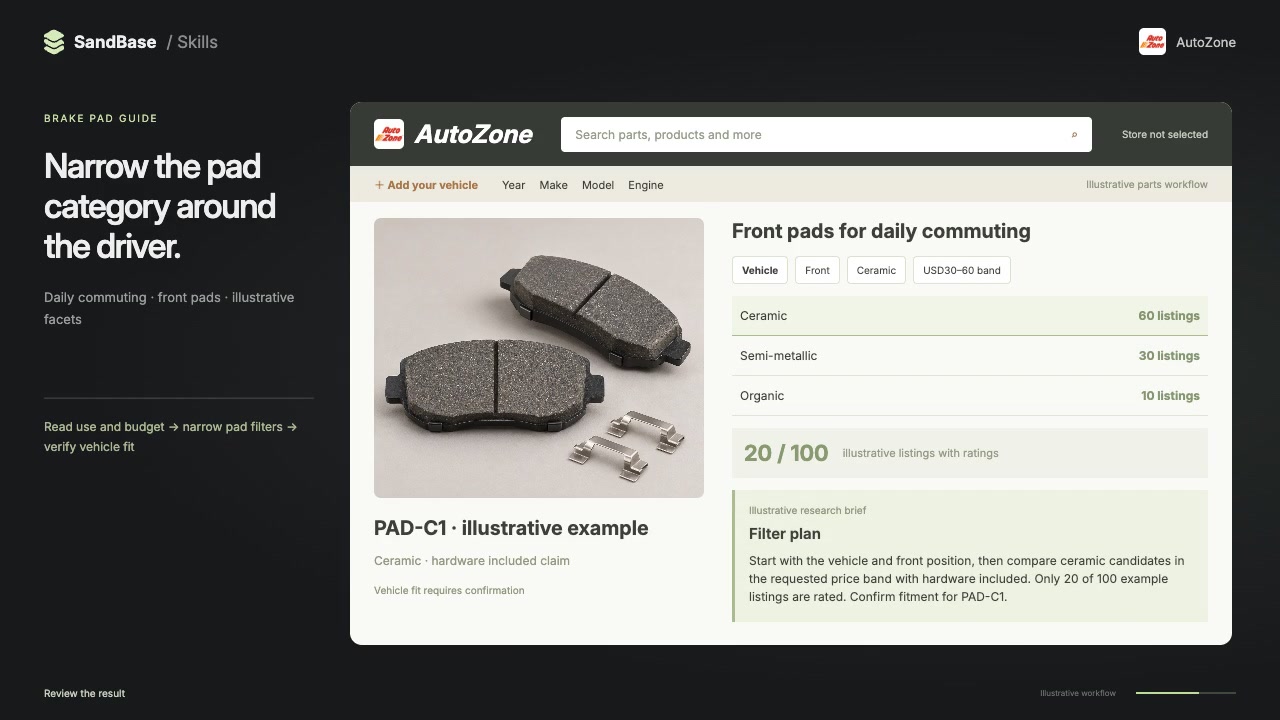
Work out which brake pad type, price band and filters to use at AutoZone before entering a vehicle.
표지
얻을 수 있는 것
Bring how you drive, front or rear, a budget and the vehicle if you know it. The Skill returns listing counts by pad type, brand, position, price and hardware, the rated share, a pad type and band for your driving, and the filters to apply.
작동 방식
- 01
Read the category counts
One call reads the AutoZone brake pad category and its facet counts: pad type, brand, front or rear position, price band, ratings and whether mounting hardware is included. The total record count is reported, and each facet is shown on its own, because counts cannot be crossed with each other and need not add up to the total.
- 02
Match driving to pad type
Your driving is matched to a pad type in plain words: ceramic for quiet daily driving and low dust, semi-metallic for heavier loads and heat, organic for light use. This is stated as general guidance, not a fitment rule. The share of listings without any rating is reported, so you can see how little ratings separate most listings.
- 03
Give examples and filters
First-page part examples are listed with part number, description, pad type, hardware and link. The guide ends with the filters to apply on AutoZone: your vehicle, position, pad type, hardware included, price band and ratings. Your budget is a filter ceiling, not proof that a fitting part exists under it.
FAQ
What does AutoZone Brake Pad Guide do?
AutoZone Brake Pad Guide explains an AutoZone brake pad category before you narrow it to your vehicle. It reports whole-category counts by pad type, brand, position, price band and hardware, explains pad types in plain words, and gives the filters to apply. It reads the public category page and does not confirm fit.
Will it tell me which pads fit my car?
No. AutoZone Brake Pad Guide reads a category that is not vehicle-specific. Every part must be checked against your vehicle on AutoZone after you enter it. The guide's last section lists the filters, starting with the vehicle, that narrow the category to parts listed for your car.
How is the category read billed?
AutoZone Brake Pad Guide makes one call to the SandBase AutoZone category tool, and that call goes on your SandBase account. Rates for the tool are listed at https://www.sandbase.ai/pricing.
Why can't it give a price per pad type?
AutoZone Brake Pad Guide reads price bands as whole-category counts, and AutoZone does not return per-listing prices in this response. Price bands cannot be crossed with pad type or any other facet. A per-type price view would need a separate filtered call, which the guide notes rather than guessing.
Is the pad-type advice a safety rule?
No. AutoZone Brake Pad Guide gives general guidance on pad types for different driving. Your vehicle maker's specification and a qualified mechanic decide what is safe for your brakes. Use the guide to understand the category, then follow the maker's guidance.
더 많은 Skills
모든 AutoZone Skills →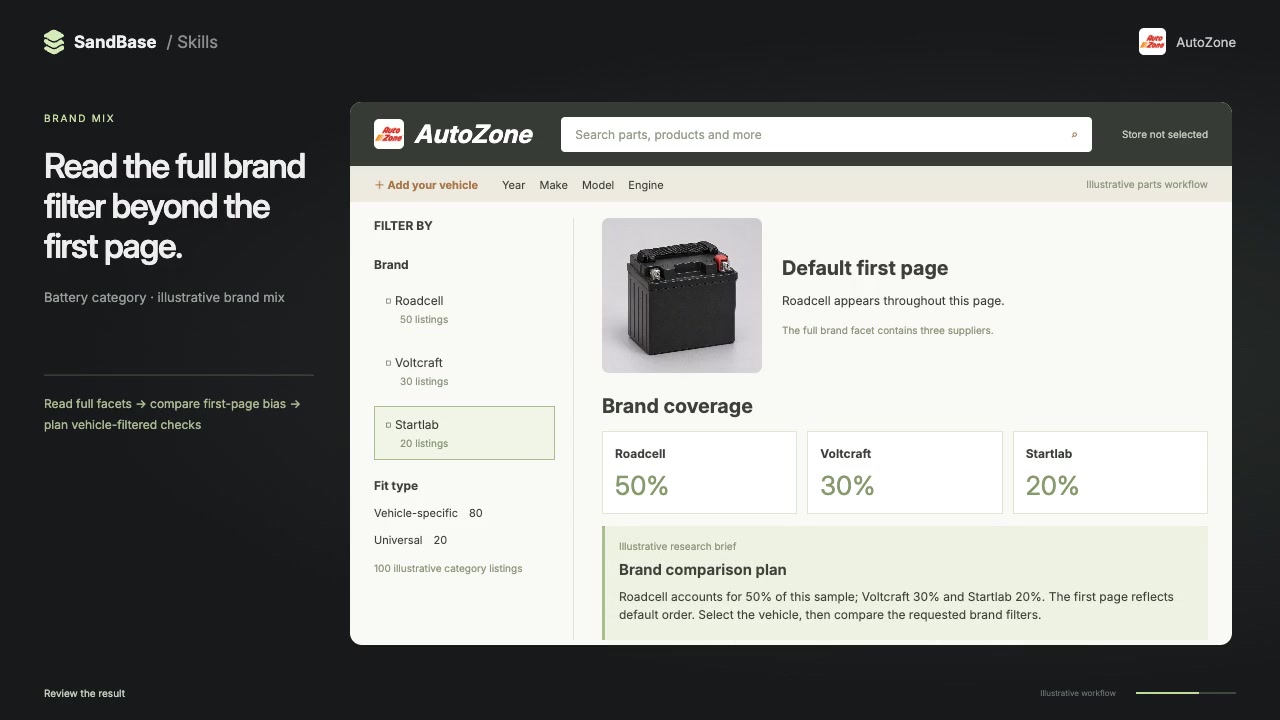
AutoZone Brand Mix
See which brands supply an AutoZone parts category before picking one, and why the first page looks like one brand.
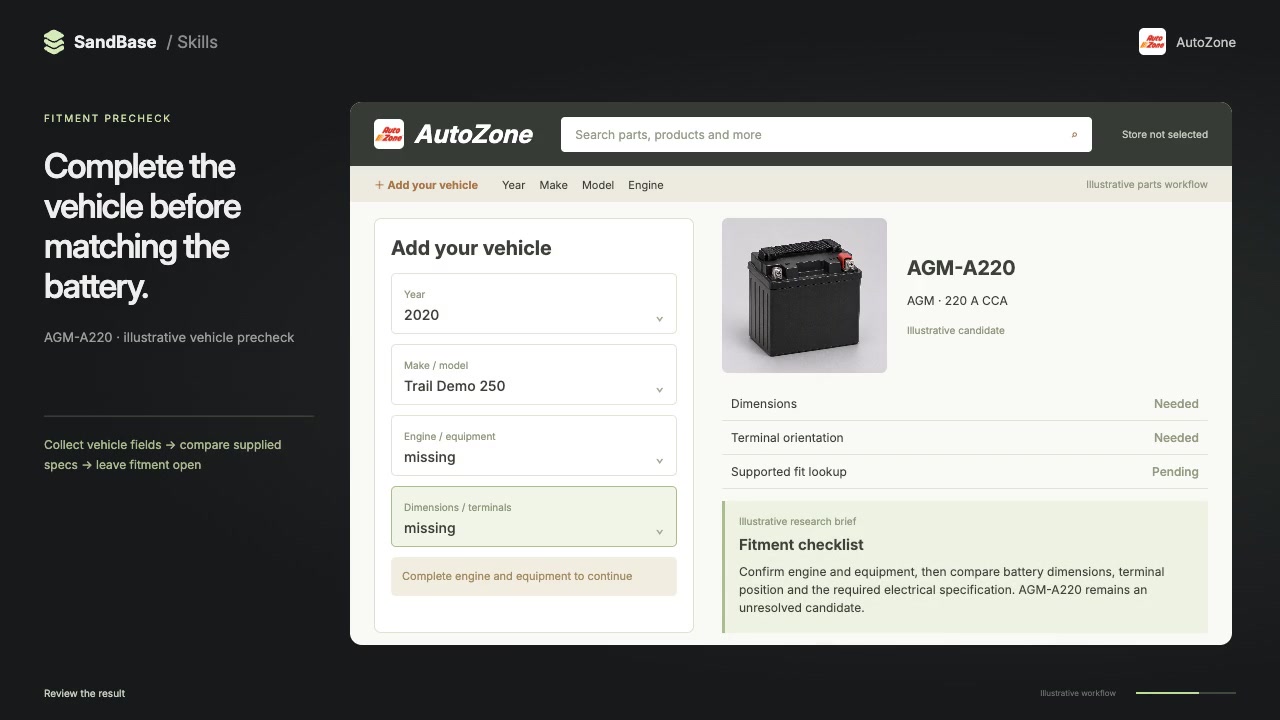
AutoZone Fitment Precheck
Prepare the information needed to verify an AutoZone part.
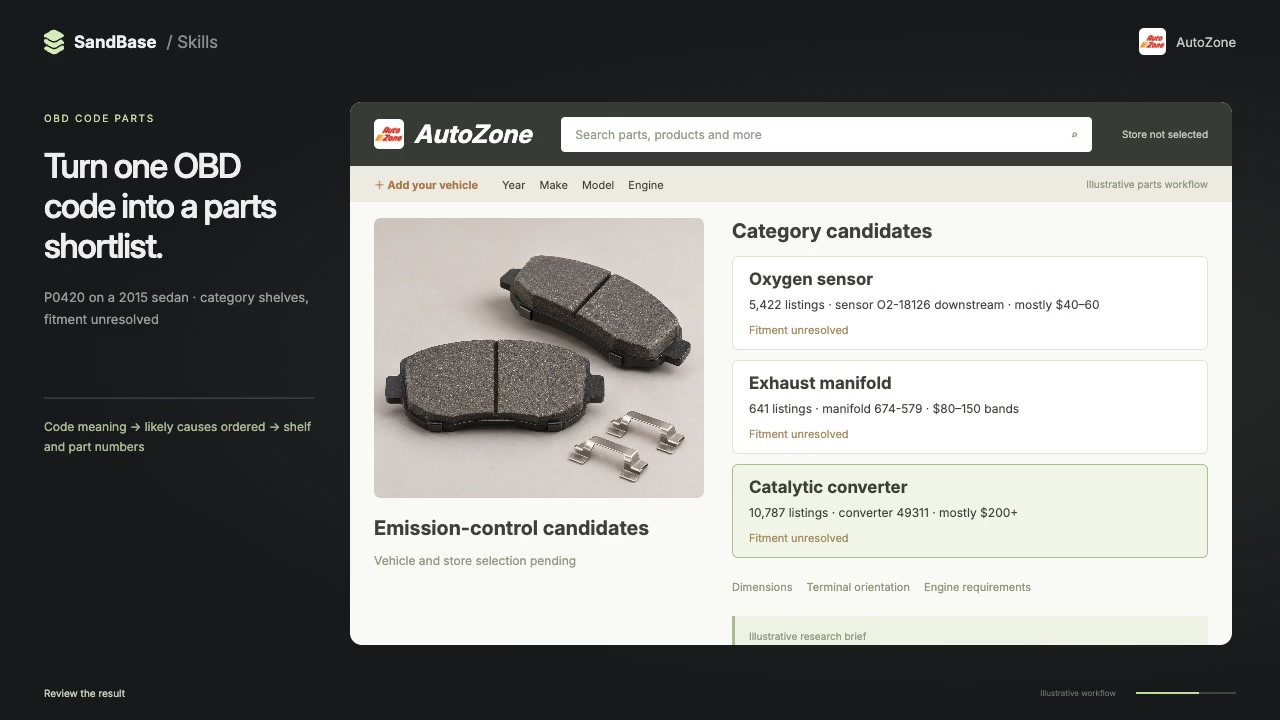
AutoZone OBD Code Parts
Turn a check-engine code into a plan and the parts to look at.
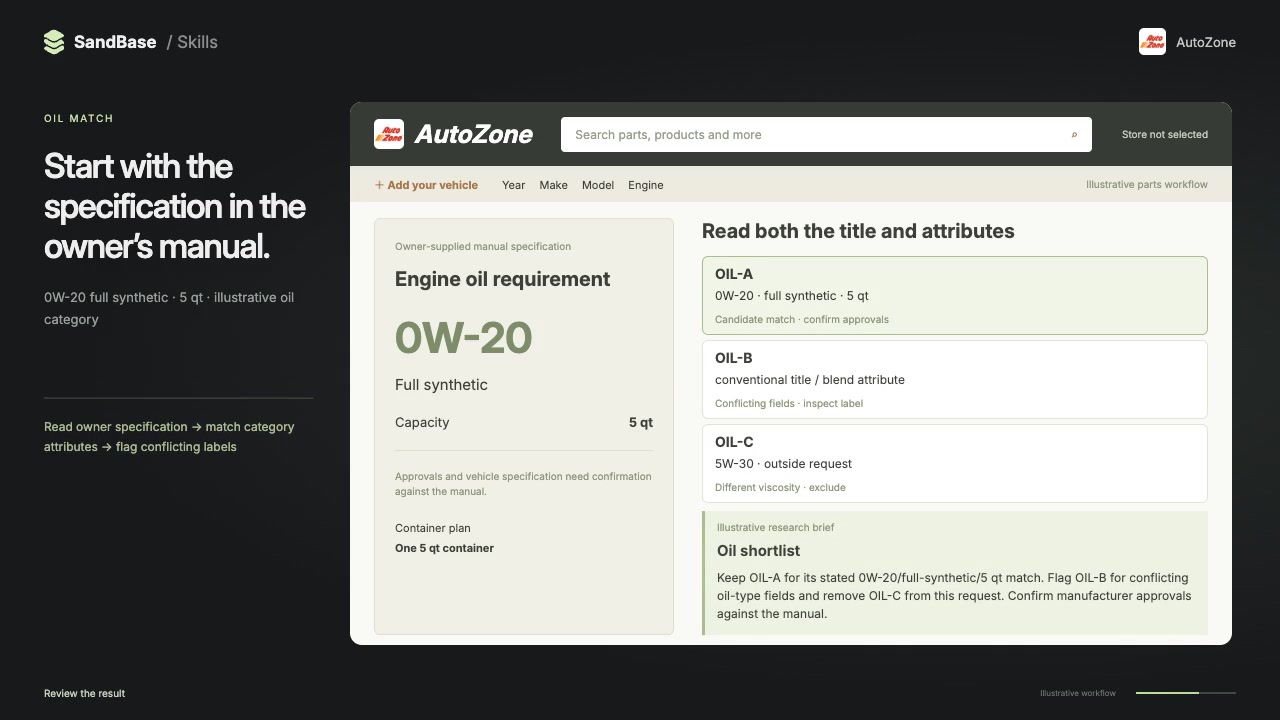
AutoZone Oil Match
Go from the viscosity in your owner’s manual to a short list of motor oils at AutoZone.
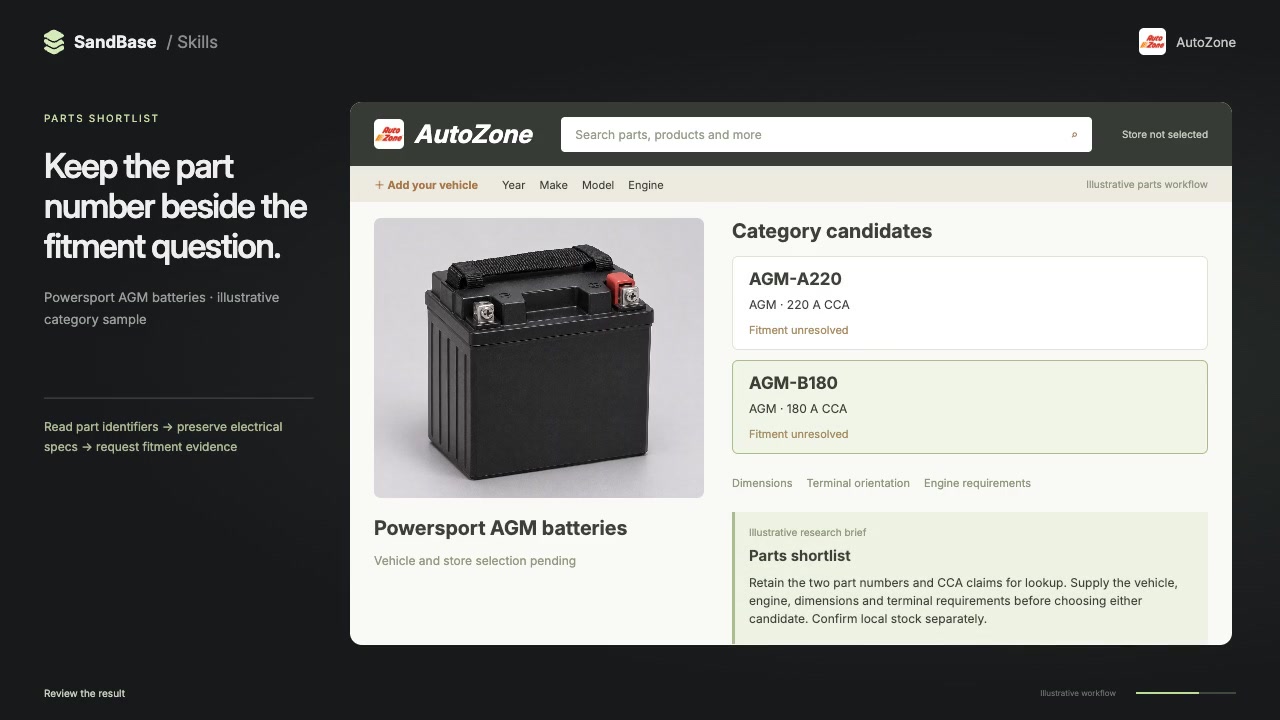
AutoZone Parts Shortlist
Build a parts shortlist without guessing vehicle compatibility.