
Sprout Study: Terracotta Mint
- Lab 스킬
- v0.1.0
- Illustration
A quiet SVG botanical illustration. Hover or focus to grow the continuous stem, unfold leaves in sequence and fold them again. Touch hold, exact growth scrubbing and editable plants in one offline HTML.
예시
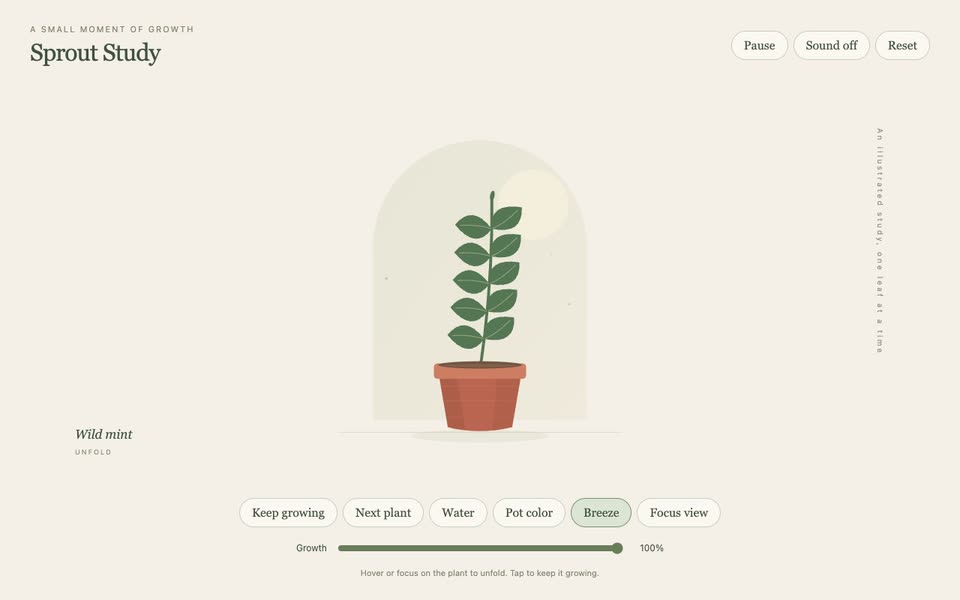
Sprout Study interactive botanical illustration
이 예시는 이 페이지에 접근할 수 없는 샌드박스 프레임에서 실행됩니다.
온라인에서 실행
SandBase sandbox에서 실행하고 결과를 Lab에서 확인하세요.
Lab에서 열기 ↗얻을 수 있는 것
Bring a plant, vessel and optional palette. The Skill returns a downloadable Skill, interactive demos and example videos.
작동 방식
- 01
Describe the plant and vessel
Sprout Study takes prompt slots for the plant, vessel and palette. node scripts/fill-prompt.mjs --slots assets/prompts/examples/terracotta-mint.json --out prompt.md renders the sample, Terracotta Mint in a clay pot, and node scripts/new-project.mjs --out my-sprout creates the project. Hand both to a coding agent, which edits src/plants.json for new silhouettes alongside the three authored plants and pot palettes.
- 02
Grow the SVG offline
The project builds locally with Node 22.4+ and pinned npm dependencies, needs no WebGL and loads no images or external assets. One growth scalar drives the quadratic stem and leaf scales: each leaf pair waits until the stem reaches its node, then unfolds, and reversing folds upper leaves first. Changing the mechanism means updating geometry, state and verification together.
- 03
Shoot the build and check input
npm run build:single writes one offline HTML file and npm run shoot -- --file dist-single/index.html verifies it in Chrome. Check that hover or focus grows the stem, leaving folds it back, a tap toggles hold, the labelled range scrubs exact progress and keys such as Space, N, W, P, B and R respond. Deliver the source, the HTML and bilingual verification reports.
FAQ
What is Sprout Study?
Sprout Study is an interactive SVG botanical illustration of a vector plant in a pot. Hovering or focusing extends a continuous stem and unfolds leaves in sequence, and leaving folds them back. Visible buttons change the plant, pot and breeze, water it, pause or reset, and a focus view hides the interface with a visible exit.
Does Sprout Study simulate real plant growth?
No. Sprout Study is a botanical illustration, not a biological simulation. Watering shows an illustrative droplet pulse that holds growth but does not model moisture, and plant names only label visual presets.
Does Sprout Study need a model key or paid calls?
No. Sprout Study needs no credentials, uploads, persistence or paid calls, and the Skill itself calls no model. A coding agent may use its own authorized model to edit the project, but the illustration runs offline once built.
Is Sprout Study usable with a keyboard?
Yes. Sprout Study makes the main plant a native keyboard-accessible button, and a labelled range input sets exact progress. Outside controls, Space grows, N changes plant, W waters, P changes pot, B toggles breeze, R resets, M toggles sound, C opens focus view and Escape exits it.
How does Sprout Study handle reduced motion?
Sprout Study removes the sway and makes growth transitions immediate when reduced motion is on. Pause freezes easing, droplets and sway, while direct scrubbing stays immediate. Optional short synthesized tones start only after a gesture.
What stops a Sprout Study build?
Sprout Study stops browser verification when Chrome is missing, and invalid catalog data in plants.json fails with stable plant rule codes. Headless frame rates do not establish physical-device performance, listening or human acceptance.
더 많은 Skills
모든 Illustration Skills →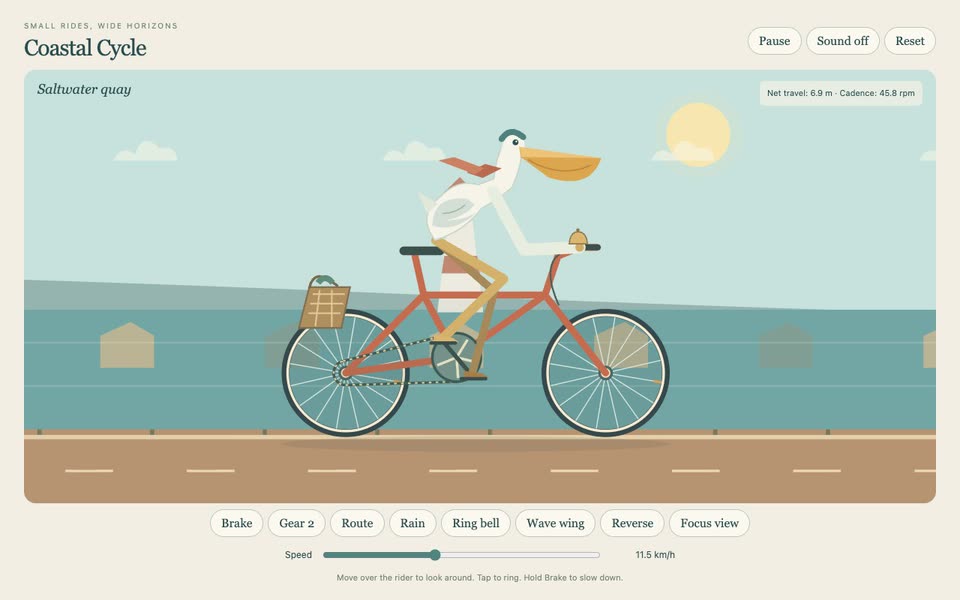
Coastal Cycle: Harbor Pelican
An authored SVG pelican rides a coral bicycle beside the sea. Measured travel drives the wheels, gear ratio drives the crank, and solved joints keep both feet on their actual pedals. Brake, reverse and explore three coastal palettes offline.
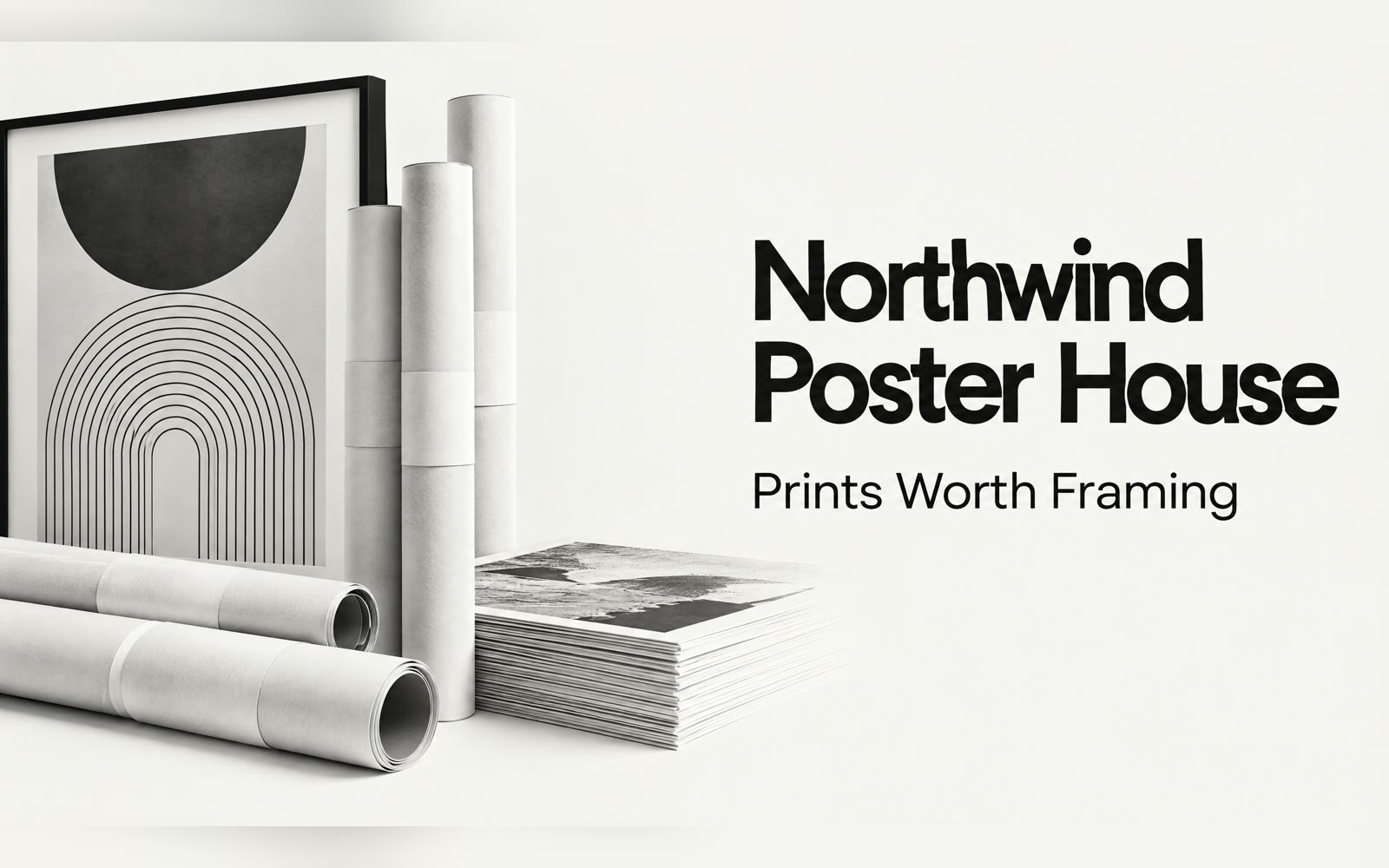
Monochrome editorial
Turn a brand, one headline and context into a high-key monochrome editorial card.
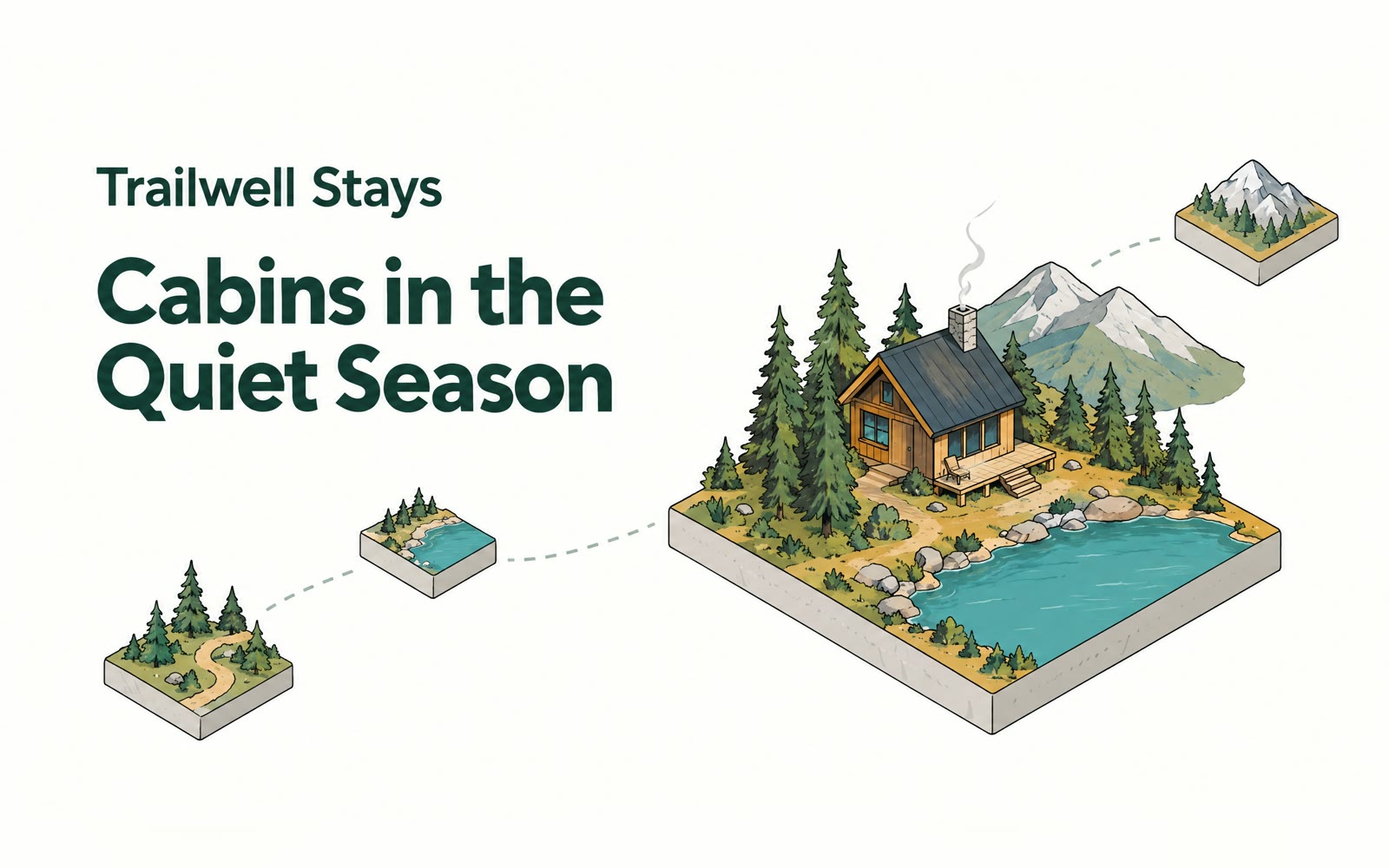
Isometric diorama
Turn a brand, one headline and context into a modular isometric card.

Converging lines
Turn a brand, one headline and context into a precise line-convergence card.
Gradient horizon
Turn a brand, one headline and context into a warm gradient-horizon card.

Security blueprint
Turn a brand, one headline and context into a layered security-blueprint card.