
Snow Bridge
- Lab 스킬
- v0.1.1
- Interactive 3D
A woodblock-style snow print pulled block by block: a railed footbridge slants across an indigo river toward a lit two-row village, with travellers, a roofed boat and a laden pine bough.
예시
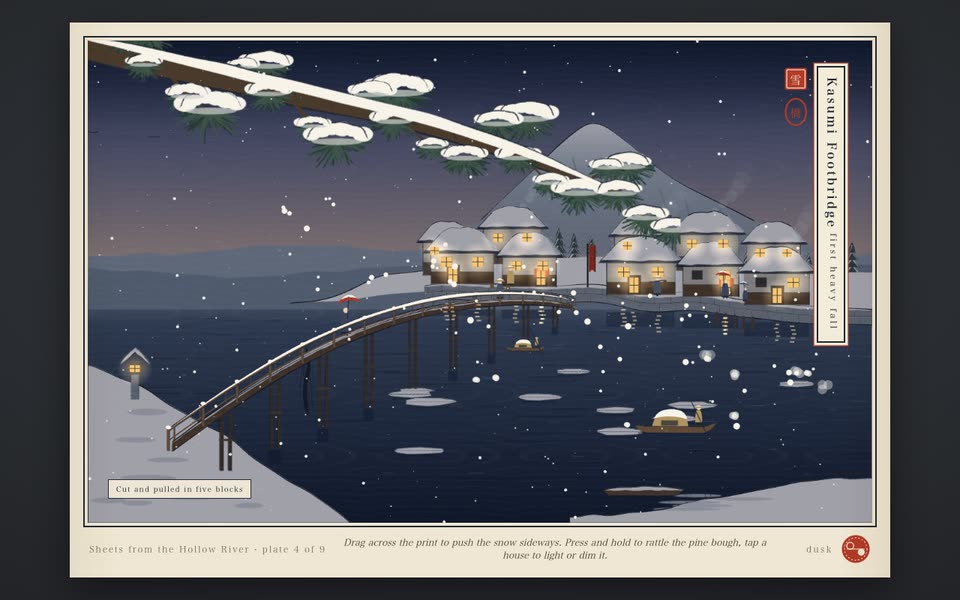
Snow Bridge woodblock print
이 예시는 이 페이지에 접근할 수 없는 샌드박스 프레임에서 실행됩니다.
온라인에서 실행
SandBase sandbox에서 실행하고 결과를 Lab에서 확인하세요.
Lab에서 열기 ↗얻을 수 있는 것
Bring a river, a bridge and a village to snow on. The Skill returns a downloadable Skill and a runnable woodblock snow scene.
작동 방식
- 01
Build the bilingual snow print
Snow Bridge needs only npm install, which brings in playwright-core for the checks, then npm run build for a bilingual dist/index.html or npm run build:zh for a Chinese-only print. The page is drawn by Canvas 2D code at a fixed 1400 by 860 sheet, with no image assets and no network requests, and it runs offline in any browser.
- 02
Cut and pull five colour plates
The print is cut into five offscreen canvases, sky, water, greys, red and key, each overprinted with a woodgrain tile and composited with small per-plate offsets for misregistration. Keylines in src/print.js are chains of noise-sized dabs that swell and taper. On load the plates are pulled onto the paper one after another in about three seconds, framed by a title cartouche and two seals.
- 03
Shoot the plates and verify input
npm run shoot asserts in headless Chrome that the five plates exist and differ, that an ink line varies in width, that snow crests meet their supports, that three snow depths fall at different speeds and that the sky re-inks across hours. It writes dist/shoot-report.json and shoot-print.png. node assets/flurry/scripts/verify.mjs proves five live interactions under the sandbox CSP.
FAQ
What does Snow Bridge show?
Snow Bridge shows a woodblock-style winter print: a railed footbridge slanting over an indigo river toward a two-row village of snow-roofed houses with lit windows, under a white peak. A snow-laden pine bough hangs from the top-left corner, travellers cross the bridge, a roofed boat drifts, chimneys smoke and crows pass.
How do I interact with Snow Bridge?
Snow Bridge responds to a drag across the print by pushing the snowfall, the boat and the bough sideways. Press and hold to rattle the pine bough and release to shake its snow off in falling clumps. Tap a house to light or dim its windows, and use the round seal at the bottom right to turn the hour.
Does Snow Bridge need a key?
No. Snow Bridge draws every plate, figure and house in code at run time and makes no runtime model call or network request. The checks use playwright-core, and nothing in the scene is billed by SandBase.
What does the seal button do in Snow Bridge?
Snow Bridge's seal button re-inks the sky plate for morning, overcast, dusk and night and cross-fades the composite. Each window has its own threshold, so lamps come on one by one, and front-row lamps lay reflections on the water.
Is Snow Bridge a scan of a real print or place?
No. Snow Bridge is procedural block-print rendering; every block, figure and house is drawn in code, and the titles and seals are its own. The village, figures and boat are illustrative, and the scene does not depict a real place.
Does Snow Bridge fit a phone screen?
Yes, with margins. Snow Bridge renders a fixed 1400 by 860 print scaled to fit and keeps its proportions, so a phone shows it full width with margins above and below. Swiping, holding and tapping work as with a pointer, and reduced motion slows the snow and figures and stops the breeze.
Can Snow Bridge be captured for a video?
Yes. Snow Bridge exposes window.__scene with script(t), step(n, dt), inspect(), plates(), setMood, flakes(), walkers(), lit() and input hooks such as press, drag and tap. ?capture=1 stops the animation loop for a recorder, and random state is seeded, so a capture repeats exactly.
더 많은 Skills
모든 Interactive 3D Skills →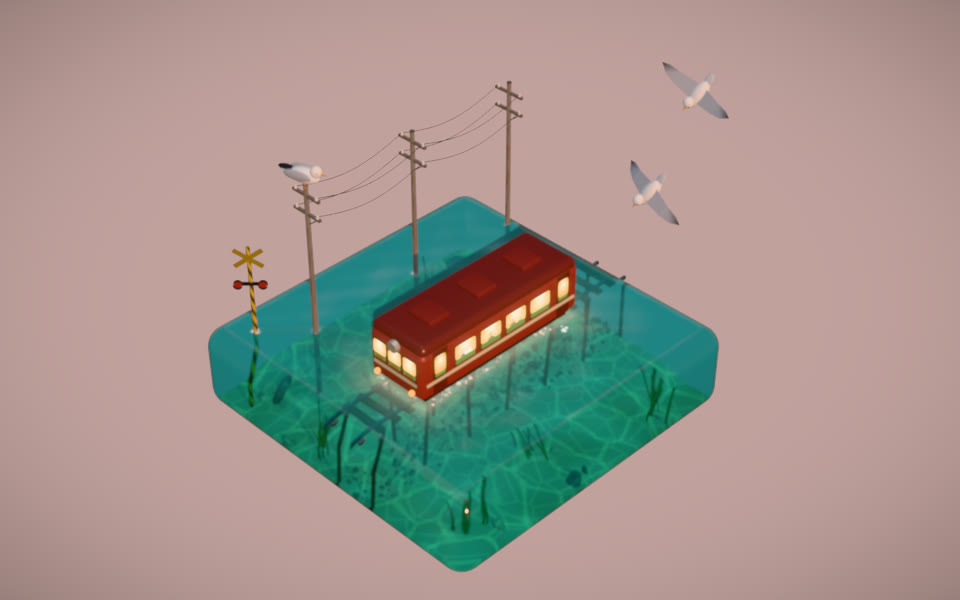
Resin Diorama
Live 3D resin-block dioramas in your browser: send a little tram across a clear turquoise sea, or ripple the bay of a cliff island. Synthesized sound, and every scene can be tuned.
3D Vehicle Worlds
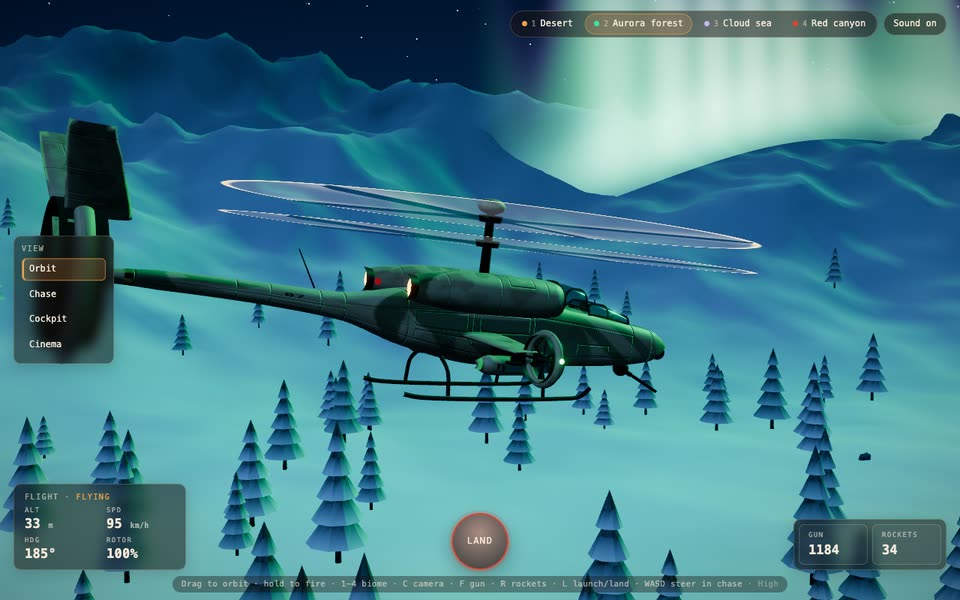
Explore interactive 3D vehicle worlds in your browser, with varied terrain, camera controls and driving effects. Choose a playable example to begin.
3D Firefly Terrariums
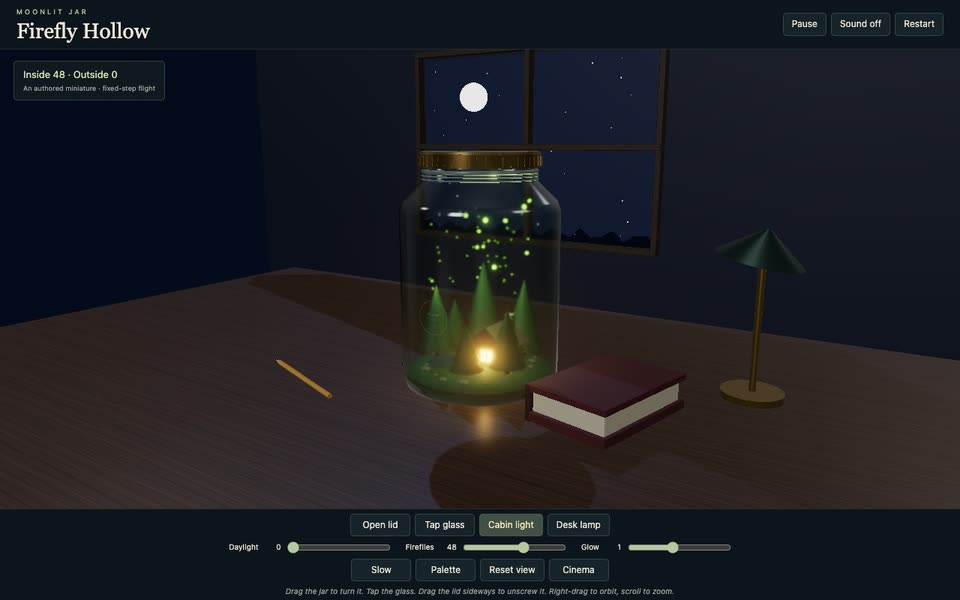
Turn a thick glass miniature, scatter glowing fireflies and open its brass lid. Actual particles leave through the neck and return before it seals. A moonlit cabin, forest and real local lights in one offline HTML.
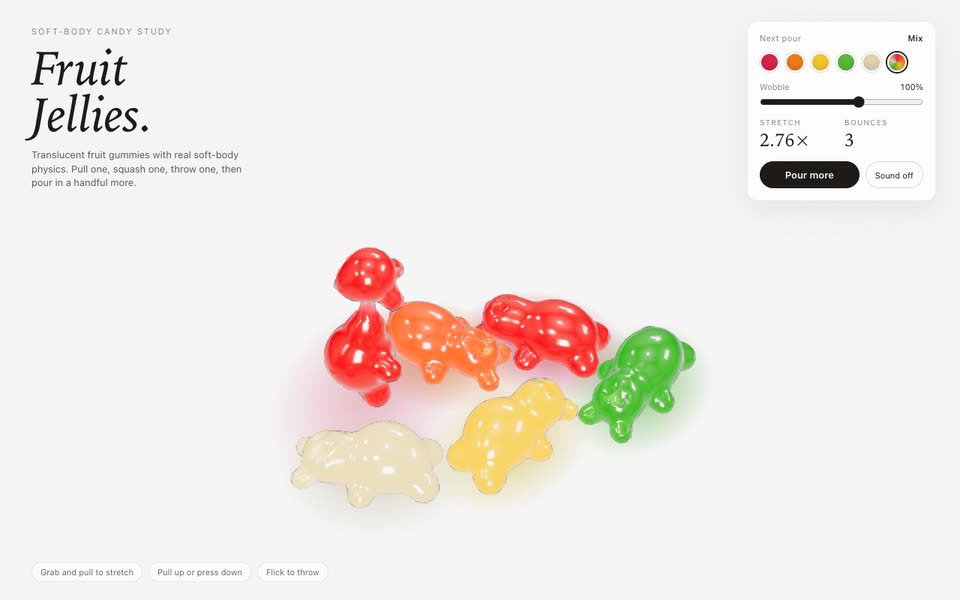
Jelly Candy: Fruit Bears
Six translucent fruit gummies on a white table. Grab any part and pull, lift a head until the neck stretches thin, press one flat until it springs back, flick one across the pile or pour in more. Fixed-step soft-body physics and a marching-cubes skin in one offline HTML.
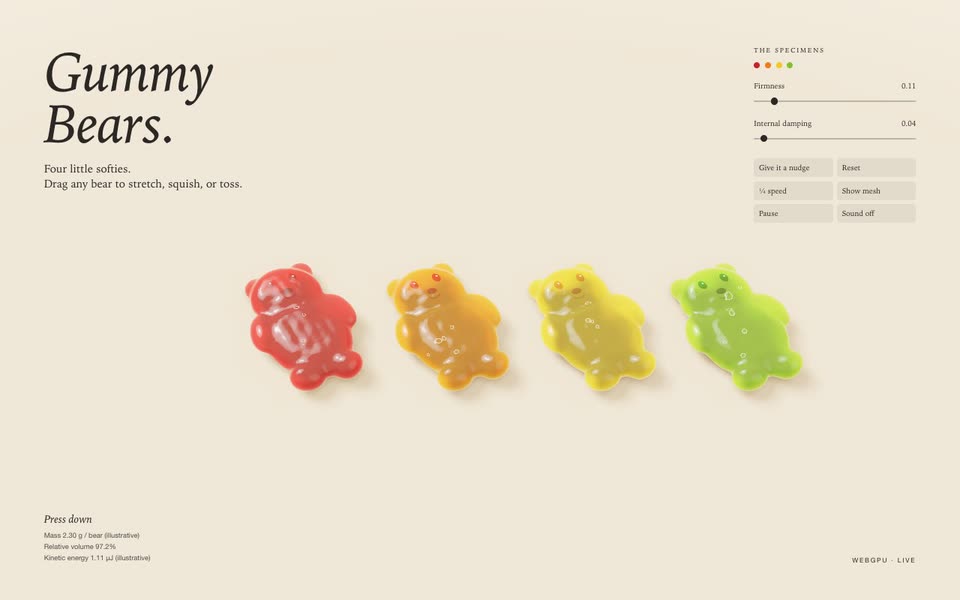
WebGPU Soft-Body Gummy Bears
Four translucent gummy bears on an ivory floor, rendered with native WebGPU. A deterministic 36-second choreography stretches, presses, flips and tumbles them before they settle back to the exact rest pose. Drag any bear to stretch, squish or toss it. A fixed-step tetrahedral XPBD solver in one offline HTML.
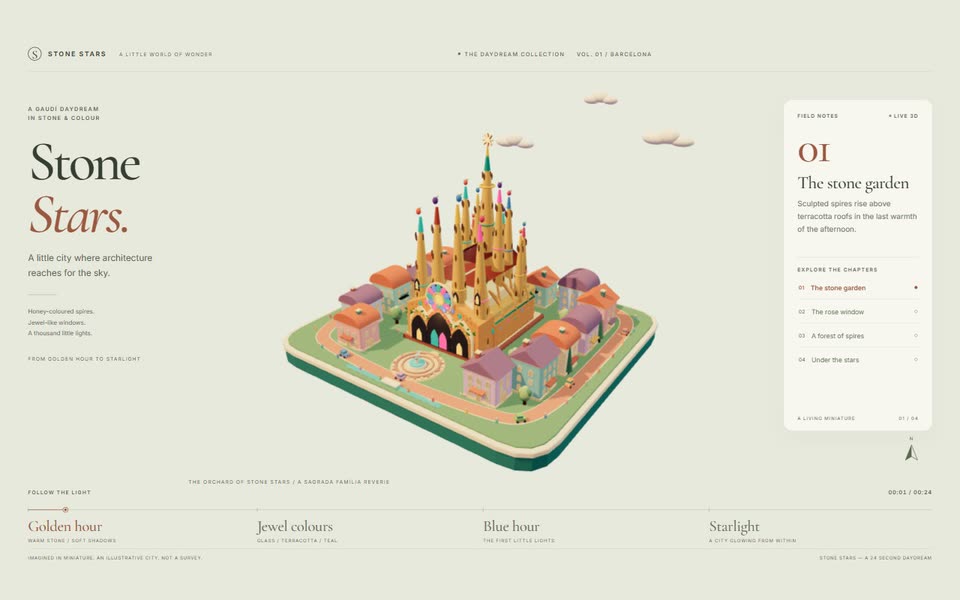
Stone Stars: 3D Miniature Landmark City
Turn a city into a storybook 3D island around one landmark, with chapters, a daylight-to-starlight slider, street life and a matching scored 24-second film. Sample: a Gaudí-style basilica.