
Airy Sphere Slides
- Lab 스킬
- v1.0.1
- Motion
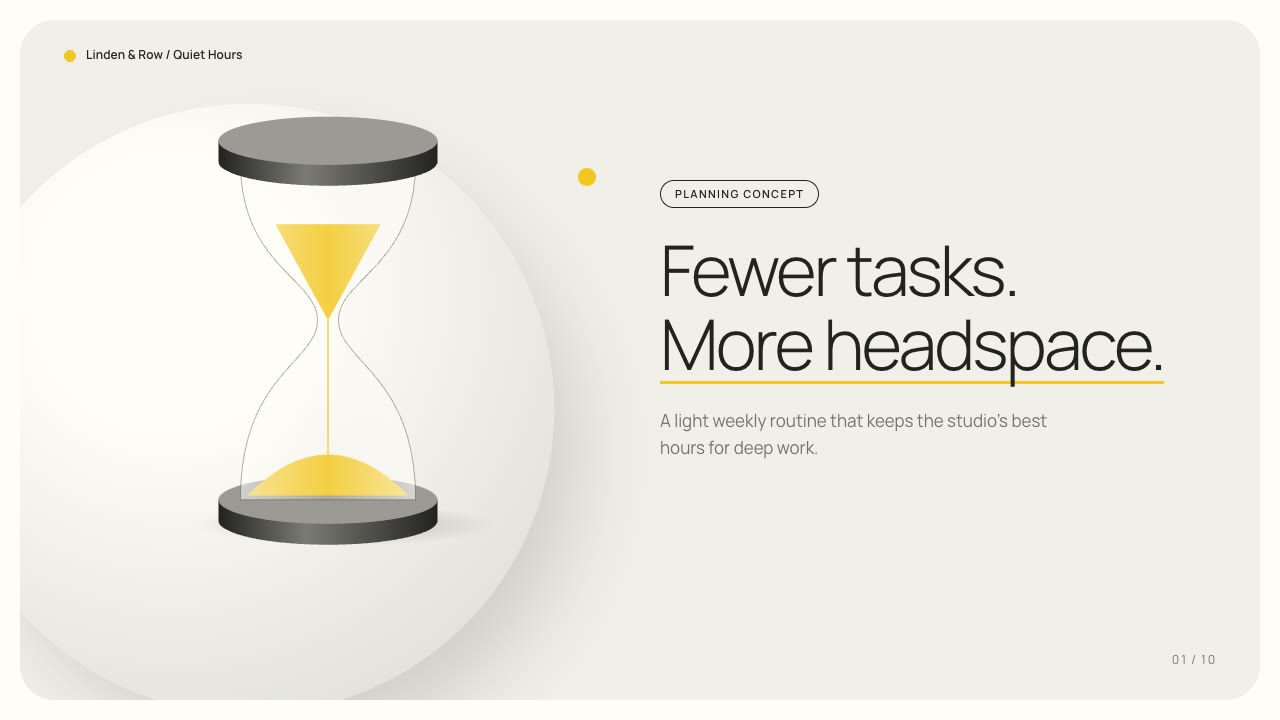
Make calm, bright decks for planning concepts, team proposals, small funding asks and product ideas: each page is a pale rounded field inside a white margin, with large soft white spheres, sunny rounded cards, pill labels and folded corner accents, light tightly tracked Manrope headlines with a thin sun-coloured underline, and calm studio illustrations resting on the spheres.
예시 · 2
얻을 수 있는 것
Bring the idea or ask, the audience, the figures to use exactly and the page count; your own photographs are optional. The Skill returns one offline HTML deck that edits in the browser and exports editable PowerPoint.
작동 방식
- 01
Brief and sequence the pages
Airy Sphere Slides asks who presents to whom, what they should decide, the numbers you stand behind, any people to show, the language and the page count. The Agent picks layouts such as cover, people, question, focus, numbers, islands, phones, profile, steps and closing, then copies one palette preset, Sunroom, Citrus or Apricot, into the plan's swatch field.
- 02
Draw pictures and compose
Airy Sphere Slides uses your photographs first. Otherwise python3 scripts/airy-art.py art.json draws objects, still lifes, faceless portraits, buildings and phones from vector shapes with only the Python standard library, and refuses to draw the same picture twice. kit.py compose turns plan.json into deck.json and reports missingPictures and sampleLeft, which must be cleared.
- 03
Build, look and export
make-deck.py builds presentation.html from deck.json and settings.json, and verify-deck.py checks it with --pages N. The Agent opens every page over python3 -m http.server to confirm two-line headlines, card text inside cards and phone titles inside screens, then tries Edit, Save and Present. On request verify-pptx.py, which needs python-pptx, checks the exported .pptx against deck.json.
FAQ
What does Airy Sphere Slides look like?
Airy Sphere Slides makes calm, bright studio decks: pale rounded fields inside a white margin, large soft white spheres, sunny rounded cards, pill labels and folded corner accents. Headlines are set light and tightly tracked, and the last line carries a fine sun-coloured underline. It suits planning concepts, team proposals, small grant asks and product ideas with a few short lines per page.
Does Airy Sphere Slides call a model to draw its pictures?
No. Airy Sphere Slides draws its illustrations with the bundled airy-art.py script using only the Python standard library, so no image service is involved and nothing is billed. Your own Agent may write the plan with its own model, but the deck build calls none. python-pptx is only needed for the PowerPoint check and Pillow only for shrink-images.py.
Is the Airy Sphere Slides PowerPoint editable?
Yes. Airy Sphere Slides exports every headline, paragraph, numeral, pill, card, allocation bar and dot as its own native PowerPoint object, with speaker notes, and each picture as a separate image. The spheres and folded corners export as small background images without text. The two example decks have 93 and 66 text boxes and no page-sized image.
Can Airy Sphere Slides show real people or places?
No. Airy Sphere Slides generates illustrations, not photographs: portraits are faceless figures and buildings are not real places. When a deck must show a real person, product or site, supply your own PNG, JPEG, WebP, GIF or SVG files. Say illustration on the page whenever a viewer might read a generated picture as real.
Which fonts does Airy Sphere Slides use in PowerPoint?
Airy Sphere Slides names Manrope, under the SIL Open Font License, in the exported PowerPoint file. The HTML embeds web subsets, so install the desktop font on the presenting machine for matching wraps. PowerPoint knows only regular and bold, so the light 300 headlines export as Manrope Regular and look slightly heavier. CJK text uses the system face.
What are the layout limits of Airy Sphere Slides?
Airy Sphere Slides fixes the geometry of each layout: three portrait cards, two keyword cards, two numbers of up to three characters, four islands, two phones, four allocation rows, three steps and four mosaic tiles. Drop a node rather than leaving it empty. Spheres and corners are CSS paint, so recolour them by changing the palette in the HTML and exporting again.
더 많은 Skills
모든 Motion Skills →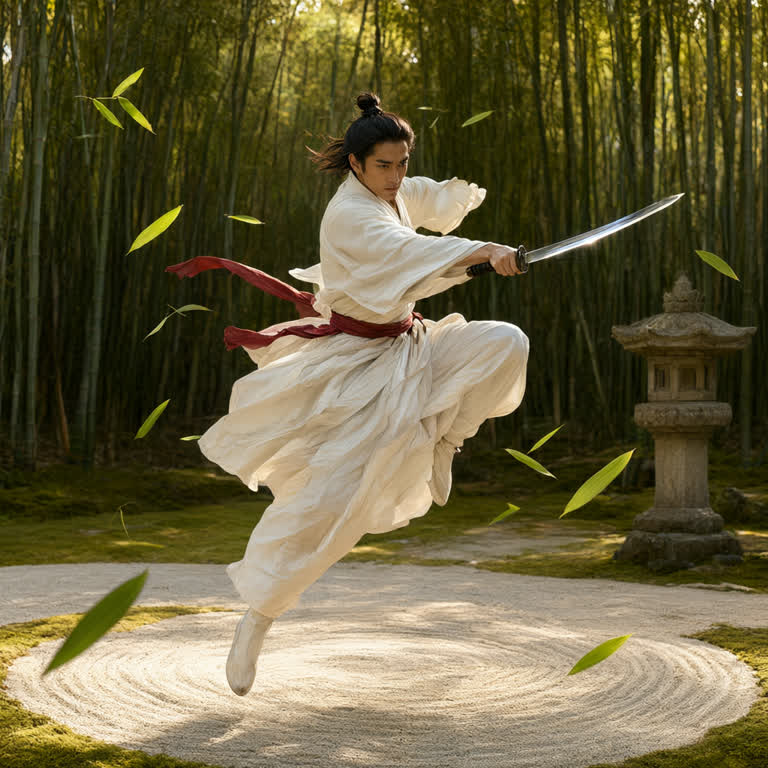
Image Blaster
Turn one frozen moment into a camera-orbit concept video.
Sketchbook Film
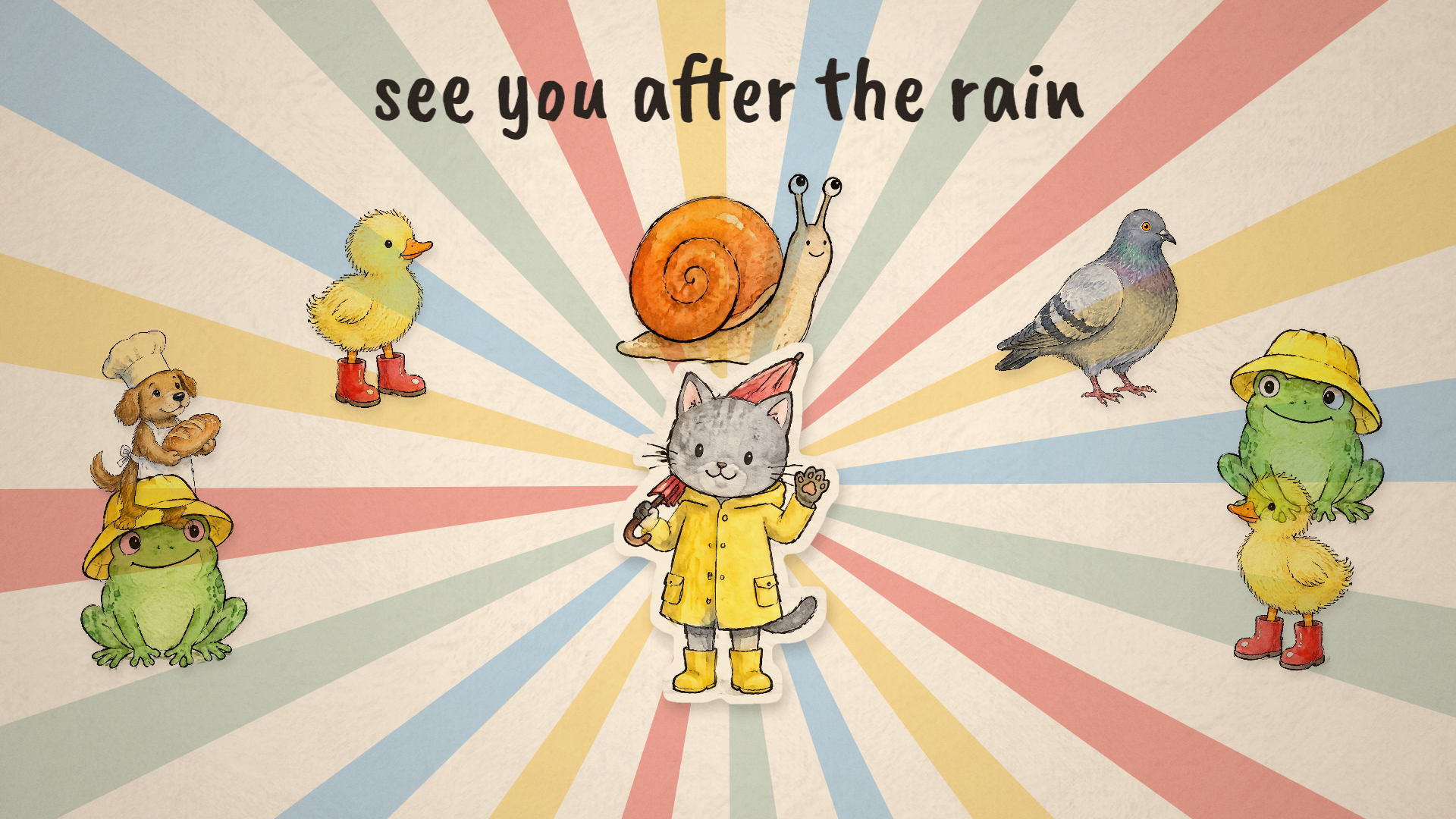
Bring photographed sketchbook drawings to life as a short film with cut-out characters, ink lettering and a score.

SVG Paint Stages
Show a picture being painted: construction marks, contours, flat colour and finer patches, as a layered SVG and a short film.
Network Tally
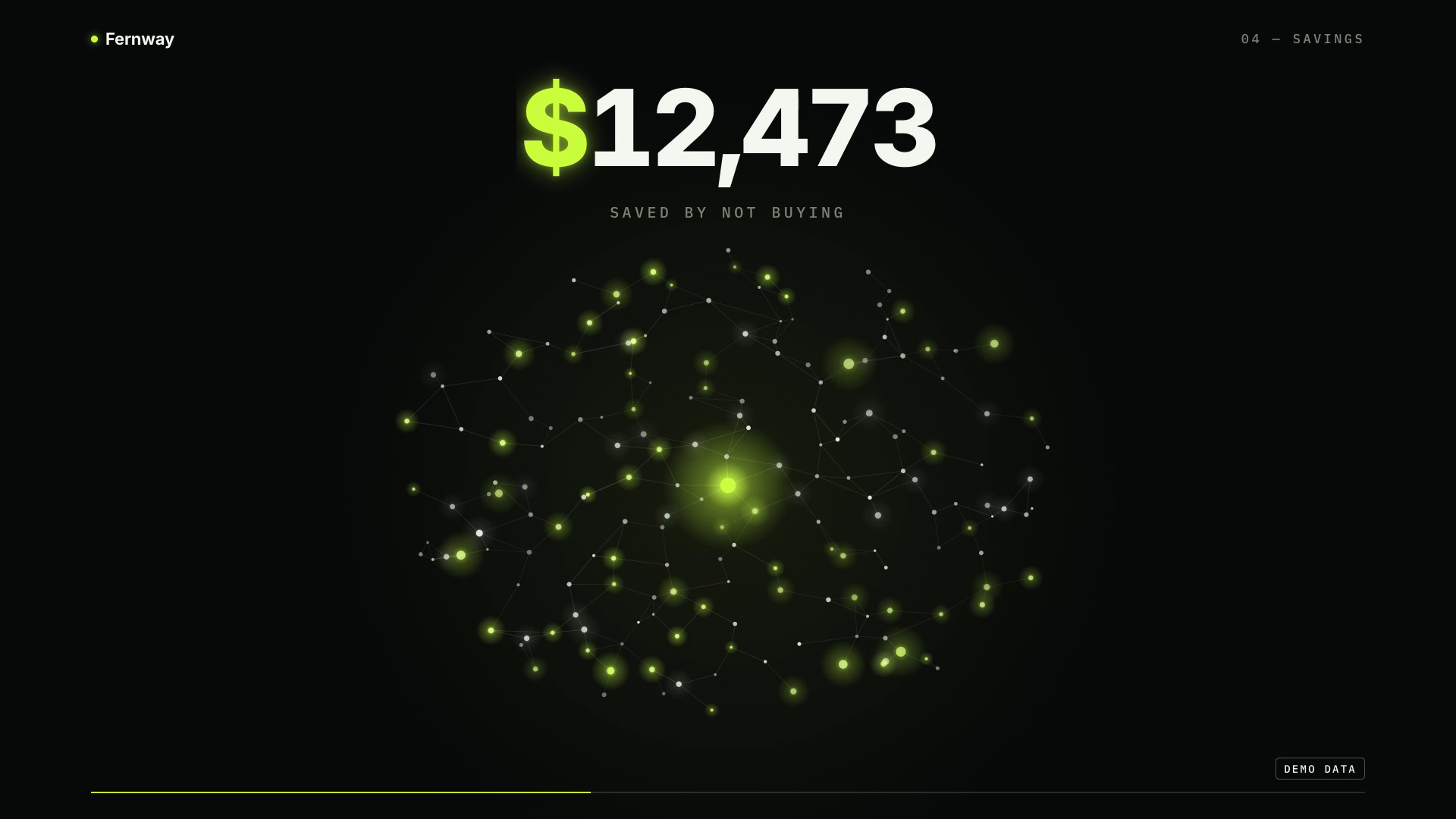
Tell a growth story with real numbers: one node network grows with each counter, flashes, dims behind a spike chart and closes on an end card.
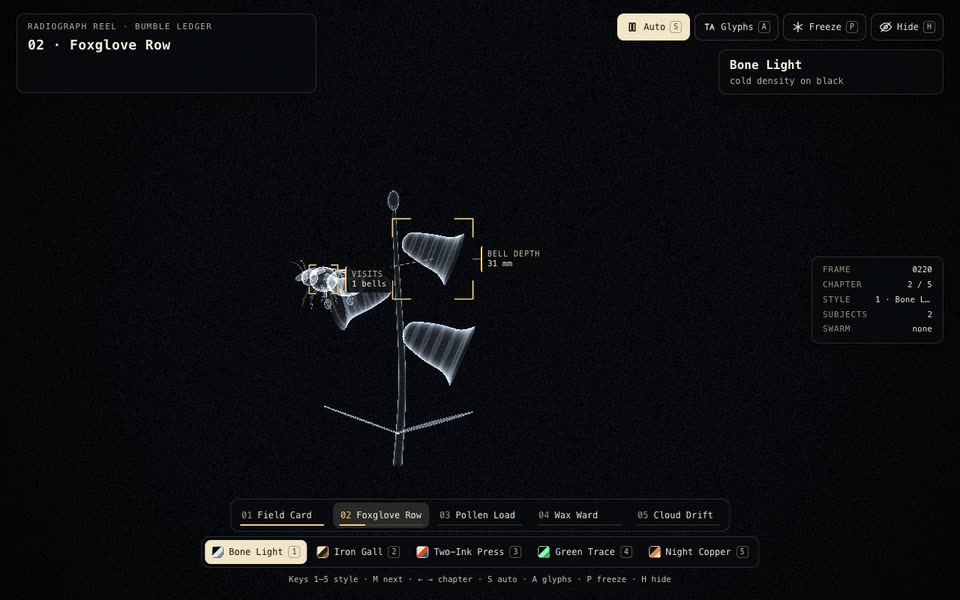
Radiograph Reel: Bumble Ledger
A specimen film reel: procedural bees, flowers and a wax comb glow as X-ray density, print in five switchable film styles with tracking labels, and a swarm morphs between formations.
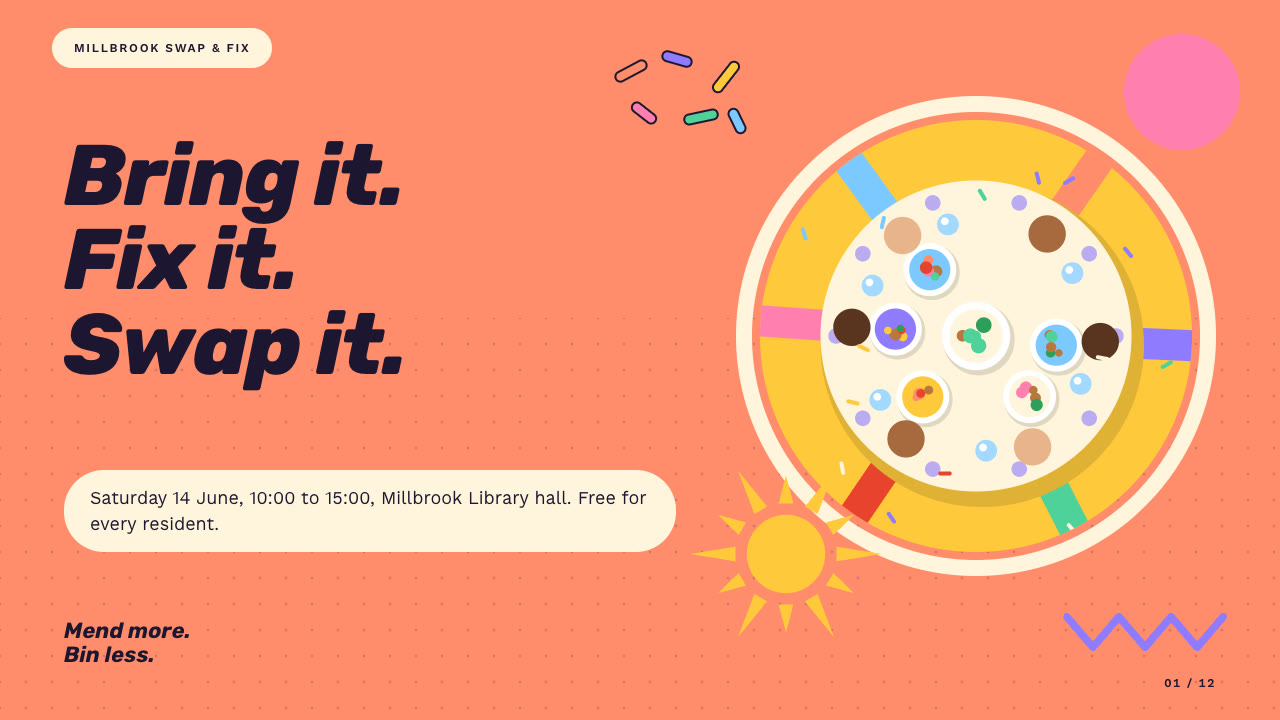
Festival Grid Slides
Invite people to a fair, open day or club season, or pitch one, in a bright festival deck: whole-page colour fields with a fine dot grid, heavy slanted headlines, cream cards and tickets, round pictures, and suns, rosettes, rings, bunting and sprinkles.