
Chapter Roam
- Lab 스킬
- v1.0.0
- Motion
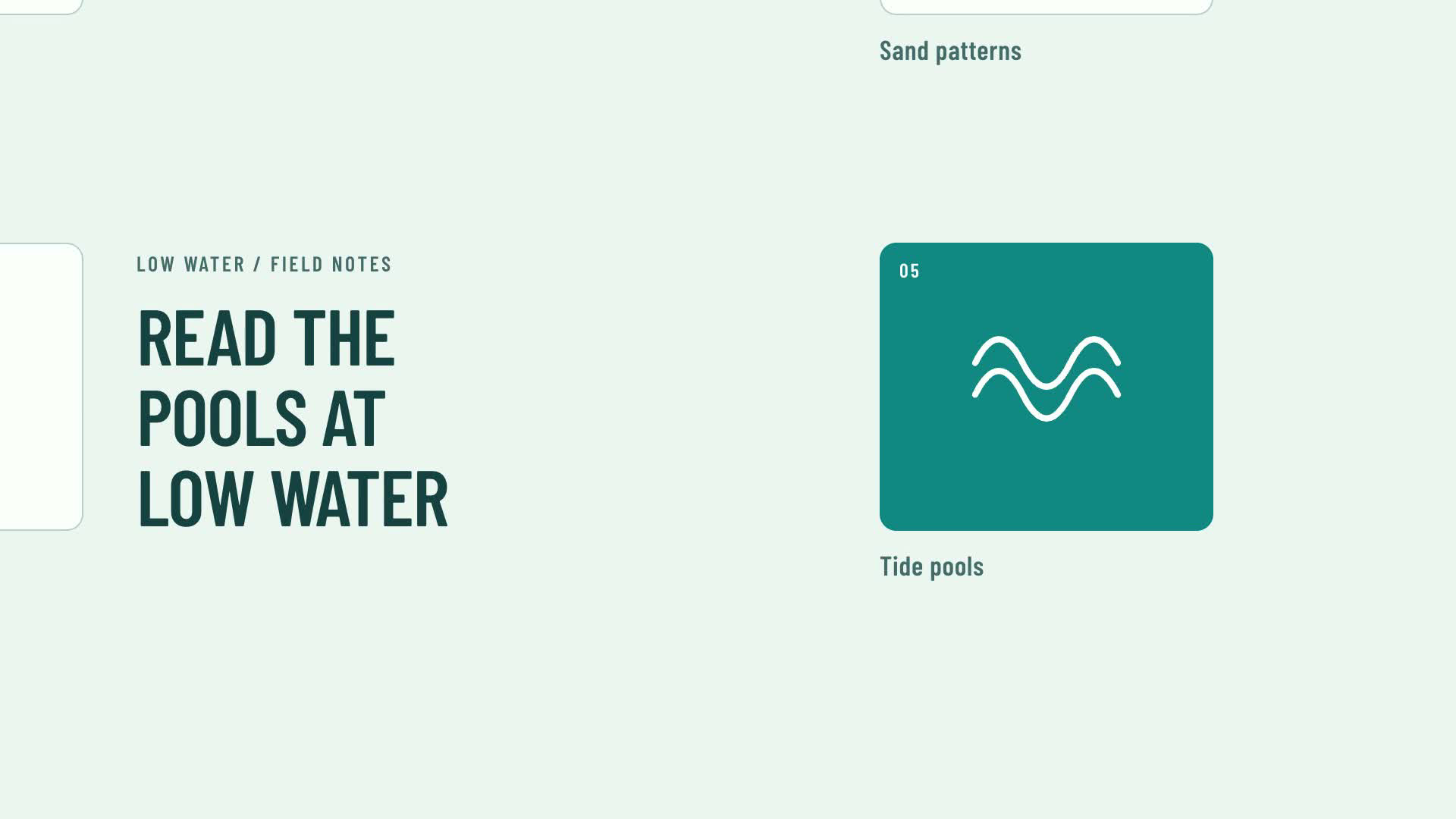
Travel diagonally across a continuous atlas of symbols, then focus a heading beside the selected chapter.
예시 · 2
온라인에서 실행
SandBase sandbox에서 Chapter Roam의 예제를 실행하고 결과를 바로 여기에서 확인하세요.
작동 방식
- 01
Write the brief
Write a JSON brief with a series name of up to 36 characters, two to six stations, each with a unique key, a label of up to 20 characters and a line-drawn mark, the destination station's key and a headline of one to four lines of up to 18 characters. Marks include wave, shell, compass, leaf, vessel, kiln, star, lens, orbit and mountain.
- 02
Create the project
With Node.js 22, FFmpeg and HyperFrames 0.8.30, run node scripts/create.mjs --input brief.json --output new-project --palette tidal, choosing tidal, ember, blueprint or ink. Fonts and GSAP are bundled with their licences, and no account or model call is needed. Invalid destinations, unsupported marks, excessive copy and existing target folders fail before any output is created.
- 03
Check and render
In the project, run hyperframes lint, validate and inspect, then render at 30 fps on one worker. The 1920×1080 film lasts 7.2 seconds by default, or 5 to 14 seconds. Check the entry, the diagonal travel, the focus pull and the final hold; the title must stay inside the frame, and forward and backward seeks must give the same pixels.
FAQ
What does Chapter Roam make?
Chapter Roam makes a chapter-opener film that travels across a continuous atlas of symbols on a flat camera plane and resolves a large heading beside its destination. Peripheral tiles stay visible rather than dissolving, only the destination reading block pulls into focus, and the film ends on a deliberate quiet hold.
How long is a Chapter Roam film?
A Chapter Roam film is 7.2 seconds by default at 1920×1080 and 30 fps. The optional seconds field accepts 5 to 14 seconds and changes only the reading hold, not the camera speed. Landscape films scale down inside mobile players; they do not reflow into portrait films.
Can Chapter Roam use photos or custom graphics?
No. Chapter Roam accepts no photos, arbitrary SVG paths, custom colours or portrait aspect ratios. Each station uses one of ten editable line-drawn marks, chosen by meaning; a mark is a diagram, not evidence of a photographed object. Pass --font with a font you may use if you need another typeface.
Which palettes does Chapter Roam offer?
Chapter Roam offers four palettes: tidal and ember are light, blueprint and ink are dark, and the dark backgrounds carry a static fine ruling. All four share the same timing and geometry. Chinese content automatically uses the bundled Noto Sans SC, while English headlines render in uppercase.
Does Chapter Roam have sound?
No. Chapter Roam renders with no music or audio track. Add audio only with rights-cleared files and an editable timeline, then check the mixed export separately. A successful encode is not listening or user acceptance, so play the finished film at normal speed before using it.
Can I edit a Chapter Roam project after creating it?
Yes. Chapter Roam writes editable HTML, its brief, a build record and local resources into the project. To change content, edit the brief and regenerate into a new directory; an existing target is rejected. Reordering stations also moves their positions on the atlas, because the destination is a key, not a numeric index.
더 많은 Skills
모든 Motion Skills →
Image Blaster
Turn one frozen moment into a camera-orbit concept video.
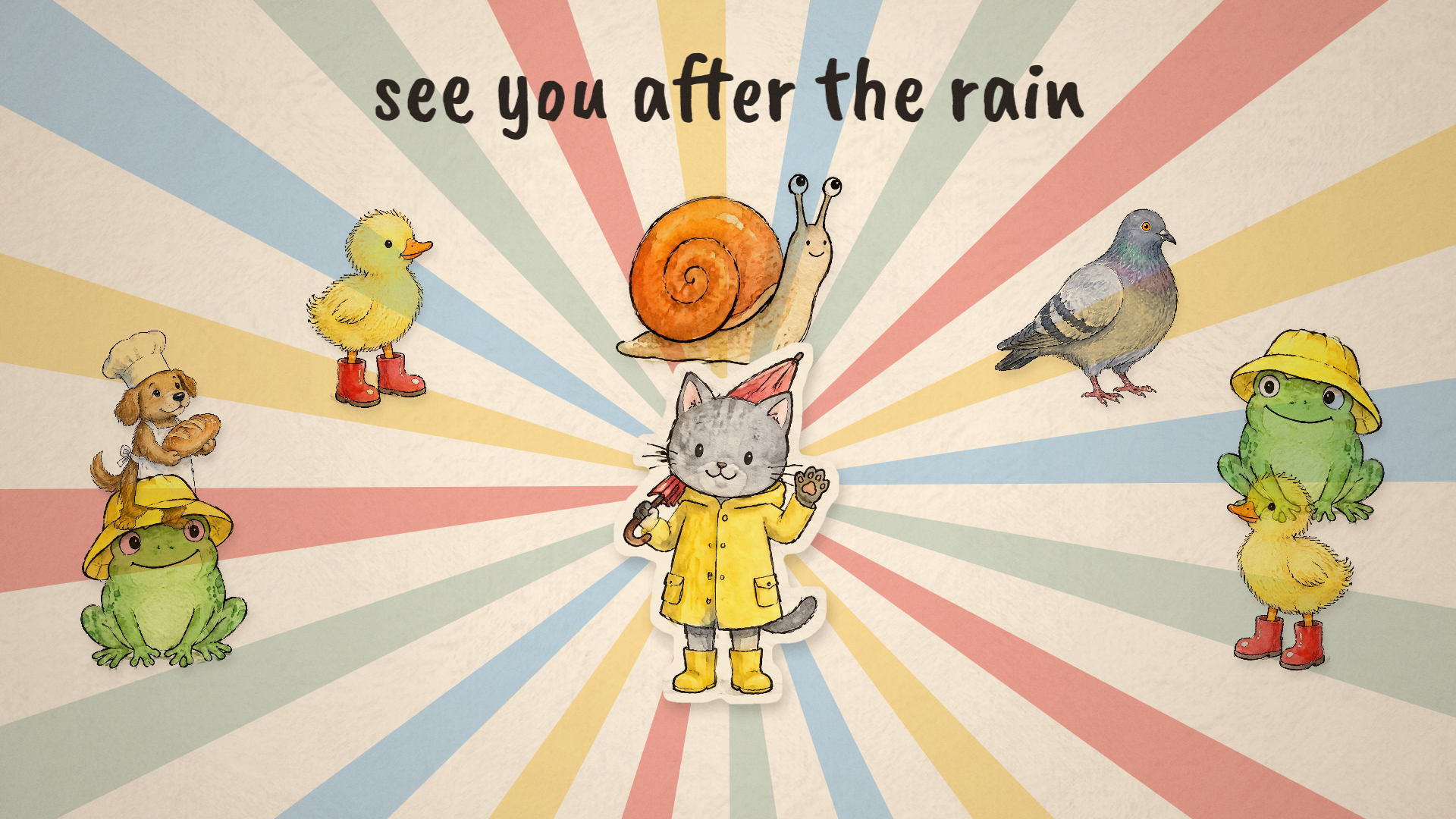
Sketchbook Film
Bring photographed sketchbook drawings to life as a short film with cut-out characters, ink lettering and a score.

SVG Paint Stages
Show a picture being painted: construction marks, contours, flat colour and finer patches, as a layered SVG and a short film.
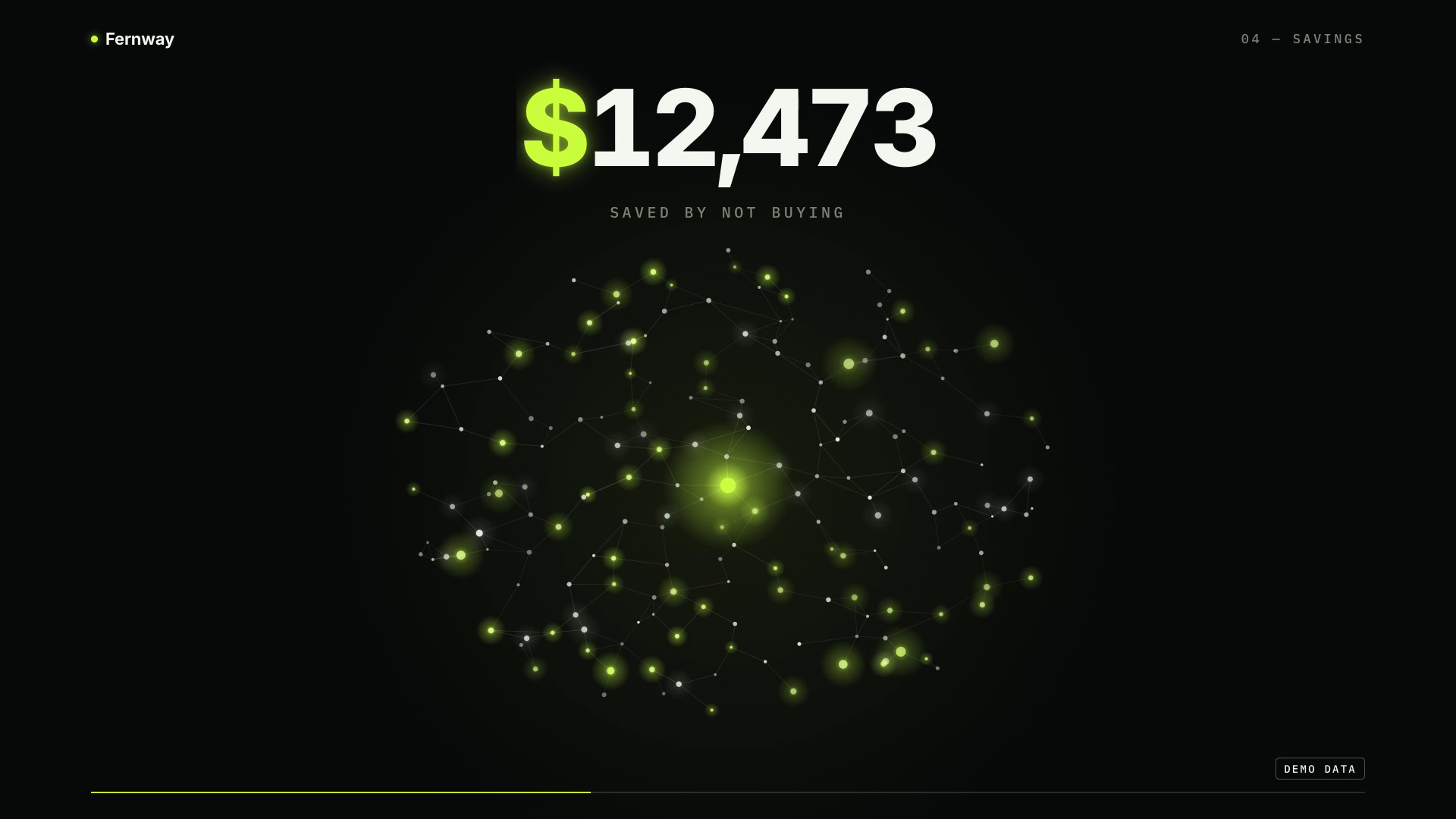
Network Tally
Tell a growth story with real numbers: one node network grows with each counter, flashes, dims behind a spike chart and closes on an end card.
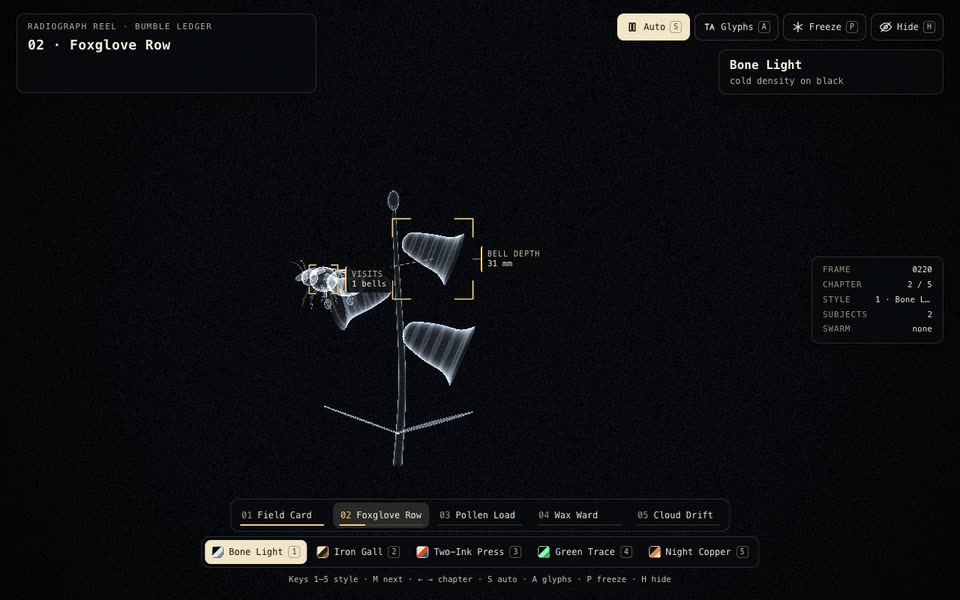
Radiograph Reel: Bumble Ledger
A specimen film reel: procedural bees, flowers and a wax comb glow as X-ray density, print in five switchable film styles with tracking labels, and a swarm morphs between formations.
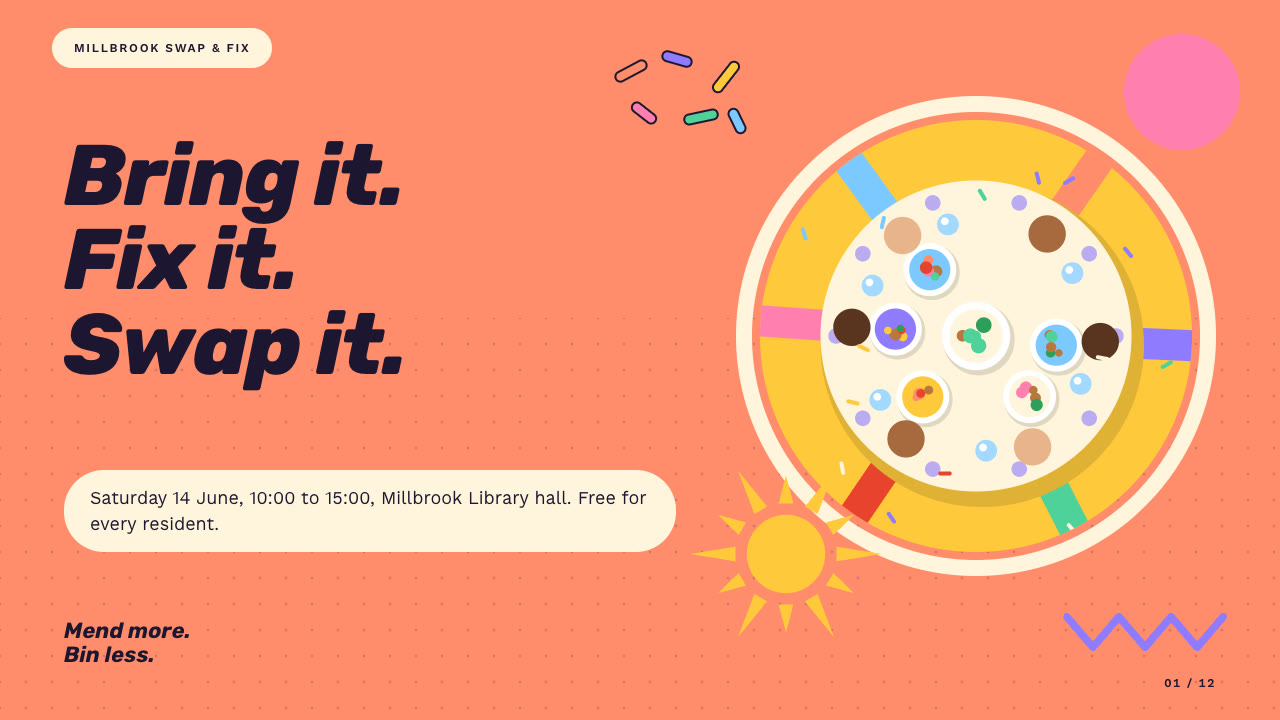
Festival Grid Slides
Invite people to a fair, open day or club season, or pitch one, in a bright festival deck: whole-page colour fields with a fine dot grid, heavy slanted headlines, cream cards and tickets, round pictures, and suns, rosettes, rings, bunting and sprinkles.