
Document Condense
- Lab 스킬
- v1.0.3
- Motion
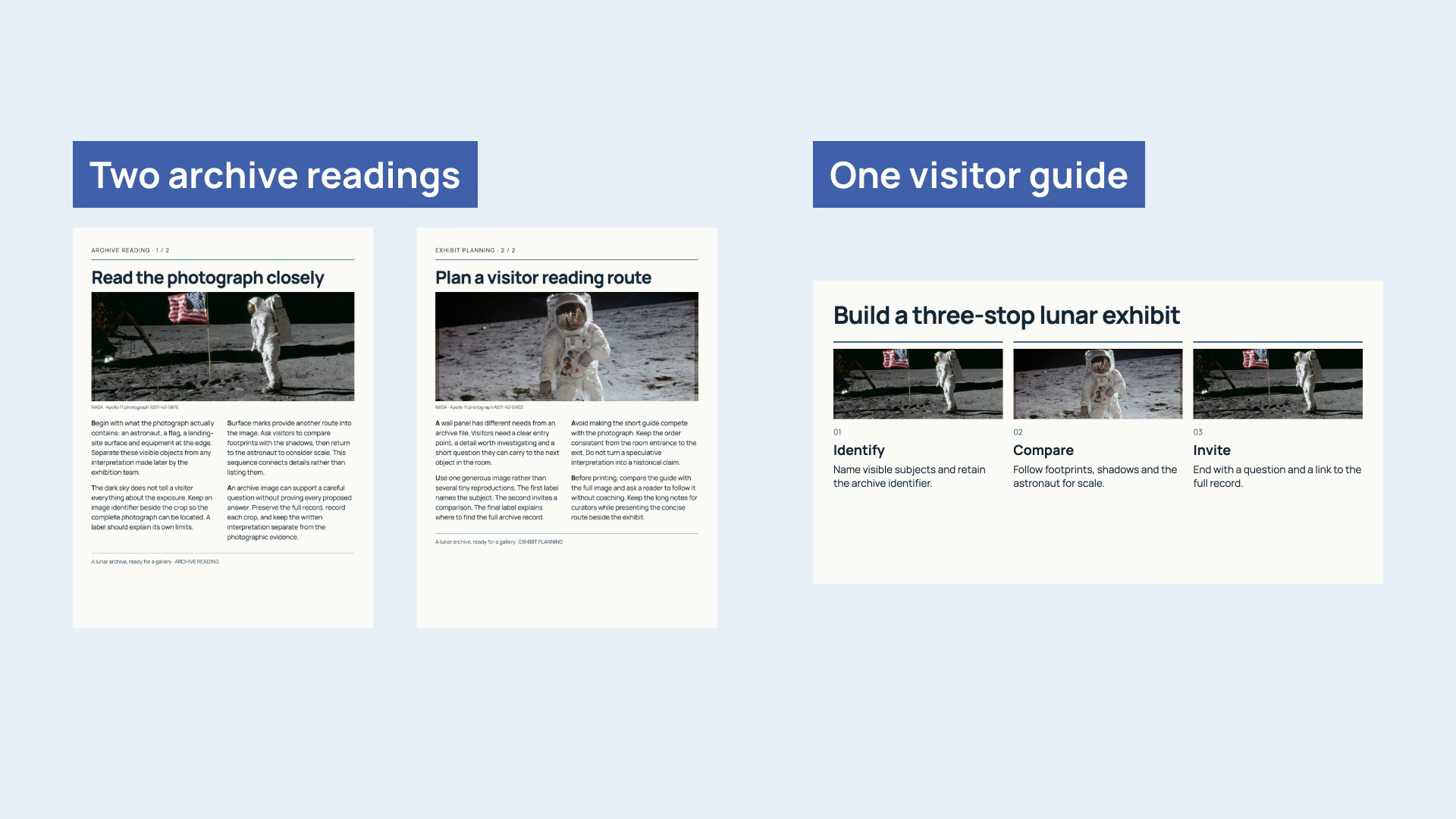
Bring two detailed document images together, then reveal a short landscape digest.
예시 · 2
온라인에서 실행
SandBase sandbox에서 Document Condense의 예제를 실행하고 결과를 바로 여기에서 확인하세요.
작동 방식
- 01
Prepare documents and the digest
Document Condense takes two portrait document rasters, one landscape digest image, captions and a theme. It does not summarise anything itself: an author writes and verifies the digest and supplies the documents. An optional authoring script can build the document pages from two rights-cleared articles and three concise steps.
- 02
Condense two into one
In 8.4 seconds, one portrait document appears, a second joins it, both move and shrink as a group, and a landscape digest opens on the right. Themes of porcelain, deep-sea, rose-clay or graphite change the stage and captions, while the documents keep their own colours.
- 03
Render and verify
The command prints the HyperFrames render invocation; one worker keeps rendering bounded. Inspect entry, the second page's appearance, the contraction, the digest wipe, captions and the settled state, and play the encoded film at normal speed. The renderer creates no sound.
FAQ
What does Document Condense show?
Document Condense shows two detailed documents being condensed into one short landscape digest: the pages arrive, shrink together, and the digest opens beside them. It suits short explainers such as preparing a lunar archive for a gallery or planet images for a classroom.
Does Document Condense summarise the documents?
No. Document Condense does not summarise factual material automatically. You write and verify the digest yourself and supply it as an image, along with the document rasters. The film presents the condensation; it does not perform it. Errors in the digest would appear on screen exactly as written.
Does Document Condense need any key?
No. Document Condense needs Node.js 22, FFmpeg and a local Chromium with pinned dependencies, and makes no model or paid call. Fonts and their licences are included in the package. Its dependencies are pinned in the lockfile, and the output directory must be empty before each run.
Can Document Condense make the documents for me?
Partly. Document Condense includes an optional authoring script that builds the document pages from two substantive articles with rights-cleared photographs and three steps you write. The text must still be authored and checked by you. Use rights-cleared photographs for the articles.
Does Document Condense have audio?
No. Document Condense creates no sound. If the brief needs audio, use licensed audio in a separate editable timeline, mix it into the final file, check the streams and listen before delivering. Without that mix, the film is delivered silent, so label it that way when you share it.
더 많은 Skills
모든 Motion Skills →
Image Blaster
Turn one frozen moment into a camera-orbit concept video.
Sketchbook Film
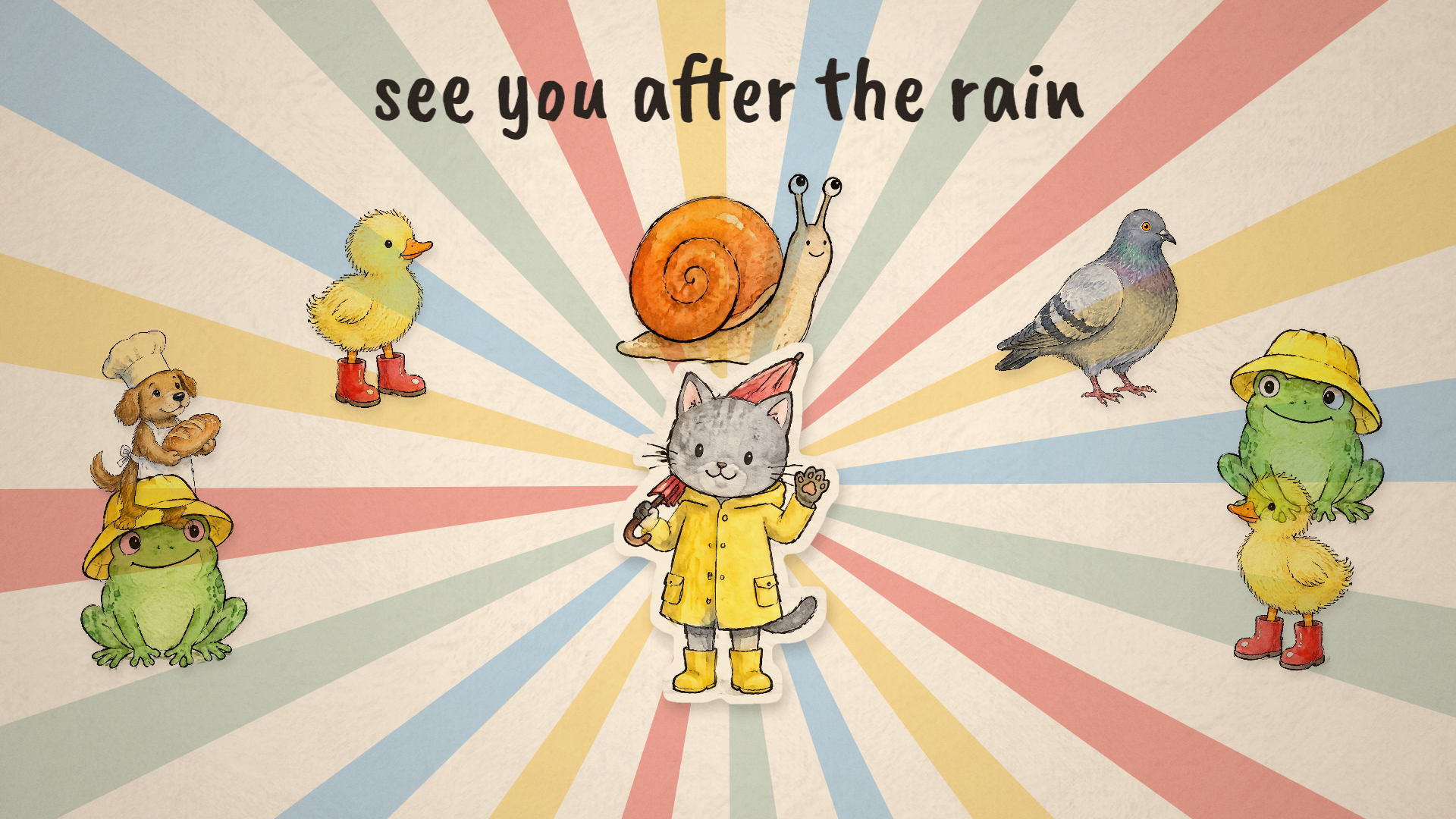
Bring photographed sketchbook drawings to life as a short film with cut-out characters, ink lettering and a score.

SVG Paint Stages
Show a picture being painted: construction marks, contours, flat colour and finer patches, as a layered SVG and a short film.
Network Tally
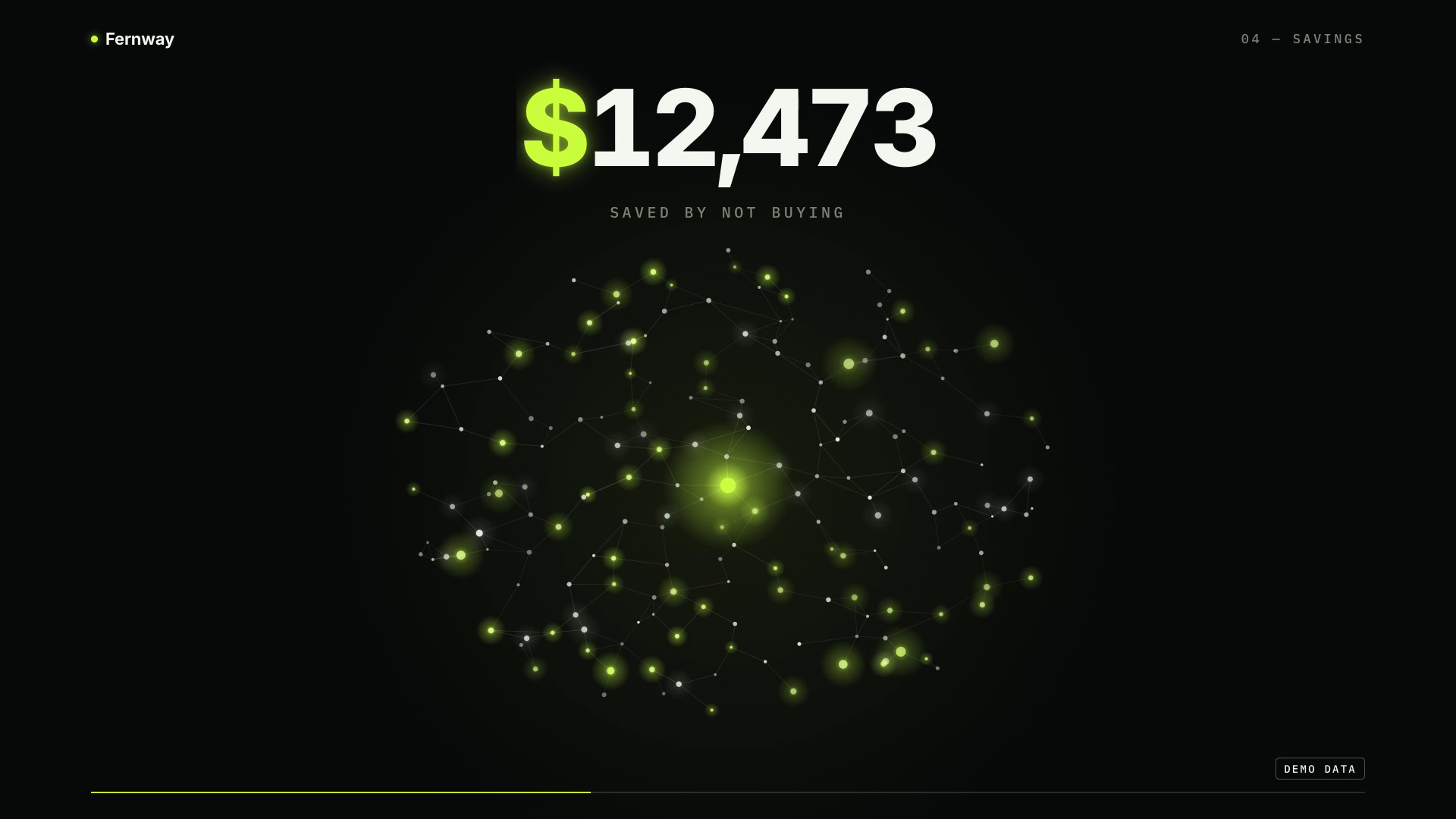
Tell a growth story with real numbers: one node network grows with each counter, flashes, dims behind a spike chart and closes on an end card.
Radiograph Reel: Bumble Ledger
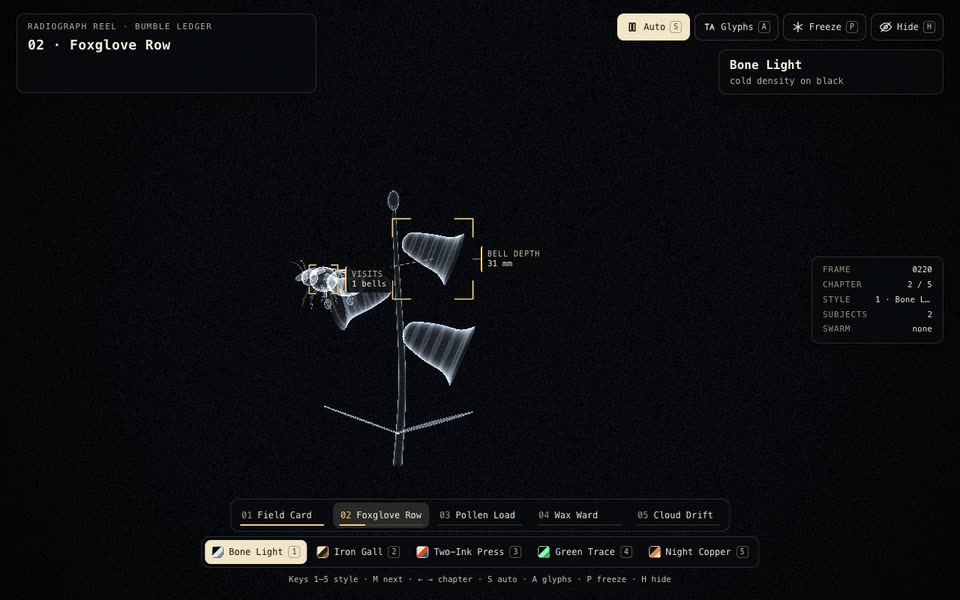
A specimen film reel: procedural bees, flowers and a wax comb glow as X-ray density, print in five switchable film styles with tracking labels, and a swarm morphs between formations.

Festival Grid Slides
Invite people to a fair, open day or club season, or pitch one, in a bright festival deck: whole-page colour fields with a fine dot grid, heavy slanted headlines, cream cards and tickets, round pictures, and suns, rosettes, rings, bunting and sprinkles.