
Speaker Overlay Package
- Lab 스킬
- v0.2.3
- Motion
Create timed lower thirds, emphasis labels and supporting graphics over authorized real presenter footage.
예시 · 2
온라인에서 실행
SandBase sandbox에서 Speaker Overlay Package의 예제를 실행하고 결과를 바로 여기에서 확인하세요.
작동 방식
- 01
Study the footage first
Speaker Overlay Package starts from authorized moving presenter footage and verified programme metadata. The Agent inspects the actual video and its audio before writing anything, then establishes face, hand and subtitle safe areas for the whole clip. Only words actually present in the selected recording may be quoted, and speaker names must be accurate.
- 02
Time the overlays
Lower thirds, emphasis labels and supporting graphics are timed to verified spoken phrases or editorial transitions, with room for entry, reading and exit. All animation state is defined from absolute time, so the video stays seekable by timestamp. Each brief needs new HTML and GSAP code, and the signature overlay is built and checked first.
- 03
Check alignment and render
After encoding, alignment is validated again against the recording, and transparency is verified when a transparent deliverable is requested. Production checks run in an isolated sandbox, encoded frames are inspected and the full video is played. Source validation, render, frame review, playback, listening and user acceptance are each recorded separately.
FAQ
What does Speaker Overlay Package make?
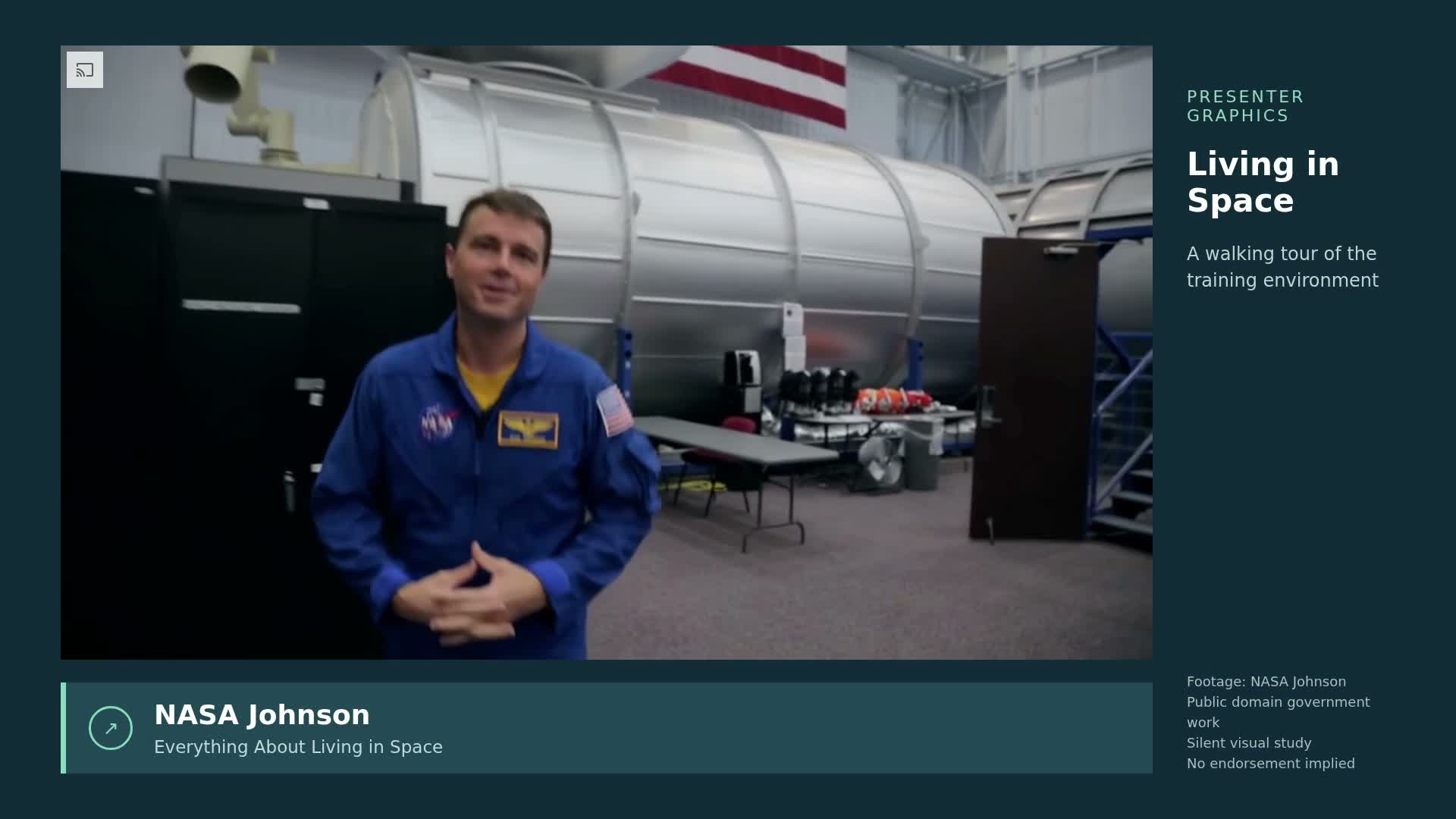
Speaker Overlay Package creates timed lower thirds, emphasis labels and supporting graphics over authorized real presenter footage. The demos place programme-metadata lower thirds beside moving footage from a space programme walking tour and a return from orbit, keeping faces and gestures visible. It suits education, explainers and research communication.
Will Speaker Overlay Package cover the presenter?
Speaker Overlay Package is built not to. It maps face, hand and subtitle safe areas across the full clip before placing anything, and acceptance requires the presenter to stay visible and readable with overlays clear of the face and gestures. Any overlap found in review is a failure to fix.
Can Speaker Overlay Package write quotes for me?
No. Speaker Overlay Package only quotes words actually spoken in the selected recording and requires quotations to match it exactly. Speaker and programme details must be accurate metadata. That keeps the graphics trustworthy for research and educational use.
What footage does Speaker Overlay Package need?
Speaker Overlay Package needs moving presenter footage you are authorized to use, with its audio. Missing media or unsupported rights stop the job rather than being worked around. The Agent keeps working inputs and reports exactly what is missing.
Is Speaker Overlay Package billed?
Speaker Overlay Package relies on your own Agent to write overlay code, which is rendered and checked locally. The workflow itself adds no SandBase model or paid API call, so using the Skill introduces no extra charge.
더 많은 Skills
모든 Motion Skills →
Image Blaster
Turn one frozen moment into a camera-orbit concept video.
Sketchbook Film
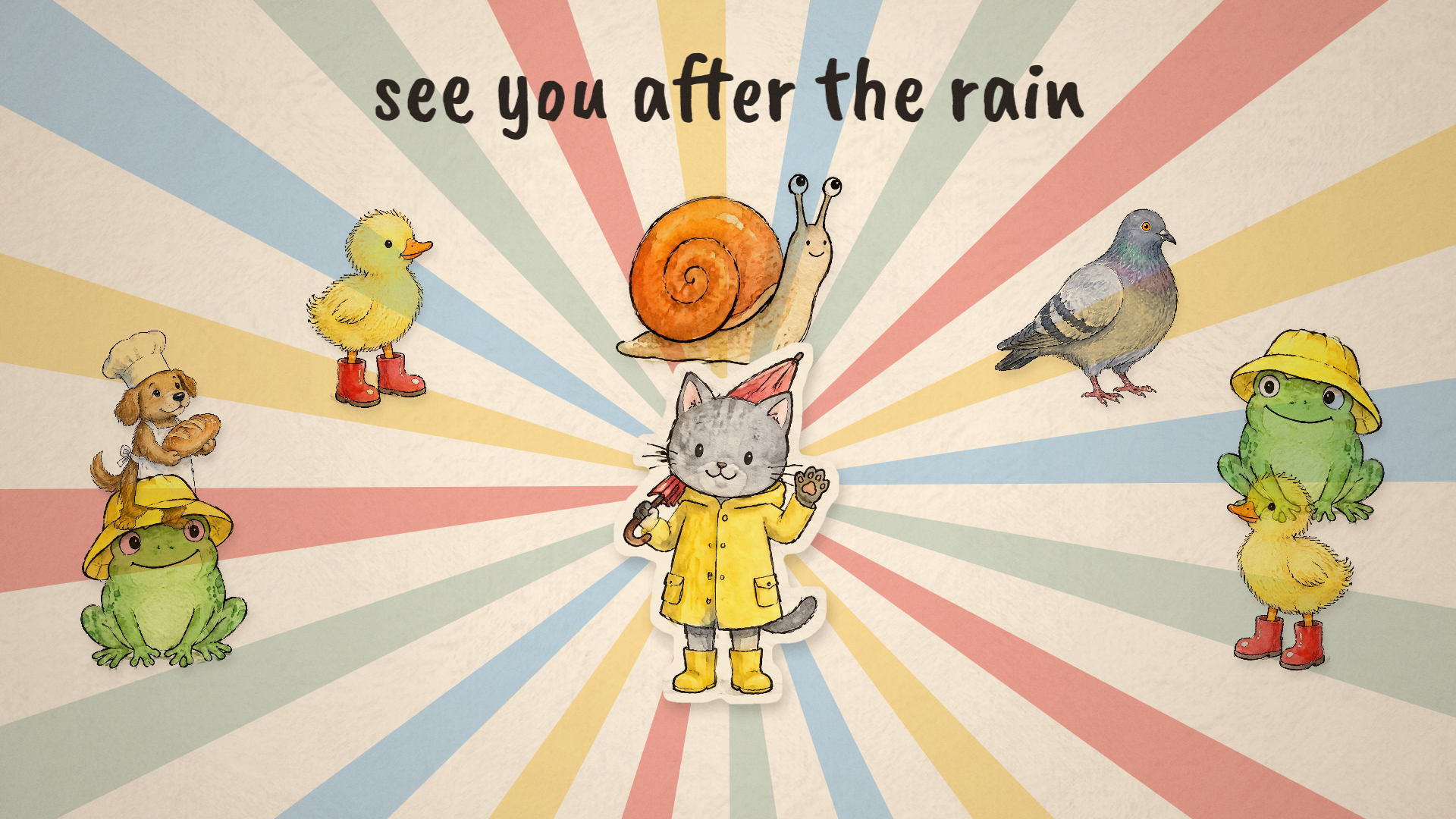
Bring photographed sketchbook drawings to life as a short film with cut-out characters, ink lettering and a score.

SVG Paint Stages
Show a picture being painted: construction marks, contours, flat colour and finer patches, as a layered SVG and a short film.
Network Tally
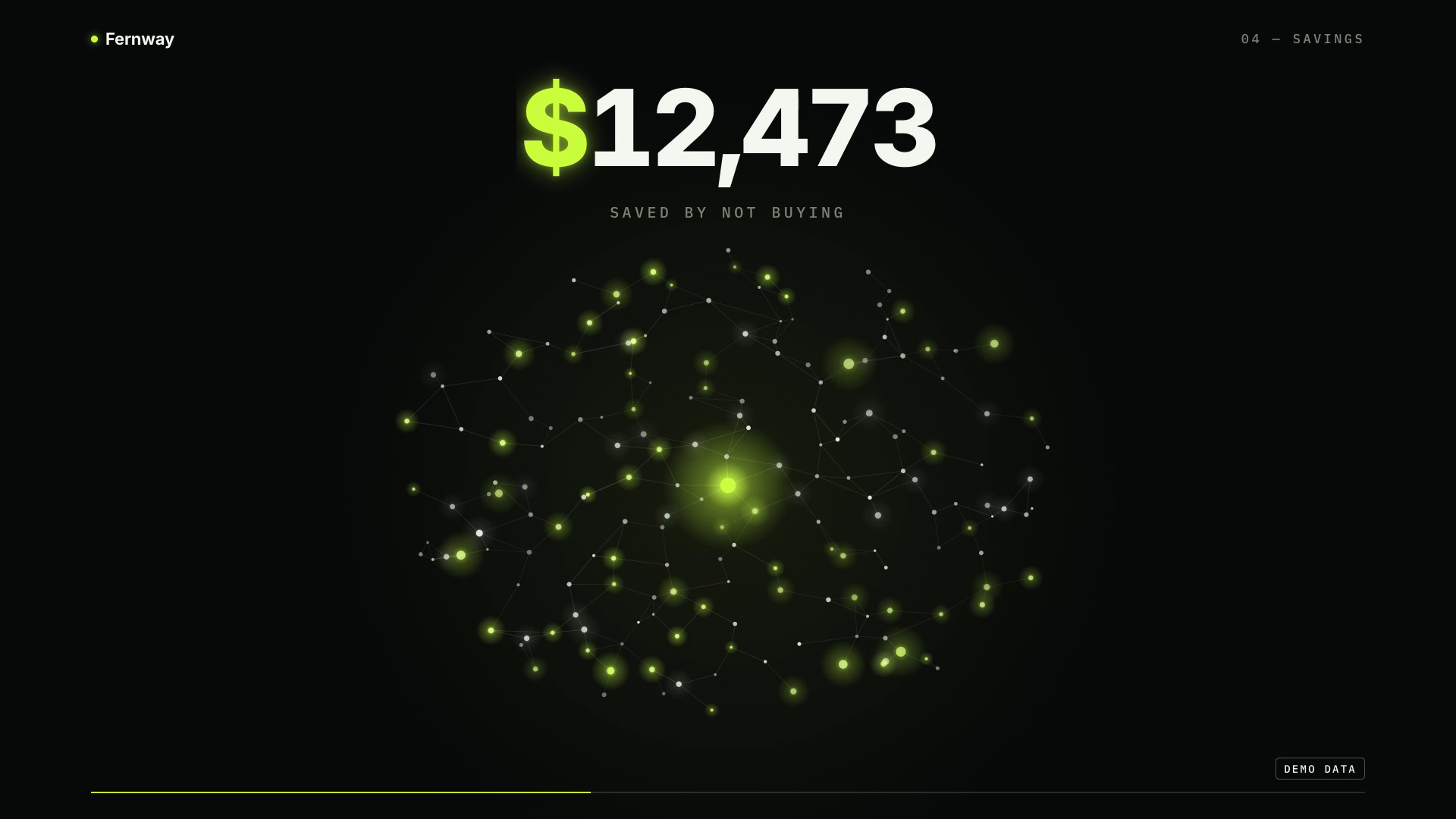
Tell a growth story with real numbers: one node network grows with each counter, flashes, dims behind a spike chart and closes on an end card.
Radiograph Reel: Bumble Ledger
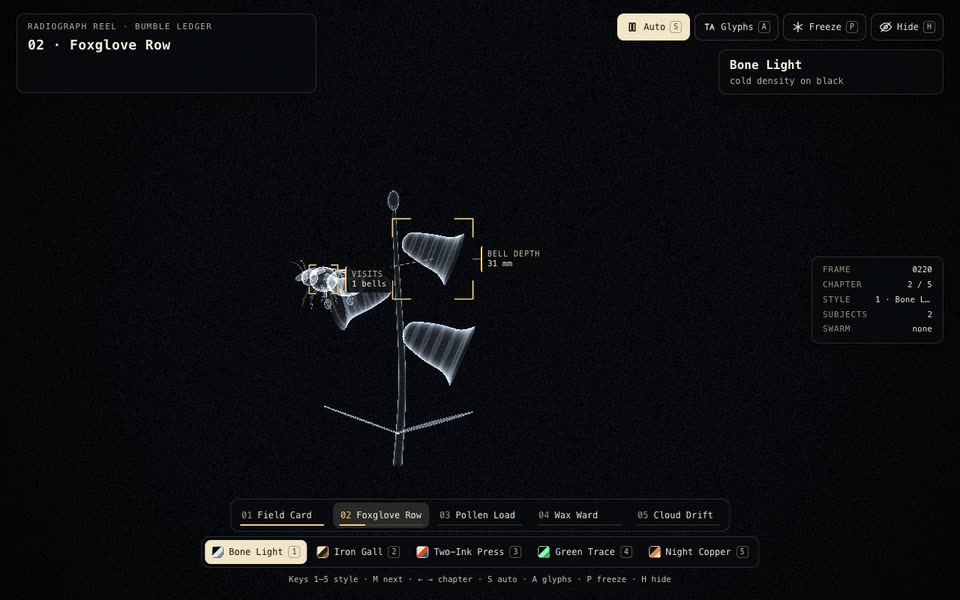
A specimen film reel: procedural bees, flowers and a wax comb glow as X-ray density, print in five switchable film styles with tracking labels, and a swarm morphs between formations.
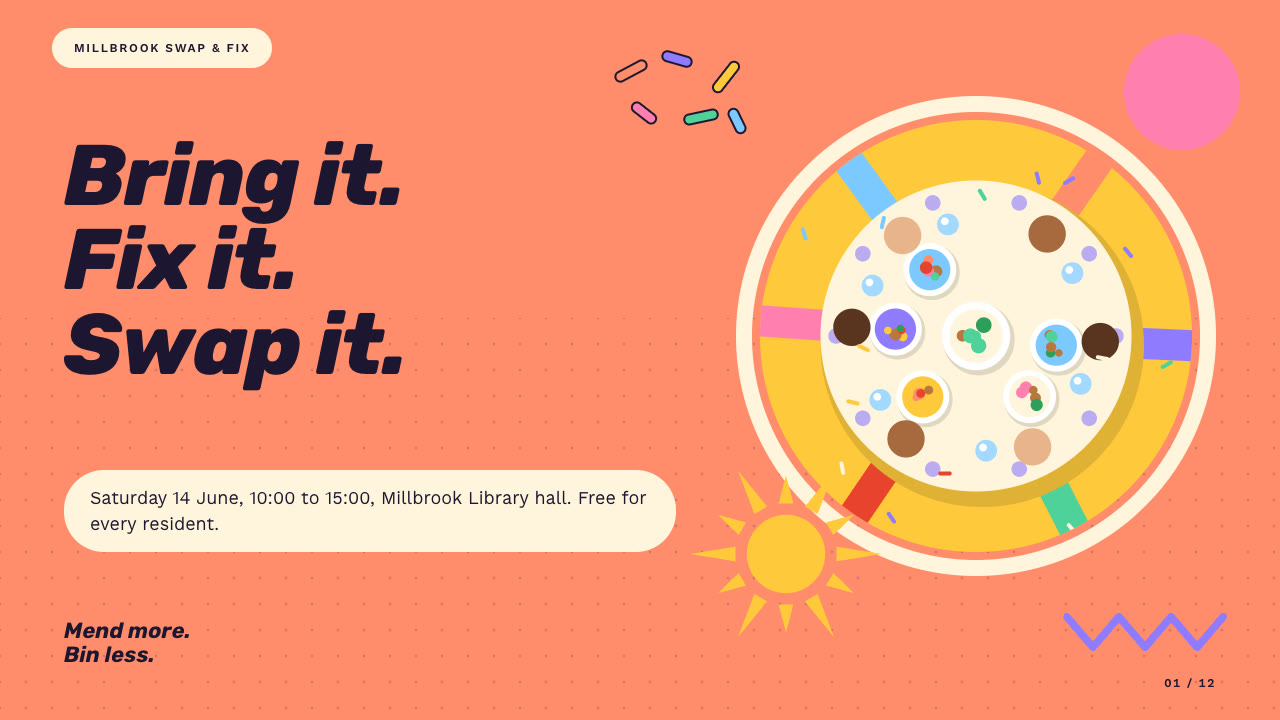
Festival Grid Slides
Invite people to a fair, open day or club season, or pitch one, in a bright festival deck: whole-page colour fields with a fine dot grid, heavy slanted headlines, cream cards and tickets, round pictures, and suns, rosettes, rings, bunting and sprinkles.