
Notch Widget Bloom
- Lab 스킬
- v1.0.0
- Product marketing
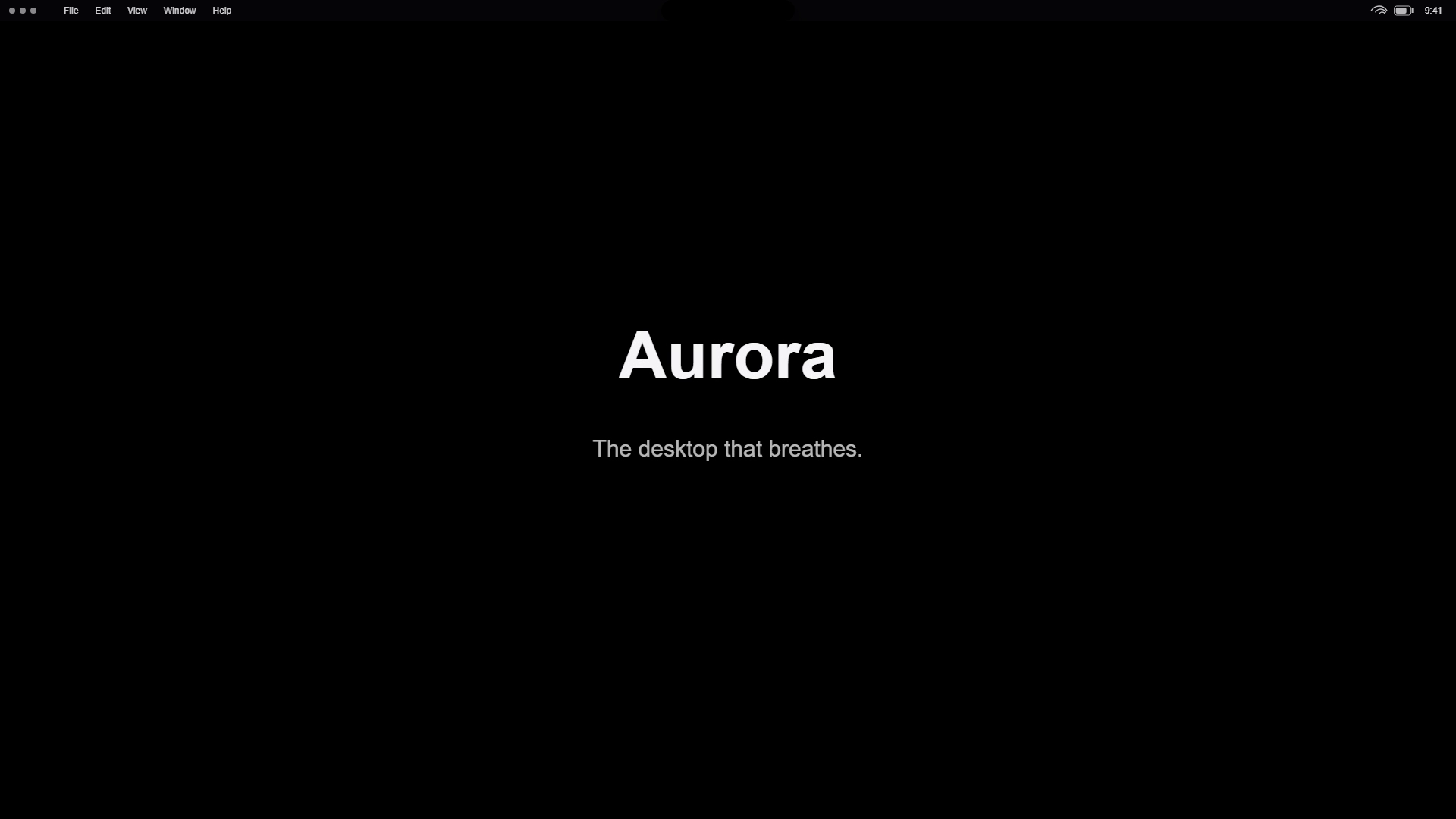
A silent desktop-launch film. A generic desktop wallpaper drifts under a slim top bar; the centered notch pill eases open into a widget card for each scene — clock, music, weather, calendar, battery, timer, photo, search or stats — holds under a caption with tinted keywords, then folds back into the notch. A stroke-drawn HELLO opens the film and a product name with a tagline closes it. Desktop chrome is deliberately generic, no platform marks.
예시 · 2
온라인에서 실행
SandBase sandbox에서 Notch Widget Bloom의 예제를 실행하고 결과를 바로 여기에서 확인하세요.
작동 방식
- 01
Write the sheet
Write one JSON sheet with the product name of 1 to 40 characters, an optional tagline, the language and 2 to 10 scenes. Each scene names a widget kind (clock, music, weather, calendar, battery, timer, photo, search or stats), a two- or three-colour wallpaper, a caption of up to 90 characters and a hold of 1 to 8 seconds. Two worked sheets ship in assets/examples.
- 02
Build the page
Run npm install, then node scripts/build.mjs assets/examples/aurora-widgets-en.json --out build/en. The build validates the sheet and inlines the Canvas2D engine and vendored GSAP into one index.html with the sheet embedded. When duration is omitted it is computed from the holds, between 4 and 120 seconds. The Skill calls no model and needs no API key.
- 03
Check stills and render
node scripts/stills.mjs makes a headless-Chrome contact sheet so you can check every widget, then node scripts/render.mjs --build build/en --out demo-1.mp4 calls HyperFrames to render a silent MP4 with no audio track, plus a report. The examples render at 1920×1080 and 30 fps; the sheet accepts even sizes from 320 to 3840 pixels.
FAQ
What does Notch Widget Bloom make?
Notch Widget Bloom makes a silent launch-style film in which the black pill at the top centre of a desktop-style frame blooms into a different widget in each scene, over its own gradient wallpaper, with one short caption per scene and a closing end card. Every pixel is drawn in code from one JSON sheet; there is no screen recording.
Which widgets can Notch Widget Bloom show?
Notch Widget Bloom has nine widget kinds: clock, music, weather, calendar, battery, timer, photo, search and stats. Each scene picks one, and its card can be 180 to 720 pixels wide and 48 to 240 pixels high. The widget content is drawn inside the notch card once the opening has passed about a third of the way.
Does Notch Widget Bloom show real screens or data?
No. Notch Widget Bloom draws stylized mock interfaces from the sheet; nothing is live or captured from a real device. The top bar is deliberately generic, with File, Edit, View, Window and Help menus and plain battery and Wi-Fi glyphs, and it carries no platform trademarks. The product name is whatever you put in the sheet.
How long is a Notch Widget Bloom film?
A Notch Widget Bloom film lasts from 4 to 120 seconds. If you leave duration out, it is computed as 2.4 seconds plus each scene's hold and 0.55 seconds per transition, plus 2.6 seconds for the ending. The two bundled examples run about 22 seconds each with six scenes.
Does Notch Widget Bloom have sound?
No. Notch Widget Bloom renders silent MP4 files with no audio track, and all samples are silent. Add music or effects in an editor afterwards if the film needs them. The Skill calls no model and needs no API key; npm install fetches HyperFrames and the build tools once.
Can I change the colours in Notch Widget Bloom?
Yes. In Notch Widget Bloom each scene sets its own wallpaper from a base colour, a dominant blob colour and an optional accent blob colour, and the caption can tint up to six trailing words with a lighter version of the wallpaper. The sheet also sets the top bar, notch and foreground colours for the whole film.
더 많은 Skills
모든 Product marketing Skills →
Pixel Story
Turn a product brief into a pixel film with clear actions, scene traversal and a memorable payoff.
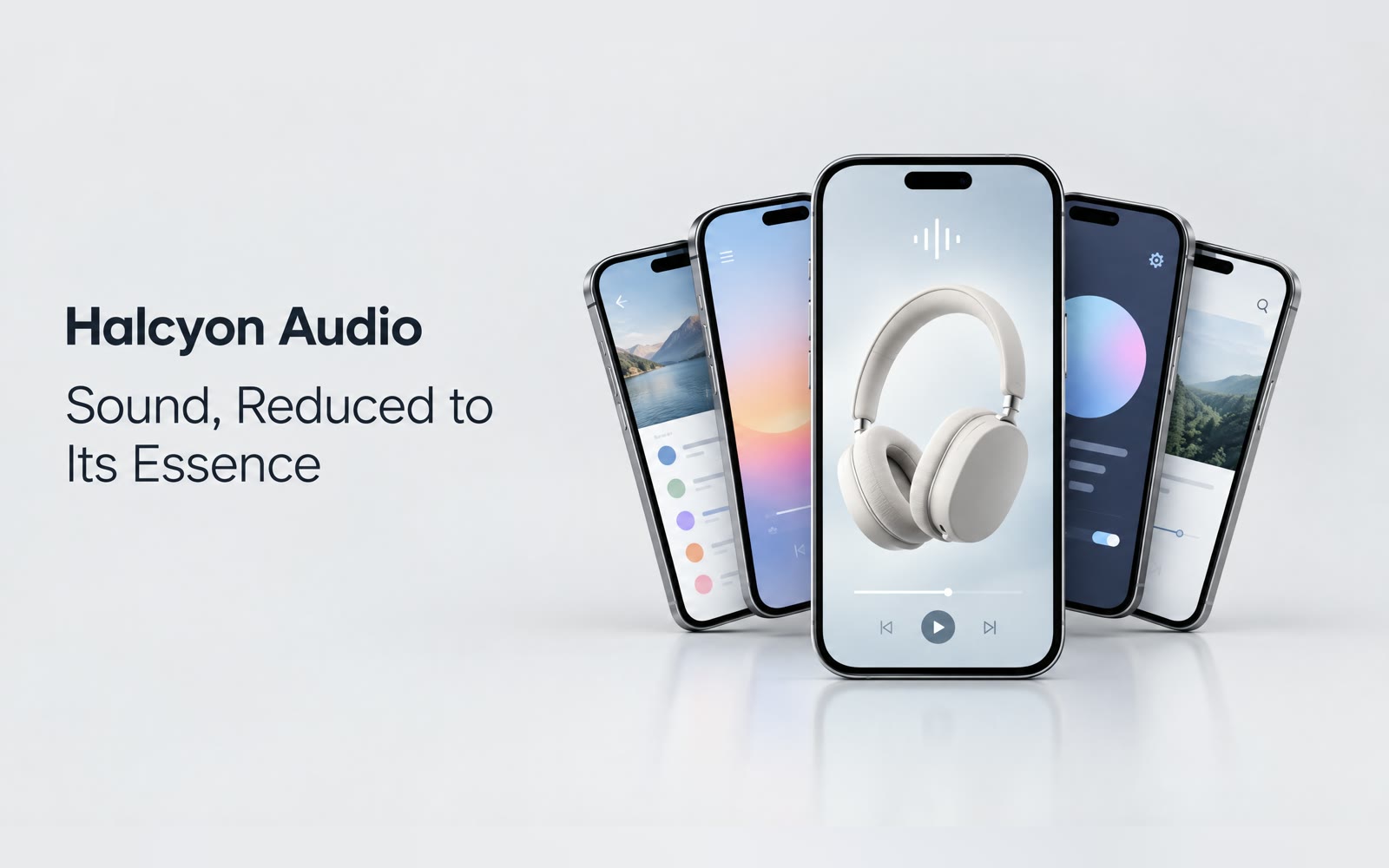
Device fan
Turn a brand, one headline and context into a calm device-showcase card.
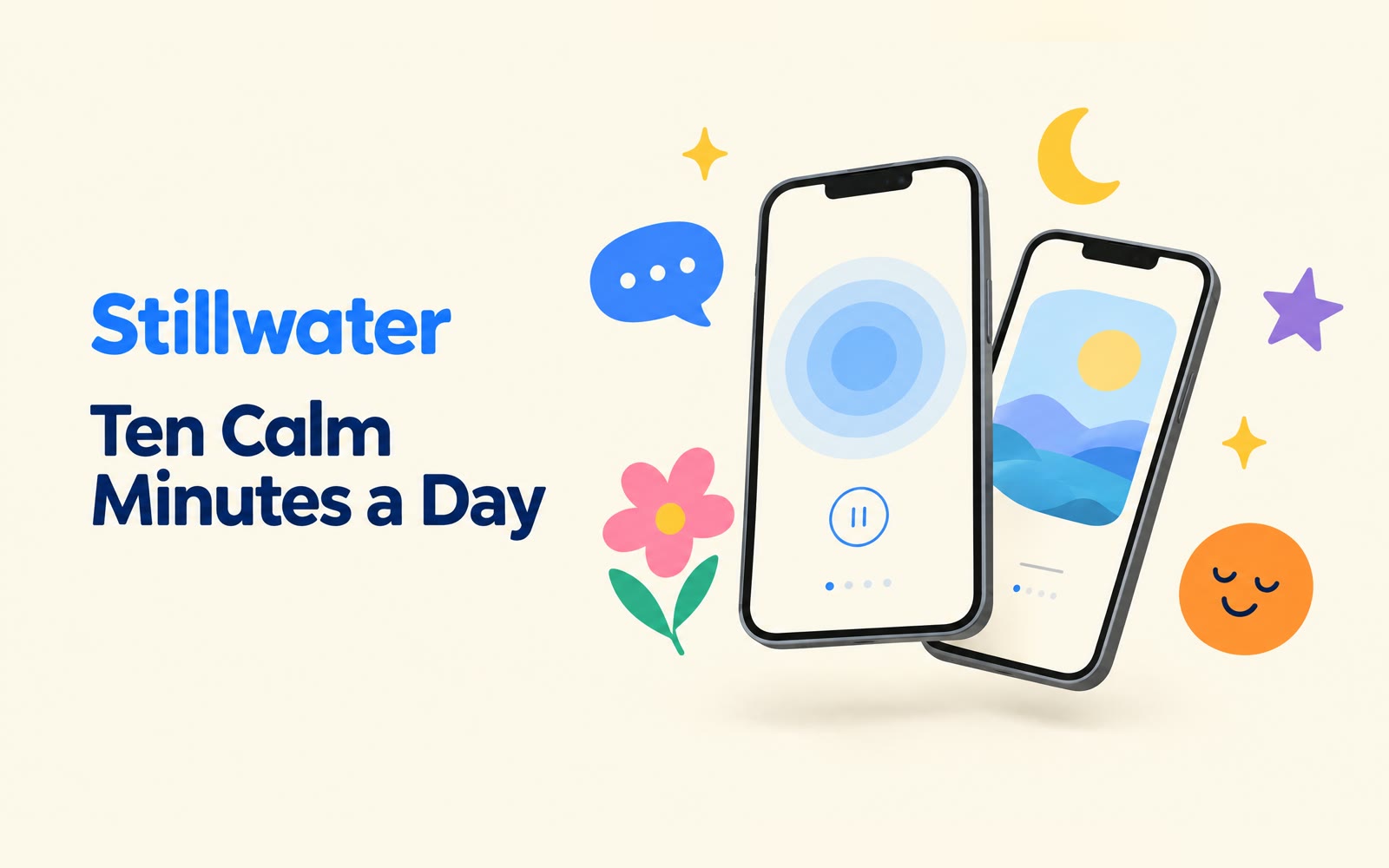
Floating phones
Turn a brand, one headline and context into a warm-ivory card with floating phone screens and playful, friendly doodles.

Floating analytics dashboard
Turn a brand, one headline and context into a split-column card: a narrow charcoal brand column anchoring a large white analytics dashboard that floats across a vivid violet gradient field.
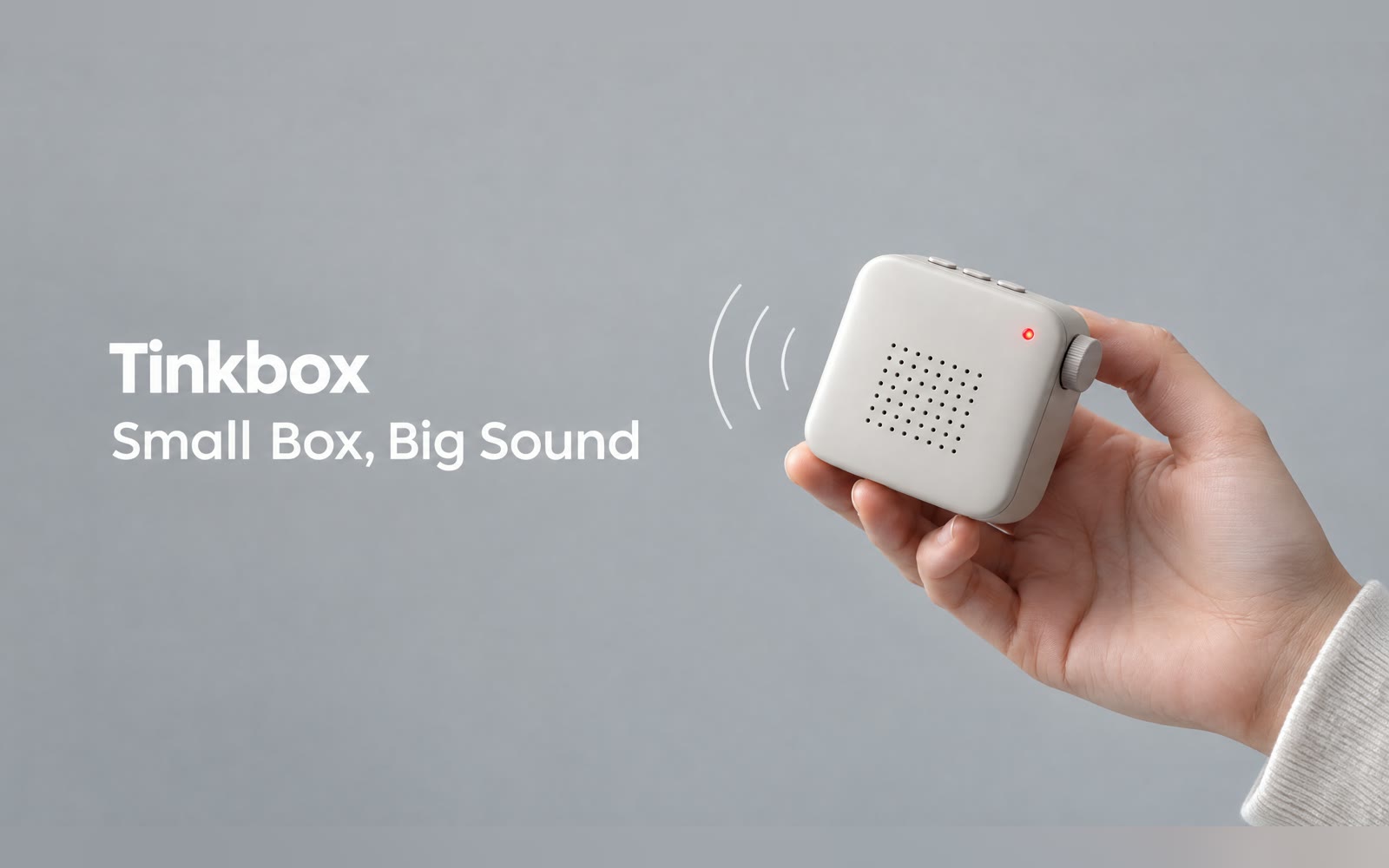
Minimal handheld product
Turn a brand, one headline and context into a high-key studio card: a softly lit hand holding an original compact pale device against a seamless gray background, with broad empty space and a tiny red light as the only accent.
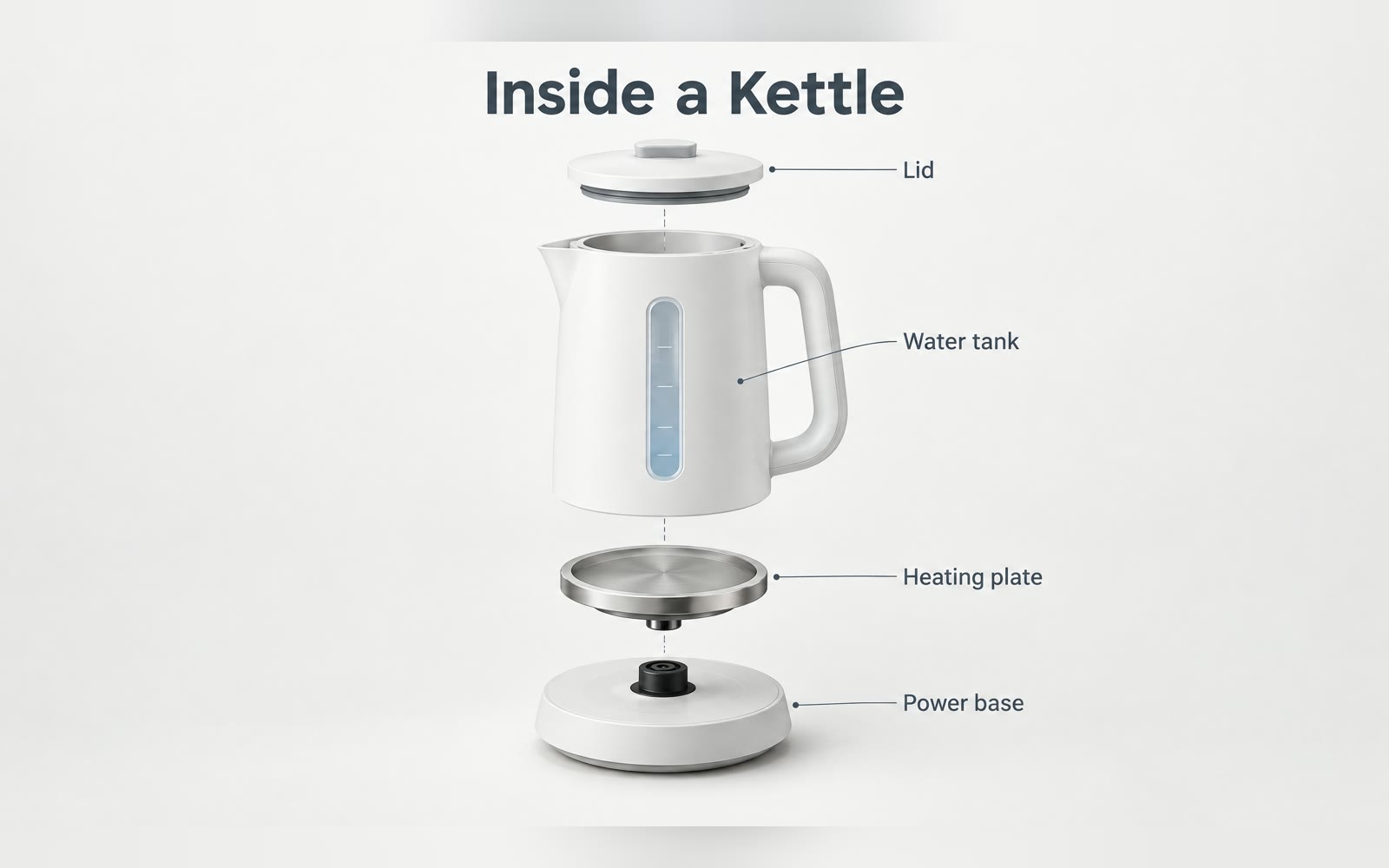
Appliance exploded poster
Turn a household appliance into a polished 16:9 exploded-view poster: part groups separated along one axis, with a title and three to five exact labels.