
Bevel Desk Slides
- Lab 스킬
- v0.1.0
- Business reporting
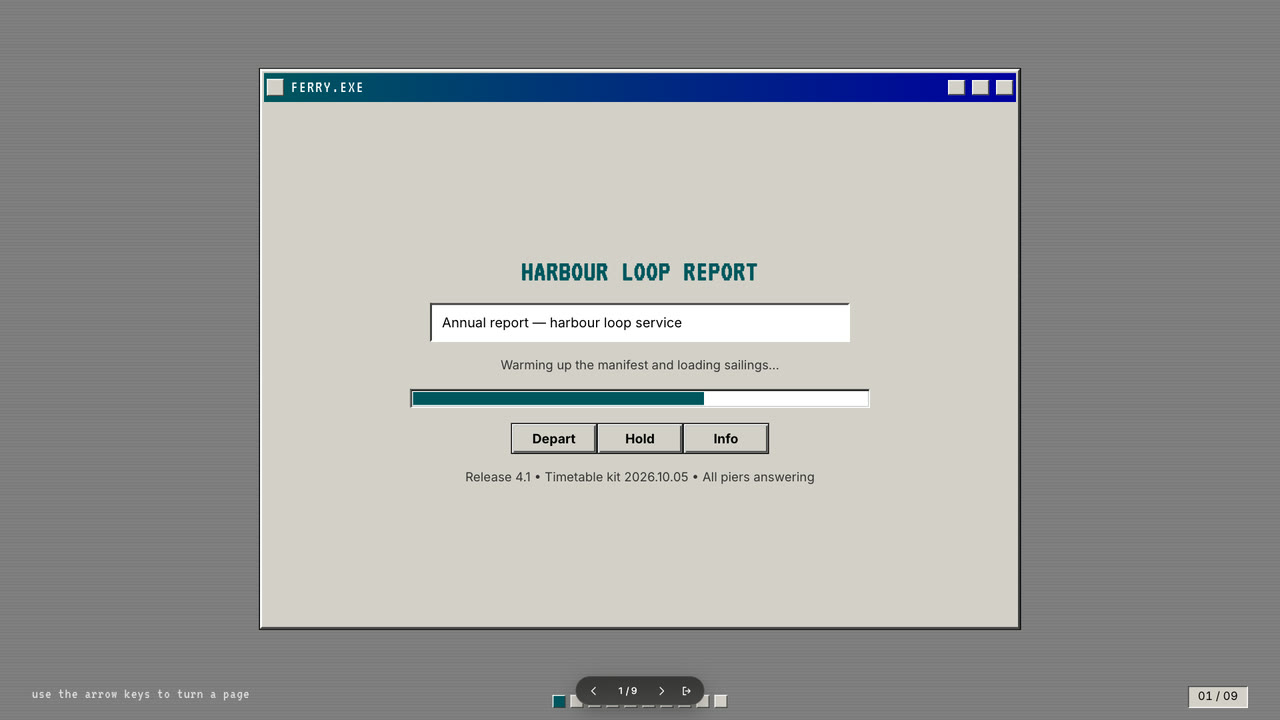
Make decks that read like a mid-90s workstation: every page a document window on a flat gray desktop, with a navy title bar, beveled chrome, group boxes, sunken wells, chunky progress bars and pixel-accent type.
예시 · 2
얻을 수 있는 것
Bring the topic, the audience, the one decision the deck supports, the facts and numbers to use exactly, the page count and content language; your own pictures are optional. The Skill returns one offline HTML deck that edits in the browser and exports editable PowerPoint.
작동 방식
- 01
Outline the desktop windows
Bevel Desk Slides asks for the topic, the audience, the one decision the deck supports, the facts you stand behind, page count, language and any pictures you own. The default sequence is boot, agenda, briefing, databoard, features, figure, metrics, tree, timeline and logoff. Each page is a document window with a fictional title such as PRESENT.EXE or STATUS.LOG, kept under 12 characters.
- 02
Draw panels and compose
Bevel Desk Slides uses your pictures first. Otherwise the Agent describes scenes in art.json and runs python3 scripts/bevel-art.py art.json --out art/ to draw charts, dialog stacks and pixel glyphs at slot size, 640 by 480 for 4:3 wells. kit.py compose turns plan.json into deck.json and renumbers the NN / TT counter and nav dots for the page count.
- 03
Build locally and check
Bevel Desk Slides needs only the Python 3 standard library to build. make-deck.py writes presentation.html and verify-deck.py checks it with --pages N. The Agent opens the file over python3 -m http.server to check title bar wraps, group-box labels, table columns, tree indentation and progress fills, then tries Edit, undo, Save and Present. verify-pptx.py checks an exported .pptx.
FAQ
What style does Bevel Desk Slides use?
Bevel Desk Slides uses a mid-90s workstation look: every page is a document window on a flat gray desktop, with a navy title bar, beveled chrome, group boxes, sunken wells, chunky progress bars and pixel-accent type. It suits internal reviews, status reports, technical briefings and retro-tech or demo-scene pitches. It does not suit a minimal or flat-design look.
Does Bevel Desk Slides copy a real operating system?
No. Bevel Desk Slides is deliberately generic, with no real operating-system names, logos, flags, start buttons, system fonts or icons. Windows carry made-up NAME.EXT file names and the three title-bar buttons are plain geometric marks drawn for this kit. Real brand names stay out of the chrome, pictures and copy.
Does Bevel Desk Slides need a network or an API key?
No. Bevel Desk Slides embeds fonts, engine and pictures in one HTML file that opens, edits, presents and saves offline. Its bevel-art.py generator draws with the Python standard library, so no model is called and nothing is billed. python-pptx is needed only to run verify-pptx.py on an export.
Which parts of a Bevel Desk Slides PowerPoint can I edit?
Bevel Desk Slides exports headings, labels, metrics, group boxes, tree rows, table cells, chips and progress wells as native text and shapes with speaker notes. The bevels, title-bar buttons and pixel chips arrive as flat picture layers behind them.
Which fonts does Bevel Desk Slides embed?
Bevel Desk Slides embeds VT323 for the title bar, counters and big numerals, and Inter for body text, both under the SIL Open Font License in references/fonts. The subsets cover Latin letters, digits and common punctuation, so arrows and box-drawing characters fall back to a system face. CJK uses a bundled pixel face for title bars.
Can Bevel Desk Slides show live data?
No. Bevel Desk Slides charts are manually placed bars and numerals drawn at build time, not bound to a data source. To change the numbers, edit plan.json or the art.json chart scene and rebuild.
더 많은 Skills
모든 Business reporting Skills →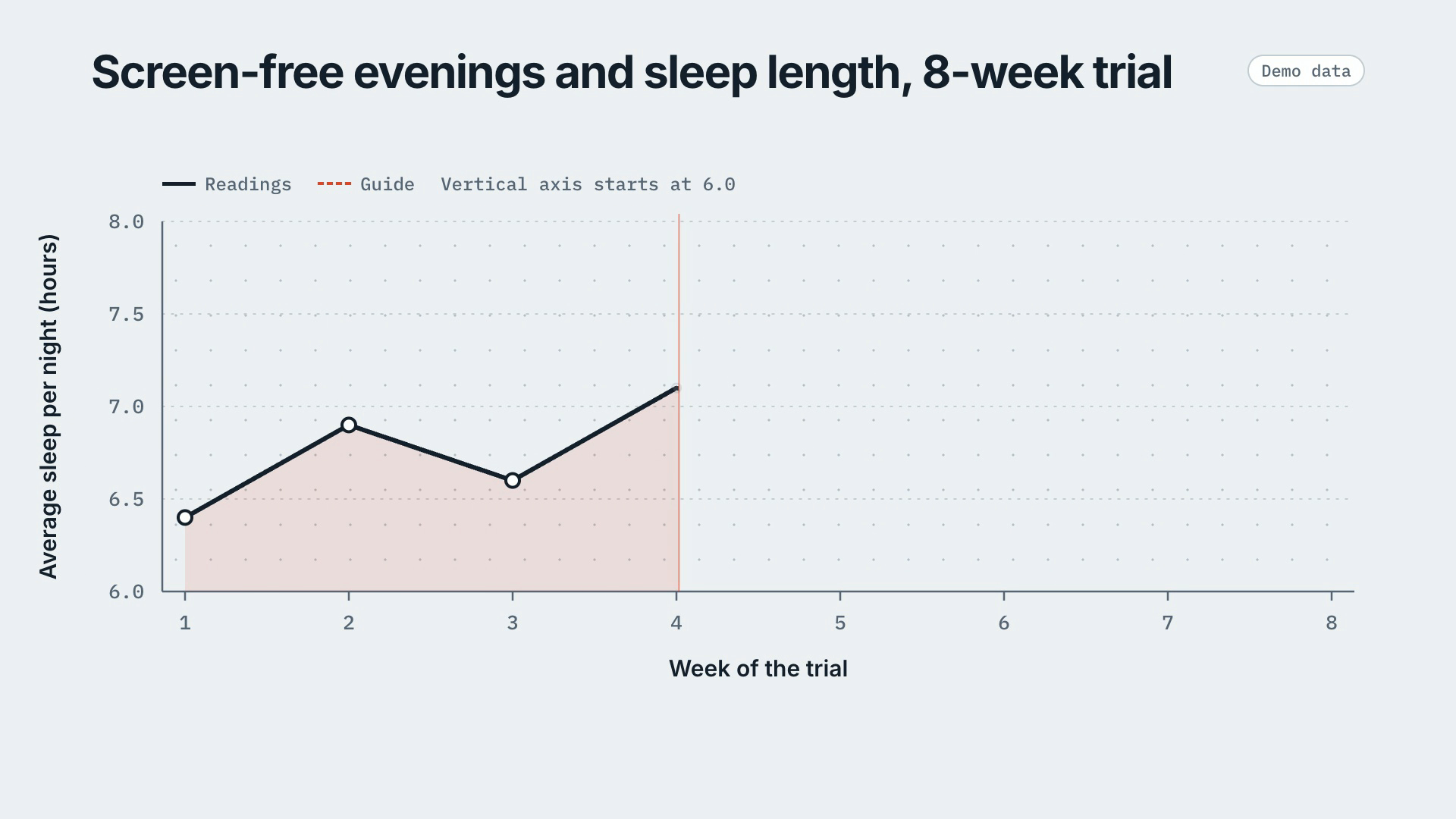
Trend Line
Reveal measured readings, a separate dashed guide and a final takeaway on an editable chart.

Advisory Thread Slides
Argue one recommendation to a committee or board with action titles, a storyline tracker, evidence charts and a bounded decision ask.
Civic Bars Slides
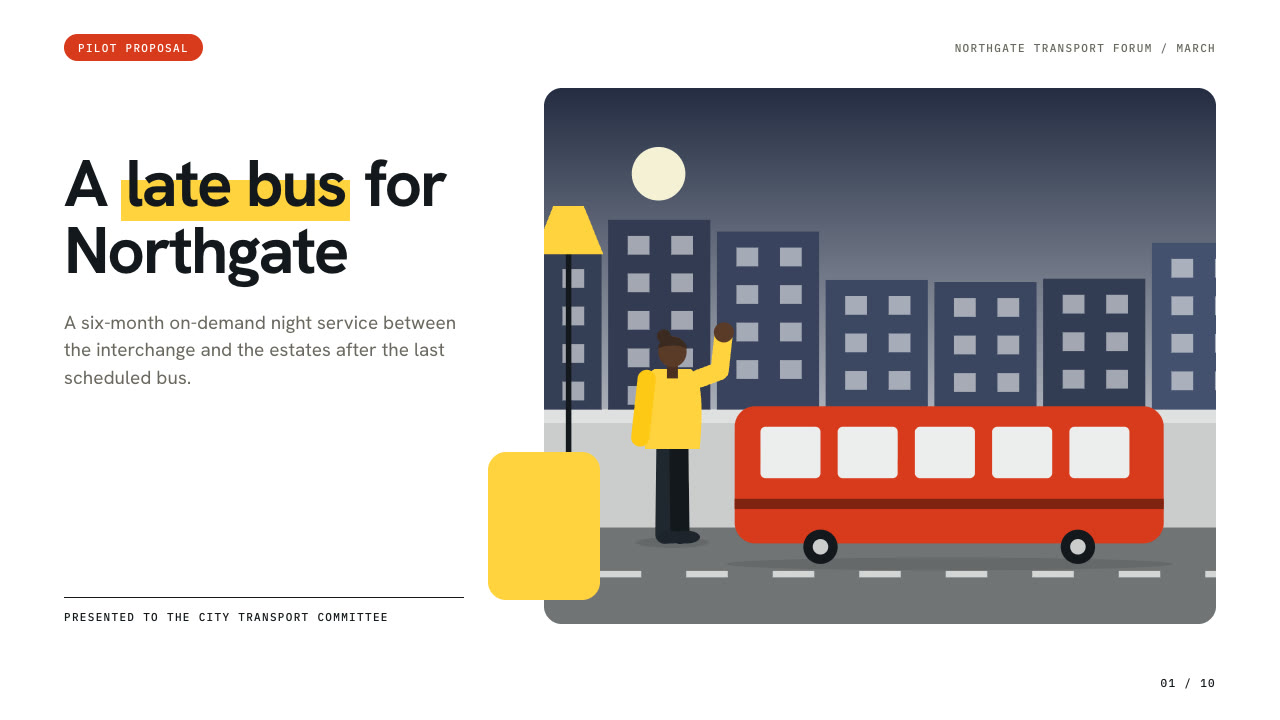
Make the case for a public or community service decision with picture cards, thin bar charts, stat tiles and a clear ask.
Site Sequence Slides
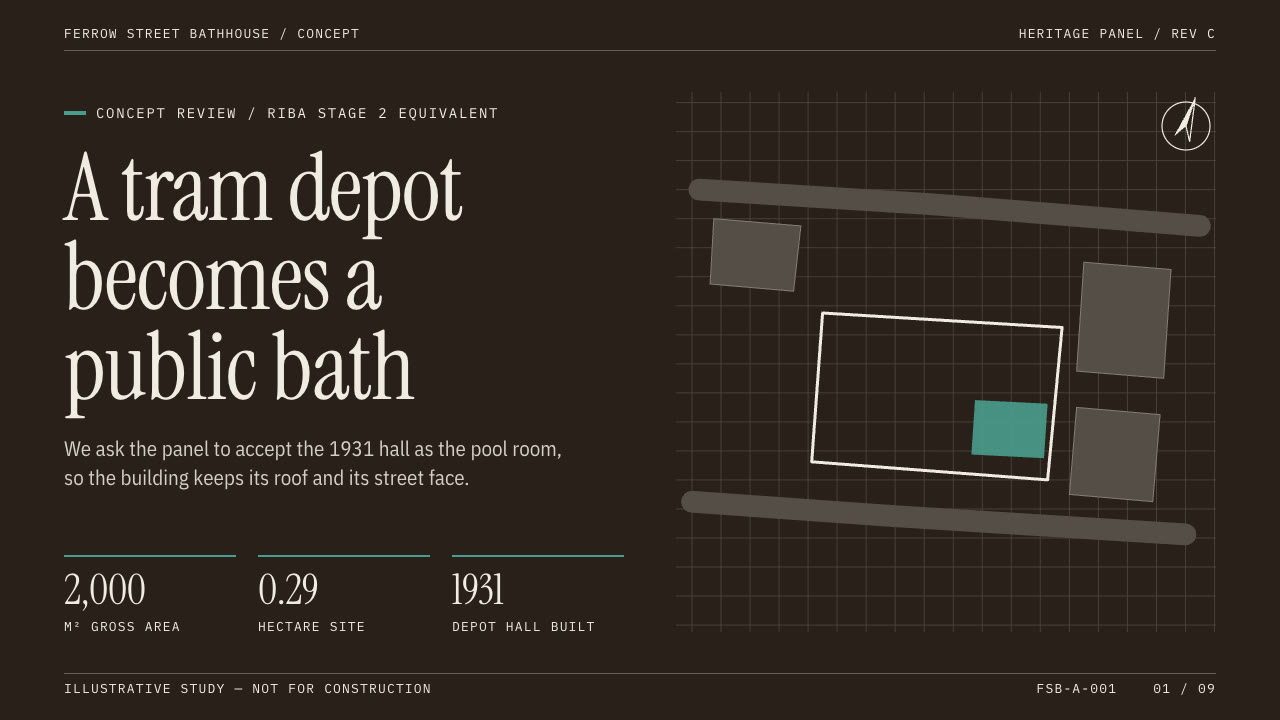
Take an architecture or site-design proposal to a review panel like a drawing sheet: site, massing, plan and section, program, phasing and one clear decision.

Deepframe Company Slides
Present a company, practice or member organisation calmly: white pages, offset colour blocks behind pictures, service cards, ring figures, value bars and a portrait row.
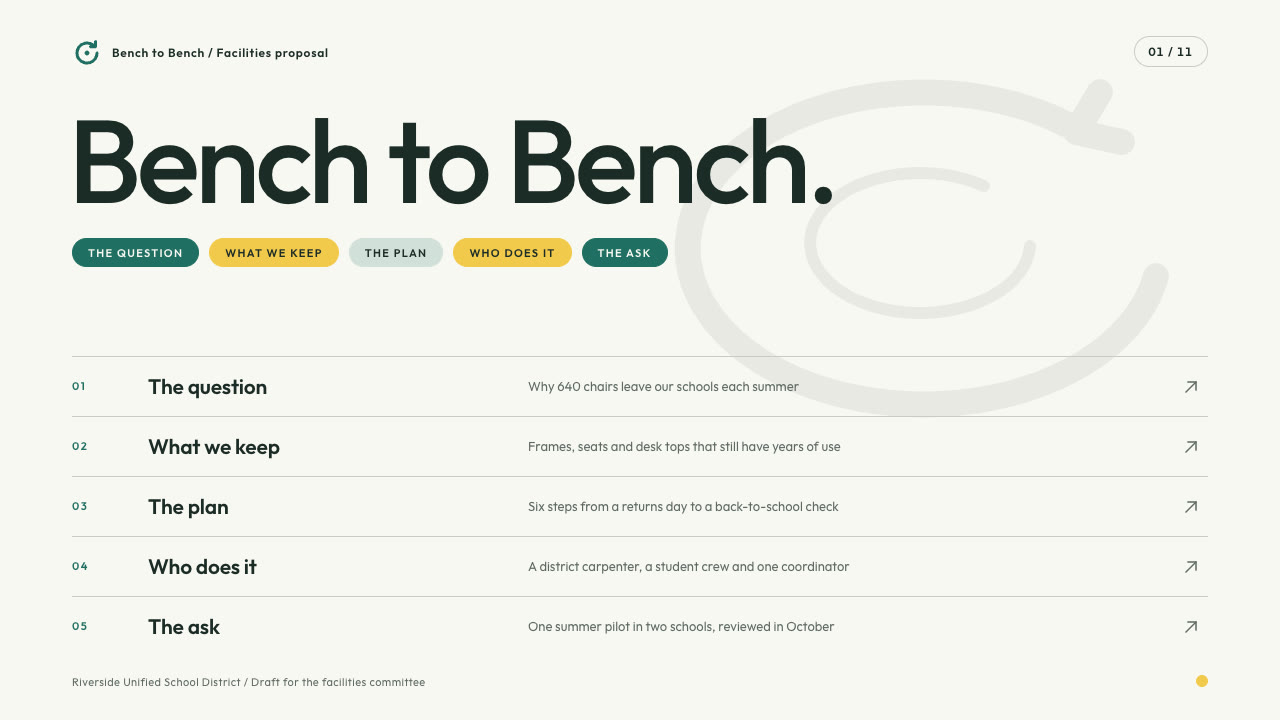
Circular Module Slides
Propose a repair, reuse or take-back step in a light modular deck: rounded cards and pill capsules, an open-ring motif, notched principle cards, a six-step grid and a capsule bar chart.