
Metric Descent
- Lab 스킬
- v1.0.2
- Research
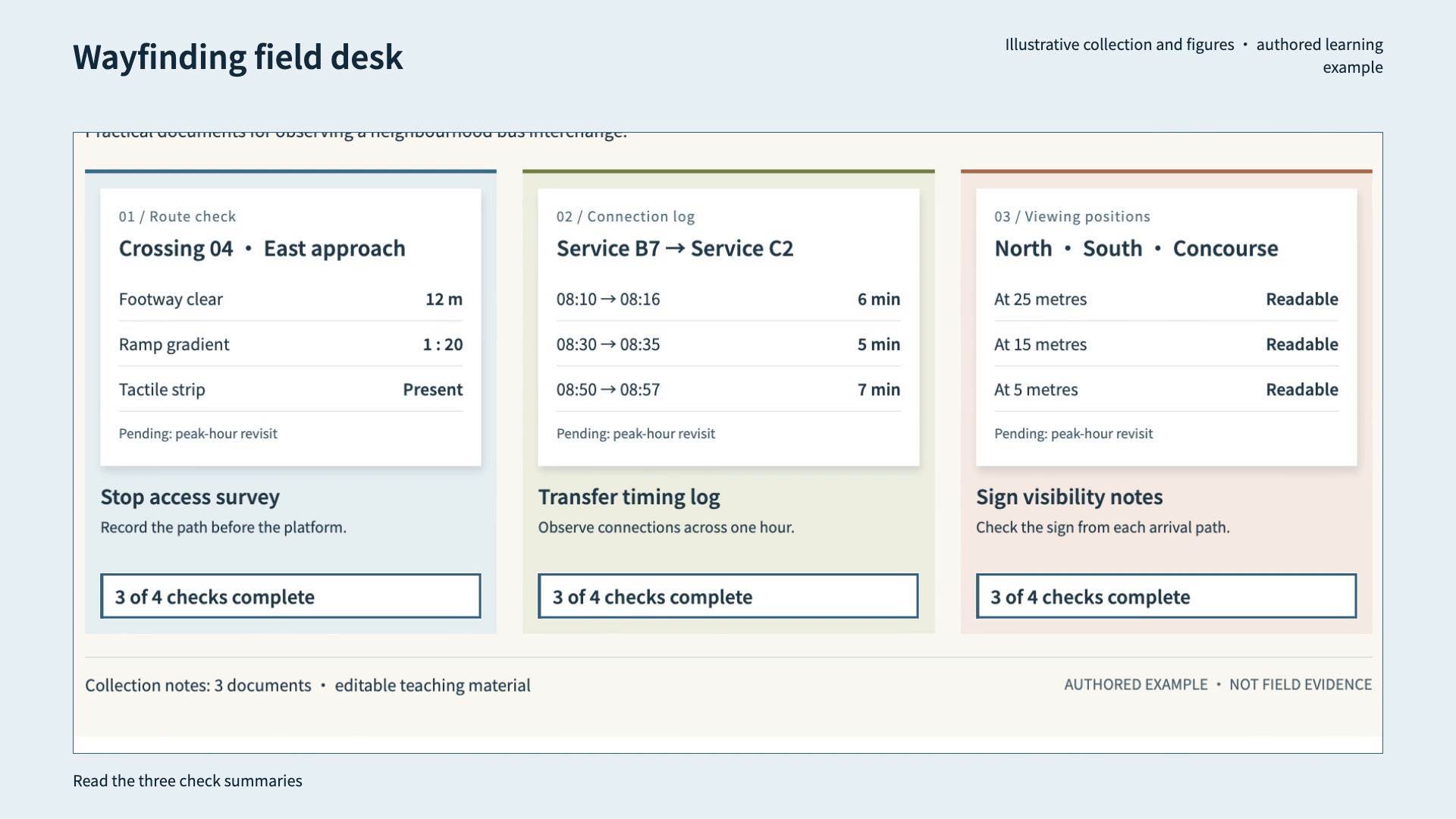
Finish an illustrative collection-level count, clear the overlay and descend into authored documents with evidence borders in reading order.
예시 · 2
온라인에서 실행
SandBase sandbox에서 Metric Descent의 예제를 실행하고 결과를 바로 여기에서 확인하세요.
얻을 수 있는 것
Bring explore two authored illustrative examples. The Skill returns two silent films, complete document transcripts and measured scope reports.
작동 방식
- 01
Capture the collection and write the brief
Metric Descent starts from a PNG of a fully populated collection, shelf or reference interface, at least 1400 by 700 pixels. The JSON brief sets heading, language, disclosure and footer, the raster path, a measure with part, whole and caption, a normalized view rectangle, one to four focus rectangles in reading order, and a palette of harbor, orchard, oxide or slate.
- 02
Generate the editable project
Run node create.mjs brief.json project on a machine with Node 22 or newer, Chrome and FFmpeg, with HYPERFRAMES_BROWSER_PATH and HYPERFRAMES_FFMPEG_PATH set. The project is HTML, SVG and a GSAP timeline. The part-to-whole ratio drives both the ring and the percentage; the number rounds to an integer while the fraction stays exact. Assets, labels and geometry remain editable.
- 03
Render and check the descent
Render with HyperFrames at 30 fps, high quality, strict mode and one worker. The 10.4-second film starts moving at 0.55 seconds, finishes the count at 2.8, clears the overlay at 4.2 and lands the camera at 4.6, then evidence borders enter from 4.75 in supplied order. Check the actual crop, label fit and that each border frames real content.
FAQ
What does Metric Descent show?
Metric Descent shows a collection-level count, such as 9 of 12 checks, completing over a screenshot before the camera descends into the documents behind it. Evidence borders then appear around up to four regions in reading order. The demos are a wayfinding field desk and a seedkeeping study cabinet.
Does Metric Descent find the evidence for me?
No. Metric Descent does not infer facts or locate evidence automatically. You choose the focus rectangles yourself, selecting real values or content in the screenshot rather than empty decoration, and you supply the part and whole numbers. Invented figures in authored examples should be labelled as illustrative.
What image does Metric Descent need?
Metric Descent needs one PNG, at least 1400 by 700 pixels, so the final zoom stays sharp. It should show a fully populated collection, document shelf or reference interface. Get permission for every external image; for authored examples, keep the editable document source and capture it in a browser.
Is Metric Descent billed per render?
No. Metric Descent composes the film locally from your PNG and JSON with HTML, SVG, GSAP and HyperFrames, and makes no model or API call, so rendering carries no SandBase charge. You need Node 22 or newer, Chrome and FFmpeg on your own machine.
Can Metric Descent add a soundtrack?
No. Metric Descent renders a silent 10.4-second film with no narration or music. Adding sound requires an independently licensed track, an editable audio timeline and a check of the final mix, all outside this renderer.
How do I check a Metric Descent render?
Metric Descent asks you to verify four states: the initial frame, the completed count, the cleared overlay and the final view. Seek backward to zero as well as forward, inspect native encoded frames, and play the film once at normal speed while recording the real dropped-frame count.
더 많은 Skills
모든 Research Skills →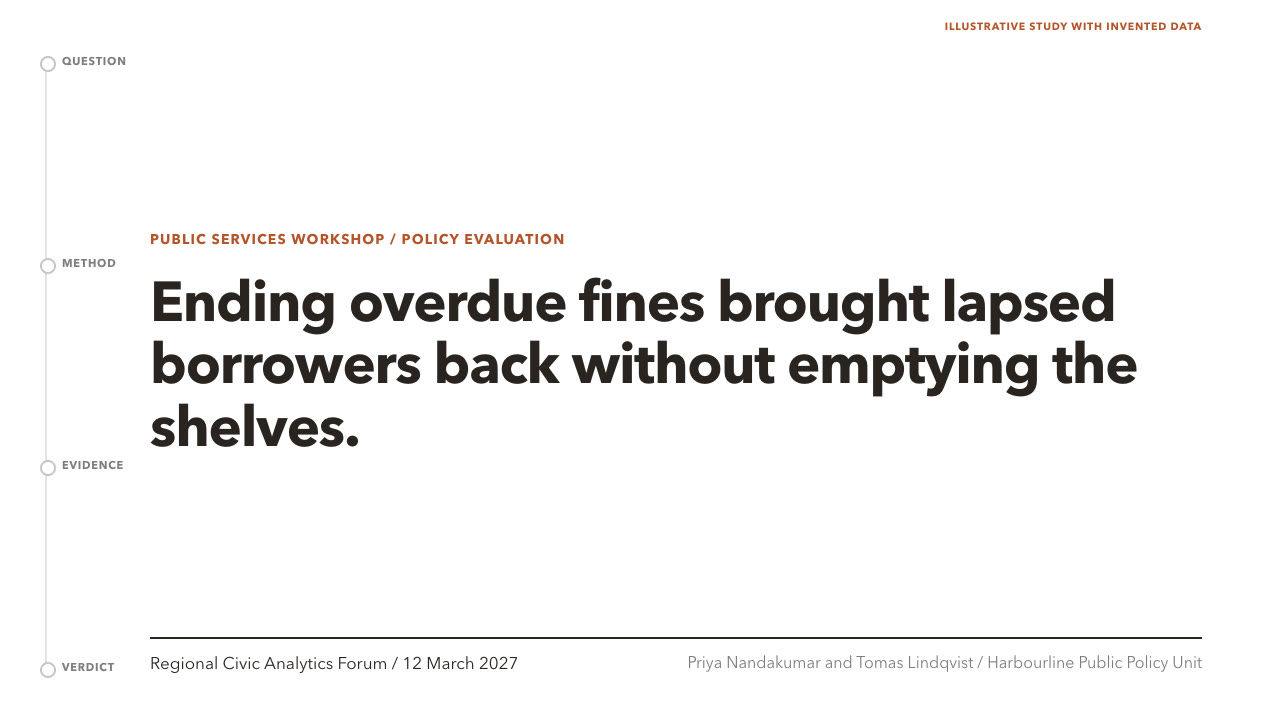
Thesis Spine Slides
Build a research talk whose titles, read in order, argue one claim from question to verdict, with one cited exhibit per evidence page.
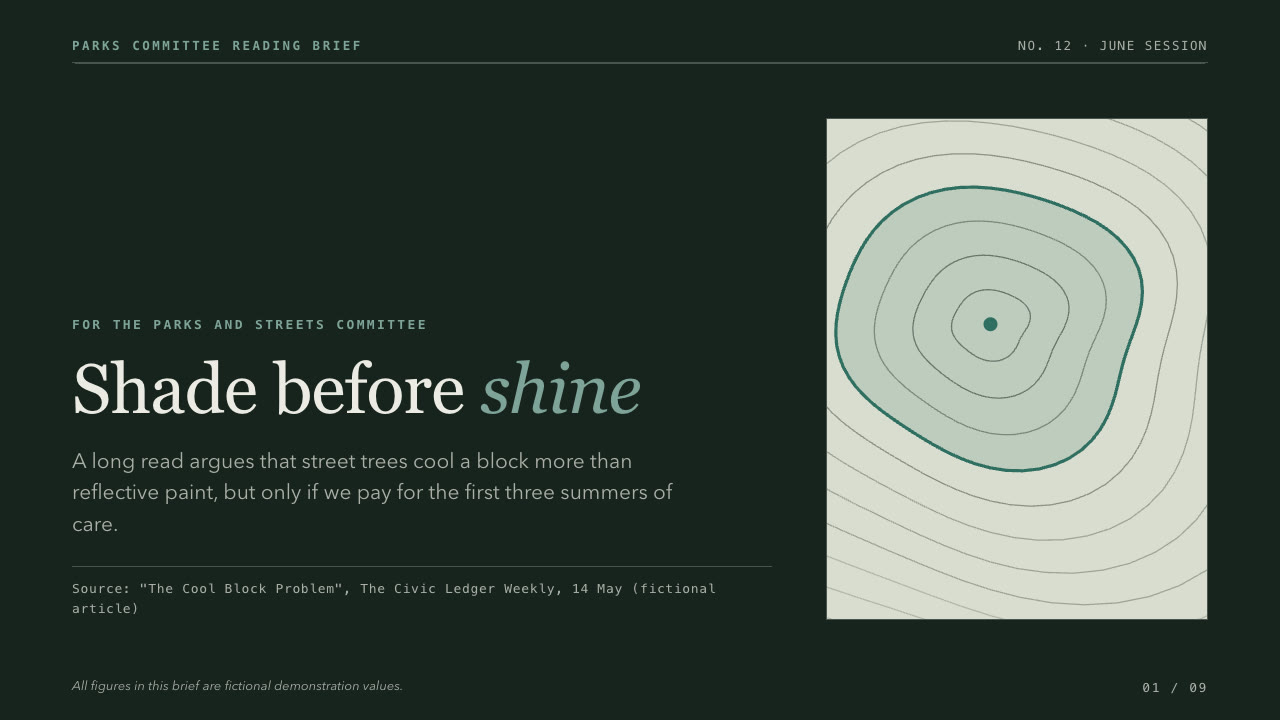
Reading Digest Slides
Turn one long read, essay or report into a reading brief a committee can decide on: a masthead, argument beats on a rail, a headline figure, bar charts and a source ledger that keep checked facts, assumptions and open questions apart, two readings, discussion prompts and the decision asked.
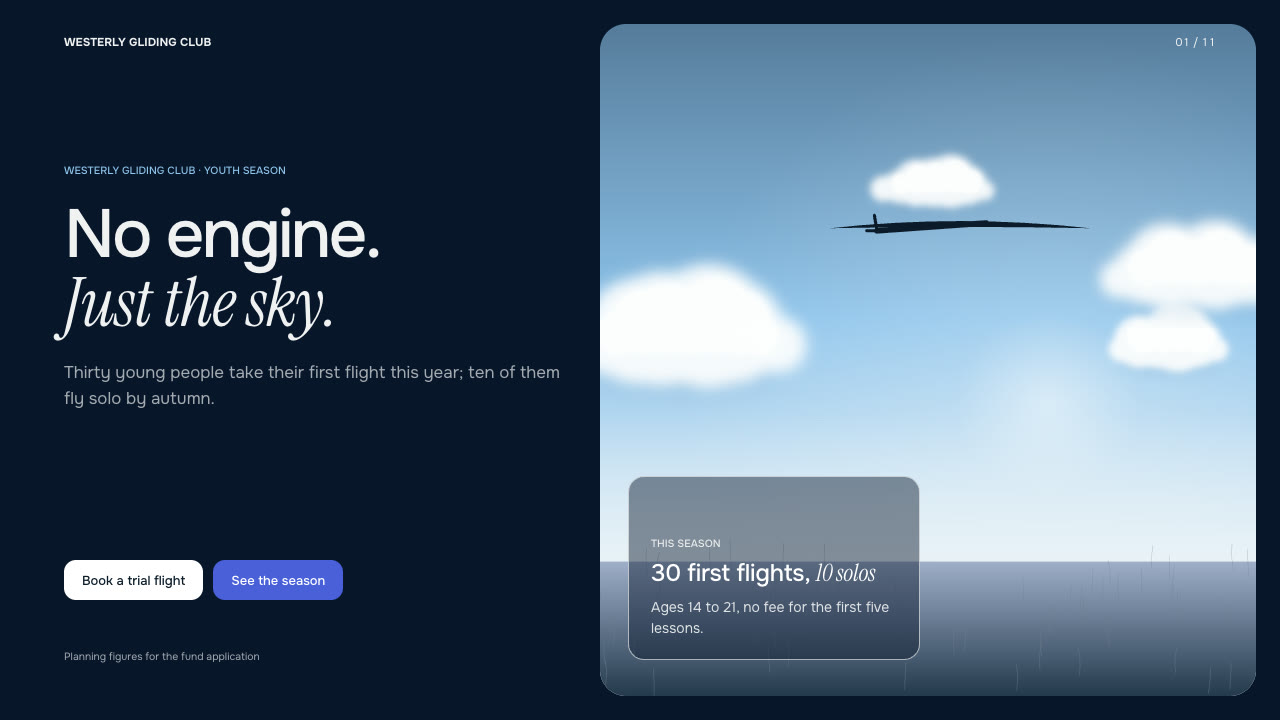
Cloudpane Slides
Make explainer and proposal decks that make a public subject feel approachable: open-sky pictures, clear optical glass and anonymous figures, thin-edged translucent glass cards over the pictures, broad mist-white pages, three deep night pages and headings with an italic serif accent.
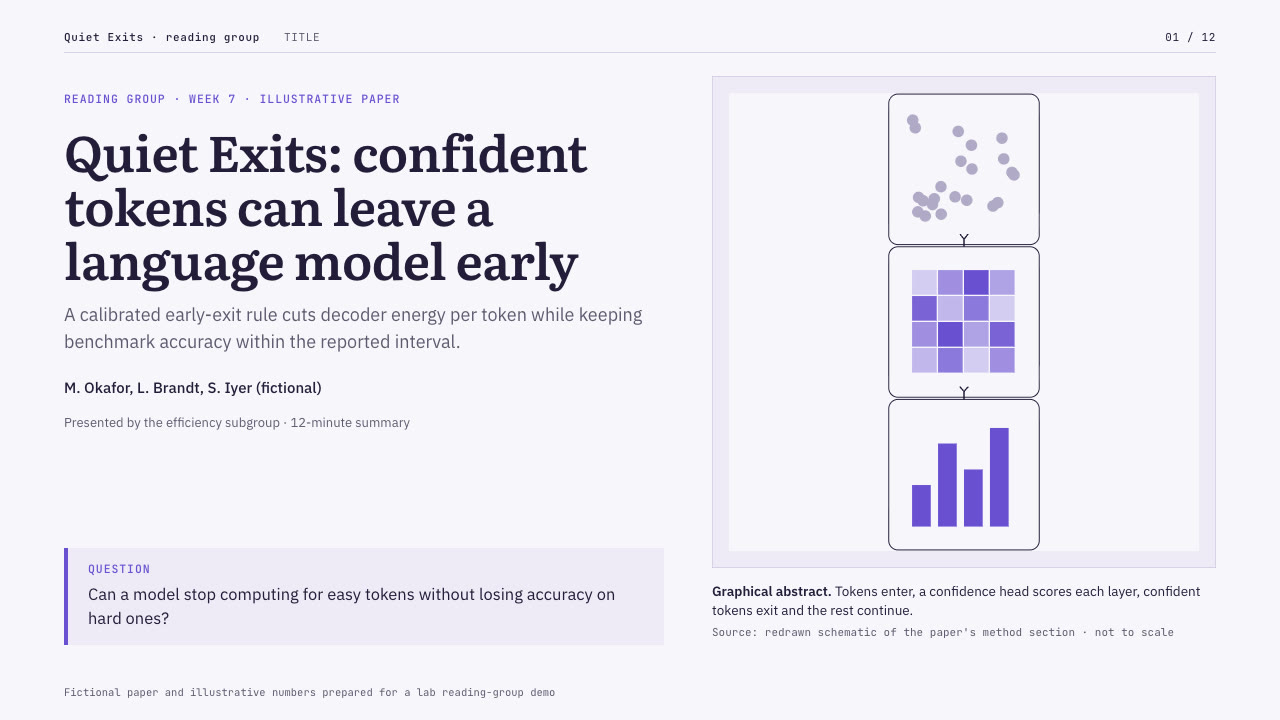
Figure First Slides
Make figure-led research talks such as paper summaries, journal clubs, lab and reading-group reviews and evidence briefings: every content page is built around one figure, chart or table with its caption and source underneath, numbers carry their comparator and interval, and a limits page states what the work can and cannot claim.
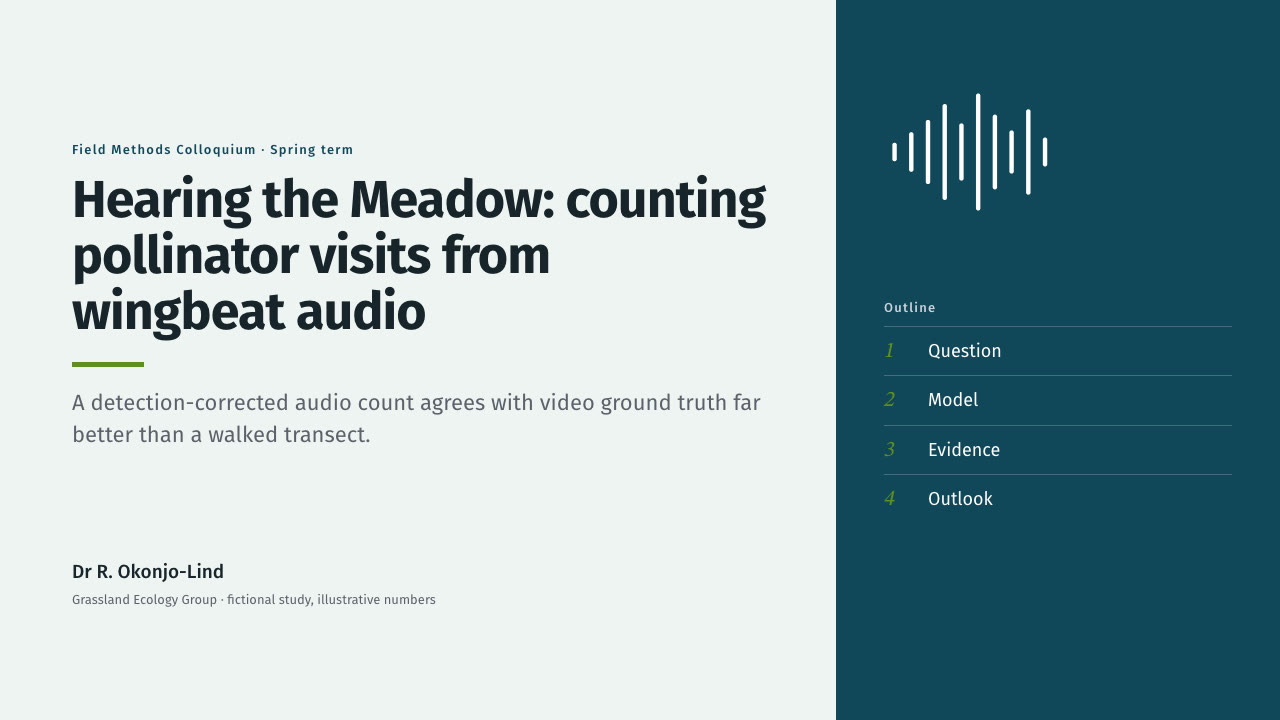
Seminar Math Slides
Turn a paper, thesis chapter or research notes into a projection-ready 16:9 talk for seminars, colloquia, defences and conference sessions: a section strip with the current section lit, equations with spoken readings and term glosses, a method pipeline, a proof sketch, native result bars and tables, plots drawn from data and a progress bar with frame counters.
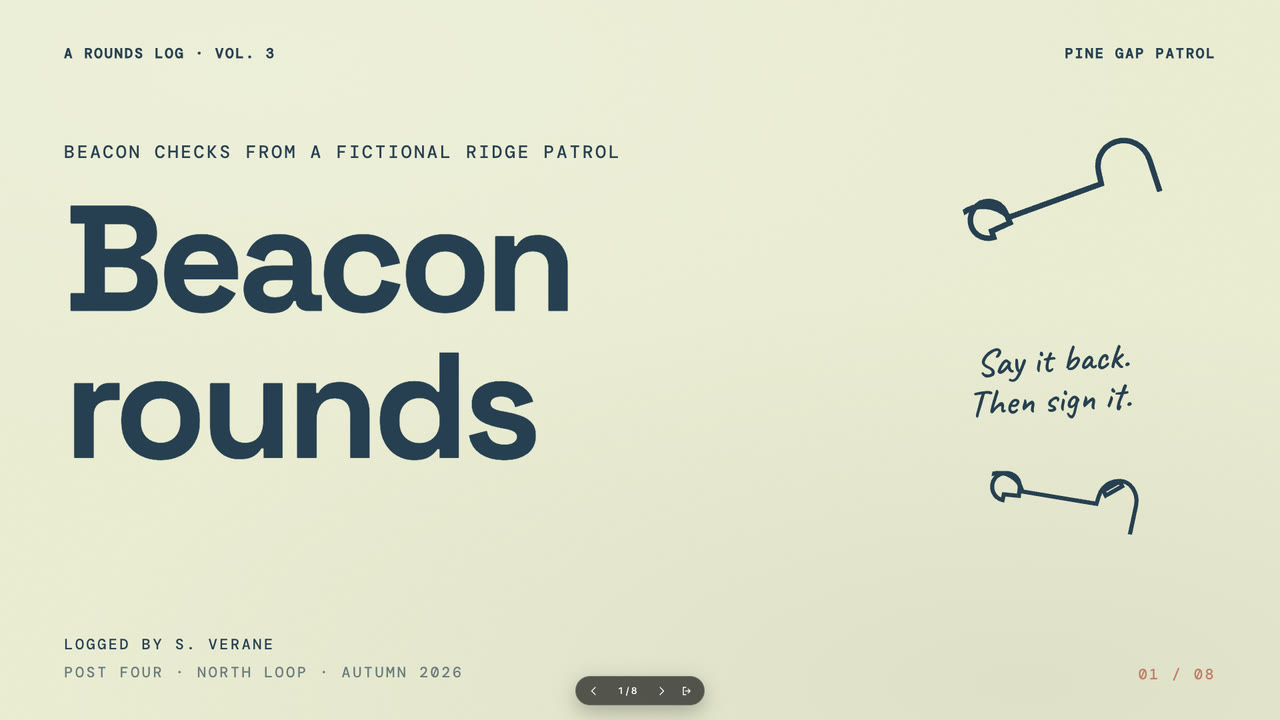
Yellowpad Fieldnotes Slides
Make decks that read like pinned field notes: saturated yellow legal-pad paper, cobalt ink, hand-drawn safety pins, cream pinned cards, handwritten marginalia, mono archival tags and rotated red stamps.