
Ratio Link
- Lab 스킬
- v1.0.4
- Research
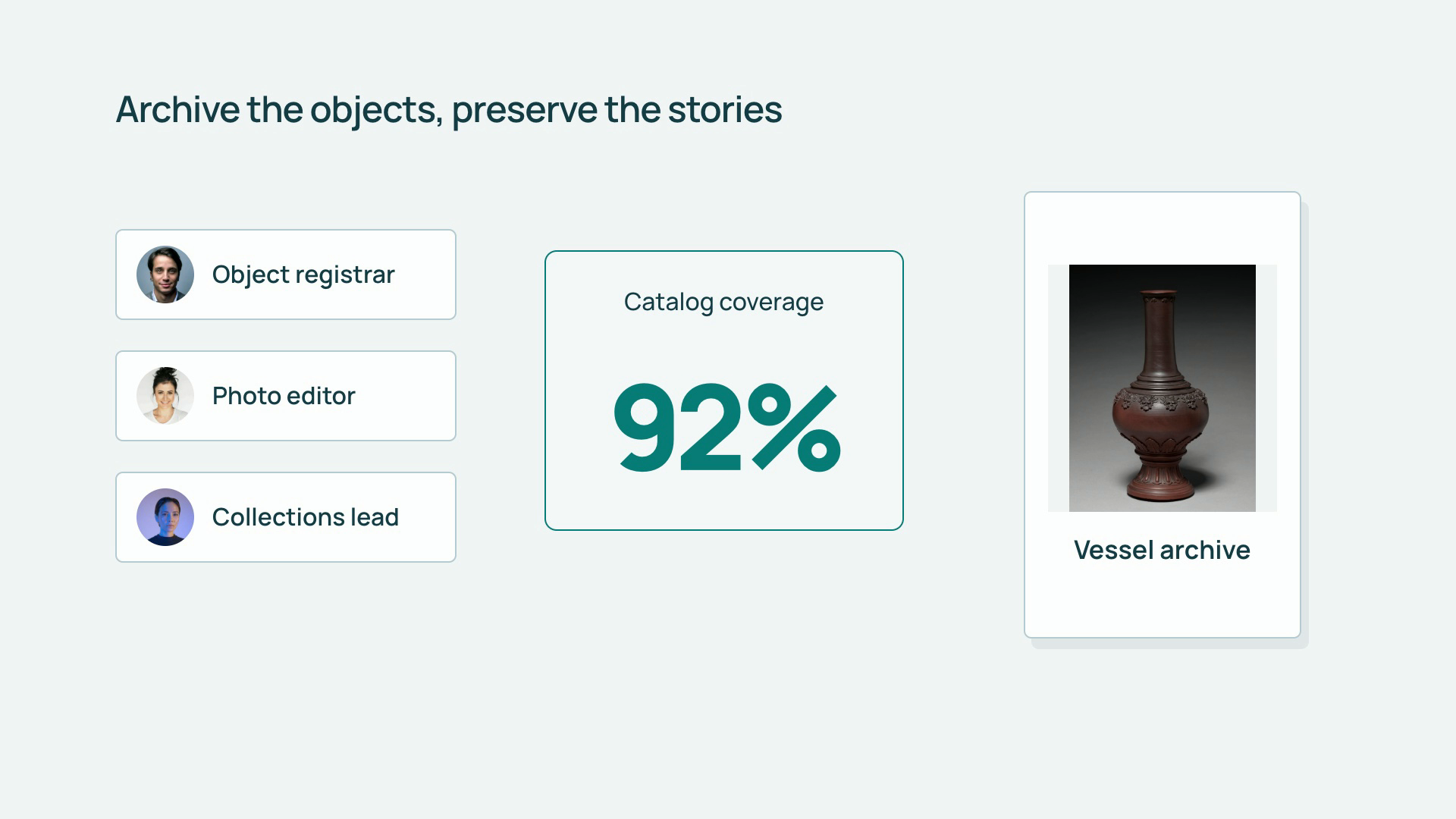
Keep three portrait roles and one object still while a percentage changes, crosses a threshold and holds for reading.
예시 · 2
온라인에서 실행
SandBase sandbox에서 Ratio Link의 예제를 실행하고 결과를 바로 여기에서 확인하세요.
작동 방식
- 01
Prepare the brief
Ratio Link takes a JSON brief with three authorised portrait photographs, one object photograph, short captions, a start and end percentage and a threshold, following its input contract. Relative photo paths resolve beside the brief, and there are no bundled example photographs or paid generation step.
- 02
Hold still while the ratio moves
Three portrait receipts and one tall photographic object stay still throughout, so the only thing changing is the percentage that describes the relationship between the group and the object. The value moves, crosses the threshold gate and holds for reading.
- 03
Review and render
Palettes are porcelain, inkwell, linen and graphite, sharing layout, timing and text metrics. Projects hold editable HTML, JavaScript, the normalised brief, copied images, typography and an asset hash record. Review the first frame, the gate crossing, 3.14 seconds and the final reading interval, and seek backward as well as forward.
FAQ
What does Ratio Link show?
Ratio Link shows a percentage that describes a relationship between a group and one object: three portraits and an object photo stay still while the value changes, crosses a threshold and holds. It suits short explainers such as catalogue coverage or an image review backlog.
Why do the Ratio Link photos stay still?
Ratio Link keeps the portraits and object stationary so the changing percentage is the only movement, and the eye goes straight to it. Motion in the photos would compete with the number crossing its threshold.
What photos does Ratio Link need?
Ratio Link needs three authorised portrait photographs and one object photograph, supplied locally. It ships no example photos. Use real people only with permission, and check portrait crops at native resolution. The object photo is shown tall.
Does Ratio Link need a paid service?
No. Ratio Link has no paid generation step and renders locally with Node.js 22, FFmpeg and a Chromium through HyperFrames. Library versions are pinned in its lockfile.
Is the Ratio Link percentage computed?
No. Ratio Link animates between the start and end percentages you give and marks the threshold you set. The figures and what they measure come from your brief, so state their source.
더 많은 Skills
모든 Research Skills →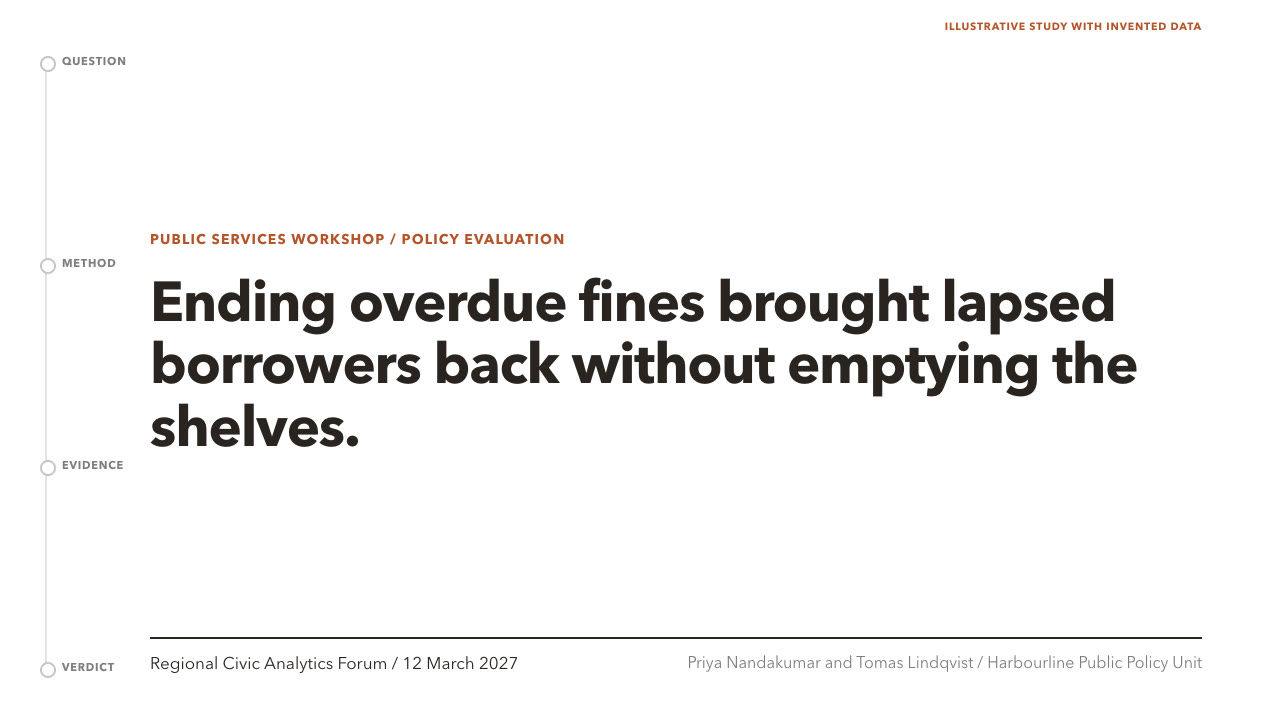
Thesis Spine Slides
Build a research talk whose titles, read in order, argue one claim from question to verdict, with one cited exhibit per evidence page.
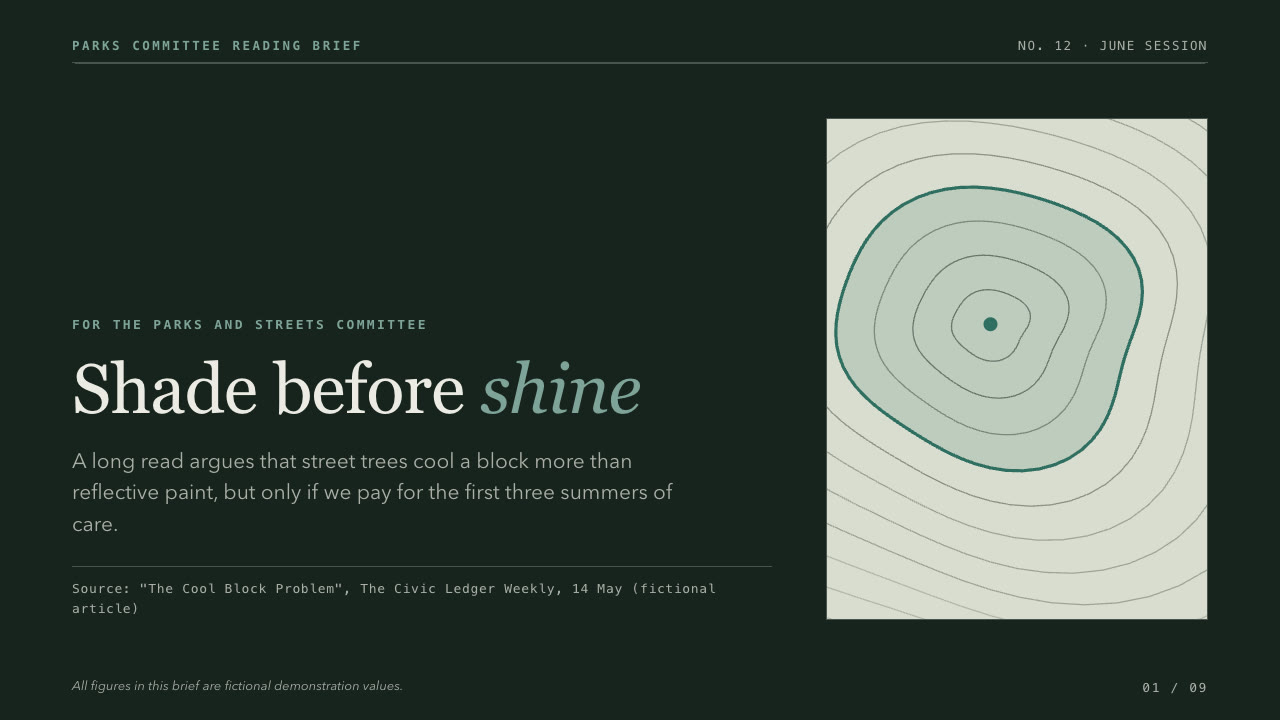
Reading Digest Slides
Turn one long read, essay or report into a reading brief a committee can decide on: a masthead, argument beats on a rail, a headline figure, bar charts and a source ledger that keep checked facts, assumptions and open questions apart, two readings, discussion prompts and the decision asked.
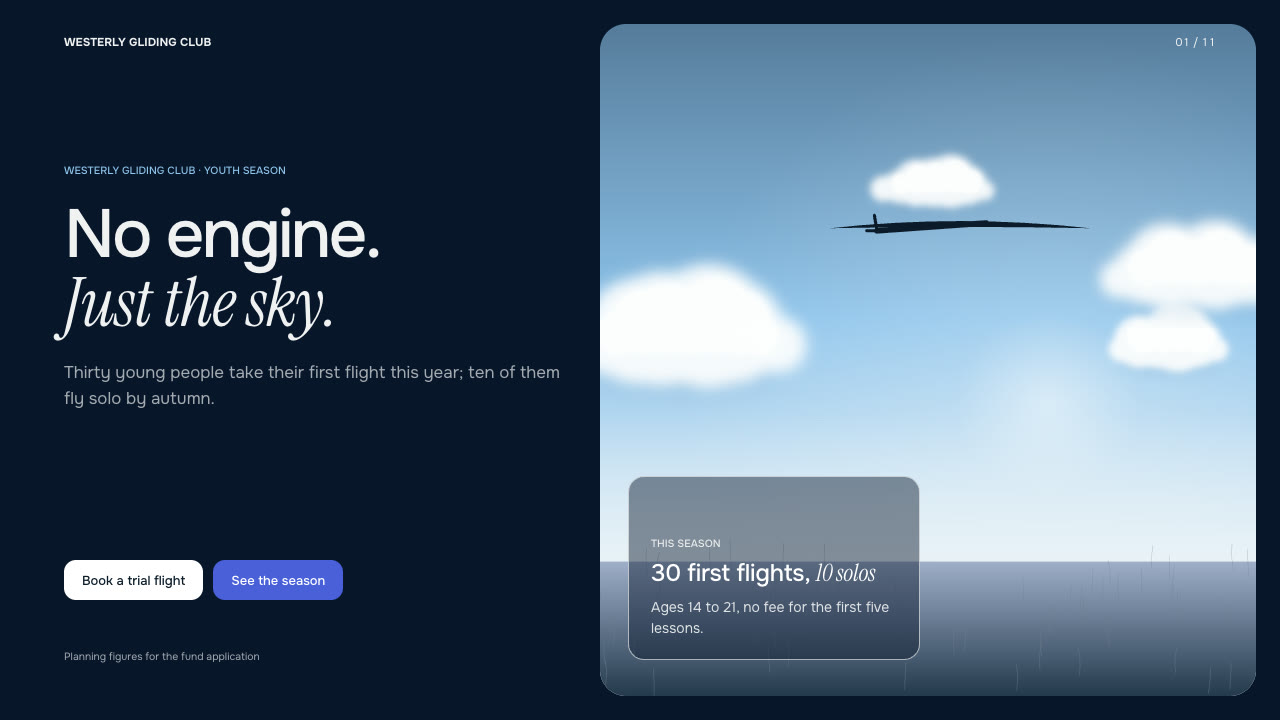
Cloudpane Slides
Make explainer and proposal decks that make a public subject feel approachable: open-sky pictures, clear optical glass and anonymous figures, thin-edged translucent glass cards over the pictures, broad mist-white pages, three deep night pages and headings with an italic serif accent.
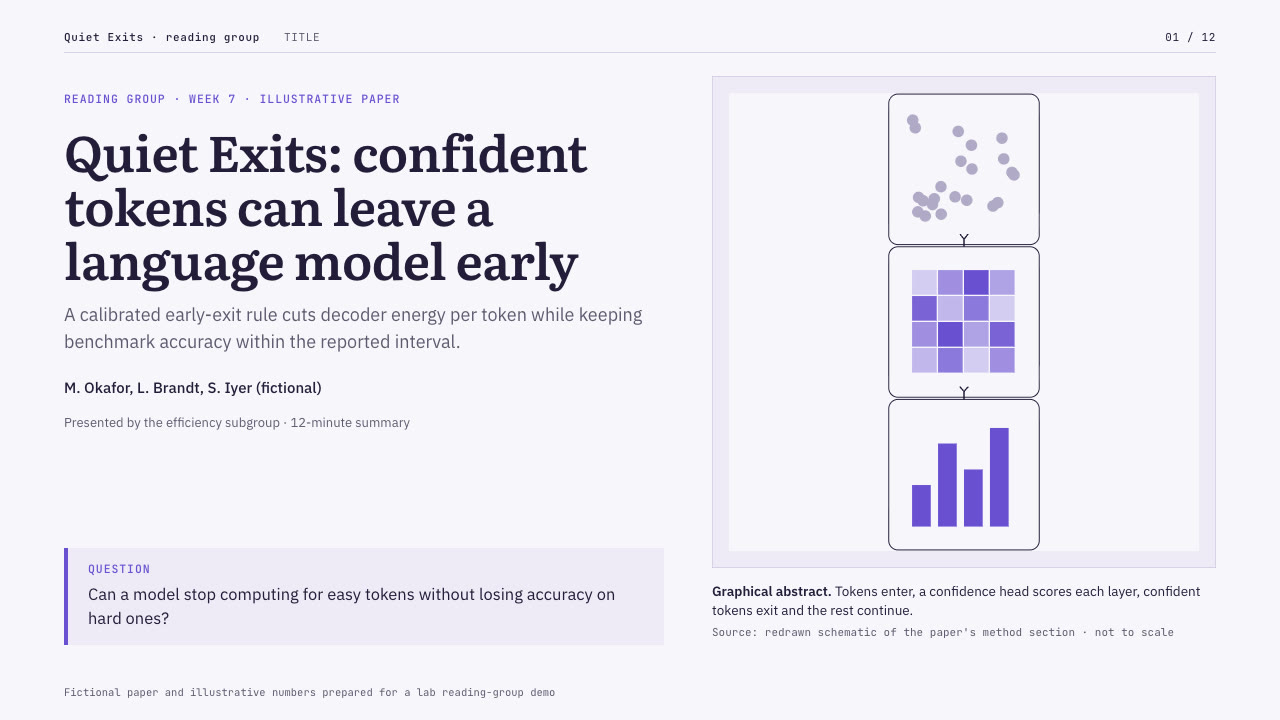
Figure First Slides
Make figure-led research talks such as paper summaries, journal clubs, lab and reading-group reviews and evidence briefings: every content page is built around one figure, chart or table with its caption and source underneath, numbers carry their comparator and interval, and a limits page states what the work can and cannot claim.
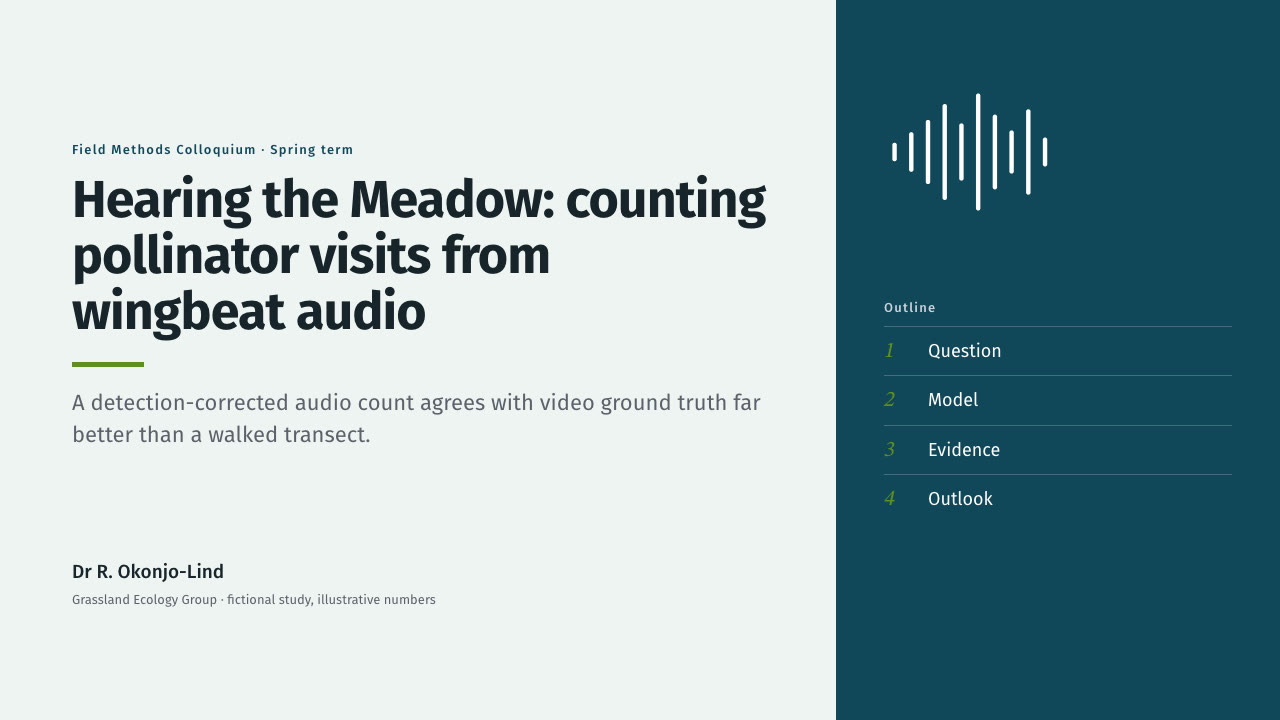
Seminar Math Slides
Turn a paper, thesis chapter or research notes into a projection-ready 16:9 talk for seminars, colloquia, defences and conference sessions: a section strip with the current section lit, equations with spoken readings and term glosses, a method pipeline, a proof sketch, native result bars and tables, plots drawn from data and a progress bar with frame counters.
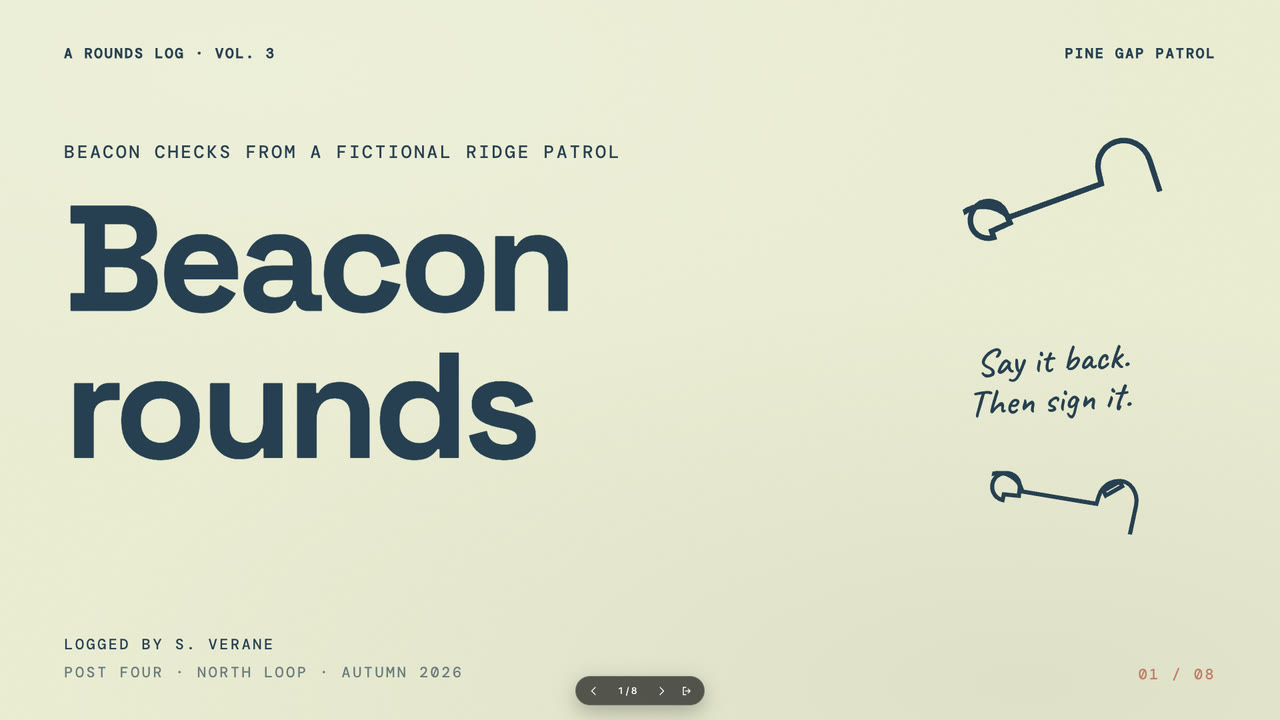
Yellowpad Fieldnotes Slides
Make decks that read like pinned field notes: saturated yellow legal-pad paper, cobalt ink, hand-drawn safety pins, cream pinned cards, handwritten marginalia, mono archival tags and rotated red stamps.