
Target Product Fit
- Lab 스킬
- v0.1.1
- Target
Filter Target search results to the requested product type.
표지
얻을 수 있는 것
Bring a product question or public URL, marketplace, region and optional captured data. The Skill returns a source-linked product fit with concrete next steps and unresolved questions.
작동 방식
- 01
Write the fit rules first
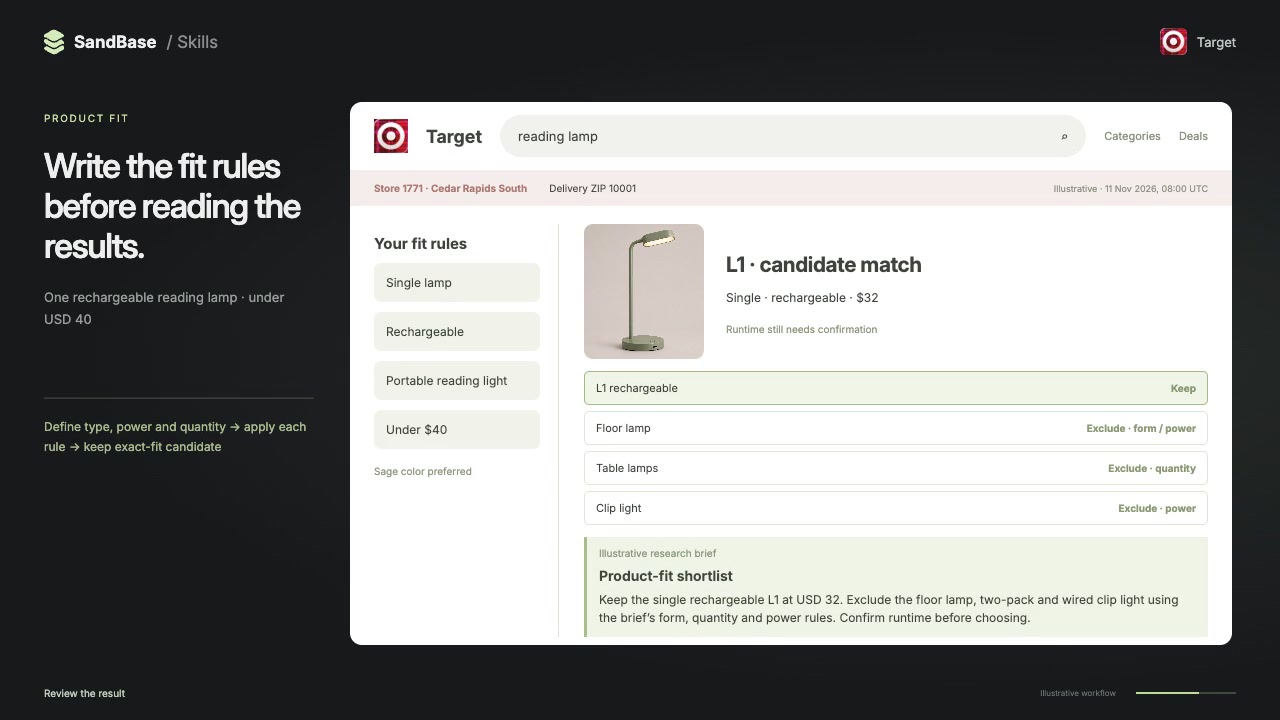
From your brief, the Agent writes include and exclude rules before filtering: the product type, form factor, power source, single item or multi-piece set, size and budget. Rules come from the brief rather than a fixed template, so the same Skill works for drippers, lamps or anything else you describe.
- 02
Capture and filter the rows
One Target search through SandBase, or your export, supplies the rows, with time, tool and run ID recorded. Each row is checked against the rules. In the recorded example, the first two results were an AeroPress and an electric drip machine, both excluded from a manual pour-over dripper shortlist despite their placement.
- 03
Deliver the filtered list
The brief lists rows that fit, rows excluded with the rule that excluded each, and rows needing a closer look, with a JSON appendix of sources and unknowns. Search placement is never treated as fit, so a top result can be excluded.
FAQ
What does Target Product Fit do?
Target Product Fit filters Target search results to the product type your brief actually asks for, using include and exclude rules written from the brief: type, form, power, single item or set, size and budget. Each exclusion names its rule.
Why exclude top results?
Target Product Fit judges each row against the rules, not its position. In the recorded example the first two results were an AeroPress and an electric drip machine, which a manual pour-over dripper brief excludes even though search placed them first.
Is the product search billed?
Target Product Fit runs call-free on an export you provide. A live filter uses the SandBase Target search, billed to your SandBase account. The Agent inspects the tool before calling it so the price shows first. One search usually covers a product type. See https://www.sandbase.ai/pricing.
Can I change the rules?
Yes. Target Product Fit writes the rules from your brief and shows them before filtering. If a rule is too strict or too loose, adjust the brief and the rows are re-checked, with each exclusion's reason updated. The rules sit at the top of the output.
Does it rank the products?
No. Target Product Fit filters rows into fit, excluded and needs a closer look. It does not pick a winner. Use the filtered list as the starting point for a price or rating comparison. Combine it with Target Sale Check to see which fitting items are discounted.
더 많은 Skills
모든 Target Skills →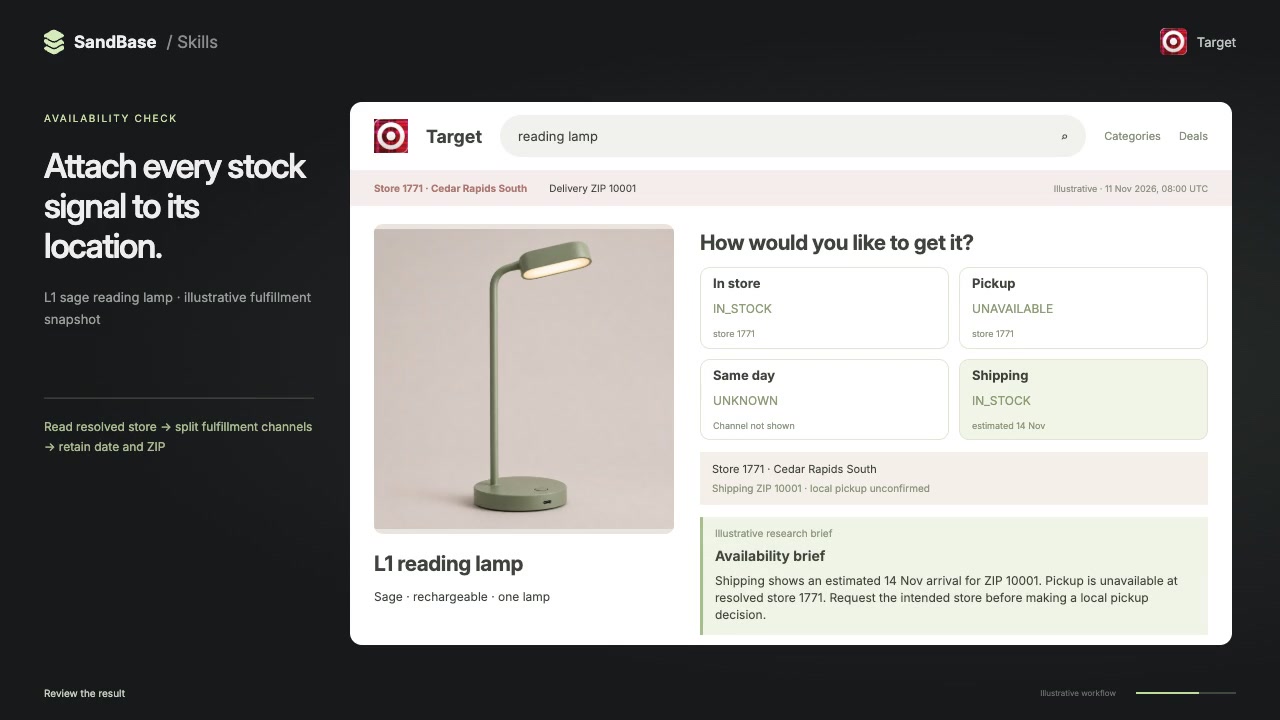
Target Availability Check
Review Target pickup and shipping availability in context.
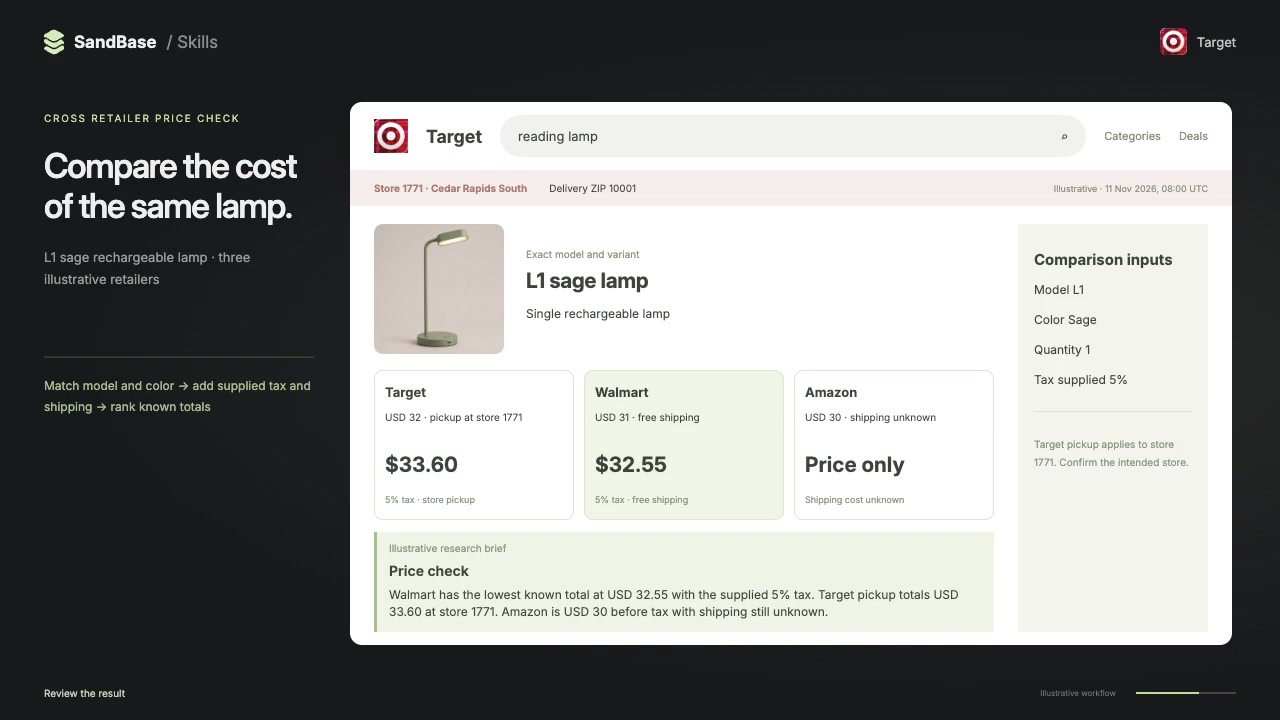
Target Cross-Retailer Price Check
Work out what one item actually costs at Target against Walmart and Amazon — price plus how it reaches you — with every unknown left visible.
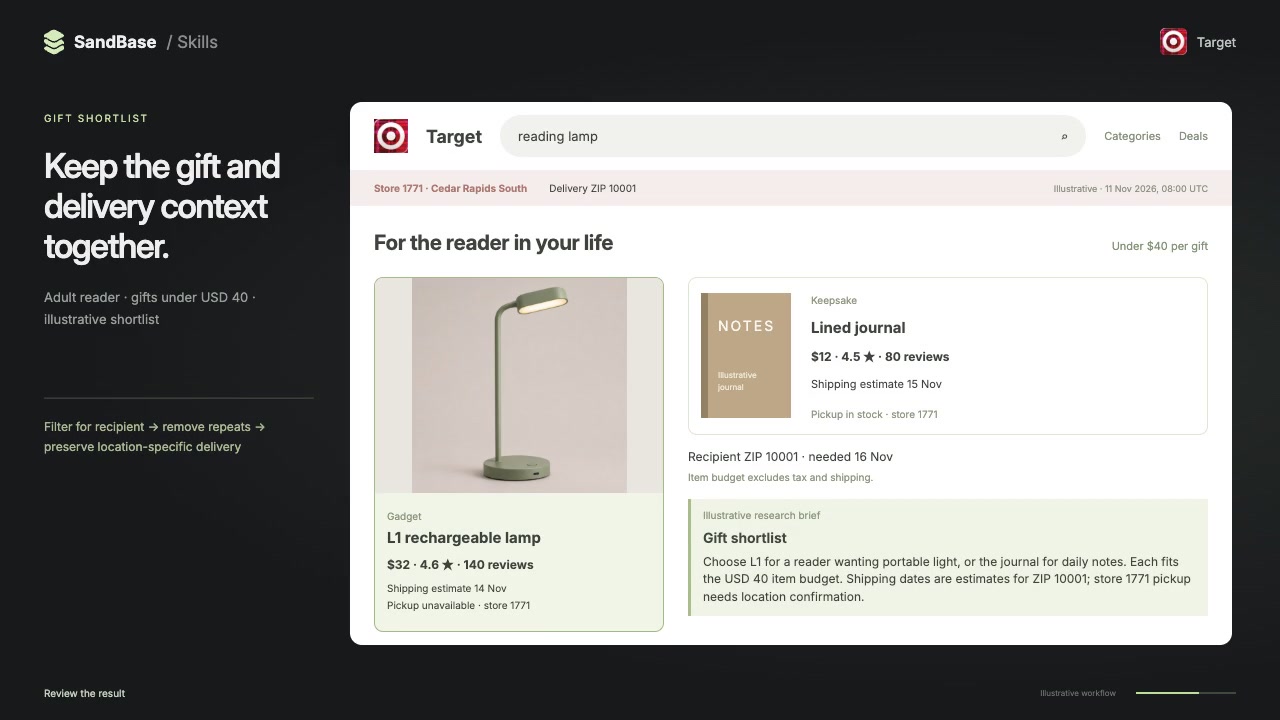
Target Gift Shortlist
Build a gift shortlist at Target for one person and a budget, keeping only items people have rated.
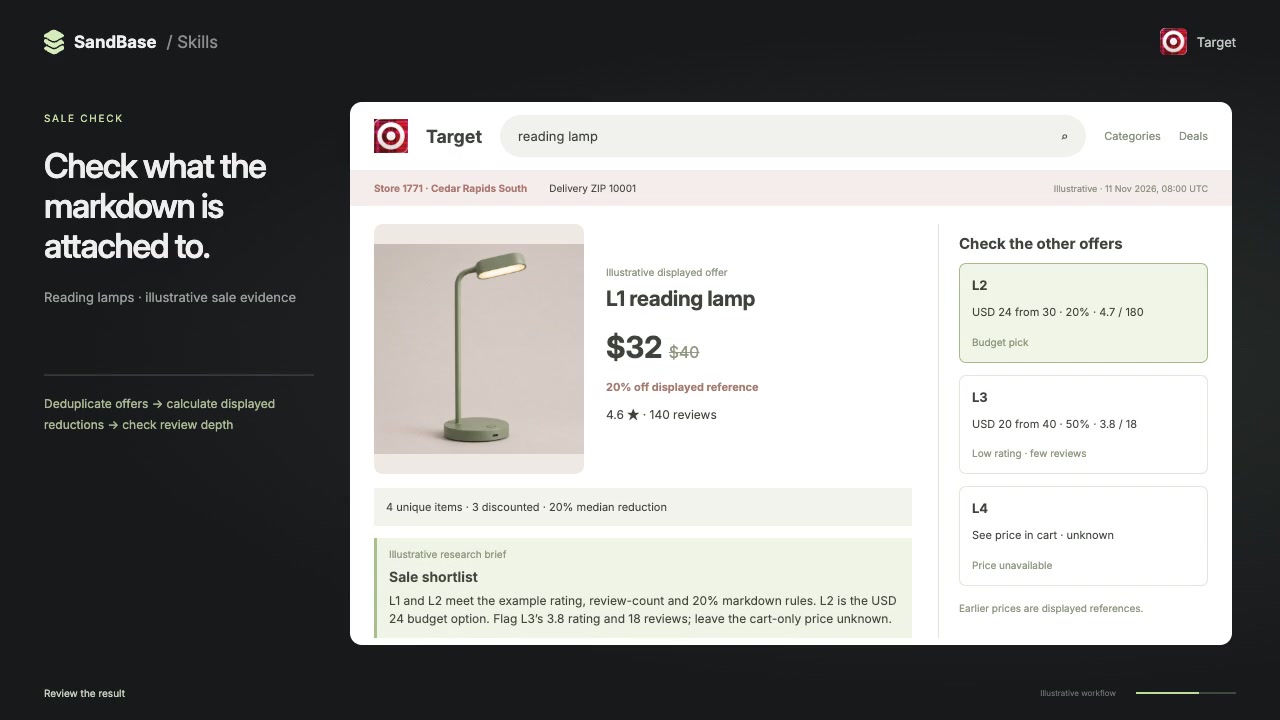
Target Sale Check
See which Target sale prices are on products people actually rate well, and which discounts to skip.