
TikTok Photo Mode Research
- Lab 스킬
- v0.1.0
- TikTok
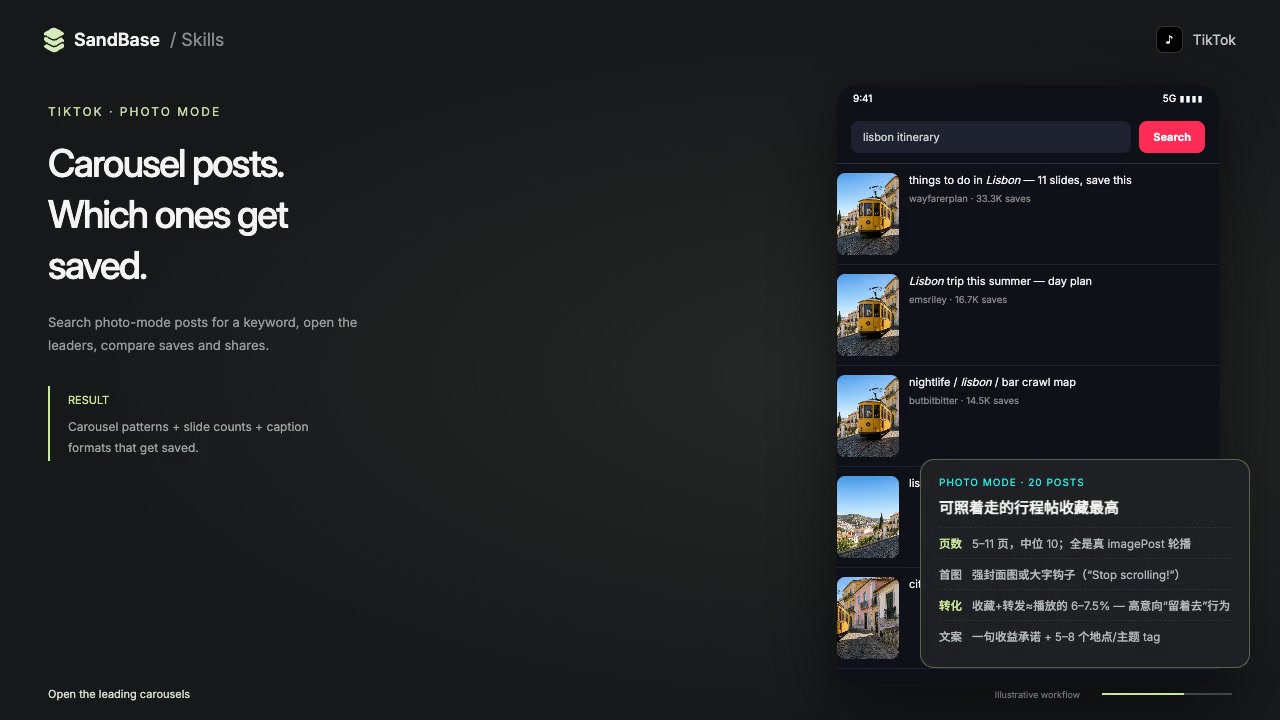
Find out how the best TikTok carousels for a topic are built.
표지
얻을 수 있는 것
Bring a keyword. The Skill returns the leading photo posts with slide counts and stats, the patterns behind them and a carousel outline for your topic.
작동 방식
- 01
Search photo posts
From a keyword and optional region, the Agent runs TikTok's photo search through SandBase. Each result gives caption, plays, likes, comments, shares, saves, author follower count and creation time. Results are ranked by saves and shares, and a second page uses the returned cursor and search ID.
- 02
Open the leaders
The top five posts are opened for detail to confirm stats and music, and their slides are read with the photos tool, at most five posts per run. Photo posts use the same video URL path as videos. Slide images are described, not downloaded or republished.
- 03
Find the patterns
The research names what the leading carousels share, such as slide count, cover text and how captions are built, and how they compare with videos on the keyword. Search results are a snapshot for an anonymous session. This Skill covers photo mode only.
FAQ
What does TikTok Photo Mode Research study?
TikTok Photo Mode Research studies TikTok photo-mode posts, the carousels and slideshows, for a keyword: which leaders get saved and shared, how many slides they use and how their covers and captions read. For video hooks, the package points to TikTok Hook Script.
Why rank by saves and shares?
TikTok Photo Mode Research ranks by saves and shares because carousels are often saved to come back to or shared as references. Those signals show usefulness better than plays for this format. Plays still appear in the results for context.
Are the photo searches billed?
TikTok Photo Mode Research calls SandBase photo search and post detail, which use the daily free quota first, and a photos tool with no free quota, billed from the first call. Slides are opened for at most five posts per run; see https://www.sandbase.ai/pricing.
Does it download the slides?
No. TikTok Photo Mode Research describes slide images but does not download or republish them. The descriptions are enough to see how leading carousels are structured without copying anyone's images. You can open the posts yourself in TikTok to see the slides directly, which is the best way to judge their design and wording.
Are results the same for everyone?
No. TikTok Photo Mode Research reads search results for an anonymous session, which can differ from what a logged-in user sees. The research is dated so it can be compared with a later run. Region also changes what appears, so state your region if it matters.
더 많은 Skills
모든 TikTok Skills →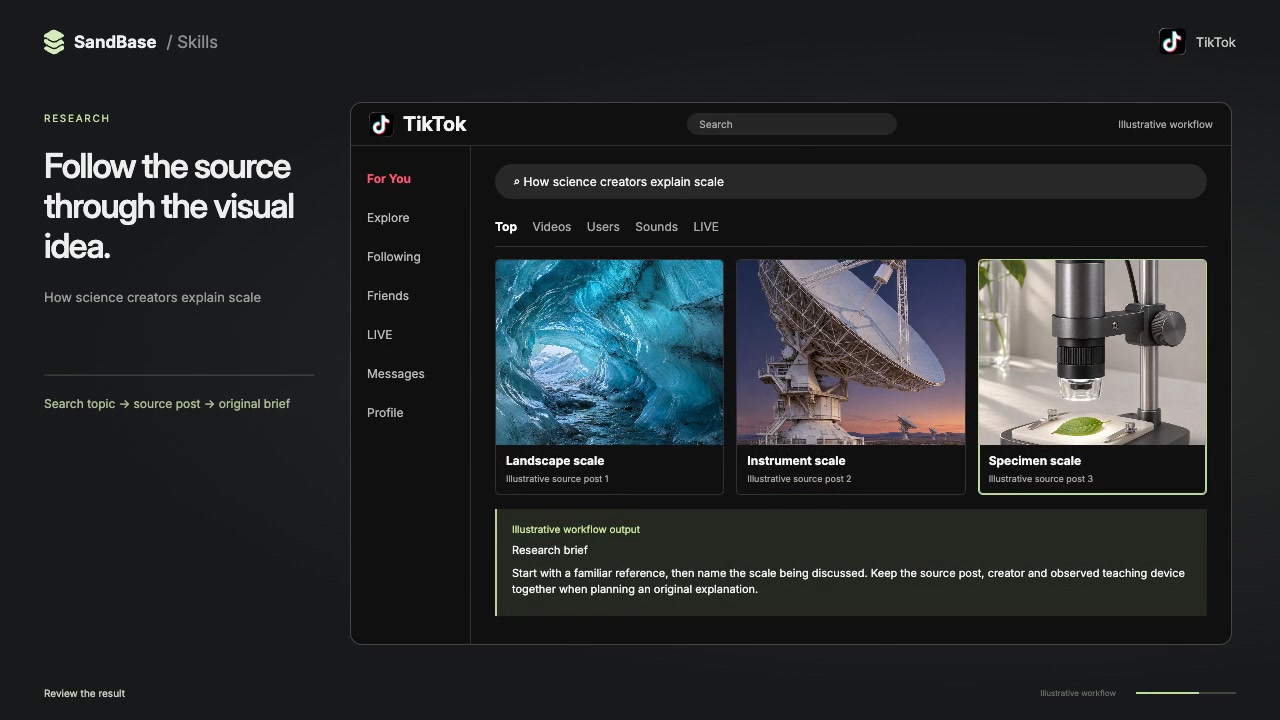
TikTok Research
Search videos, analyze creators, track hashtags, and discover trends on TikTok through SandBase. Use when asked for TikTok research, content discovery, creator analysis, hashtag trends, viral content patterns, or short-form video strategy.
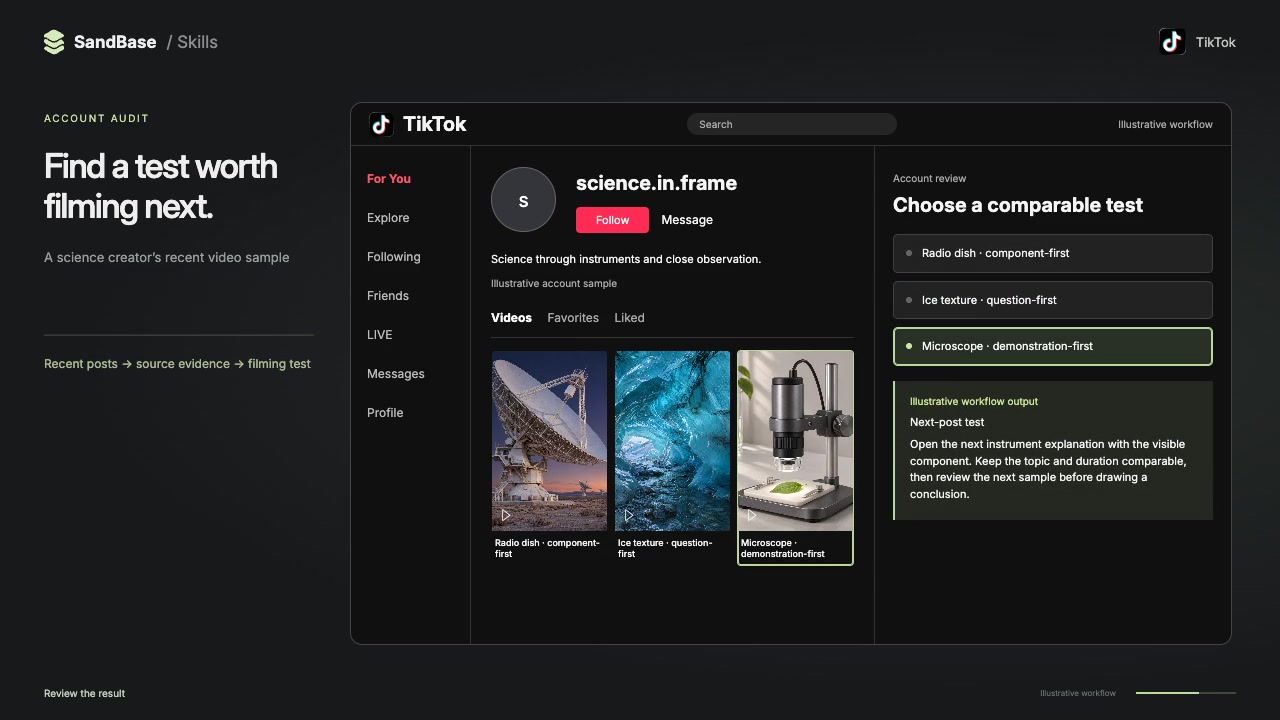
TikTok Account Audit
Audit a TikTok account’s recent posts like a growth analyst and turn the patterns into tests for the next posts.
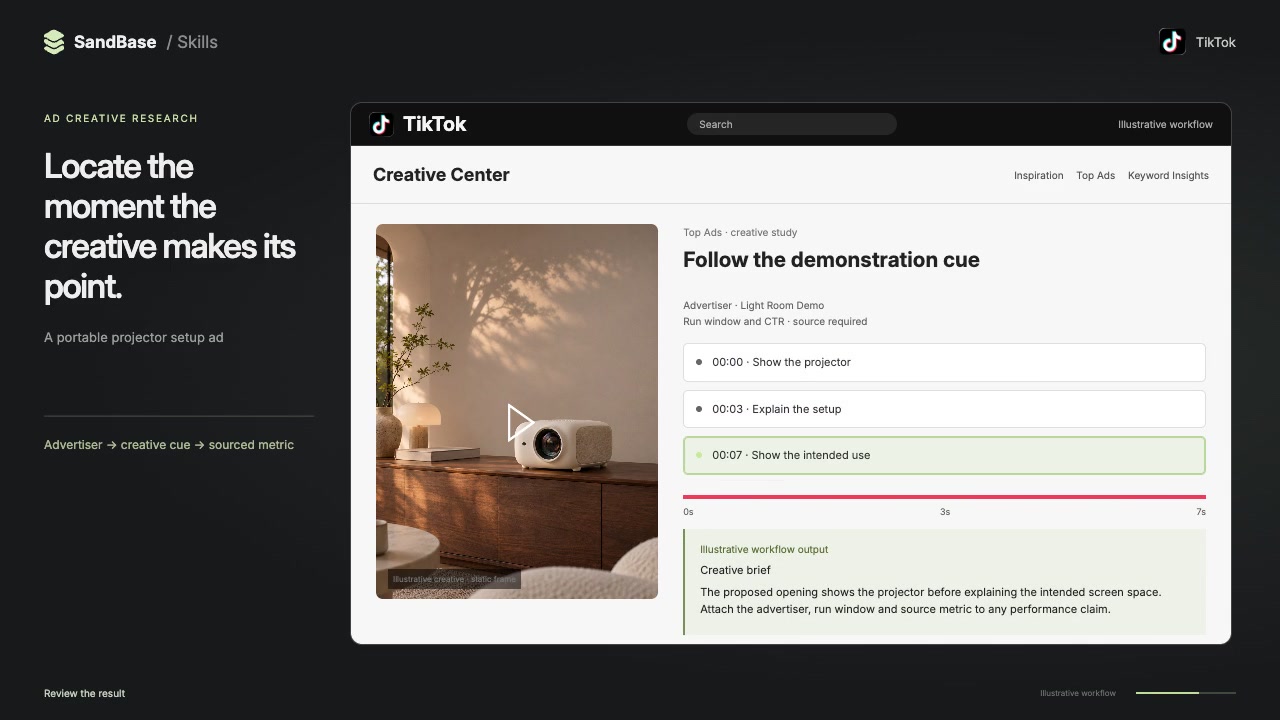
TikTok Ad Creative Research
See who advertises about a brand or keyword on TikTok and what a top-performing creative does second by second.
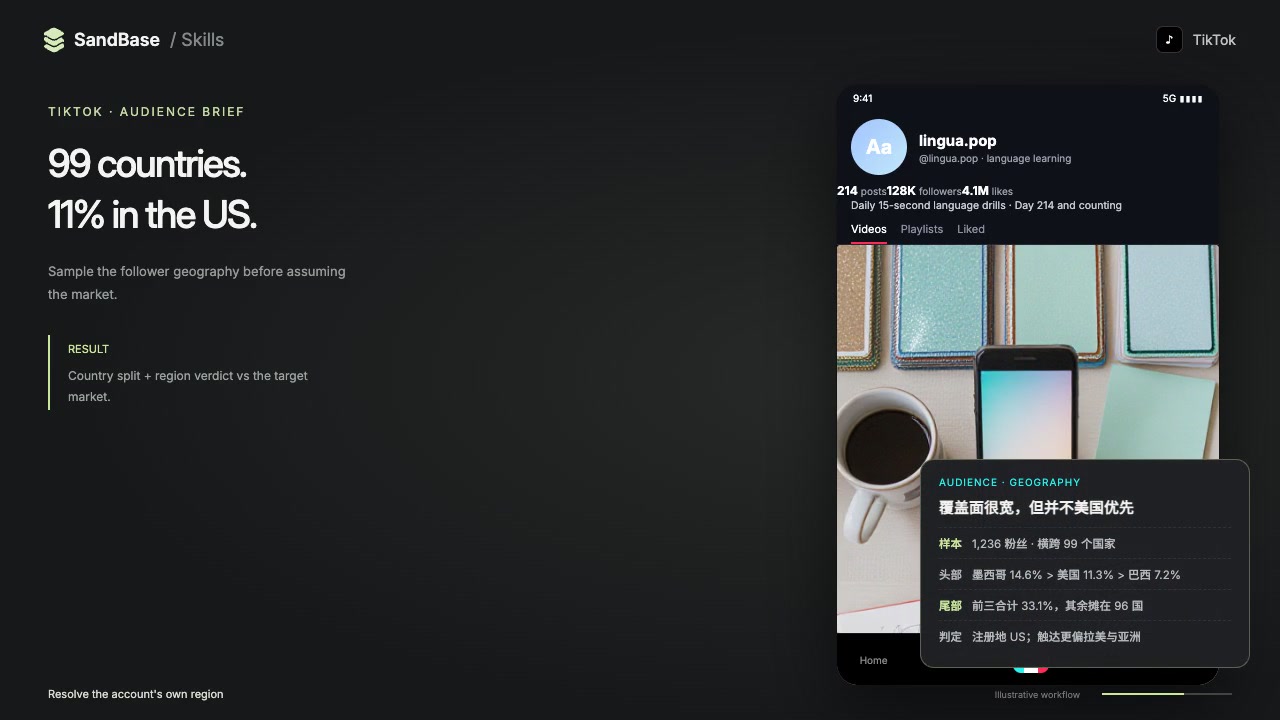
TikTok Audience Brief
Read where a TikTok account's audience is — the follower country breakdown and the account's own region, turned into a who-and-where brief.
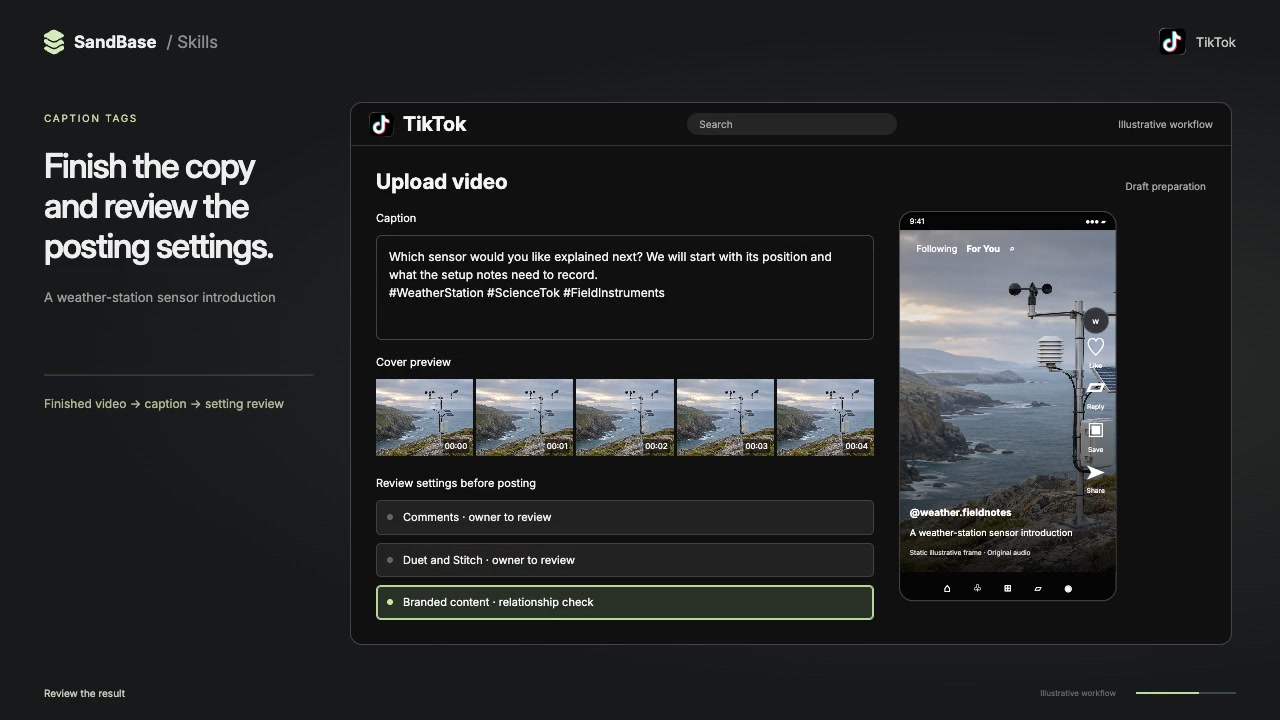
TikTok Caption and Tags
Write the caption and a mixed hashtag set for a finished TikTok, based on how real videos under each tag perform.
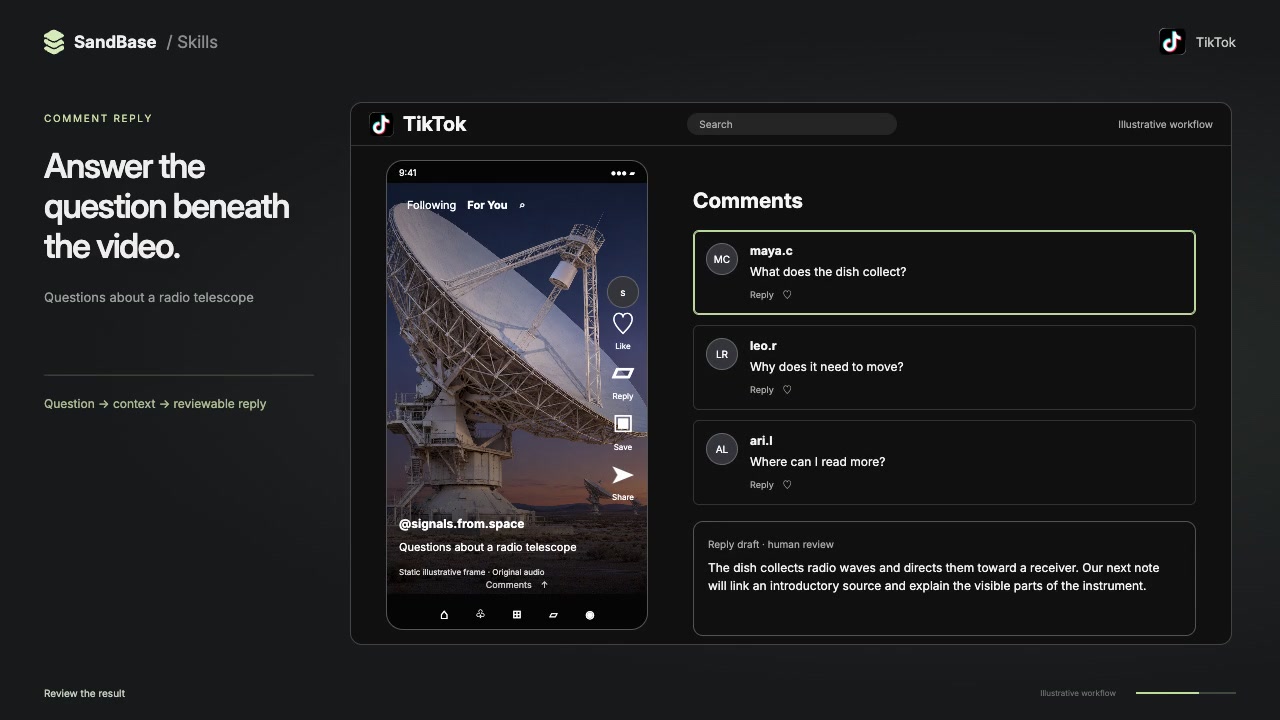
TikTok Comment Reply
Sort a TikTok video’s comments, decide which to answer first and draft replies in the commenter’s language.