
Pine and copper cultural gathering site
- Lab 스킬
- v0.1.0
- Web design
Present a cultural venue, community collection or craft programme with theatrical headings, deep pine surfaces, fine copper frames and an illustrated chamber that visitors can explore at their own pace.
예시
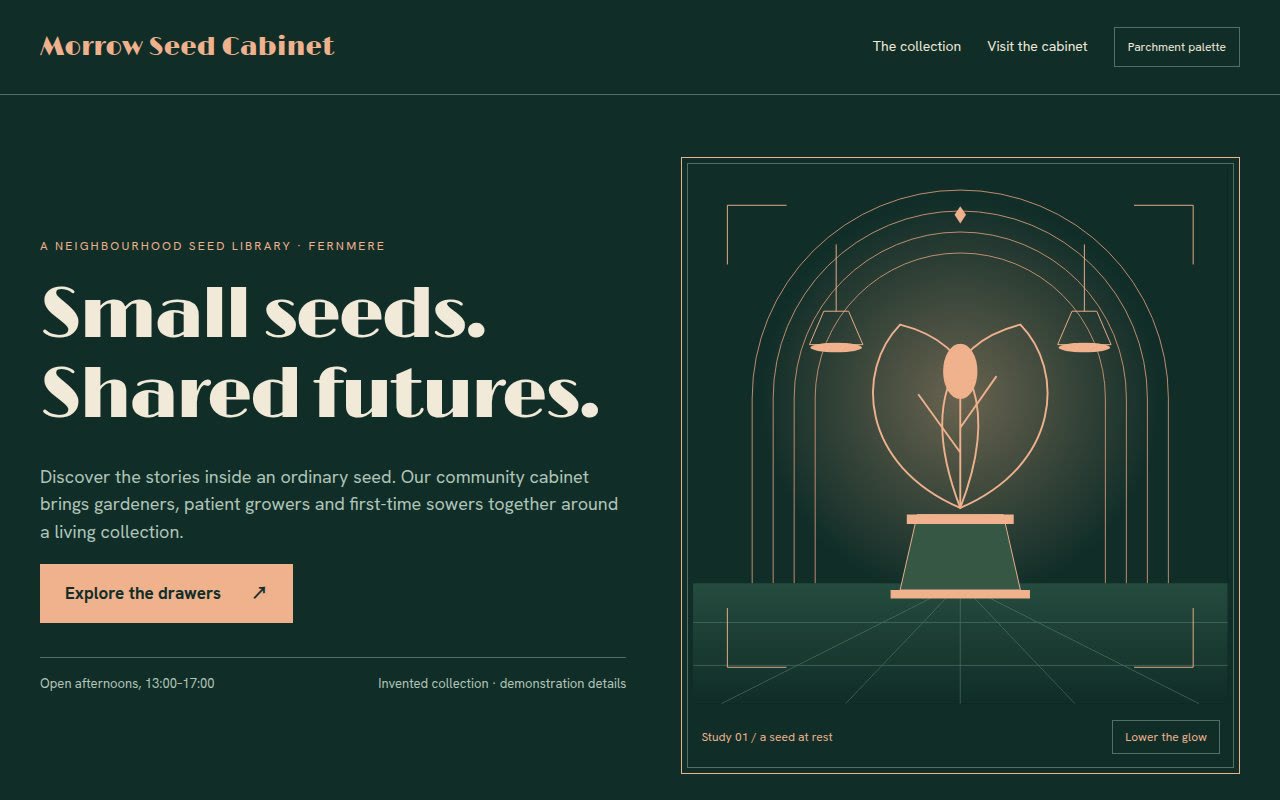
English site
이 예시는 이 페이지에 접근할 수 없는 샌드박스 프레임에서 실행됩니다.
온라인에서 실행
SandBase sandbox에서 Pine and copper cultural gathering site의 예제를 실행하고 결과를 바로 여기에서 확인하세요.
얻을 수 있는 것
Bring the organisation, audience, programme or collection entries, practical visit information, preferred language and the sections your visitors need. The Skill returns one offline HTML file with code-drawn artwork, category filters, title sorting, a visit shortlist, a local note dialog, day and night palettes, bundled Latin fonts and a validator report.
작동 방식
- 01
Define the gathering and its audience
Describe the venue, collection or workshop, the people it welcomes and the information visitors need before arriving. The agent copies the working template and bundled fonts into a local folder, chooses the page language and replaces the fictional identity. The published example introduces a neighbourhood seed library for gardeners and first-time seed savers.
- 02
Rewrite the programme and draw its subject
The agent rewrites the central content data, including accessible labels, category names, entry details and visit information. Optional ribbon and editorial sections can be removed to suit the brief. The geometric chamber illustration is redrawn around the subject, such as a seed pod or an open book, while retaining the copper framing and pine palette.
- 03
Build one file and verify the whole page
The bundled builder embeds local fonts and artwork into one HTML file. The agent runs the browser validator, inspects the entire page at phone, tablet and desktop widths in both palettes, and exercises filters, sorting, selection, navigation and the draft dialog. Delivery includes the finished page, the validation report and any relevant device or font limitation.
FAQ
What can Copperline Listening Site make?
Copperline Listening Site makes a single-page website for a cultural venue, community collection, exhibition or craft programme. Its default listening-house content is fictional and replaceable. The published example becomes a seed-library exhibition with six collection drawers, a new illustration and volunteer visit information, demonstrating a different audience and section composition.
Does the visit note reserve a place or send a message?
The visit note gathers selected entries into a dialog and prepares text locally after the visitor enters a name. Nothing leaves the page, and no place, order or appointment is confirmed. Visitors must share the note themselves and contact the organisation separately to agree on actual arrangements.
What runs locally when I build a page?
Your coding agent edits the HTML and content data, while Node.js runs the bundled asset builder and validator. Browser validation also needs Chrome or Chromium. The template makes no model or API calls, and its sample artwork is drawn in code. Your coding agent may have its own usage terms.
Can the website work without an internet connection?
The delivered HTML embeds its Latin fonts and geometric artwork and makes no external requests. Filters, sorting, selection and the local draft work inside the document. Selection disappears after a reload. Chinese rendering uses installed CJK fonts unless you bundle a suitably licensed font and repeat the visual checks.
Can I translate it or remove sections?
Yes. Translate the central content data, initial text fallbacks, document metadata, form labels and SVG descriptions together. The ribbon and editorial letter are optional. Keep the shared interaction identifiers required by the package validator, and check every retained navigation link. The Chinese proof uses two paper workshops and removes the ribbon.
How should I check a finished page?
Run the package validator with browser checks, then inspect every section at 390, 768 and 1440 pixels in both day and night palettes. Exercise each category, title sorting, add and remove actions, clearing, both dialog entry points, required-name validation, Escape dismissal, mobile navigation and lighting. Review console errors and external requests as well.
더 많은 Skills
모든 Web design Skills →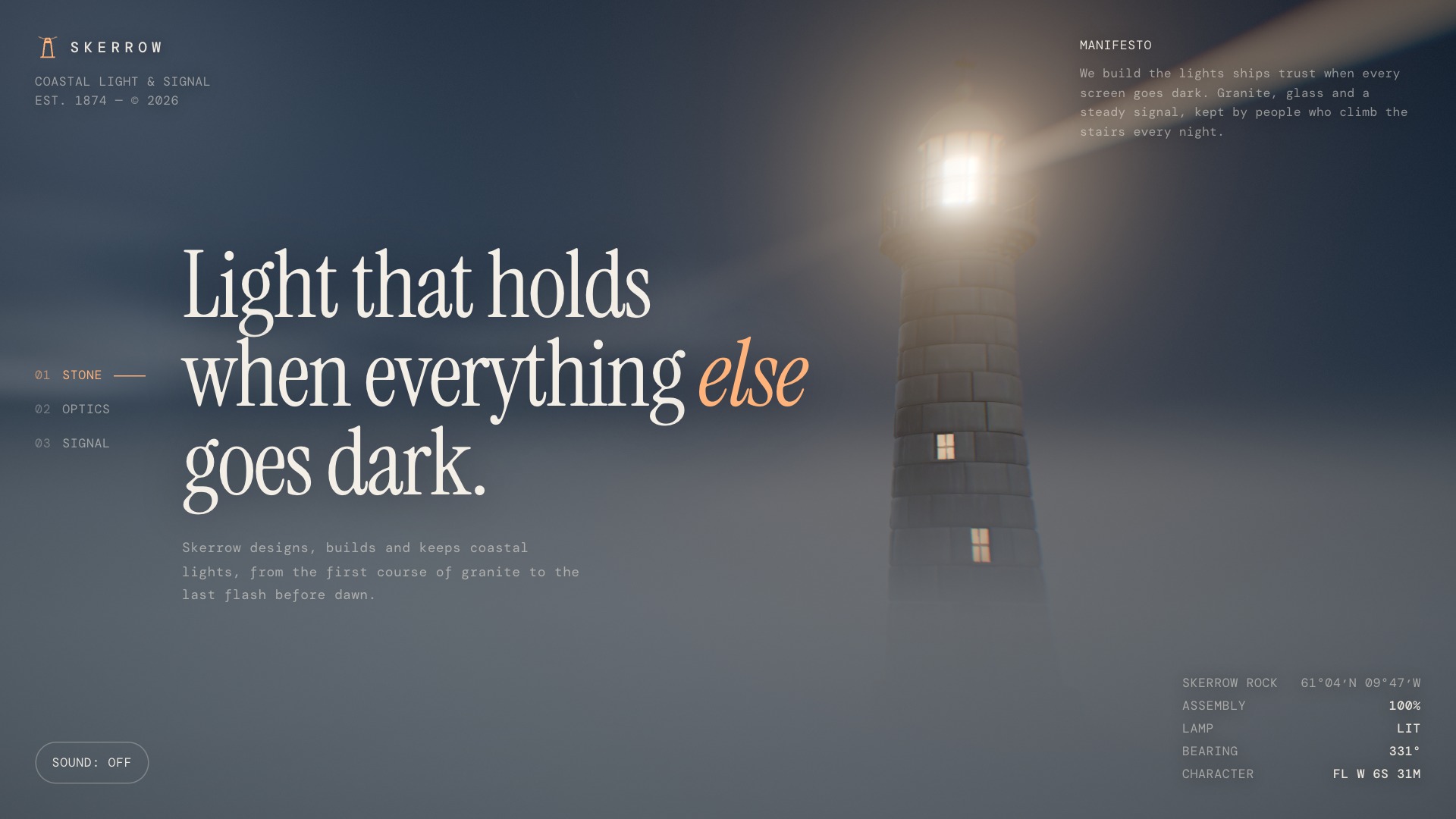
Baked 3D Story Site
A three-page 3D story site with baked light, scroll stops that loop and a shader cut between pages, in one offline file.
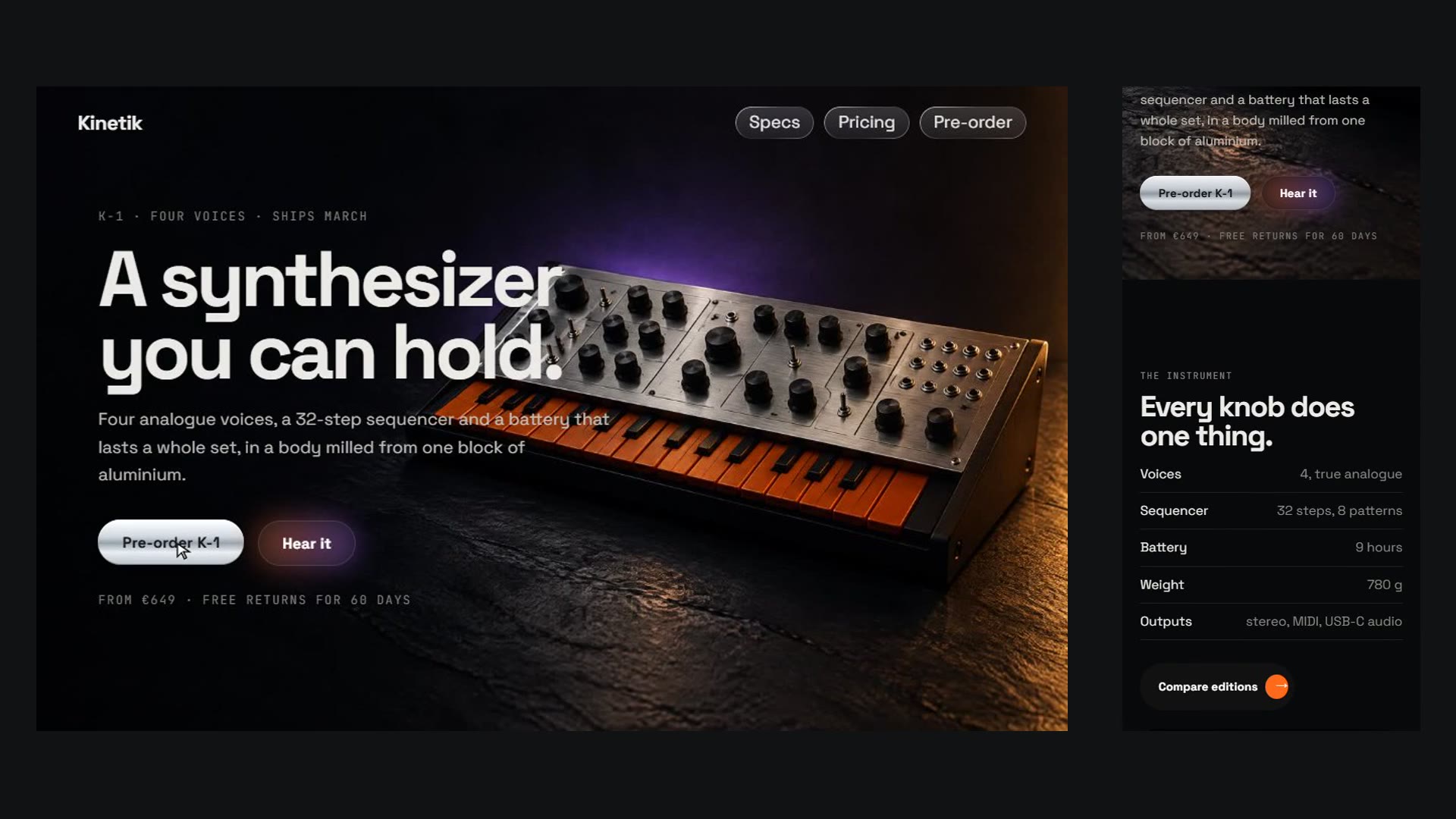
UI Finishes
Metal, jewel, halo, roll, fill, offset and ring buttons, media cards, glass and textures, each checked in rest, hover, focus and pressed for real contrast.
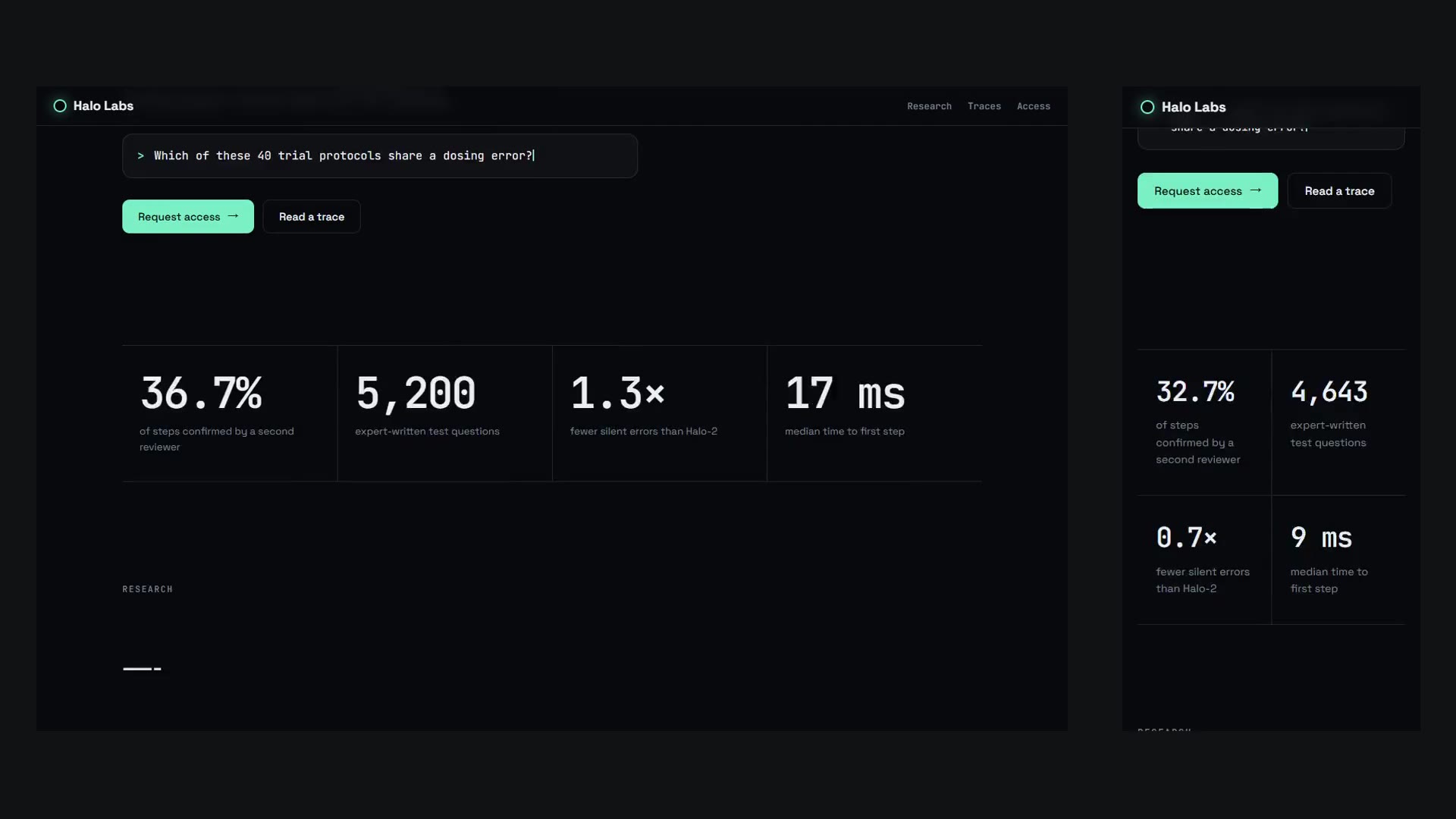
Headline Motion
Headlines, labels and numbers that rise, decode, type, rotate, count and draw themselves without moving the layout, measured in a real browser.
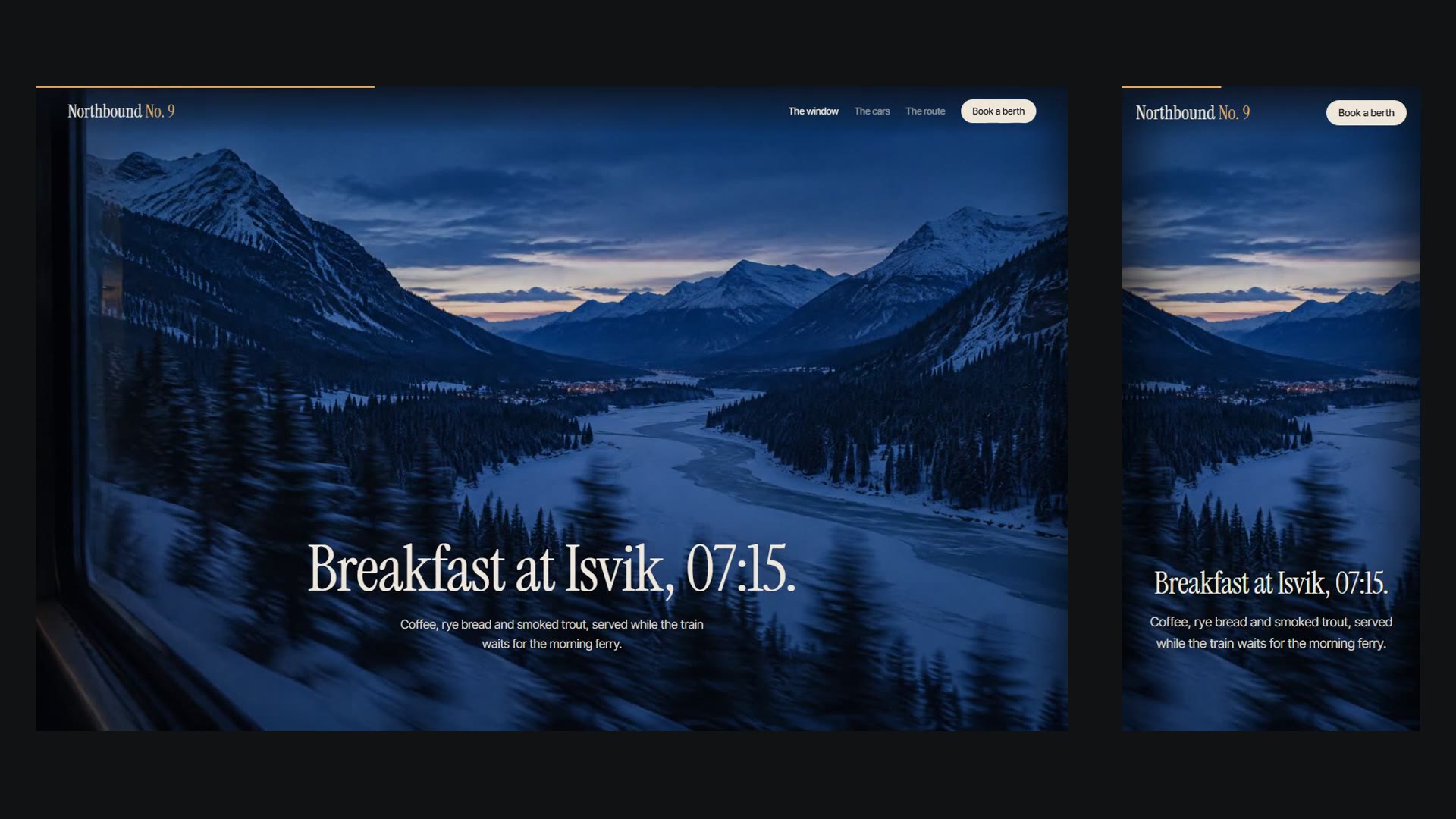
Scroll Chapters
Long pages told chapter by chapter: a pinned stage, sliding panels, a text crawl, lit paragraphs, stacking cards and drifting columns, checked in a real browser for dead scroll.
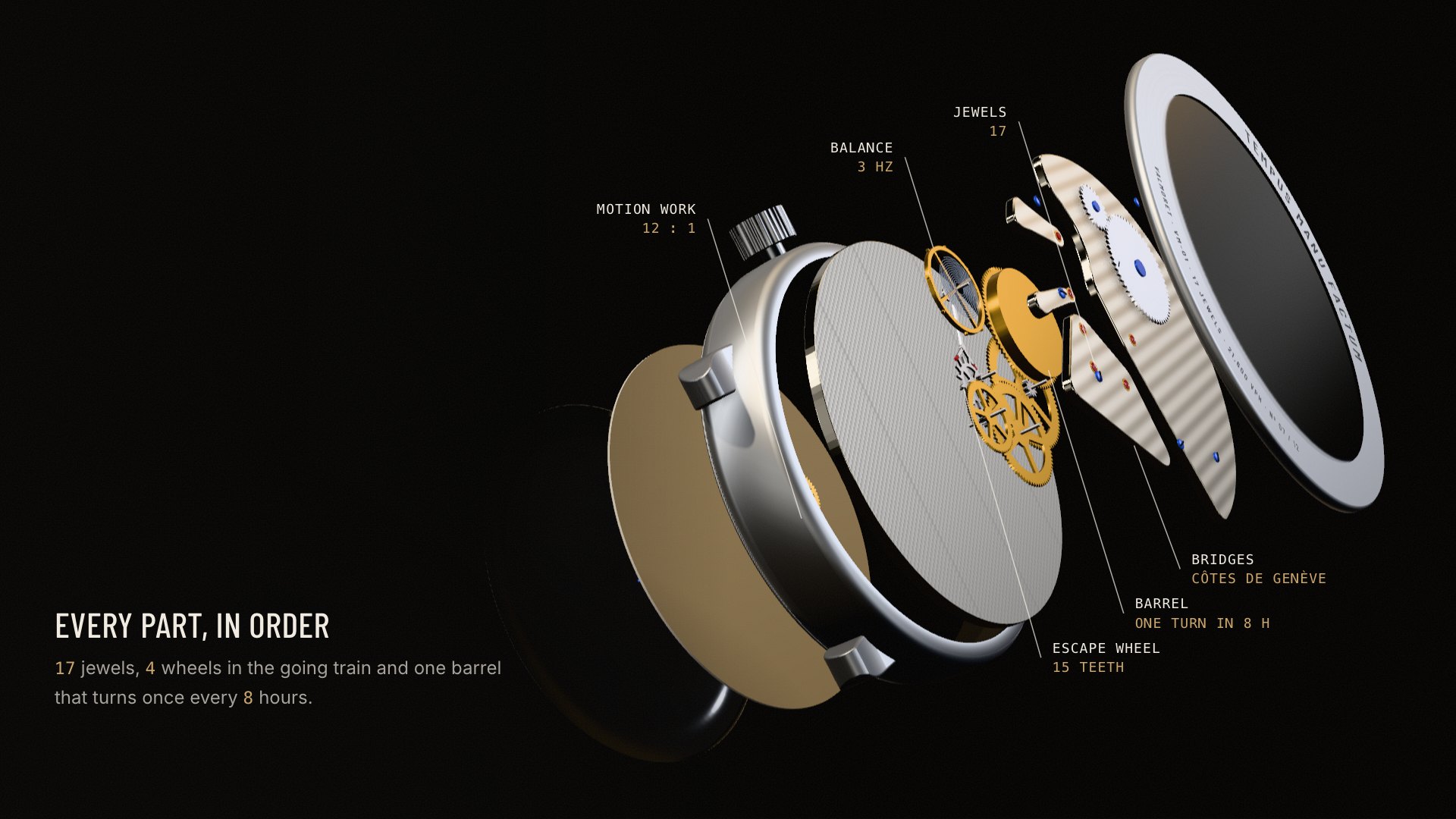
Scroll 3D Product Site
A complete product website where scroll turns, opens and takes apart a live 3D model, with every video and image rendered from that model, in one offline file.
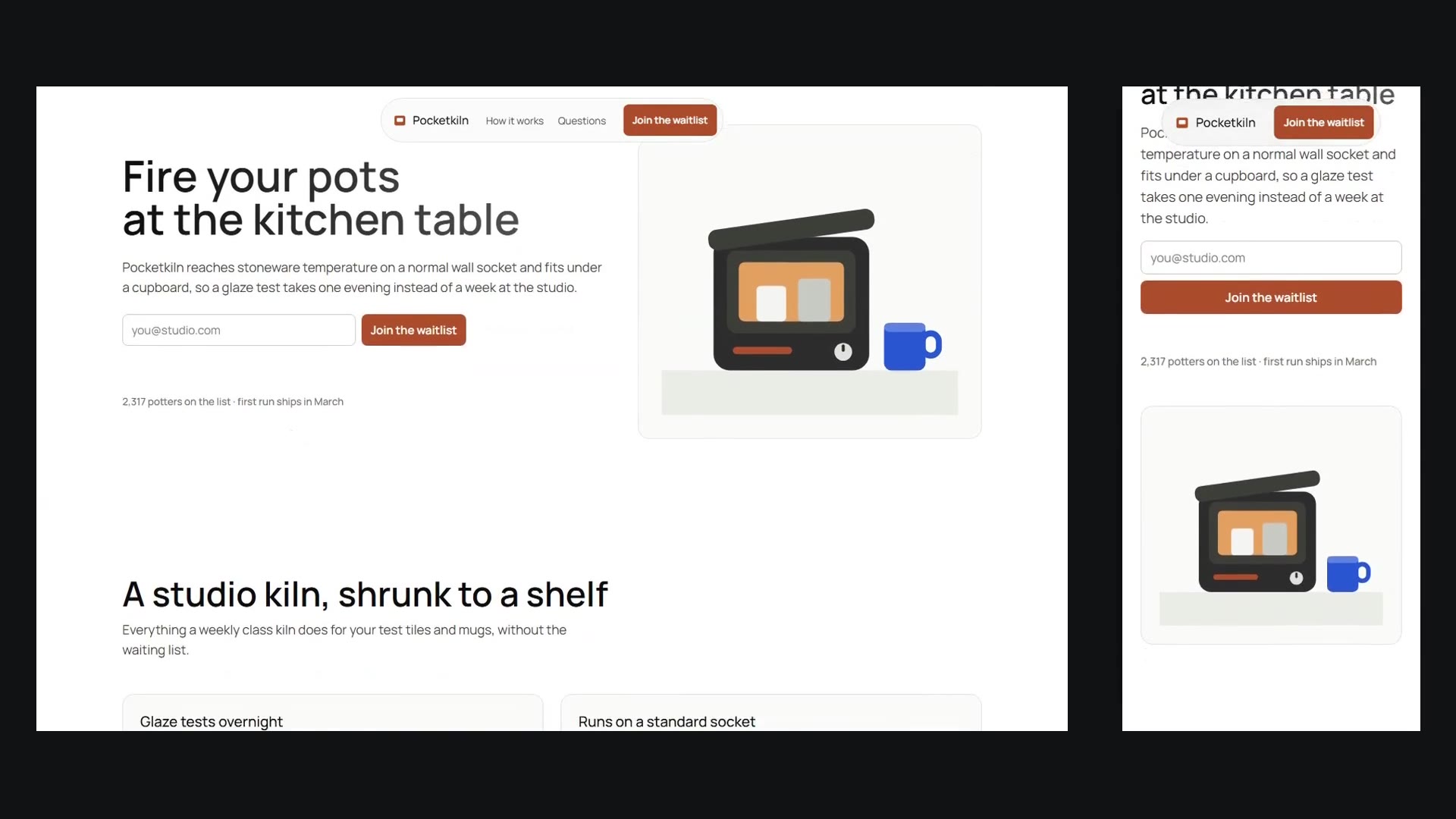
Landing Page System
A complete single-file landing page with a conversion structure and a shared visual system, checked by a rendered-page audit before delivery.