
Orbit admin dashboard
- Lab 스킬
- v0.2.0
- Web design
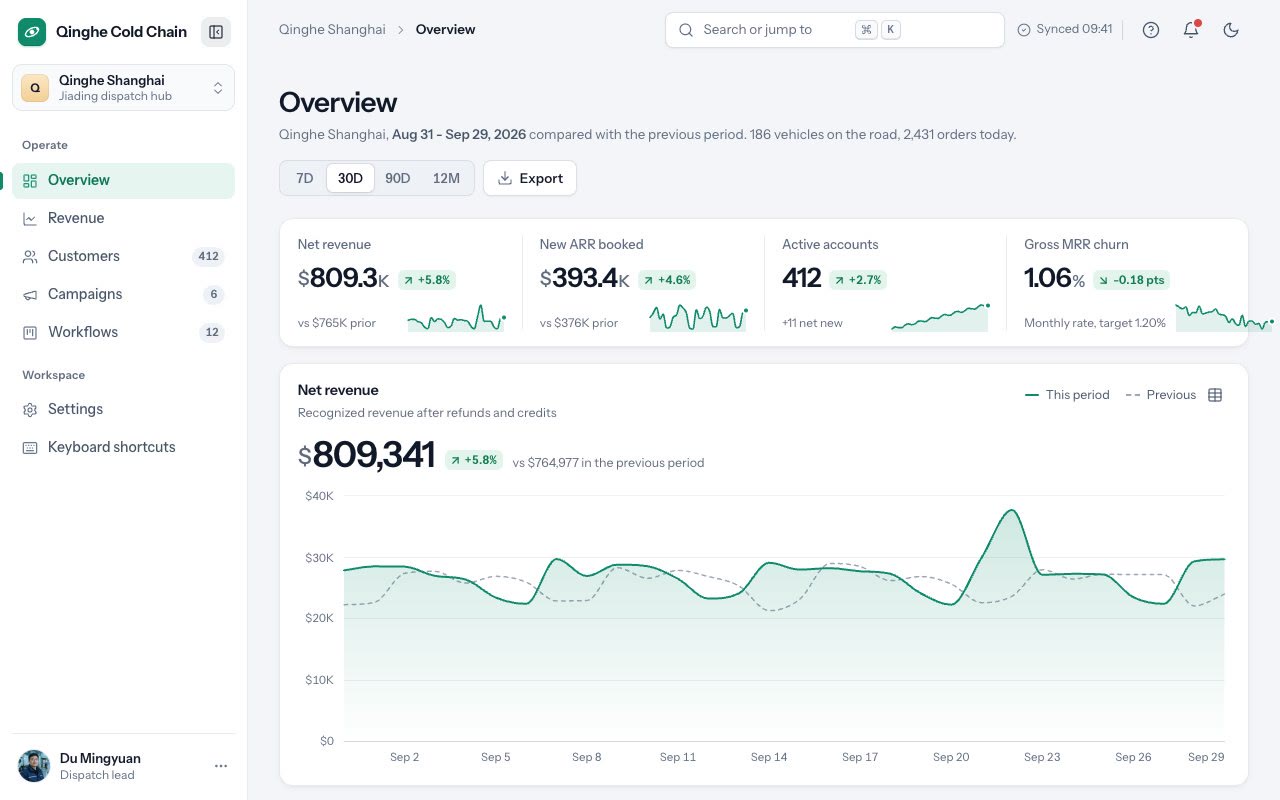
Turn your metrics into a single-file operations dashboard with revenue, customers, campaigns and workflow views.
예시
English site
이 예시는 이 페이지에 접근할 수 없는 샌드박스 프레임에서 실행됩니다.
온라인에서 실행
SandBase sandbox에서 Orbit admin dashboard의 예제를 실행하고 결과를 바로 여기에서 확인하세요.
얻을 수 있는 것
Bring your product name, the numbers to show, customer and campaign data. The Skill returns one HTML file with 6 routed views, charts drawn in the page and a validator report.
작동 방식
- 01
List the metrics to show
Orbit Admin Dashboard asks for your product name, the numbers to show and your customer and campaign data. The Agent picks en or zh-CN and copies the template, ten example images generated for a fictional brief and the Instrument Sans and IBM Plex Mono fonts into work/, and keeps a list of every number it drafted.
- 02
Replace accounts, invoices and campaigns
The Agent rewrites seven NAMED accounts with plan, MRR, health, owner, region and renewal, fourteen INVOICES, nine CAMPAIGNS across five CHANNELS, sixteen workflow TASKS over four STAGES, team CAPACITY, PLANS and REGIONS. FIRST, LAST and SUFFIX name lists fill longer tables, so swap those too. Orbit Ops and the sample hotel and restaurant customers go.
- 03
Check charts and views offline
Orbit Admin Dashboard runs locally with Node 18 or newer. node scripts/inline-assets.mjs work/src.html work/index.html builds the file, and node scripts/validate.mjs work/index.html --mode site --site-lang en --browser --screenshot work/shots checks it until exit 0. Open the overview, revenue, customers, campaigns and workflows screenshots to confirm the charts show your figures.
FAQ
What views does Orbit Admin Dashboard have?
Orbit Admin Dashboard routes between overview, revenue, customers, campaigns and workflows, plus further views, in one HTML file. Charts are drawn in the page, with 7, 30 and 90 day and 12 month ranges and a churn series for each. It uses Instrument Sans and IBM Plex Mono with a #1d68e0 blue accent and a dark theme.
Why does Orbit Admin Dashboard keep warning about Tidemere?
Orbit Admin Dashboard fills longer tables from its FIRST, LAST and SUFFIX lists, with 30, 30 and 20 entries, alongside sample customers such as Tidemere Hotels and Norrvik Hospitality. Words like Tidemere and Norrvik raise warnings until you replace those lists and the named accounts.
Is Orbit Admin Dashboard billed?
No. Orbit Admin Dashboard draws its charts in the page and builds with scripts that never call a model, so the Skill is not billed to any SandBase account. Swapping the ten example images is the only step that might use an outside tool.
Does Orbit Admin Dashboard pull live revenue?
No. Orbit Admin Dashboard reads every figure from script constants such as NAMED, INVOICES and CAMPAIGNS, and the single file makes no network calls. Keep credentials and real keys out of the page and the report.
What are Orbit Admin Dashboard's limits?
Orbit Admin Dashboard's checks cover structure, leftovers, assets and basic behaviour, not whether a revenue figure is right. Dead-control detection is heuristic, and without a local Chrome or Edge the browser pass is skipped. Its ten images inline into the file, so oversized avatars can push it past the 5 MB soft limit.
더 많은 Skills
모든 Web design Skills →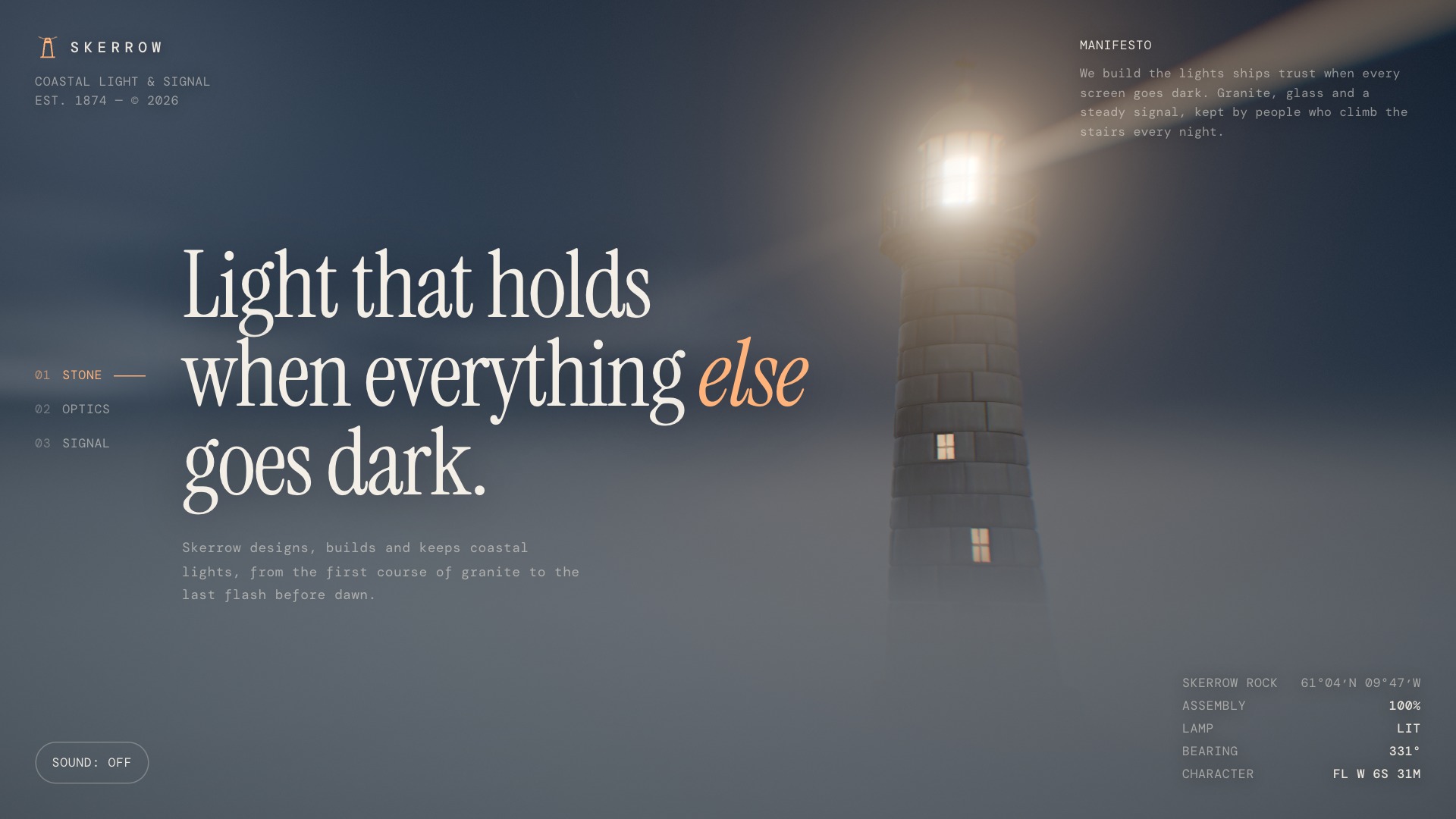
Baked 3D Story Site
A three-page 3D story site with baked light, scroll stops that loop and a shader cut between pages, in one offline file.
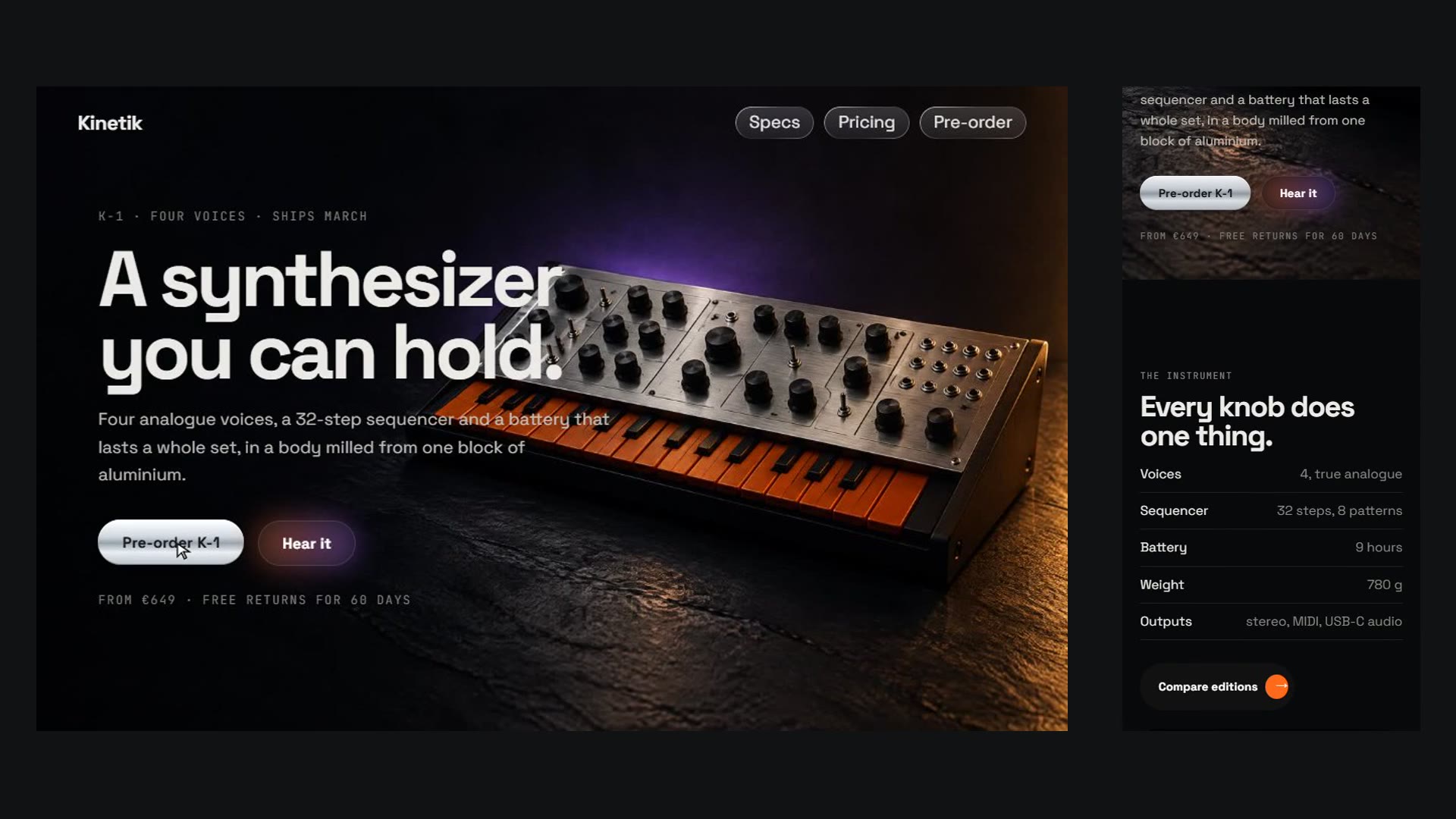
UI Finishes
Metal, jewel, halo, roll, fill, offset and ring buttons, media cards, glass and textures, each checked in rest, hover, focus and pressed for real contrast.
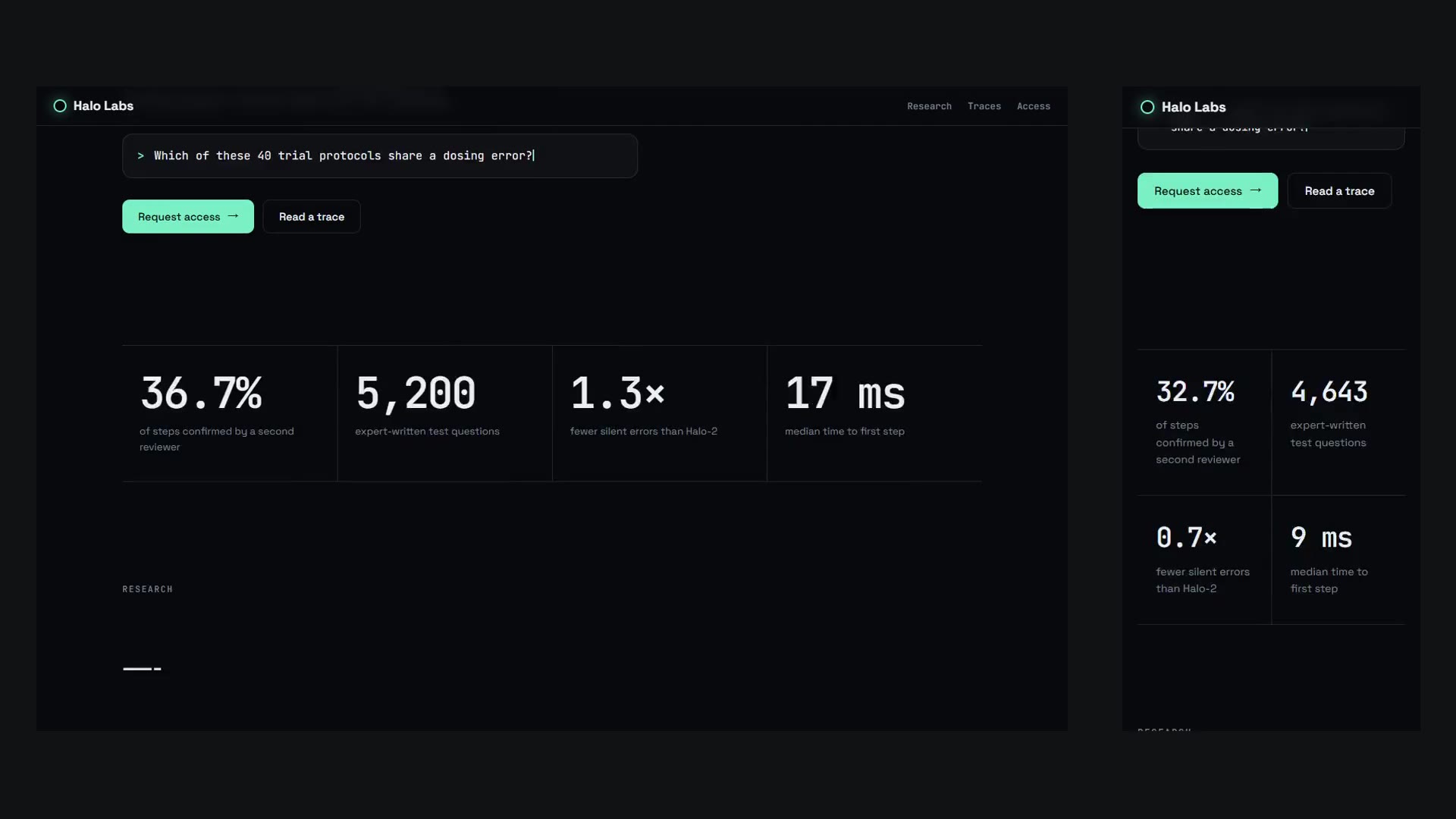
Headline Motion
Headlines, labels and numbers that rise, decode, type, rotate, count and draw themselves without moving the layout, measured in a real browser.
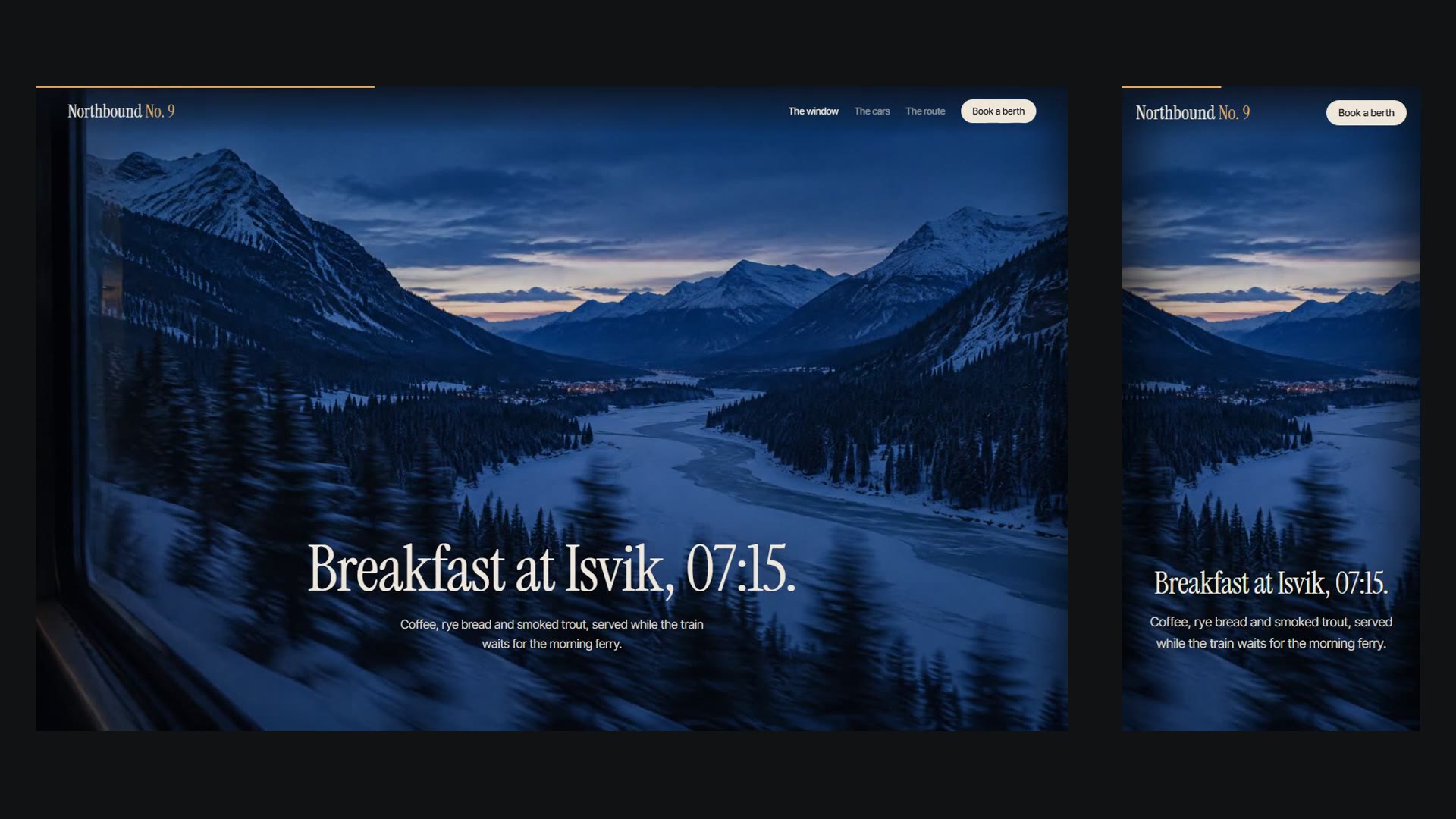
Scroll Chapters
Long pages told chapter by chapter: a pinned stage, sliding panels, a text crawl, lit paragraphs, stacking cards and drifting columns, checked in a real browser for dead scroll.
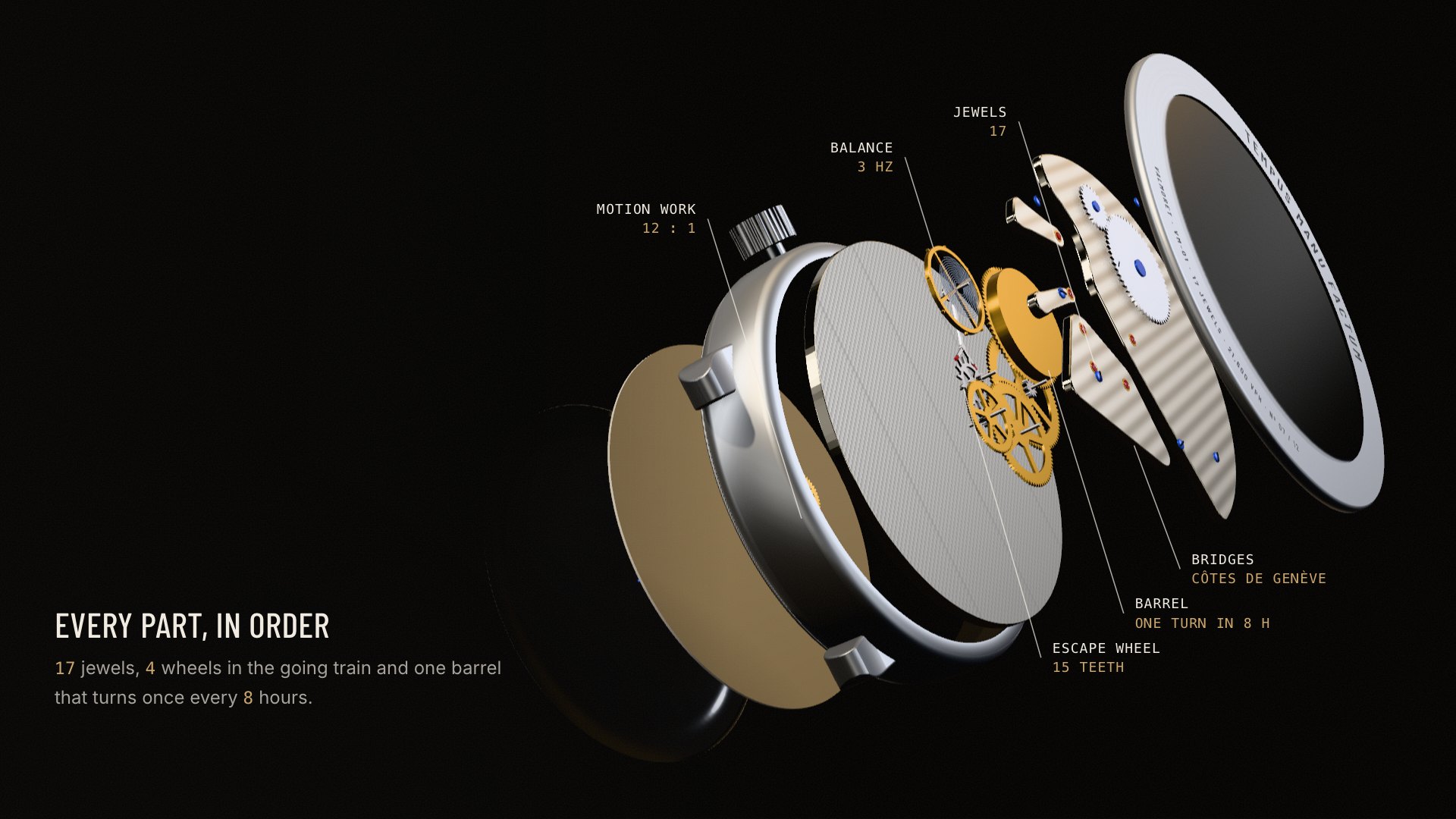
Scroll 3D Product Site
A complete product website where scroll turns, opens and takes apart a live 3D model, with every video and image rendered from that model, in one offline file.
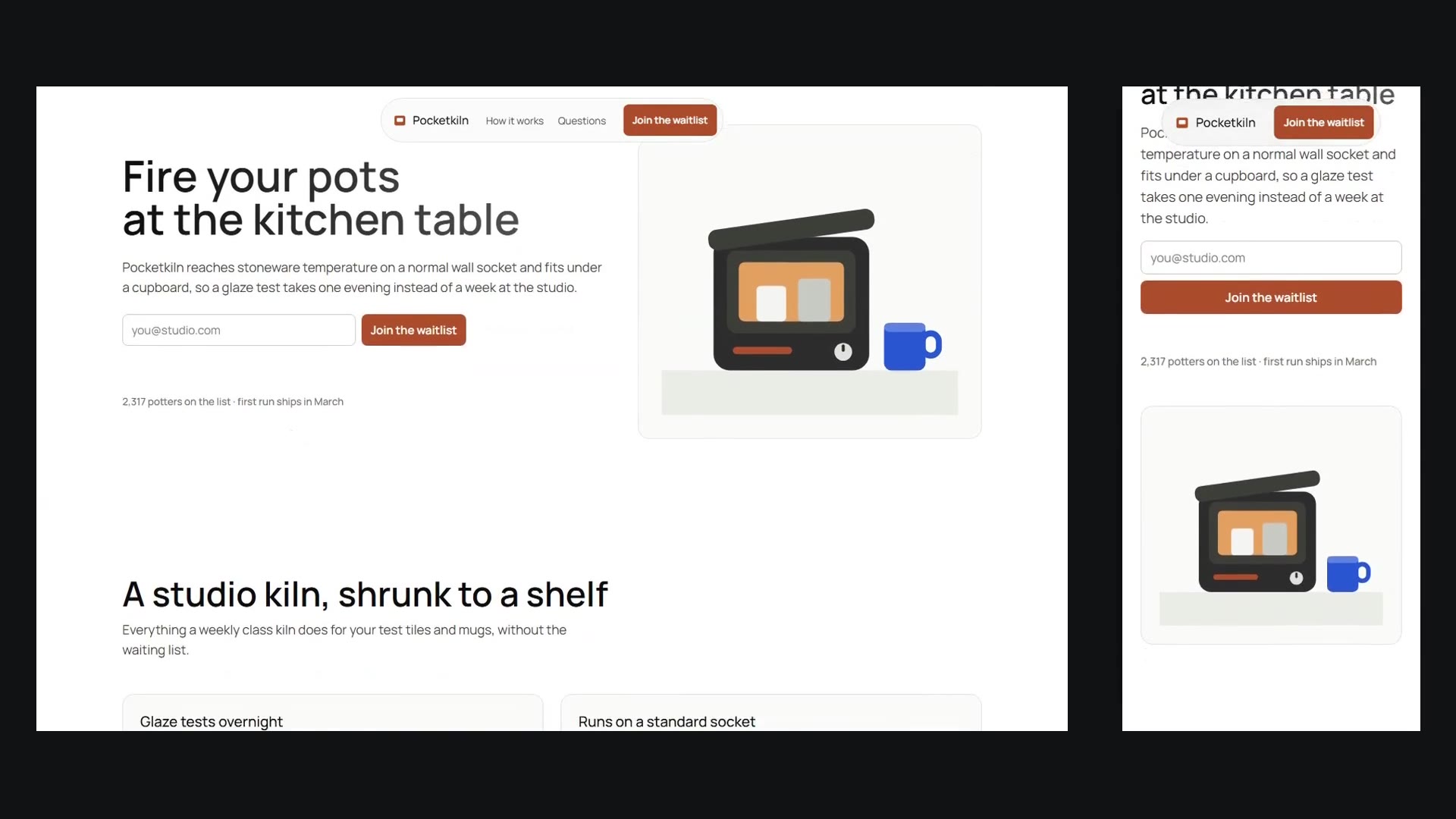
Landing Page System
A complete single-file landing page with a conversion structure and a shared visual system, checked by a rendered-page audit before delivery.