
Sketchnote pricing section
- Lab 스킬
- v0.2.0
- Web design
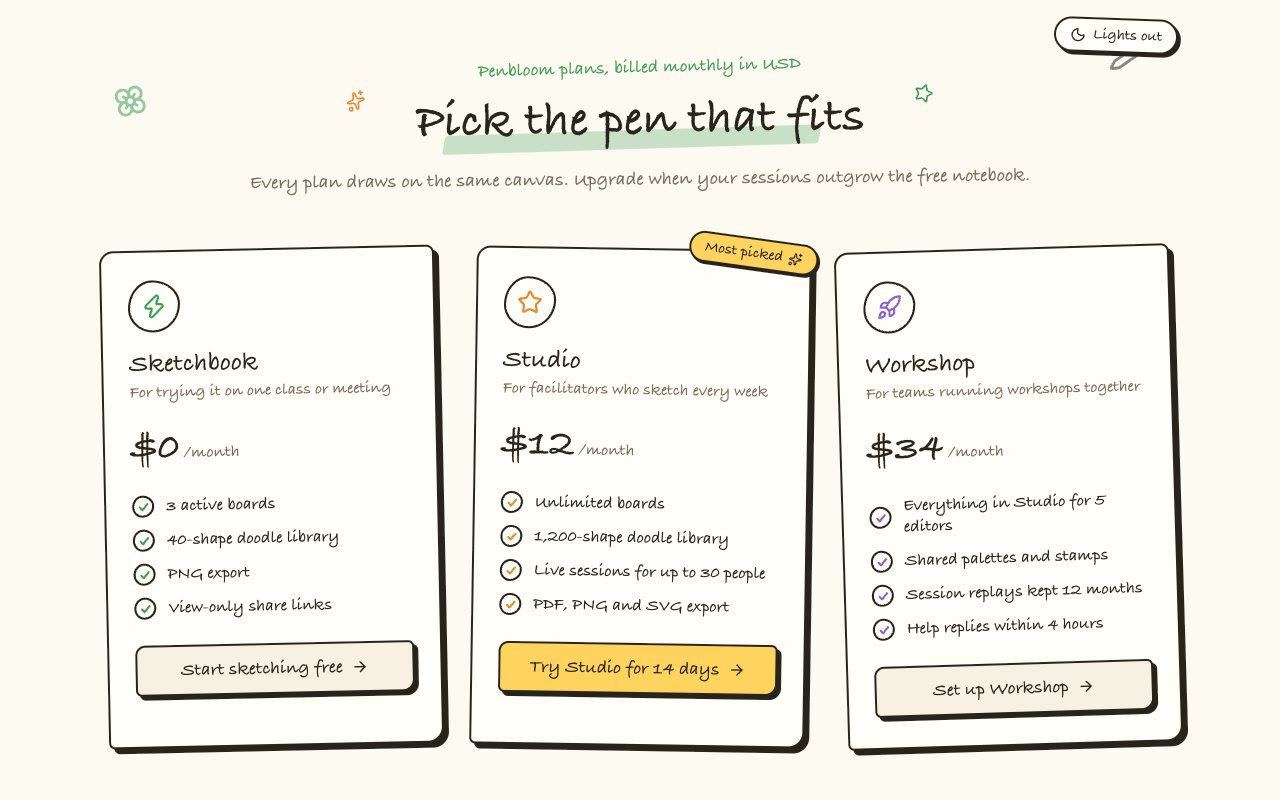
A hand-drawn pricing section with plan cards, a highlighted plan and calls to action, ready to drop into a page.
예시
English site
이 예시는 이 페이지에 접근할 수 없는 샌드박스 프레임에서 실행됩니다.
온라인에서 실행
SandBase sandbox에서 Sketchnote pricing section의 예제를 실행하고 결과를 바로 여기에서 확인하세요.
얻을 수 있는 것
Bring your plans, prices, what each includes and the calls to action. The Skill returns a single HTML section with offline fonts and a validator report; no images or dependencies.
작동 방식
- 01
Write the pricing copy
Sketchnote Pricing is a pricing section rather than a full site. The Agent asks for the plans, the promise, proof and the real destination of each plan button, then copies assets/template.html to work/src.html. Every text block marked REPLACE and every link that points to # is part of the sample and must change.
- 02
Keep the sketch engine
The effect is already written: the drawing engine, the two themes and the pointer handling. The Agent edits the copy around it and makes small tuning changes only when asked. The section uses system fonts on #fdfaf1 and has no photos, so new marks are drawn with inline SVG or CSS. It runs in your Agent or terminal, with no key.
- 03
Validate the section
node scripts/inline-assets.mjs work/src.html work/index.html writes the final file, and node scripts/validate.mjs work/index.html --mode site --site-lang en repeats until exit 0. Adding --browser --screenshot work/shots lets a headless Chrome move the pointer and toggle the theme. Check that each plan button reaches a real or example.com address.
FAQ
What is Sketchnote Pricing?
Sketchnote Pricing is a single HTML pricing section with a hand-drawn sketch effect, two themes and pointer handling. The published example priced Penbloom, a visual note-taking app for workshop facilitators and teachers, and came to about 23 KB. It is a section to embed or link, not a full website.
Does Sketchnote Pricing need images or fonts?
No. Sketchnote Pricing uses system fonts and has no photos or dependencies. New drawings are made with inline SVG or CSS, and remote images are not allowed. That is why its output is so small compared with the photo-based templates.
Is Sketchnote Pricing billed?
No. Sketchnote Pricing edits text around a code-drawn effect, and its validator runs offline, so no model or SandBase call happens. The example run generated no images at all. Your Agent writes the plan copy itself.
Can I change the sketch effect in Sketchnote Pricing?
Only slightly. Sketchnote Pricing keeps its engine, two themes and pointer handling as shipped, and the Agent makes small tuning changes when you ask. Brand colours go through the CSS custom properties in both themes. Rewriting the effect falls outside what this Skill is for.
Why does Sketchnote Pricing warn after I edit it?
Sketchnote Pricing warns about placeholder links such as example.com and about text that may still be sample copy. The published example passed with no errors and five warnings. Errors block the build; warnings are notes to check and either fix or accept.
더 많은 Skills
모든 Web design Skills →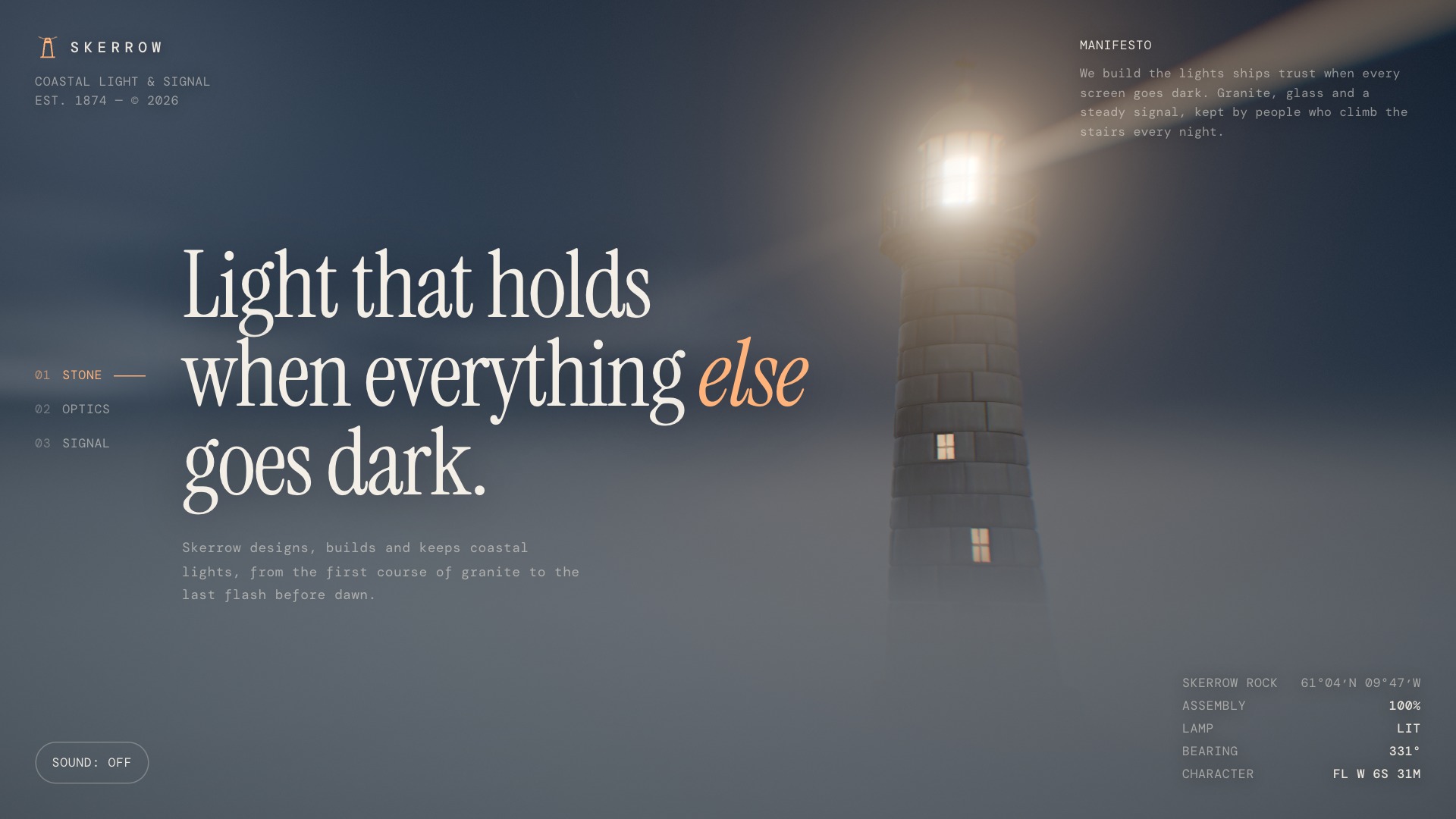
Baked 3D Story Site
A three-page 3D story site with baked light, scroll stops that loop and a shader cut between pages, in one offline file.
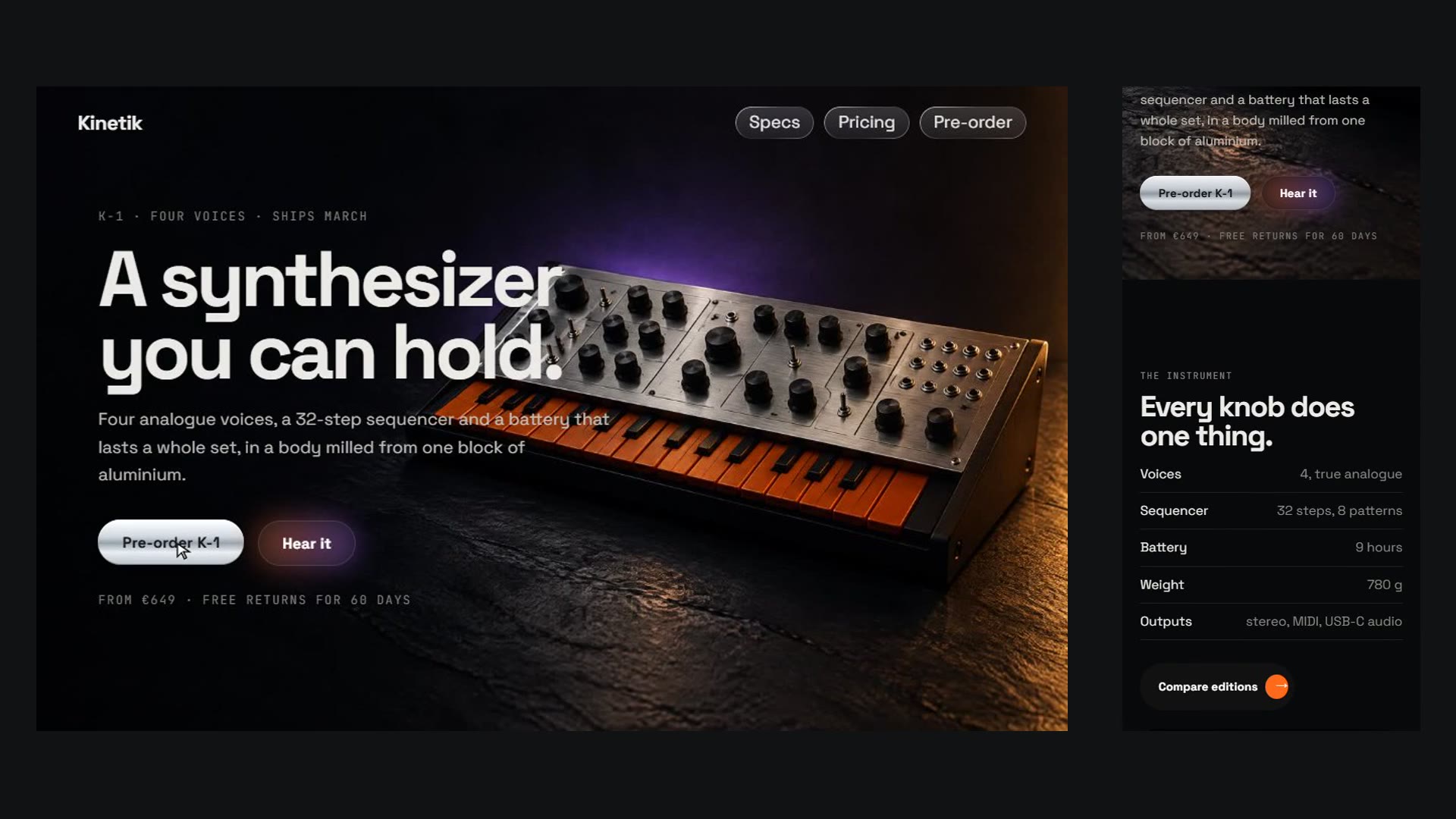
UI Finishes
Metal, jewel, halo, roll, fill, offset and ring buttons, media cards, glass and textures, each checked in rest, hover, focus and pressed for real contrast.
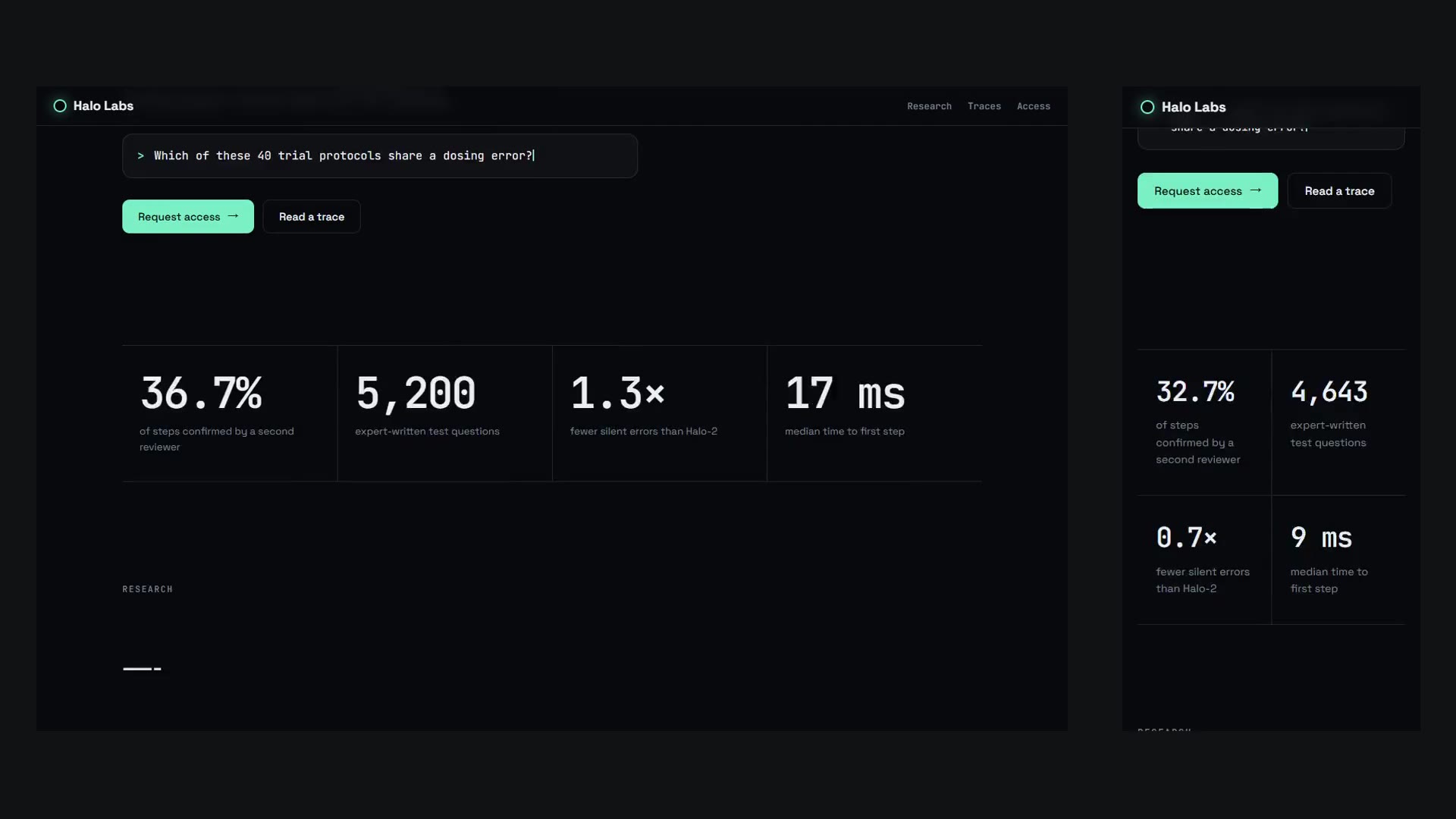
Headline Motion
Headlines, labels and numbers that rise, decode, type, rotate, count and draw themselves without moving the layout, measured in a real browser.
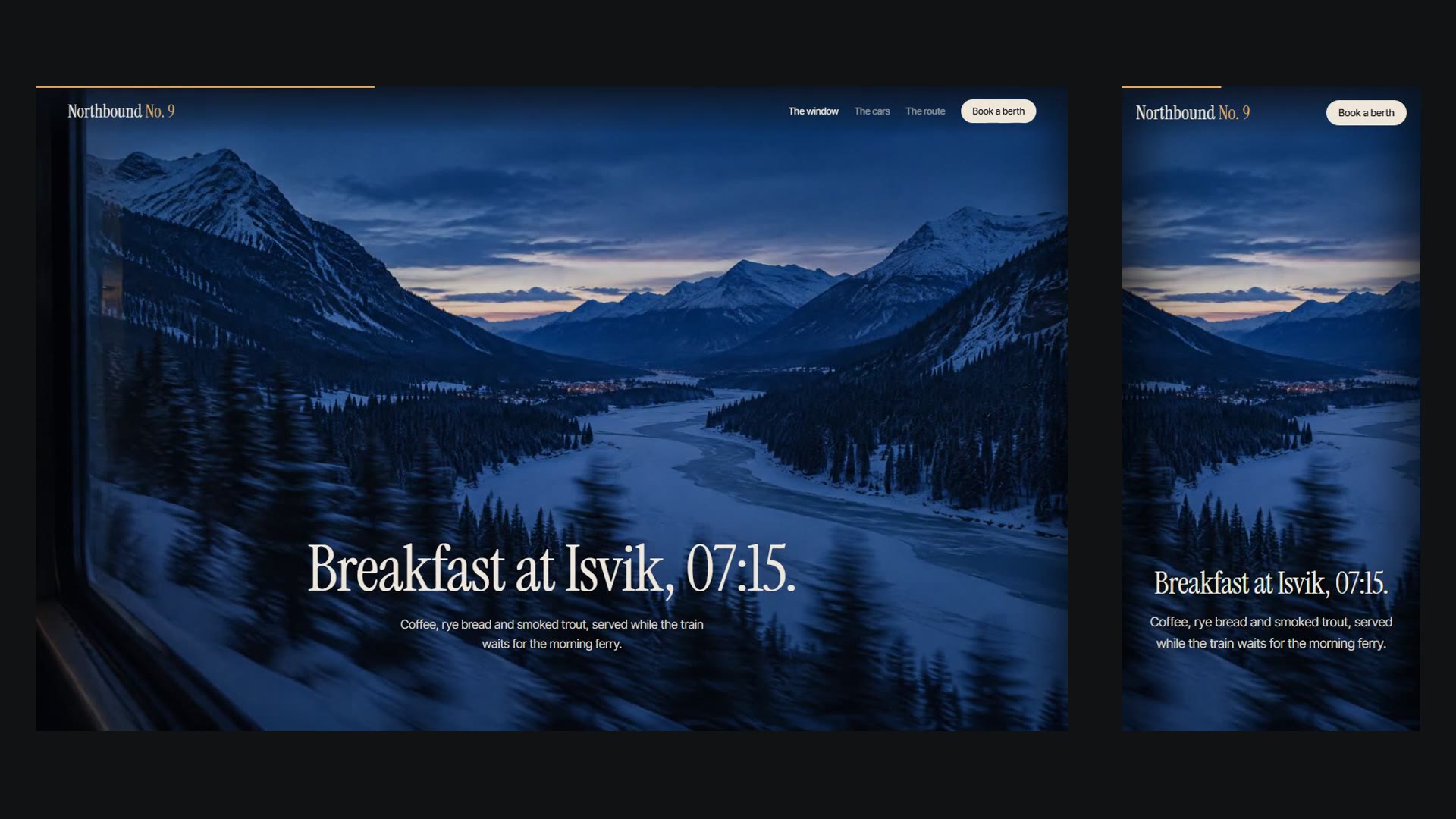
Scroll Chapters
Long pages told chapter by chapter: a pinned stage, sliding panels, a text crawl, lit paragraphs, stacking cards and drifting columns, checked in a real browser for dead scroll.
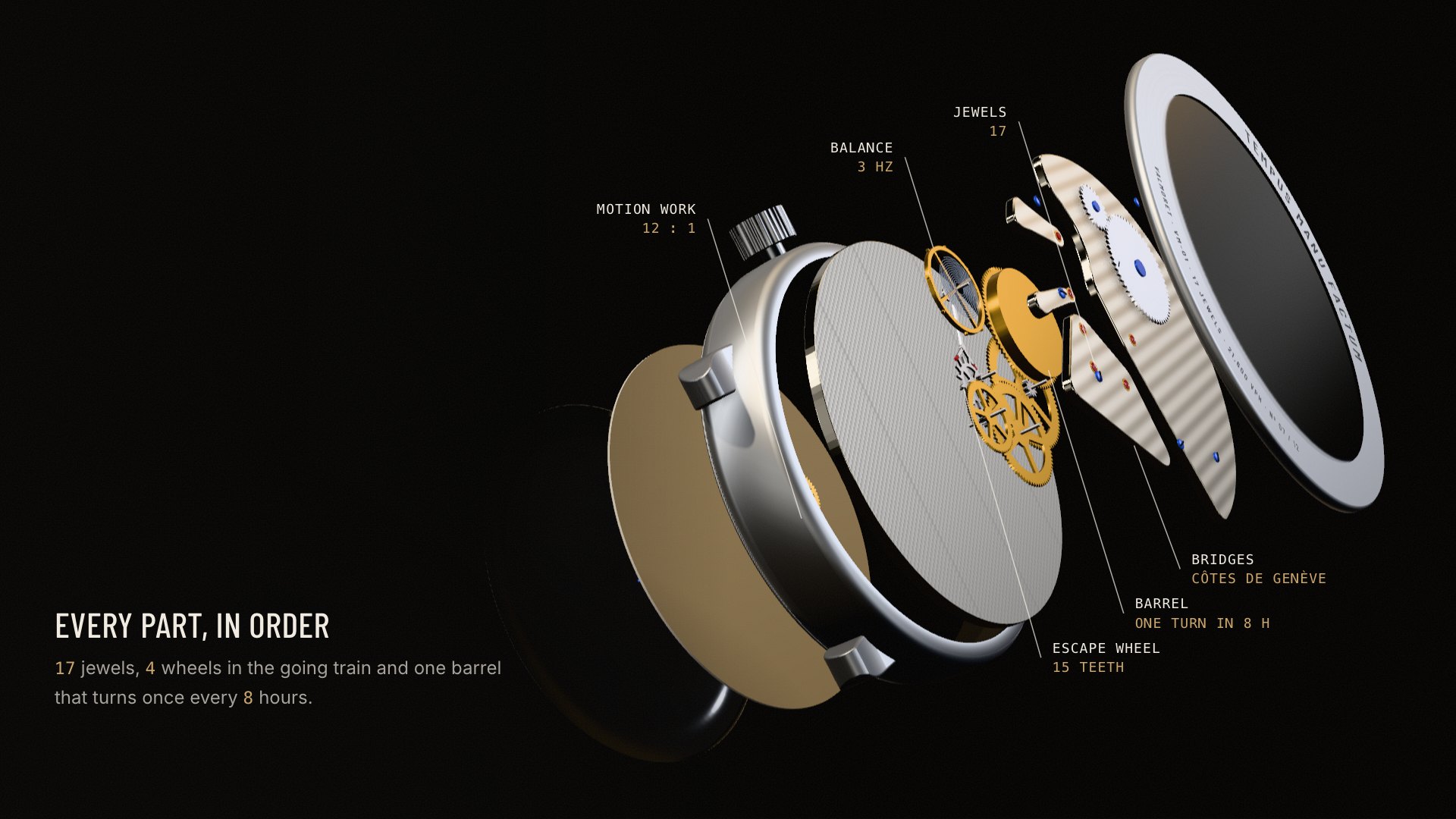
Scroll 3D Product Site
A complete product website where scroll turns, opens and takes apart a live 3D model, with every video and image rendered from that model, in one offline file.
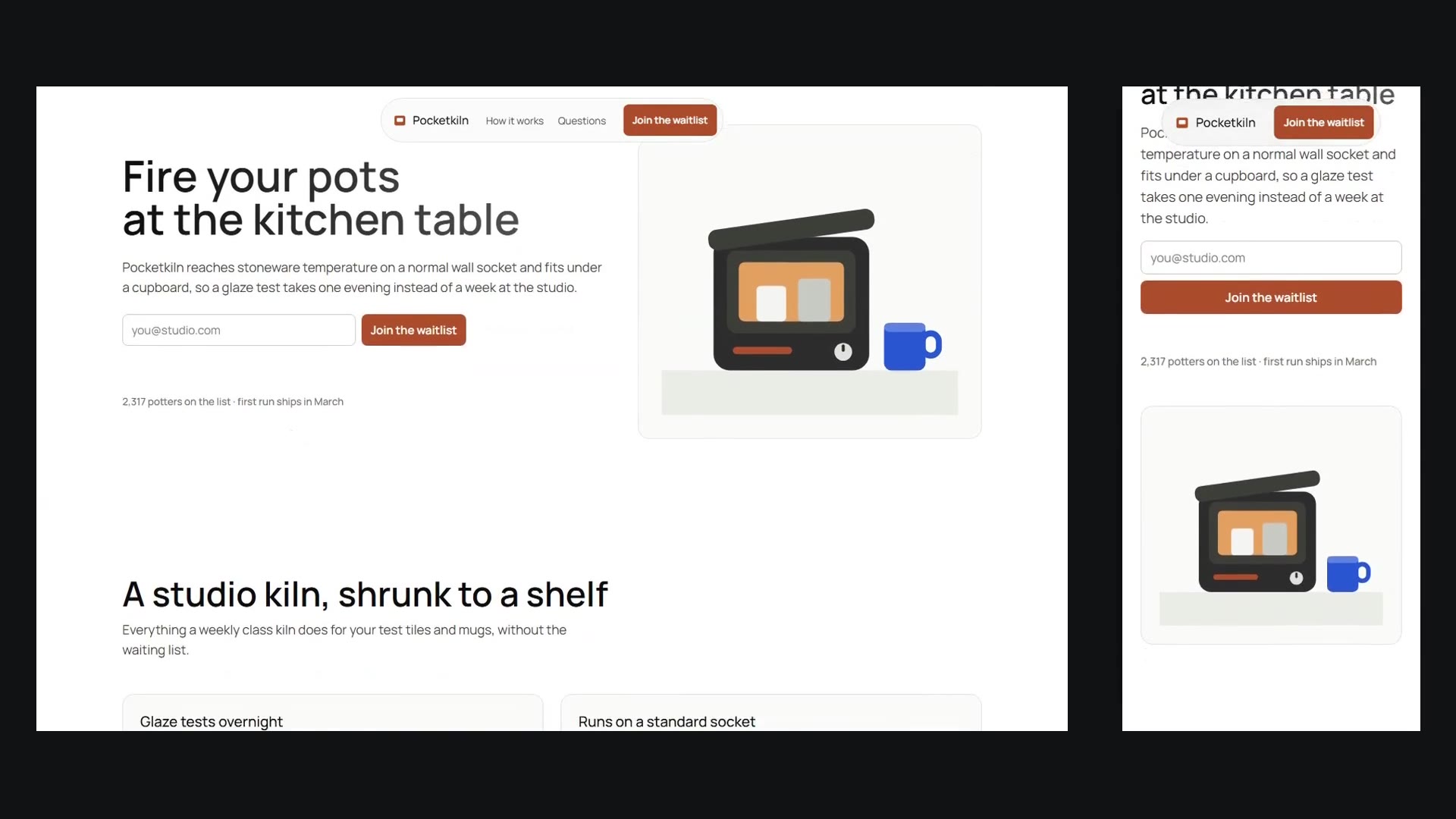
Landing Page System
A complete single-file landing page with a conversion structure and a shared visual system, checked by a rendered-page audit before delivery.