
WeChat Article Review
- Lab 스킬
- v0.1.0
Review how one 公众号 article did and what readers wrote, then decide what to write next.
표지
얻을 수 있는 것
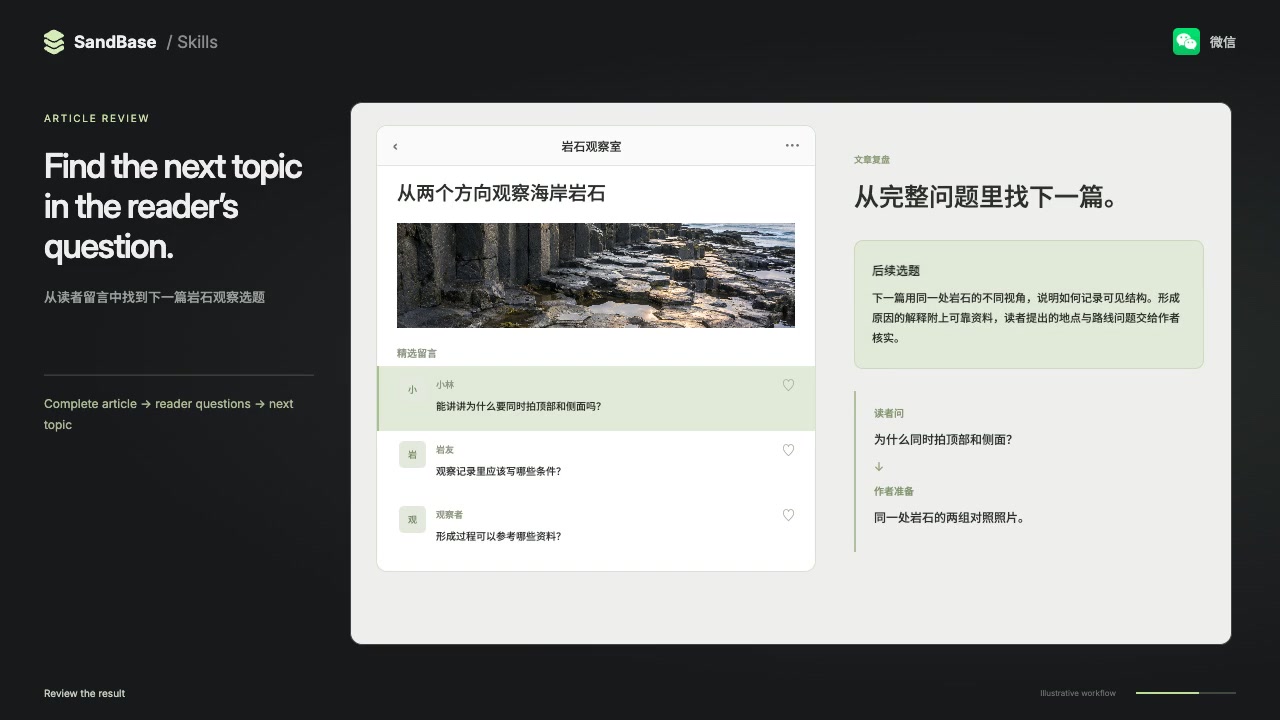
Bring a WeChat article link. The Skill returns reads, likes and 在看, comment themes with counts, what the author pinned, and next topics taken from reader requests.
작동 방식
- 01
Read the numbers
Given the long form of an Official Account article URL, the Agent reads reads, likes and 在看 counts through SandBase and computes likes and 在看 relative to reads. Short links are expanded first. Reads are capped by WeChat at 100,001, shown as 10万+, so anything above that cap is reported as a band, not an exact figure.
- 02
Group the featured comments
Featured comments come with content, likes, whether the author pinned them, the commenter's province and any author reply. The Agent groups them by what they say: personal stories, agreement, disagreement or complaints, questions and requests, and jokes. Each group is counted and quoted briefly, and the author's pinning and reply choices are noted.
- 03
Suggest the next articles
The review closes with how the article did, what readers said and what to write next. Requests and recurring worries in the comments become three to five next topics, each listed with the comment that asked for it. Only comments the author selected for display can be read, which the review states.
FAQ
What does WeChat Article Review report?
WeChat Article Review turns one Official Account article's reads, likes, 在看 count and featured comments into a short review. It says how the article did, what readers said in each comment group, how the author handled pinning and replies, and which three to five topics the comments ask for next. Saving the article itself belongs to a different Skill.
Which link format does WeChat Article Review need?
WeChat Article Review needs the long article URL that ends in #rd or #wechat_redirect. If you only have a short link, the Agent expands it first with the link conversion tool. That conversion is one more paid call, so pasting the long URL from a desktop browser keeps the review to its usual two to four calls.
Why are reads shown as 10万+ in WeChat Article Review?
WeChat Article Review reports reads above 100,000 as 10万+ because WeChat caps the value at 100,001. No exact figure exists above the cap, so the review compares likes and 在看 against the capped value and says so. For very popular articles, the comment content carries more information than the ratios.
Is WeChat Article Review billed?
Yes. WeChat Article Review calls the WeChat article metrics and article comment tools through SandBase, and both are billed per call; a review is usually two to four calls. The Agent can inspect each tool's price before calling, and the totals follow SandBase pricing at https://www.sandbase.ai/pricing.
Does WeChat Article Review see every comment?
No. WeChat Article Review reads only the comments the article's author selected for display, because those are the only ones WeChat returns. Hidden or unselected comments are missing, so the comment groups describe the featured set. The review states this limit so the counts are not read as the full comment section.
더 많은 Skills
모든 WeChat Skills →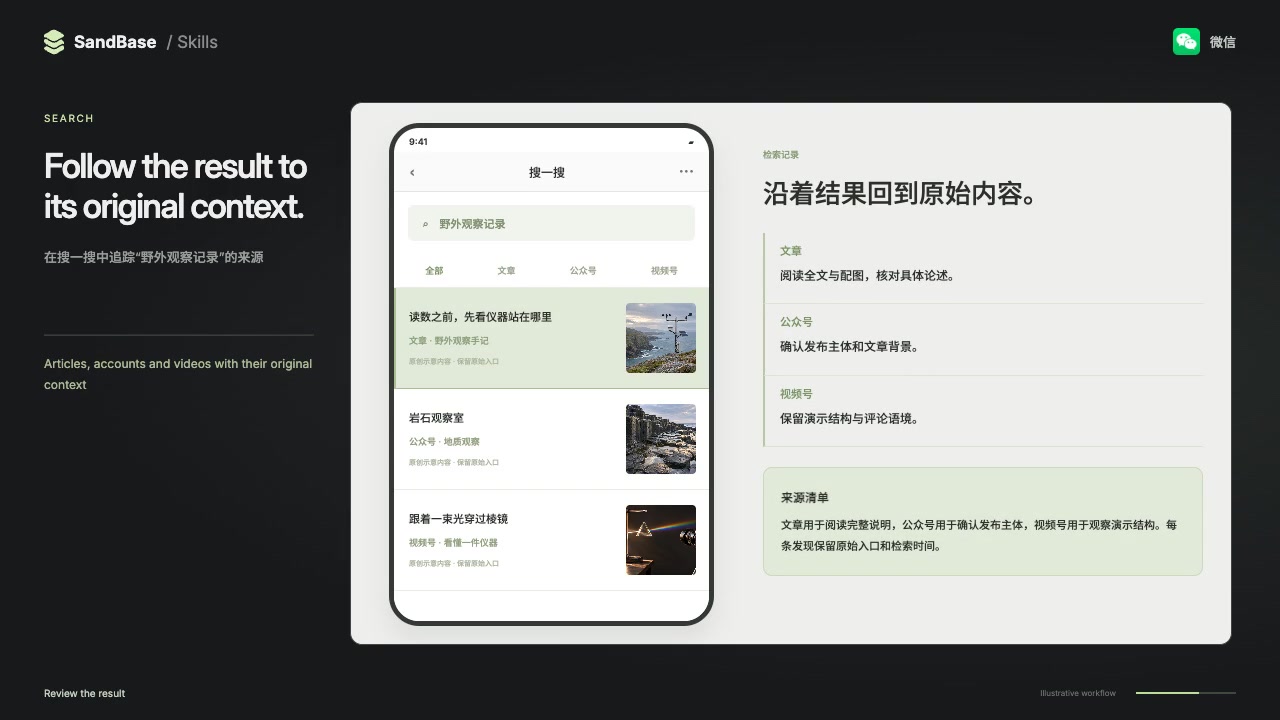
WeChat Search
Search articles, videos, and content within the WeChat ecosystem. Covers cross-content-type search including Official Account articles, video channels, and mini-programs — the gateway to China's largest private-traffic platform.
WeChat Channels Research
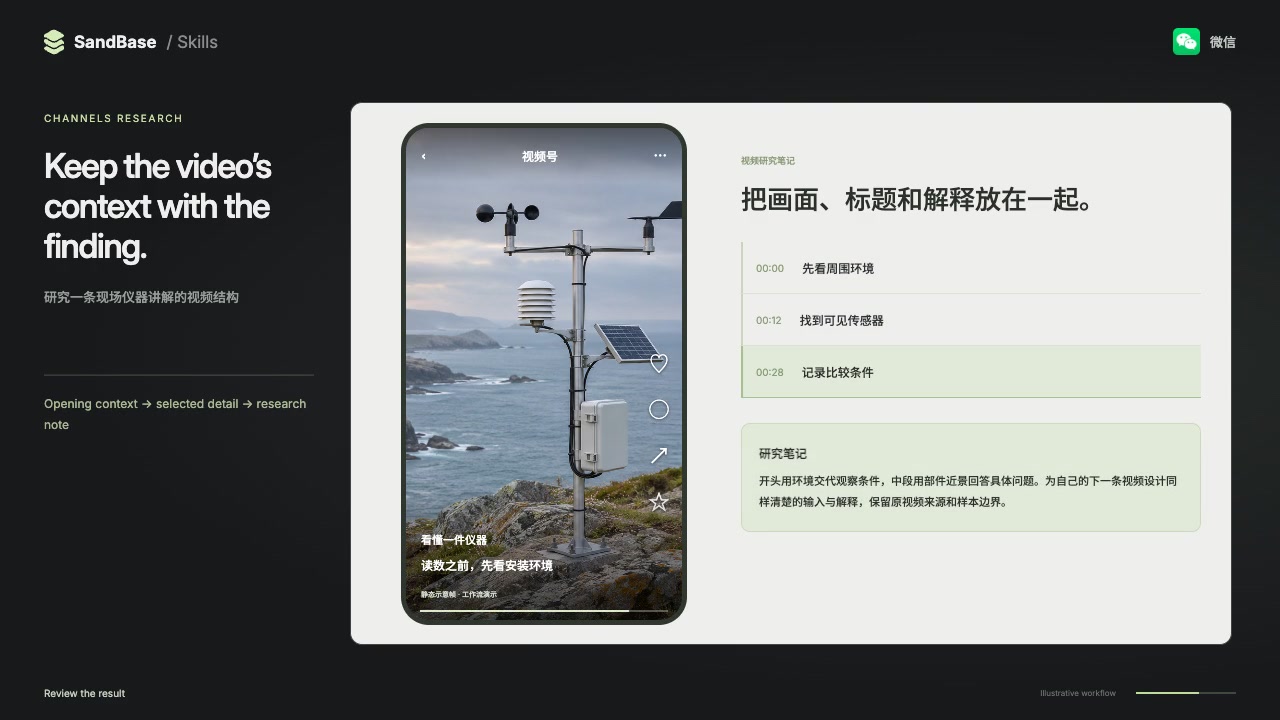
Search videos, analyze channel profiles, track live streams, and research content engagement on WeChat Channels (Video Accounts). Covers video search, channel profiling, live stream monitoring, comment analysis, and content collections.
WeChat Official Accounts Research
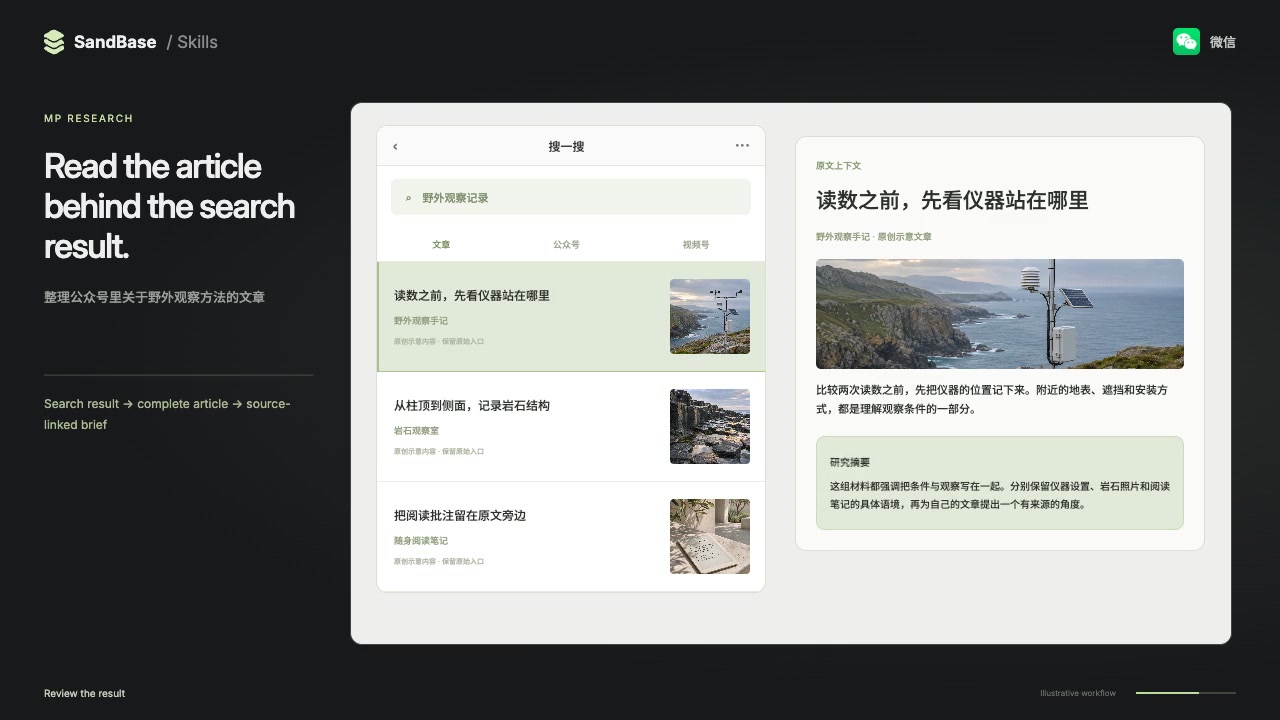
Research WeChat Official Account articles, analyze account profiles, track article performance, and read comments. Covers article discovery, account profiling, engagement statistics, comment analysis, and content strategy research on China's dominant messaging ecosystem.
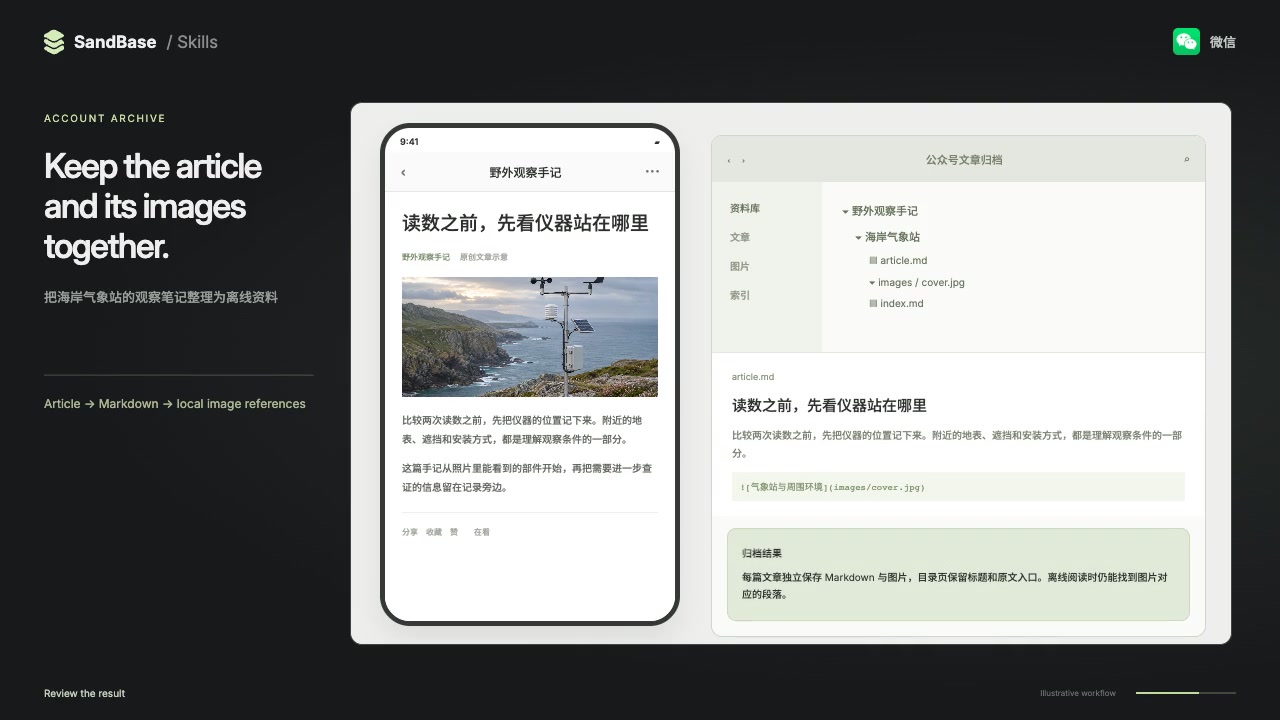
WeChat Account Archive
Save a 公众号’s articles as local Markdown with their images, so they still read offline or after deletion.
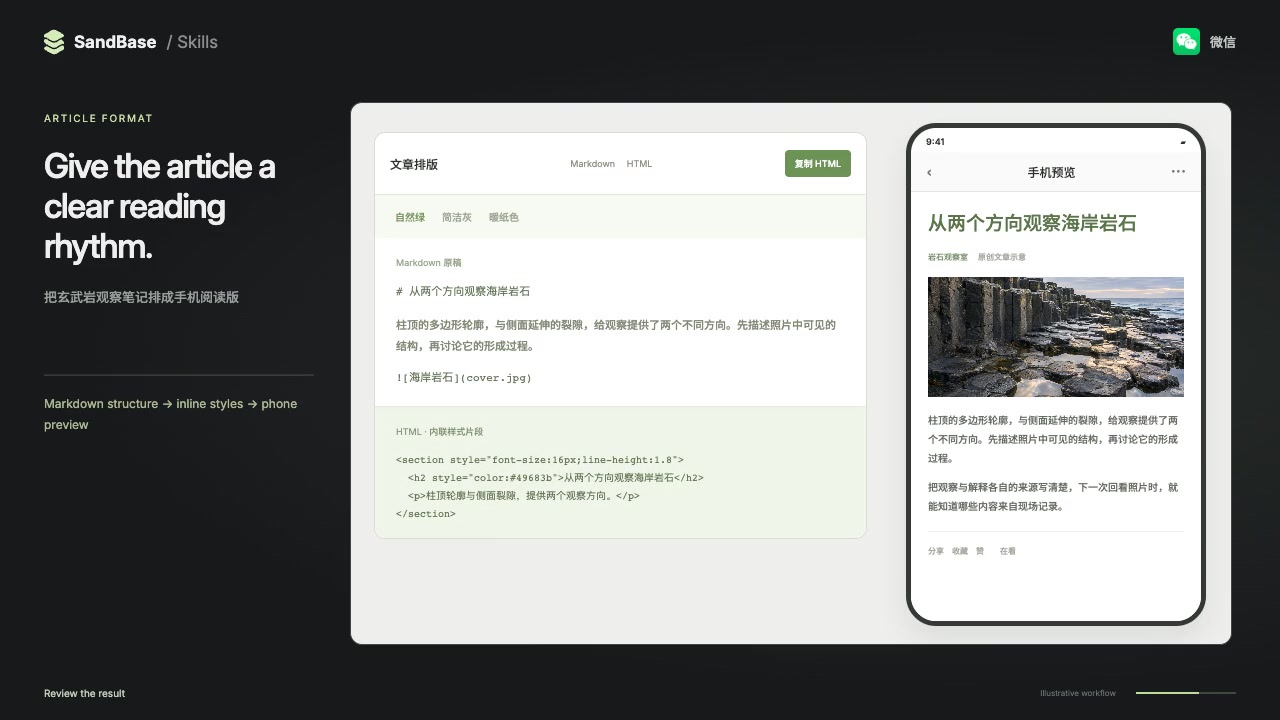
WeChat Article Format
Turn Markdown into 公众号 editor HTML that keeps its layout when pasted.
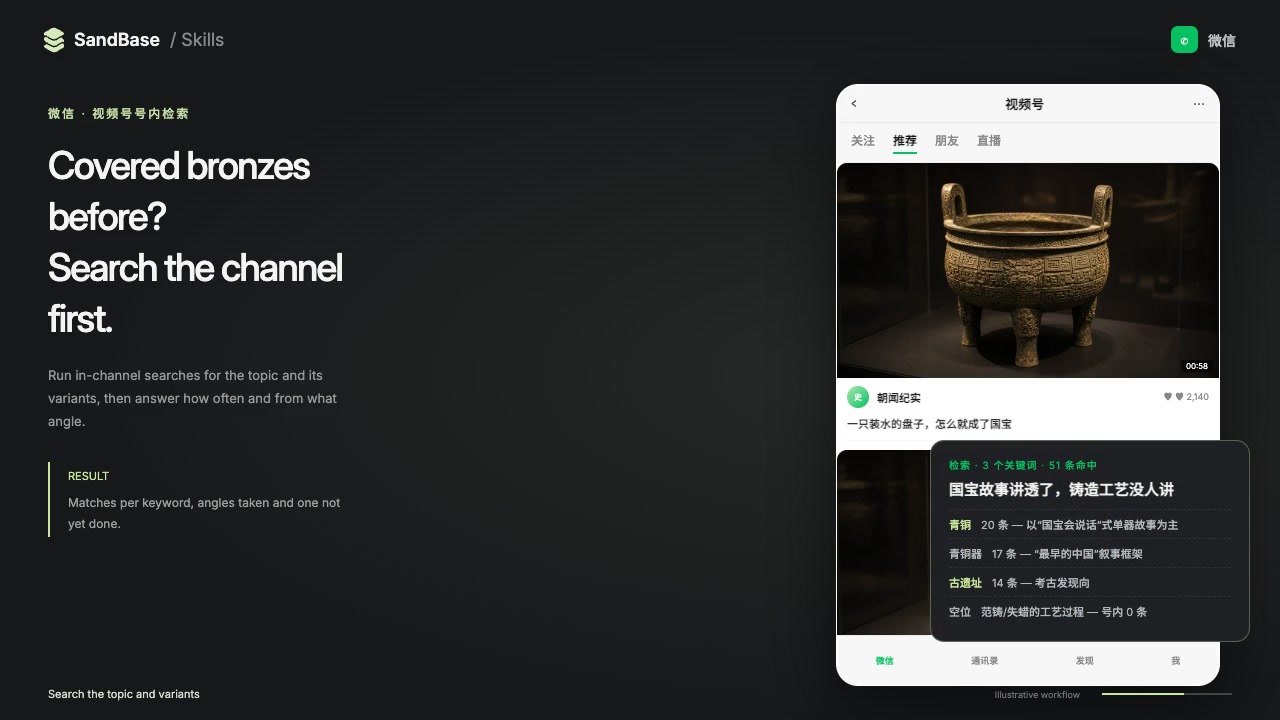
WeChat Channels Archive Search
Check whether a WeChat Channels account has already covered a topic.