
X Event Recap
- Lab 스킬
- v0.3.0
- X (Twitter)
Turn event notes into attributed posts that preserve what you actually saw or heard.
표지
얻을 수 있는 것
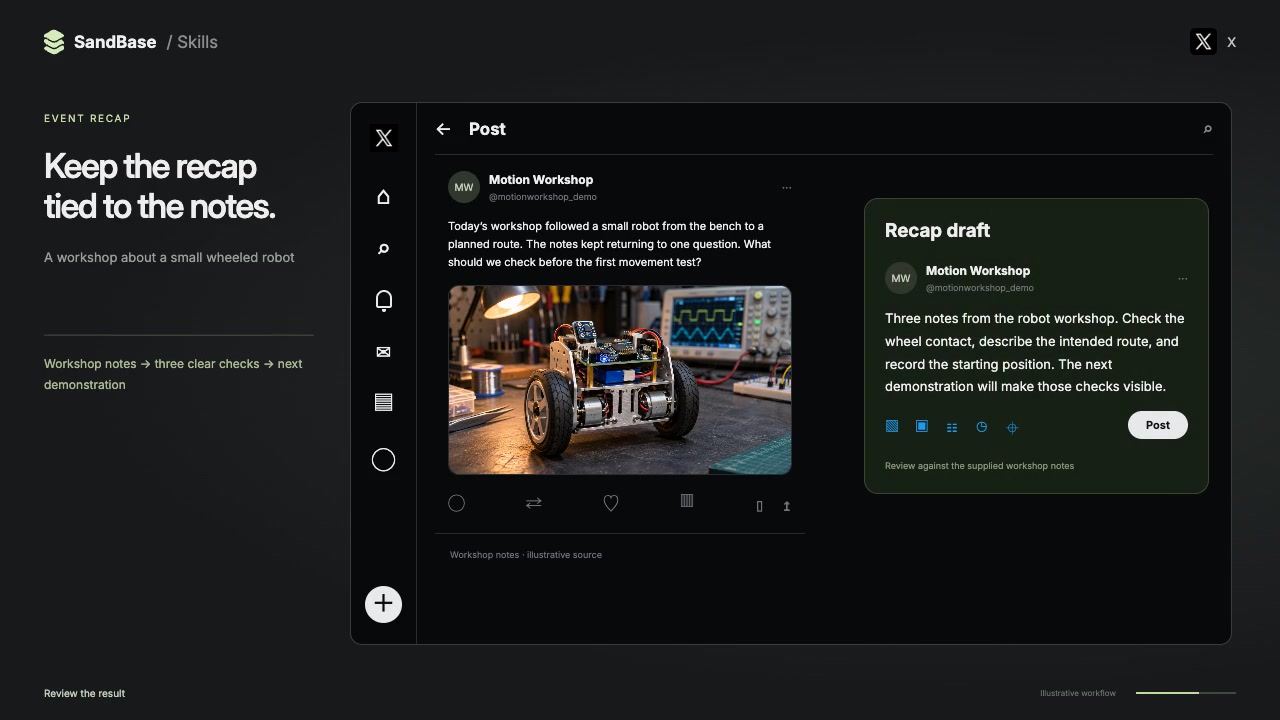
Bring event notes, attendance status and organizer links; selected recordings when available. The Skill returns attributed recap drafts grounded in notes and available speech transcripts, with unverified quotations flagged.
작동 방식
- 01
Gather the notes and facts
The Agent asks for the event name and date, whether you attended or watched a recording, notes with speaker attribution, exact quotations, what you want to say and the names you permit. Organizer or speaker posts can be read through SandBase. An announcement is not proof the event happened.
- 02
Build an attributed fact list
Facts get IDs, separated into event facts, exact quotes, paraphrased speaker points and your own observations and proposals. External claims are attributed to their source. One useful observation is enough for a single recap, so no thread's worth of material is invented.
- 03
Draft and check posts
A live-style post is written only when timing and attendance make it accurate. The recap is one post for one point or a short connected thread, with an optional reply to the organizer's post. Each draft lists its fact IDs, and a helper checks post lengths.
FAQ
What does X Event Recap write?
X Event Recap writes publishable X drafts from your event notes: an optional live-style post, a recap post or short thread, and an optional reply to the organizer. Each draft keeps observed facts, exact quotes and proposals apart, so speakers are quoted and attributed accurately.
Why does X Event Recap ask if I attended?
X Event Recap asks because a live-style post is accurate only when you were there at the time. If you watched a recording, the recap says so and skips live phrasing. The difference also affects which observations are yours and which come from the organizer.
Can X Event Recap use the organizer's posts?
Yes. X Event Recap can read organizer or speaker posts you supply, or a bounded sample from an organizer handle, keeping only posts about the named event and date. Their claims become attributed event facts, separate from your notes. Your own observations stay labelled as yours.
Is X Event Recap billed?
X Event Recap calls X post detail, thread and user timeline tools through SandBase only when it reads organizer or speaker posts, each billed per call. Writing from your own notes needs no call. The Agent can inspect the X thread tools before fetching; see https://www.sandbase.ai/pricing.
How long are X Event Recap's drafts?
X Event Recap writes one post for one point, or a short connected thread when the notes support several points, and checks each post's weighted length. It does not stretch thin notes into a long thread. Names and handles appear only where you permitted them.
더 많은 Skills
모든 X (Twitter) Skills →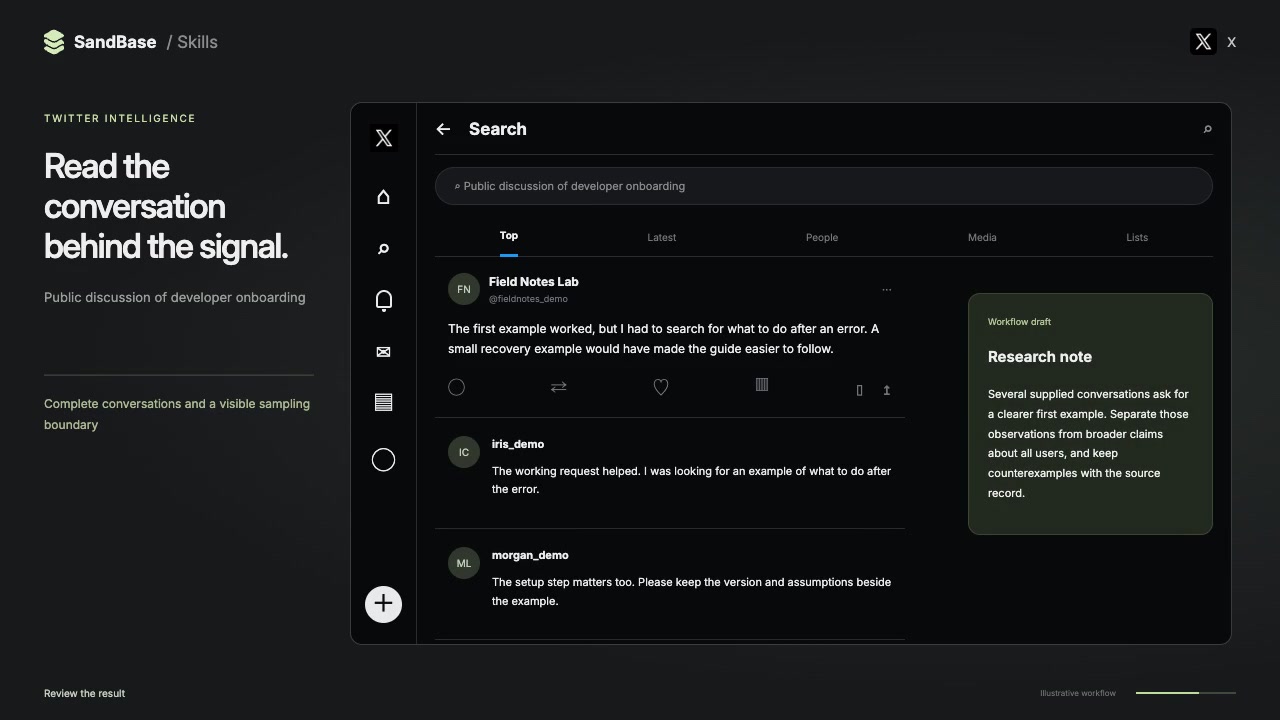
Twitter Intelligence
Search tweets, analyze trends, monitor users, and gather social intelligence from Twitter/X through SandBase. Use when asked for Twitter research, social listening, trend analysis, influencer monitoring, sentiment tracking, or competitor social intelligence.
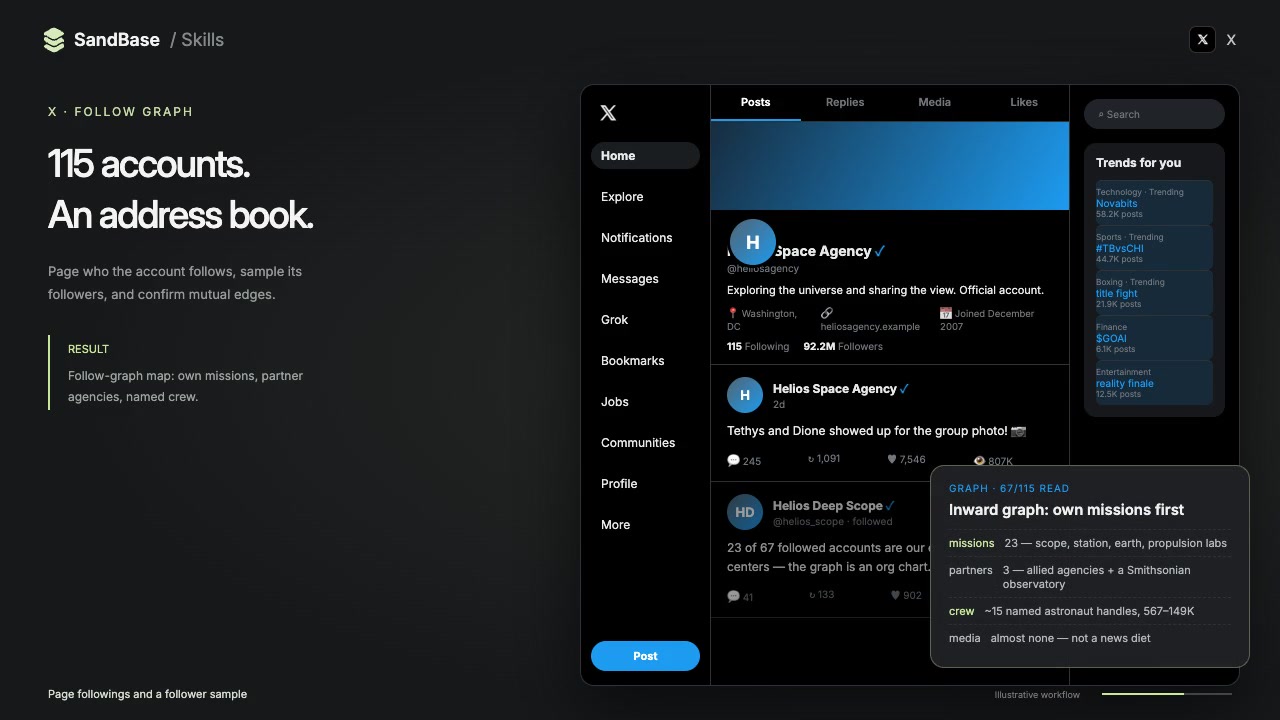
Twitter Follow Graph
Map one X (Twitter) account's follow graph through SandBase
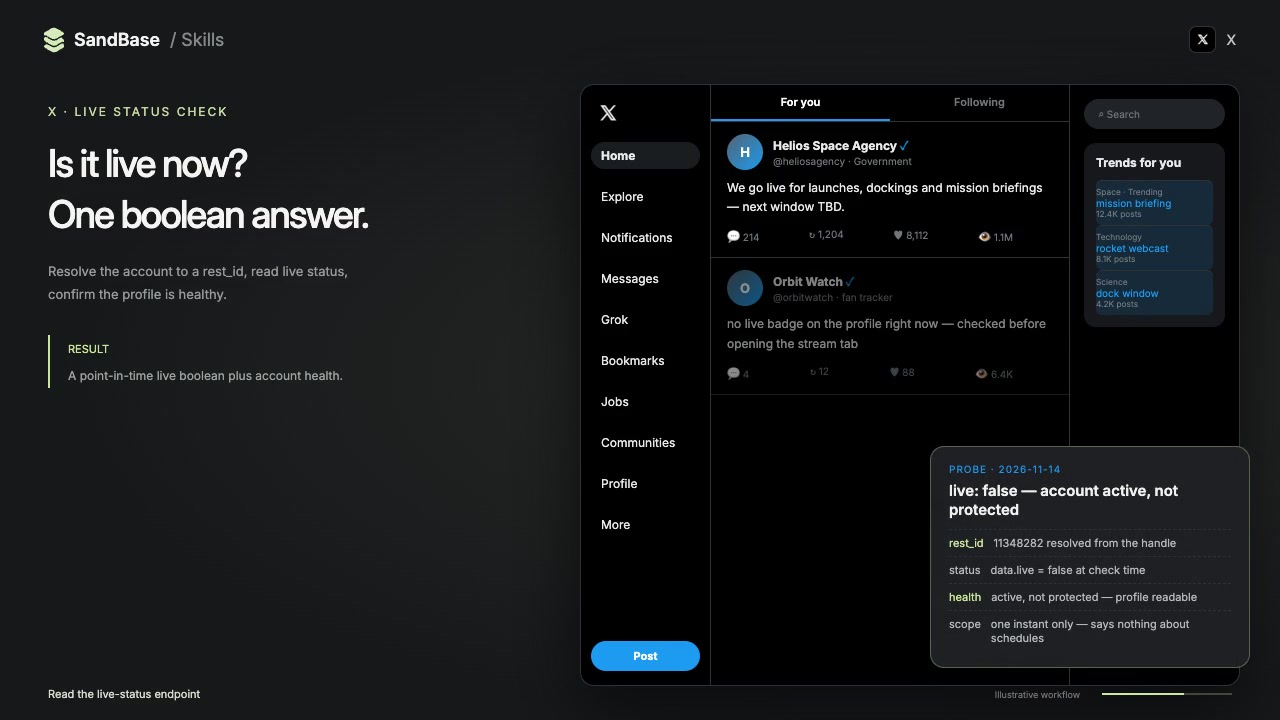
Twitter Live Status Check
Check whether an X (Twitter) account is currently live (broadcasting) through SandBase
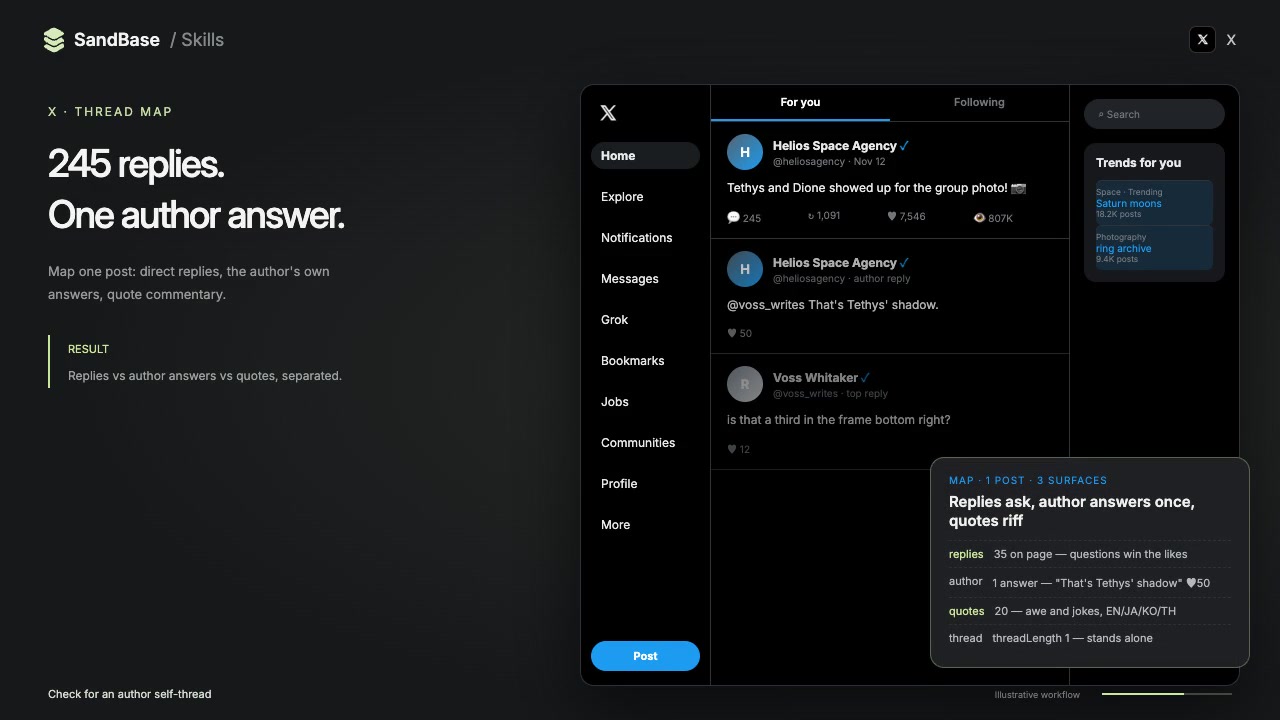
Twitter Post Thread Map
Map the conversation around one X (Twitter) post through SandBase
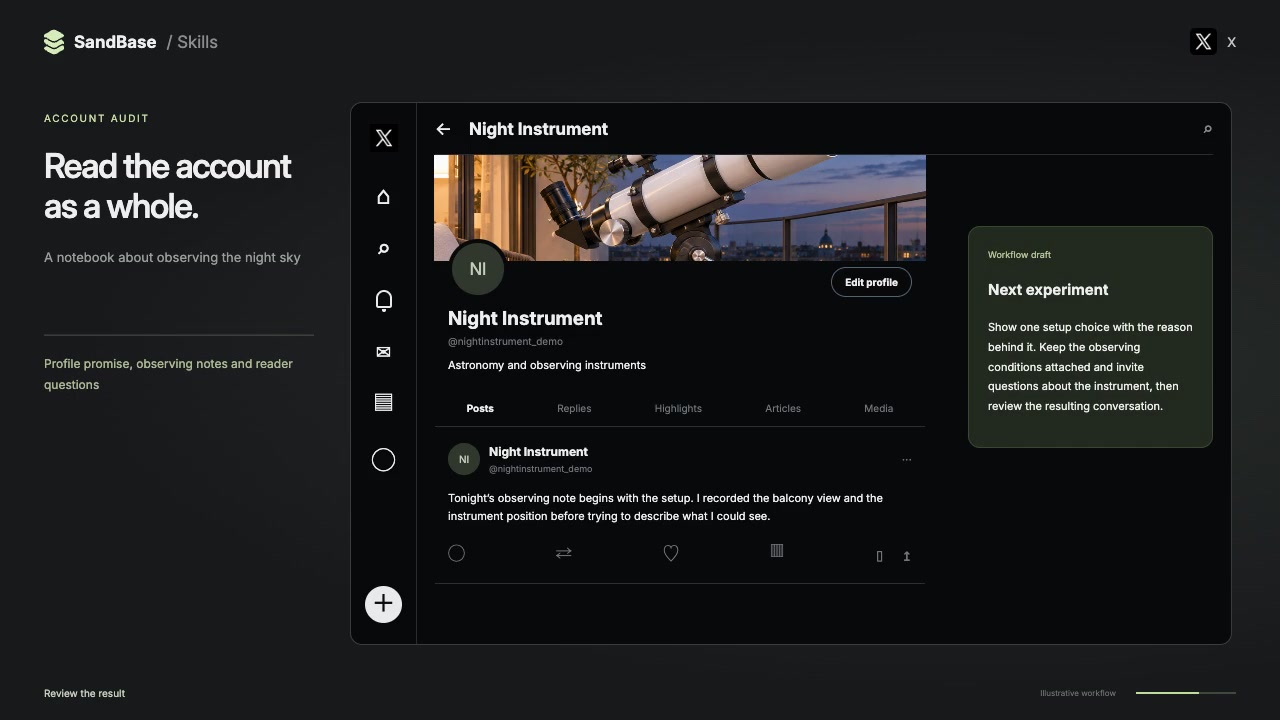
X Account Audit
You post on X every week but cannot tell which kinds of post actually work for your account.
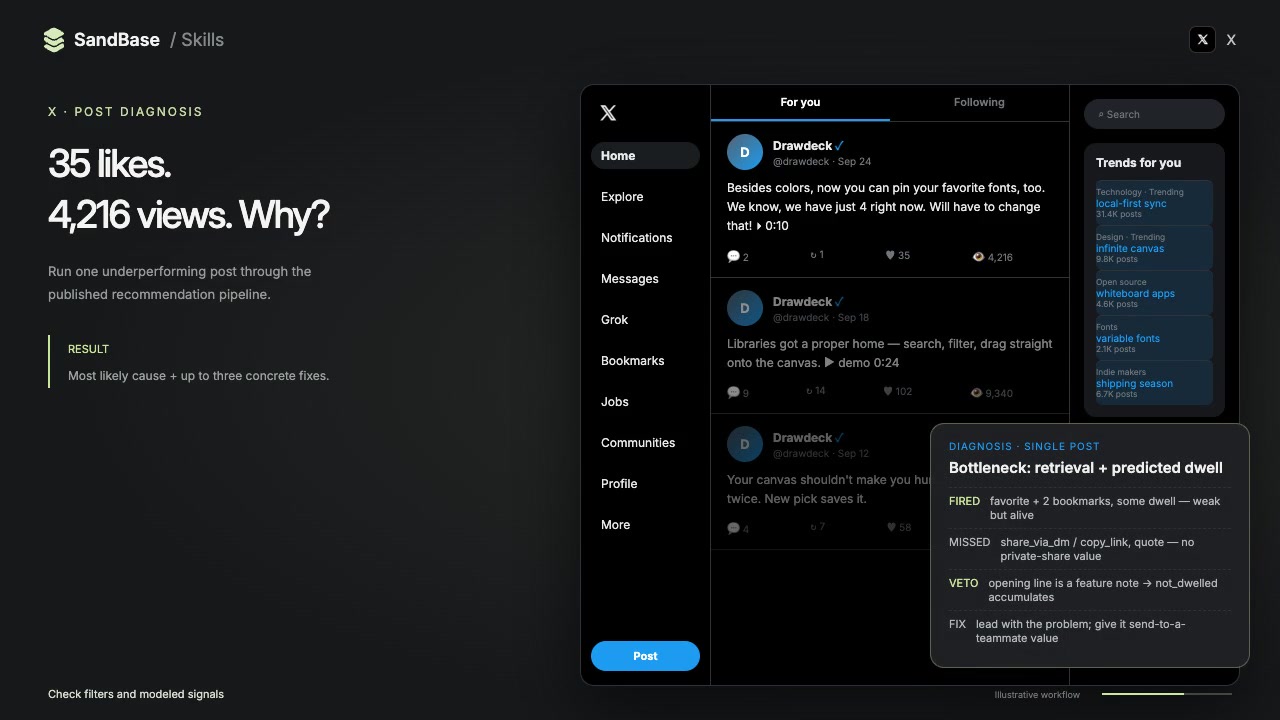
X Algorithm Post Diagnosis
A post that didn't take off needs a structural reason, not a guess about the algorithm.