
Venn Diagram Maker
무료차트 및 다이어그램Declare two or three circles on separate "Name: items" lines. Use "&" for exclusive overlaps, like "Cats & Dogs: fur"; with three circles, a pair overlap excludes the third. Items stay in the regions you enter. Long content uses numbered regions with a complete item key below the diagram, included in the PNG.
- 정확한 숫자
- PNG 다운로드
- 업로드된 항목 없음
View Venn regions (9 items)
These are exclusive regions: A & B excludes the third circle. Items stay where you put them; the tool does not calculate set membership or size circles by item count. Items fit inside the circles; longer content automatically uses numbered regions and a full item key.
| Region | Items |
|---|---|
| 1. Cats only |
|
| 2. Dogs only |
|
| 3. Cats & Dogs |
|
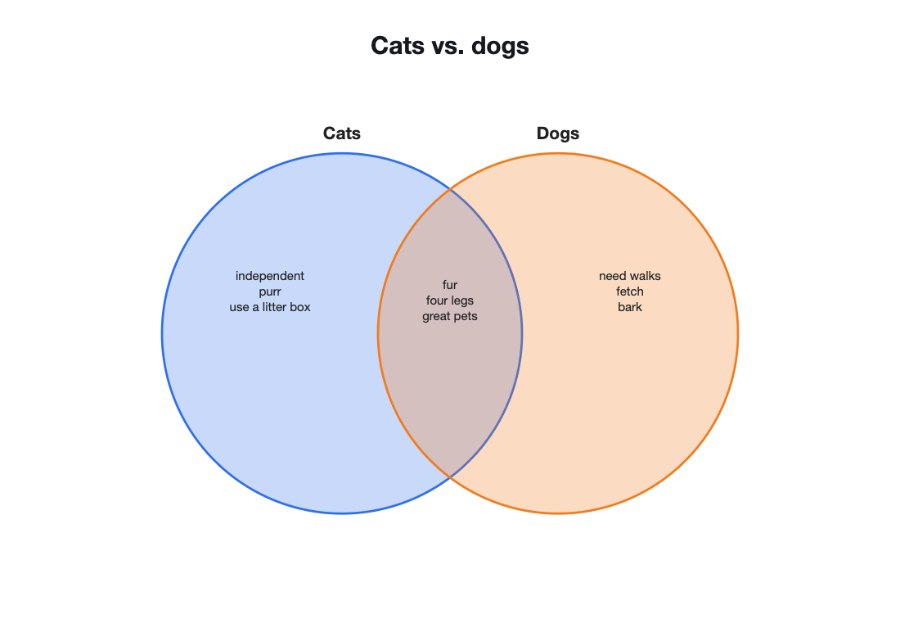
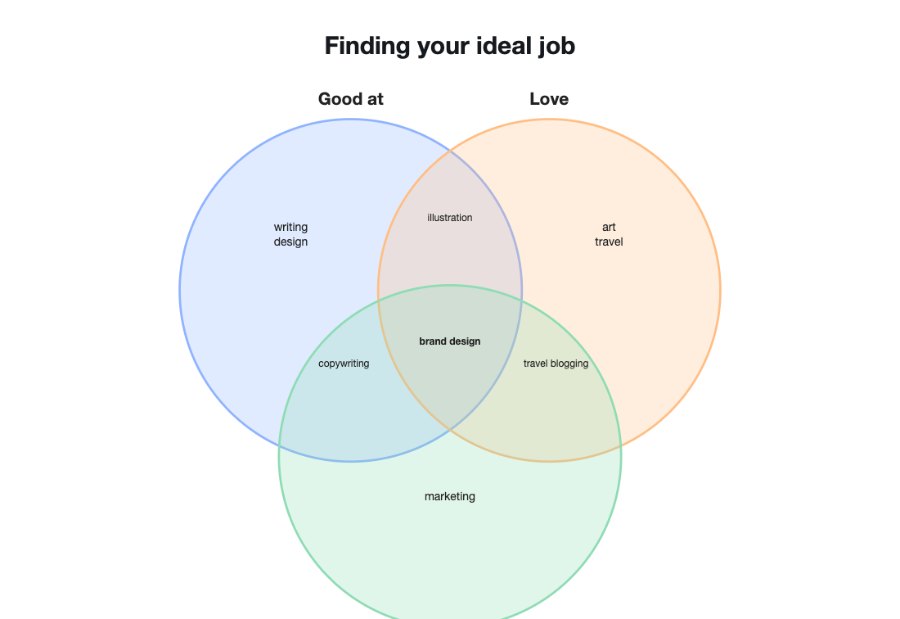
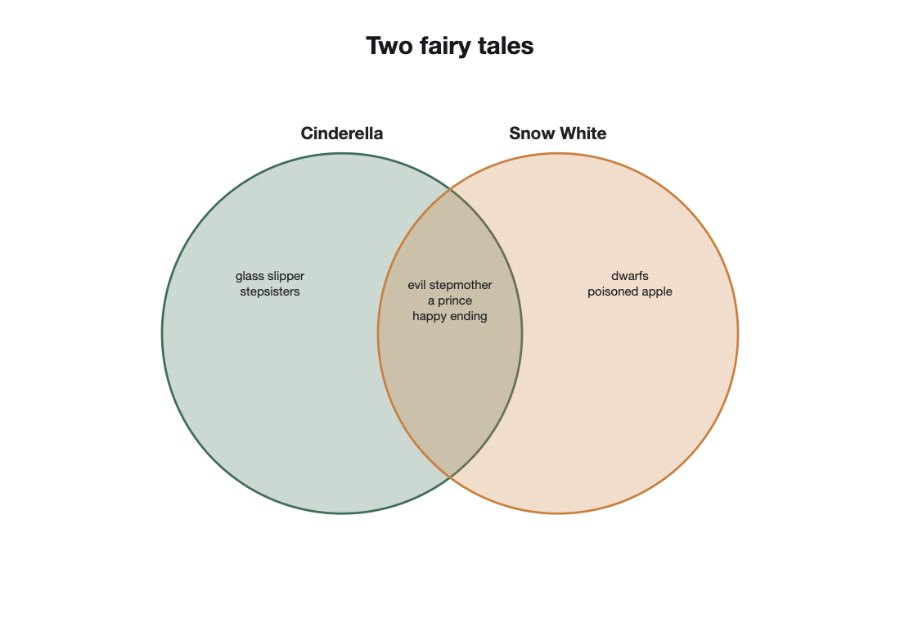
Venn Diagram Maker 사용 방법
- 01
Declare each circle as "Name: item, item", then overlaps as "A & B: item". Quote any item containing commas.
- 02
Pick colors; the diagram redraws as you type.
- 03
Download it as a PNG.
사람들이 이 도구를 사용하는 용도
Compare and contrast
The standard way to compare two stories, animals or ideas in class.
Planning
Find what two plans or groups share.
Presentations
Show where skills, markets or audiences overlap.
더 나은 결과를 위한 팁
- Write the overlap as "A & B: items".
- Add a third circle name for a three-circle diagram.
- Use Zoom preview for detail; long lists move to a numbered region key instead of being cut off.
- Leave a part empty to fill in by hand after printing.
FAQ
How do I make three circles?
Add a third name, like "Birds: feathers". Fill the overlaps with "Cats & Birds:", "Dogs & Birds:" and "Cats & Dogs & Birds:".
Can I leave a part empty?
Yes. Any part you do not list stays blank, ready to fill by hand after printing.
What goes in each overlap?
For two circles, A & B is the shared region. For three, A & B excludes C; use A & B & C for the central region shared by all three. The tool does not infer membership or automatically move repeated items.
What are the input limits?
Declare two or three circles with names up to 60 characters. Each of the three or seven regions accepts up to 12 items of 160 characters; titles accept 120. Quote comma-containing items. Repeated region lines are combined, and repeated items are preserved. Four circles and malformed lines show an error.
Why are there numbers in my diagram?
When any region is too small for its text, all regions receive matching numbers and a full item key appears below. The PNG contains both the diagram and every item. Circle sizes do not represent quantities.
Is my diagram generated locally?
Your inputs are drawn in your browser, and the PNG is created locally. No diagram-generation API is used.
더 많은 Tools
Bracket Maker
Make a printable single-elimination bracket for 2 to 64 teams.
Comparison Chart Maker
Compare products or plans in a table with check marks.
Family Tree Maker
Draw a family tree from an indented list of names and dates.
Flowchart Maker
Turn a list of steps into a flowchart with decisions.
Gantt Chart Maker
Turn tasks with start and end dates into a Gantt chart.
Waterfall Chart Maker
Show how gains and losses add up to a total with a waterfall chart.