
300 DPI Converter
무료이미지 도구Type the print size, and the picture is resized to the pixels it needs at 300 DPI and saved with 300 DPI in the file.
- 브라우저에서 실행
- 업로드된 항목 없음
- 워터마크 없음
300 DPI Converter 사용 방법
- 01
Drop the image for 300 DPI Converter, or pick one from your device.
- 02
Type the print size in inches or centimeters.
- 03
Download the result.
사람들이 이 도구를 사용하는 용도
Printing
Print-ready photos.
Publishers
Images at 300 DPI.
Forms
DPI requirements.
더 나은 결과를 위한 팁
- Type the print size you want.
- Small photos are scaled up; upscale first for detail.
- Check the result pixels.
8 × 10 in in pixels
| Selected density | Output dimensions |
|---|---|
| 150 DPI | 1200 × 1500 px |
| 300 DPI | 2400 × 3000 px |
| 600 DPI | 4800 × 6000 px |
| Size | 8 × 10 in = 20.3 × 25.4 cm |
| Aspect ratio | 4:5 |
These are calculated pixel dimensions, not a sharpness guarantee. The tool exports a single center-cropped JPG. Outputs above 12,000 pixels on either side are disabled; choose a lower density or smaller print size. Use actual-size printing to avoid a second resize.
FAQ
Can it make a small photo print sharply?
No. It increases the pixel count when needed, but enlargement cannot recover missing detail. Use a sharper, larger original or choose a smaller physical print size.
Does 300 DPI Converter upload my image?
No. 300 DPI Converter crops and sizes the image in your browser, so the picture never leaves your device.
이 작업에 적합한 SandBase API
같은 종류의 데이터를 자체 코드나 Agent에서 사용하세요: API 키 하나로, 호출당 과금됩니다.
더 많은 Tools
Change Image DPI
Change print density while preserving pixel dimensions.
 무료
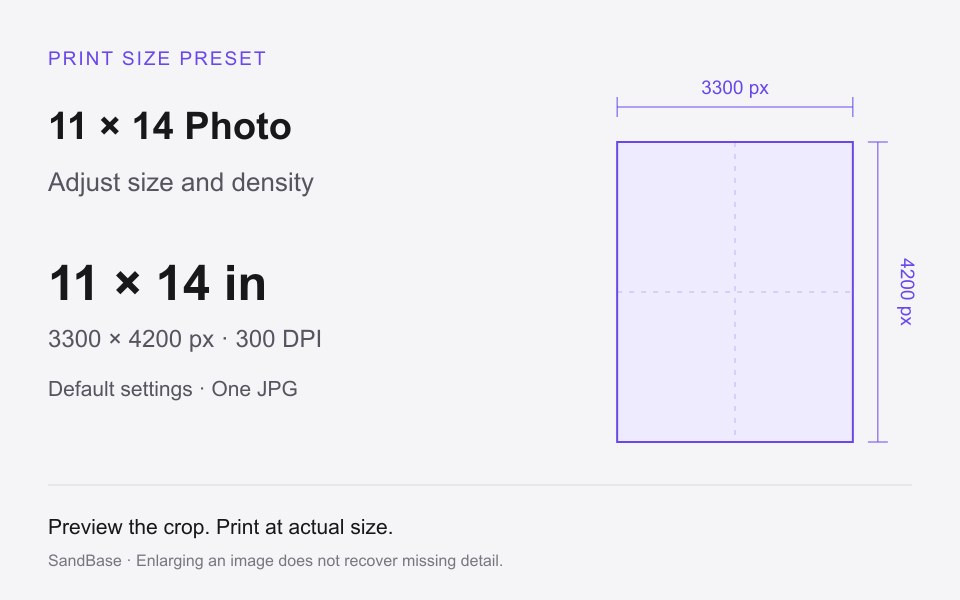
11 × 14 Photo Maker
Start with 11 × 14 in at 300 DPI; adjust the print size and density before saving.
 무료
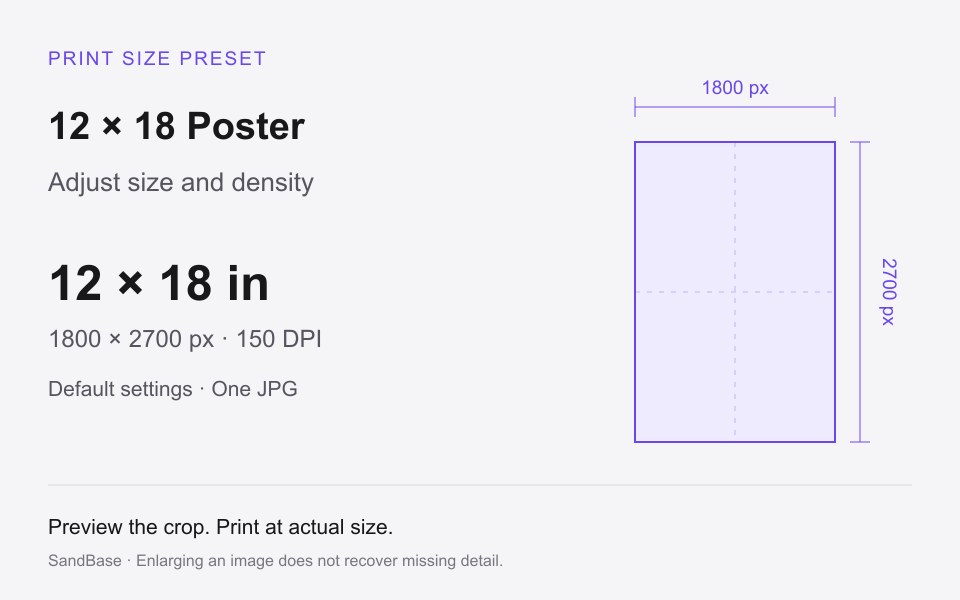
12 × 18 Poster
Start with 12 × 18 in at 150 DPI; adjust the print size and density before saving.
 무료
16 × 20 Poster
Start with 16 × 20 in at 150 DPI; adjust the print size and density before saving.
 무료
18 × 24 Poster
Start with 18 × 24 in at 150 DPI; adjust the print size and density before saving.
 무료
3 × 5 Photo Maker
Start with 3 × 5 in at 300 DPI; adjust the print size and density before saving.