
BMP to PNG converter
무료이미지 도구BMP is a bitmap format whose common uncompressed files can be large. Turn it into PNG: PNG is lossless and keeps transparency. Convert one file or a batch right in your browser.
- 브라우저에서 실행
- 업로드된 항목 없음
- 워터마크 없음
PNG는 무손실이며 투명도를 유지합니다.
BMP to PNG Converter 사용 방법
- 01
Drop BMP files here, or pick them from your device.
- 02
Check the decoded image; PNG export has no quality slider.
- 03
Download each file, or all of them as a ZIP.
사람들이 이 도구를 사용하는 용도
Old screenshots
Smaller lossless files.
Graphics
Keep every pixel.
Websites
PNG works everywhere.
더 나은 결과를 위한 팁
- PNG keeps BMP quality and is much smaller.
- Convert up to 30 at once.
- Use BMP to JPG for photos.
BMP input and PNG output
| BMP format | PNG from this tool | |
|---|---|---|
| Type | Raster image | Raster image |
| Compression | Commonly uncompressed; compressed variants exist | Lossless |
| Transparency | Depends on the variant | Yes |
| Animation | No | No; static output |
| Opens in | Windows and most editors | Widely supported by browsers and image editors |
| Best for | Old software that needs it | Screenshots, logos, graphics with text |
Input columns describe the source format. Output columns describe this converter. File size depends on image content, dimensions and encoding quality. Original EXIF and other source metadata are not copied.
FAQ
Why convert BMP to PNG?
PNG is lossless and keeps transparency. This tool saves the decoded pixels as PNG; it cannot recover detail already lost in the source.
Will PNG restore detail lost in my BMP?
No. PNG saves the decoded image without another lossy encoding step, but it cannot recover missing detail. The result can be larger than the original.
Does BMP to PNG Converter upload my files?
No. BMP to PNG Converter decodes each BMP file and writes the PNG in your browser, so your files never leave your device.
이 작업에 적합한 SandBase API
같은 종류의 데이터를 자체 코드나 Agent에서 사용하세요: API 키 하나로, 호출당 과금됩니다.
더 많은 Tools
AVIF to PNG Converter
Convert AVIF files to PNG in your browser, one file or up to 30 at once, with nothing uploaded.
BMP to JPG Converter
Convert BMP files to JPG in your browser, one file or up to 30 at once, with nothing uploaded.
BMP to PDF Converter
Convert BMP files to PDF in your browser, one file or up to 30 at once, with nothing uploaded.
HEIC to PNG Converter
Convert HEIC files to PNG in your browser, one file or up to 30 at once, with nothing uploaded.
ICO to PNG Converter
Convert ICO files to PNG in your browser, one file or up to 30 at once, with nothing uploaded.
 무료
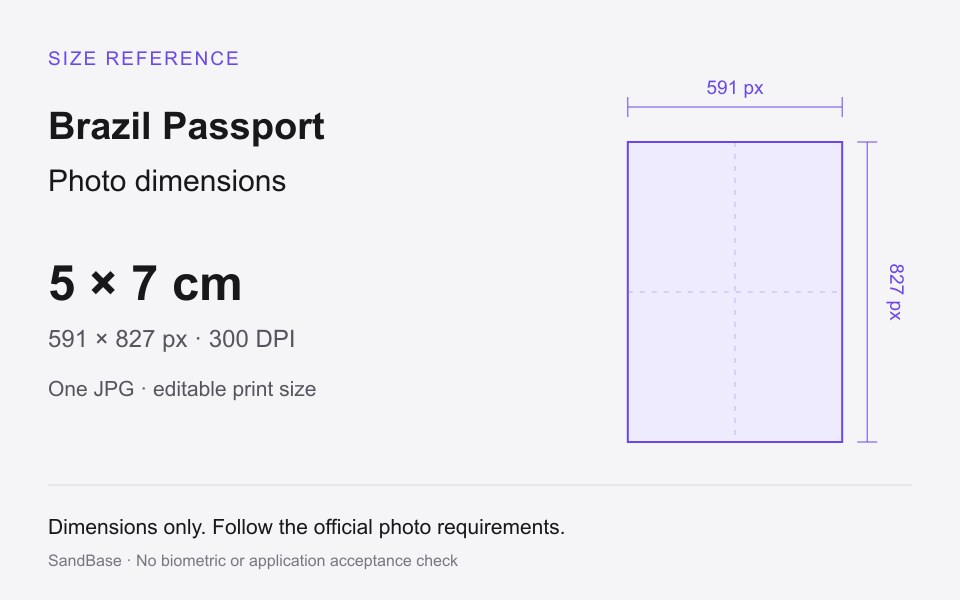
Brazil Passport Photo Size
Printed photo for children under five in Brazil. Starting preset: 50 × 70 mm.