
Favicon generator
무료이미지 도구Drop your logo or an icon and get a favicon.ico with every size browsers and Windows use, in one file. Nothing is uploaded.
- 브라우저에서 실행
- 업로드된 항목 없음
- 워터마크 없음
Favicon Generator 사용 방법
- 01
Drop images here, or pick them from your device.
- 02
Tick the icon sizes you need.
- 03
Download each file, or all of them as a ZIP.
사람들이 이 도구를 사용하는 용도
New websites
A favicon for the browser tab.
Rebrands
Swap the icon for a new logo.
Web apps
Icons for bookmarks.
더 나은 결과를 위한 팁
- Start from a square logo of at least 256 px.
- Use a simple mark, not the full logo.
- Add a 180 px apple-touch-icon too.
- Clear the browser cache to see the new icon.
ICO output from this converter
| ICO | |
|---|---|
| Type | Icon container |
| Compression | PNG images at the selected icon sizes |
| Transparency | Yes |
| Animation | No; static output |
| Opens in | Windows and browsers (favicons) |
| Best for | Favicons and Windows icons |
Input columns describe the source format. Output columns describe this converter. File size depends on image content, dimensions and encoding quality. Original EXIF and other source metadata are not copied.
FAQ
How do I add it to my site?
Put favicon.ico in the root of your site, or link it in your page head: <link rel="icon" href="/favicon.ico">.
Why convert image to ICO?
ICO holds several icon sizes in one file. Pick the sizes the icon should contain; 16, 32, 48 and 256 cover Windows and browsers.
Will my image look sharp as an icon?
The image is resized into the selected icon sizes. Small sizes such as 16 and 32 pixels lose detail, so simple shapes work best. Inspect each size before using the icon.
Does this preserve animation?
No. This converter exports a single decoded frame as a still image, or as one PDF page. Use an animation-specific tool to keep multiple frames.
Does Favicon Generator upload my files?
No. Favicon Generator decodes each image file and writes the ICO in your browser, so your files never leave your device.
이 작업에 적합한 SandBase API
같은 종류의 데이터를 자체 코드나 Agent에서 사용하세요: API 키 하나로, 호출당 과금됩니다.
더 많은 Tools
이미지 압축기
브라우저에서 JPG, PNG, WebP 이미지를 품질 슬라이더와 전후 크기 비교와 함께 줄이세요.
이미지 크기 조절기
이미지를 정확한 픽셀 크기나 비율로 조정하고, 소셜 미디어와 AI 모델 입력용 프리셋도 사용할 수 있습니다.
이미지 변환기
JPG, PNG, WebP 간에 이미지를 변환하세요. 이미지 한 장도, 전체 일괄도 처리할 수 있습니다.
사진 콜라주 메이커
최대 9장의 사진으로 콜라주를 만들어 보세요. 레이아웃, 모양, 간격, 배경을 선택하고 JPG 또는 PNG로 다운로드할 수 있습니다.
 무료
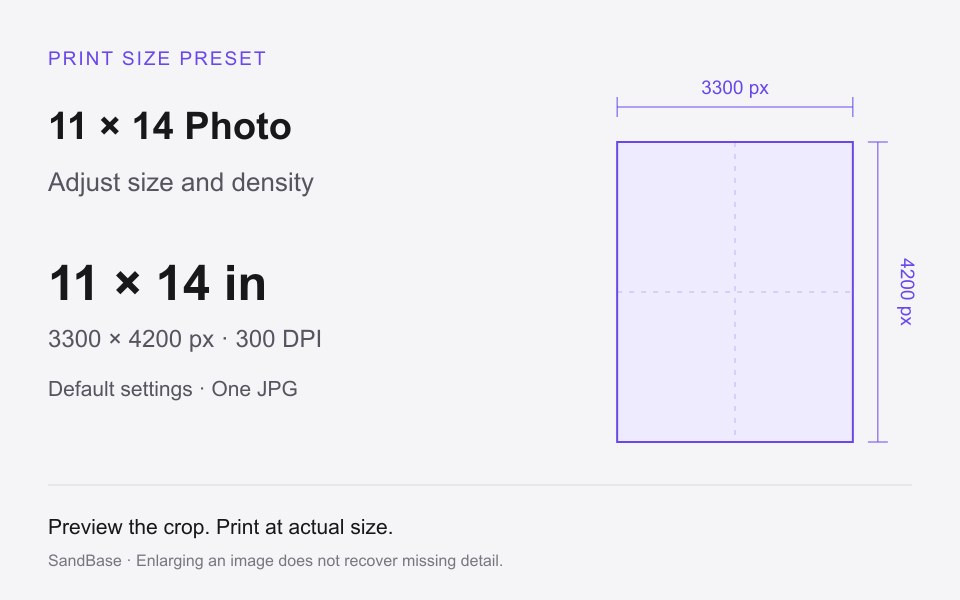
11 × 14 Photo Maker
Start with 11 × 14 in at 300 DPI; adjust the print size and density before saving.
Flip Image
Mirror a picture left to right, or flip it upside down.