
Boarding Pass Maker
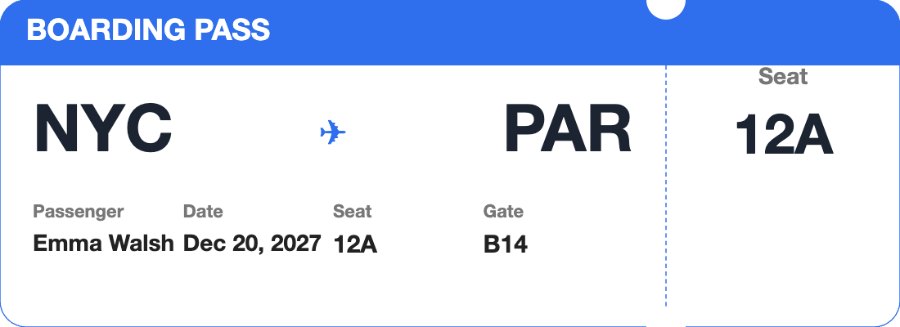
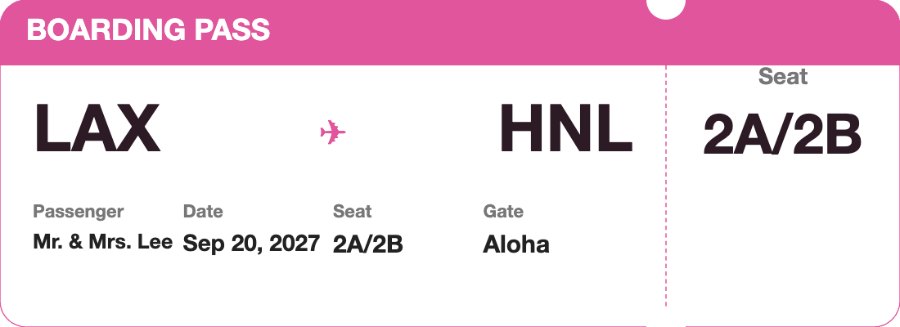
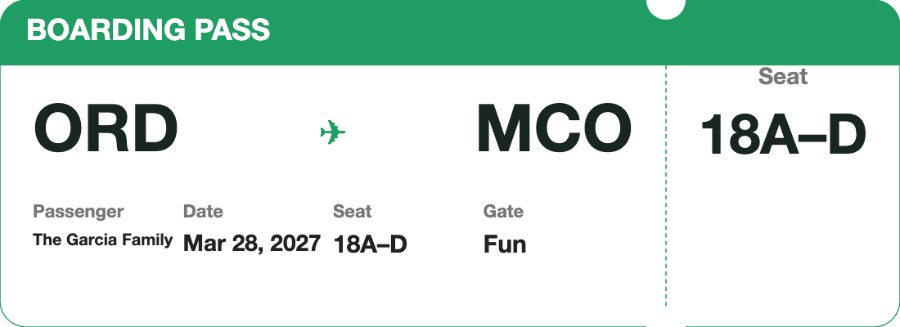
무료카드 및 라벨Type the route as "from → to", the passenger’s name, date, seat and gate. Wrap it up or hide it in a card for a surprise trip reveal.
- 인쇄용 PDF
- Letter 또는 A4
- 업로드된 항목 없음
Boarding Pass Maker 사용 방법
- 01
Type the route, passenger, date, seat and gate.
- 02
Pick the colors.
- 03
Download it as a PNG, or a sheet to print.
사람들이 이 도구를 사용하는 용도
Surprise trips
Reveal a getaway with a boarding pass.
Gifts
Put it in a card for a birthday or anniversary.
Themed parties
Invitations for travel-themed parties.
더 나은 결과를 위한 팁
- Use airport codes for a real look.
- Hide the pass in a card or a book.
- Print on card stock.
- Make one per traveler.
FAQ
Can I use it to board a plane?
No. It is a keepsake and gift reveal only; airlines issue the real one.
How do I write the route?
Use airport or city codes with an arrow, like "NYC → PAR".
Can it be used to fly?
No. Airlines issue real boarding passes; this is a keepsake.
What should I put as the gate?
Anything fun, like the month or a message.
Does Boarding Pass Maker upload what I type?
No. Boarding Pass Maker draws the page in your browser from what you type, so it works offline once the page has loaded and nothing is sent anywhere.
더 많은 Tools
Concert and Event Ticket Maker
Make numbered concert and event tickets with a tear-off stub.
Raffle Ticket Template
Print numbered raffle tickets with a stub for name and phone.
Address Label Template
Print address labels on 30-per-sheet label paper and other sizes.
Award Certificate Maker
Make an award certificate with your own title and reason.
Baby Shower Bingo
Printable baby shower bingo cards filled with baby gift words.
Business Card Template
Make a business card and print 10 on a Letter or A4 sheet.