
Pantry Labels
무료카드 및 라벨Type one item per line and pick a label size: 2 × 4 inch labels for bins, or 2 inch circles for jar lids. A serif font and soft color give a tidy look.
- 인쇄용 PDF
- Letter 또는 A4
- 업로드된 항목 없음
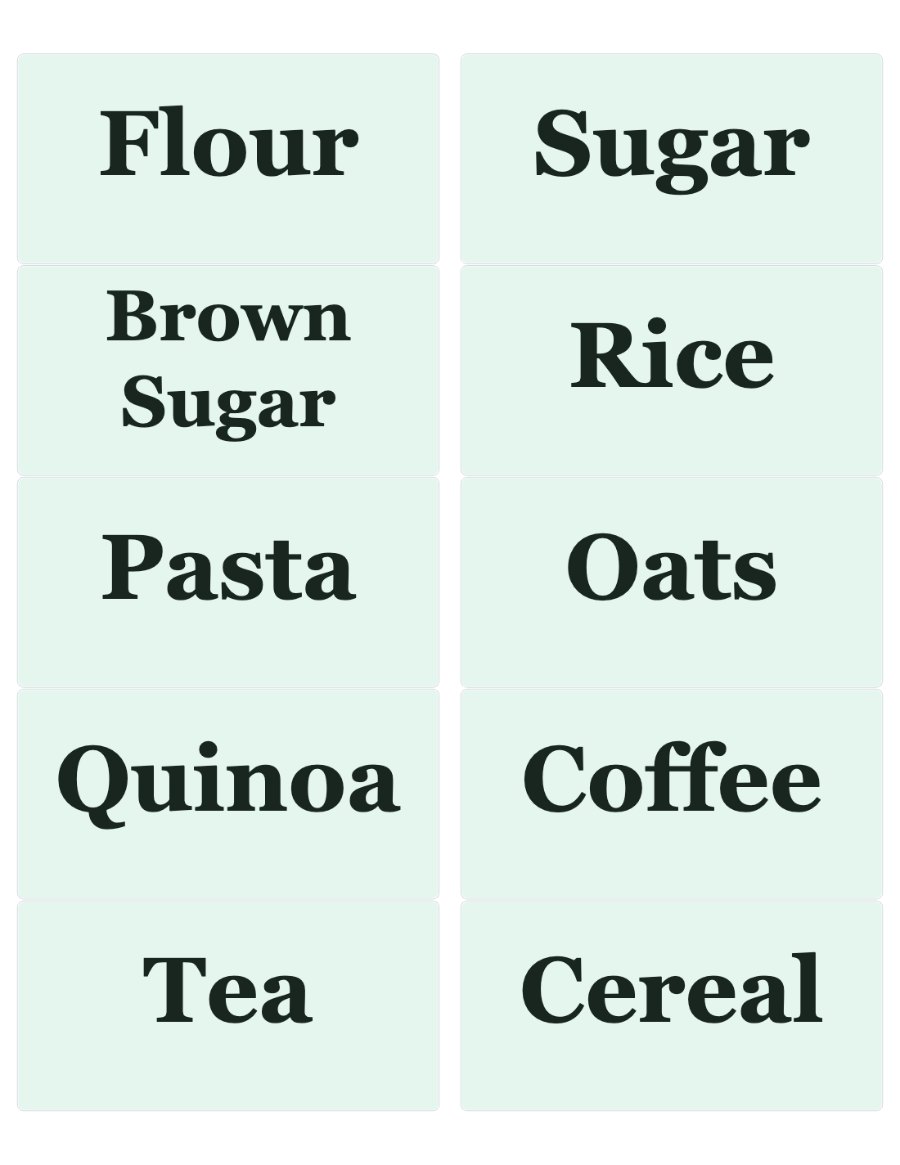
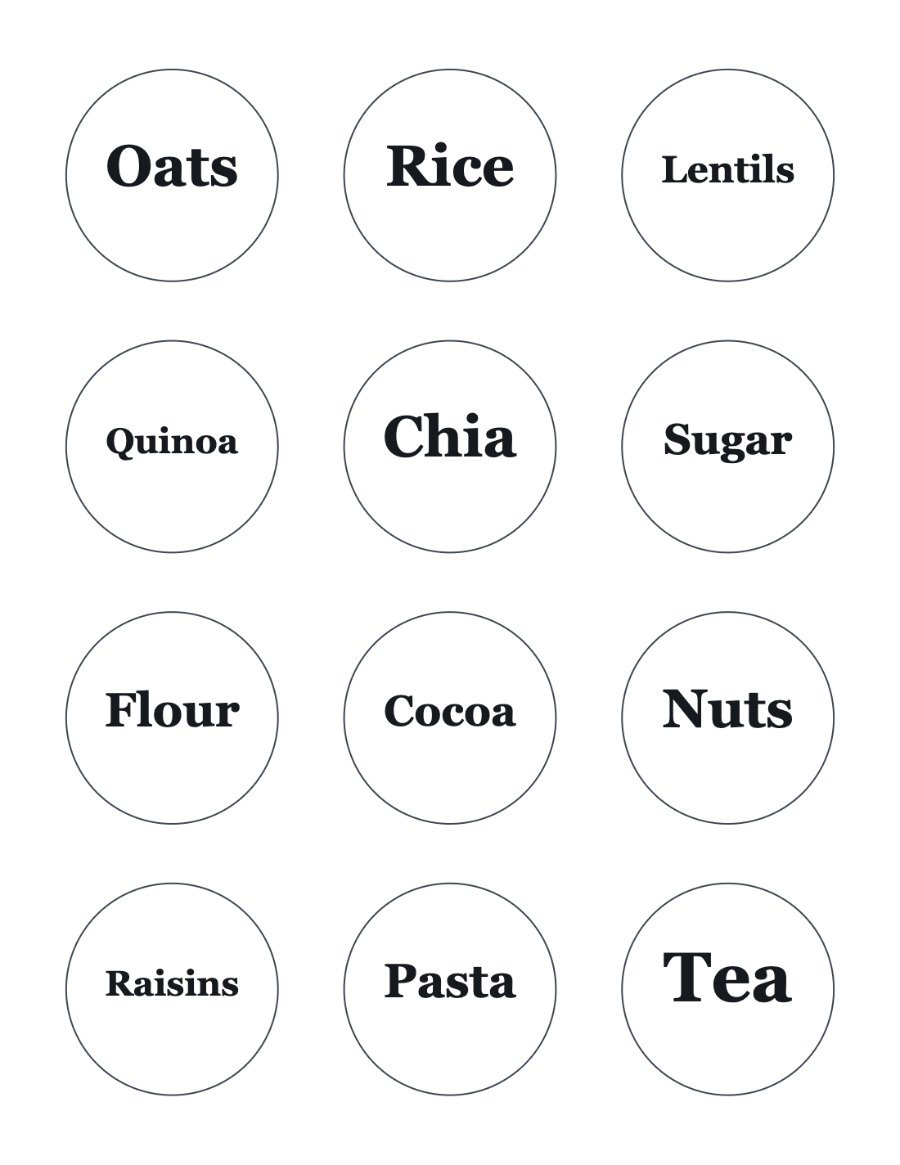
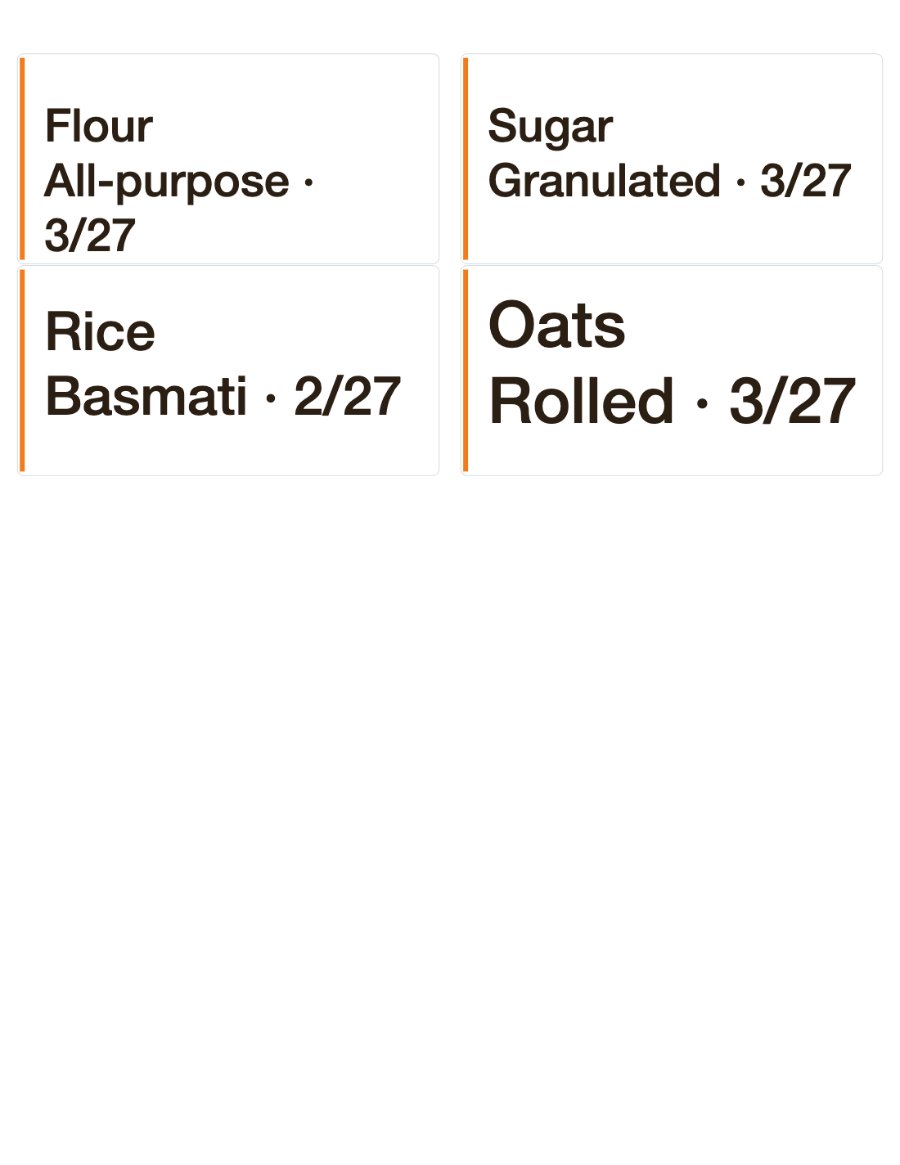
Pantry Labels 사용 방법
- 01
Type one label per line, or separate longer labels with an empty line.
- 02
Pick the label sheet that matches your labels, a style and a font.
- 03
Download the PDF and print it at 100% (actual size).
사람들이 이 도구를 사용하는 용도
Pantry makeovers
Matching labels for jars and bins.
Bulk buying
Label refills and dates.
Kids helping
Labels make it easy for everyone to put things back.
더 나은 결과를 위한 팁
- Use waterproof vinyl for jars that get washed.
- Add the purchase or expiry date.
- Match the label size to the container.
- Keep a sheet of spare blank labels.
FAQ
Will they survive washing?
Paper labels will not. Use waterproof vinyl label sheets for jars that get washed.
Can I add a second line?
Yes. Separate labels with an empty line and put the second line under the name, like "Flour" then "All-purpose".
Which label sizes are available?
2 × 4 inch (Avery 5163 size), 3⅓ × 4, round 2 inch and more.
Will they peel off?
Paper labels peel off easily; vinyl labels last longer.
Does Pantry Labels upload what I type?
No. Pantry Labels draws the page in your browser from what you type, so it works offline once the page has loaded and nothing is sent anywhere.
더 많은 Tools
File Folder Labels
Printable file folder tab labels, 30 per sheet.
Spice Jar Labels
Printable round labels for spice jars, with your spice names.
Address Label Template
Print address labels on 30-per-sheet label paper and other sizes.
Award Certificate Maker
Make an award certificate with your own title and reason.
Baby Shower Bingo
Printable baby shower bingo cards filled with baby gift words.
Place Card Maker
Print folding place cards with guest names and table numbers.