
Roche Limit Orrery
- Skill z Lab
- v0.1.0
- Interactive 3D
A banded giant planet tilted toward you with a faint ring, small moons and a dotted Roche limit, drawn as crisp pixels, where a moon that crosses the line is stretched by the tide, breaks into thousands of pieces and calms into a ring; tap to set a moon on an orbit, drag to throw one, aim at the planet for an impact.
Przykład
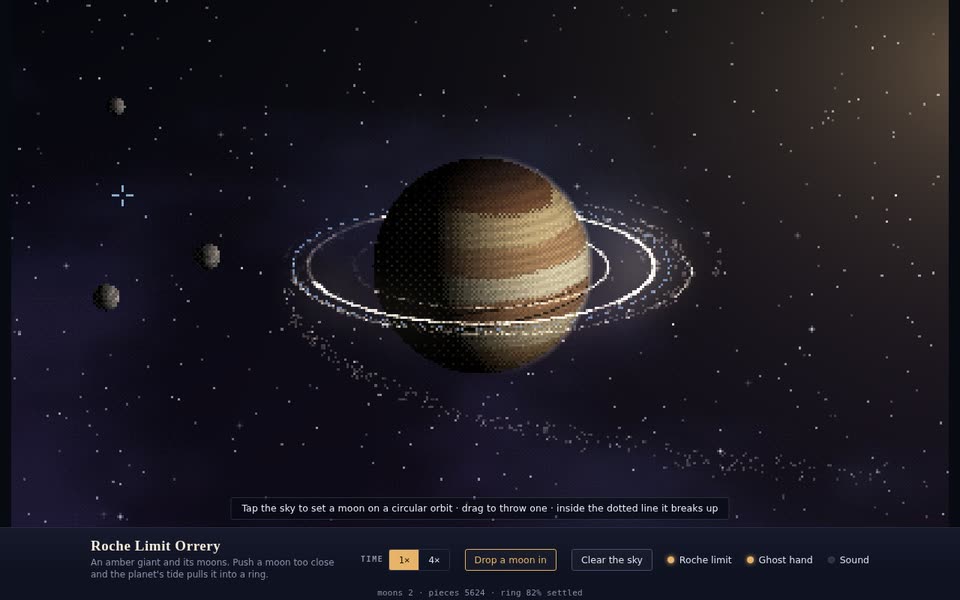
Roche Limit Orrery scene
Przykład działa w odizolowanej ramce bez dostępu do tej strony.
Uruchom online
Uruchom w sandboxie SandBase i zobacz wyniki w Lab.
Otwórz w Lab ↗Co otrzymasz
Bring the planet's bands, the sky, the physics settings and the copy for your system. The Skill returns a downloadable Skill and a runnable orrery scene.
Jak to działa
- 01
Write the system briefs
Each brief in assets/briefs/ holds the copy, the readout format, the planet's size, position, band colours and storm, the view tilt and sun side, the Roche limit in planet radii, the orbit period at the limit, the tide strength, the opening ring and moons, and the palette. A new brief needs no code change. You might tell your Agent: "Use roche-limit-orrery to make a pale ice giant with a wide limit and three moons."
- 02
Build one offline page
npm run build inlines src/orrery.js and both briefs into dist/index.html, about 55 KB, and ?lang=en or ?lang=zh-CN picks the brief. Moons and up to 9000 pieces orbit one central mass with leapfrog steps, pieces sort into 72 rings each frame and calm toward circular orbits, and the result is drawn into a 400 × 225 pixel buffer scaled up crisp. There are no images, no network requests and no model calls.
- 03
Check the sky before you ship
npm install brings in playwright-core, then npm run shoot drives the page frame by frame in headless Chrome with the network blocked. Its 46 checks cover the ghost hand breaking a moon, a real tap and a real throw, the ring settling, an impact, 4× time, clearing, keys, reduced motion, the cover replay, and controls that never overlap at 360, 390 and 768 px wide in both languages.
FAQ
Does Roche Limit Orrery need an API key?
No. Roche Limit Orrery is a single offline HTML page drawn with Canvas 2D, so it needs no API key and makes no model or network calls, before or after it is built. Node.js is only needed to run the build script, and playwright-core with a local Chrome only for the bundled browser checks.
Is the physics real?
Partly. Roche Limit Orrery integrates every moon and piece around one central mass with real inverse-square gravity, and the tide grows with the cube of how far inside the limit a moon has gone. Moons do not pull on each other or on the pieces, and the ring forms through a damping rule that stands in for collisions, so there are no density waves or shepherd moons.
Why does a moon break up only after a while?
The tide builds a stretch on the moon while it stays inside the dotted line and lets it ease back outside. A moon on a shallow pass may leave the limit stretched but whole; one that dips deeper or stays longer cracks and then breaks. Each brief sets how fast the stretch grows with its tidal value.
Can I change the planet and the sky?
Yes. The planet's size, position, band colours and storm, the tilt of the ring plane, the sun side, the nebula colours, the opening ring and the starting moons all live in the brief, together with the copy. Copy one of the two bundled briefs, edit it and pass its name to scripts/build.mjs.
Does Roche Limit Orrery work on a phone?
Yes. Roche Limit Orrery answers touch the same way as a mouse: tap to set a moon and drag to throw one. Portrait phones get a taller stage that crops the outer sky at the sides, and the bar wraps under it. The checks ran at 360, 390 and 768 px wide under emulation, not on real devices.
Does Roche Limit Orrery make sound?
Only when you switch it on. Roche Limit Orrery starts silent. With sound on, a low hum grows with the ring, a moon breaking up gives a crack, an impact gives a thud, and setting or throwing a moon gives a short tone. The sound was checked in code, not by ear.
Więcej Skills
Wszystkie Skills dla Interactive 3D →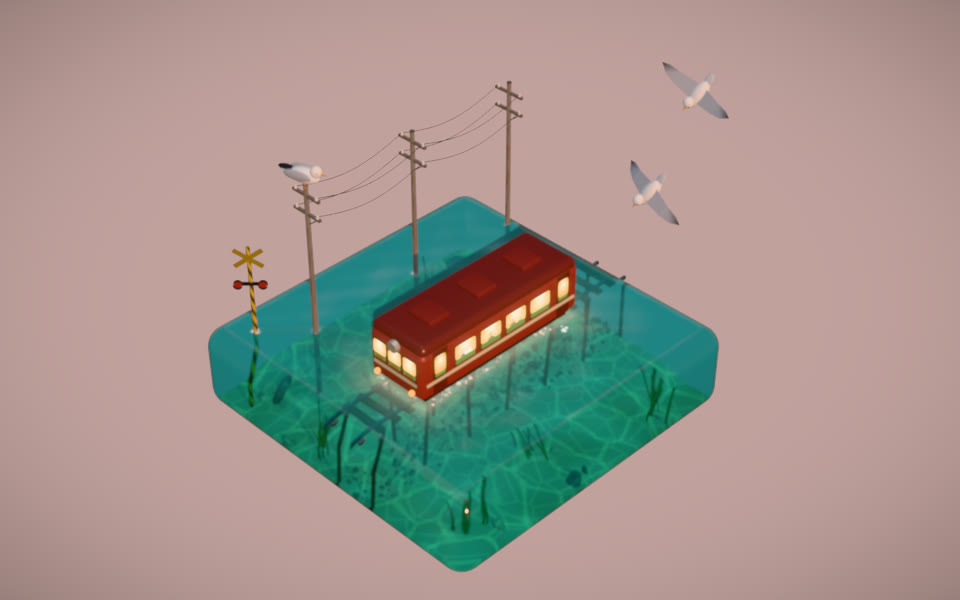
Resin Diorama
Live 3D resin-block dioramas in your browser: send a little tram across a clear turquoise sea, or ripple the bay of a cliff island. Synthesized sound, and every scene can be tuned.
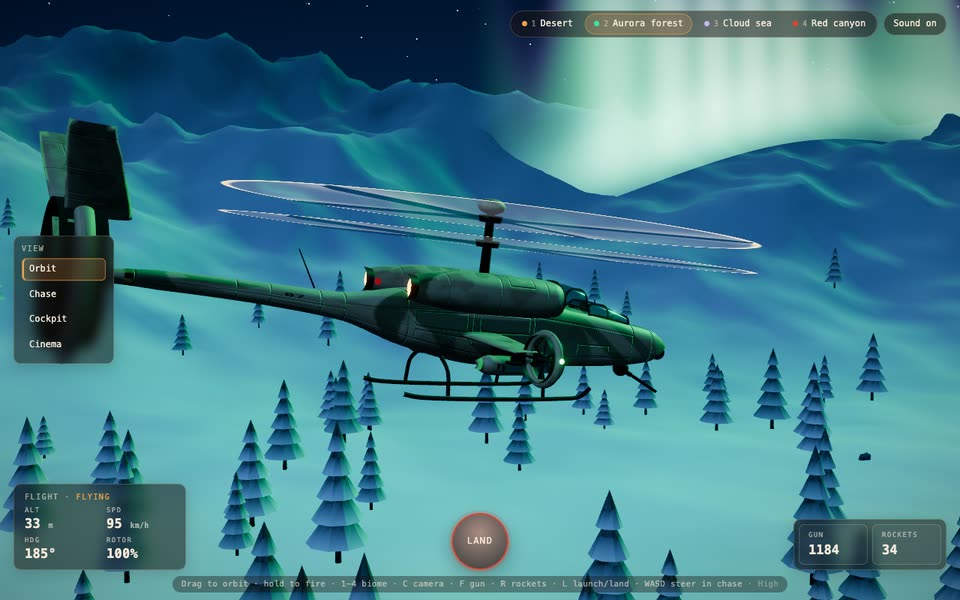
3D Vehicle Worlds
Explore interactive 3D vehicle worlds in your browser, with varied terrain, camera controls and driving effects. Choose a playable example to begin.
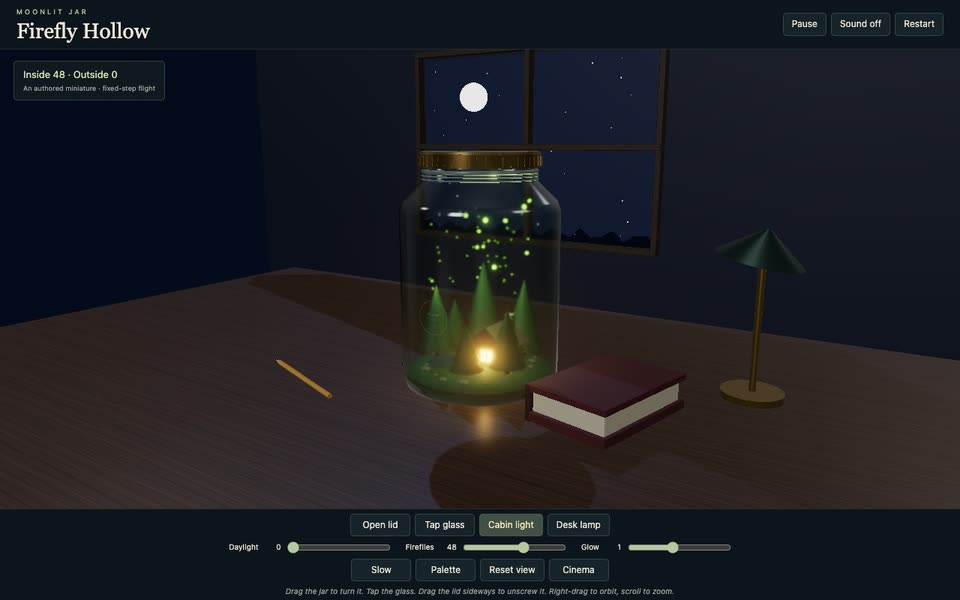
3D Firefly Terrariums
Turn a thick glass miniature, scatter glowing fireflies and open its brass lid. Actual particles leave through the neck and return before it seals. A moonlit cabin, forest and real local lights in one offline HTML.
Jelly Candy: Fruit Bears
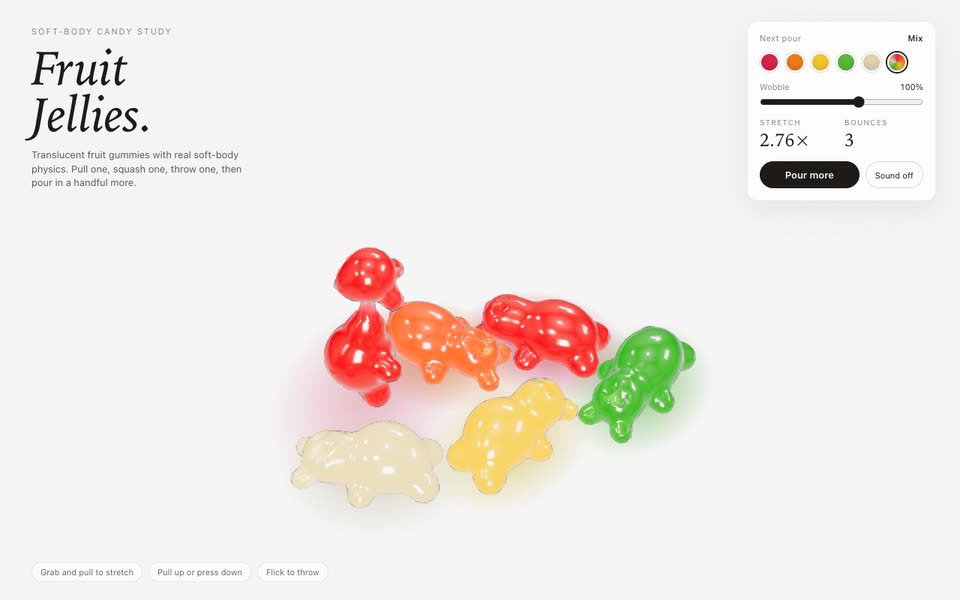
Six translucent fruit gummies on a white table. Grab any part and pull, lift a head until the neck stretches thin, press one flat until it springs back, flick one across the pile or pour in more. Fixed-step soft-body physics and a marching-cubes skin in one offline HTML.
WebGPU Soft-Body Gummy Bears
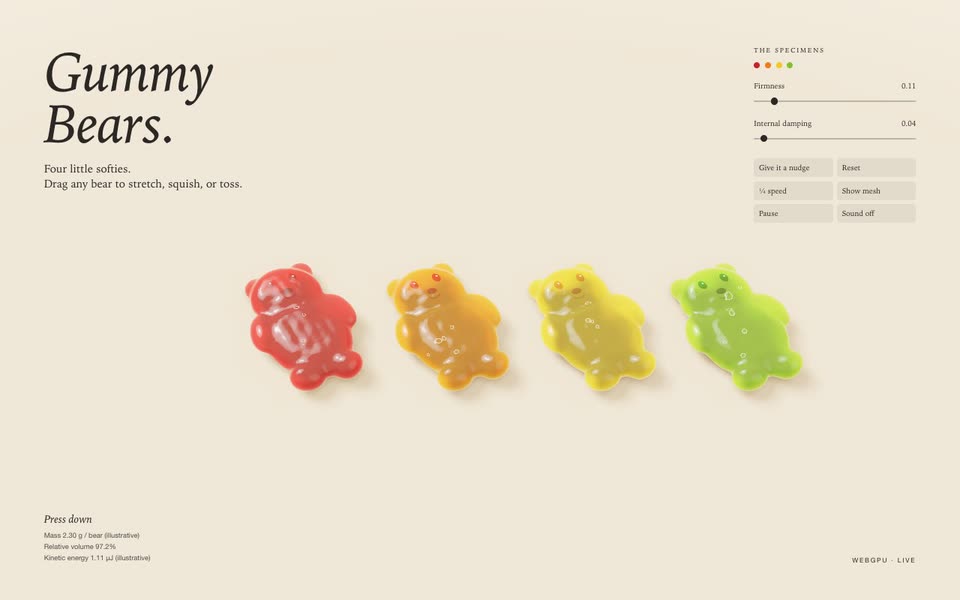
Four translucent gummy bears on an ivory floor, rendered with native WebGPU. A deterministic 36-second choreography stretches, presses, flips and tumbles them before they settle back to the exact rest pose. Drag any bear to stretch, squish or toss it. A fixed-step tetrahedral XPBD solver in one offline HTML.
Stone Stars: 3D Miniature Landmark City
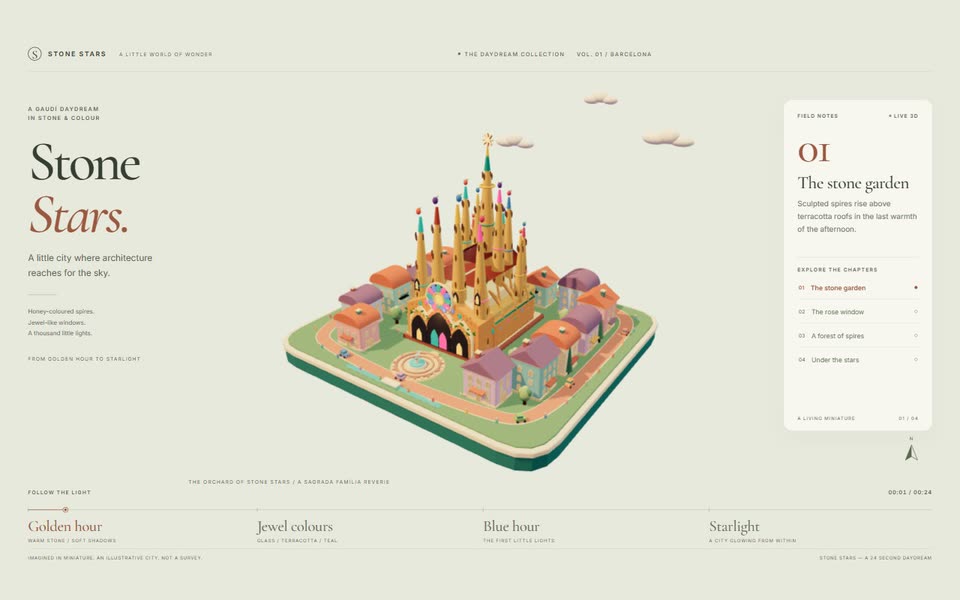
Turn a city into a storybook 3D island around one landmark, with chapters, a daylight-to-starlight slider, street life and a matching scored 24-second film. Sample: a Gaudí-style basilica.