
Chapter Flip
- Skill z Lab
- v1.0.2
- Motion
Flip a field of chapter tiles, locate the current section, then hand off to your local video.
Przykłady · 2
Uruchom online
Uruchom przykład Chapter Flip w sandboxie SandBase i zobacz wynik tutaj.
Jak to działa
- 01
Write the brief and supply footage
Write a JSON brief with one to six chapter labels of up to 22 characters, the zero-based index of the chapter to focus, a section mark of up to 28 characters and optional short badges, one per chapter. Supply a local, licensed video of at least 6.8 seconds; for a presenter handoff it must be a real presenter take. Chapter Flip never manufactures a presenter.
- 02
Create the project
With Node 22 or newer, FFmpeg and a HyperFrames-compatible Chrome, run npm ci --ignore-scripts, then node scripts/create.mjs with the output folder, the brief, the video and a style: linen-gold, forest-mint, clay-coral or slate-silver. The project copies all runtime assets locally and stays editable. Chinese labels use the bundled Smiley Sans with Noto Sans SC fallback.
- 03
Render and inspect
node scripts/render.mjs project film.mp4 renders a 6.8-second 1920×1080 film at 30 fps. Tiles flip independently while an oversized plane moves, the active tile turns face-on with its label above it, and a 24-piece mosaic hands off to your video, which plays muted from time zero. Check the flip wave, the mosaic, label bounds and contrast at native resolution.
FAQ
What does Chapter Flip make?
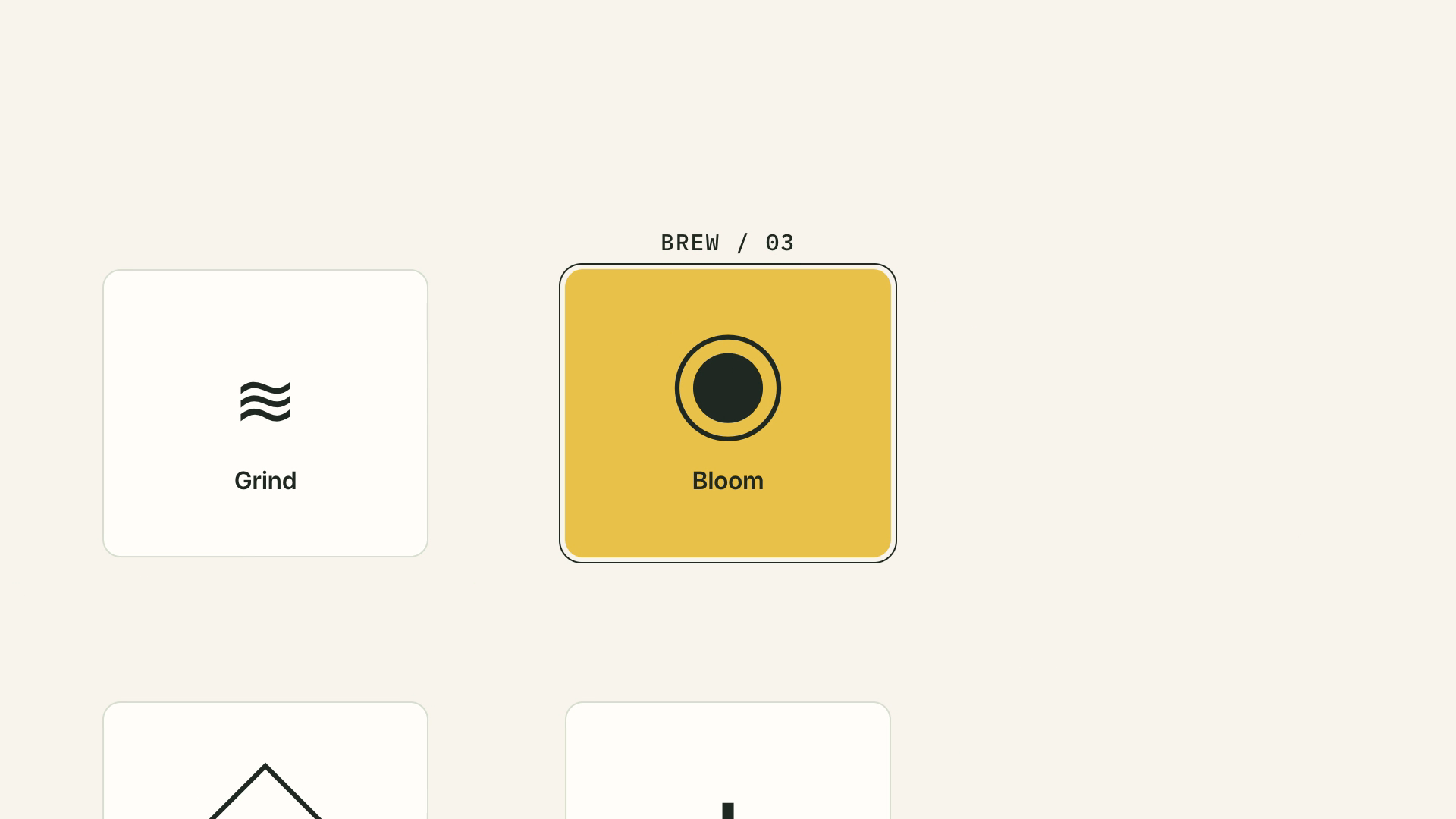
Chapter Flip makes a 6.8-second editorial chapter locator: 3D tiles flip independently while an oversized plane travels, the selected chapter turns face-on and holds for reading with its short label, and a 24-piece mosaic hands off to your local video. It suits a short transition between parts of a film.
How many chapters can Chapter Flip show?
Chapter Flip shows one to six chapter labels of up to 22 characters each, with one focused by its zero-based index and an optional badge per chapter. More than six chapters, a longer duration or a different layout needs new authoring and validation; the 6.8-second, 1920×1080 frame is fixed.
Does Chapter Flip need an API key?
No. Chapter Flip composes your brief and your own video with local HTML, CSS and GSAP through HyperFrames, so it calls no model and needs no key. HyperFrames may need a one-time browser install, depending on the host, and npm ci --ignore-scripts installs the pinned toolchain.
Does Chapter Flip keep the video's sound?
No. In Chapter Flip the video starts at composition time zero with its audio muted, and the package ships no example films or artwork. Each new brief needs its own local video and a rights and provenance record. Add sound in an editor afterwards if the film needs it.
Can I change the Chapter Flip colours?
Yes. Chapter Flip ships four styles, linen-gold, forest-mint, clay-coral and slate-silver, and the dark ones keep a sparse vertical paper grain. --overrides accepts a JSON file of seven semantic colours as six-digit hex values; check the contrast of the selected label after overriding them.
Więcej Skills
Wszystkie Skills dla Motion →
Image Blaster
Turn one frozen moment into a camera-orbit concept video.
Sketchbook Film
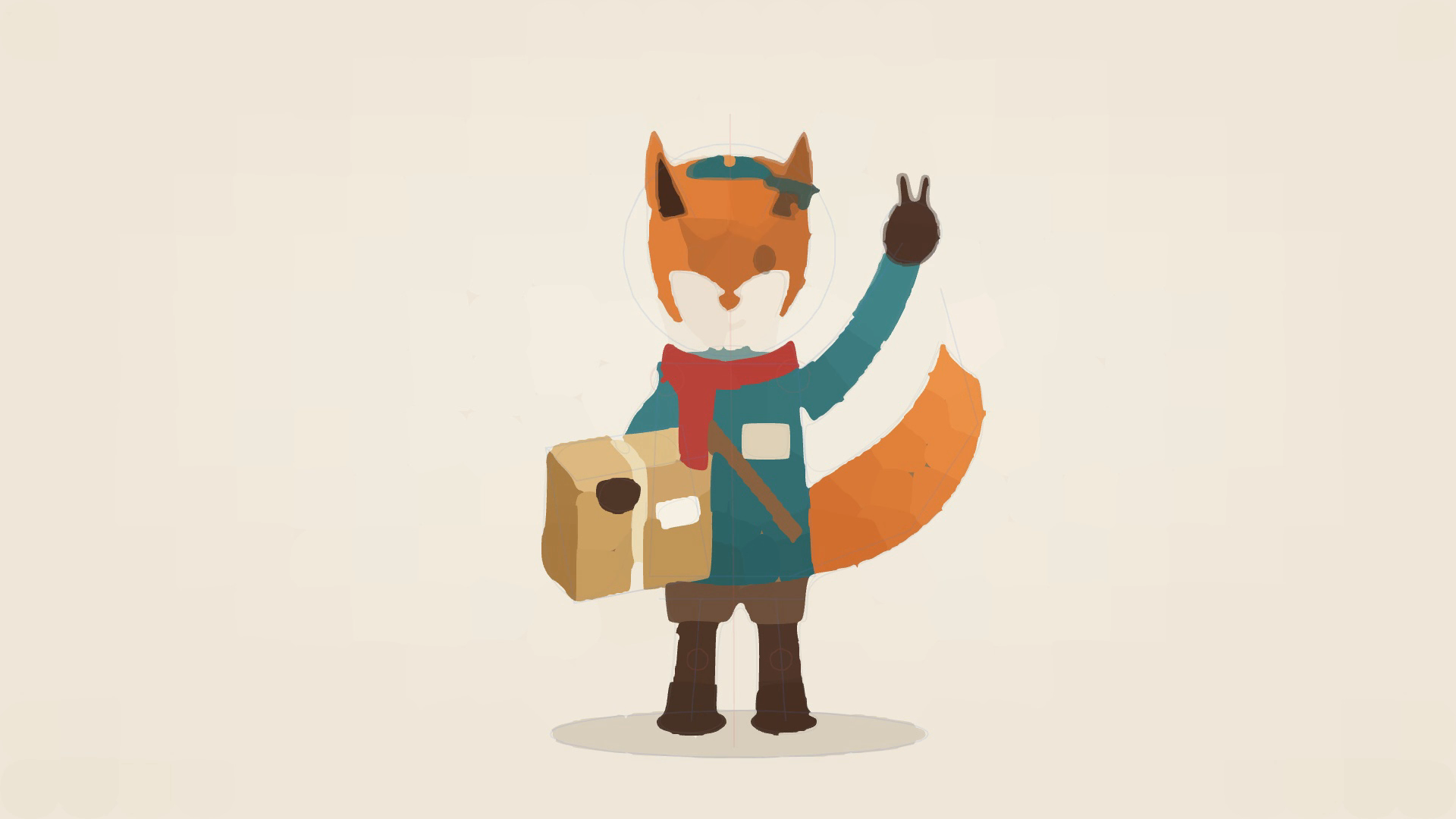
Bring photographed sketchbook drawings to life as a short film with cut-out characters, ink lettering and a score.
SVG Paint Stages
Show a picture being painted: construction marks, contours, flat colour and finer patches, as a layered SVG and a short film.
Network Tally
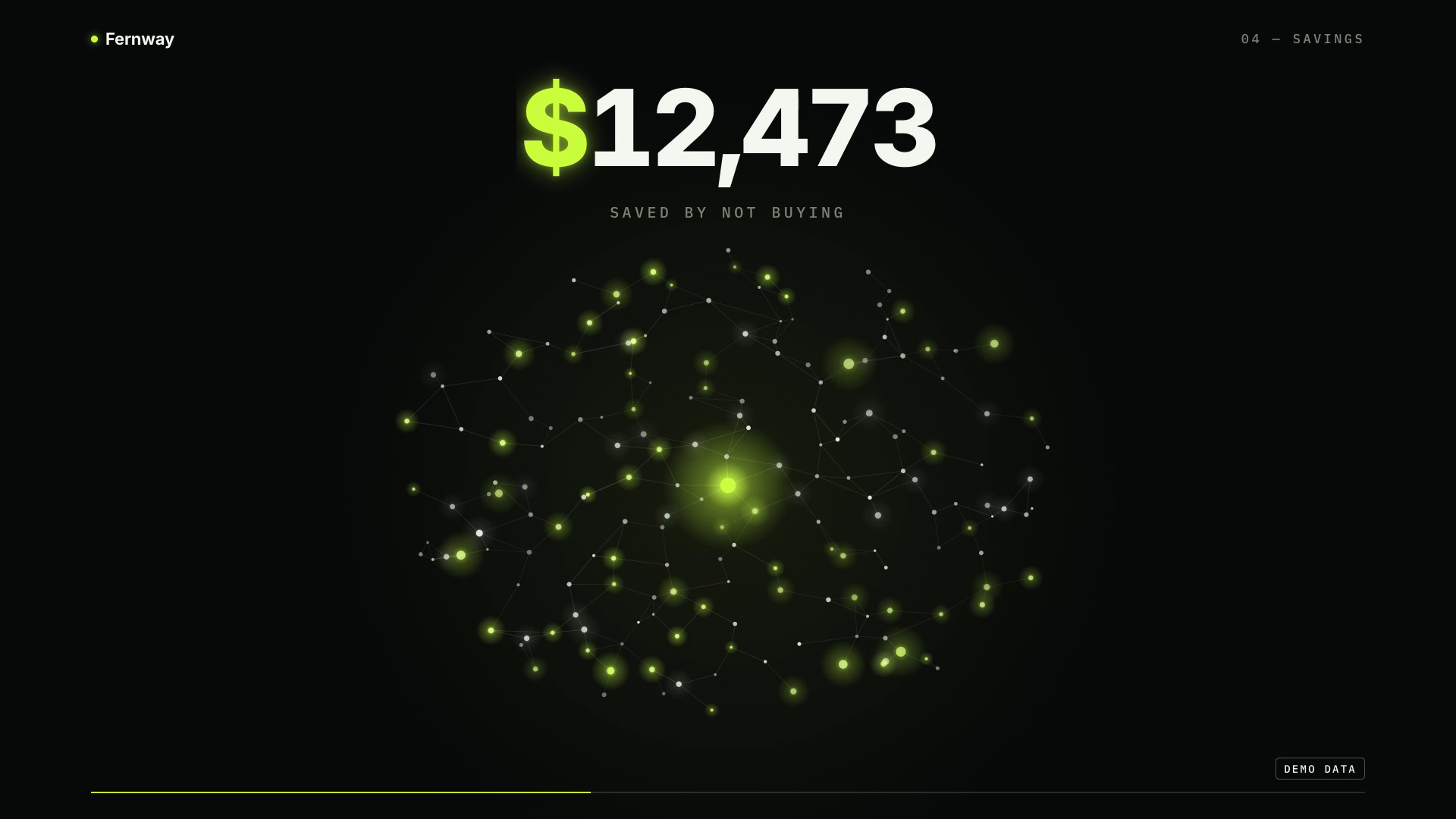
Tell a growth story with real numbers: one node network grows with each counter, flashes, dims behind a spike chart and closes on an end card.
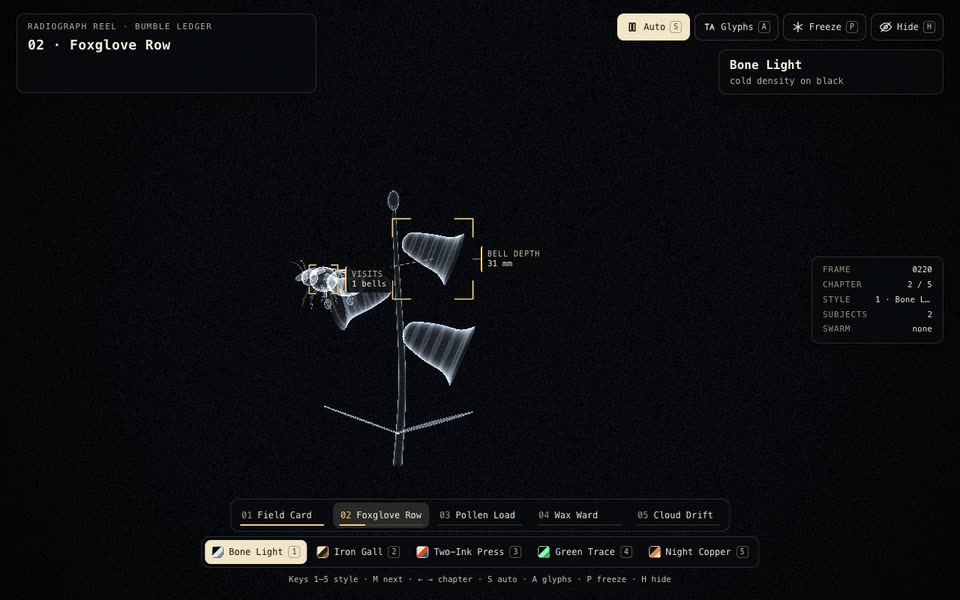
Radiograph Reel: Bumble Ledger
A specimen film reel: procedural bees, flowers and a wax comb glow as X-ray density, print in five switchable film styles with tracking labels, and a swarm morphs between formations.
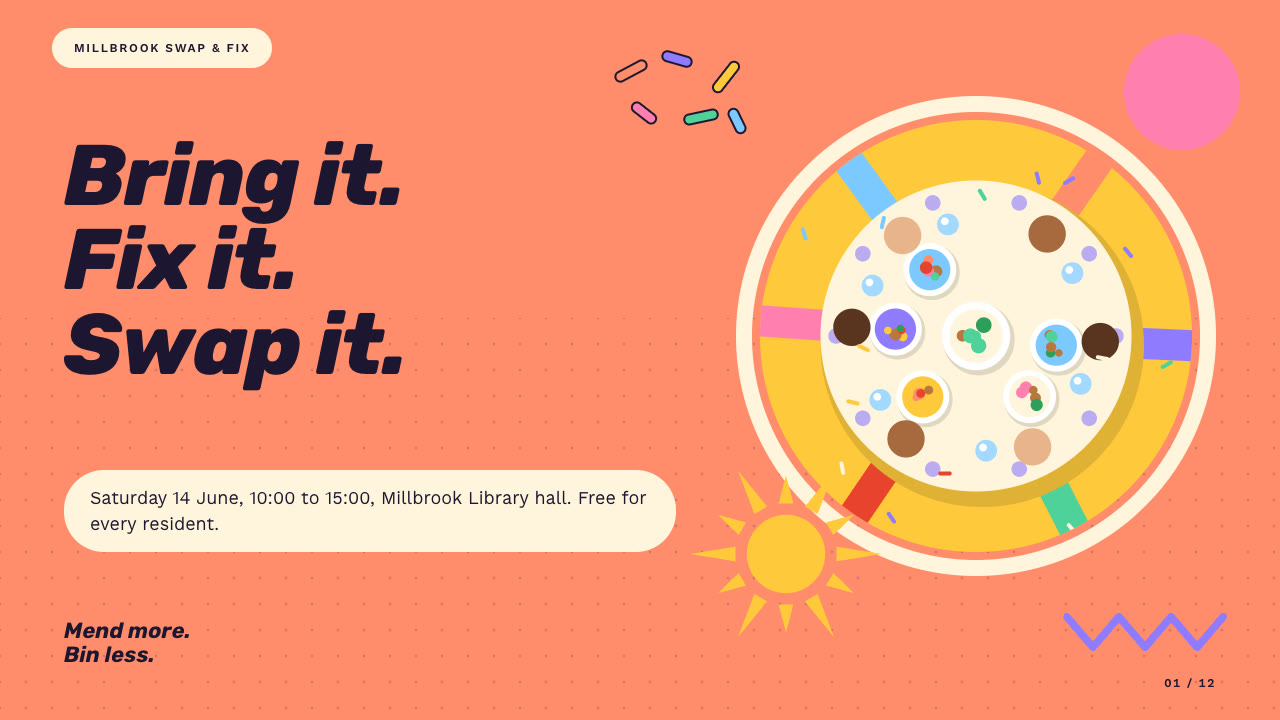
Festival Grid Slides
Invite people to a fair, open day or club season, or pitch one, in a bright festival deck: whole-page colour fields with a fine dot grid, heavy slanted headlines, cream cards and tickets, round pictures, and suns, rosettes, rings, bunting and sprinkles.