
Flow Section
- Skill z Lab
- v0.1.0
- Motion
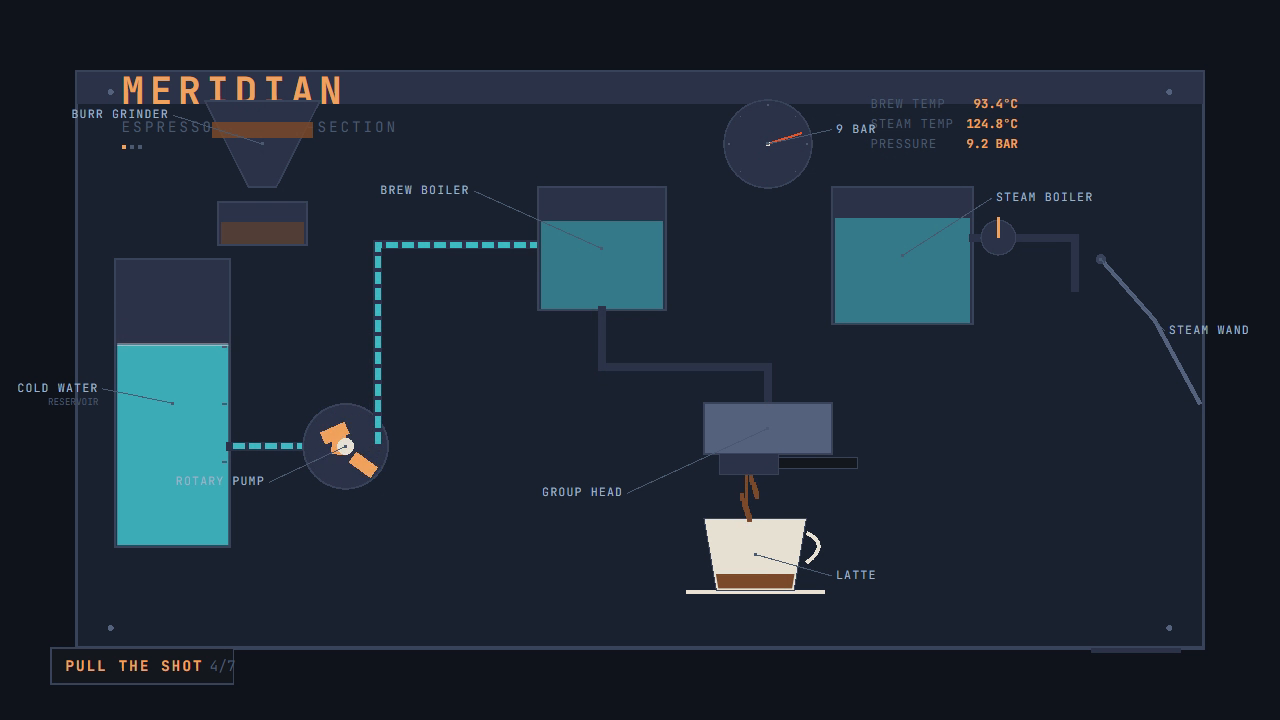
A living-schematic film authored in one sheet.json — a persistent labeled machine cross-section (casing, tanks, pipes, pump, boilers, group head, cup, wand, hopper, gauge, digital readouts and leader-line callouts) comes alive as flow pulses travel the pipe routes, the rotor spins, heaters glow, levels drain and fill, drips land in a layered cup and stage captions mark the process, rendered deterministically by HyperFrames.
Przykłady · 2
Uruchom online
Uruchom przykład Flow Section w sandboxie SandBase i zobacz wynik tutaj.
Jak to działa
- 01
Write the parts list
Flow Section reads one sheet.json: size, frame rate, seed, palette, stage captions and an ordered parts list. Parts include the casing shell, a title plate, tanks, pipes with timed flow windows, a pump rotor, boilers, a group head, a cup, a steam wand, a hopper, gauges, readouts, valves and labels, each with its own animation windows and stepped values.
- 02
Bring the section to life
A persistent labelled cross-section in a flat schematic register comes alive stage by stage: flow pulses travel the pipe routes, the rotor spins, heaters glow, levels drain and fill, drips land in a layered cup and digital readouts step through values while stage captions mark the process.
- 03
Check stills and render
build.mjs validates the sheet and writes a self-contained page with per-file hashes. stills.mjs screenshots chosen times into a contact sheet, and render.mjs renders in strict mode, decodes the film and writes a report. Films are silent; the samples are a 52-second espresso machine and a 48-second Chinese moka pot.
FAQ
What does Flow Section show?
Flow Section shows how something moves inside a machine: a labelled cutaway comes alive as flow pulses travel the pipes, a pump spins, heaters glow and readouts change through each stage. It suits product and process explainers for espresso, brewing, HVAC, plumbing and instrument brands.
Do I need a CAD drawing for Flow Section?
No. Flow Section builds the cutaway from the parts list in your sheet, with coordinates as fractions of the frame. The two shipped sheets, an espresso machine and a moka pot, are complete starting points to adapt. Coordinates are fractions of the frame.
Does Flow Section need a paid service?
No. Flow Section renders locally with HyperFrames and FFmpeg, using no model or paid call; HyperFrames manages its own headless browser. Every animated value is set in the sheet, so renders repeat exactly. build.mjs records a hash for every file it writes.
Are Flow Section readouts real measurements?
No. Flow Section's gauges and digital readouts show the stepped values you put in the sheet. For a real product, use values you can source, such as published brew temperatures, and avoid implying measurements that were not taken. Fictional brands avoid that problem.
Is Flow Section silent?
Yes. Flow Section produces silent H.264 films at 1280 by 720 or 1080 by 1080. Stage captions carry the process; add narration afterwards if the explainer needs voice. The espresso sample runs seven stages from warming up to pouring the latte, each marked by its own caption, and the moka pot sample has six.
Więcej Skills
Wszystkie Skills dla Motion →
Image Blaster
Turn one frozen moment into a camera-orbit concept video.

Sketchbook Film
Bring photographed sketchbook drawings to life as a short film with cut-out characters, ink lettering and a score.

SVG Paint Stages
Show a picture being painted: construction marks, contours, flat colour and finer patches, as a layered SVG and a short film.
Network Tally
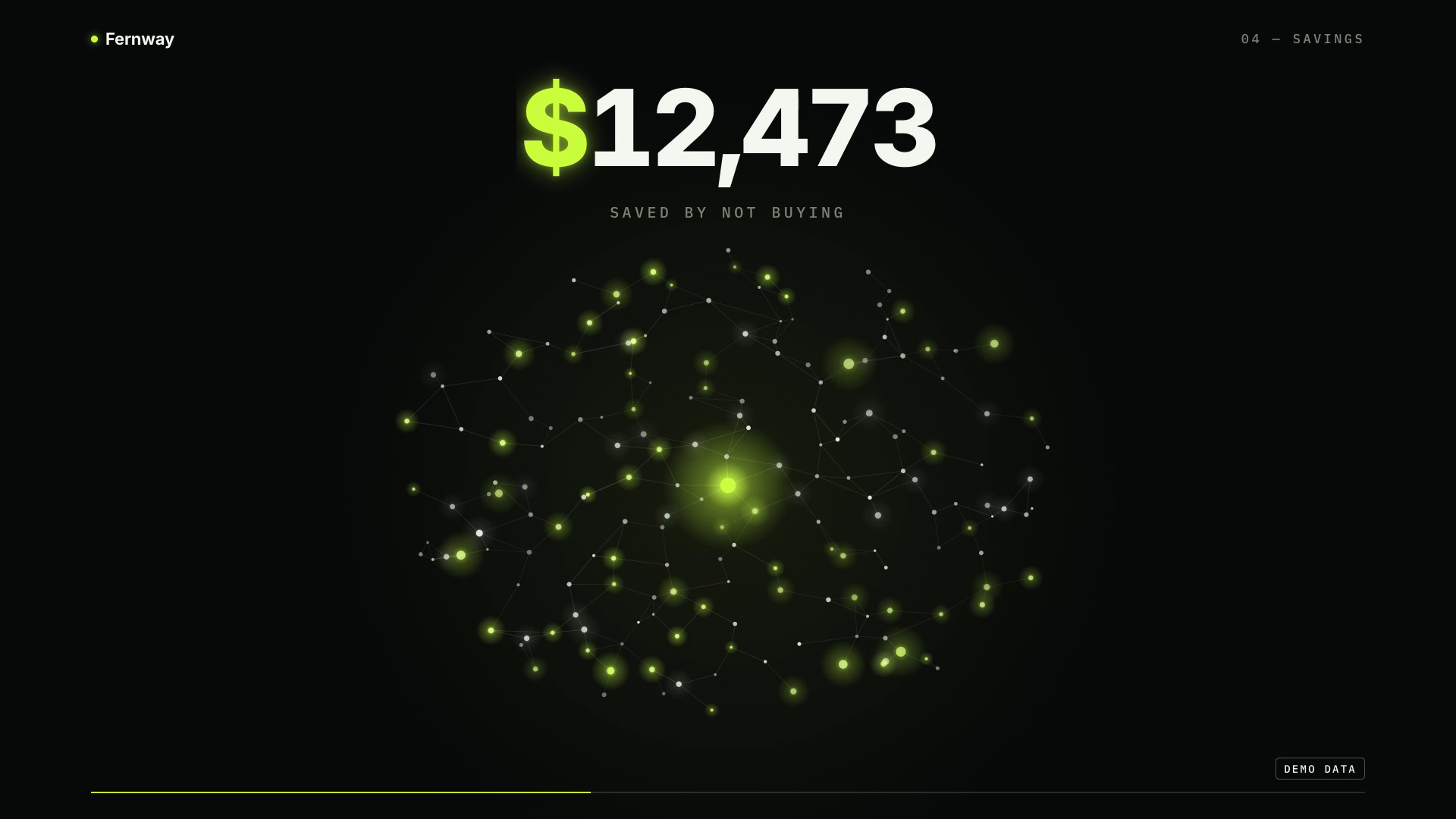
Tell a growth story with real numbers: one node network grows with each counter, flashes, dims behind a spike chart and closes on an end card.
Radiograph Reel: Bumble Ledger
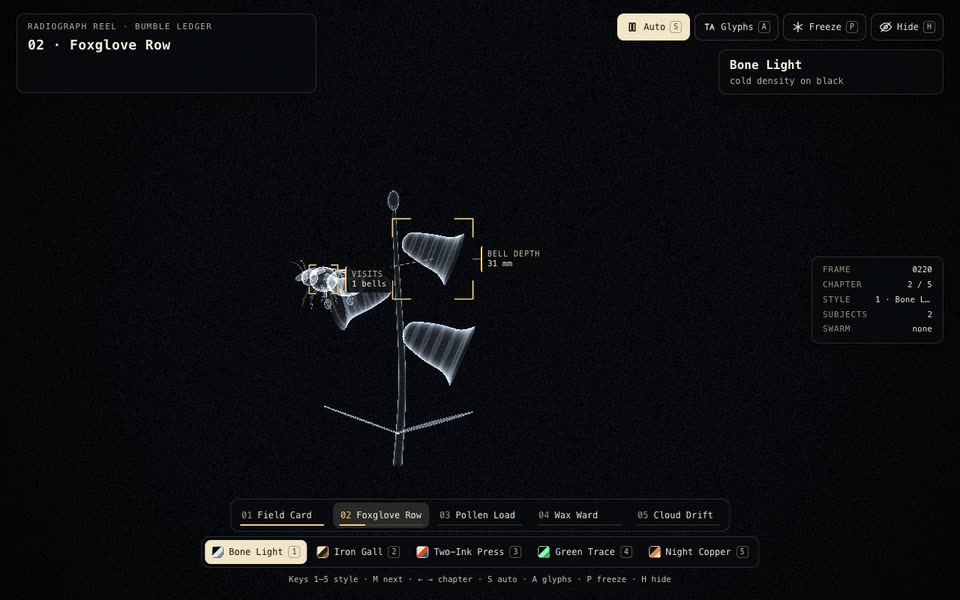
A specimen film reel: procedural bees, flowers and a wax comb glow as X-ray density, print in five switchable film styles with tracking labels, and a swarm morphs between formations.
Festival Grid Slides
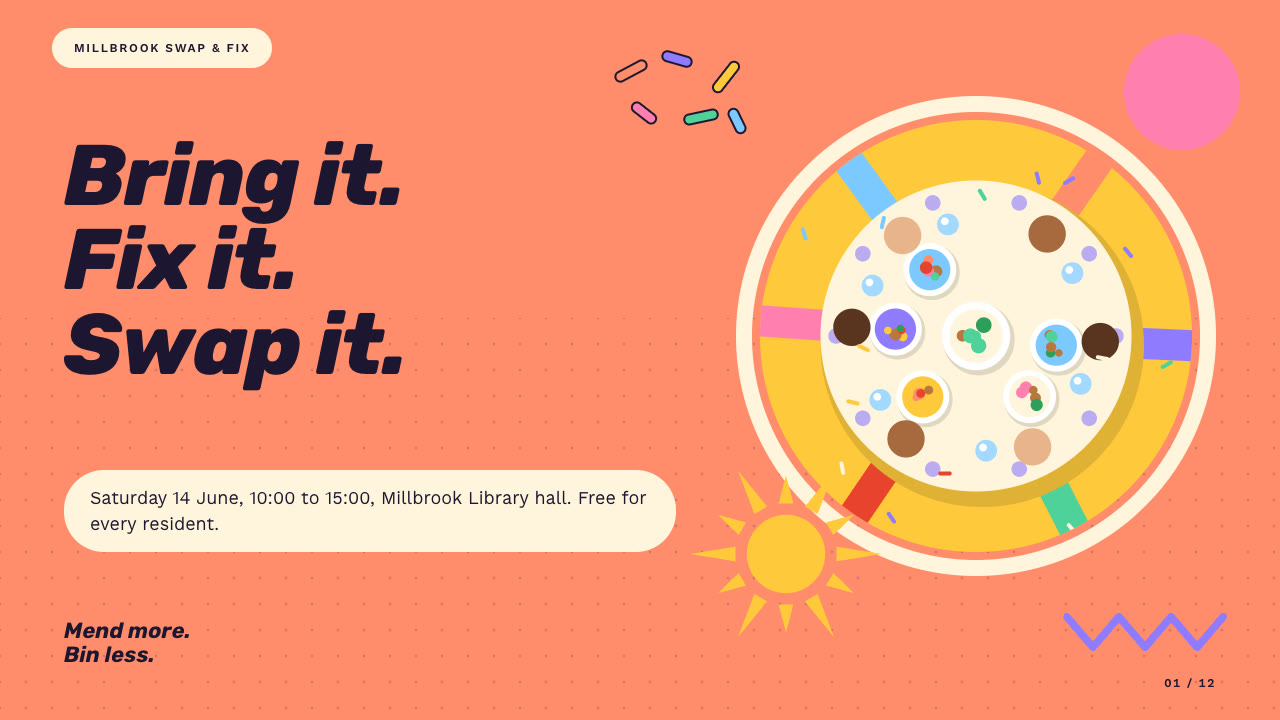
Invite people to a fair, open day or club season, or pitch one, in a bright festival deck: whole-page colour fields with a fine dot grid, heavy slanted headlines, cream cards and tickets, round pictures, and suns, rosettes, rings, bunting and sprinkles.