
Listen-along Slides
- Skill z Lab
- v1.0.2
- Motion
Turn a report, article or idea into a deck people can listen to, on top of a presentation style Skill you already have: the style draws the pages, this Skill writes a spoken script into every page's speaker notes, quotes the voice cost, and after you approve records one take per page and adds a listening bar with play, seek, speed, auto-advance and a script panel.
Przykłady · 2
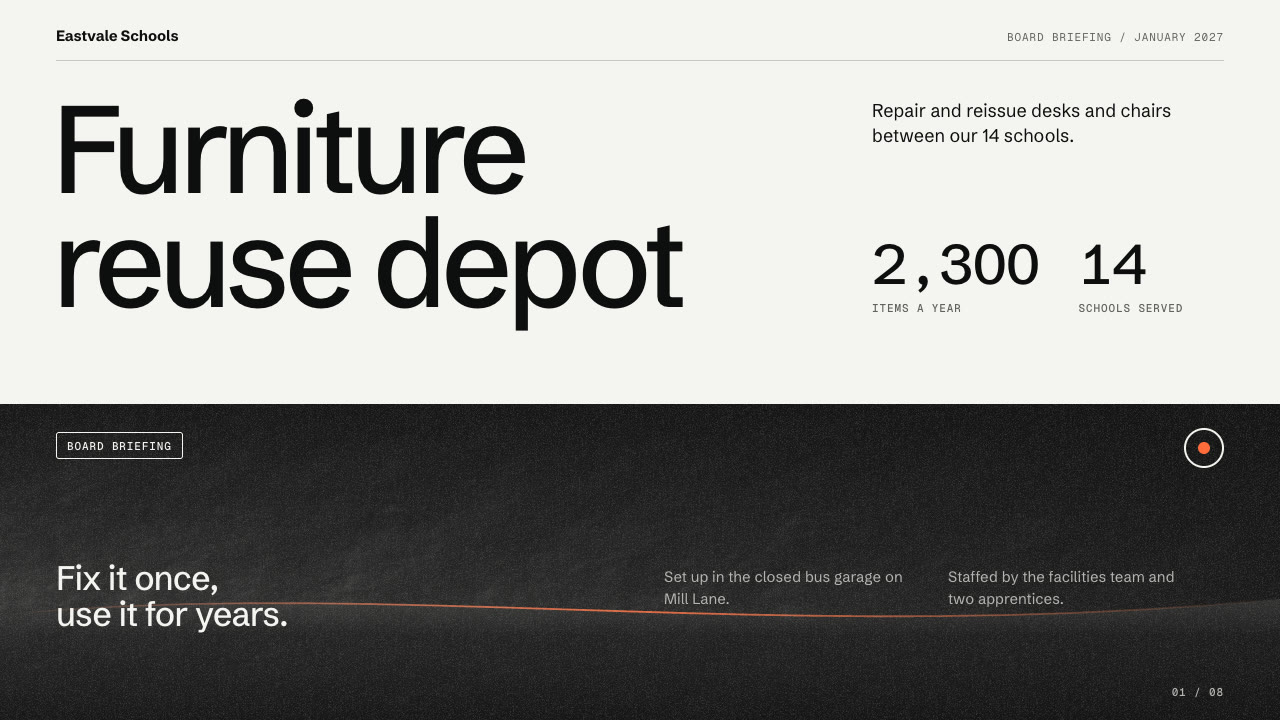
Co otrzymasz
Bring the source material, the audience, the content language, the page count, an installed presentation style Skill and the voice service to use (SandBase text-to-speech, quoted first, or a free offline voice). The Skill returns an HTML deck with a spoken take per page and a listening bar, a single shareable file and a PowerPoint export with the script as notes.
Jak to działa
- 01
Write the deck and scripts
Listen-along Slides takes a report, article, document, link or topic and keeps sources under source/. It agrees the audience, content language, page count at about one minute of speech per page, and the voice service. It writes coverage.md, then builds presentation.html with an installed style Skill chosen through python3 scripts/styles.py pick, putting each page's spoken script in its speaker notes.
- 02
Lint scripts and quote the voice
narration.py export writes script.json and script.md, and narration.py lint flags empty pages, URLs, emoji, lists or wrong language. After you approve the scripts, voice.py quote lists pages, characters and the voice. With the sandbase service it shows the price from the model's published per-character rate, and nothing is recorded until you say yes.
- 03
Render takes and attach the bar
voice.py render --script script.json --out voice --yes records one take per page, and narration.py attach adds the listening bar, or inlines audio with --single-file up to 16 MiB. Check over local HTTP that Space and the play button toggle, seek, speed and auto-advance work, and an edited script shows the amber script changed dot.
FAQ
What does Listen-along Slides add to a deck?
Listen-along Slides adds a spoken layer: a script on every page kept as speaker notes, one audio take per page in voice/, and an in-deck listening bar with play and pause, seek, speed from 0.75x to 2x, auto-advance, a script panel and Exit in Present. It does not draw slides itself.
Do I need another Skill for Listen-along Slides?
Yes. Listen-along Slides works on top of an installed presentation style Skill whose package has references/kit.json, scripts/kit.py and scripts/make-deck.py, such as obsidian-proposal-slides or civic-bars-slides. Other HTML decks are refused by export and attach. It never imitates a style that is not installed.
Does Listen-along Slides cost money for the voice?
It depends on the service you choose. Listen-along Slides with the sandbase service calls SandBase text-to-speech, by default alibaba/qwen-3-tts/1.7b, billed per character to your SandBase account. voice.py quote shows the estimate first and nothing renders until you confirm; unchanged pages are reused at no charge. eSpeak NG and the macOS say voice are free and offline. Current rates are at https://www.sandbase.ai/pricing.
What does Listen-along Slides need to use SandBase voices?
Listen-along Slides needs the sandbase CLI signed in with npx -y @sandbaseai/cli@latest connect, or SANDBASE_API_KEY in the environment. Keys are never asked for, printed or written. Authentication, billing or an unknown voice stops the run, and temporary errors are retried twice at most.
Is the Listen-along Slides audio in the PowerPoint?
No. Listen-along Slides keeps audio in the HTML only. The style Skill's PowerPoint export carries every page's script as speaker notes, and python3 scripts/pptx-notes.py presentation.pptx --script script.json confirms they match.
Why did the Listen-along Slides player disappear?
Listen-along Slides loses its bar when you save in the editor or rebuild, because both write a deck without it. Run narration.py attach again after every Save or rebuild; it is safe to repeat.
How good are the free Listen-along Slides voices?
Listen-along Slides treats its free voices as drafts. eSpeak NG sounds synthetic and its Chinese voice reads Latin words letter by letter, and the macOS voice may not be licensed for publishing. Both demo decks were voiced with eSpeak NG.
Więcej Skills
Wszystkie Skills dla Motion →
Image Blaster
Turn one frozen moment into a camera-orbit concept video.
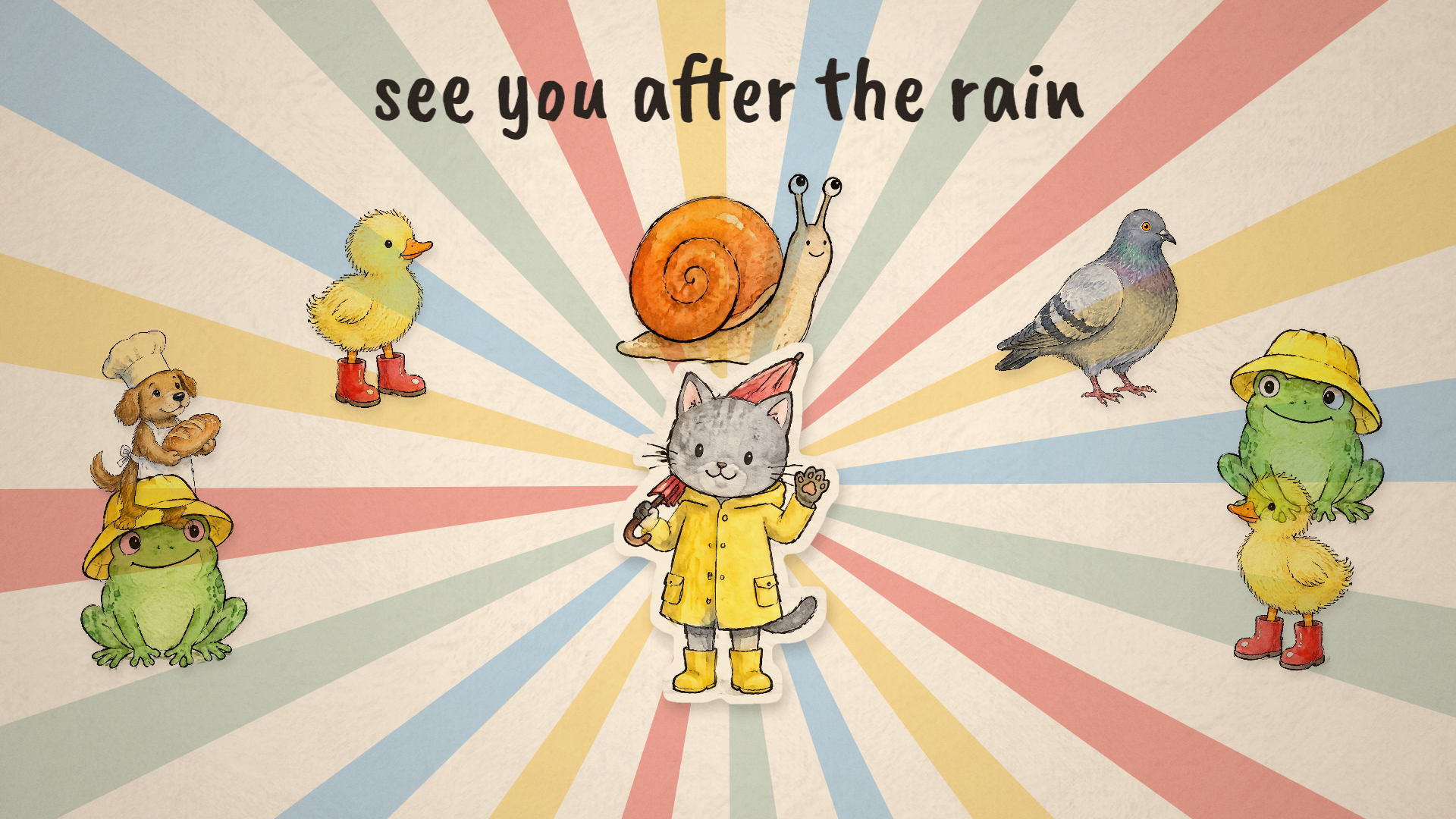
Sketchbook Film
Bring photographed sketchbook drawings to life as a short film with cut-out characters, ink lettering and a score.

SVG Paint Stages
Show a picture being painted: construction marks, contours, flat colour and finer patches, as a layered SVG and a short film.

Network Tally
Tell a growth story with real numbers: one node network grows with each counter, flashes, dims behind a spike chart and closes on an end card.
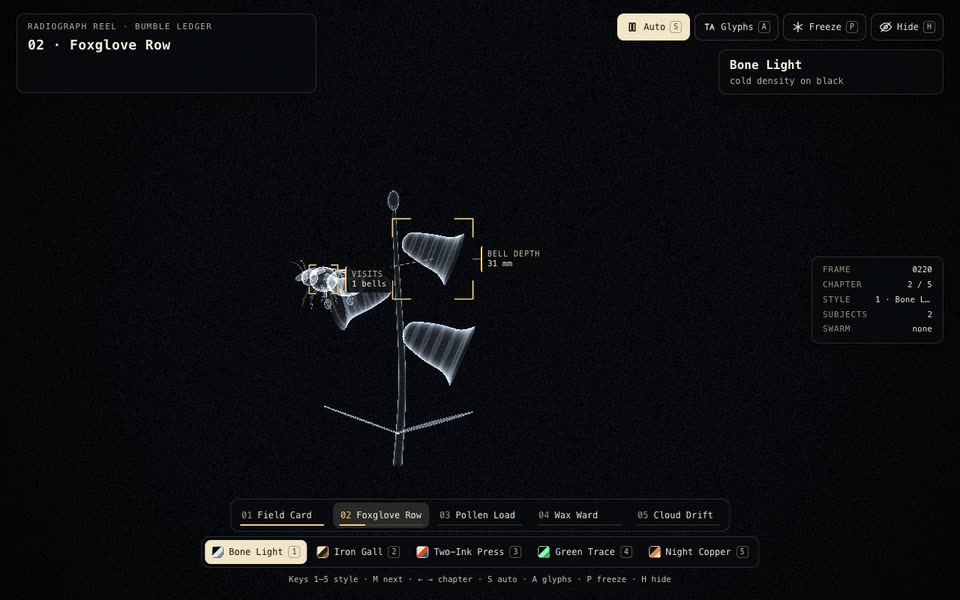
Radiograph Reel: Bumble Ledger
A specimen film reel: procedural bees, flowers and a wax comb glow as X-ray density, print in five switchable film styles with tracking labels, and a swarm morphs between formations.
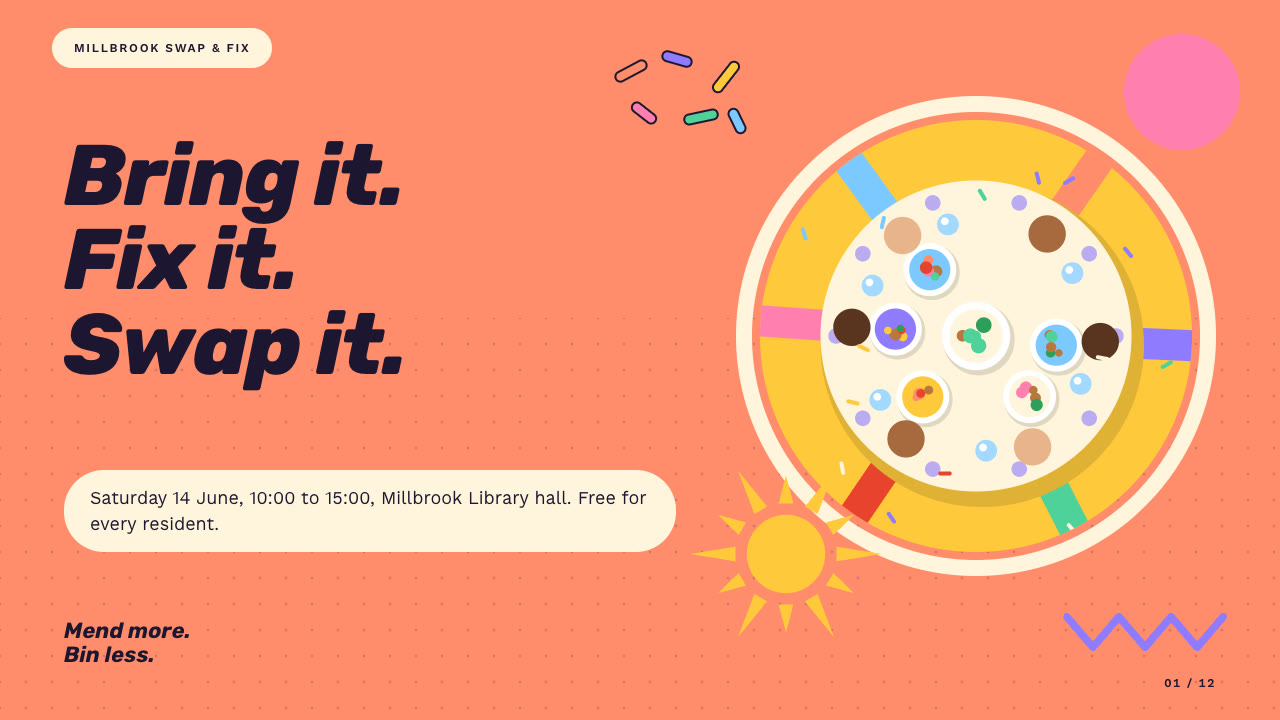
Festival Grid Slides
Invite people to a fair, open day or club season, or pitch one, in a bright festival deck: whole-page colour fields with a fine dot grid, heavy slanted headlines, cream cards and tickets, round pictures, and suns, rosettes, rings, bunting and sprinkles.