
Portrait Margins
- Skill z Lab
- v1.0.1
- Motion
Anchor an editorial introduction with a still portrait, timed observations, context photographs and a drawn closing line.
Przykłady · 2
Uruchom online
Uruchom przykład Portrait Margins w sandboxie SandBase i zobacz wynik tutaj.
Jak to działa
- 01
Write the introduction
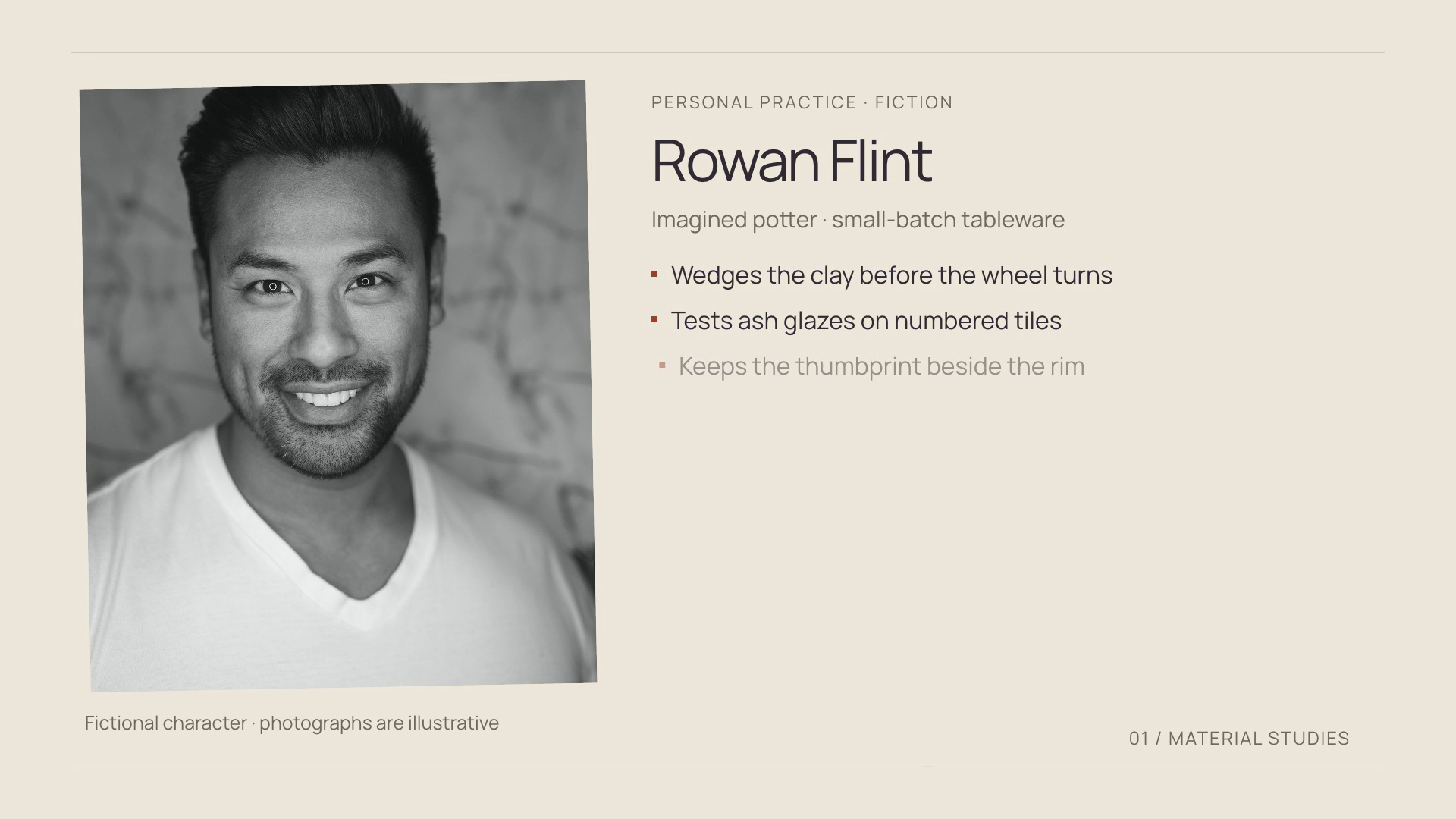
Portrait Margins takes a JSON brief with a fresh subject, a vocation, three concrete observations and a closing thought, plus three licensed local raster photographs: a portrait and two context pictures. The generic download contains no demonstration photos or films.
- 02
Anchor on the portrait
A large still portrait, deliberately cropped and converted to greyscale, anchors the frame so viewers can identify the subject. Three timed observations reveal beside it, two small context photographs follow, and a closing sentence lands with a hand-drawn underline.
- 03
Render and verify
The render wrapper sets one worker, a four-minute limit and strict asset checks, and fails nonzero on any problem. Palettes are clay, estuary, mulberry and chalk, with a default length of 8.4 seconds and a range of 7.5 to 14. Inspect transitions at the listed times and test forward and backward seeking. The film is silent.
FAQ
What does Portrait Margins make?
Portrait Margins makes an editorial introduction film: a large still portrait anchors three timed observations about the person, two context photographs and a closing line underlined by hand. It suits short profiles, such as a potter or a field recordist.
Why is the portrait still in Portrait Margins?
Portrait Margins keeps the portrait stationary so viewers can study and recognise the subject while the notes appear around it. Movement would compete with the reading. The portrait is cropped and shown in greyscale to keep attention on the text.
What photos does Portrait Margins need?
Portrait Margins needs three licensed local PNG, JPEG or WebP files: one portrait and two context photographs. Missing or mislabelled inputs fail the build. The demos use fictional subjects, which is the safe choice for illustrations.
Does Portrait Margins need a paid service?
No. Portrait Margins renders locally with Node 22.14, FFmpeg and a pinned HyperFrames, and makes no model or paid call. Your three photographs are the only media, and they stay inside each project.
Is Portrait Margins silent?
Yes. Portrait Margins' generator and video workflow are silent, and the project records an empty audio timeline. Add licensed music and effects in a separate audio editor when the brief calls for sound.
Więcej Skills
Wszystkie Skills dla Motion →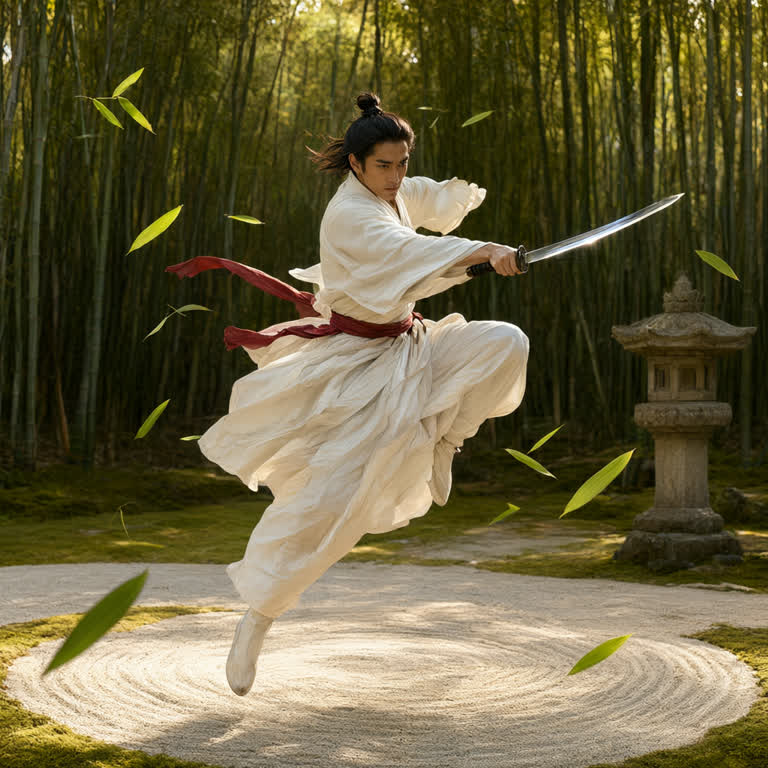
Image Blaster
Turn one frozen moment into a camera-orbit concept video.
Sketchbook Film
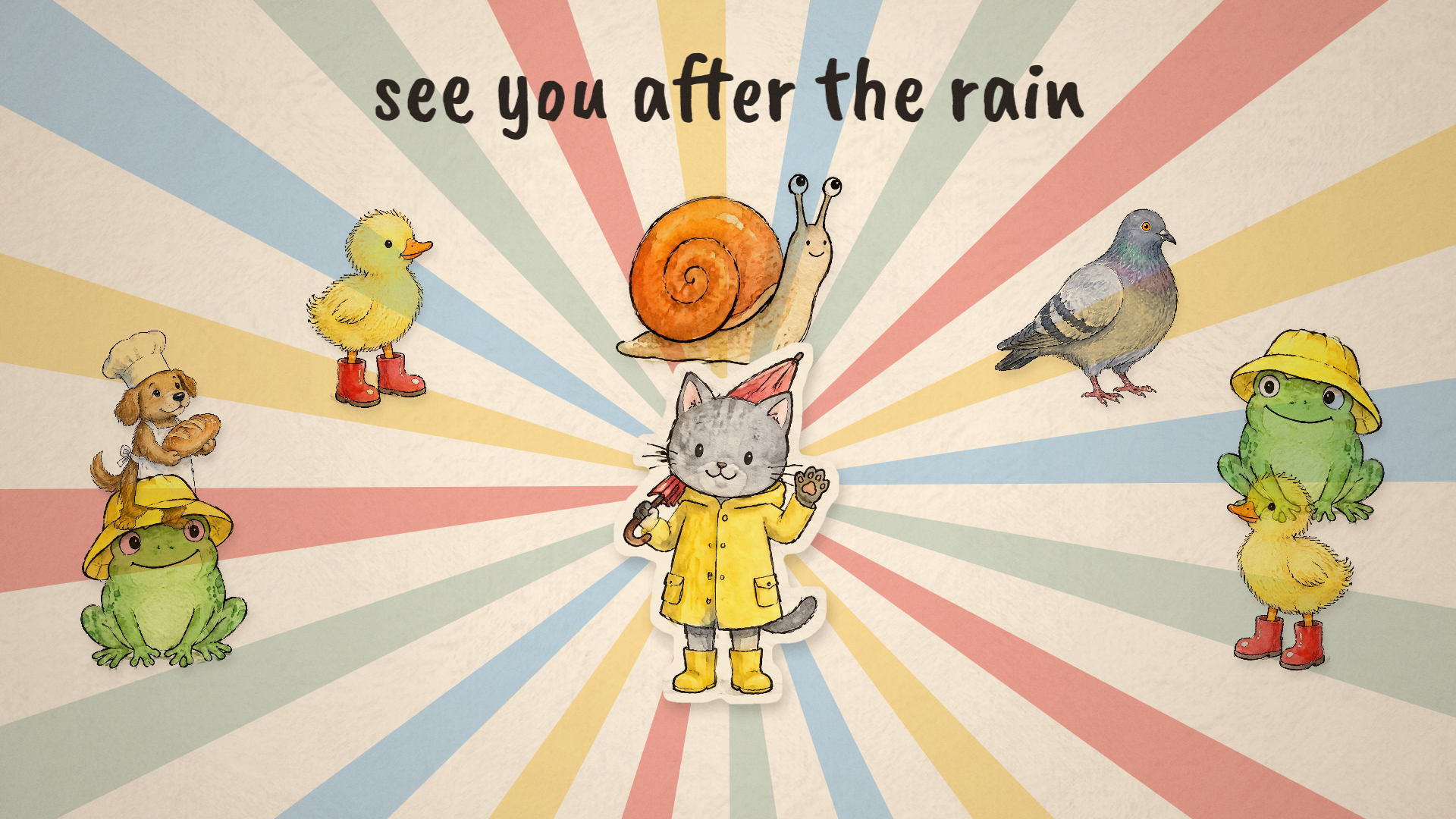
Bring photographed sketchbook drawings to life as a short film with cut-out characters, ink lettering and a score.
SVG Paint Stages
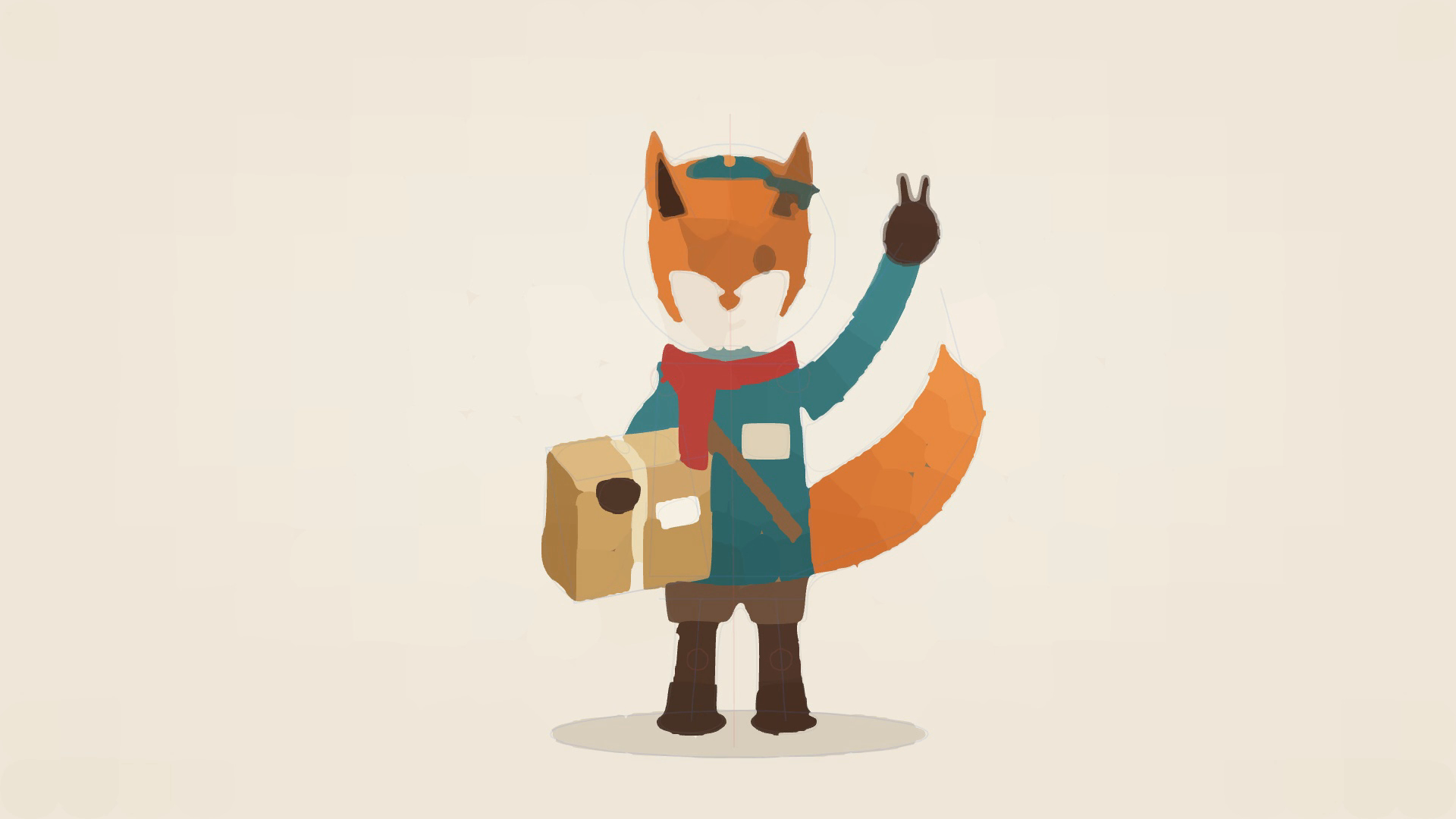
Show a picture being painted: construction marks, contours, flat colour and finer patches, as a layered SVG and a short film.
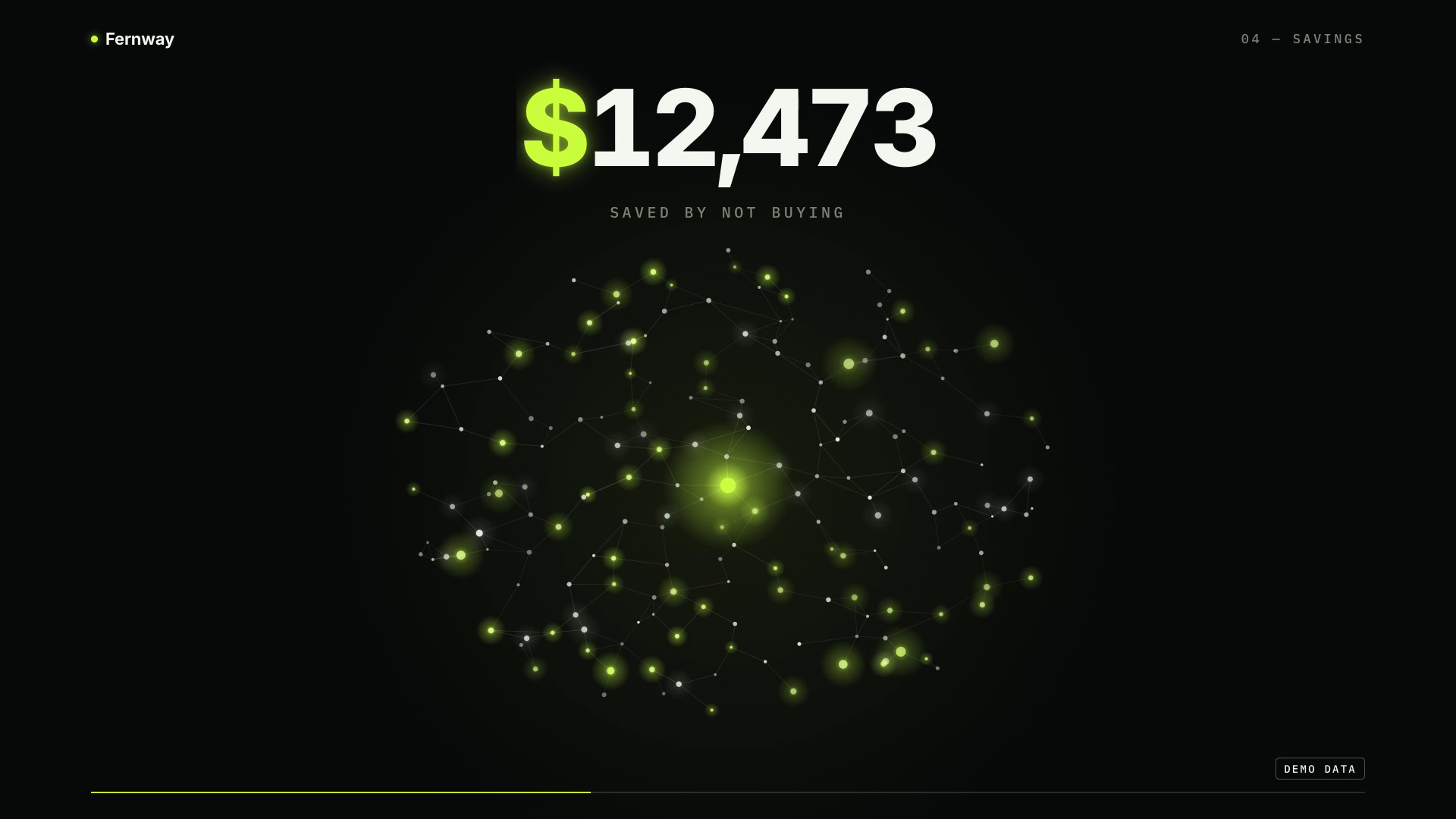
Network Tally
Tell a growth story with real numbers: one node network grows with each counter, flashes, dims behind a spike chart and closes on an end card.
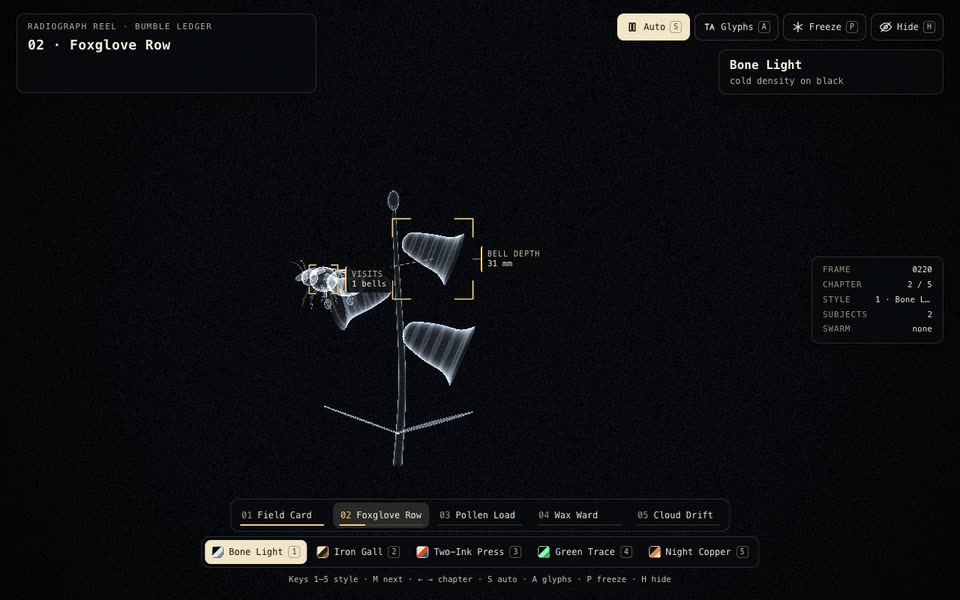
Radiograph Reel: Bumble Ledger
A specimen film reel: procedural bees, flowers and a wax comb glow as X-ray density, print in five switchable film styles with tracking labels, and a swarm morphs between formations.
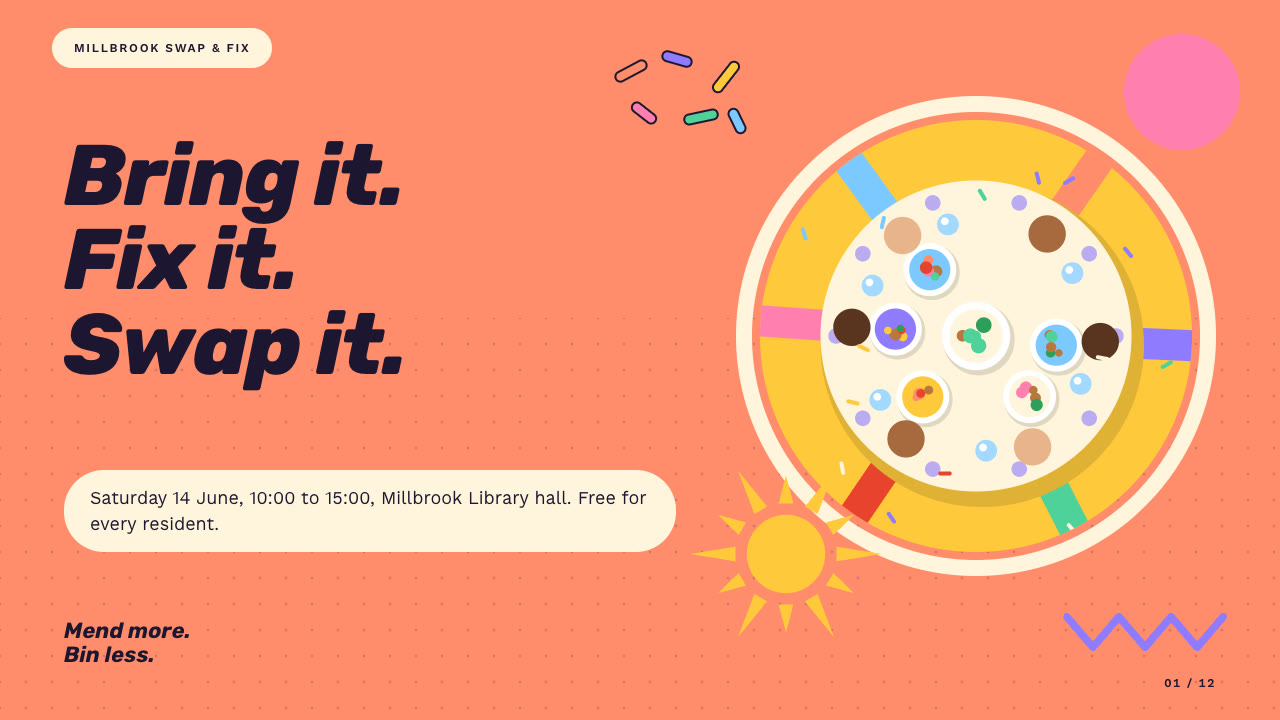
Festival Grid Slides
Invite people to a fair, open day or club season, or pitch one, in a bright festival deck: whole-page colour fields with a fine dot grid, heavy slanted headlines, cream cards and tickets, round pictures, and suns, rosettes, rings, bunting and sprinkles.